Skip to content
I present 1panel open-source as a modern control center for Linux servers and show how I use it to combine administration, security, and automation in a clear interface. Thanks to the API-firstWith a low-code approach, integrated backups, and container management, I can quickly set up configurations and ensure that deployments are reliably repeatable.
Key points
- API-first and automation for reproducible deployments
- Dashboard with monitoring, backup, security, and container tools
- WordPress With just a few clicks: domain, SSL, app setup in minutes
- Scaling about multi-server and orchestrated workloads
- Open source with an active community and transparent updates

What is 1Panel?
1Panel is a Open source Server panel with a web-based interface that makes Linux servers easy to manage. I set user rights, control services, and get live insights into utilization and logs. The interface remains minimal, but the tools cover files, databases, containers, and backups. The core follows a API-first-design, which facilitates scripting and integrations. For an overview of technical classification and distinctions, I find the compact Panels overview.
System requirements and architecture
I plan 1Panel for common Linux distributions (e.g., Ubuntu, Debian, CentOS/Rocky) with a lean base load. For small projects, 1–2 vCPUs, 2–4 GB RAM, and fast SSDs are often sufficient; for production, I calculate more generously, especially for databases and caching. On the network side, I consider ports for SSH, HTTP/HTTPS and optional container registries open. At its core, the panel interacts with system services and the container engine, bundles access via a clear API, and separates responsibilities: UI for control, services for workloads, backups as standalone jobs. This clean architecture helps me to control updates and quickly narrow down the causes of errors.
Overview of core functions
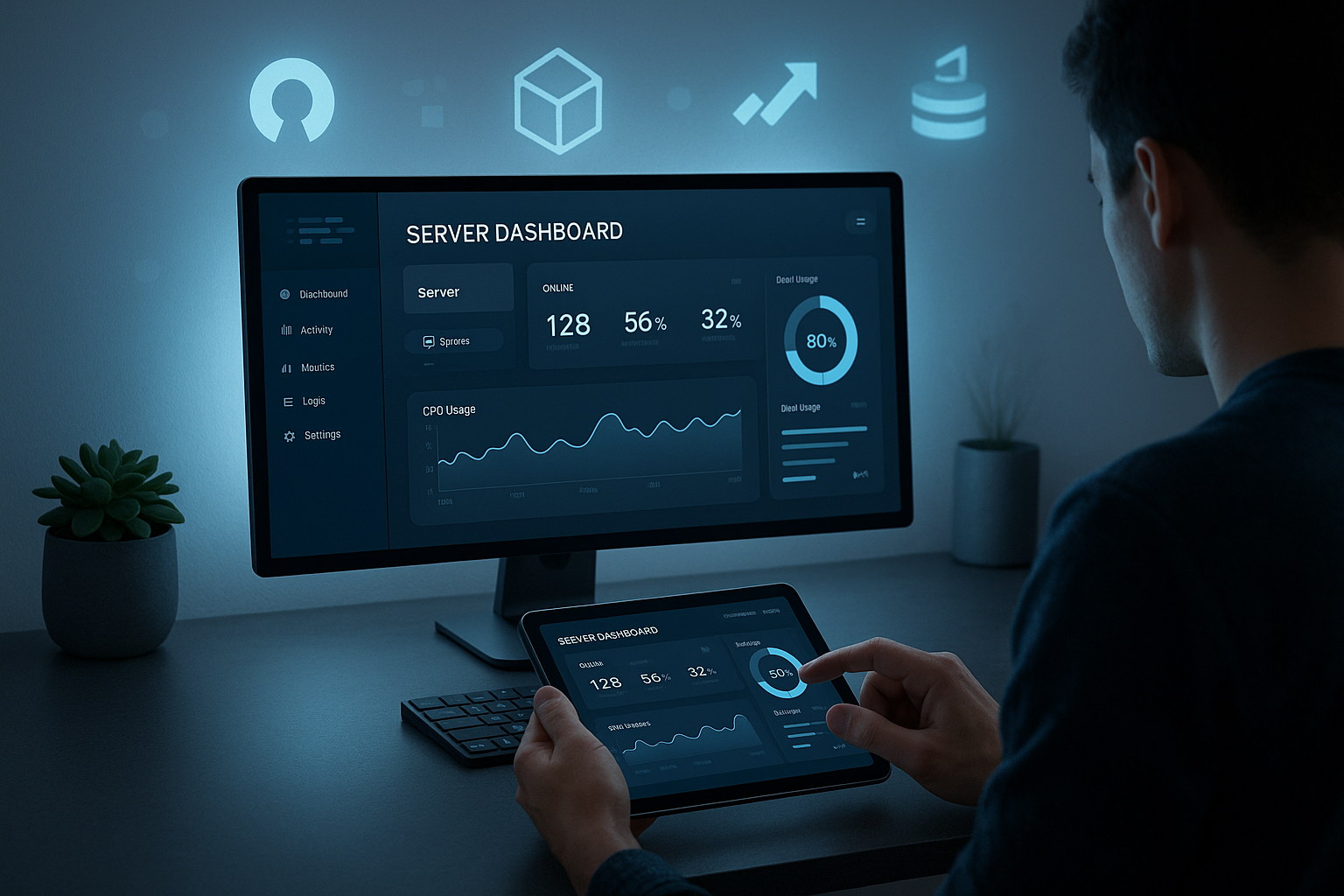
I'm starting in the slim Dashboard, view CPU, RAM, disk, and services, and receive alerts immediately. I manage files using drag & drop and set permissions and quotas without any detours. I create databases, back them up on a schedule, and distribute access keys securely. I upload containers via images, assign volumes, and keep environments cleanly separated. Using the integrated Backups I back up applications locally or in the cloud and restore them in minutes if necessary.

App catalog and reusable stacks
I speed up setups using reusable Stacks: Database plus caching, worker plus queue, web server plus PHP-FPM. I save these recipes as templates and distribute them across the team. For frameworks such as Laravel, Symfony, or Node.js, I add environment variables, health checks, and scheduled tasks. I make versioned configurations explicit so that later audits and replications become trivial. This not only keeps projects ready to go quickly, but also makes them maintainable in the long term.
WordPress in seconds: domain, SSL, website
With 1Panel, I set up WordPress in one go, including database and Nginx or Apache configuration. I link the domain directly and issue Let's Encrypt certificates with a single click. I set secure default values, activate caching, and get a ready-to-go site. Agencies benefit greatly because recurring setups are consistent and fast. This saves Time and minimizes errors in handovers between team members.
Roles, rights, and teamwork
I structure access via lean roles: read, operational management, administration. I assign projects, servers, and backups so that teams can work independently without interfering with each other. Audit logs I keep active to make changes traceable. I assign API keys with minimal rights and defined runtimes; sensitive values are stored separately and are only visible where they are needed. This keeps responsibilities clear and risks low.
Comparison: 1Panel vs. traditional panels
I often compare 1Panel with aaPanel, Plesk, and others because teams want clear criteria. 1Panel excels with Automation, modern API, container focus, and clean interface. aaPanel scores with many click options and a large selection of plugins, which can be convenient for single-server projects. For in-depth comparisons, I like to use the comparison tool. aaPanel vs. 1Panel. The following table shows important differences that help me in everyday life.
| Criterion | aaPanel | 1Panel |
|---|---|---|
| Target group | Beginners and professionals | Advanced and Pro |
| Start | 1-click, fast | Quickly, API-first |
| Surface | Many menus | Modern, minimal |
| Extension | Many plugins | API, core functions |
| Automation | Cron, backups | CI/CD, API |
| Security | Firewall, WAF | Updates, audit logs |
| Multi-server | Possible, less focus | Strong focus |
| Resources | Low | Cloud-friendly |
| Community | Large, many plugins | Young, active, OSS |
Automation and API integration
I rely on Automation, because it makes recurring tasks reliable. Deployments, updates, and backups run according to plan and keep environments consistent. I integrate 1Panel into GitOps flows via API and orchestrate servers via scripts. I reduce blue/green deployments and rolling updates to clear steps. This allows me to focus on Features, not on click work.
CI/CD in practice
I automate the path from commit to delivery: tests, builds, container images, configurations, and finally the API-supported rollout. The staging and production environments remain identical; only variables differ. Pipelines execute migration steps, perform health checks, and only then switch over. I define rollbacks as first-class citizens: images, database snapshots, and configurations are versioned so that I can safely revert. This ensures that delivery speed high and risk controllable.
Security and transparency
I treat security as Principle, not as an addendum. Thanks to open code bases, rapid updates, and audit logs, I can detect anomalies early on. Containers separate applications, while firewalls and log analyses harden the environment. I keep roles and rights lean so that no unnecessary paths remain open. Monitoring and Alerts ensure that I can quickly classify incidents.
Security guide: Hardening checklist
- Additions: SSH keys, password login disabled, Fail2ban/rate limits, restrictive firewall rules.
- SecretsMinimal environment variables, plan rotation, separate access to volumes and backups.
- UpdatesApply system patches promptly, regularly update panel and container images, and check changelogs.
- Insulation: Separate users/namespaces, only necessary ports, read-only root file system where possible.
- Audits: Limit API keys to a specific time period, secure audit logs, and alert suspicious patterns.
- Encryption: TLS throughout, encrypt backups, store keys securely.
Monitoring and operation
I monitor utilization, latencies, and services in Real time, to identify bottlenecks before an incident occurs. Dashboards consolidate values so that I can quickly decide on the next course of action. I keep metrics and logs centralized so that correlations are immediately visible. I configure notifications specifically so that there is no alarm noise. This allows me to stay in the day-to-day business able to act without getting bogged down in details.

Logs, metrics, and alerts in the team
I differentiate between operating metrics (CPU, RAM, I/O), service metrics (response times, error rates), and business signals (conversions, jobs). I decouple alarms from pure thresholds and combine them with trends to avoid false alarms. I consciously plan retention and sampling so that costs remain manageable and there is still enough context for analysis. For on-call, I build clear runbooks: what to check, how to escalate, when to shut down or scale.
Cloud and scaling
1Panel shows its strength when I Cluster or operate distributed services. I add nodes, distribute workloads, and keep services accessible. Rolling updates save me maintenance windows and reduce risk. I back up and take snapshots on cloud targets to keep recovery times short. This way, my environment grows without me having to Complexity in everyday life.
High availability and updates without downtime
I plan redundancy on several levels: load balancers at the front, multiple application instances behind them, replicated databases, and decoupled queues. Health checks determine which instances receive traffic. For updates, I rely on Canary- or Blue/Green-Strategies with rapid rollback. I outsource persistent data to independent services so that application containers remain stateless. This allows me to keep maintenance interventions short and predictable.
Application examples from practice
Agencies create dozens of customer pages with Templates and scripts and deliver reliably. Medium-sized companies operate internal apps, comply with regulations, and retain data sovereignty. DevOps teams integrate CI/CD and container workloads into well-established pipelines. Startups accelerate MVPs and avoid dependencies on proprietary tools. I use 1Panel where Speed and repeatability count.
Migration of existing projects
I take a migration-proof approach: recording inventory, evaluating data volumes and dependencies, downtime windows, or Zero downtime Plan with short DNS TTLs. I synchronize files incrementally, export databases consistently, and run tests on a staging domain. This is followed by smoke tests, SSL checks, and access tests. The cutover is performed with a clear fallback level: roll back DNS, let the old system continue to run in read-only mode for a short time, and compare logs. This keeps risks transparent and manageable.
Setup: Step by step
I can complete the basic installation in just a few Steps on VPS or cloud instances. I then follow the initial configuration, create users, and secure access. I set up web servers, PHP, databases, and container engines to suit the project. I document defaults so that future setups look exactly the same. To help me think outside the box, I use a selection of Open source alternatives, which I supplement depending on the situation.
Initial configuration: quick checklist
- Secure your admin account, enable 2FA if possible, and assign API tokens sparingly.
- Set up domains, SSL Automate redirecting HTTP to HTTPS.
- Default security rules: firewall profiles, limits, log rotation.
- Schedule backups (daily), schedule test restores, determine retention periods.
- Activate monitoring, define notification channels, store runbooks.
- Assign team roles, separate projects, establish naming conventions.
Performance and resources
1Panel runs smoothly, which I like. Cloud-environments saves costs. I keep processes to a minimum, use caching, and create clean log rotation. I set container sizes and limits sparingly without throttling apps. Benchmarks show me where I need to fine-tune, such as with I/O or networking. This is how I ensure Performance, without placing unnecessary strain on budgets.

Performance tuning in practice
I optimize along the hot paths: static assets via CDN or caching, indexing database queries, dimensioning PHP/Node workers appropriately. I dampen I/O load with asynchronous jobs, store uploads in object storage, and decouple long-term from short-term traffic. At the OS level, I check sysctl parameters, open files, ephemeral ports, and TCP queues. Realistic load tests are important: define target values, vary scenarios, measure bottlenecks, and fix them in a targeted manner.
Backup and restore
I am planning Backups daily, check random samples, and document restore steps. I combine local and cloud targets to spread the risk. I run test restores regularly so that I don't encounter any surprises in an emergency. For databases, I use incremental methods to keep windows short. This allows me to achieve Availability, that provides security for projects.

RPO, RTO, and backups in everyday life
I make goals measurable: RPO (maximum data loss) and RTO (maximum recovery time) per project. I encrypt backups, check consistency, and comply with retention periods. For business-critical systems, I plan additional snapshots and offsite copies. I regularly practice restores on staging, including DNS and certificates, so that everything runs smoothly in an emergency.
Community and Roadmap
Through the open Code I benefit from quick fixes and new features. Tickets, discussions, and changelogs remain traceable. I provide feedback and often receive solutions promptly. This builds trust and reduces dependence on proprietary manufacturers. For technical depth, I also use compact analyses of Open-source server panels, that make it easier for me to set the course.
Limits, suitability, and planning
I use 1Panel specifically where server and container workloads are expected to grow and automation is important. For highly regulated environments or very large, heterogeneous clusters, I choose specialized systems and additional control instances. I plan costs transparently: resources, backup storage, on-call, and maintenance windows. The decisive factor is a realistic schedule with stages: pilot, hardening, migration, scaling. This keeps the introduction under control and the benefits measurable.
My brief summary
1Panel provides me with a modern and clear toolkit for server management that takes automation seriously. I roll out websites, APIs, and services in a structured manner and keep security visible in everyday use. Multi-servers, containers, and backups remain controllable without tool proliferation. Compared to classic panels, I am impressed by the API orientation and the lean interface. Anyone looking for an open panel with Transparency and speed, will find a strong partner for today's hosting realities in 1Panel.