
A functional customer login is the basis for protected content, personal services and exclusive user functions. In this article, you will learn everything you need to know about the create customer login - from technical implementation to security aspects and UX tips.
Key points
- Security plays a key role in every login system
- User friendliness Increases conversion and reduces support requests
- Personalization enables customized content and services
- Integration in CMS or store systems simplifies the effort
- Legal requirements such as GDPR must be taken into account
Why a customer login makes sense
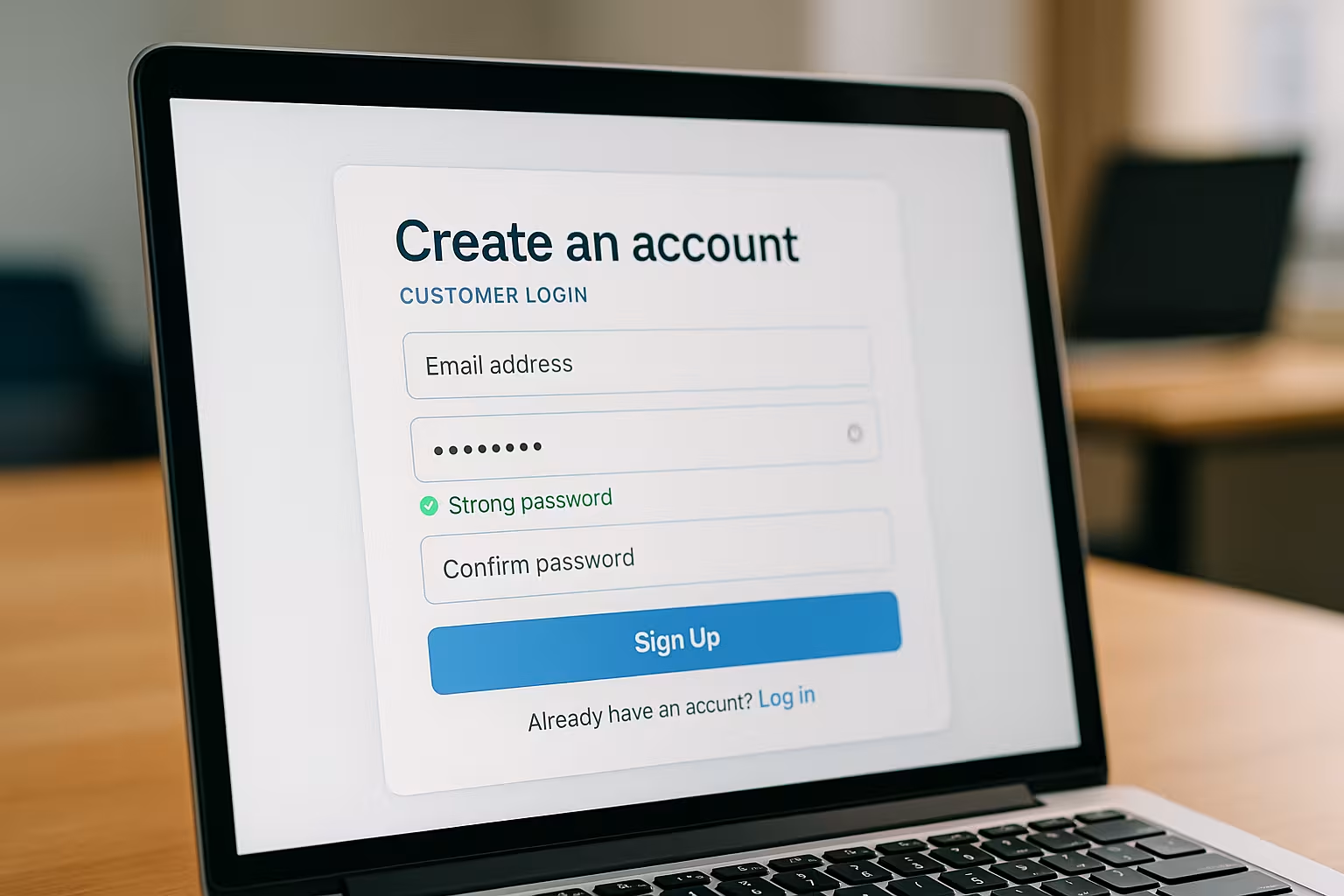
A login creates a protected zone on your website where users can access data, files or orders. You control access rights, customize content and increase the interaction rate. Functions such as a personal dashboard, internal support or newsletter customization are also based on a well thought-out login system. Who wants a Members area professionally needs this functionality. Transparency and control for the user promote trust - and that pays off in the long term.
Technical requirements for a login system
A customer login consists of several components that together create a secure user experience. Accordingly, certain requirements must be met. The most important are an encrypted data connection (HTTPS), a secure database system for storing login data and a responsive front end. Pay attention to secure password requirements and two-factor authentication. Some systems offer Pre-set safety functionswhich you can activate individually.
Integrate login function into common systems
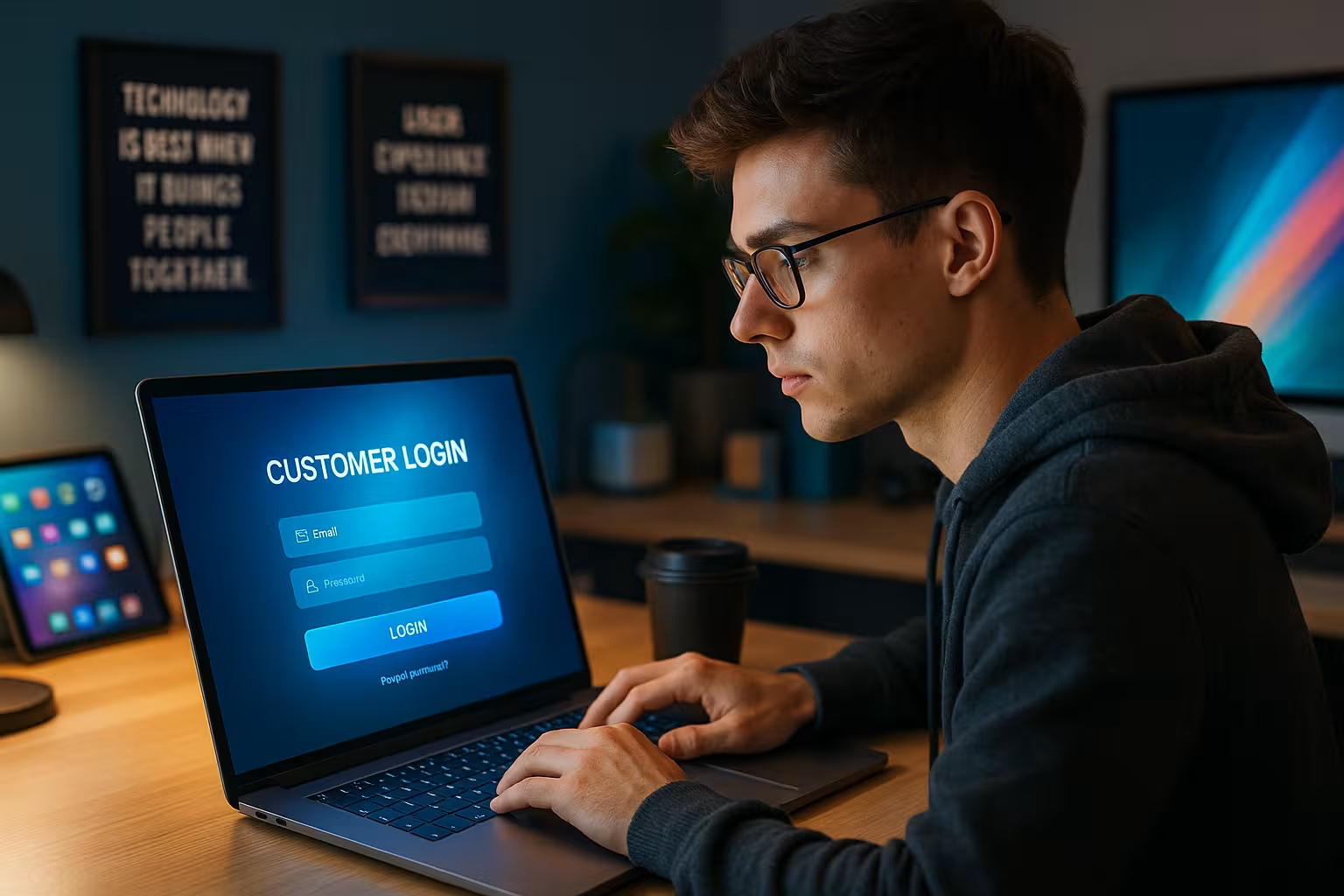
Most common content management systems such as WordPress, Joomla or Shopify offer ready-made login modules or plug-ins. These components can be activated at the click of a mouse, but also offer scope for extensions such as role distribution and rights management. You can adapt the language, design and functions to your corporate design. If you use an online store system, the login is often already part of the infrastructure. Nevertheless, it can make sense to extend the plugin with additional security functions or User guidance to be supplemented.
User interface: This is what a good login area looks like
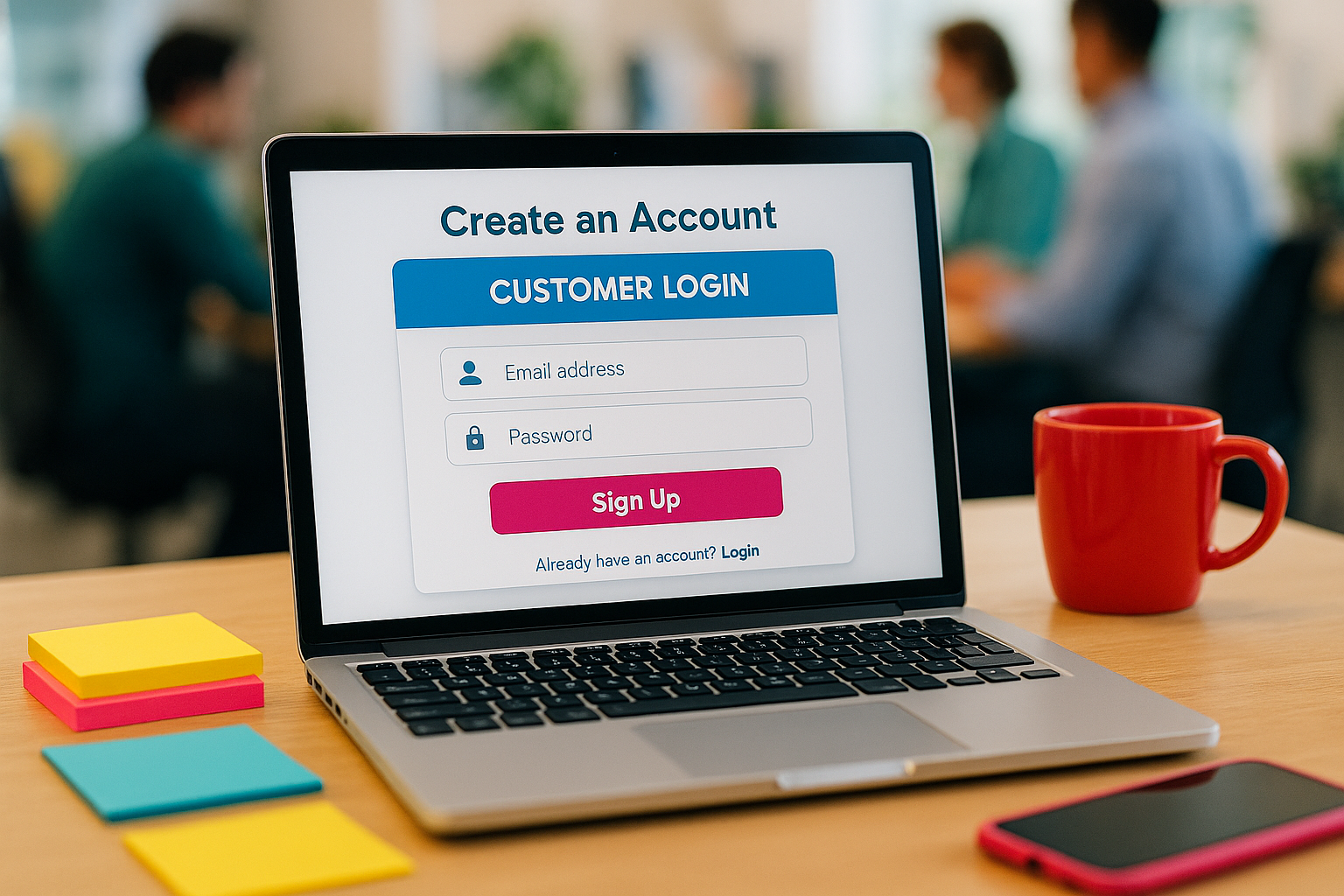
The clearer a login field is designed, the easier it is for users to use. A clear layout, mobile-optimized, with a conspicuous password reset option - that's all part of it. A good login system remembers devices or IPs and thus speeds up access. Ideally, the user receives a clear dashboard after logging in or is forwarded directly to a personalized area with relevant content.
Data protection: what you need to consider legally
A login system processes personal data - and is therefore subject to the provisions of the General Data Protection Regulation (GDPR). You must provide information about which data is processed in your privacy policy. Furthermore, users must actively give their consent, e.g. when registering or setting cookies. You are also obliged to store the data securely and appoint a contact person for data protection. It is advisable to delete databases regularly unless there is a legitimate interest.
Clever organization of login processes and user rights
As soon as a user account has been created, you must also decide which content is visible or usable. You can define user roles for this - e.g. standard user, premium member, moderator or admin. You assign certain rights to each role. This prevents unauthorized access to confidential content. A good login system provides reports and logs on login activities. These mechanisms increase the Transparency and strengthen control over the web environment.
Comparison: Program it yourself or use an external system?
The decision depends on the scope of the project and the available expertise. An in-house login system offers maximum freedom, but requires significantly more maintenance. External systems or portal components, on the other hand, can be used immediately and offer reliable updates - but at the expense of individual control. The following table provides an overview of the differences:
| Aspect | In-house programming | External solution |
|---|---|---|
| Flexibility | High | Limited |
| Maintenance | Self-responsible | Provider-dependent |
| Costs | Higher (one-off costs) | Lower (subscription) |
| Security | Individually controllable | Secured by the provider |
Do not underestimate safety aspects
Users are getting used to convenience, but also expect a secure environment. Therefore, rely on encryption, secure passwords and regular updates. Two-factor authentication is an additional security function. You can also set a time limit for logins or set up IP-based blocking. Many systems also offer automatic logout functions after a period of inactivity. These measures help you protect sensitive User data.
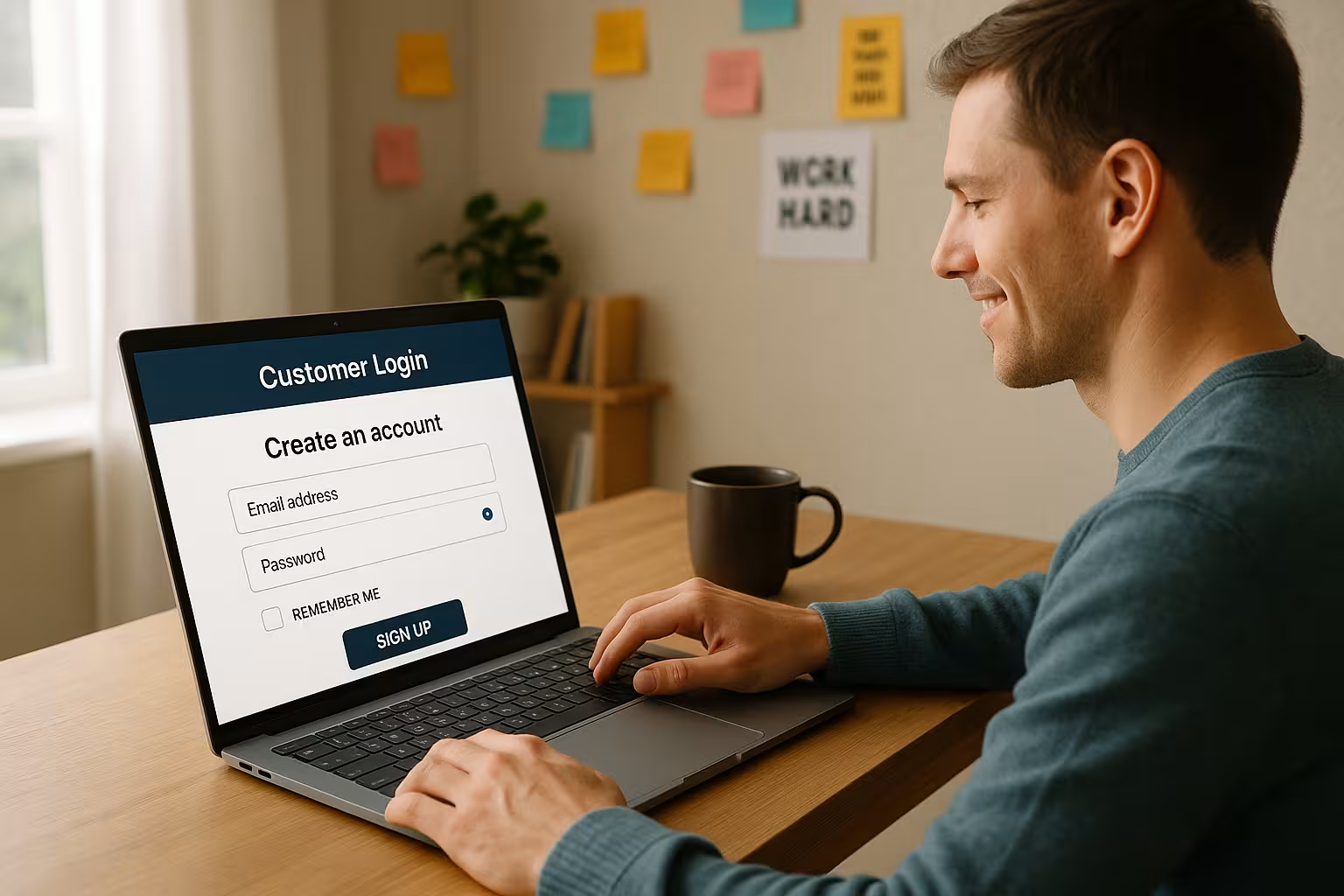
Successfully investing in customer loyalty
Login systems can do much more than just identify users: They become a platform for loyal customers. A login area enables exclusive content, a clear order history and direct communication. A clever combination - e.g. with a quickly set up mail account - makes its platform even more powerful. Remember: every click in a well-structured login increases brand value and strengthens your digital presence.
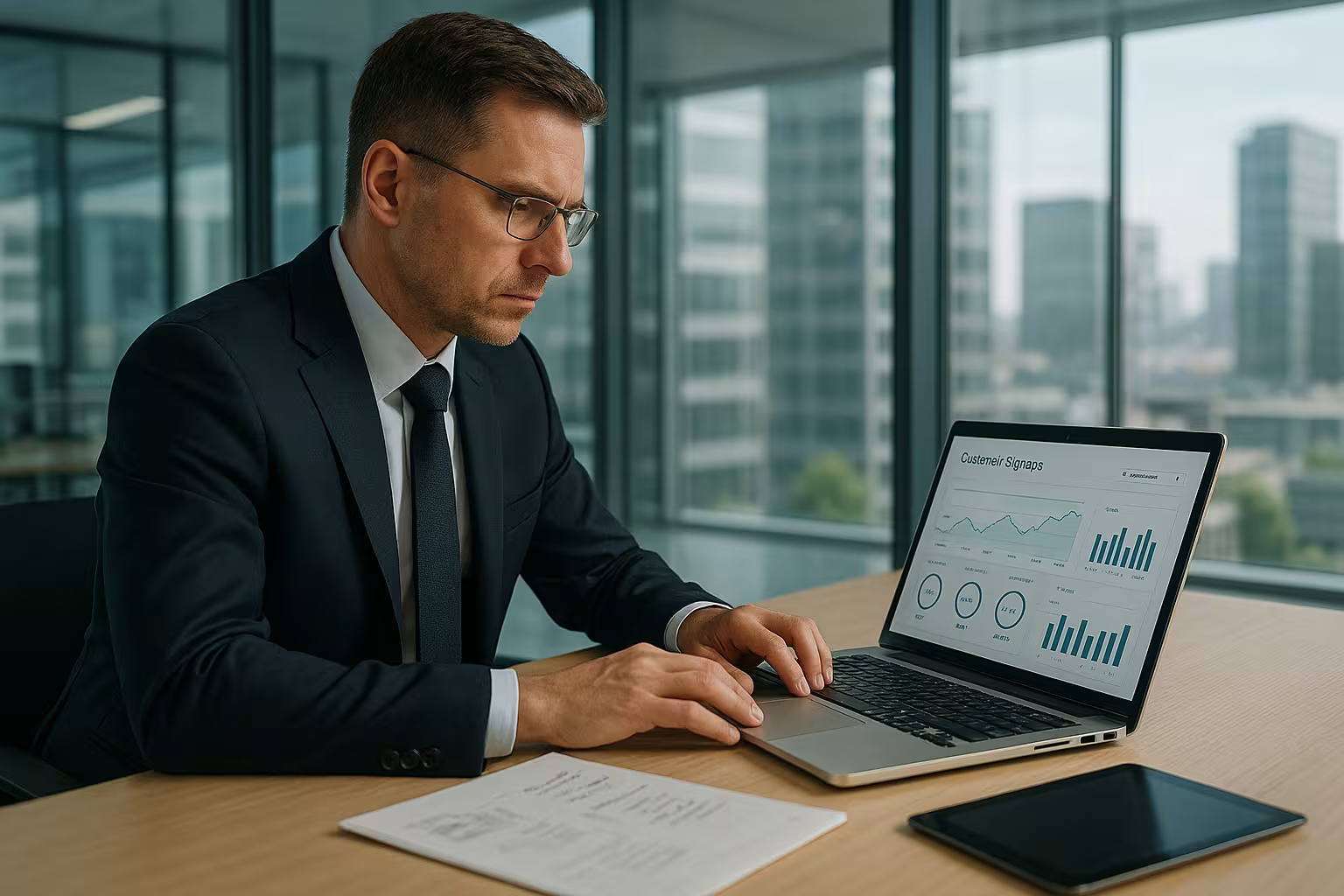
Accessibility and accessibility
An often underestimated but extremely important aspect is accessibility in the login area. Users with visual or hearing impairments must have at least the same options as everyone else. This includes comprehensible font sizes, sufficient contrast and screen reader compatibility. Clearly recognizable form fields with unambiguous labels are essential, especially for customer logins. Making an effort here not only increases user-friendliness, but also creates a positive brand image and fulfills important legal requirements with regard to equal treatment.
Also think about alternative login methods for people who have difficulties with keyboard input. For example, login via fingerprint, facial recognition or using a password manager makes access easier. These features must be designed in such a way that they are accessible and convey all the necessary information in simple words and a clear structure. Modernity and enthusiasm for technology should always go hand in hand with accessibility.
Extended functions and gamification
If you want to offer your users something special, you can enhance login processes with playful elements. Gamification increases the motivation to log in and come back. This can be achieved, for example, through point systems during registration or through small successes that are visible in the dashboard. Rewards for completing the profile, uploading an avatar or for regular logins are conceivable.
This type of interaction can significantly increase the fun factor and ensures that customers don't just create their account once, but use it over the long term. Incorporating game elements or badges into the login system also creates a community atmosphere that increases user loyalty to the platform. With all creative ideas, however, data protection and data economy should be kept in mind - not every little activity needs to be logged or shared without interruption.
Single sign-on and social logins
As the number of web services increases, it is becoming increasingly annoying for many users to have to create a new account for each new portal. One solution to this is single sign-on (SSO) or logging in via social networks such as Google, Facebook or LinkedIn. These make it possible for customers to log in to several services at the same time with a single account. The result: a significantly simplified login process and fewer forgotten passwords.
Although the integration of social networks in the login creates a further data stream, which in turn is relevant under data protection law, in many cases the convenience for the user outweighs this - provided that it is communicated transparently which data is transferred to the social media provider. With SSO integration, administrators must pay particular attention to encryption and the security of the transmitted tokens. Once implemented, however, you score points with a high level of user-friendliness.
Performance and scaling
A professional login system must run stably and be able to handle a large number of requests without causing performance losses. The more your web project grows, the more important load balancing or the use of high-performance server architectures becomes. Content delivery networks (CDNs) and caching mechanisms can help to keep access times low. The login process must not become a bottleneck, especially at peak times - for example during discount campaigns or when a new product is launched.
The handling of databases also plays a role here. For performance reasons, it can make sense to keep overviews or profile data in the cache and only access the database directly when changes are made. This reduces the server load and speeds up loading times. A slow login page quickly leads to a bounce rate, as users do not want to wait forever for the login to go through.
Rights management and support
A sophisticated rights management system is essential if you have different user groups, each with their own responsibilities. You should be able to use admin dashboards to assign roles, restrict access and revoke it again if necessary. This in turn means less work for support, as conflicts or access problems can be better tracked and resolved.
Customer service plays a major role in general: if a user has forgotten their password or their account has been blocked, it should be possible to contact them as easily as possible. An integrated support function, such as a chat bot or a ticket system, can be linked directly in the login area. This makes users feel more at ease if they have technical problems or questions about operation. Good support increases customer satisfaction and minimizes frustration over any hurdles that may arise.
Automation and maintenance
As the number of users increases, there is often a desire for automation: Automated emails after registration, welcome messages and regular security notifications about password strengths are all conceivable. Sophisticated automation saves valuable time, as standard processes no longer have to be carried out manually. Nevertheless, regular maintenance is essential to ensure that your access processes are secure, data protection-compliant and stable at all times.
If you want to address international customers at the latest, it is worth planning multilingual login and support functions. Important system settings, error messages and emails should then be available in different languages to avoid misunderstandings. A small but important step on the way to global user-friendliness.
Analysis and performance measurement
Investing in a good login system pays off twice over when you realize how it affects customer loyalty and conversion rates. For example, analyze how long users stay in the logged-in area and which pages they visit particularly frequently. You can use monitoring tools and web analytics to check the performance of your login system and dashboard. This will alert you to problems in good time - whether technical faults, registration hurdles or unfavorable user guidance.
You can also see which devices and browsers are preferred. This information helps you to continuously improve the frontend and respond specifically to the needs of your users. Mobile users in particular often have different operating requirements, such as simple finger operation and fast page loading. Therefore, test your system on a variety of devices to ensure a consistent user experience.
Final considerations
A customer login is more than just a procedure for entering a website - it is a crucial tool for building trust, protecting customer data and creating exclusive added value. With the right system and a sophisticated strategy, you can retain users in the long term, increase your sales and minimize support and administration costs at the same time. Always ensure a good balance between convenience and security, use your resources wisely and keep an eye on the requirements of the GDPR and other laws.
From simple login forms to highly personalized dashboards, this feature offers the decisive advantage for your platform: those who register once are more likely to return and remain loyal. Accessibility, gamification and extensions such as social logins are not extras, but can be the icing on the cake that turns a good solution into an excellent one. With all these tips, you are well equipped to further professionalize your login system and benefit from satisfied users in the long term.


