Skip to content
A SSL certificate is the basis for a secure website and protects sensitive user data during transmission. In this guide, I'll show you how to get an SSL certificate at a reasonable price, what types there are and how to set it up correctly without any prior knowledge.
Key points
- SSL Certificate protects your visitors from data theft and strengthens trust
- DV, OV and EV certificates differ in price and degree of validation
- Let's Encrypt is a free solution for many websites
- Web hosting provider like webhoster.de integrate SSL into their packages
- HTTPS Improves SEO and fulfills legal requirements
Why you need an SSL certificate
An SSL certificate encrypts the connection between the web server and the browser. This means that passwords, payment data and personal information are protected from access by third parties. Without SSL, not only the security risks increase, but also the likelihood that visitors will avoid your website.
Google ranks websites with HTTPS better and modern browsers now actively mark sites without SSL as "not secure". You are also legally obliged by the GDPR to transfer personal data via secure connections. The positive side effect: the familiar lock symbol ensures greater trust and higher conversion rates.
Technical background to SSL/TLS
Although we usually talk about "SSL", the TLS protocol is actually used today (Transport Layer Security). SSL was the predecessor, which had various security vulnerabilities in older versions. Modern SSL certificates are based on TLS 1.2 or TLS 1.3, which creates secure end-to-end encryption. This process is known as a "handshake" and ensures that the data stream between the server and browser remains encrypted. This way you can be sure that no unauthorized third parties can read or manipulate the transmitted information.
The type and length of the encryption key used (e.g. 256-bit) is very important for security. The higher the number of bits, the more difficult it is to attack the connection. This is why many providers include the encryption strength in their product description in order to create trust. Free solutions such as Let's Encrypt use the same strong encryption as many commercially available DV certificates.
Why HTTPS is indispensable today
A few years ago, HTTPS was primarily used for sensitive areas such as login pages or ordering processes. In the meantime, encrypted communication has generally become an important industry standard. Even simple blogs or purely informational websites benefit from HTTPS. The user expectation today is that a website must be secure, otherwise it will be avoided.
In addition, more and more personal data is being transmitted - for example via contact and newsletter forms. In order to comply with the legal requirements of the GDPR, there is no way around SSL or TLS. Browser manufacturers have also recognized the importance of this and have been warning users for some time if a website does not use SSL. Google has also made it clear that HTTPS is now a ranking factor. If competitor sites have already switched over, you should not hesitate too long.
Overview: Types of SSL certificates
Depending on how extensive your website is, you can choose between different SSL certificate types. They differ in terms of validation and display in the browser. The three main categories are
- Domain-validated (DV-SSL)Simple protection, cost-effective and ideal for small websites or private blogs.
- Organization-validated (OV-SSL)Suitable for business applications, as the company is also checked here.
- Extended Validation (EV-SSL): Also shows the company name in the address bar. Perfect for online stores and financial services.
A special case is the Wildcard certificate. It not only protects your main domain, but all subdomains at the same time. This saves costs and effort when managing multiple SSL certificates.
Multi-Domain Certificates
In addition to wildcard certificates, you can also use so-called multi-domain certificates (SAN certificates). They cover several independent domains within one certificate. This is particularly practical if, for example, you run different projects that are all to be secured by the same certification authority. While wildcard certificates tend to cover subdomains, you can use a multi-domain certificate to protect several independent main domains - for example yourwebsite.com, your-furtherdomain.com and a third TLD at the same time. This saves you having to manually manage several separate certificates.
Price comparison: Where can you get your SSL certificate cheaply?
The following table shows you providers with particularly attractive conditions for different SSL certificate types:
| Provider | Certificate type | Price per year | Special features |
|---|---|---|---|
| webhoster.de | DV-SSL | from 8,99 € | High recommendation rate, fast installation |
| IONOS | DV-SSL (Starter) | from 12 € | 256-bit encryption |
| IONOS | OV-SSL (Business) | 72 € | Suitable for corporate websites |
| IONOS | EV-SSL (Premium) | 204 € | Maximum trustworthiness |
If you want to save even more, many providers also offer free solutions such as Let's Encrypt to fall back on.
Let's Encrypt: Free and effective for beginners
If you are looking for a simple but safe solution Let's Encrypt the best option. You don't have to invest a cent and you get the same 256-bit encryption as with paid DV SSL certificates. Automated tools take care of renewal and installation - saving you time and effort.
Especially for Blogspersonal websites or small company websites, Let's Encrypt is completely sufficient. The only catch is that these certificates are not suitable for company validations. If you want to create more trust with the user, you should rely on OV or EV certificates.
Further details on secure data transmission make it clear why DV certificates are a must for every website.
Automatic renewal and security
Unlike many purchased SSL certificates, Let's Encrypt certificates only have a short validity period of around 90 days. Fortunately, most hosting panels or corresponding plugins automatically renew the certificates in good time. This saves you administrative effort and prevents expired certificates that would trigger an error message in the browser. This keeps your site protected at all times and you don't have to worry about anything.
The Let's Encrypt community is also very active. Security updates are implemented quickly and the documentation is also easy to understand for anyone who wants to learn more about the topic. Anyone using a powerful web server with shell access can configure the Let's Encrypt client relatively easily and set up automated processes. With many shared hosting offers, this is even done on the server side, so all you have to worry about is successful certification.
Installation in just a few steps
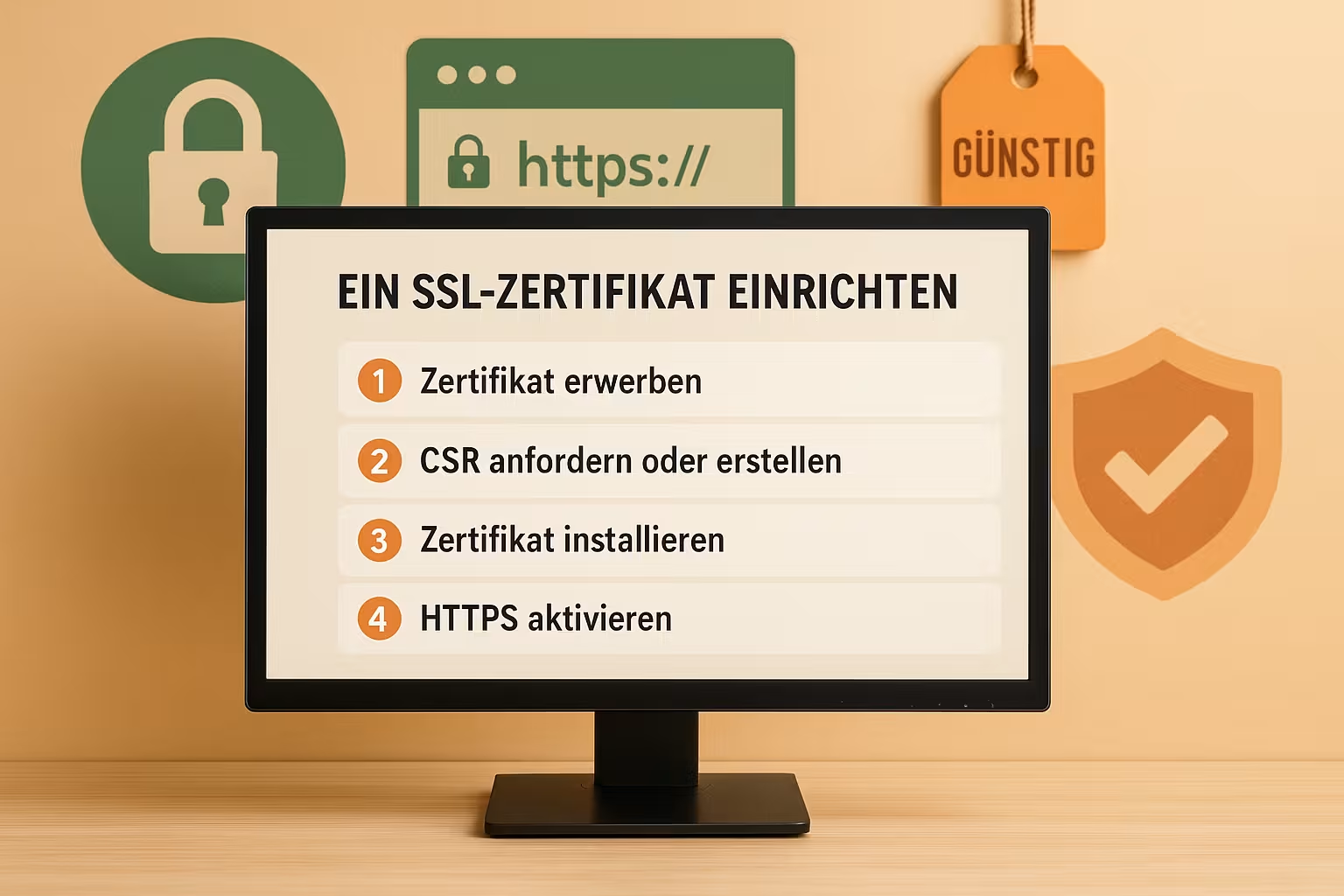
You can set up your SSL certificate in just a few simple steps. You can also find instructions in the article Set up SSL certificate. Here are the most important steps in compact form:
- Select certificate and choose a trustworthy provider.
- CSR key (Certificate Signing Request) - often possible directly in the hosting panel.
- Validate domain - usually by e-mail or file upload.
- Install certificate - in cPanel, Plesk or WordPress.
- Force HTTPS - by adjusting the .htaccess file or the hosting backend.
- Remove mixed content and internal links to HTTPS.
Tips for secure integration
If you run a WordPress site, we recommend using plugins that automatically adjust all internal links and remove mixed content. A classic example is the insecure integration of images or scripts via http:// instead of https://. To prevent your site from generating browser warnings, you should only deliver all resources via HTTPS.
Also use tools for quality checks, such as the SSL Checker from Qualys SSL Labs (no new link). There you can see whether your certificate chain is properly installed and whether older encryption protocols have been deactivated. This will help you avoid unnecessary security gaps and boost your Google ranking.
SSL certificates in hosting packages
Many providers have recognized the potential of SSL and deliver certificates with the hosting package. Especially webhoster.de stands out with its popular combination of low price, solid technology and free SSL. The automatic setup is perfect for all those who don't want to deal with the technology.
When comparing hosting offers, it is worth paying attention to the following features:
- Is a SSL Certificate already included in the price?
- Will Let's Encrypt supported?
- Is there a Automatic renewal function?
- Are Wildcard certificates possible?
In addition to the SSL certificate, some hosting packages include other security-related extras such as daily backups, malware scanning or protection against DDoS attacks. Especially if you are managing a commercial project, it is worth opting for a comprehensive security package. In addition to encryption, a correctly set up content delivery network (CDN) can also contribute to performance and security.
What you should consider with shared hosting
If you opt for a shared hosting package, you share the server with other customers. This is cost-effective, but comes with some technical restrictions. Make sure that the host supports Server Name Indication (SNI) so that you can use multiple certificates on one IP address. In most modern hosting environments, however, this is already a matter of course.
It is advisable to check the performance features carefully, especially with very inexpensive shared hosting offers. This is because if the server is overloaded or uses outdated encryption protocols, this can have a negative impact on SSL performance. This could lead to slower loading times or security warnings if the server has not been configured properly.
Typical errors and their solutions
Although many hosters simplify the setup process, typical hurdles arise time and again. Some SSL certificates are installed incorrectly, others generate unpleasant warnings in browsers. Here are a few problems with quick solutions:
Certificate not recognized: The upload may have been incomplete or the intermediate certificate is missing. Check the format type and upload all components correctly.
Mixed content: Use tools such as the Mixed Content Scanner. It shows you which resources are still being loaded via HTTP and how you can adapt them.
Certificate expires: Create reminders or use providers such as Let's Encrypt with an auto-update function.
Frequently occurring browser warnings
If browsers say "This is not a secure connection" or display a red shield symbol next to your address, this can have various causes. In most cases, the certificate chain is incorrect or the certificate has expired. In other cases, an incorrect server name may be listed in the certificate (e.g. www.example.com, although only example.com is used). Be sure to check whether you have correctly applied for and installed a wildcard or multi-domain certificate if you want to protect several subdomains or domains.
Cookies that are not issued via a secure HTTPS connection can also cause warnings or error messages. Make sure to set the "secure" attribute in your CMS or cookie management so that cookies are only transmitted in encrypted form.
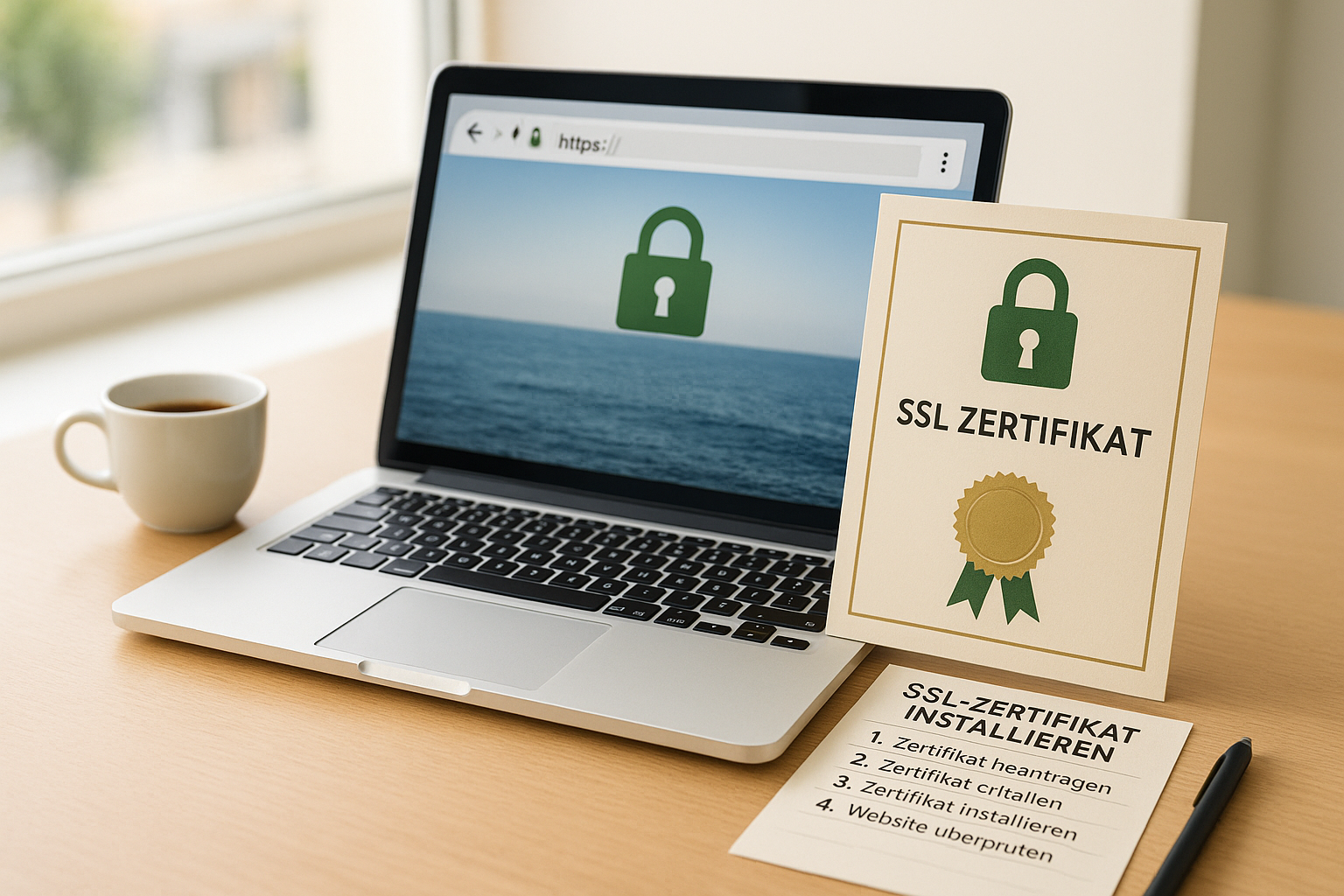
SSL trends: Why you need to act now
Modern browsers such as Chrome and Firefox already clearly mark sites without HTTPS as insecure. If you don't switch in time, you not only risk a loss of trust on the part of the user, but also a loss of ranking with Google. The search engine classifies HTTPS as a ranking factor - that alone is reason enough to switch.
Added to this is the legal pressure of the GDPR: Anyone who processes personal data must ensure encrypted transmission. This even includes simple contact forms. An SSL certificate covers all these requirements - even with a free IT certificate, depending on the application.
Outlook for HTTP/3 and future developments
Web technology is constantly evolving and with HTTP/3, the next major protocol update is already in the starting blocks. At its core, HTTP/3 is based on QUIC, a UDP protocol designed to enable faster connections. For users, this not only means better performance, but also even more seamless integration of encryption, as TLS 1.3 is mandatory.
For operators of larger websites or online stores in particular, it makes sense to keep an eye on developments. Switching to HTTP/3 will give you a speed advantage in the medium term without having to sacrifice established security standards. SSL/TLS certificates remain an indispensable component against data theft and manipulation attempts.
Review and recommendations at the end
A cheap SSL certificate protects your website reliably without breaking your budget. The best options offer you solid encryption - whether free via Let's Encrypt or with extended validations for stores and companies. It is important to provide an HTTPS connection in the first place. This alone creates trust and fulfills legal requirements.
Therefore, use a provider package with integrated SSL - for example from webhoster.de - or install a certificate manually to suit your goals. Please note: If you process sensitive customer data or handle sales, you should consider an EV certificate with visible validation.
With the right know-how, you can set up your SSL certificate in no time at all and ensure data protection, trust and better search engine rankings. The effort is low - and the benefits are huge.
Additional practical tips
- Regular inspection: Test your website from time to time, for example after updates or plugin installations, to ensure that everything continues to run correctly via SSL. Depending on the setup, it can happen that new content or extensions mistakenly inject old HTTP links.
- Keep-Alive and Performance: Many servers offer the Keep-Alive setting, which keeps the connection to the server open for further requests after a page has been loaded. This improves performance and minimizes the effort of having to re-establish each connection. It is worth activating this option in conjunction with HTTPS.
- HSTS (HTTP Strict Transport Security): With HSTS, browsers can be instructed to only establish encrypted connections. This prevents potential redirection attacks in which an attacker tries to access data before the actual HTTPS connection. However, make sure that your site is running properly with HTTPS before you activate HSTS - otherwise browsers may stubbornly try to connect to a faulty HTTPS version.
- Raise safety awareness: Provide your users with enough information about why you are using SSL. Transparency creates trust, especially in sensitive industries. Whether you run your own business or a blog about a specific topic: Raise understanding that data security is a top priority.
- Monitoring & Logs: Pay attention to messages in the server logs if there are unexpected disconnections. Sometimes you will see a message that a browser does not accept an encryption method. There may be differences in protocol support, especially with older devices. If necessary, adjust your TLS versions to achieve the best possible backward compatibility - but never at the expense of current security.
Concluding thoughts
The path to a secure website is now easier than ever. Thanks to automated installation and renewal processes, you hardly need to worry about the technical details. But it is precisely the technical background that helps you to decide which certificate suits your requirements and where you can make compromises. In this way, you not only protect your own site, but also contribute to a more secure Internet in which sensitive data does not fall into the wrong hands.