Skip to content
The topic Postfix Advanced deals with the key aspects for the secure, flexible and high-performance configuration of email servers. In professional hosting environments, Postfix plays a central role in ensuring reliable delivery, authentication and integrity of emails.
Key points
- main.cf and master.cf enable targeted configuration for complex setups
- Transportation rules and alias management open up individual redirects
- Security measures such as SMTP-AUTH, SPF, DKIM and DMARC ensure delivery security
- Monitoring, logging and automation increase reliability and maintainability
- Cluster operation and external relays optimize scalability and deliverability
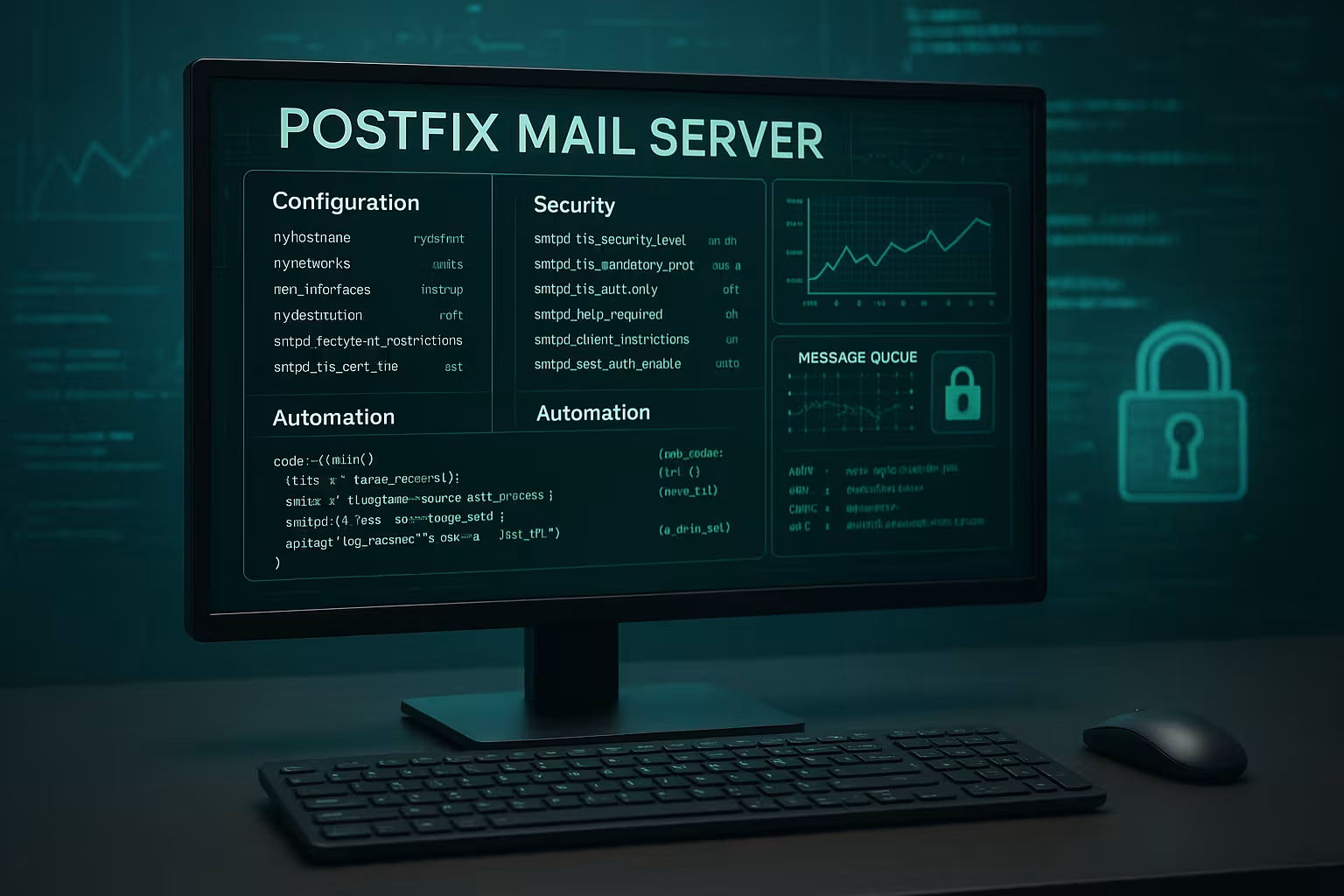
main.cf: Fine-tuning for productive mail environments
In the file main.cf I define central settings that shape the character of the mail server. Especially in multi-domain configurations, it is important to define the parameters myhostname, mydomain and mydestination consistently in order to avoid returns and mail loops.
With the help of virtual_alias_maps I transfer the address logic from static config files to flexible backend systems such as MySQL or LDAP. This allows email aliases, forwarding and domains to be managed dynamically. I make sure to regularly update hash files with postmap to update.
Particular attention is paid to the transport_maps. Here I specifically control via which relay certain target addresses are to be delivered - essential when operating splitting gateways between internal and external networks.
The contribution Postfix settings & Maildir tips provides additional insights into optimization strategies at server level.
In addition, it is worthwhile to Tuning parameters in main.cf explicitly in order to increase performance and security. For example, the setting smtp_tls_security_level can be set to "may" or "encrypt", provided that it is ensured that communication with the target server is always encrypted. Especially in productive environments, I recommend smtp_tls_security_level = encryptto enforce end-to-end encryption where this is technically possible. Also relevant is the fine-tuning of the queue_run_delay and minimum_backoff_timeto specify how often Postfix attempts to redeliver undeliverable mails. Especially in the event of temporary network problems, this can prevent messages from ending up nowhere or being bounced too quickly.
Another option is disable_dns_lookupsto selectively deactivate DNS queries, for example when working within a closed internal network. This can reduce latencies, but requires precise knowledge of the internal DNS and routing structures. For large mail volumes, it is also advisable to set the parameter default_destination_concurrency_limit in order to enable greater simultaneity in SMTP delivery and avoid bottlenecks.

Implement advanced security measures correctly
Postfix not only enables encrypted connections via TLS, but also specific control over who can use the server. I activate SMTP-AUTHby smtpd_sasl_auth_enable = yes and integrate compatible SASL backends. This allows users to actively authenticate themselves before sending emails.
In combination with smtpd_recipient_restrictions and smtpd_relay_restrictions I prevent the server from being misused as an open relay. I add sensible policies to the rules such as permit_sasl_authenticated or reject_unauth_destination.
To safeguard the domain reputation, the implementation of SPF, DKIM and DMARC essential. I use Policyd for SPF, opendkim for signatures and choose a DMARC policy that prevents illegitimization. Services like postfix-policyd-spf-python facilitate integration into running systems.
It is also recommended, Greylisting to consider. The principle behind it: Unknown senders are temporarily rejected on the first delivery attempt - legitimate servers try again, while many spam bots only make one attempt. For greylisting under Postfix, for example postgrey to control the flood of spam. You can also RBL lists (Realtime Blackhole Lists) in the smtp_recipient_restrictions to block known sources of spam at an early stage.
Another core element of advanced security strategies is the separation of Inbound and outbound mail servers. By operating two physically (or virtually) separate instances of Postfix, incoming mail traffic can be managed independently of outgoing mail. Admins can then configure comprehensive security filters such as SpamAssassin, rspamd or ClamAV for virus scans on the incoming system. On the outgoing system, tight controls or rate limits can be defined for user accounts to prevent spam from being sent.
master.cf: Targeted control of services
In the file master.cf I specifically control which mail services work on which ports and with which parameters. For example, I define my own SMTP instances with a customized filter chain or decide whether services are operated in the chroot.
I maintain the resource usage of individual processes directly in this file, for example to bundle mail filters on separate queues. For external mail filters such as Amavis or rspamd, I create a master.cf dedicated services and use content_filterto integrate them.
For parallel setups with different input classes (e.g. stable vs. beta systems), I can use separate instances to control how mails are processed and forwarded.
At master.cf administrators can also, for example Restrictions based on the number of processes so that there is no system overload when there is a high volume of mail. The option -o (override) within a service such as smtp or submission allows individual parameters of main.cf can be overwritten in a targeted manner. For example, you can use different TLS settings for the submission port (port 587) than for the standard SMTP port 25, assuming you want to consistently restrict the submission port to TLS with authentication, while port 25 is still responsible for accepting external emails without authentication. All of this can be configured within the master.cf flexibly.
Another highlight is the option of dnsblog and verify-services separately. This allows you to run DNS blacklists in an isolated process and minimize setting errors. The targeted separation of individual services ensures increased transparency in the event of faults and makes debugging easier.
Optimized delivery logic with transport_maps
I realize individual routing strategies with transport_maps. I forward certain domains directly to specialized relays, define exceptions for internal systems or set up domains for dedicated cluster nodes.
This function plays a decisive role in hybrid infrastructures with several mail servers or when switching from your own servers to external SMTP relays. Postfix allows the use of relayhost even auth-based delivery to services such as Amazon SES or Sendinblue.
Postfix configuration basics help you get started with these mechanisms.
It is important to note that extensive transport_maps-rules to maintain an overview. The more domains or target systems there are in the network, the more sensible central control via a database becomes. All routing information can be maintained in a MySQL or PostgreSQL table and Postfix accesses it dynamically. In this way, administrators no longer have to maintain text files and access information via postmap update, but receive a live-based configuration that adapts seamlessly to growing requirements.
An additional trick is the use of sender_dependent_relayhost_maps. This allows you to define a specific relay for different sender addresses (or domains). This is particularly practical if you operate several brands or customer domains on the same server and want to deliver each domain via a different provider. This allows you to store a separate authentication for each sender, for example to protect the reputation of the respective domain and to separate the mail signing cleanly.
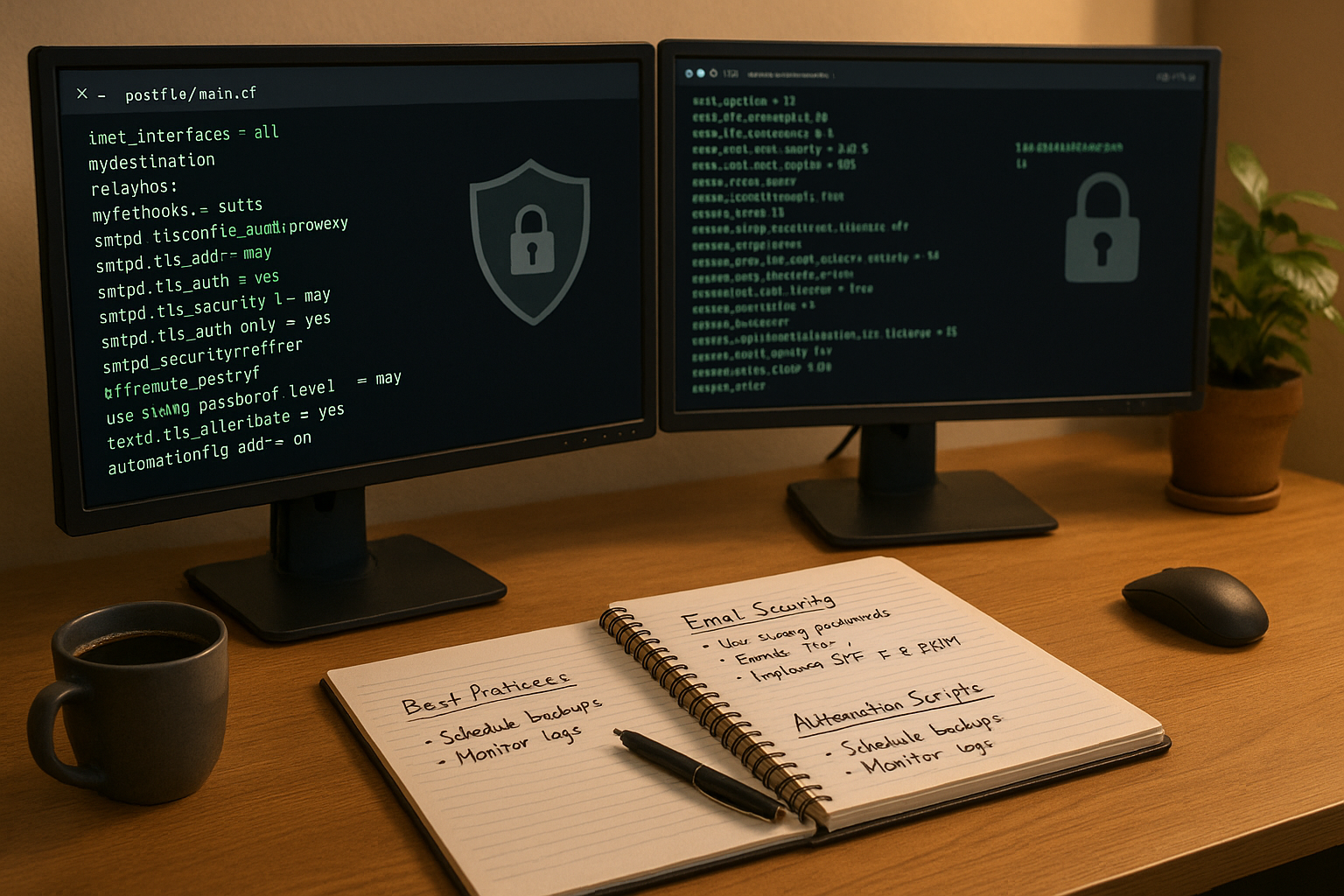
Clustering & load balancing with Postfix
For scaling setups, I distribute the mail traffic across several servers. Each node receives a customized configuration via tools such as rsync or git. Load balancers distribute the delivery load and reduce the risk of failure.
I combine DNS failover for MX records with active cluster monitoring. Mail queues are monitored locally, logs are centralized via rsyslog. This structure can be implemented using hostname_filter precisely, even with 3+ parallel instances.
For complete high availability, I recommend automated monitoring with Prometheus Exporter for Postfix.
Especially with distributed systems, the Synchronization of mailbox data an important point. If, in addition to Postfix dovecot (for IMAP and POP3), you should specify exactly where the maildir or mbox files are located and how they are synchronized in the event of failures. A frequently used method is real-time replication - for example via dsync with dovecot. This ensures that the database always remains consistent if a node fails. For external SMTP relays that are only to handle outgoing mail, it is recommended to use mechanisms such as HAProxy or keepalived which distribute the traffic to the active nodes.
If you integrate several data centers, you can use Geo-redundancy ensure that mail reception and dispatch is guaranteed even in the event of regional network problems. The prerequisite for this is a homogeneous Postfix environment with identical main.cf and master.cf-files. DNS entries should then point to nearby locations in order to minimize latencies and cushion global failure scenarios.
Automation, logging & notifications
A maintenance-free mail server is based on automation. I manage new users and aliases with scripts that are directly postmap or feed database tables. This avoids manual errors on servers with hundreds of domains.
I forward status mails such as queue warnings directly to admins or monitoring services. I use mailq and log rotation via logrotate.dto keep Postfix logs clear and long-lasting. Critical mails end up in defined catchall inboxes for manual checking.

The integration of Monitoring toolsThe Prometheus tool, for example, makes it easier to continuously record key figures such as the number of emails sent, delivery times or error rates. With alarm definitions, you can be notified via Slack, email or SMS as soon as certain threshold values are exceeded. This is particularly valuable in order to be able to react immediately in the event of sudden spam volumes or technical faults.
Another important point is the Fault diagnosis via meaningful logs. Filters such as grep or tools like plogsummto quickly detect suspicious activities. If you want to go deeper into debugging, you can temporarily change the log level via postconf -e "debug_peer_level=2" but must be careful not to flood the system with unnecessary information. After successfully solving a problem, you should reset the debug output to keep the log files lean.
Avoid sources of error and rectify them efficiently
I regularly test whether Mail loops by sending myself emails via different domains. If deliveries happen several times, there is usually an error in the mydestination-configuration or in the DNS.
If a TLS error occurs, I check immediately postfix check and view the file permissions of the certificates. Especially often privkey.pem not readable for "postfix". I set chown and postfix reloadto correct the error.
Auth problems are mostly in /etc/postfix/sasl_passwd to find. I pay attention to format, rights and that the file with postmap has been converted correctly.
It is also important that you DNS and reverse DNS entries checked. Many providers mark emails as potential spam if the PTR entries do not correctly point to the hostname specification of the mail server. A faulty reverse DNS can also have a negative impact on the operation of DKIM and DMARC. It is also worthwhile, mailq or postqueue -p regularly to determine whether an unusually large number of emails are accumulating in the queue. This indicates delivery problems, which in most cases are caused by incorrect DNS settings, routing errors or spam filter misconfigurations.
If emails end up in recipients' spam folders despite the correct settings, you should check your own IP addresses and domains in Blocklists check. Special tools such as mxtoolbox.com (as an independent service, not a new link in the article) provide information on whether an IP address is on an RBL. Regular checks help to maintain the reputation of the mail server.
WordPress & hosting integration with Postfix
Many hosters rely on automated mail services with Postfix in the background. I recommend webhoster.de for projects with WordPress, as Let's Encrypt certificates are automatically integrated and redirects are easily controlled.
Especially with multisite setups, Postfix can be used via a secure relay, which reduces server load to a minimum. The connection via APIs and configurable interface tools makes operation much easier.
You can find out more in the article Perfect Forward Secrecy for Postfix.
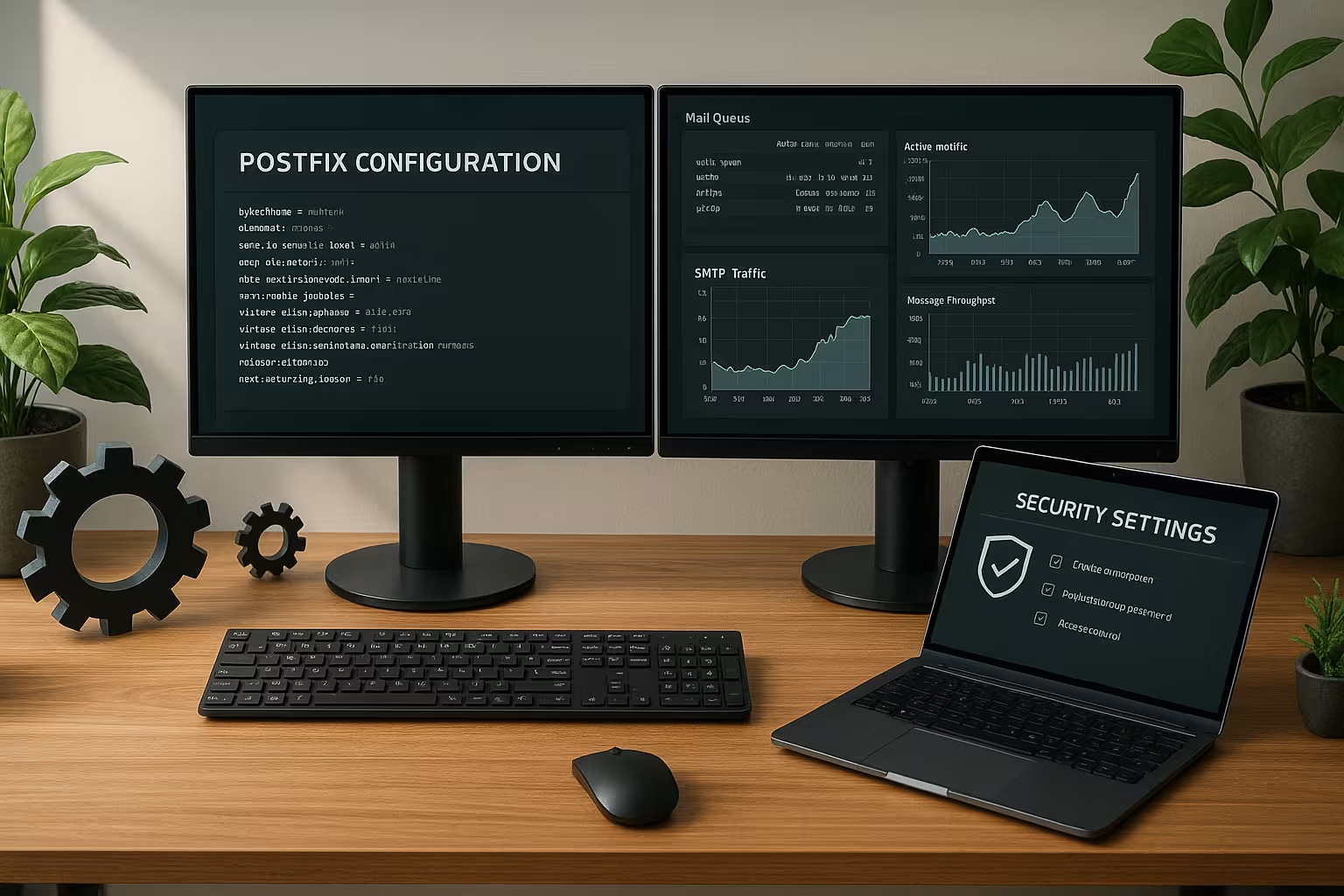
Within a WordPress environment, you can also use plugins such as "WP Mail SMTP" to optimize the email functionality. These plugins directly integrate SMTP settings, authentication data and SSL/TLS options. This ensures that contact forms or system messages run smoothly and securely via the configured Postfix server. Especially with highly frequented websites, it is essential that no mails end up in the SPAM folder - the combination of secure relay, correct DNS entries (SPF, DKIM) and a clean Postfix configuration prevents reputational damage.
If you operate your own vServer or dedicated server, you also have the freedom, dynamic IP addresses to avoid. A clean Fix-IP area contributes enormously to good Deliverability with. The existing integration with hosting providers such as webhoster.de ensures that certificate management and mail routing are largely automated, which minimizes sources of error and reduces administration effort.
Hosting recommendation for demanding Postfix use
If I have to operate several domains, backups and certificates within a productive environment, I rely on providers that offer me integrated solutions. The following table shows three tested providers:
| Provider | Availability | Simplicity | Additional functions | Recommendation |
|---|---|---|---|---|
| webhoster.de | 99,99% | Very high | Automation, WordPress integration, mail filter | 1st place |
| Provider B | 99,8% | High | Standard | 2nd place |
| Provider C | 99,5% | Medium | Few | 3rd place |

For professional projects in particular, fully automatic backups, flexible upgrades and the integration of monitoring services are among the decisive criteria when choosing a hoster. With webhoster.de additional functions such as automatic certificate management, API-based domain management and customer-specific DNS settings can be conveniently managed via the customer interface. This is particularly helpful if users frequently create new subdomains or email addresses - and ensures a dynamic, scalable infrastructure without constant manual intervention.
In a highly available Postfix environment you should also attach importance to redundant network connections and firewall concepts. The hoster should offer options to control incoming and outgoing traffic in detail so that individual IP addresses or ports can be blocked or forwarded if necessary without interrupting the entire service. The automated provision of Let's Encrypt certificates also simplifies the TLS configuration, especially if you serve a large number of domains.
Concluding overview
Anyone who is familiar with Postfix at the advanced configuration provides powerful tools for high-performance and secure mail environments. A good interplay of configuration, monitoring, filtering and automation is crucial.
With the right environment and a reliable hosting partner such as webhoster.de, even critical email workloads can be operated stably - whether for agencies, system houses or business portals with thousands of emails per hour. In particular, the ability to control Postfix granularly helps to ensure long-term delivery reliability and the reputation of your own domains. Those who also rely on sophisticated monitoring mechanisms and automation close potential security gaps and ensure a smooth process. In order to be prepared for growing requirements in the future, it is worth regularly reviewing your own mail server setups and integrating new technologies. This is because Postfix, in combination with modern services and protocols such as DMARC, DKIM and TLS optimizations, offers a proven, future-proof foundation to meet the increasing demands for security and speed.