Skip to content
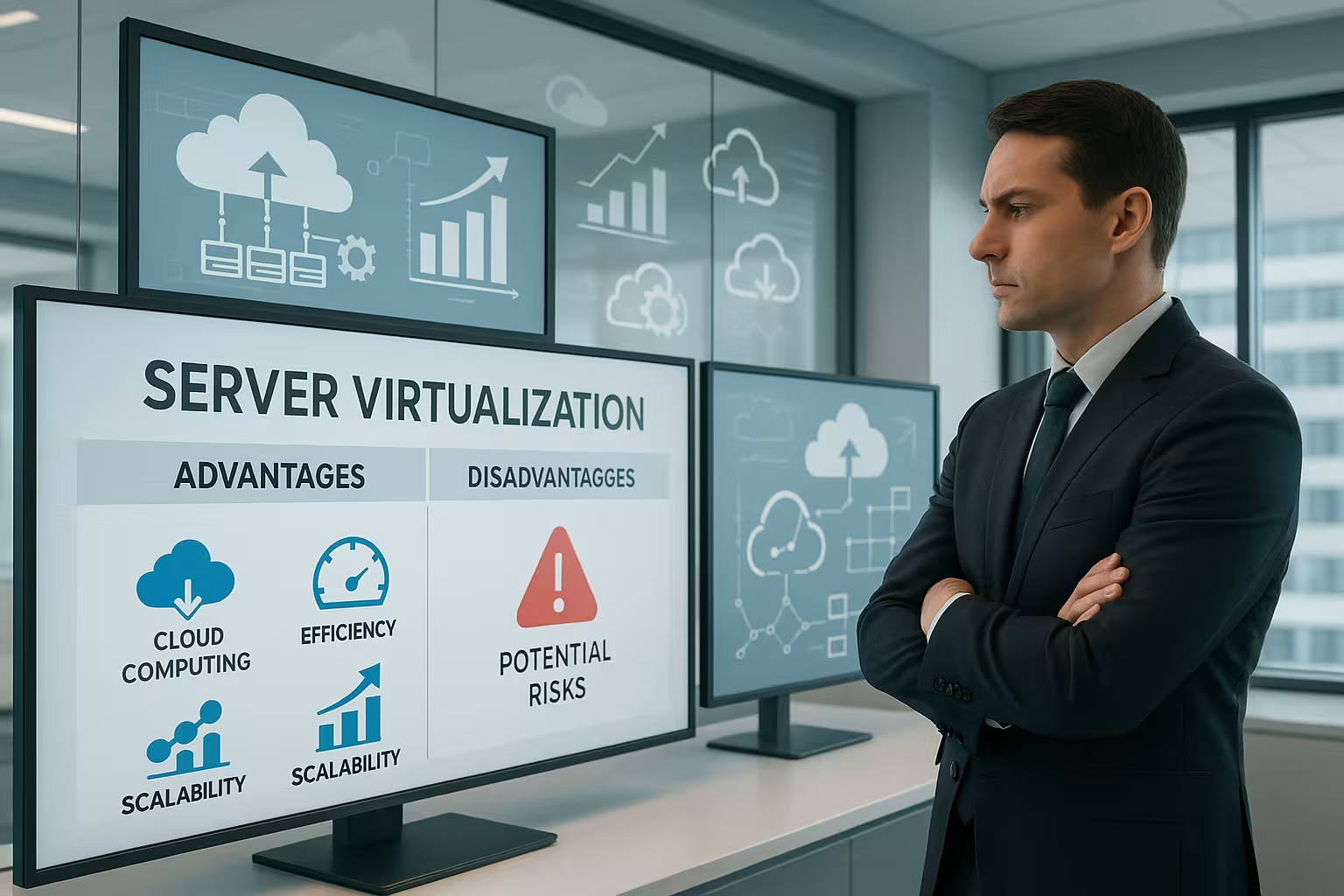
Server virtualization is a central element of modern IT infrastructures, as it enables the flexible use of hardware resources and at the same time brings enormous efficiency gains. Companies benefit from better utilization, lower costs and simplified management - but risks such as performance losses and licensing costs must also be kept in mind.
Key points
- Server virtualization enables the parallel operation of several virtual machines on one hardware
- Cost efficiency through reduced hardware, energy and parking space costs
- Flexibility in the development, migration and adaptation of systems
- Security benefits by isolating the virtual machines
- Planning and know-how are crucial for avoiding failures

What exactly is server virtualization?
With the Server virtualization a physical server is divided into several virtual machines (VMs). Each of these VMs functions as an independent computer - with its own operating system, its own applications and permanently allocated resources. This independent mode of operation is made possible by a so-called hypervisor. The hypervisor coordinates access to CPU, RAM and memory and ensures that the instances are isolated.
There are various technologies for implementation, including hardware virtualization, paravirtualization or bare-metal approaches. The choice of method depends on the area of application, existing hardware and the desired level of control. This setup is particularly advantageous in dynamically growing infrastructures. More about virtual machines and use cases can be read in addition.
Planning the storage concept also plays an essential role here. Only with sufficient storage performance (IOPS) and a fast connection can virtualization technologies be used with high performance. Centralized SAN or NAS systems, for example, ensure that the VMs can be quickly moved to different hosts - this is a basis for setting up highly available environments. It is also important to consider the network architecture, which in many cases becomes more complex as several logical networks are now operated in parallel.
Server virtualization methods at a glance
There are different types of virtualization depending on the intended use. The following table shows common methods - including descriptions and examples:
| Method | Description | Examples |
|---|---|---|
| Hardware virtualization | Complete emulation of hardware by hypervisor | VMware, Hyper-V |
| Operating system virtualization | Multiple containers within a common kernel | Docker, OpenVZ |
| Paravirtualization | Guest operating system and hypervisor communicate actively | Xen, KVM |
| Bare metal | Hypervisor runs directly on the hardware | VMware ESXi, Hyper-V |
Decision-makers should also pay attention to the planned workloads when choosing between container and conventional VM-based virtualization. Containers are particularly resource-efficient and are ideal for microservices and highly scalable applications. VMs, on the other hand, are offered for greater isolation and the operation of independent operating systems.
Typical advantages of server virtualization
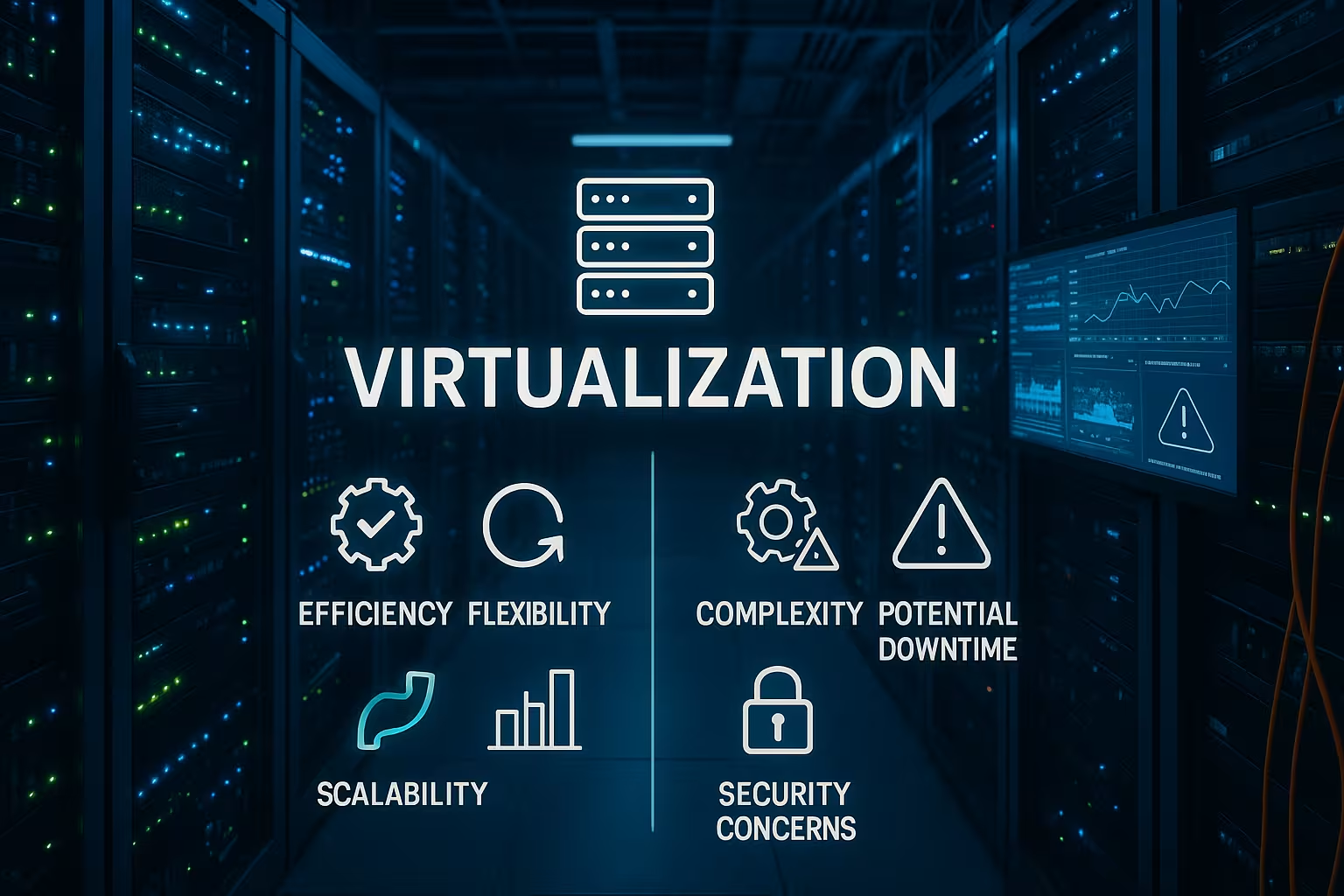
In practice, it quickly becomes clear how effectively virtualization solutions can streamline and modernize IT processes. Companies drastically reduce their physical hardware requirements through server virtualization, which has a direct impact on Costsenergy consumption and footprint.
Another big plus point is the Scalability. New virtual machines can be deployed quickly - regardless of the physical infrastructure. Day-to-day tasks such as backups, monitoring and patching are often automated via central management consoles.
Live migrations, snapshots and disaster recovery options not only improve availability, but also recoverability in the event of errors. The security gain from isolating the machines is a benefit that should not be underestimated - especially in sensitive application areas.
Further advantages result from the flexible allocation of computing resources. VMs can be allocated more or fewer CPU cores and memory as required. This enables optimized utilization of the hardware without individual applications slowing down other systems. If web applications are needed at peak times, for example, your VM can be allocated more RAM at short notice. Outside of these peak times, the resources are distributed differently so that energy-guzzling overcapacity is avoided.
Administrators often benefit from standardized processes and a uniform tool stack in virtualized landscapes. The configuration of network, storage and compute resources is carried out in central locations, making it easier to document and adhere to compliance requirements.

Possible disadvantages during implementation
Despite all the advantages, a virtualized infrastructure poses certain challenges. Decision-makers must be aware that the planned architecture is crucial - and non-trivial errors in the structure can lead to security risks or system failures.
A single physical server carrying several VMs can become a single point of failure in exceptional situations (e.g. hardware failure). Without high availability or redundancy, large systems can be paralyzed in one fell swoop.
Computing-intensive applications can suffer under virtualization - especially if there are not enough CPU cores or RAM available. This Performance topics should be factored in at the start of the project.
The license aspect should also not be underestimated, especially in productive environments. Some software manufacturers license their products per physical socket or per virtual processor. Depending on the platform, this can lead to unexpected additional costs. It is advisable to clarify in advance which licenses are required per host and which are required for individual VMs. This will prevent surprises later on from blowing the budget.
In addition, monitoring in virtualized infrastructures is more challenging. As several VMs share a physical server, administrators must use tools both at host level and in each VM to detect bottlenecks quickly and reliably. Seamless monitoring of CPU, RAM, network and storage load is essential in order to detect load peaks in good time and expand capacities.
Security and compliance aspects
IT security is increasingly being considered in the context of virtualization systems. Current platforms such as Windows Server 2025 bring dedicated features to improve Security such as isolated containers or hotpatching without restarting.
Data protection requirements can be precisely mapped using virtualized structures - for example through separate data rooms, individual encryption or role-based access controls. GDPR requirements also benefit from this technical approach.
At the same time, companies should have a comprehensive patch and update concept. Operating system patches and updates for the hypervisor are just as relevant as security updates within each virtual machine. Various security layers such as firewalls, intrusion detection/prevention systems and malware scanners are therefore part of the standard toolkit. The segmentation of virtual networks using VLANs or micro-segmentation also contributes significantly to protection.
Another important point is the implementation of robust access concepts. Administrators who have access to the hypervisor can potentially make far-reaching changes. Strict guidelines and regular audits are therefore advisable when assigning user rights. Backup copies of the hypervisor's configuration data should also be created so that they can be restored quickly in the event of an emergency.
Real application examples and potential
Whether system conversions, development projects or test scenarios - the possible areas of application are diverse. In a corporate context, the virtual consolidation of existing server structures is worthwhile in order to Overcapacity and make processes more efficient.
In parallel, lightweight web applications can be run on separate VMs without affecting the main platform. There are also new options for backup strategies: Snapshot backups of individual VMs offer exact restore points with minimal effort. In this context, it is also worth taking a look at the current vServer comparison.
Development and test environments in particular benefit enormously from virtualization. Multiple versions of the same application can be operated separately without the systems influencing each other. This allows developers to test new features under realistic conditions before they are transferred to the production environment.
There are also clear advantages in e-commerce: store systems can be scalably distributed across different VMs to cushion seasonal peaks such as Christmas or summer sales. As soon as the order volume drops again, resources can be downgraded and used for other projects without incurring additional hardware costs.
Companies operating in the field of data analytics or big data often rely on high-performance clusters, which can also consist of virtualized servers. This allows test clusters to be set up flexibly or new analysis frameworks to be evaluated without having to order a new physical machine straight away.
Tools and platforms for virtualization
The market for virtualization solutions is broadly based. Providers such as VMware and Microsoft offer professional suites with extensive integration - whether in local data centers or hybrid with cloud connections. For many users, however, it can also be worth focusing on VirtualBox as a free solution for training courses or development environments, for example.
Anyone starting out with virtualization should rely on a platform that can support future growth. Providers such as webhoster.de combine proven infrastructure with professional support to ensure a smooth start.
In larger IT environments, tool suites that aggregate performance data and enable comprehensive management are also in demand. VMware vCenter, Microsoft System Center Virtual Machine Manager or open source solutions such as oVirt provide central management consoles from which administrators can manage VMs, network settings and storage allocations. This unified view of the infrastructure not only reduces administrative effort, but also increases the efficiency of maintenance work.
There is also a trend towards software-defined data centers (SDDC). Here, the entire infrastructure - compute, storage, network - is virtualized and abstracted via software. This enables companies to allocate resources even more flexibly. This is a major advantage, particularly for short-lived projects or test phases, as hardware orders and long delivery times are no longer necessary. At the same time, such an approach is more complex and requires expertise in various areas, including network virtualization and automated provisioning.
Best practices in planning and configuration
Well thought-out planning is essential for virtualization solutions to function smoothly on a day-to-day basis. Key aspects are capacity management, high availability, network segmentation and regular updates. The following best practices in particular have proven their worth:
- Resource reservationImportant VMs should be guaranteed resources so that they are not slowed down even under high utilization.
- RedundancyThe use of multiple hosts and redundant network and storage components minimizes the risk of failure.
- Monitoring toolsContinuous monitoring of all host and guest systems provides insights into bottlenecks and growth trends.
- Patching and updatesEnsure that hypervisors, operating systems and applications are kept up to date to close security gaps.
- Security in network virtualizationVLANs or micro-segmentation reduce the risk of malware spreading laterally in the network.
In addition, clear documentation is the key to success. Administrators should make a note of all configuration steps in order to quickly find the causes in the event of an error. Regular test runs for disaster recovery are also essential. This ensures that backups actually work and can be restored quickly in the event of an emergency.
Summary for decision-makers
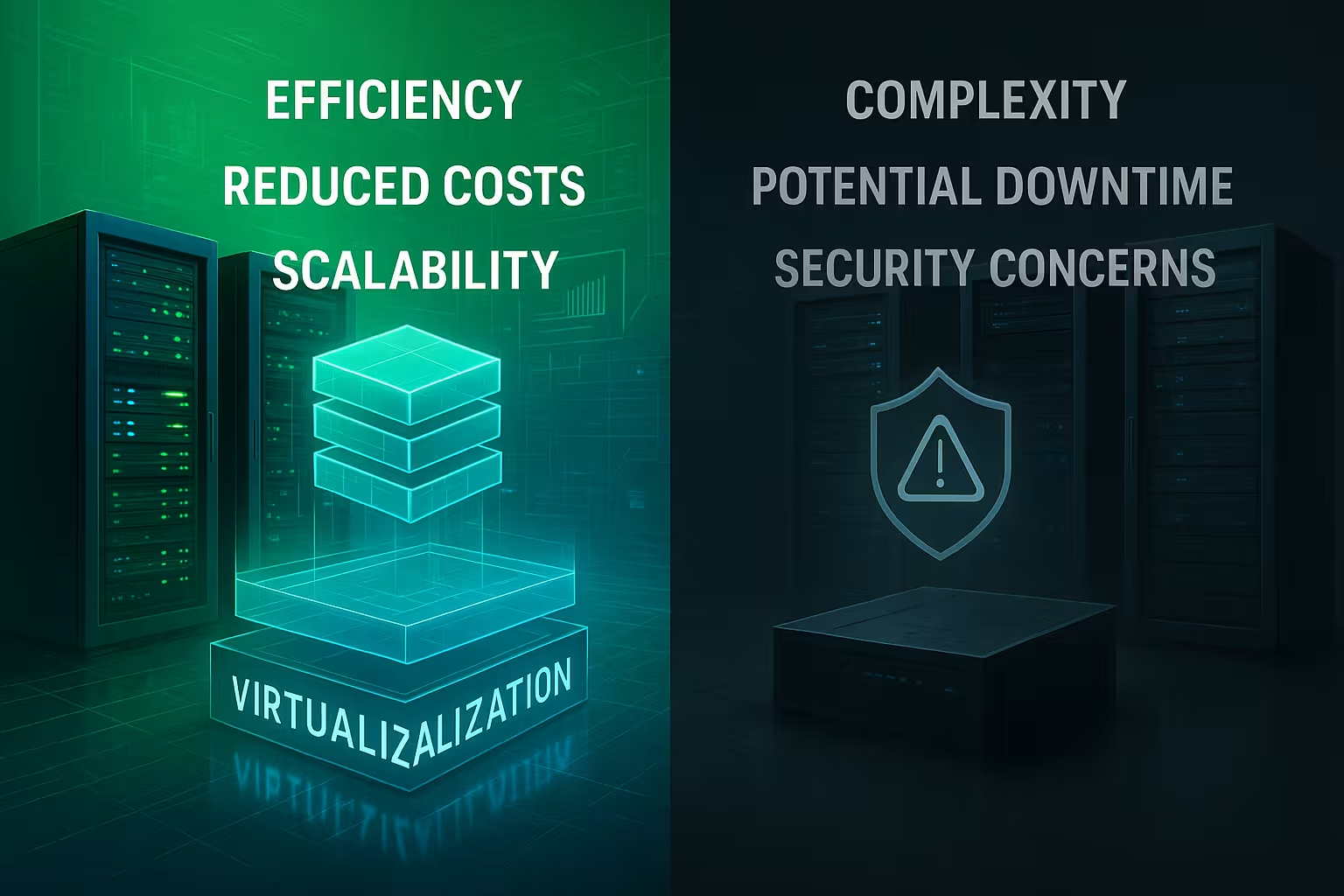
Server virtualization has become an indispensable infrastructure technology in many companies. It offers reliable Solutions for cost reduction, risk minimization and flexible use of resources. At the same time, this technology change requires expertise in planning and implementation - especially for safety-critical applications or high availability.
Virtualization offers convincing advantages for companies that want to use resources cleverly, modernize IT in the long term and secure their infrastructure sustainably. Working with an experienced provider from the outset ensures a stable, scalable basis with room for future requirements.