 Skip to content
A WordPress live chat offers an effective solution for communicating with website visitors in real time and responding directly to questions. With the right plugin selection, you can not only optimize support structures, but also seamlessly implement the data protection requirements of the GDPR.
Key points
- Direct customer contactLive chats increase satisfaction, support speed and conversion rate.
- Modular functionsAutomated responses, file transfer and visitor tracking are standard.
- GDPR complianceSecurity in data processing, obtaining consent and DP contracts are mandatory.
- Setup in 5 stepsInstallation, configuration and integration are straightforward.
- Performance through hostingPowerful servers are crucial for loading times and scalability.
Why live chats on WordPress sites are essential today
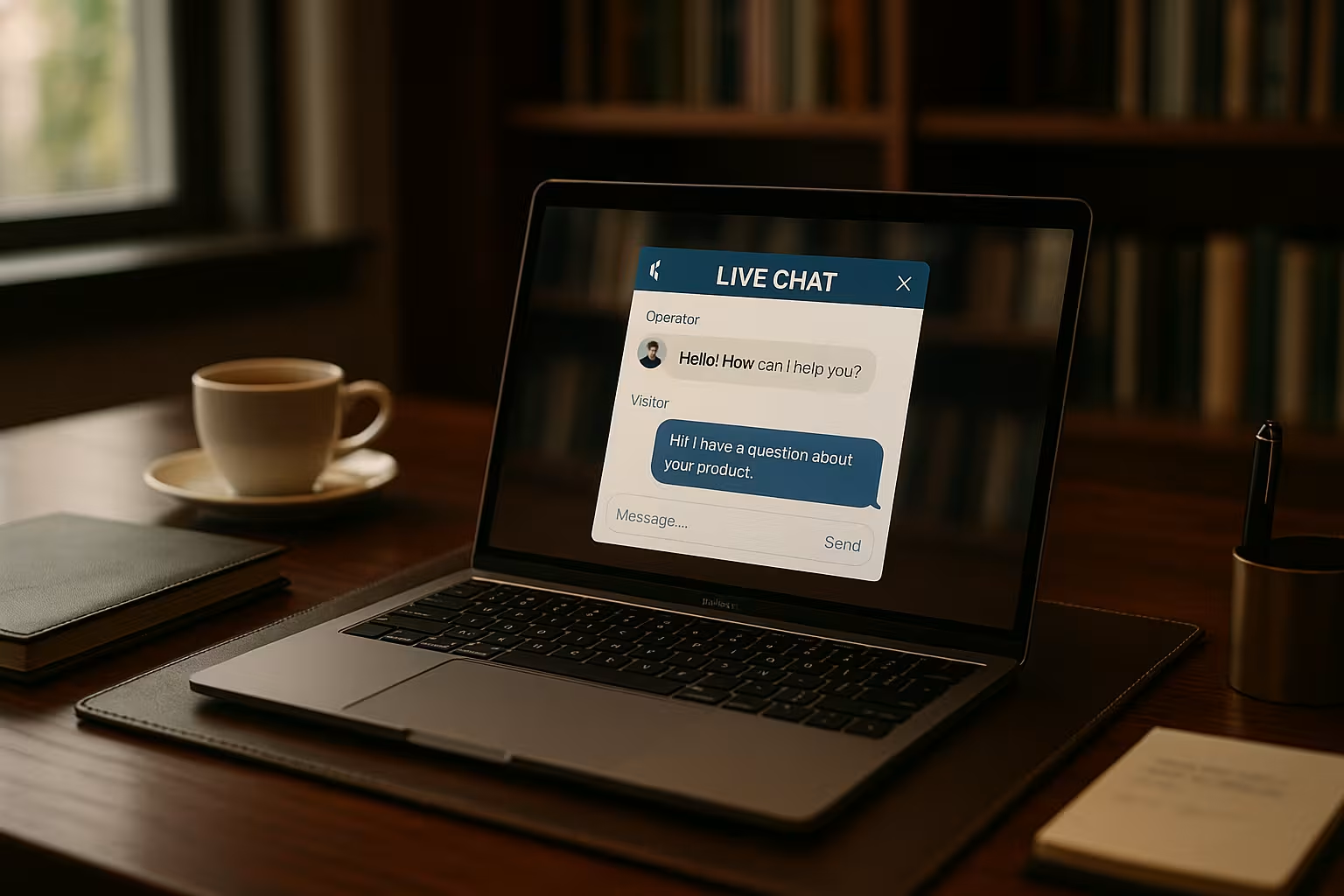
Visitors expect fast and uncomplicated communication. A Live chat widget is integrated directly on the website and allows immediate queries. This not only increases the length of stay, but also the likelihood of a sale or contact. Direct communication pays off, especially for products or services that require intensive consultation.
At the same time, the bond with potential or existing customers can be significantly strengthened. Statistics show that companies with a live chat function regularly achieve higher conversion rates.
Functions of modern WordPress live chat plugins
Live chat tools for WordPress deliver much more than simple message transmission. New functions are aimed at automation and user-friendliness. Those who are active in this area can achieve significant advantages:
| Function | Benefit |
|---|---|
| Real-time communication | Spontaneous interactions with visitors |
| Chatbots & automation | 24/7 availability with predefined answers |
| Multi-channel support | Connection with Facebook, WhatsApp & Co. |
| CRM integration | Direct transfer of leads to customer management |
| Visitor tracking | Live overview of routes and origin of users |
Chat design and user experience
An often underestimated factor when using a WordPress live chat is the design and user-friendliness of the chat window. An appealing, uncluttered layout and intuitive buttons can lower the inhibition threshold for visitors. The placement of the widget on the website also plays an important role: pop-ups that unintentionally cover up content or appear too intrusive can put users off.
Color schemes and icons should match the corporate design and convey the feeling that this chat is an integral part of the website. This makes the module look professional and trustworthy for customers. It is also worth displaying welcome messages in a targeted manner, for example only on the first visit or after a defined length of stay. This increases interaction and significantly improves the user experience.
If you want to go even further, you can A/B test different chat designs. This involves comparing which color scheme or positioning leads to more interactions. Such tests create a solid database to continuously optimize the user experience.
Setup: Step-by-step to live chat integration
Installing a WordPress live chat plugin is easy. The function is activated in just a few steps:
- Install plugin: Search for a suitable plugin such as Tawk.to or Tidio in the admin area and activate it.
- Carry out registration: Many providers require you to create an account for later configuration.
- Design widget: Adapt the color, welcome message, position and behavior to the website.
- Link other tools: Integrate CRM systems, newsletter platforms or support desks.
- Test run and control: Check the visibility and start an initial internal chat.

Data protection & GDPR: This is what matters in live chat
Using a live chat always means processing personal data. This often includes email addresses, names or even saved messages. That is why a Data protection-compliant operation essential. Plugins should declare transparently how and where they store data. If third-party providers are involved, the server location must be recorded and documented.
Before a chat even becomes visible, a clear consent must be given. This means that the chat module may only be activated after active consent has been given. Tools such as Borlabs Cookie or similar consent managers help with the integration of such consent.
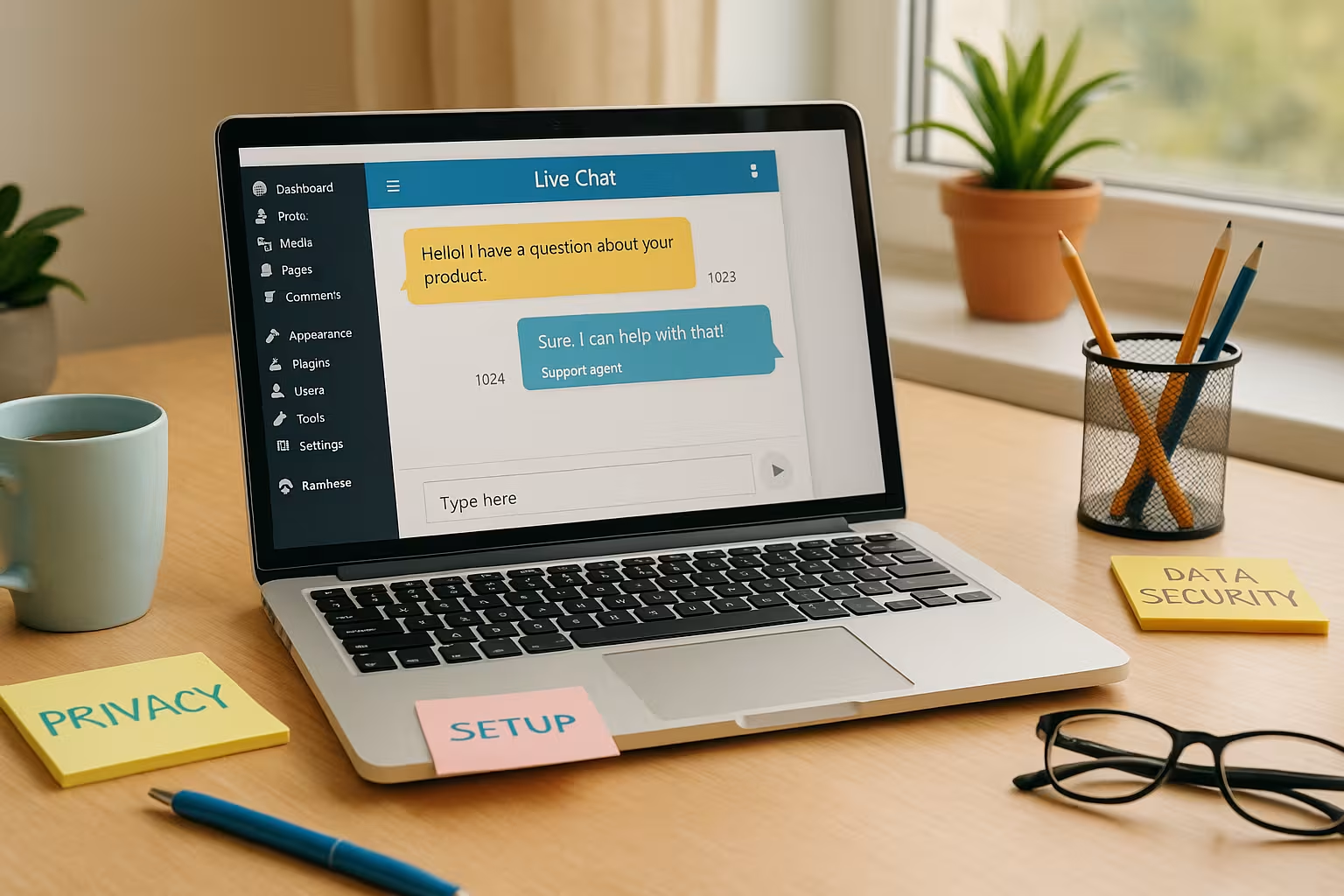
The data protection factor is extremely important, especially for operators who receive many inquiries from EU citizens. Improper handling can result in warnings or fines. A professional chat plugin therefore has integrated mechanisms for setting data retention periods and deleting chat histories with little effort. The way in which employees access personal data should also be precisely defined. Whether and how data is encrypted is another criterion when selecting a provider.
Companies that operate in particularly sensitive areas - such as healthcare or legal advice - should also check the extent to which the chat system in question supports end-to-end encryption or comparable security mechanisms.
Which WordPress chat plugins are convincing?
The market for chat plugins is diverse. There are free solutions as well as professional software with monthly licenses. If you are planning long-term use, you should choose an offer that Technology, automation and GDPR sensibly combined.
| Plugin | Costs | Chat history | Automation | Multichannel | GDPR tools |
|---|---|---|---|---|---|
| Tawk.to | free of charge | unlimited | Surcharge | Yes | Yes |
| Crisp | from 25 €/month | unlimited | Premium function | Yes | Yes |
| 3CX Live Chat | from 15 €/month | Yes | Yes | Yes | Yes |
Chat workflows and team organization
For a live chat to really offer added value, clearly defined workflows within the team are essential. Who answers which questions? At what times is the team online? Who deals with escalated conversations or special topics? Even in small companies, these roles should be coordinated to ensure a professional customer experience.
Larger organizations can set up dedicated chat support. In addition to customer support, it is also helpful to provide contact persons for sales, complaints or technology. This can be implemented via different departments in the chat interface so that customers are routed directly to the right channel. If a chat plugin does not offer this option, automated tags or chat bots can help to structure the course of the conversation.
It is also worth holding regular team meetings to discuss typical questions or problems and identify improvements to the process. A smooth live chat process can ensure a positive brand perception, especially during peak times such as campaigns or product launches.
Boosting performance through hosting
A live chat must load quickly - otherwise users will lose interest. Especially with high traffic, it is advisable to use a Powerful hosting to set. Providers such as webhoster.de offer optimized servers for WordPress websites with good support and strong performance. This means that chats run stably and without delay, even with many simultaneous requests.

In addition to server performance, caching mechanisms and content delivery networks (CDNs) also ensure shorter loading times for the WordPress installation. For international customers in particular, it makes sense to distribute content geo-redundantly in order to provide a fast connection quality even in distant regions. A fast-loading chat window has a direct impact on the conversion rate because users do not have to wait until a connection to support is established.
To ensure that performance remains high in the long term, it is advisable to update the plugin at regular intervals. Old versions can lead to security gaps or performance problems. It is also worth taking a look at possible conflicts with other plugins so as not to risk any loss of speed.
GDPR-compliant communication: Practical tips
Simple measures are crucial for the legally compliant use of live chat. Close a Contract for order processing with the plugin provider. Limit retention periods for chat histories to what is absolutely necessary.
Avoid asking for sensitive data during calls - especially if it is not encrypted. Train your service employees regularly on the topic of data protection to ensure that they are always secure.

Many live chat providers also provide voluntary commitments or certificates to prove their GDPR compliance. Nevertheless, it remains the responsibility of the website operator to critically review this information and, if necessary, to include it in their own data protection documentation. Regular audits can also be helpful to check whether any new functions are still being implemented in compliance with the law.
If customers have questions about data protection, it is advisable to answer them quickly and transparently. A clearly communicated data protection concept creates trust and lowers the inhibition threshold for disclosing personal information in the chat.
Using extensions and mobile apps
Many providers also offer Mobile apps for iOS and Android. This allows inquiries to be answered quickly, even when on the move. Push notifications enable real-time responses - even if you don't have access to the desktop.
If you want to link your chat system with a CRM or online store, you should look for flexible interfaces when selecting a plugin. Many tools also enable connection to internal tools and systems via API.
The mobile apps not only make monitoring easier, but also promote a faster response time. This flexibility is a real competitive advantage, especially for small teams or individual business owners who are frequently on the move. An added bonus: Most apps can be configured to set quiet periods for notifications. This means that your private life remains protected and you don't run the risk of having to be available at all times.
Also bear in mind that some mobile apps only offer limited functions compared to the desktop or web version. You should therefore check in advance which functions - such as sending files, reading statistics or integrating external tools - are actually available on mobile devices. Good preparation will save you frustration later on in your day-to-day work with the chat.
Performance measurement and conversion tracking
In order to benefit from live chat in the long term, it is advisable to regularly evaluate key figures. These include, for example, the average response time, the number of chats conducted per day or customer satisfaction. Many plugins already offer integrated analysis tools that can be used to carry out initial evaluations. It is also possible to integrate Google Analytics or similar tools to track user behavior and map the extent to which a chat contributes to a purchase or contact.
In particular, observe the conversion rate before and after the introduction of live chat. If there is an increase, conclusions can be drawn for further optimization. For example, whether additional automatic welcome messages are useful or whether certain times with higher demand for support should be covered. User feedback itself can also provide valuable information. Frequently asked questions can be stored in a knowledge base to relieve the burden on chat support and better meet customer expectations.
In addition to quantitative data, qualitative feedback is essential. If you understand not only the figures, but also the main questions or concerns of customers, you can act proactively. It may be worth adapting product pages, expanding FAQ areas or providing link tips to suitable articles directly in the chat.
AI-supported chat functions
More and more live chat providers are also relying on artificial intelligence. AI chatbots can not only answer simple questions automatically, but are also partly based on adaptive algorithms that improve with every interaction. The aim is to reduce the direct deployment of personnel while ensuring fast and consistent response quality. These chatbots can, for example, retrieve order or account data if the system is linked accordingly - provided there is a secure API connection to a CRM or store system.
With such automation, however, pay particular attention to the aspect of personal contact. Not all visitors want to communicate with a bot. That's why many plugins offer the option to switch seamlessly between bot and human agent. This enables AI-supported initial contact, which intercepts simple questions and forwards them to a real support employee if necessary.
A human conversation is unbeatable, especially when it comes to complex or emotional topics. However, the combination of bot and human intervention can reduce time and costs without compromising service quality. It is important to know the limits of AI and to intervene "humanely" quickly if necessary.
What remains at the end?
A WordPress live chat brings speed, proximity to the customer and advantages in support. In just a few steps, you can set up a powerful communication channel that receives visitors and forwards them in a targeted manner. The right balance between convenience and Data protection determines success or conflict.
Those who rely on hosting at webhoster.de can easily master the performance requirements. Plugins such as Tawk.to, Crisp or Tidio offer sophisticated functions - some free of charge, some with low rates. The effort is manageable, the benefits clear: modern support, higher conversion, satisfied customers.


