Automations such as backups, scheduled publications or email notifications run in WordPress via the system wp-cron. If you want to control these tasks reliably and improve performance at the same time, there is no way around targeted optimization.
Key points
- Functionality: wp-cron reacts to page requests and then starts scheduled jobs
- Weaknesses: Execution problems arise with too little or too much traffic
- Optimization: A server-side cron job improves reliability and speed
- MonitoringPlugins such as WP Crontrol make cronjobs visible and controllable
- Best Practices: Correctly set intervals and controlled tasks keep the system stable
How wp-cron works - and why this can be a problem
The wp-cron system is an internal method used by WordPress to execute scheduled tasks. Unlike classic cron jobs on a server, however, wp-cron only active whenwhen someone visits your website. This means that if there are no visitors, the tasks do not run. On a heavily frequented site, this can lead to massive performance problems - because wp-cron reacts every time a page is loaded and generates a noticeable load. With few visitors, on the other hand, nothing happens for a long time. Intermediate caching can even lead to wp-cron being skipped altogether.
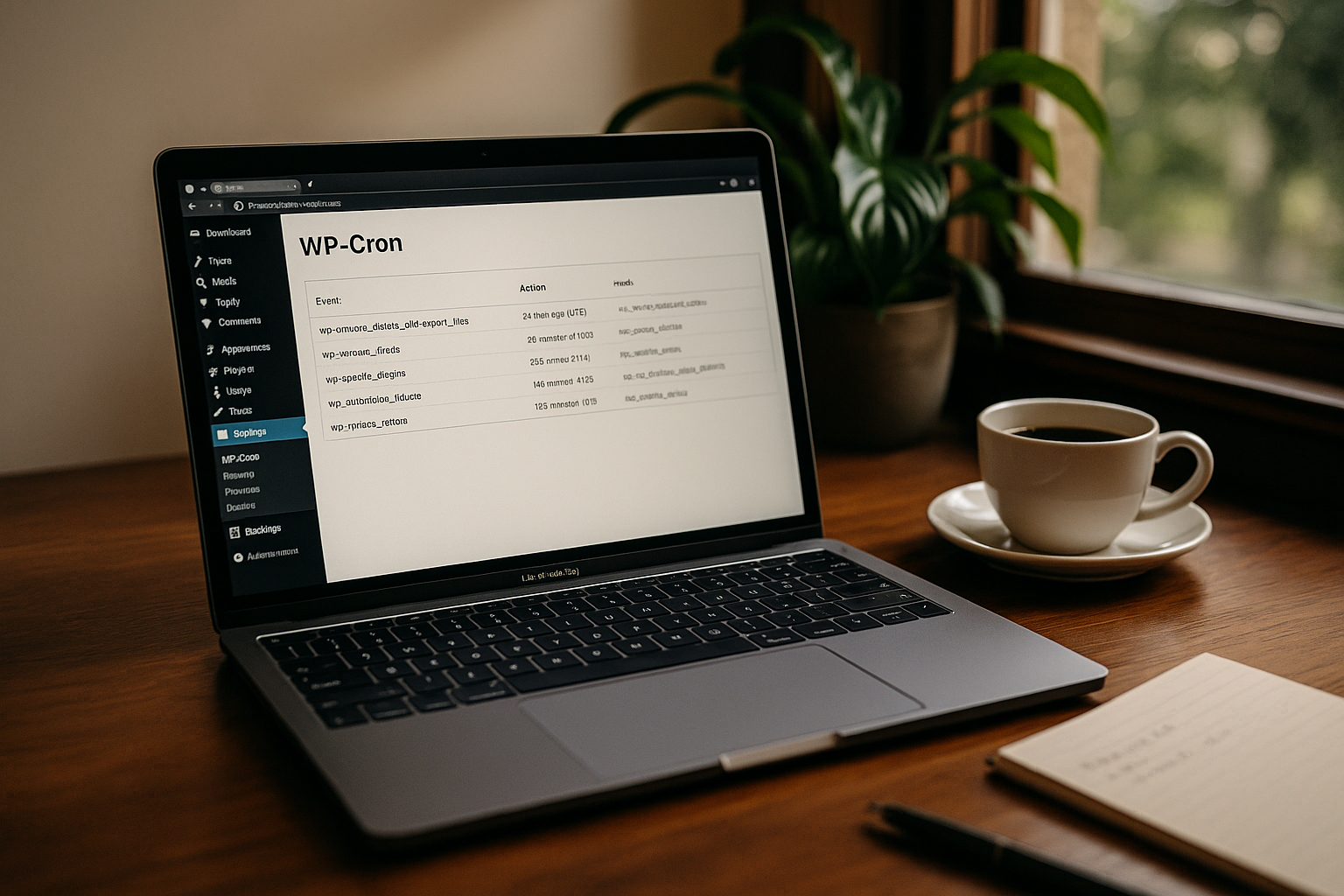
I use wp-cron myself on many projects - and time and again I encounter exactly the same problems: Cronjobs run late, twice or not at all. Manual adjustments are unavoidable, especially on sites with low traffic or where cache systems are used. The sometimes unpredictable behavior can cause important processes to get stuck in the worst case scenario. This is particularly fatal for security-relevant tasks such as backups. Instead of relying on spontaneously triggered jobs, a more stable foundation is needed. This is exactly where the idea of switching off the standard setup and using a real server-side cronjob comes in.
Another common challenge in the operation of wp-cron is the parallelization of tasks. If several processes are started at the same time - for example, a backup plugin that creates large files while another plugin is triggering updates - there are often significant performance drops. The json_last_error() issue or process timeouts occur at such moments and are usually difficult to debug. This is precisely why it is essential in larger environments to regulate cron execution more closely. At the same time, you can decouple individual processes so that they do not all start synchronously. This minimizes unwanted load peaks.
Bypassing the limits of the standard configuration
By default, wp-cron runs with every visitor action. If your site is heavily visited, there is a risk of overload. If it has few visitors, scheduled tasks often run too late. The solution? Switch off the standard function and hand over control - to a real server-side cronjob. This will improve stability and speed. The first step is simple: deactivate the internal call in the wp-config.php file.
define('DISABLE_WP_CRON', true);
The second step is to set up a cron job on the server, ideally via SSH or the hosting panel. In Plesk is particularly easy to set up. Use a command like this:
*/15 * * * * * wget -q -O - https://deine-webseite.de/wp-cron.php?doing_wp_cron >/dev/null 2>&1
You can of course set different intervals here. For high-traffic sites, it may be worth calling the cron every 5 minutes if you have a lot of time-critical processes. For a quieter site, an interval of 30 minutes or even an hour may be sufficient. This flexibility means that the system is no longer dependent on user behavior.

The advantages of server-side execution
This allows you to leave the limitations of the visitor-controlled cron system. Start your tasks Time-controlled and independent from traffic. This avoids multiple instances and reduces latencies. The performance of the website improves measurably because wp-cron no longer loads every page request - this saves server resources and shortens loading times. This can make a noticeable difference, especially on hosting systems with limited CPU and PHP execution times.
If you also only want to run certain tasks at night because they are particularly resource-intensive - such as generating extensive statistics - a classic cronjob approach can trigger this exactly after midnight. Your visitors won't notice anything, as the site remains unloaded during the day. For projects with different time zones, you can go even further and adjust the exact time so that the cron call is based on the peak times of your main target group, for example.
An underestimated advantage is the improved troubleshooting: With a server-side cronjob, you can have output or error messages logged specifically. This allows you to find out whether a script fails without a user seeing an error message on the website. Especially with complex tasks that pull and process data from external APIs, you can specifically intercept and analyze debugging information without disrupting the live system.
Especially in high-load scenarios - for example with large online stores or membership sites - the server-side cronjob is much better. Here, the internal wp-cron can lead to highly disadvantageous concurrency. If several hundred users are active at the same time, wp-cron is called every time a page is accessed. The server load increases accordingly. With a clean deactivation in wp-config.php and a well-dosed schedule at server level, the entire infrastructure is relieved.
Monitor WP-Cron: Keep an eye on your automation
If you want to view, use or adjust your planned tasks, you can do this conveniently with the plugin WP Crontrol. It shows you a list of all active cronjobs - including time, repetition interval and function. I often intervene here to delete outdated tasks or create new tests. Simple tasks can be added directly in the interface, such as a daily call to update a sitemap.
Typical use in the plugin:
- View active cronjobs incl. execution time
- Direct deletion, editing or test execution of tasks
- Manual creation of recurring calls
Especially for updates, backups or newsletter distribution, a look at WP Crontrol ensures that you recognize error-free behaviour - and can eliminate troublemakers. For example, I have found old cron jobs in some projects that were no longer needed but still reported every hour. Removing such dead bodies creates space and stability for new, really needed tasks.
If you want to go deeper into monitoring, you can also record the output of the cronjobs via a separate log file. This allows you to identify any errors or warnings more quickly. This is particularly helpful for regular updates or database cleanups, as you can see immediately if a process is stuck or a table is locked. WP Crontrol can be the first port of call here, while a separate server log provides the details.
Popular use cases for wp-cron in WordPress
The wp-cron architecture is deeply anchored in the WordPress core. It controls many of the most important processes. Whether scheduled posts or security-relevant functions - wp-cron is the central control center for recurring processes. I use it regularly for the following tasks:
| Task | Purpose |
|---|---|
| Planned publications | Post goes online automatically |
| Backup processes | Regular storage of sensitive data |
| Database maintenance | Cleaning up revisions, transients |
| Cache update | Freshly render content |
| Query SEO metrics | Indexing & ranking monitoring |
Many of these functions are controlled by plugins - e.g. sitemap tools or backup providers. BackupCloud Protect uses wp-cron, for example, to continuously back up all data. Security plugins also use wp-cron to regularly check database integrity or update IP blocklists.

The automation of SEO analyses and content adjustments in particular is gaining in importance, as many website operators are increasingly relying on tools to monitor their rankings or backlink profiles. This type of task also often runs via wp-cron and can lead to a load if there is a large amount of data. By shifting certain processes to a night phase, you can ensure that valuable resources are not used during peak usage times. This keeps the user experience consistently high.
Avoid these typical errors with wp-cron
In my work on high-traffic websites, I often see the same stumbling blocks with wp-cron. These include, for example, the reliance on standard operation - even though the site has very low visitor numbers. As a result, backups fail to appear or posts never appear. Too many parallel tasks also put a strain on the server. If important content is then prepared, saved and sent at the same time, loading times increase noticeably.

Another problem: Systems with aggressive caches block the wp-cron call completely. Affected pages then show no activity at all - even though numerous tasks are scheduled. Optimization is essential if you want your site to run reliably. We also frequently encounter script errors that send individual cron jobs into continuous loops unnoticed. This not only eats up resources, but can also make data inconsistent. Regular monitoring prevents this.
Another classic mistake is to set the timing too tight. For example, starting cron calls every 1-2 minutes in order to be supposedly "time-critical" often does more harm to stability than good. This is because many background processes simply need time and then start in endless loops before the previous task has even been completed. You should therefore choose more generous intervals. Nobody needs the server to be constantly overloaded just so that a backup script can save useless data every minute.
Keeping performance under control - thanks to targeted optimization
After switching to a server cronjob, you will not only benefit from better runtimes - your WordPress installation will also be more stable. Short-term disruptions caused by loading delays, for example, will disappear because unexpected background tasks will no longer take place. In combination with other techniques such as WordPress performance optimization you will achieve a significantly better user experience.
I also recommend monitoring wp-cron regularly - whether with plugins such as Crontrol or with server logs. For productive sites with store or member functions, every minute counts. And this is where automation is essential for smooth operation. Structured monitoring allows you to recognize at an early stage whether individual tasks are taking too much time or even failing. This allows you to take targeted countermeasures and replace a plugin that turns out to be an excessive resource trap, for example.
Companies that process several hundred orders a day should use the entire process chain view: Stock updates, shipping notifications, creating invoices or statistical evaluations - all of these can run via cronjobs. With the right setup, you can avoid conflicts, for example if a plugin blocks when writing to the database. You can set manually coordinated start times so that two particularly CPU-intensive jobs are not active at the same time. This fine-tuning usually pays off after a short time, as users notice better store performance and crashes become less frequent.
WP-Cron as the key to controlled automation
Whether it's update control, image processing, archive solutions or serial appointments - wp-cron is your control center. If you optimize it correctly, background services will run in a controlled and secure manner without any negative effects on your frontend. With real cron jobs that are scheduled on the server side, you can achieve a level of precision and reliability that WordPress doesn't offer out of the box. At the same time, you always retain control over peak loads and can identify and resolve problem areas in a targeted manner.
Especially in extensive projects, it is worth splitting individual areas into separate cron jobs. For example, you can run the database cleanup first - and only trigger the next task, such as creating backups, once this process has been successfully completed. If you want even finer control, you can even define different interval lengths depending on the requirements and urgency of the task. The only important thing is to keep an overview and clearly document which processes are running. A look at WP Crontrol or the corresponding server logs should be enough to avoid activating duplicate tasks or inadvertently allowing old remnants to continue looping.
Every automation stands and falls with planning in mind. My tip: Make a list of all the wp-cron tasks that your site performs. Sort them by relevance and resource requirements. Determine which time windows are most suitable. In many projects, it is sufficient for accumulating tasks such as backups or extensive reports to run at night, while during the day only very short but recurring checks are often carried out (e.g. whether new comments need to be approved). This ensures that all automated tasks complement each other instead of blocking each other or overlapping in an uncontrolled manner.
In the end, everyone benefits: your users experience smooth operation and fast loading times, you yourself keep an overview - and your server runs more stably. If you are prepared for possible bottlenecks and configure your automation carefully, wp-cron is a powerful tool rather than a potential source of errors. WordPress sites that handle cron jobs professionally often stand out clearly from competitors where processes only run randomly or not at all. At a time when reliability and speed are crucial, a look behind the scenes is all the more worthwhile.