Skip to content
A domain transfer only protects your brand if you use common Domain transfer error avoid. Without planning, there is a risk of email failures, loss of ranking or even temporary unavailability of your website.
Key points
- Domain lock remains activated - the transfer cannot start.
- Outdated contact details prevent important Auth messages.
- Missing AuthCode delays or blocks the transfer.
- DNS settings are lost - website is down.
- Lack of Legal knowledge lead to breaches of contract or trademark infringements.
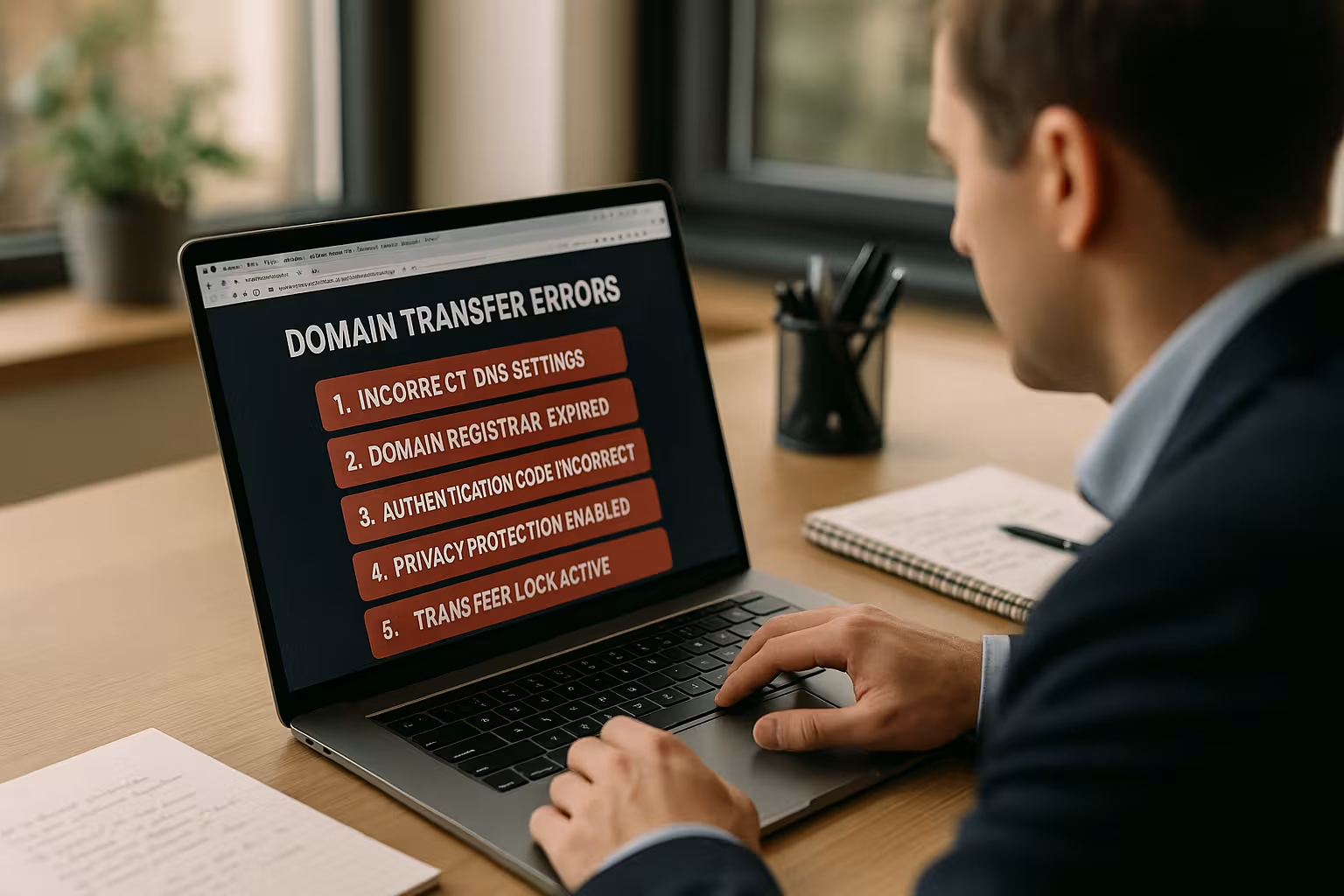
1. domain lock not deactivated
Many registrars protect domains by means of a so-called Transfer lock. This prevents unauthorized transfers and also blocks legal domain transfers if you do not remove the status beforehand. Check the customer area of your current provider to see whether your domain is marked as "ClientTransferProhibited". Remove this block in good time or contact support if you cannot manage the status yourself.
For some TLDs - for example .de domains - you also need a so-called AuthInfo code from the provider. Without this, it is not possible to start the transfer. In practice, it can also happen that the domain lock is deactivated for international endings such as .com or .net, but your registrar sets internal protection periods. This means that you may still have to wait a few days before the transfer can actually start, despite the domain lock being deactivated. It helps to always keep an eye on the customer portal and email communication to avoid delays.
Things get a little more complicated if you have several subdomains in use and the domain has only recently been registered or transferred. Many registrars then apply blocking periods of 60 days, during which further transfers are not supported. Find out about the specific regulations of your provider in advance and plan enough time for the transfer so that no teams or external service providers are blocked.
You can read more about this in the article Prepare your domain change correctly.
2. invalid or outdated contact details
During the transfer, the registrar contacts the registered holder - usually by e-mail. If it contains an old address, the process will fail. You should therefore enter all details for the Domain holder and admin in good time. If the contact details are not verified, for example, the registrar suspends the process or does not even start it.
Also note that changes to Whois data often result in the domain being deleted for up to 60 days. locked will be. Plan accordingly with sufficient lead time, especially for several transfers at the same time. This is especially true if you maintain several domains in your portfolio. An incorrectly entered name or an outdated contact person can bring the entire transfer chain to a standstill.
Sometimes a change in the legal form of your company or a change of location also leads to incorrect data. Registrars and the respective registry operators have strict guidelines to ensure that domains are not transferred without the owner's consent. Therefore, check once a quarter whether all data is still up to date to ensure a fast and trouble-free transfer process.

3. authCode is missing or has expired
The AuthCode - for some TLDs also EPP code - is the security ticket for the transfer. If it is missing or if you pass it on late or incorrectly, the attempt usually ends in a rejection. Pay attention to the exact spelling - some systems do not accept even the smallest deviations.
For .de domains, the AuthCode is often only valid for 30 days. I recommend that you use the code immediately after requesting it and do not leave it lying around. This will avoid extra work and unnecessary delays. If you don't manage to initiate the transfer before the deadline expires, you will often have to request a new code. This not only leads to double the work, but also carries the risk that a new code will only be generated after a certain waiting period.
In some cases, AuthCodes are only made available via a secure customer portal or on request via support for security reasons. Make sure you know the correct channel to avoid unnecessary loops. Special characters or a different encoding can also lead to errors when you copy and paste your code. It is therefore best to test in a note program whether the code is copied unchanged.
4. DNS settings are lost
When a domain is transferred, only the domain name is transferred - no DNS zones, email addresses or certificates. If you are not prepared for this, you risk Website outages and e-mail malfunctions. It is therefore best to document all A, MX and CNAME entries in detail beforehand. You can then mirror the settings with the new provider before the actual transfer takes place.
Always sensible: Leave the domain running via the previous name servers until the transfer is complete. This way, your site remains accessible and you minimize risks. Ideally, you should set up a test setup with the new provider at the same time to check whether all subdomains, SSL certificates and mail accounts are working as planned.
If you are wondering how to set redirects correctly, you can find out more about the Setting up forwarding experience.
Especially for larger web projects or multiple connected domains (e.g. for product landing pages, blogs and online stores), incorrect DNS entries can quickly lead to a loss of revenue or a negative user experience. Thorough documentation in advance ensures that you only have to make minimal changes after the transfer so that your projects are fully functional again in no time. Some providers also offer a DNS import or export wizard that allows you to transfer all settings automatically.
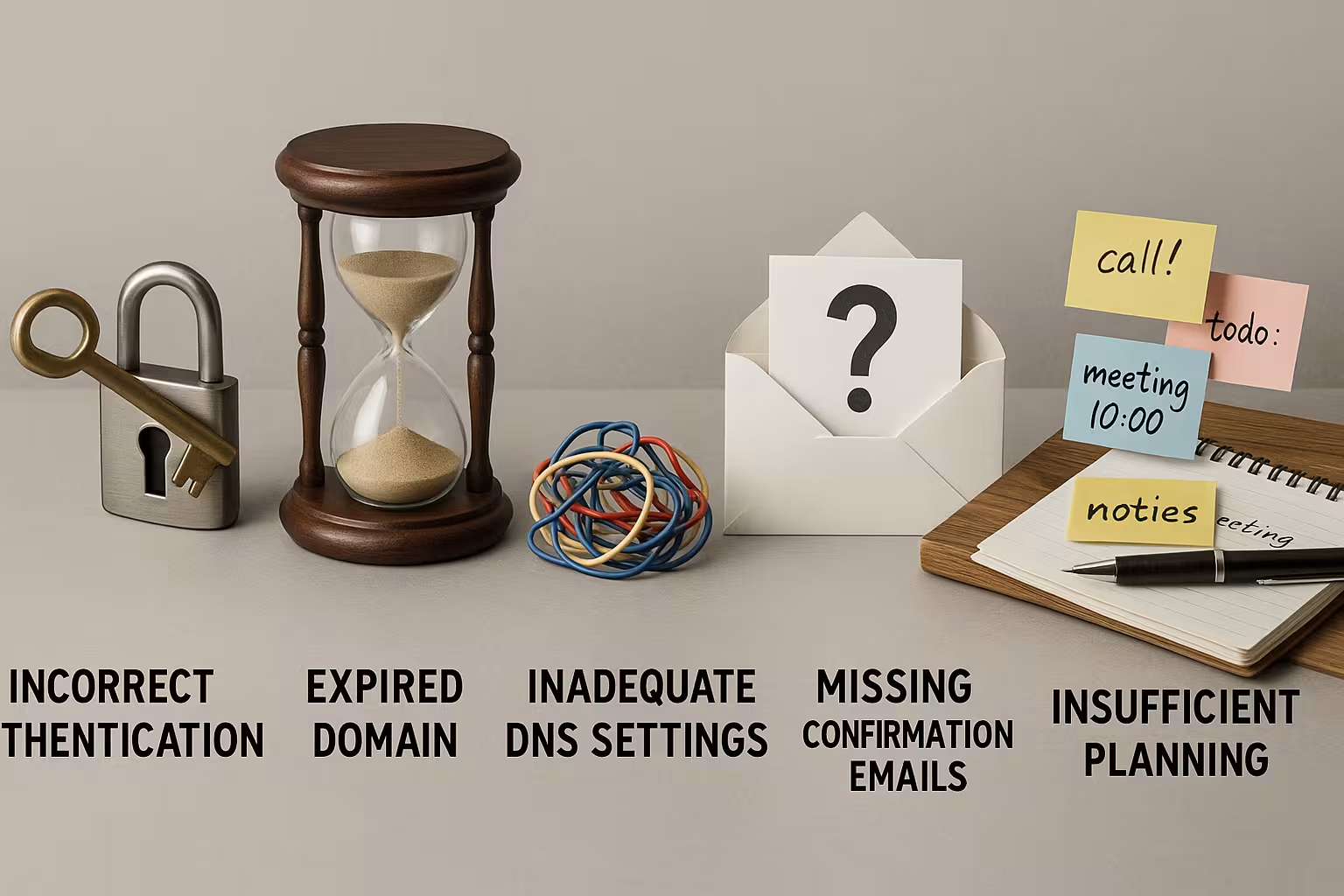
5. poor scheduling & legal pitfalls
A common mistake is miscalculated time - for example, because notice periods with the old provider are ignored. Special blocking periods after re-registration or change of ownership can also quickly become a problem. So plan the transfer with sufficient Buffer time especially with many domains at the same time.
You should also check whether your future domain could conflict with trademark rights. Some TLDs require documents or verifications before a transfer can even take place. Contacting a specialized domain provider with experience in international rules often helps here.
If you neglect the legal aspects, you risk expensive warnings or disputes about the domain. Especially with country-specific endings such as .fr or .it, the local authorities or registries can formulate very precise requirements that stand in the way of a transfer or even a new registration. You should therefore familiarize yourself with the applicable regulations in good time to avoid unpleasant surprises in the end.
Timing is also particularly important if you want to move several domains at once as part of a rebranding. A lack of coordination can quickly lead to overlaps: You may want to continue operating individual landing pages or subdomains while others are already inactive. So make sure you give yourself enough time to get all stakeholders on board and set the right deadlines.
Additional tips for a safe transfer
Even if you are technically adept, you should pay attention to these recommendations:
- Start domain transfers outside your main working hours - early in the morning or at the weekend, for example.
- Log into the customer centers of both providers regularly and check for status updates.
- Create Backup copies your website and emails before you initiate the transfer.
It is also advisable to carry out a DNS check as a test. You can find tools for this online; they often provide a detailed report on possible misconfigurations. This way, you can discover any conflicts in your DNS entries before the actual move. Another practical tip is to create email accounts with the new host in good time. This will prevent emails from going unanswered or being returned as undeliverable during the transfer phase.
If you are processing sensitive data via your domain, e.g. in the e-commerce sector, it may make sense to carry out the transfer during a less busy period. This reduces the risk of important payments or orders getting stuck in the transfer traffic jam and your customers becoming unsettled.

Table: Comparison of popular hosting providers for smooth transfers
When choosing a trustworthy hosting partner, it is worth taking a look at performance features and support strength.
| Place | Provider | Strengths | Price from |
|---|---|---|---|
| 1 | webhoster.de | First-class support, automatic DNS takeover, GDPR-compliant | 1,49€/month |
| 2 | Provider B | Inexpensive, solid transfer speed | 1,69€/month |
| 3 | Provider C | Basic functions sufficient, moderate accessibility | 1,79€/month |
When deciding on a hosting provider, many people often only consider the price. However, especially when moving a domain, it's not just about low rates, but also about reliable and fast support. If you have access to a competent team that responds to questions or problems in real time, you can often save yourself several hours of waiting time and potential loss of revenue. Automated DNS takeovers also reduce your workload, especially if you manage multiple entries.
If you want higher availability or additional security functions, it is worth comparing premium tariffs. Some providers offer free SSL certificates, extended DDoS protection or access to comprehensive backups. Such features can be worth their weight in gold during the transfer or shortly afterwards to get your website back online quickly and protected against attacks.
Strategy and planning beat hectic pace
Even if a domain transfer seems quick on paper, as soon as DNS, email or contract deadlines are added, it becomes technically and organizationally demanding. Stick strictly to procedures, document every step and think about what needs to be transferred and where beforehand. Use tools or tables to keep track of AuthCodes, provider changes and responsibilities.
Also keep in mind that a professional brand presence often involves more than just one domain. You may have additional domains that have been preemptively secured to catch typos or serve international markets. When transferring all these endings, you should have a plan A and plan B and keep a precise record of which domain is being transferred and when. This prevents you from inadvertently setting domain variants to inactive. Also check whether the name server entries of different domains overlap to avoid conflicts.
Companies with several departments or approval processes in particular should schedule meetings at an early stage to clarify the individual steps and responsibilities. This is the only way to avoid running out of time and prevent the marketing department from clinging to old URLs while IT is already trying to carry out the transfer. Meticulous project planning not only speeds up the process, but also ensures clear communication between everyone involved.

What counts in the end is care and technology
A domain transfer is not a technical no-brainer. The better prepared you are, the smoother the process will go. Typical Domain transfer error almost always result from a lack of planning or ignorance of certain rules. Therefore, use your hosting partner's resources, read instructions carefully and proactively prepare technical parameters such as DNS or SSL.
An experienced provider such as webhoster.de provides support with automatic DNS migration and fast technical support, for example. If you are also well informed, you gain a competitive advantage and can react quickly to challenges. Even if the move itself can be completed in just a few steps, it is advisable to keep a close eye on the post-transfer phase: Check email routing, your website performance and all log files to identify errors quickly.
Regular monitoring is worthwhile for long-term maintenance so that you notice changes in the DNS or problems with accessibility immediately. Because even after a successful move, unexpected DNS latency times or conflicts with SSL certificates can creep in, which can be quickly resolved with a proactive look. Those who plan carefully remain capable of acting even in stressful situations and maintain the reliability of their web projects.