 Skip to content
PHP 8.2 brings significant improvements for hosting environments - the new version is easy to set up and configure on a Plesk server. This article highlights the installation of PHP 8.2 Pleskchecks the compatibility of common web applications and compares the performance of older versions.
Key points
- Simple installation via Plesk Installer or command line
- Significant increase in performance and lower memory consumption
- Compatibility with popular CMS must be checked in advance
- Modular management multiple PHP versions in parallel in Plesk
- PHP Extensions such as SSH2 can be added without any problems
PHP 8.2 installation on Plesk
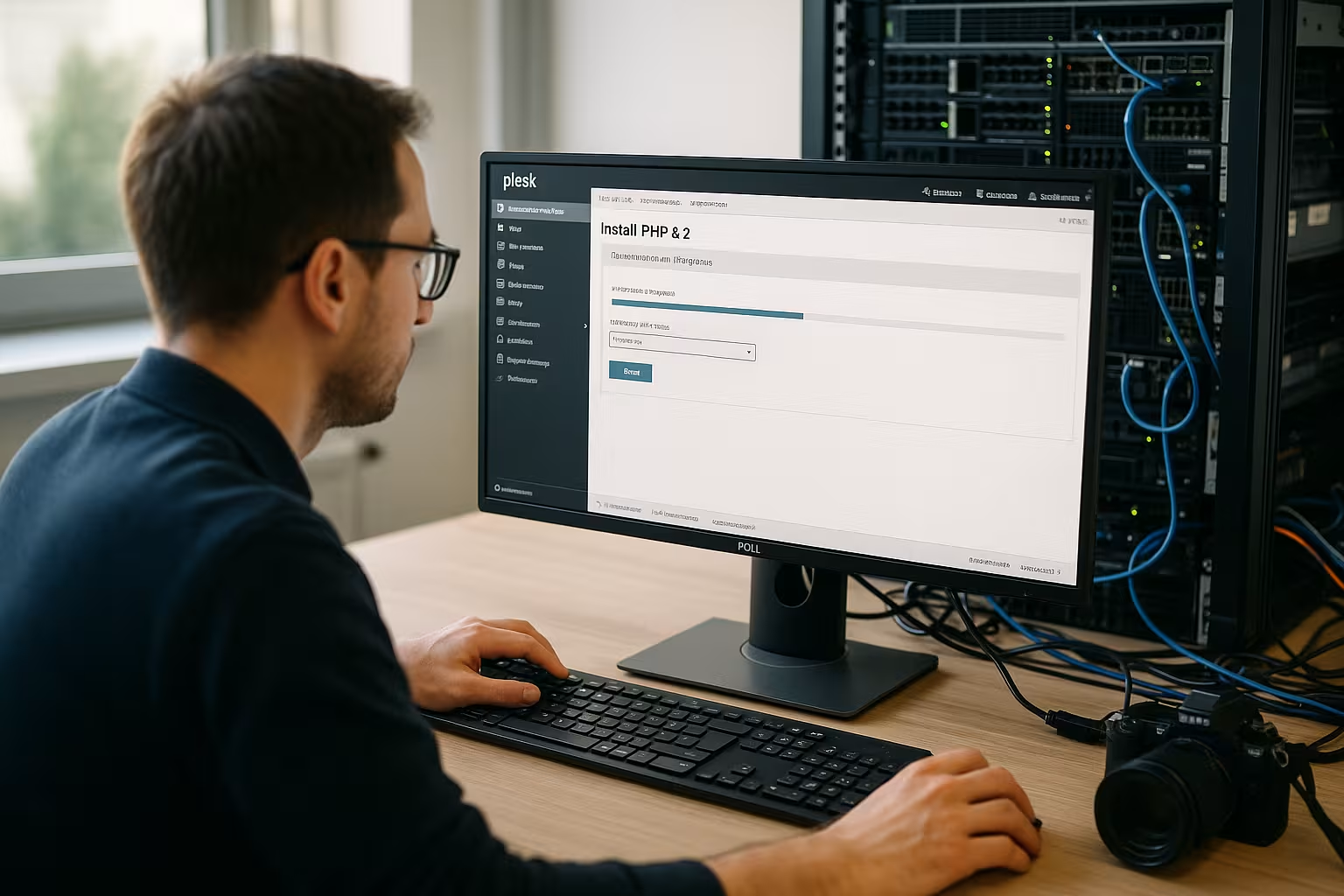
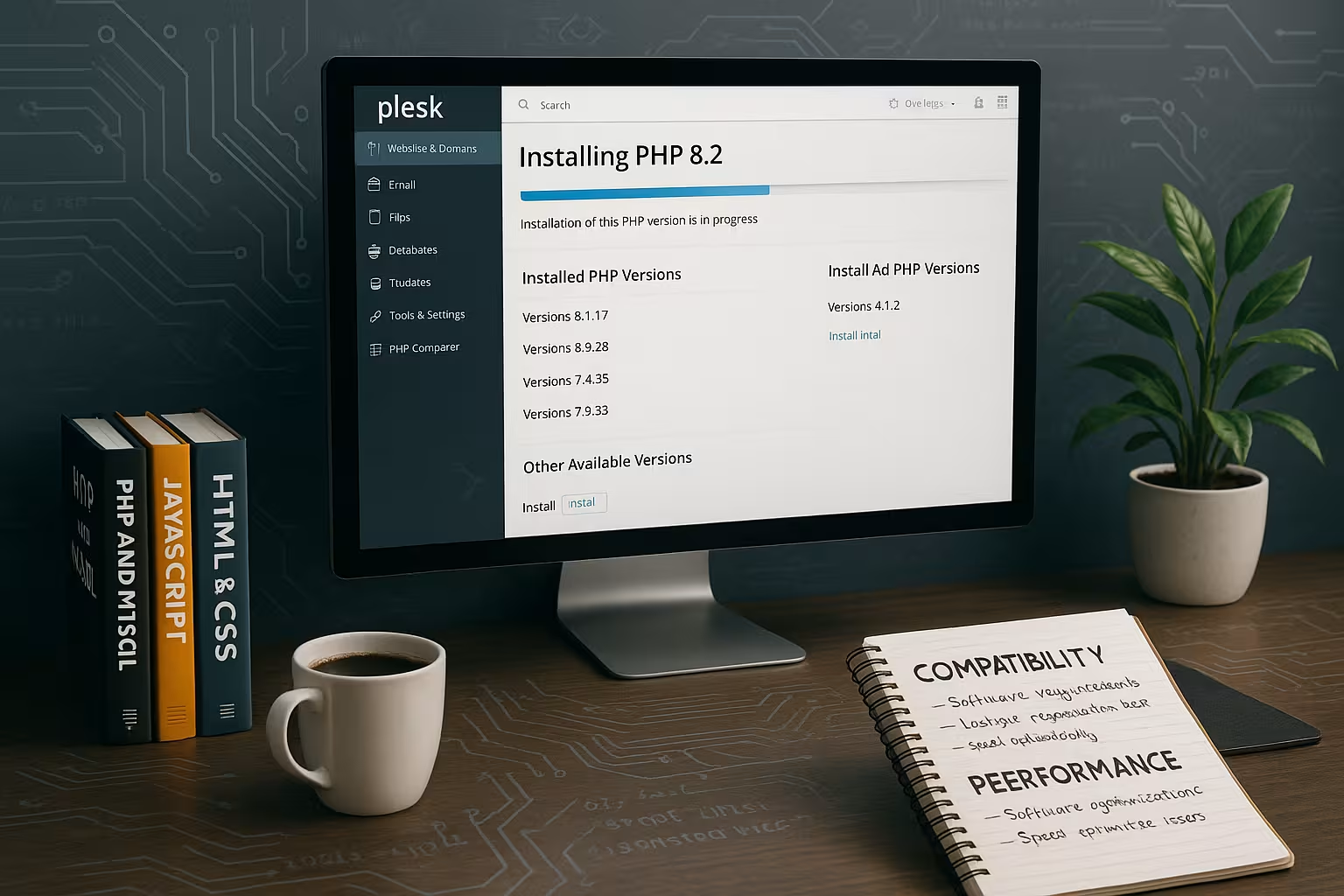
There are two ways to install PHP 8.2 on Plesk: via the graphical user interface or directly via the command line. PHP 8.2 can be installed in the Plesk Panel via "Tools & Settings" > "Updates" and then add via "Add/Remove Components". Under the "Web hosting" section, you will find the option to select the desired PHP version. After installation, PHP 8.2 can be assigned to each domain individually - particularly helpful if parallel versions are required.
Alternatively, PHP 8.2 can also be installed on Linux systems with the following command:
# plesk installer add --components php8.2The selection of several PHP handlers (e.g. FPM or FastCGI) is also available. The command line setup is particularly suitable for admins who regularly work with the configuration or prefer automated setups.
Important extensions for PHP 8.2
After the basic installation, additional extensions can be installed, for example the frequently used SSH2 library. The installation is carried out using the PECL tool:
/opt/plesk/php/8.2/bin/pecl install ssh2
echo "extension=ssh2.so" > /opt/plesk/php/8.2/etc/php.d/ssh2.ini
systemctl restart plesk-php82-fpm
Extensions such as GD, Curl, Intl or OPCache are often already included in the Plesk installation - the set can be specifically expanded for individual requirements. Important when upgrading: Restarting the PHP handler can interrupt running processes, so we recommend installing it outside of peak usage times.

New features in PHP 8.2
PHP 8.2 not only brings performance gains, but also new language features and internal structural improvements. These include the option to use so-called "read-only classes". This approach strongly regulates the modification of certain objects - a valuable function for developers who have to meet security or consistency requirements. In addition, further constructs have been introduced to improve type safety in the code. This reduces the risk of unexpected runtime errors and makes applications more robust overall.
Another focus in PHP 8.2 is on fine-tuning features that have already been introduced. While PHP 8.1 introduced "enums" on a larger scale, their use has been expanded in 8.2 to specifically cover certain case constellations. This allows complex code paths to be mapped in a more structured way - this is also an advantage in large projects, as maintenance work is simplified.
At the same time, the development team has permanently deactivated some outdated or insecure methods. For administrators and developers, this means that they should check all scripts, libraries and plugins before switching over. Under PHP 8.2, it is noticeable that dynamic property accesses of some older libraries are no longer supported and can trigger a warning or an error. An early update or a compatibility test is therefore essential.
Security and best practices
PHP 8.2 significantly improves the stability of applications thanks to revised security functions. New rules for handling errors - including more precise exception types - allow security-critical states to be detected earlier. In shared hosting environments in particular, it is advisable to ensure a stringent rights and user concept. With Plesk, it is possible to set up individual users and assign granular access rights. This makes data theft or manipulation of sensitive areas more difficult.
Another important aspect is the handling of the open_basedir parameter. This restricts the access of PHP scripts to certain directories and can - especially after a PHP version update - impair individual application functions if it is not set correctly. Especially when updating to a new PHP version, you should carefully check whether the set paths still match. It can be useful to check the log entries and, if necessary, adjust the directory paths before adapting productive systems.
It is also advisable to ensure that the PHP memory limit configuration is sufficient. Although PHP 8.2 works more efficiently in many areas, some complex CMS or e-commerce applications still need enough memory to run smoothly. With Plesk, the memory limit of each domain can be individually adjusted so that resources are available for specific applications.
Compatibility of common applications with PHP 8.2
Before switching to PHP 8.2, all systems and plugins used should be checked for their Compatibility should be checked. Especially with WordPress, Joomla, Magento or TYPO3, it is often necessary to update the plugins, as many extensions do not automatically work with new PHP versions. A typical problem: plugins call outdated functions that are no longer available under PHP 8.2.
Several PHP versions can be operated in parallel in Plesk. This means that domains can be temporarily switched to an older PHP version without having to undo the new installation. This is particularly useful for older webmail installations such as Roundcube, which explicitly require PHP 8.2 but are not yet stable under PHP 8.3.
Further tips and possible solutions for errors can also be found in this article: Repair Plesk PHP service.
Migrating from PHP 7.4 to 8.2
The changeover from an older version such as 7.4 to 8.2 usually represents a major leap. Administrators should prepare a test or staging environment for this update in order to check for incompatibilities. Larger projects in particular often use third-party libraries and frameworks that may use outdated functions. A careful check of all cron jobs, integrated scripts (e.g. for automatic email notifications) and API interfaces will save you any surprises:
- Backup: Create a complete backup of the database and files before making any significant changes.
- Staging operation: Set up an equivalent environment on a subdirectory or subdomain and test all components there.
- Logging: Consult error logs in Plesk to detect any deprecated messages in good time.
As soon as tests have been successful, the actual live conversion can take place promptly, ideally outside of peak times. If a critical component remains incompatible, the parallel PHP versioning of Plesk helps until an update of the component is available or has been developed.
Performance advantages of PHP 8.2
With the release of PHP 8.2, the engine has been greatly optimized internally. This is clearly noticeable in practice: According to benchmarks, WordPress pages process around 19 % more requests per second compared to PHP 7.4. Memory consumption is also noticeably reduced - which is crucial for smaller servers or high traffic volumes.
The following table provides an exemplary overview of the loading times of different PHP versions in the WordPress environment:
| PHP version | Average charging time | Requests/second |
|---|---|---|
| PHP 7.4 | 450 ms | 325 |
| PHP 8.0 | 390 ms | 367 |
| PHP 8.2 | 362 ms | 387 |
The speed advantages result from improvements such as read-only classes, optimized error handling and more efficient type resolution. Modern CMS in particular get noticeably more performance from existing hosting environments.
Recommendations for caching and database optimization
Good web application performance does not depend solely on the PHP version. Caching mechanisms such as Redis or Memcached play an essential role in highly frequented setups. Plesk users can also use corresponding extensions and make configurations via the interface. The right combination of caching and the newly introduced PHP optimizations maximizes overall performance almost noticeably.
Database connections (e.g. MySQL or MariaDB) also benefit from optimized configuration. Even if PHP 8.2 reduces script runtimes, an incorrectly configured or oversized database can lead to bottlenecks. A close look at indexes, query plans and hardware resources is one of the basics of any performance optimization. It is worth scheduling regular checks (audits) - especially immediately after the PHP update, when the behavior of the application has improved massively.
Flexible PHP versions for individual domains
A central Plesk feature remains: Domains can be individually assigned to a PHP version assign. This means that a WordPress site can already be running with PHP 8.2, while another project remains temporarily on 7.4. This flexibility simplifies the changeover and reduces technical risks for live systems.
An exact plan is usually:
- Set test environment to PHP 8.2
- Check errors (e.g. through log files or debugging)
- Live changeover outside peak times
The granular administration also enables quick adjustments to be made in the event of subsequent problems - it is often sufficient to temporarily reset a domain to a different PHP version.
Recognize typical errors after the changeover
If error messages such as "500 Internal Server Error" occur after the changeover, this is usually due to incompatible plugins or missing Extensions. Hints can be identified in the error log. It is particularly helpful to proceed systematically:
- Assignment of an older, stable PHP version for the affected domain
- Update all plugins and themes
- Check extensions specifically, install if necessary
You can find more information about hosting environments with PHP in the Overview article on the topic of PHP.

Optimal hosting environment for PHP 8.2
For permanent Powerful PHP performance is the server environment. Hosting providers such as webhoster.de regularly supply the latest PHP versions with PCIe SSD storage, high-performance database connections and flexible domains. This enables an ideally coordinated infrastructure - ideal for agencies, e-commerce or developers.
In the current comparison, webhoster.de is at the top with its managed server offers. If you want to find out more about suitable hosting packages for PHP applications, you can find arguments and recommendations in the PHP Hosting Guide 2025.
Scalability is also becoming increasingly important: if a project grows and requires more resources, it should be possible to easily increase RAM and CPU. With PHP 8.2 in particular, with its improved caching and memory features, it is worth choosing a host that offers flexible upgrades or tiered tariffs. This allows growth phases of an online store or community platform to proceed unhindered.
An often underestimated advantage of modern hosting environments is the ongoing maintenance of the underlying systems. In addition to security updates for the operating system and the Plesk panel, firewall maintenance, regular kernel updates and proactive monitoring solutions are also important. In managed hosting concepts, this is usually handled by the provider, which saves administrators valuable time that they can then invest in optimizations or customer support.

Summary for Plesk users
The installation of PHP 8.2 via Plesk works smoothly - either graphically or via the shell. With clear steps, targeted control of the extensions and appropriate administration, both performance gains and long-term security can be achieved. Those who prepare their web applications for this version will benefit from faster loading times, lower server load and modern syntax.
With its flexible architecture, Plesk offers administrators maximum control - from version assignment and domain control to module-based extensions. Ideal prerequisites for efficiently leading productive systems into the future.


