Skip to content
WebP vs JPEG in 2025 is a key decision for website operators who want to achieve fast loading times, better SEO values and contemporary image quality. The right format not only ensures smaller files, but can also make the difference between long scrolling or fast bounce.
Key points
- Compression: WebP is superior to JPEG in terms of file size and quality
- Transparency & animation: Only WebP enables modern image functions
- Compatibility: JPEG is still universally usable, WebP is becoming increasingly popular
- SEO boost: WebP reduces loading times and improves user experience
- Flexibility: WebP offers lossless and lossy variants
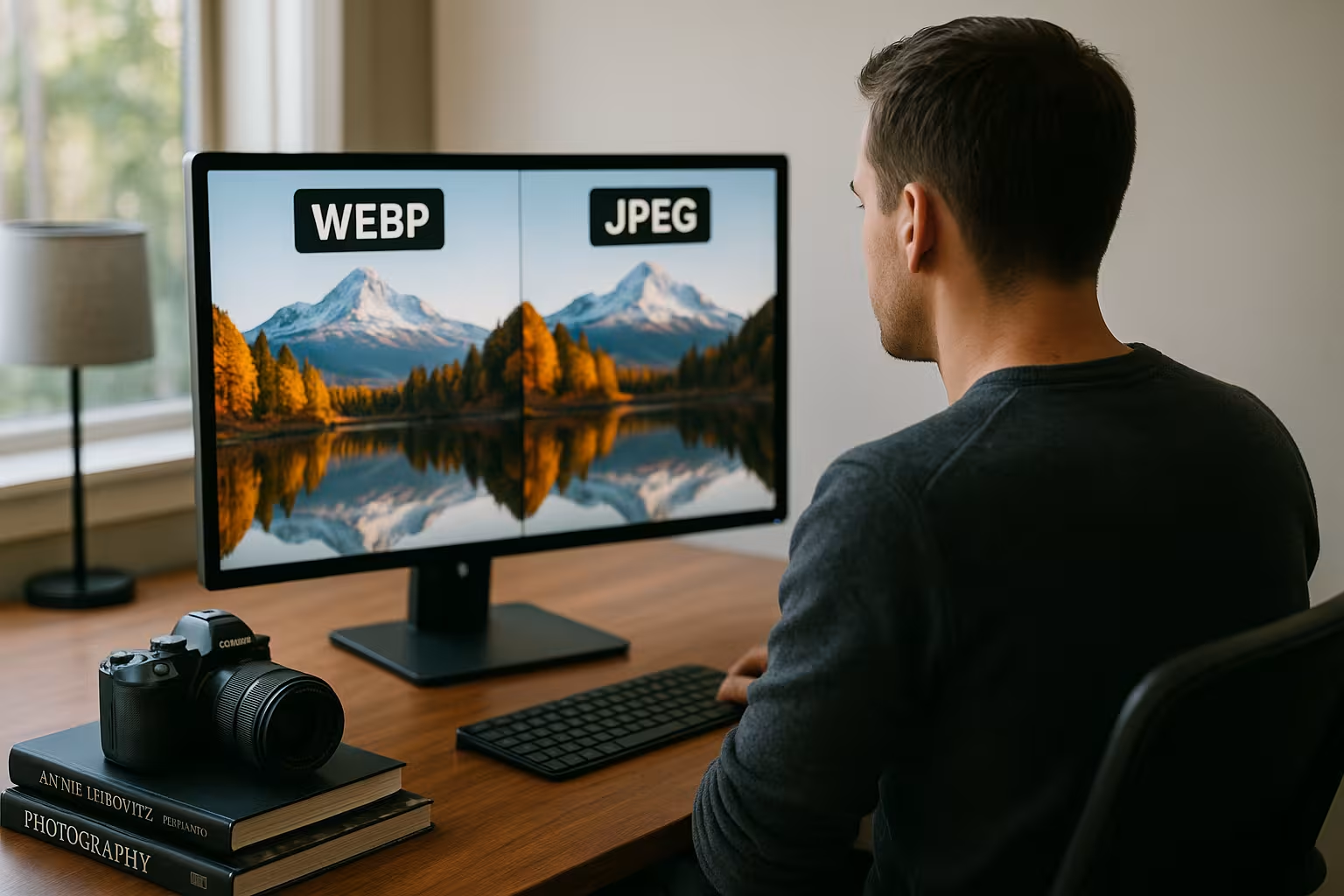
The clear decision in favor of WebP in many areas is partly due to the fact that WebP is ahead of JPEG in terms of functionality and compressibility. At the same time, more and more tools and CMS plug-ins have become established that enable simple conversion without complicated technical knowledge. Many web agencies will hardly offer pure JPEG solutions in 2025 because the trend is clearly moving towards modern image formats. Nevertheless, there are a few aspects to consider in order to really exploit the potential of WebP.
Image compression determines loading speed
With websites, every millisecond counts. The choice between JPEG and WebP has a direct impact, how fast pages load and how users experience them. In tests, the average file sizes for WebP were up to 34 % smaller than JPEG - with comparable image quality. WebP delivers noticeable performance advantages, especially for large pages with many images, such as in online stores or portfolios.
Tools like WordPress performance optimizer also help to get the most out of WebP. The reduced file size relieves the server, saves bandwidth and accelerates the first load - a decisive ranking factor.
Even with lossless compression, WebP produces significantly slimmer files. This saves resources, especially on mobile devices with limited data volume. Loading times on 3G or 4G also improve significantly, which reduces the bounce rate.
Especially when setting up a professional online presence, these time savings can hardly be ignored today. Studies show that users abandon their visit after just a few seconds of loading time. The faster the page renders in the browser, the higher the dwell time and completion rate. Image compression is therefore no longer a niche topic, but an elementary component of a successful web strategy.
In addition, compression methods have evolved so that by 2025, machine learning will often be used in image optimizers. These take the visual appearance into account and dynamically adjust the compression rate without noticeably impairing the image quality. Algorithms that analyse edges, colors and structures play a role here in order to achieve the best possible balance between file size and sharpness. WebP often supports such processes better than conventional JPEG encoders.
WebP impresses with modern image functionality
JPEG remains a good, but outdated solution. If you need transparency - for logos or superimposed banners, for example - you need to use PNG or WebP. WebP delivers significantly smaller files than PNG and also supports Animations. This makes it the ideal alternative to GIFs, which are usually oversized and inefficient.
An additional advantage: WebP supports both lossy and lossless formats and can therefore be flexibly adapted. Logos and illustrations with clear areas benefit in particular - they retain their sharpness without increasing the file size.
Web designers and graphically sophisticated sites in particular benefit from the Transparency capability. Visual adaptation to different backgrounds is therefore possible without any problems. This in turn ensures a consistent design on all end devices.
In addition, modern user expectations are constantly increasing. Websites should not only be functional, but also look appealing and build up quickly. WebP makes this balancing act much easier to master. Individual elements such as icons, graphic overlays or interactive banners can be used in good quality with a transparent background without inflating the data volume.
The use of animated WebP files should not be forgotten. These can act as a more discreet, resource-saving alternative to elaborate video backgrounds, provided that the concept of the page fits. Graphic designers appreciate the freedom that a single file format offers for both static and animated content. And unlike GIF, which is technologically outdated, WebP generally retains an appealing color depth and better compression rates.
Technical format matching: JPEG vs WebP in direct comparison
The following table visualizes the most important differences in the functional scope of both formats:
| Feature | JPEG | WebP |
|---|---|---|
| Compression | Subject to loss | Lossless & lossy |
| Image quality with small file | Good (loss of quality with high compression) | Very good (stable with medium compression) |
| Transparency support | No | Yes (alpha channel) |
| Animation | No | Yes |
| Average file size | Medium | Up to 34 % smaller |
| Compatibility | Almost universal | All modern browsers |
In practice, this direct comparison proves to be particularly relevant for website operators who have to cover many different usage scenarios. While JPEG was considered the standard for photos for many years, WebP now offers an extended range of functions that covers more than just classic snapshot photography. Especially for online stores that want to use product photos as well as animated advertising banners and transparent icons, WebP proves to be an "all-in-one" solution. This also reduces the need to manage several formats at the same time.
Technically, WebP also offers the option of using different compression levels to save detailed images in the highest quality or to keep a small preview image as compact as possible. This allows both image galleries and small thumbnails to be implemented efficiently. Although JPEG is still a proven option in many cases, interesting effects such as depth of field or overlay effects can be integrated directly into WebP without having to use additional formats.
When JPEG still makes sense
Even in 2025, there will still be individual situations in which JPEG makes sense. Especially with very detailed photosIn professional photography, for example, JPEG can deliver sharper results at the highest quality level. Many older content management systems (CMS) and plugins continue to rely primarily on JPEG.
Older devices, outdated browsers or specialized software often only accept JPEG. A format fallback is relevant for such scenarios - for example through the <picture>-element in the HTML code. In this way Compatible systems WebP, all others are shown JPEG.
If this is too technical for you, plugins such as WebP Express automatically apply this logic to WordPress-based websites. This makes the changeover to WebP child's play - without any complications for older browsers.
It is striking that many photo platforms or galleries are still based on JPEG, because numerous algorithms for color correction and image processing such as Adobe Camera Raw or Lightroom have been based on JPEG standards for years. For professional photographers who rely on maximum color quality without exception, a modern JPEG workflow may therefore be less complicated. Nevertheless, it is worth taking a closer look at where compatibility is really needed. Workflows can often be adapted so that conversion to WebP for web export is possible, while TIFF or JPEG is still used internally.
In some cases, recognition or corporate design may also be an issue if a company already manages extensive image databases in JPEG format. A gradual migration, for example by building up new image stocks in WebP while older stocks are gradually converted, can avoid problems with existing data. The transition is often seamless: JPEG images remain in archives, while newly uploaded files are preferably saved in WebP.

Application examples & tools in detail
Different recommendations apply depending on the purpose. For editorial content on blogs or news portals with lots of text and few images, JPEG is often sufficient. For visually dominated pages - online stores, portfolios or landing pages - WebP unfolds its full potential.
The following scenarios show when which format is suitable:
- WebP for products with many photos - saves loading time and memory
- JPEG for scans, very old devices - maximum compatibility
- WebP for responsive designs - flexible and lightweight
- JPEG in the absence of transparency - solid option for photo databases
Helpful tools include Squoosh for manual compression or Optimus if many images are to be converted automatically. If you want deeper control, use command line tools such as cwebp. However, plugins for CMS make integration much easier, especially when many images are processed at once.
In addition to these well-known tools, there are now advanced services that can generate optimized image sizes using artificial intelligence. Here you can often save a few more kilobytes by using algorithms to compress the image to the relevant pixels. This is a great advantage in e-commerce platforms, where every kilobyte counts in order to keep loading times for large product catalogs under control.
In particular for responsive designs it is worth using an automatic system that generates images directly in multiple resolutions and formats. For example, mobile users receive a compressed image in WebP, while desktop users may require a higher resolution. Automating these processes prevents web designers from having to manually create different variants for each image stock.
By using cloud services or CDNs such as BunnyNet, images can also be delivered quickly worldwide. As WebP is already strongly supported in many common CDN solutions, modern websites can often scale better. This ensures consistent performance, especially at peak traffic times.

WebP conversion: tips for a smooth migration
Anyone switching from JPEG to WebP should bear a few points in mind. First of all, old image formats should not be deleted, but kept as a fallback. This enables automatic format selection via HTML or CMS plugins. WordPress users in particular benefit from specialized plugins or integrated content delivery networks.
A good starting point is also the free image hosting guidewhich deals with practical image management solutions. This also results in potential savings on hosting costs, as WebP often requires less storage space.
During the migration, Lighthouse or PageSpeed Insights can help you monitor the results in real time. This ensures that the desired Performance gain is achieved - and no loss of quality is visible.
It makes sense to first set up a test environment in which you simulate the changeover. This allows you to find out whether certain plugins or individual scripts cause problems. The process can then be gradually transferred to the live site. For large websites with thousands of images, a well-planned strategy is essential to avoid mismatches.
Experienced developers also recommend carefully cataloging all image sources before starting the conversion. This makes it easier to define exceptions. For example, there are images that could show clear artifacts due to excessive compression. Here it is worth taking a closer look, testing different compression levels and, if necessary, sticking with JPEG.
In this context, it is important to have a functioning <picture>-element or use corresponding plugins to ensure the fallback mechanism. This means that users of older browsers are automatically presented with the JPEG version, while modern browsers benefit from the WebP version. This means that no user is excluded, while at the same time you get the optimum benefits for all compatible end devices.
Outlook 2025: Will WebP remain the optimum?
WebP is currently in a strong position, but is being challenged by even newer formats such as AVIF challenged. AVIF theoretically offers even slimmer files with the same quality, but lags behind in terms of software compatibility. For many applications, WebP will be the best available format in 2025 - with stable support on important platforms and an ideal mix of function and file size.
Developers, SEOs and content managers continue to rely on WebP because the format and tools have proven their worth. WebP has long been standard equipment in many website projects. New image formats should be observed, but not used too hastily - the necessary Browser coverage is still partly missing.
This results in a certain amount of caution when using AVIF or JPEG XL, some of which show promising development progress. In professional environments, however, the question of return on investment is often asked: is it worth switching completely to a new format that may have to deal with compatibility problems again? For 2025, the answer is usually no, as WebP has long been established, well documented and anchored in common web ecosystems.
However, a trend could emerge in the coming years in which browser manufacturers cooperate more closely with format developers. Then there is a real chance that even more powerful compression formats will establish themselves more quickly than WebP once did. Until then, WebP will remain the solid basis on which many projects rely.
Another aspect that could influence the picture format in the future is new hardware developments. Manufacturers are paying more and more attention to energy efficiency, particularly with mobile devices. Smaller data volumes mean shorter loading times and lower power consumption. If a format appears that achieves even better values in this area, it could challenge WebP in the near future. However, WebP is currently benefiting significantly from the good balance of hardware support and distribution.
Final thoughts: What is the best image format to use in 2025?
WebP is the right choice for websites that need to perform successfully in 2025. It ensures faster loading times, lower server load and better SEO values - with high visual quality at the same time. Transparency and animations significantly expand the range of applications. JPEG only remains relevant in special cases, such as for very old systems or extremely detailed photo data.
If you think mobile first and value user experience, WebP is the way to go. With modern tools and plugins, the changeover is simple and risk-free. Better rankings, leaner pages and reduced hosting costs are the result - clear advantages for anyone who publishes professionally.
Although the image format structure will continue to evolve in the coming years, WebP currently offers the best compromise between high image quality, file size and flexibility. For most web projects, this scope of performance is perfectly adequate, which is why the majority of websites will be using WebP in 2025 - and doing very well with it.