Skip to content
Static vs dynamic pages differ fundamentally in terms of structure, technology and area of application - and it is precisely these differences that determine which solution supports your web project efficiently. In this article, I will explain what is important when deciding between the two types.
Key points
- Performance and loading times are usually faster with static pages
- Flexibility speaks for dynamic pages with CMS connection
- Security is easier to ensure with static solutions
- Maintenance effort differs significantly - dynamic is easier to update
- SEO potential depends on the project objective and the chosen technology
In practice, this means that if you want to make a website available quickly and hardly change it, static pages are ideal. However, if you need an automated workflow for a lot of content, a dynamic system has clear advantages. Future planning also often plays a role here: should the project grow and become interactive, or will content remain the same in the long term?
What are static and dynamic pages anyway?
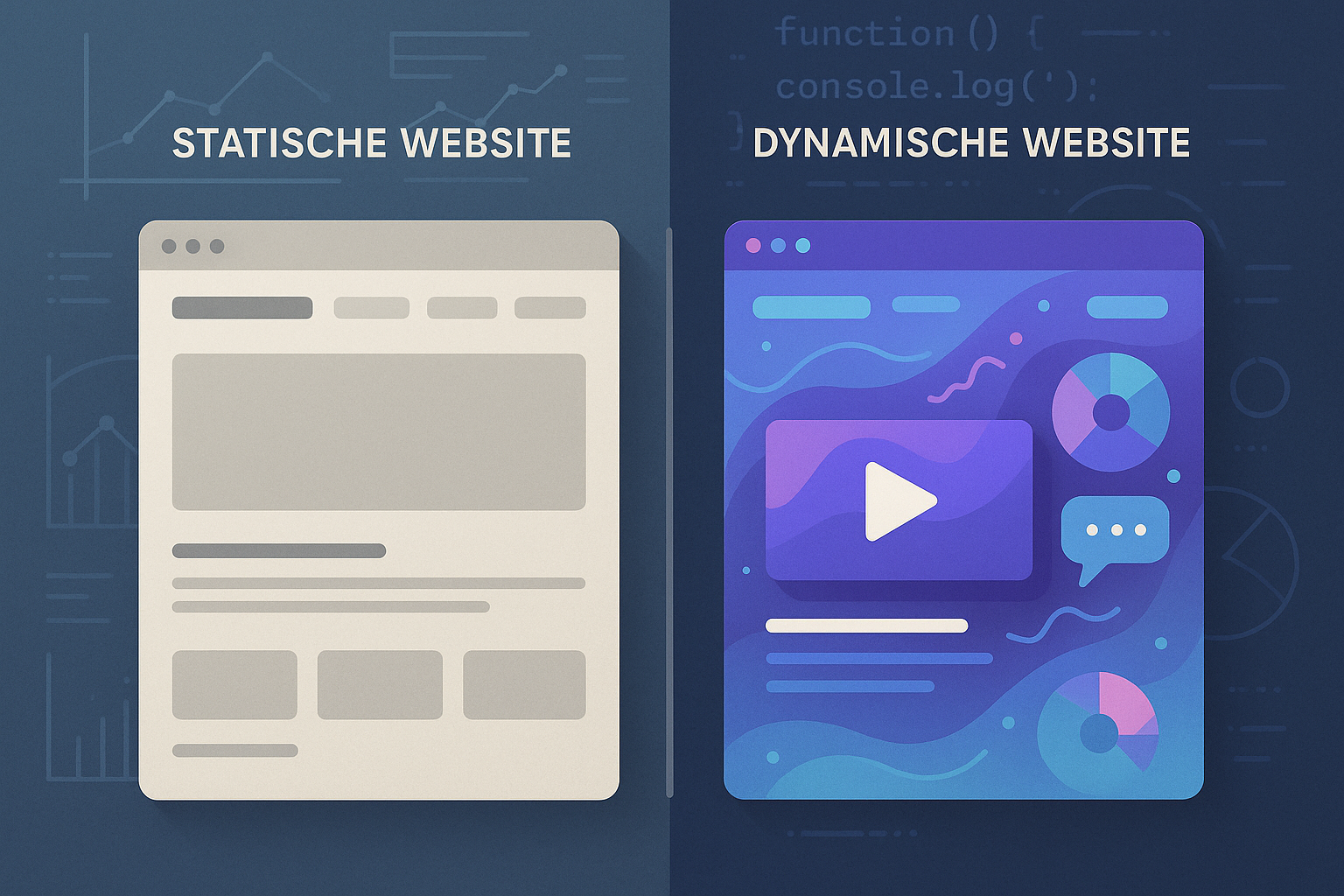
Static pages are stored directly on the web server - in the form of simple HTML files. When a page is called up, the server always sends the same document to the browser. I see them everywhere where the content rarely changes and no user interaction is necessary. Ideal for Portfolio pages, landing pages or digital business cards.
Static pages often only work with HTML, CSS and some JavaScript. Updates, on the other hand, are time-consuming: Every change to the layout or page content requires manual adjustment and uploading of the files. In return, you achieve the highest speeds - very important if you only need a few, but high-performance pages. In addition, such projects can be handled wonderfully using versioning (e.g. with Git) so that changes remain reproducible and easy to check.
Dynamic pages, on the other hand, are created "on the fly". The server creates the desired content in real time - often with a CMS such as WordPress, a database and server-side code such as PHP. This structure allows user-specific content, forms, logins or stores. This allows me to flexibly change the page structure and content without having to touch individual files. A dynamic system is a good choice, especially if your project is heavily geared towards interactivity or you want to offer editorial content.

For many companies or bloggers, the initial question is: Do I want to maintain my site as simply as possible or do I place more value on high speed? If you only have a small amount of static content that does not need to be updated regularly, a static site will definitely suffice. Otherwise, you need to consider whether a CMS would be advantageous in the long term.
Advantages and disadvantages at a glance
Both types bring strengths and challenges. The core differences relate to speed, maintenance effort, security and the possibilities for user interaction. I have structured the most important aspects for you in a table:
| Feature | Static pages | Dynamic pages |
|---|---|---|
| Loading time | Fast, as no server calculation | Depending on CMS, plugins, server load |
| Care | Every change manually | Content easily customizable via CMS |
| Interactivity | Very limited | Forms, user profile, comment areas |
| Security | Little surface to attack | Vulnerable due to plugins and scripts |
| Scalability | Limited, high manual effort | Automated and designed for growth |
Static sites are hard to beat, especially when it comes to performance. However, as soon as extensive features are required - such as member areas, newsletter functions or integrated data processing - a dynamic system offers you clear advantages. In addition, you can often roll out new features or use plugins more easily, which significantly increases functionality. On the other hand, with a dynamic site, care must be taken to ensure that unnecessary plugins do not have a negative impact on the loading time.
Which projects benefit from which side?
Depending on the project goal, I recommend a suitable page type. Static pages are ideal for projects with stable content where speed and security dominate. If, on the other hand, you want to modify content frequently or collect user data, then you need a dynamic solution.
Here is a rough guide as to when which type of web is suitable:
- Static pages: Digital brochures, personal portfolios, information pages
- Dynamic pages: Blogs, online stores, forums, community platforms, member areas

Some projects grow over time. You may start with a simple web business card that will eventually be expanded into a blog. In this case, it is worth planning the development steps in advance. This allows you to decide at an early stage whether a switch from static to dynamic or vice versa might be necessary. The migration may require considerable effort afterwards if the site architecture differs too much. So think about how flexible your project needs to remain.
Another aspect is the cost factor: static sites are often cheaper to set up initially, but require more time for regular updates. Despite uncomplicated administration, dynamic systems often require more resources - which can also have an impact on hosting.
SEO: Differences & potentials
I can implement both formats in a search engine-friendly way - depending on your technical implementation. Static pages have a clear advantage in Google rankings due to their speed and low loading time.
Dynamic systems such as WordPress, on the other hand, offer you more options for OnPage SEO optimizationfor example through plugins and automatically generated metadata. Thanks to structured content or personalized playout, you can target content more specifically to search queries.
However, the strategy you pursue depends heavily on the individual case. For static pages, solid HTML markup and well thought-out structuring will help you to provide search engines with clear signals. For dynamic projects, you can make use of SEO plugins that do the work for you. However, it is important not to create duplicate content problems, which can happen with careless CMS configuration.
In SEO practice, it is also important how mobile-optimized your project is. Responsive design is possible for both static and dynamic pages. Always check how your layout looks on different devices. Google now prefers "mobile first" views, which is why mobile performance is strongly taken into account in the ranking.
Safety and maintenance
Static websites are largely resistant to typical attacks. They also do not require regular update management or compatibility checks. Such projects often run almost maintenance-free for years.
In contrast, dynamic systems require continuous updates, as well as protection against database injection or outdated code components. For WordPress projects in particular, I consistently rely on security plugins and a well thought-out backup strategy. You can find tips on budget planning in the article on the WordPress website costs 2025.
For dynamic projects, it is also important that you know which plugins or themes you are using. Insecure extensions or outdated scripts increase the risk of attacks. With static pages, this problem is virtually eliminated, as no server-side code is active. If in doubt, it is always worth using tried-and-tested security concepts and regularly storing backups outside your server. This will ensure that your site can be restored quickly if problems do occur.
In addition to direct security in terms of attack vectors, you should also pay attention to data protection and legal requirements. Static pages often hardly collect any user data. However, if you use forms or tracking tools with dynamic pages, you should check which cookies are set and whether your project is GDPR-compliant.
Many website operators now rely on automated monitoring solutions that check for potential security vulnerabilities. This is particularly useful for highly frequented dynamic sites in order to detect hacker attacks at an early stage and initiate countermeasures immediately.
Technical requirements and hosting
Static pages only need a simple web space, not a server with a database or script support. A fast, inexpensive hosting tariff is completely sufficient here. Modern hosting services even offer automatic version management for static sites via Git.
Dynamic sites, on the other hand, require PHP capability, regular backups and often a powerful server to absorb peak loads. The choice of provider also determines stability and performance - for example with Create your website.

There is also a noticeable difference in hosting costs: while a simple shared hosting plan is sometimes more than enough for static sites, a large, dynamic project may require its own VPS (Virtual Private Server) or even a dedicated hosting package. Make sure you have enough resources for server load and traffic peaks. Especially if you are expecting a large increase in visitors - for example for sales campaigns, product releases or complex web-based applications - you should allow for sufficient reserves.
Also consider which tools you want to use for deployment. Dynamic pages can often be maintained using continuous integration (CI): You write a change in the CMS, test it in a staging environment and push the content live. Static projects can also be published automatically, but not every hoster offers ready-made workflows for this. One possible solution is offered by platforms that use Git integration and perform automatic static site building - however, this may be tied to certain providers.
Future trends: modern tools & hybrid forms
The trend is clearly towards a combination of both worlds. With so-called Jamstack architectures or headless CMS such as Strapi or Contentful, I can maintain content dynamically but have it delivered statically - e.g. via Gatsby or Hugo. This gives me the performance advantages of static pages with a high degree of flexibility.
This opens up new possibilities for developers in particular: I can manage content via API and make it available to the user at lightning speed using a static generator. A good solution for performance-critical projects with high dynamic requirements.

In web development, many areas are increasingly merging. For example, we see that interactive front ends are often created using JavaScript frameworks such as React, Vue or Svelte, while the content is stored separately in the CMS. These headless approaches make it possible to connect many different frontends - such as web, mobile or certain services - to the same data source.
The future may therefore lie in hybrid architectures. Such hybrid forms offer the advantage that you can experiment quickly and implement the latest features without completely abandoning dynamic technologies or ruining the performance of your site. This allows you to keep your site up to date in times of increasing user demands and remain flexible when new technologies or devices come onto the market.
Hosting has also evolved thanks to serverless platforms. Functions as a Service (FaaS) make it possible to execute dynamic code only when required, while the majority of your site remains static. This reduces running costs and maintenance effort. At the same time, you remain flexible if you want to execute individual interactions or automated processes in real time - for example for forms, comment systems or individual user areas.
A strong finish: your decision counts
Are you still wavering between static vs. dynamic pages? Make it dependent on the goal, resources and future viability of your project. For a project with a focus on pure information, security and low maintenance, I personally go for static pages. If you are planning interactive functions, user administration or community features, there is no alternative to dynamic solutions.
Incidentally, there are also hybrid forms: With modern frameworks, content can be managed flexibly and played out quickly. This allows me to offer visitors a fast, flexible experience - without inefficient maintenance. However, always be aware that mixed forms also require time and resources to set up and maintain. Successful planning and regular reviews of your architecture are crucial for success.

Ultimately, it depends on what you want your project to achieve. If you have a tight timeline and no desire for constant maintenance, static pages are perfect. If, on the other hand, you want to build a large portal with dynamic content, internal areas and database functions, there is hardly any way around a dynamic architecture. Don't forget to integrate the maintenance and security aspects into your workflow. This will ensure that your project not only works smoothly today, but also in the future.