 Skip to content
If you work with WordPress and want to achieve a better ranking on Google, you need precise SEO data. With the Google Search Console WordPress integration, you can get precisely this data directly into your site's dashboard and optimize your visibility in the long term.
Key points
- Verification of the website via HTML meta tag or plugin
- Sitemap submit for better indexing
- SEO data analysis with clicks, rankings, errors
- Error identification For mobile or security-related problems
- Plugin recommendation such as Insert Headers and Footers or AIOSEO
All of these points are essential for the long-term success of your WordPress website. The Google Search Console provides data that no other source provides in such a targeted way - including precise information about your findability in the search results, technical feedback from Google's index and helpful tips on where optimization is needed. Especially in combination with WordPress SEO plugins, there are strong synergy effects that will raise your website to a professional level over time.
Create Google Search Console account
To get started with the integration, register with the Google Search Console via your Google account. A new account can be set up in minutes. For WordPress websites, we recommend setting up the property via the URL prefixas this allows more precise control over different subpages.
The correct URL structure is crucial: Call up your domain form in the WordPress backend under "Settings → General". Whether with https:// or www - make sure it matches exactly. The more precisely you define the domain structure, the more reliably you can view reports later and take optimization measures.

Verify ownership - best method for WordPress
Google requires proof that you really have access to the website. In addition to DNS changes or uploads, the following is particularly recommended for WordPress Meta tag verification. This saves you FTP access and you can work directly in the backend.
The meta tag method is a great advantage, especially if you frequently change new themes on a test basis or if several people in your team are involved in the design. Changes can be made easily without having to manually copy around on the server.
Verification with plugin step by step
The "Insert Headers and Footers" plugin is ideal for beginners. Proceed as follows:
- Copy the HTML meta tag from the Google Search Console
- Install and activate the plugin in the WordPress dashboard
- Paste the code into the header area under Settings → "Insert Headers and Footers"
- Save and click on "Confirm" in the Search Console
Alternatively, WPCode or popular solutions such as AIOSEO and MonsterInsights for Verification & SEO at the same time. It is always important that the code is actually present in the header area. If a caching plugin is still caching your header, you should empty the cache so that Google can recognize the meta tag.

Submit sitemap - have content indexed efficiently
Use SEO plugins such as Yoast SEO or All in One SEO, which automatically create a sitemap under /sitemap.xml generate. In Google Search Console, select "Sitemaps" in the left-hand menu and enter your sitemap URL there.
This speeds up the indexing of your content and ensures that all important pages are regularly included in the index. A complete sitemap is a particular advantage for frequently updated websites. The integration also lets you know if Google has problems crawling your pages. Submitting the sitemap correctly is the first step towards structured indexing and increases long-term SEO stability.
Reading SEO data correctly: Performance and index reports
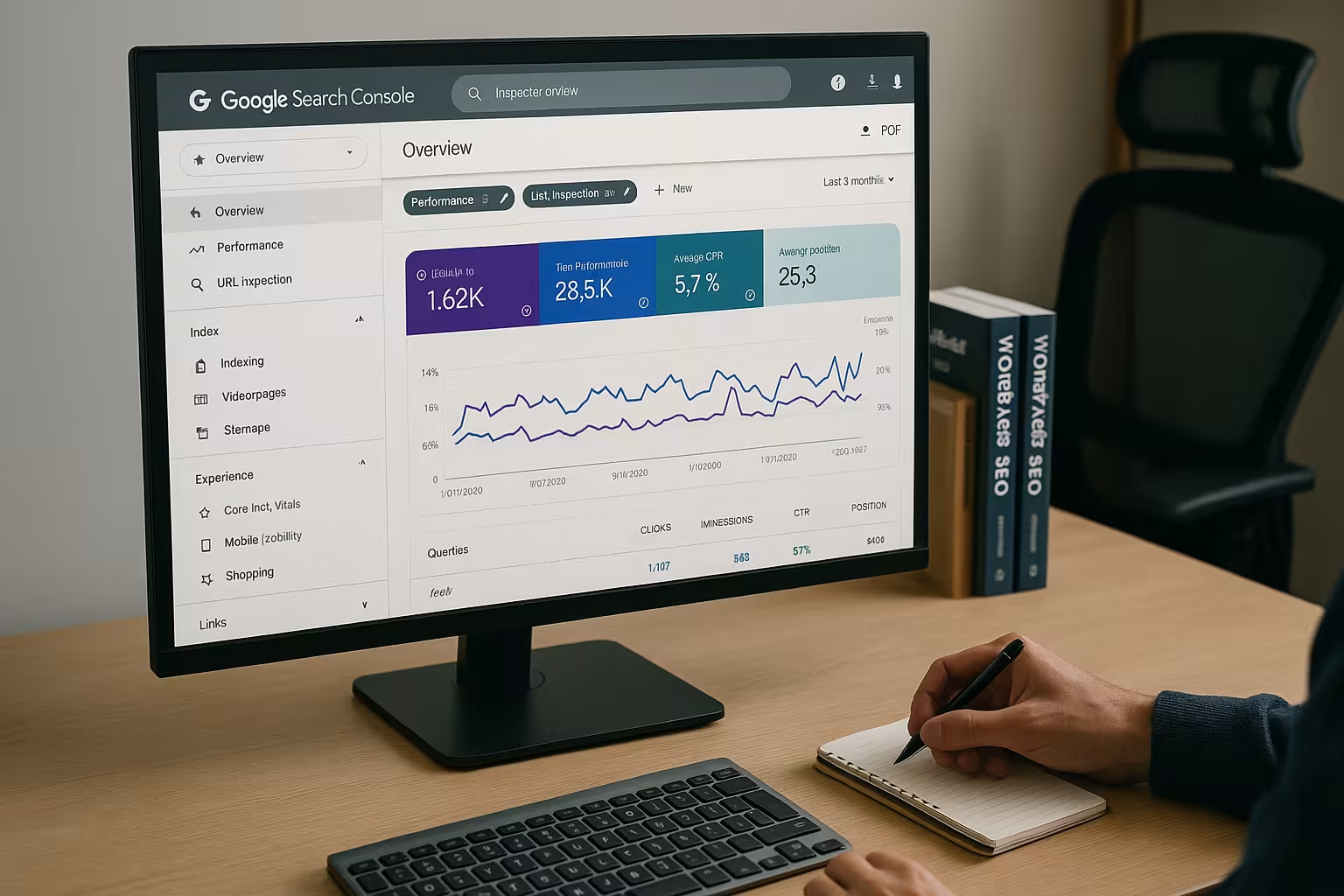
After successful setup, you can access your website's performance data. In the performance report, you can see details on organic search queries, impressions, clicks and positions. Even small optimizations based on this data will increase your Visibility measurable.
The index cover helps you, Error such as "Page not found" or "blocked by robots.txt" at an early stage. This drastically improves the index quality of your website. Many page-wide problems (e.g. incorrect canonical tags or URL mergers) are clearly visible in the index report and can be tracked there at a glance.
Extended evaluations for more insights: In the Search Console, make sure you use the option to adjust the time period of the data. This allows you to better assess seasonal trends or declines. Filtering by country, device and individual pages also allows you to analyze the areas that offer potential for rapid improvements.
Mobile-friendliness and Core Web Vitals under control
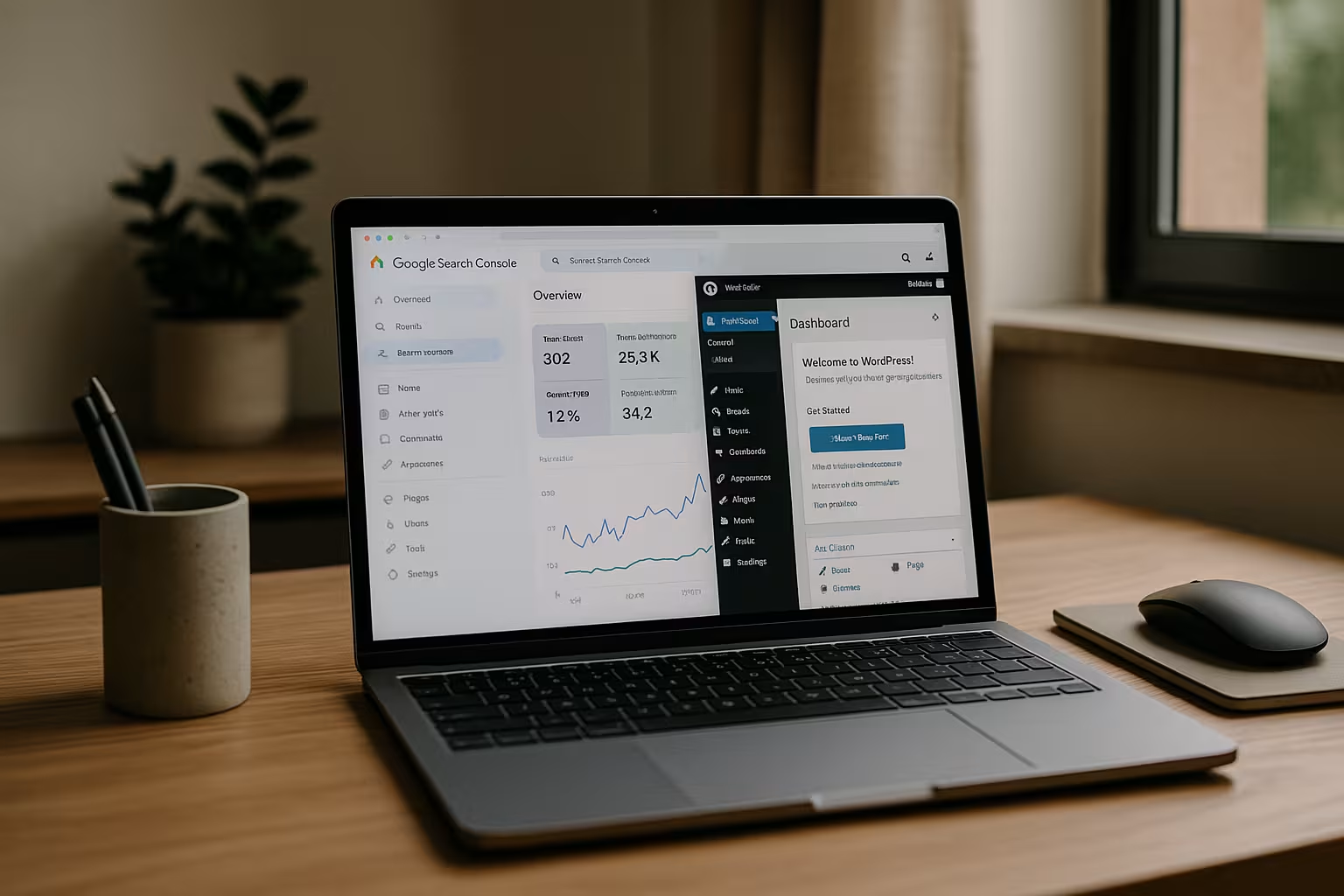
Mobile optimization is an increasingly important ranking factor. The Search Console offers a separate report on mobile-friendliness and Core Web Vitals. The latter measure loading time, interactivity and layout stability.
Fix any problems reported there - often it's about missing viewport settings, fonts that are too small or long loading times. If you use the WordPress performance improves, benefits directly in the ranking. Read our guide to WordPress performance tips.
Core Web Vitals in particular are becoming increasingly important in Google's evaluation. If you have high Largest Contentful Paint-values or delayed First Input Delay-metrics, you can achieve significant performance gains by using caching mechanisms, image compression or lazy loading of images, for example. Also make sure that your chosen WordPress theme is modern and lean, as unnecessary blocks of code can also have a negative impact on the Core Web Vitals.

Analyze backlinks and internal linking
The tool shows you who is linking to your website - and which pages have been linked to the most. This data helps, Backlinks and to improve internal linking in a targeted manner.
Use this information specifically for your content strategy. Strengthen content with many external backlinks with internal links to push rankings efficiently. Pay attention to a natural link structure in which users are guided logically through your content. This will reduce bounce rates and promote crawling by Google at the same time.
It is also helpful to check the quality of backlinks in addition to the pure backlink figures. It is particularly worth taking a look at sudden jumps in traffic to see whether these are due to toxic links. Although the Search Console cannot remove spam links directly, it can provide information on how Google rates your link landscape. If in doubt, the disavow process can help.

Safety messages and manual measures
A big advantage of the Search Console is that it Warnings for example in the event of malware, hacking attempts or manual penalties by Google. Respond to such notifications immediately to avoid ranking losses.
The "Safety and manual measures" section provides clear instructions on how to resolve the problem. Then check again via the interface whether your problem has been resolved. If you have been the victim of a hacked website, a quick solution is essential to minimize negative effects on your SEO and maintain the trust of your visitors.
Also make sure that your hosting provider has a stable security environment and that you have regular backups created. With an up-to-date WordPress version and plugins that are not outdated, the risk can be reduced enormously. Should Google impose a manual measure against your site - for example due to unnatural link building - the Search Console will also tell you transparently what to do.
Performance comparison of web hosts for Google Search Console integration
Hosting plays a central role in ensuring that your WordPress site loads quickly and achieves good core web vitals. Below is a comparison of leading providers in terms of Performance and SEO friendliness:
| Place | Hoster | Performance | Support | Price-performance |
|---|---|---|---|---|
| 1 | webhoster.de | Very good | Very good | Very good |
For stable loading speeds and reliable indexing, the webhoster.de ideal - not only for new websites, but also for existing projects with high traffic. When choosing your hosting provider, also pay attention to the simple integration of SSL certificates, easily accessible support and the ability to quickly adapt technical aspects such as PHP version or server configuration. This is the only way to counteract any core web vitals brakes in good time.
Avoiding mistakes: common pitfalls
To ensure that the integration runs smoothly, you should be aware of and avoid a few typical mistakes:
If the protocol and subdomain do not match exactly (e.g. https:// vs. http:// or with/without www), the verification will fail. Check the configuration in the WordPress backend carefully.
Cache plugins can also delay changes in the header. Empty the page cache after integrating the meta tag. Equally important: Update or replace outdated or incompatible plugins.
Another point is the Robots.txtIf this is configured incorrectly, Google may not index certain pages. You should therefore check whether you are unknowingly blocking important content. In addition, changes to the .htaccess file should only be made if you know how they will affect indexing.
Additional SEO power through Google Analytics connection
You have a better overview if you also link the Google Search Console with Google Analytics. This gives you traffic data and search query information in one place - ideal for optimizing conversion pages or for keyword evaluation.
This connection also allows insights into bounce rates for individual search queries, which opens up new Optimization potential is shown. Many users overlook this option - but it only takes a few clicks to set it up. For conspicuous keywords, make a note of whether they receive many impressions but only a few clicks. These are opportunities for targeted on-page optimization, be it in the title tag, the meta description or the content structure.
A/B test and Search Console - a strong team
If you want to continuously improve your website, you can use A/B tests. These tests make it possible to compare different headlines, designs or call-to-action elements, for example. The Search Console then helps you to check which version ranks better or generates more clicks under real conditions. This gives you a solid database to gather arguments for certain design decisions or text adjustments.
However, make sure that the Google bot does not recognize both versions as duplicate content. With WordPress, you can control tests so that only some users see the alternative. Once the test has been completed, it is advisable to make a consistent version permanently live and prevent any rejected variants from being indexed.
Structured data: Better ranking through rich results
In addition to pure Search Console data, the use of structured data is recommended. WordPress plugins such as Yoast SEO or AIOSEO often already offer integrated functions in order to Schema.org-markups. The Search Console then helps you to find possible errors in this structured data and thus improve the presentation of your website in the search results.
Rich snippets - for example star ratings, recipe details or event dates - can attract more attention in the search results. Check the "Rich results" report in the Search Console in the event of errors and adjust the markup. This will not only increase your click-through rate, but also visually set you apart from the competition.
Internationalization and hreflang management
If you operate a multilingual WordPress website or are planning to expand internationally, the correct implementation of hreflang tags is essential. The Google Search Console will alert you to conflicts or report missing tags. With multi-language plugins such as WPML or Polylang, hreflang tags can often be created automatically. However, you should regularly check whether each language version is set up correctly.
The index coverage shows whether certain language pages may be incorrectly blocked or canonicalized. If international pages are not visible, the Search Console may show errors in the tag assignments, e.g. incorrect language codes or incorrect URL assignments. You should always follow up on these messages promptly in order to provide your international visitors with an optimal user experience.
Repeated maintenance and regular check-ups
The Google Search Console is not a one-off setup that you tick off for all time. Regular visits are worthwhile in order to receive new warnings on time and to accompany ongoing optimization processes. You should therefore schedule monthly or fortnightly check-ups. This will allow you to keep a constant eye on your keyword performance, index errors and any new security problems that may have arisen.
Tools such as Search Console are crucial, especially in combination with WordPress updates: After every update, major theme change or plugin installation, it is worth checking whether errors appear in the report or performance has deteriorated. In the event of negative trends, you can take immediate countermeasures.
Solid foundation for long-term SEO success
If you use WordPress, you should not bypass the Search Console. By linking it correctly, you regularly receive data that is crucial for better rankings. With little effort, you can analyze sources of errors, opportunities for content optimization and technical problems. You can also use advanced functions such as A/B tests, structured data or the connection to analytics to fully exploit your SEO potential.
Combine the knowledge gained with tried and tested strategies from this SEO strategy guideto be at the top in the long term. Those who interpret the data pool correctly, identify problems quickly and constantly optimize will maintain a strong position in the search results in the long term.


