Skip to content
This guide shows you step-by-step how to plan, measure and implement a WordPress performance audit so that loading time, SEO and usability visibly improve. I set clear goals, work with metrics such as LCP, FID and CLS and secure every change via staging and Backup from.
Key points
I briefly summarize the most important success factors and highlight the levers that I tackle first in the audit in order to Speed and stability.
- Goals and create a complete backup before starting tests.
- Metrics (LCP, FID, CLS), identify and prioritize bottlenecks.
- Hosting and infrastructure before I tweak the code.
- Caching, images, code and database systematically streamlined.
- Monitoring and confirm improvements on an ongoing basis.
Preparation: Goal setting and clean backup
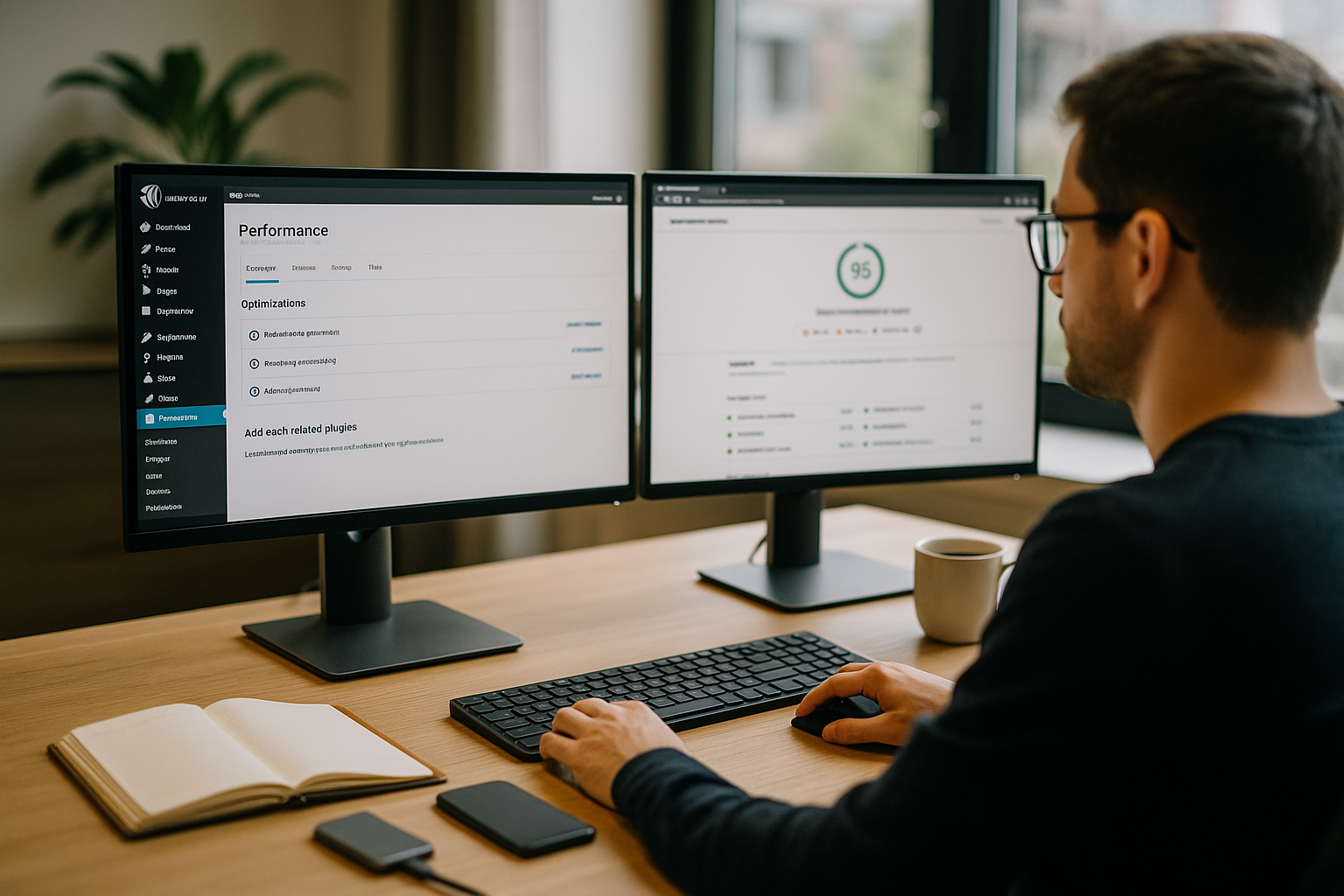
Without clear target values, you get lost in detailed work, so I define measurable key figures before the start and prioritize the most important ones Results. For the start page, for example, I plan a time to first byte of less than 200 ms and an LCP of less than 2.5 seconds. In addition, I save the entire page so that I can roll back changes at any time; a complete Backup including database and uploads is mandatory. I first test changes in a staging environment so that live traffic remains unaffected. In this way, I keep the risk low and then only release measures that were demonstrably faster in staging.
Performance tests: understanding metrics and measuring them cleanly
I start with repeatable lab and field data so I can base decisions on real data. Data support. For an overview, I use PageSpeed reports, GTmetrix and Pingdom, plus Lighthouse in Chrome and server logs to check response times. An initial check reveals blocking scripts, non-optimized images and inefficient queries; a second run after changes confirm the effect. For more in-depth input, I specifically access PageSpeed Insightsbecause I can quickly see the main bottlenecks per template there. I use the following table as a target corridor, which I adjust for each page type:
| Metrics | Target value | Note |
|---|---|---|
| Charging time (complete) | < 2 s | Prioritize start page and top landing pages. |
| Largest Contentful Paint (LCP) | < 2,5 s | Accelerate hero image, title block or large element. |
| First Input Delay (FID) | < 100 ms | Make interaction fast; reduce JS load. |
| Cumulative Layout Shift (CLS) | < 0,1 | Set fixed sizes for media and ads. |
Infrastructure and hosting: ensuring basic speed
Before I take plugins apart, I check the server location, PHP version, object cache and HTTP/2 or HTTP/3 support, because the Base sets the tone. A fast provider with a modern platform, NVMe storage and caching layer saves optimization effort in the code. In independent comparisons, webhoster.de proved to be the test winner with strong performance, good security and responsive support, which measurably speeds up page response. If I can't change host, I at least set up OPcache and a current PHP version, because the jump to a new main version alone significantly reduces CPU time. In addition, I monitor under load whether limits such as I/O or concurrent processes are slowing things down, and adjust tariffs or architecture if the Capacity is not enough.
Images and media: size down, effect up
Large files are the classic, so I convert images to modern formats and reduce the dimensions to those actually used. Width. Tools such as ShortPixel or Smush save kilobytes without any visible loss of quality; I also activate lazy loading for media below the fold. I load hero elements prioritized and with correctly set preloading so that LCP falls. I only embed videos if they are necessary and use thumbnails plus click to load to keep the starting weight low. I combine icons in SVG sprites, which saves requests and reduces the Render time presses.
Caching and CDN: fast paths for recurring content
With page and object cache, I significantly reduce the computing time per call because WordPress has to generate dynamic parts less often and the server works less; this immediately brings noticeable benefits. Speed. A CDN distributes static assets geographically closer to visitors and reduces latency, especially with international traffic. For tricky cases, I mark dynamic blocks as unchanged so that the cache can keep them longer and minimize exceptions. A set of rules for cache invalidation after updates prevents outdated output without constantly regenerating the entire page. If you want an overview of common methods, this overview of the WordPress performance bundled techniques that I prioritize in the audit.
Code and database: reduce ballast
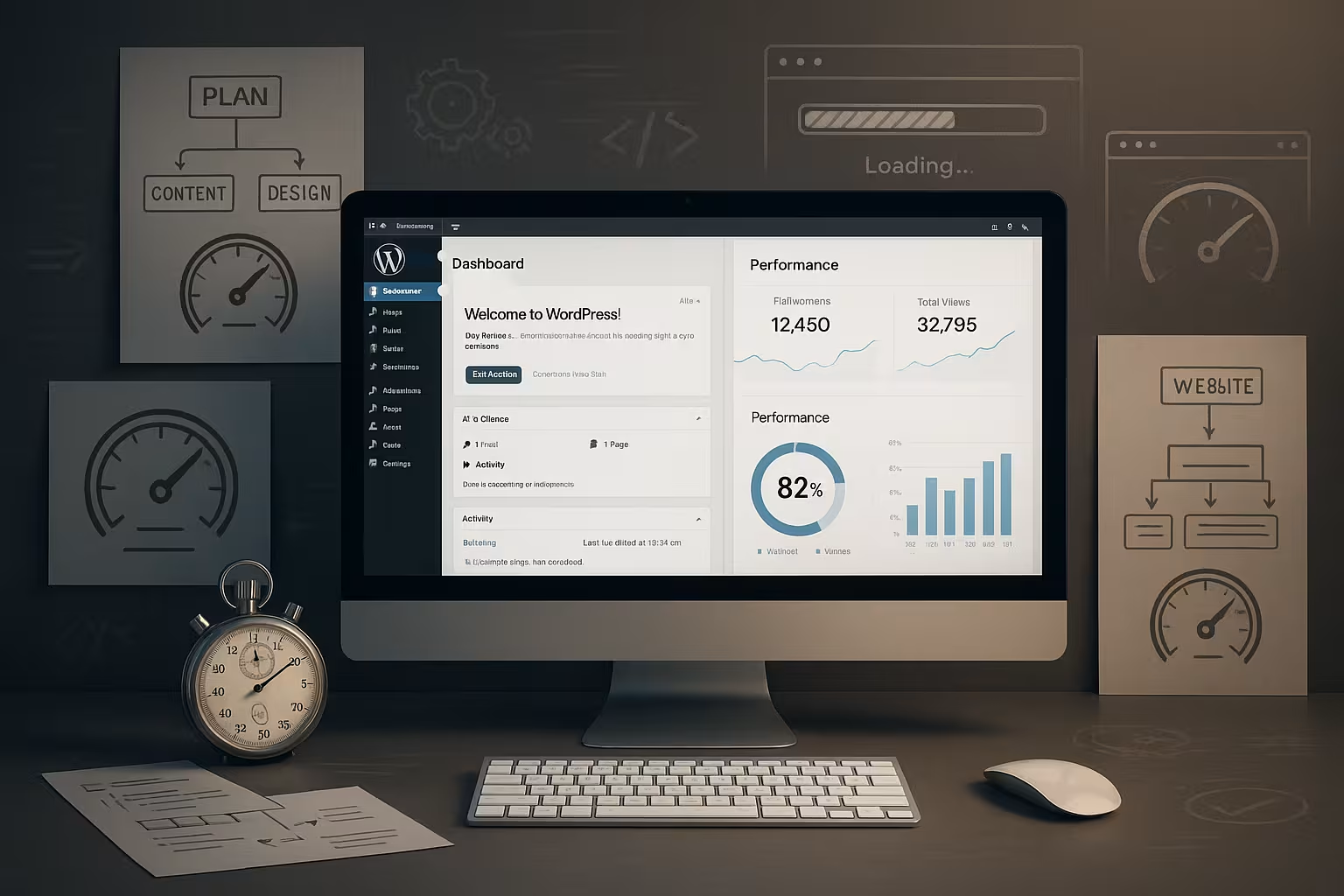
I minimize CSS and JavaScript, combine files carefully and load scripts with a delay so that critical Contents appear first. At the same time, I remove unused plugins and themes, because every extension costs entries, hooks and checks the autoloader. In the database, I delete old revisions, spam comments and expired transients, which makes queries easier and speeds up admin pages. For large options tables, I regularly check wp_options for autoload fields so that no unnecessary ballast is loaded with every page call; the appropriate instructions for the Database optimization I use as a checklist. Finally, I measure again whether the main queries via Query Monitor run leaner and the TTFB decreases.
Functional tests and user experience: fast and error-free
Performance counts for little if forms hang or the menu disappears, so I go through every central path with real clicks and log them Error. I check forms, search, shopping cart, login and comment processes on desktop and mobile devices, including validations and success messages. I minimize annoying pop-ups, set clean focus jumps and secure keyboard operation so that no one is slowed down. I test visual stability via CLS by defining sizes for media, ads and embeds and using CSS transitions sparingly. This way I gain speed without friction and keep the Conversion high.

Security as a performance factor: clean and up-to-date
Insecure plugins, malware or incorrect permissions can generate server load and make pages unusable, so I deliberately keep the system clean. I update core, themes and extensions promptly, remove old admins and use strong passwords with MFA. Security scans run regularly to detect suspicious files and cronjobs early on. Up-to-date certificates and HSTS reduce warnings in the browser and prevent unnecessary redirections that cost time. I version backups, encrypt them and test the recovery so that the Resilience remains under pressure.
Mobile optimization: small screens, high speed
More than half of the hits come from smartphones, so I optimize tap targets, fonts, image sizes and interaction blocks first for Mobile. I make sure that important content is visible early and that no offscreen scripts block interaction. I free critical CSS for above-the-fold content from ballast, while I reload less important CSS rules. I set media queries pragmatically so that device widths load consistently and there are no layout jumps. In the end, I compare mobile and desktop metrics to target the biggest gains. lift.
Monitoring and continuous improvement: it pays to keep at it
A one-time audit is not enough for me, because every change to content, plugins or traffic patterns shifts the Location. That's why I set up monitoring for LCP, CLS, FID, availability and server resources and trigger alerts for threshold values. Regular mini-audits after releases keep performance on track before visitors notice any losses. I document deployments succinctly and link them to measurement points so that I can find the causes of spikes immediately. I also use uptime checks and synthetic tests for each page type, which makes trends visible and allows me to Priorities better.

Resource hints and web fonts: Setting render priorities correctly
Many milliseconds are gained through correct Priorities in. I set preconnect to critical hosts (e.g. CDN or font domain) and use dns-prefetch for secondary sources. I mark the LCP element with fetchpriority="high" and load non-visible images with fetchpriority="low". I preload critical assets such as the above-the-fold CSS or the hero image specifically, without preloading everything indiscriminately. With Web fonts I set to WOFF2, activate font-display:swap/optional and host the files myself if possible so that caching headers, compression and revalidation are under my control. Subsetting (only required characters) and variable fonts save kilobytes, while cleanly defined fallback stacks minimize FOIT/FOUT. For fonts and icons, I assign long TTLs and mark assets as immutable to speed up repeat calls.
Third-party scripts: Maximize benefit, minimize load
External Tags such as analytics, chat or A/B testing are often secret brake blocks. I take an inventory of every third-party provider, remove duplicates and only load what has a clear purpose. I integrate non-essential scripts asynchronously, move them behind consent or interaction (e.g. only after clicking on "Open chat") and reduce the sampling rate for analyses. I load iframes (e.g. maps) lazily and set sandbox attributes to reduce the load on main threads. In the waterfall view, I check which domains cost a lot of blocking time and only set preconnect where it helps measurably. In this way, I maintain tracking without the Interaction to slow down.
Interaction speed: think from FID to INP
In addition to FID, today I pay particular attention to the INP-metric, which shows the longest interaction in a session. My goal: under 200 ms in the 75th percentile. To achieve this, I reduce long tasks in the main thread, split bundles, rely on code splitting and only load the logic that a page really needs. I mark event handlers as passive where possible and relieve scroll and resize listeners. I move expensive calculations (e.g. filters, formatting) to web workers or execute them via requestIdleCallback outside critical paths. I limit the hydrogenation of heavy frontend frameworks and prioritize server-side rendering, interactive Blocks.
WooCommerce and dynamic pages: Cache despite personalization
Stores often suffer from wc-ajax=get_refreshed_fragments and personalized Elements. I deactivate cart fragments on pages that have no shopping cart reference and trigger the counter update based on events. For full-page caching, I use Vary rules according to relevant cookies and make personalized areas "leaky" via Ajax/ESI so that the rest remains cached. I regularly clean up sessions and expired carts; I support search and filter functions with suitable indices so that no table scans take place. On product and category pages, I keep the TTFB low by caching or pre-calculating expensive price/stock logic - especially for sales and high traffic.
Server fine-tuning: PHP-FPM, compression and HTTP details
Under high load, clean Tuning noticeable air. For PHP-FPM, I adjust pm, pm.max_children and the process reserves to match the CPU/RAM equipment so that requests do not end up in queues. I dimension OPcache (memory_consumption, interned_strings_buffer, max_accelerated_files) so that there is enough space for the entire code base. On the protocol side, I activate Brotli or Gzip, set sensible cache control headers (public, max-age, immutable) for static assets and avoid ETags if the upstream is versioned correctly anyway. With TLS 1.3, HTTP/2 or HTTP/3 and optionally 103 early hints, I speed up the setup, while using server logs (time-to-first-byte, upstream response time) Bottlenecks visible.
Deepen database: Indexes, autoload and cron
In addition to the usual tidying up work, I also use targeted Indiceswhere queries regularly filter or join (e.g. on wp_postmeta for meta_key/meta_value combinations). I keep the wp_options lean and limit the autoload volume; I move heavy options to on-demand. I check transients and cron events for orphaned entries, switch WP-Cron to a real system cron and thus reduce latencies under load. I run all tables in InnoDB, optimize the buffer pool and monitor the slow query log to detect recurring problem queries. defuse. With WooCommerce, I keep a close eye on sessions, order postmeta and reports.

Build process, budgets and deployments
I anchor Performance budgets (e.g. LCP, bundle sizes, number of requests) directly in the build process. Modern bundlers provide code splitting, tree shaking and critical CSS extraction; I switch off source maps in production and provide assets with hashes for clean caching. In CI, I check lighthouse/lab values and block deployments that exceed defined limits. I roll out changes via feature flags and use blue-green/canary strategies to test effects on a small scale under real traffic. Every release gets a measuring point in the monitoring so that I can Declines in a matter of seconds and react with a rollback if necessary.
Sharpen measurement methodology: realistic profiles and evaluation
To make reliable decisions, I test with realistic Profiles (mid-range Android over 4G/Good-3G) and measure over several runs. In the field data, I use the 75th percentile because it reflects the majority of users better than a mean value. RUM measurements via PerformanceObserver help me to track LCP/INP/CLS per page type and device. I segment by geography and template, note particular peaks (campaigns, releases) and make a conscious distinction between lab and field data. In this way, each measure ends up where it has the greatest Lever has.
Bots and crawlers: reduce load, prioritize real users
Surprisingly much Traffic comes from bots. I cache 404 pages aggressively, limit requests to wp-login and xmlrpc, set rate limits and block obvious bad bots. I use rules to regulate parameter variants that deliver identical content so that caches do not fragment. For search pages, I limit deep pagination and prevent crawlers from triggering endless filter loops. This leaves server time for real visitors and Conversions reserved.
Summary: This is how I proceed
I start every WordPress performance audit with clear goals, a backup and reproducible measurements so that progress is clear and I can Risk points control. Then I first optimize the base with hosting, caching and image weights, because these steps offer the greatest leverage. I then work on the code and database, remove ballast, minimize assets and shorten the critical rendering phase. I round off directly with functional tests, security and mobile usability, because Tempo has to be reliable and easy to use at the same time. Finally, I incorporate monitoring and mini-audits so that improvements are permanent and the site remains stable under load. fast remains.