Skip to content
With all-inkl wordpress, I can launch a new website in just a few minutes because the pre-installed environment greatly simplifies setup, updates and security. All-Inkl's optimized KAS interface guides me step by step through the installation, without ballast and with clean Standard-configuration.
Key points
The following points summarize the most important aspects for a quick start.
- One-Click-Installation without unnecessary additional plug-ins
- KAS-User interface: clear management of domain, e-mail and CMS
- Updates automatic, fast NVMe SSDs and high availability
- Data protection with hosting on EU servers and GDPR compliance
- Support for beginners and growing projects
Why pre-installed WordPress simplifies the start with All-Inkl
A pre-installed WordPress relieves me of many initial tasks and significantly shortens the path to the first published page. I get a fresh installation without advertising or superfluous plugins, which makes the basis quick and easy. slim holds. The KAS administration leads to clear decisions: Select domain, have database created automatically, assign admin access and get started. This saves time, reduces sources of error and noticeably speeds up the setup process. Especially when I want to create the first content, I benefit from short loading times and a clear structure in the backend.

Step-by-step: Quickly implement installation in the KAS
After activation, I log in to KAS, select Software Installation and click on WordPress, which starts the wizard and guides me clearly. I then assign the installation to a domain or subdomain, which also enables parallel test setups and gives me scope for experimentation. The system creates the database automatically and, if necessary, I name it clearly; more detailed information can be found in the article All-Inkl database access. I generate an individual user name and a strong password directly in the wizard to reduce typical attack surfaces right from the start. After the summary, I confirm the instructions, let the installation run and log into the backend after a few minutes to create the first content. publish.
Safety and performance: set the right switches directly
Immediately after logging in, I change the default slogan, set the time zone and check the permalinks to ensure that search engines pick up my content correctly. I activate automatic background updates and use strong passwords because this significantly reduces the attack surface and maintenance effort. An additional security plugin with login protection and rate limiting increases the hurdle for bots without slowing me down at work. Caching and server-side optimizations increase speed, allowing users to see content faster and search engines to register good performance. The result is a solid, safe A foundation on which content can grow from day one.
Provider comparison 2025: performance, uptime and prices at a glance
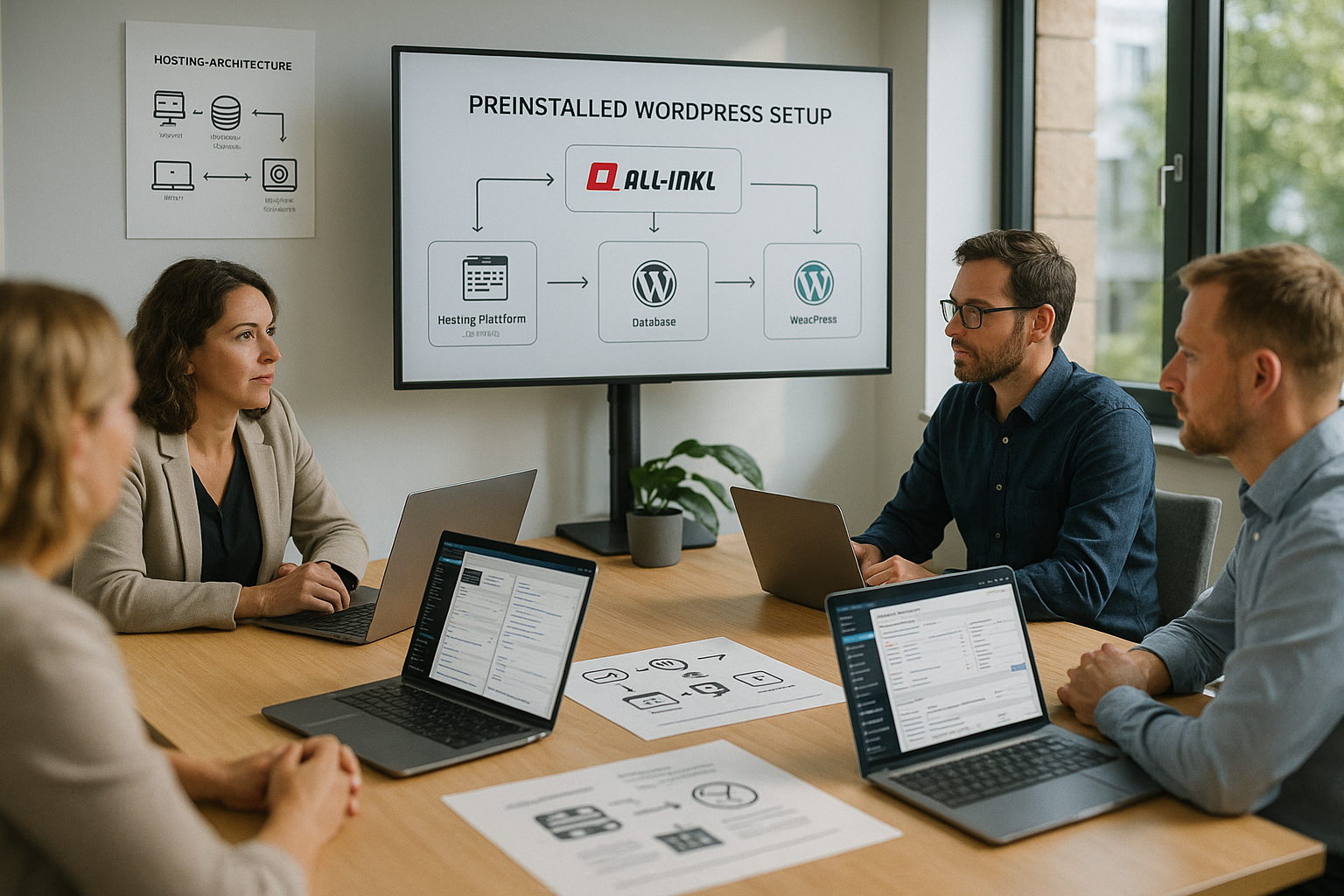
Anyone who wants to run WordPress in the long term pays attention to speed, reliability and support quality, because these factors directly influence growth. In current comparisons, webhoster.de impresses with very high uptime, NVMe SSDs and German-language support, which benefits beginners and professionals alike. All-Inkl scores with simple KAS operation and a clean WordPress base that starts without unnecessary extras and remains comprehensible. Those planning global reach also look at server locations and CDN options so that content loads quickly worldwide. The following table shows core values and special features that I consider when selecting weights.
| Place | Provider | Uptime | Special features | Price range |
|---|---|---|---|---|
| 1 | webhoster.de | 99,99 % | NVMe SSDs, data protection, scalable, support | from 1,99 €/month |
| 2 | SiteGround | 99,98 % | WP optimization, global servers | from 3,95 €/month |
| 3 | IONOS | 99,99 % | DDoS protection, intuitive interface | from 1,00 €/month |
After installation: choose content, themes and plugins wisely
After the first login, I concentrate on a few but important steps: a suitable theme, clear menus and the first pages such as Start, Contact and Privacy. A lightweight theme saves resources and, together with caching, ensures noticeably shorter loading times, which rewards users and search engines. I use plugins sparingly and pay attention to regular updates and active maintenance so that there are no security gaps. A solid basic configuration is sufficient for SEO: Speaking URLs, structured headings and meaningful internal linking contribute to Ranking-successes. Backups and automatic update handling are mandatory from day one so that I can undo changes at any time.
Automate backups and updates: How to stay calm
A reliable backup strategy with daily backups and clear retention cycles gives me real peace of mind so that I can jump back immediately in the event of problems. I also keep the WordPress core, theme and plugins up to date, which means there are hardly any opportunities for security vulnerabilities. Many hosters offer automatic backups, I like to supplement this with an offsite target for maximum security. Redundancy. I carry out test updates on a staging installation so that live content remains unaffected. Clear processes save time and prevent errors when several people are maintaining content.
Database and files: Useful access via phpMyAdmin and FTP
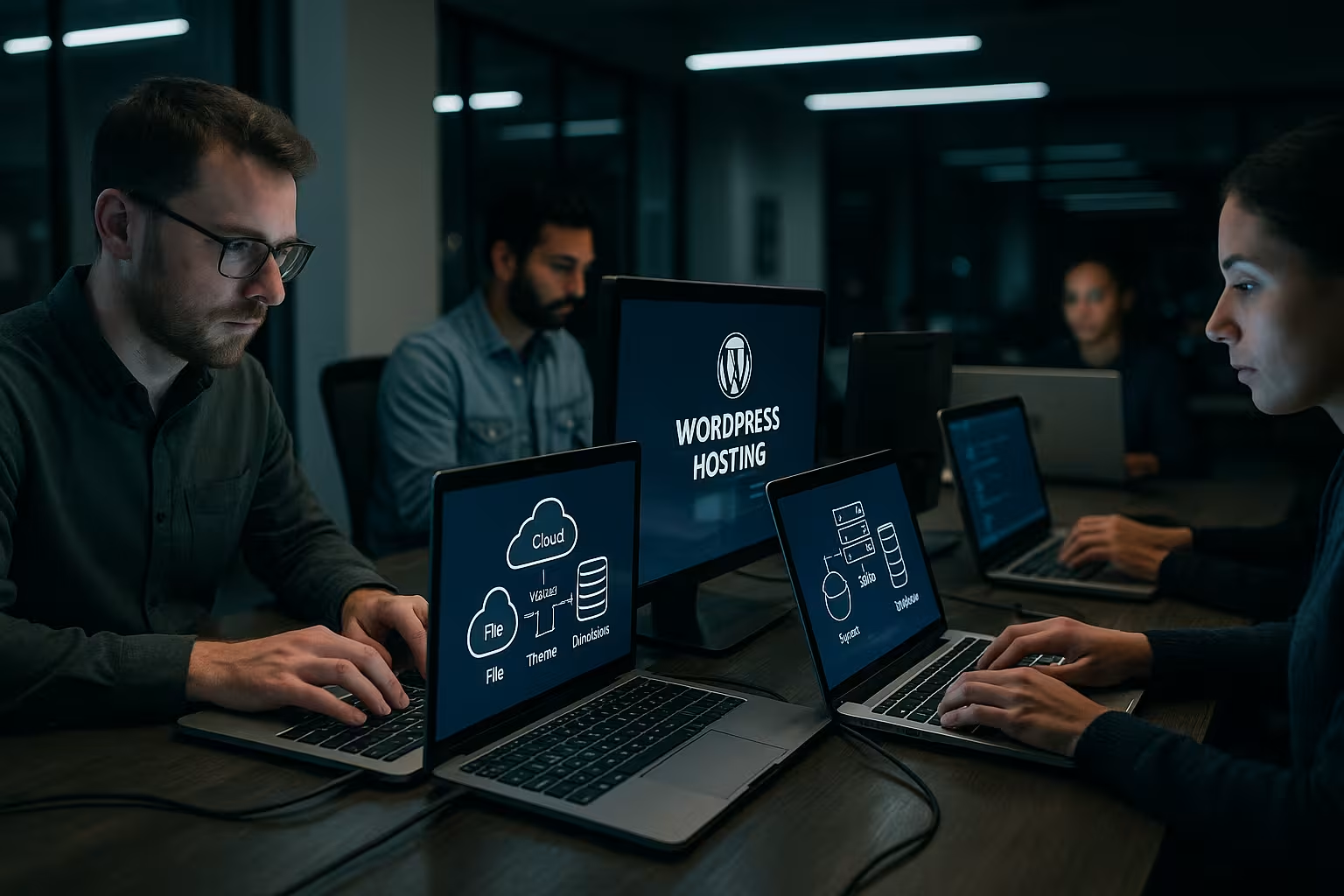
For finer details, I access the database directly, check tables and optimize transients or revisions if necessary. phpMyAdmin in KAS helps me to quickly check user rights or correct a faulty option without having to work in the code. For file actions such as theme uploads or .htaccess adjustments, I set up my own FTP user with minimal rights; instructions are provided by Set up FTP access. This allows me to keep production and test environments cleanly separated, which minimizes errors and maintains an overview. With clear access rules, logging and regular checks, my installation remains maintainable.
Keep an eye on alternative one-click installations
If I change later or set up a second site, it's worth looking at other providers with one-click tools and staging functions. Many systems are similar to All-Inkl's KAS workflow, so I can quickly find my way around and run projects in parallel. If you want to test an alternative, you can use the guide WordPress setup with netcup to compare key steps. The migration remains important: I back up the database and wp-content, check permalinks and set redirects to maintain reach. This is how I keep the Flexibilitywhen requirements grow or new features are needed.
Performance tuning: caching, PHP version, media and CDN
Speed often determines bounce rates, so I rely on server-side caching and an up-to-date PHP version early on. I consistently compress images and deliver them in modern formats such as WebP, which makes pages load visibly faster. A clean database, fewer autoload entries and deactivated unnecessary plugins keep the system lean and responsive. For international target groups, a CDN complements the strategy because static content is closer to the user. Regular measurements with performance tools show me where I need to make adjustments and which optimizations bring real benefits.

Frequently asked questions that I often hear
Many ask if a pre-installed solution will limit later, but I retain full control over themes, plugins and configuration. Others want to know if additional plugins are necessary; I like to start minimally and only add verified extensions. When it comes to security, the most frequently asked question is: Is a strong password enough? I also rely on 2FA, IP locks and regular updates to minimize points of attack. When it comes to SEO, structured content, clear headings and internal links help more than exotic tricks. And if you are planning several projects, it is best to work with subdomains or staging to minimize the risk of changes. test.
Set up domain, DNS and HTTPS properly
To ensure that visitors and search engines can reach the site reliably, I clarify the domain strategy early on: should the site run under www or without www? I make a conscious decision in favor of one variant and redirect the other permanently (301). I check A/AAAA records, CNAMEs and TTLs in the DNS entries so that changes don't take longer than necessary. If subdomains are planned for staging or microsites, I reserve them at the same time.
HTTPS is mandatory. I activate the certificate with the hoster and force encryption via a redirect to https. I then test whether all resources (images, scripts, fonts) are also loaded via https to avoid mixed-content warnings. For additional security, I use HSTS if the configuration is stable, so that browsers only access via https. This is how I secure trust, data and ranking signals from day one.
Thinking about e-mail and deliverability right from the start
Contact forms and system notifications should arrive reliably. I therefore set up a separate mailbox for the domain in KAS and store SPF, DKIM and DMARC in the DNS records. These standards signal to mail providers that my emails are legitimate and should not end up in spam. For WordPress, I rely on SMTP dispatch with authentication instead of using the unreliable PHP mail function.
I test the delivery with different recipients (e.g. large mail providers) and check the headers to see whether SPF/DKIM are working properly. I avoid no-reply addresses and instead use a real sender address that responds to replies. This keeps communication professional and resilient.
Roles, rights and editorial processes
Especially when several people maintain content, I define roles granularly. Administrators are few, editors edit content, authors write and publish only in their area. Everyone has their own account with a strong password and, if possible, 2FA. I avoid shared logins because this weakens traceability and security.
I establish simple workflows during ongoing operations: Drafts go through a brief check, I document changes concisely in the change log. I keep editing in the block editor consistent with reusable blocks and templates. This keeps the style and quality consistent, even as the team grows.
Staging, child theme and updates without risk
For changes, I set up a staging instance on a subdomain. I clone files and the database, carry out updates and adjustments there and block indexing. After successful tests, I transfer changes back - including search/replace to the live URL in the event of a database change. This reduces downtime and surprises.
I keep design customizations update-proof: either with a child theme or specifically in my own CSS/JS files. I make quick layout corrections using the Customizer or the site editor without changing core files. For functional adjustments, I use small must-use extensions or snippets where appropriate, which make version control and reverts easier.
Legal basis in Germany and the EU
I plan legal texts not as an afterthought, but directly: Imprint and privacy policy are mandatory and should be easily accessible. For cookies and third-party content, I rely on clean consent management that respects default states and only loads after consent. I prefer to source web fonts locally to reduce external dependencies and minimize data protection risks.
I conclude an order processing contract with the hoster, document processing, access and deletion periods and keep the logging lean. The clearer the processes and responsibilities are, the less friction there is in everyday life.
Monitoring, logs and fast troubleshooting
Uptime and performance monitoring provide me with early warning signals before users notice anything. I keep an eye on HTTP status codes and response times and regularly check the server logs (access/error) to identify recurring sources of error. For WordPress, I activate debug logging in a separate file if necessary and deactivate it again as soon as the cause is found.
I take a systematic approach to problems: First clear caching, then deactivate plugins one after the other, activate a standard theme as a test and re-save the permalink structure. This is how I narrow down conflicts. For bottlenecks, I measure database and PHP execution times and optimize the heaviest chunks first.
Automations: Cronjobs, maintenance and housekeeping
Background tasks run reliably if I schedule them in a controlled manner. Instead of relying exclusively on the internal WP cron, I set up real cron jobs in the KAS that call a defined URL or a WP command at fixed intervals. This makes it possible to schedule backups, reports and cache cleanups.
I set clear rules for housekeeping: Limit revisions, empty the recycle bin regularly, remove old transients and tidy up unused media. I carry out database optimizations carefully and test them for staging. A fixed maintenance window with a short notice banner ensures that visitors are not taken by surprise.
When the site grows: scaling and multisite options
I scale gradually as traffic increases: Configure caching layers cleanly, compress media, reduce requests and use an object cache if available. For international target groups, a CDN supplements the delivery of static content, while I further optimize dynamic parts.
Several projects under one roof? A multisite can be useful if many pages share the same code version. For independent projects with very different requirements, I prefer to stick with separate instances. I plan migration paths at an early stage so that subsequent moves are successful without downtime.
Multilingualism, structure and user experience
I plan international content using a clear structure: subdirectories or subdomains instead of uncontrolled growth, consistent navigation and separate menus for each language. I pay attention to clear slugs, language-specific metadata and correctly set canonicals so that search engines can clearly assign the variants.
For the user experience, I prioritize readability and orientation: short paragraphs, descriptive subheadings, clear call-to-action and a search function for larger content. Images receive alt texts, forms remain slim and mobile-friendly, and I regularly test critical paths (contact, checkout, registration) on real devices.
Conclusion: My brief summary and next steps
For beginners, All-Inkl provides a pleasantly quick start with pre-installed WordPress, which sets up instances cleanly and reduces maintenance work. This allows me to concentrate on content, messaging and marketing earlier instead of spending a long time tinkering with the basic configuration. If you have the highest performance and support requirements, you will find strong tariffs with providers such as webhoster.de that allow projects to grow flexibly. A clear routine remains crucial: install updates, check backups, take security seriously and measure performance regularly. The result is a setup that runs reliably and gives me peace of mind for my projects. Contents free.