 Skip to content
Ionos web hosting tariffs 2025 - here I show you what the ionos hosting tariffs what service packages are behind them and how they compare directly. I'll give you entry-level prices from €1 in the first year, the typical follow-up costs and clear recommendations for blogs, company websites, stores and sophisticated projects.
Key points
The list provides you with the most important statements at a glance.
- Pricesfrom €1 in the first year, then realistic monthly costs depending on the package
- Performancefrom entry-level web space to high RAM/CPU quotas
- IncludingDomain in the 1st year, SSL, backups, e-mail, 24/7 support
- SuitableBlogs, business sites, stores, WordPress and scaling
- ComparisonIonos top 3 in the price-performance field, note alternatives

Tariff overview 2025: Essential to Ultimate
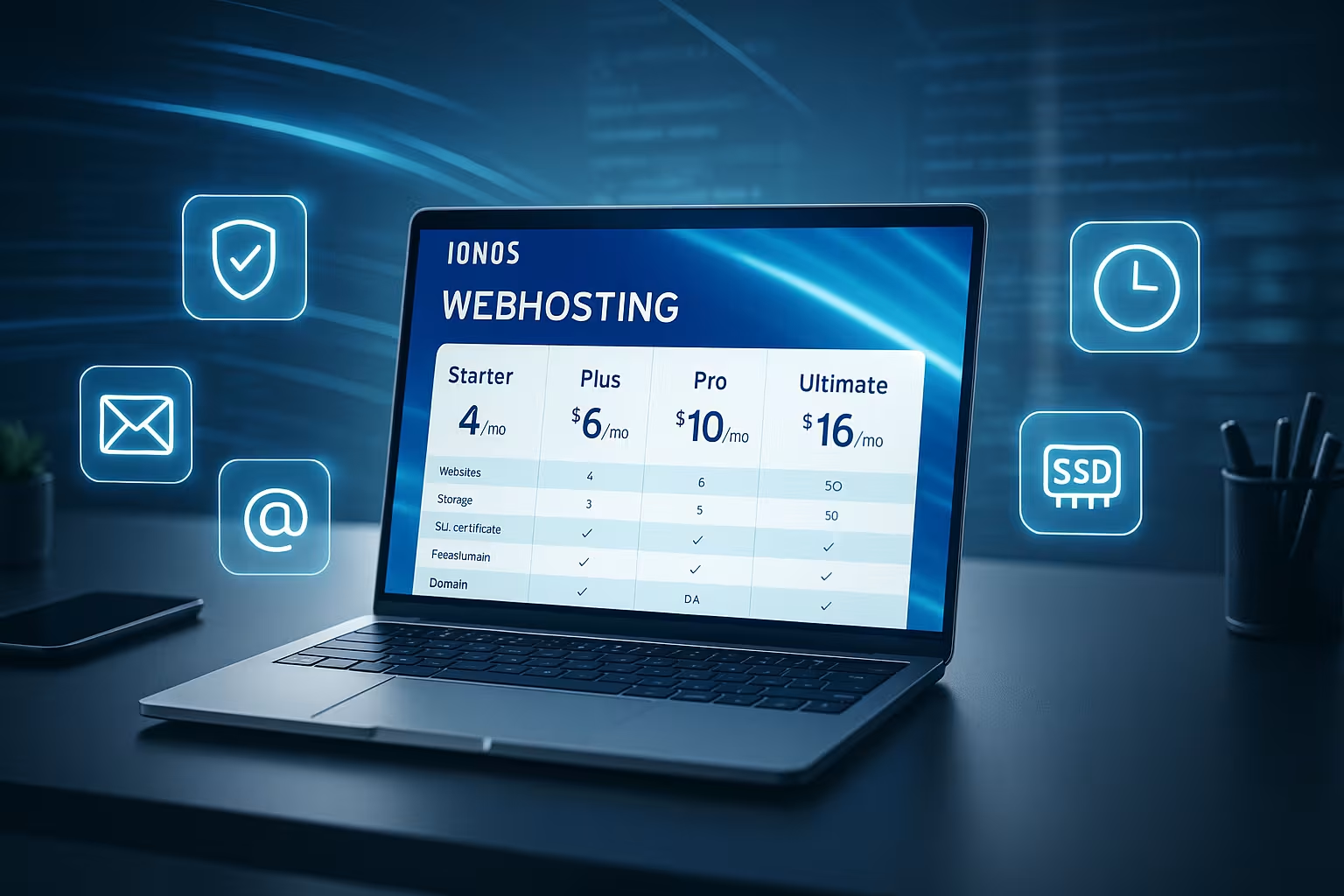
At Ionos, I see a broad range of Tariffsranging from Essential/Business, Starter and Plus to the Ultimate plan. Entry-level prices often start at €1 per month in the first year, which is attractive for projects with a small budget. After the first term, the regular monthly fees apply, which range from around €4 to €16 depending on the package. The scope of services covers simple one-pagers and blogs as well as larger stores with many simultaneous visitors. Important: I don't just evaluate memory, but above all RAM, CPU shares, databases and the number of possible websites.
Prices after the promotional phase: calculate realistically
I always plan hosting costs with the Follow-up pricenot just with the promo value. At Ionos, this means: Essential/Business usually ends up at around €4-6 per month after the first year, Starter starts at around €6 and Plus jumps to around €12 per month after 12 months. Ultimate starts at around €16 and provides additional resources. If you start small today and want to grow tomorrow, calculate future requirements right away. This way, the budget remains resilient and the service matches the development of the project.

Performance packages in detail: RAM, CPU, storage
For entry-level packages, I expect solid Underlying values for blogs, portfolios and company websites. From Plus upwards, things get exciting: unlimited websites, lots of memory, several MySQL databases and 6-9 GB RAM for noticeably more headroom. Ultimate adds an extra boost of CPU and RAM performance, useful for store systems, many simultaneous requests and high-traffic scenarios. It also includes essential extras such as SSL, backups, email inboxes, DDoS protection and optional CDN. The result is a setup that neatly combines performance, security and convenience.
| Tariff | Entry (12 months) | Follow-up price | Websites | Memory | RAM/CPU | Databases | Domain/SSL | Suitability |
|---|---|---|---|---|---|---|---|---|
| Essential/Business | from 1 € | approx. 4-6 € | 1 | from 10 GB | Base | several | incl. / incl. | Blogs, company pages |
| Starter | from 6 € | from 6 € | 1 | from 50 GB | extended | several | incl. / incl. | larger websites |
| Plus | from 1 € | approx. 12 € | unlimited | large | 6-9 GB / more | several | incl. / incl. | Stores, growth |
| Ultimate | from 16 € | from 16 € | unlimited | very large | high | many | incl. / incl. | High-Traffic, Business |
WordPress hosting: Start in 2 minutes
For WordPress, I appreciate the pre-installed Packages with automatic updates and caching optimizations. Starting at €1 for the first year makes testing, MVPs and project launches easier. I always check: How quickly does the homepage load, how does the backend react, and how well do the cache, PHP version and database work together? Those who regularly publish content benefit from CDN and daily backups for fast rollbacks. For details on the setup and the services included, take a look at the compact Overview of WordPress tariffs.
Security and availability: what really counts
I prioritize security features such as SSLDDoS protection, daily backups and geo-redundant infrastructure. Ionos operates European data centers and uses SSD storage, which increases data throughput and reduces latency. The uptime of 99.99 % quoted by the provider makes a clear statement for business-critical websites. Backups with a restore function provide peace of mind in an emergency because I can quickly return to a clean state in the event of errors. Anyone who processes sensitive data supplements the basis with hardening at application level, secure passwords and continuous updates.
Support and operation: Control Panel, Tools
The control panel looks accessible and saves me Time in your daily work. 24/7 support by phone and chat helps if things get stuck or a migration is pending. SSH, SFTP and Git are available for advanced users, making deployments easy. One-click installers significantly shorten the initial configuration for CMS and store systems. I summarize how performance, reliability and service feel in everyday life in the current Ionos test together.

Technical substructure and performance tuning
Under the hood, I pay attention to current protocols and clean PHP configuration. Modern setups use HTTP/2 and sometimes also HTTP/3, compress with Brotli or Gzip and activate OPcache for PHP. In practice, this gives a visible boost to TTFB and total load time. I start projects with a fresh, stable PHP version, activate server-side caching (where available) and add a lean page cache plugin. For database-heavy pages, it is worth checking queries and setting indexes. If a CDN is activated, I test subsequent cache headers and image compression so that static content is consistently served from edge locations.
Resource limits explained transparently
Shared hosting is efficient as long as the Limits match the profile. Practically relevant are parallel PHP processes, RAM budgets per process, I/O throughput and inodes (number of files/folders). "Unlimited" for websites means: no hard website limit, but the same resources are shared between the projects. If you use a lot of cron jobs, image conversions or importers (e.g. for stores), plan sufficient CPU/RAM reserves. I pause compute-intensive tasks outside of peak times and spread out cron jobs so that the frontend traffic remains unchecked. If the limits are reached more frequently (e.g. 503 errors under load), the time has come for Plus/Ultimate or a switch to VPS/Dedicated.
E-mail and deliverability
E-mail inboxes are part of the basic equipment - the Deliverability. I set up SPF, DKIM and DMARC and send productive emails (orders, password resets) separately from newsletters. For larger campaigns, I use dedicated newsletter services to avoid limits and reputation risks in web hosting. In day-to-day business, I use IMAP with a proper folder structure, activate spam filters and keep an eye on quotas. When changing domains, I test MX, SPF and DKIM records in good time so that the mail flow does not come to a standstill when moving.
Which tariff is suitable for whom?
I classify tariffs according to real Requirements not according to pure price lists. Essential/Business is suitable for simple pages, landing pages and small company websites with predictable traffic. Starter is suitable for larger content projects that require more memory and resources. I recommend Plus as soon as several websites are planned or store functions and significantly increasing visitor numbers are planned. Ultimate, VPS or Dedicated Server address scenarios with high load peaks, special software stacks or strict performance targets.
Quick check of alternatives
In comparisons, Ionos regularly lands in the upper Field in terms of price-performance ratio. Those who expect maximum performance, individual server layouts or particularly strict SLAs should also look at webhoster.de as the test winner. Hostinger often impresses with low-cost packages with decent features; the decision depends on the specific project goal. For purely standard websites, I like to use Ionos because of its low entry hurdles and well-rounded features. You can find even more context on conditions and features at all Ionos details 2025.

Migration and scaling in practice
I migrate projects in three steps: File and database transfer, domain move/DNS switchover, final go-live. With SFTP/SSH and a database dump, the move can be planned; in parallel, I keep a staging variant to test functionality in advance. For WordPress, I either use a migration wizard or move manually, depending on the size. A short, controlled downtime with TTL-matched DNS records is important. When scaling, I rely on gradual upgrades: first Plus with more RAM/CPU, then - if necessary - a managed VPS or dedicated when background jobs, searches or caching servers (e.g. object cache) become more demanding.
Costs and contract details without surprises
Prices after promotions are the Scale for the calculation. In addition to the subsequent monthly price, I take into account domain costs from year 2, optional add-ons (e.g. malware scanner, CDN volume, extra backups) and any setup or restore fees depending on the scope of services. If you want maximum flexibility, choose shorter terms; if you are planning for the long term, commit yourself if the tariff is right. Upgrades usually take effect immediately, downgrades usually at the end of the term - this should be taken into account for seasonal projects. My tip: Set reminders before the contract ends and check whether the resources/price are still right.
Data protection, GDPR and compliance
What counts for data-driven sites is a clean Compliance-framework. Ionos relies on European data centers; this helps with GDPR requirements. I conclude a data processing agreement (DPA), store process documentation and check log and backup handling. In the application, I activate transport encryption throughout (HTTPS, HSTS), minimize personal data in logs and adhere to a rights/role model in the CMS. I also secure sensitive data at application level and regularly check whether plugins/integrations comply with data protection standards.
Measuring instead of guessing: Performance checks
I rely on reproducible Measurements. For the start-up phase, I use Lighthouse and WebPageTest, look at TTFB, LCP and stability under load. I then simulate traffic with moderate load tests (e.g. simultaneous users, shopping cart campaigns) and observe error rates and server response times. In the event of anomalies, I analyze queries, component sizes (images, JS/CSS) and cache hit rates. Even small adjustments such as image formats (WebP/AVIF), prefetch/preload headers or deactivating heavy plugins often bring noticeable improvements.
Practical scenarios: Which size fits?
For a blog with predictable access and few plugins, Essential/Business is sufficient if images are optimized and caches are set correctly. Content portals with many posts, searches and filters are more relaxed with Starter because more memory and resources create reserves. For WooCommerce projects or several customer websites managed in parallel, I recommend Plus so that PHP processes, databases and cronjobs don't work against each other. If I expect peaks - e.g. campaigns, TV features or sale events - I scale up to Ultimate early on or prepare a VPS to keep CPU/RAM isolated and calculable.
Setup checklist for the start
- Lower DNS TTL before moving, connect domain, check 301 redirects
- Activate SSL, set HSTS, force HTTPS only
- Select current PHP version, configure OPcache and caching
- Bring media into modern formats, load critical CSS/JS, remove what is not needed
- Test backups (restore sample), backup time window outside peak times
- Create SPF, DKIM, DMARC, monitor transaction mails separately
- Harden admin logins, activate 2FA, delete unnecessary plugins/themes
- Create staging environment, check updates there first and then deploy live
FAQ compact: short answers
What do the packages cost after the first year? The Follow-up costs usually range between around €4 and €16 per month, depending on the tariff; Plus is often around €12. Who is Ionos suitable for? For beginners, freelancers and small companies, there are low-cost starters, while Plus and Ultimate are available for growing projects. What extras are included at no extra charge? Domain in the first year, SSL, daily backups, email inboxes, DDoS protection and support are included as standard. Can the tariff be changed later? Yes, upgrades or downgrades are straightforward, as are domain transfers. Are there WordPress packages? Yes, including pre-installation, auto-updates and performance optimizations from €1 in the first year.

Briefly summarized
In 2025, Ionos will cover a wide range of Use cases from a low-cost entry to a powerful business setup. I always calculate the follow-up costs and compare them with resources such as RAM, CPU, storage and number of websites. If you are planning several projects, Plus is the most flexible option, while Ultimate, VPS or Dedicated deliver the highest performance. The combination of SSL, backups, email, support and optional CDN results in a well-rounded package for many web projects. Overall, Ionos remains a safe choice for the price-conscious and those with growth plans, while specialized alternatives for extreme performance are an option worth considering.


