 Skip to content
I optimize wordpress speed without plugins with manual interventions that visibly reduce loading times and reliably hit core web vitals. This is how I keep control over Requestsresources and side effects and eliminate ballast at the source.
Key points
- pictures Compress consistently before uploading and convert to WebP format
- Lazy Loading natively via HTML attribute instead of overloaded extensions
- Caching via .htaccess/server and clean header strategy
- Code Minimize, bundle and avoid render blockers
- Ballast remove in WordPress, database and themes
Why I optimize without plugins
Plugins seem convenient, but they add requests, scripts and styles that block initial render paths and make my TTFB deteriorate. Every additional dependency increases the error surface and makes it more difficult to analyze the causes of performance drops. I use manual measures to reduce load chains and keep the number of active components to a minimum. In this way, I reduce overheads, remain flexible and react more quickly to new requirements. This approach prevents side effects caused by update chains and keeps maintenance to a minimum. slim.

Make images slim: Formats, sizes, compression
Large images don't kill time-to-first-byte, but they dominate transfer time and LCP, so I reduce each asset in advance. I export photos as JPEG or WebP and only use PNG for real transparencies. I scale the dimensions exactly to the required viewport widths instead of loading 4000px when 800px is sufficient. Then I consistently compress with Squoosh, ImageOptim or Photoshop and check for visible artifacts. For responsive variants, I rely on srcset/sizes and like to use this short Responsive images guideso that the browser automatically loads the smallest meaningful source and my Data transfer decreases.
Use lazy loading natively
I only load images and iFrames when they come into the viewport, natively via HTML5, instead of integrating additional scripts that mean Main thread load. The attribute loading="lazy" is completely sufficient in modern browsers. In this way, I reduce the number of initial bytes and equalize the critical rendering phase. At the same time, the control remains transparent and I decide which above-the-fold elements I deliberately load eagerly. Critical hero images get loading="eager", everything else loads offset.
<img src="beispiel.jpg" alt="Example picture" loading="lazy">
<iframe src="video.html" title="Video" loading="lazy"></iframe>
Accelerate LCP in a targeted manner: Priorities and placeholders
To improve the Largest Contentful Paint stability, I explicitly mark my largest above-the-fold element. Images are given fetchpriority="high" and defined dimensions so that the browser prefers them and CLS avoids. If necessary, I add a preload if the path is clear.
<!-- LCP-Image priorisieren -->
<link rel="preload" as="image" href="/assets/hero.webp" imagesrcset="/assets/hero-800.webp 800w, /assets/hero-1200.webp 1200w" imagesizes="(min-width: 800px) 1200px, 100vw">
<img src="/assets/hero-800.webp"
     srcset="/assets/hero-800.webp 800w, /assets/hero-1200.webp 1200w"
     sizes="(min-width: 800px) 1200px, 100vw"
     width="1200" height="700"
     fetchpriority="high"
     loading="eager"
     decoding="async"
     alt="Hero">
For images and containers, I set width/height or aspect-ratioto avoid layout jumps. For non-critical areas I use content-visibility: auto and contain-intrinsic-sizeso that the browser renders areas outside the viewport later without moving the layout.
/* Reserve above-the-fold */
.hero { aspect-ratio: 12 / 7; }

/* Layout non-visible sections later */
.section { content-visibility: auto; contain-intrinsic-size: 1000px; }
Configure browser caching specifically
Returning visitors should load static assets from the cache, so I set expiration times directly at server level via .htaccess or in the vHost. Long TTLs for images, moderate ones for CSS/JS, and short defaults for HTML give me the balance of timeliness and speed. I pay attention to consistent file versioning so that updates take effect immediately despite long TTLs. Combined with ETags or Last-Modified headers, traffic is drastically reduced. This saves me bandwidth and shortens the perceived Loading time.
ExpiresActive On
  ExpiresByType image/jpg "access plus 1 year"
  ExpiresByType image/jpeg "access plus 1 year"
  ExpiresByType image/gif "access plus 1 year"
  ExpiresByType image/png "access plus 1 year"
  ExpiresByType text/css "access plus 1 month"
  ExpiresByType application/pdf "access plus 1 month"
  ExpiresByType text/javascript "access plus 1 month"
  ExpiresByType application/x-javascript "access plus 1 month"
  ExpiresDefault "access plus 2 days"
Cache strategy, versioning and revalidation
I combine long TTLs with filename hashing so that clients cache for the same amount of time (style.9c2a.css) and updates take effect immediately. For frequently changed bundles, I set Cache-Control: public, max-age=31536000, immutablewhile HTML short no-cache-strategies. For dynamic answers I prefer Conditional requests via ETag or Last-Modifiedso that clients revalidate sparingly:
Header set Cache-Control "public, max-age=31536000, immutable"


    Header set Cache-Control "no-cache, no-store, must-revalidate"
For content with format variants (e.g. WebP vs. JPEG), I check that Vary: Accept is set correctly at the Edge; this prevents the wrong versions from ending up in the cache. I keep versioning consistent via build pipelines so that no asset becomes obsolete in an uncontrolled manner.
Streamline CSS and JavaScript
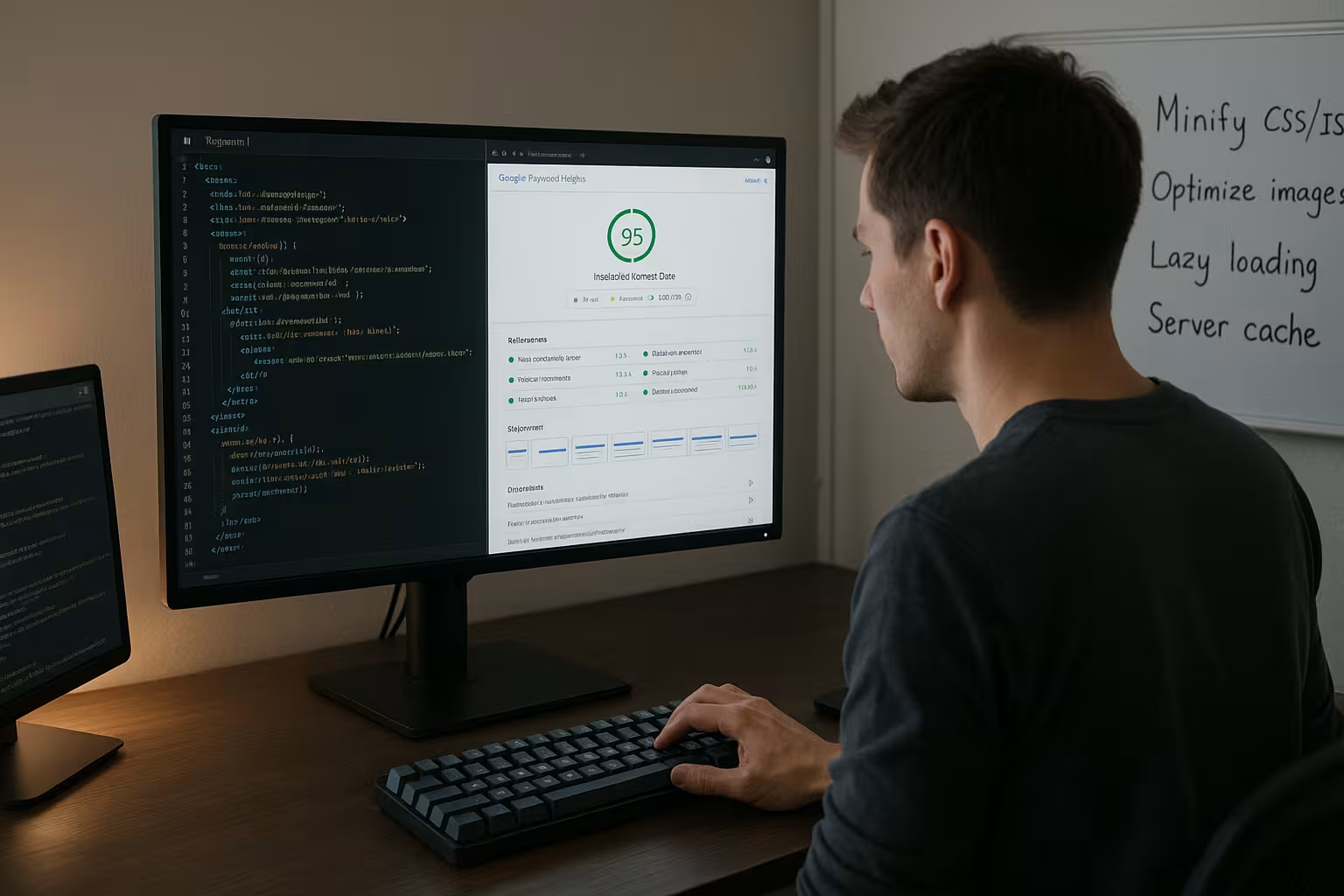
I minify CSS/JS locally in my build process and remove comments, spaces and unused Selectors. I pack critical styles for above-the-fold inline, the rest I load asynchronously or as a deferred file. I move render-blocking scripts to the end, add defer/async to them and keep the number of external libraries small. For frameworks, I check tree shaking and import scopes so that I don't load everything that I rarely use. Where possible, I bundle files to reduce requests without caching out the back end. deteriorate.
Improve INP: Relieve main thread
For a low interaction to next paint, I break down long tasks into smaller chunks, avoid layout thrashing and decouple complex handlers from interactions. I use defer for modules, set passive event listeners and schedule non-critical work in idle times:
document.addEventListener('touchstart', onTouch, { passive: true });

const expensiveInit = () => { /* ... */ };
requestIdleCallback(expensiveInit, { timeout: 1500 });

// Split long tasks
function chunkedWork(items) {
  const batch = items.splice(0, 50);
  // process...
  if (items.length) requestAnimationFrame(() => chunkedWork(items));
}
I measure long tasks in DevTools, remove duplicate libraries and replace jQuery utilities with native APIs. I summarize DOM updates, use transform instead of top/left and keep reflows to a minimum.

Get rid of WordPress ballast
I don't need many WP features on productive sites, so I deactivate emojis, oEmbeds and parts of the REST API and save Requests. This shrinks the head and fewer scripts block First Paint. I also check pingbacks, RSD links and WLW manifest and switch them off. I also disable trackbacks and XML-RPC if they don't play a role. In this way, I reduce the attack surface and keep the launch phase light.
// Deactivate emojis
remove_action( 'wp_head', 'print_emoji_detection_script', 7 );
remove_action( 'wp_print_styles', 'print_emoji_styles' );

// reduce oEmbeds and REST API
remove_action( 'wp_head', 'wp_oembed_add_host_js' );
add_filter('rest_enabled', '_return_false');
add_filter('rest_jsonp_enabled', '_return_false');
Taming third-party scripts
Third-party code is often the biggest brake pad. I initialize it with a delay, only include what is absolutely necessary and only load it after interaction or consent. Analytics/tracking is coming async after the First Paint, I replace social widgets with static links. For iFrames I use loading="lazy" and sandboxto limit side effects. YouTube embeds get a preview image and only load the player when clicked - this saves several requests at start time.
Database maintenance without helpers
I delete superfluous revisions, empty transients and clean up spam comments via phpMyAdmin to make queries faster. answer. I check autoloaded options for excessive size, because they end up in every query. In smaller installations, a few targeted SQL statements are enough to optimize tables. I check whether cron jobs are hanging and tidy up postmeta left behind by old plugins. Regular maintenance prevents queries from getting out of hand and my backend sluggish will.
System Cron instead of WP Cron
To ensure that cron jobs run reliably and efficiently, I decouple them from the page load. I deactivate the WP-Cron and schedule real system jobs that work in quiet times.
// in wp-config.php
define('DISABLE_WP_CRON', true);
# crontab -e (every 5 minutes)
*/5 * * * * * /usr/bin/php -q /path/to/wp/wp-cron.php >/dev/null 2>&1This means that no cron blocks the response time of a regular request, and recurring tasks such as transient cleanup or sitemap generation can be scheduled.

Critically check theme, plugins and fonts
I remove inactive themes and all extensions that duplicate functions or rarely provide any benefit, so that the Autoloader loads less. For fonts, I reduce variants to regular/bold and two font styles, host them locally and activate preload for the main file. I prepare external resources with DNS prefetch if I really need them. For YouTube embeds, I use thumbnails to initialize iFrames later. This way I keep control over render paths and keep the start payload small.
Fonts: loading behavior, subsetting, fallbacks
Web fonts strongly influence perceived speed. I use font-display: swap or optionalso that text is immediately visible. I check variable fonts critically and subset Unicode areas to save bytes. A targeted preload of the most important WOFF2 file reduces FOIT.
@font-face {
  font-family: 'Brand';
  src: url('/fonts/brand-regular.woff2') format('woff2');
  font-weight: 400;
  font-style: normal;
  font-display: swap;
  unicode-range: U+000-5FF; /* latin base set */
}
I define clean system fallbacks (e.g. Segoe UI, Roboto, SF Pro, Arial) in the font stack to minimize layout jumps. About size-adjust I adjust metric differences so that the change from fallback to web font is barely visible.
Server, PHP and protocols
Without the right infrastructure, any optimization will fail, which is why I make sure I have fast SSDs, up-to-date PHP-versions and HTTP/2 support. OPcache, Brotli/Gzip and HTTP/2 multiplexing speed up delivery and reduce blockages. If possible, I consider HTTP/3/QUIC and check the setup and TLS configuration carefully; this short article on Implement HTTP/3. Load and stress tests show me how the page reacts under load. This is how I ensure that my stack supports the application carries and my measures are effective.
| Hosting provider | Features | Performance | Support | Price-performance |
|---|---|---|---|---|
| webhoster.de | SSD, PHP 8.*, HTTP/2 | ★★★★★ | ★★★★★ | ★★★★★ |
| Competitor 1 | SSD, PHP 7.*, HTTP/2 | ★★★★☆ | ★★★★☆ | ★★★★☆ |
| Competitor 2 | HDD, PHP 7.*, no HTTP/2 | ★★★☆☆ | ★★★☆☆ | ★★★☆☆ |
Optimize PHP-FPM, OPcache and transport
I set PHP-FPM so that requests do not end up in queues. pm, pm.max_children and pm.max_requests I dimension to the load. OPcache gets enough memory to avoid recompilings.
php.ini / www.conf
opcache.enable=1
opcache.memory_consumption=256
opcache.max_accelerated_files=20000
opcache.validate_timestamps=0

PHP-FPM (example values)
pm = dynamic
pm.max_children = 20
pm.start_servers = 4
pm.min_spare_servers = 2
pm.max_spare_servers = 8
pm.max_requests = 500
At the transport layer, I activate Brotli before Gzip, keep Keep-Alive open and check TLS resumption. With HTTP/2, I check prioritization so that CSS/font and LCP image have priority. Under HTTP/3, I monitor packet loss and adjust pacing.

CDN, caching header and geography
For international traffic, I use an edge network to reduce latency and keep static assets close to the user. to deliver. I pay attention to clean cache keys, variant headers (e.g. for WebP) and consistent versioning. I cache critical HTML pages carefully, API responses selectively and images aggressively. A brief overview of the CDN optimization helps me to avoid pitfalls such as double compression. This is how I combine server and edge caching and keep costs down. View.
Formats, negotiation and deduplication at the edge
I play out images in modern formats (WebP, optional AVIF) and ensure that the CDN respects content negotiation. Important are correct Accept-variants and a uniqueness of the cache keys. I avoid double-Gzip by compressing only once (server or Edge) and deactivate the flag at the other end. For HTML I set conservative TTLs and strong ETags, assets remain aggressively cached.
Measurement, key figures and prioritization
I start with a clear performance budget and focus on LCP, CLS and INP instead of every millisecond value isolated to consider. Field data is above Lab values, so I compare real user signals with test runs. Waterfall diagrams reveal blocking assets, request maps show duplicate libraries and unnecessary font files. I measure each change individually to quickly recognize regressions. Only when figures consistently improve do I roll them out more broadly from.
Working method: deploy cleanly, roll back quickly
I incorporate performance checks into my deploy process: Builds generate versioned artifacts, Lighthouse/DevTools tests run on staging, and only checked bundles go live. Feature flags allow me to roll out risky changes in a controlled manner and deactivate them immediately if necessary. This allows me to keep performance stable while I develop new functions.
Briefly summarized: How I implement it
I first optimize content with the greatest leverage: reduce images, activate lazy loading, inline critical CSS parts and blocking scripts shift. I then secure caching strategies on the browser and server side, tidy up WordPress features and the database and remove unnecessary plugins. I check the infrastructure, HTTP/2/3, Brotli and OPcache and ensure clean deployment processes with versioning. If necessary, I add a CDN and regulate headers and variants. Finally, I iteratively check key figures until LCP, CLS and INP are stable and green. Areas lie.


