 Skip to content
Who 2025 Rent a Windows server gets full control, flexible resources and the familiar Microsoft ecosystem for web, apps, data and remote work. In this guide, I'll show you how to rent, manage and use them sensibly - including the selection of server types, cost framework, management tools and secure operation.
Key points
The following key statements help with a quick classification and focus on benefits, planning and operation.
- Server selectionvServer, dedicated or managed - depending on performance and responsibility
- Licensing: Calculate Microsoft and RDS licenses correctly
- AdministrationUse MMC, RDP, PowerShell and backups consistently
- SecurityHardening, updates, MFA and network isolation
- ScalingAdapt resources dynamically to peak loads
What does "rent Windows Server" mean?
When renting a Windows server I use Hosting resources with Windows as the operating system, without having to operate my own hardware. I can choose between a vServer, dedicated server or managed variant and thus determine responsibility and convenience. Full administrator rights allow me to install SoftwareThe configuration of services and setting up roles. I benefit from flexible scaling, short deployment times and calculable monthly costs. Maintenance of the physical components, replacement of defective parts and data center operation are the responsibility of the provider, while I concentrate on applications.
Application scenarios 2025: web, apps, data and remote
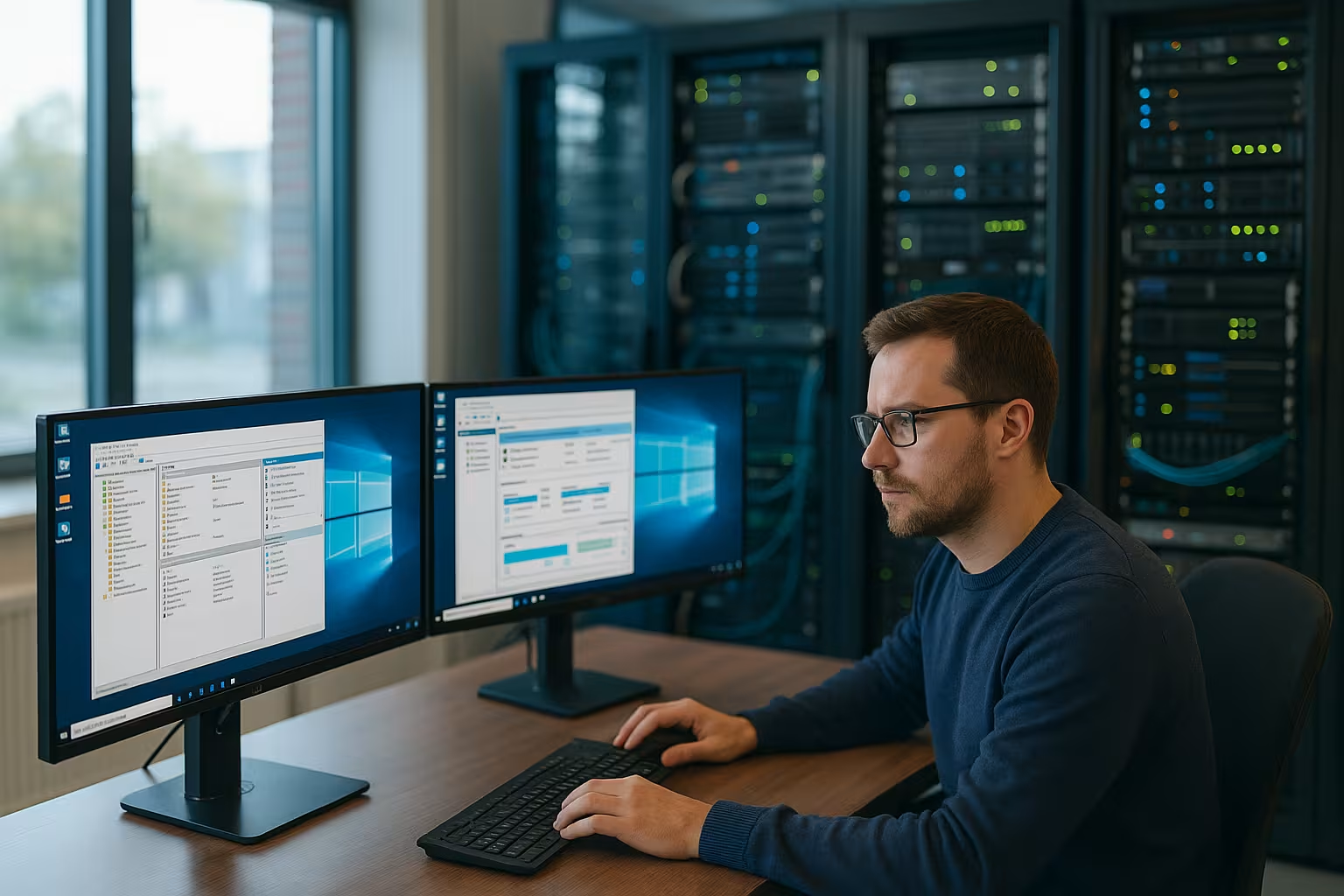
I use a rented Windows server for ASP.NET-websites, portals and API backends when .NET and MS SQL are required. Business applications such as CRM, ERP or BI tools run with high performance, provided the CPU, RAM and storage are suitably dimensioned. For developers, the server offers a realistic Test environment with identical frameworks and libraries as in production. Remote Desktop Services enable centrally managed workstations that facilitate teamwork in the home office. I manage files, databases and shares centrally without having to operate local servers in the office.
Advantages and possible limitations
The familiar graphic Surface accelerates the introduction and reduces training time. The close compatibility with .NET, IIS and MS SQL protects investments in existing applications. Regular Microsoft updates increase the Security levelif I organize patch management consistently. This is offset by license costs and slightly higher resource requirements, which I include in the calculation. Anyone considering alternatives makes a sensible comparison Windows vs. Linux and closely examines workloads, automation and support requirements.

Server types in comparison: vServer, dedicated, managed
A vServer is suitable for medium-sized websites, APIs and development environments with predictable loads. I scale up resources at short notice, test releases and keep costs low. I bring dedicated hardware into play when I have high Performancemany cores, local NVMe storage or special security requirements. Managed servers relieve me of updates, monitoring and hardening, which saves time and reduces risks. The decision depends on budget, know-how and availability of internal IT.
Plan costs and price models realistically
Entry-level offers for Windows vServers start in the low double-digit range per server. monthif just a few resources are enough. For productive workloads with 8-16 GB RAM, fast SSDs and backups, I usually calculate mid double-digit amounts in euros. One-off setup fees are sometimes low, while traffic is often included without limit. For remote desktops, Windows and RDS CALs are also included, which I transparently explain in the Budget into account. I also plan buffers for growth in order to cleanly absorb peak loads and new functions.
Rent Windows Server - Provider comparison 2025
A structured comparison according to Performancesupport, flexibility and price helps you choose the right host. I check data center locations, guaranteed availability, SLA rules and response times in the event of a fault. Images for current Windows versions, self-service portals and restore options are also important. If you need business functions, cloud scaling and reliable support, consider the following candidates. The table provides a quick classification of the most common options for different Requirements.
| Provider | Server type | Memory | RAM | Recommendation |
|---|---|---|---|---|
| webhoster.de | Dedicated/vServer/Managed | up to 1 TB | up to 64 GB | 1st place |
| IONOS | Dedicated/vServer | up to 1 TB | up to 64 GB | 2nd place |
| Hetzner | Dedicated/vServer | up to 1 TB | up to 64 GB | 3rd place |
| OVH | Dedicated/vServer | up to 1 TB | up to 64 GB | 4th place |

Management and automation in everyday life
I combine MMC for daily administration, PowerShell and Remote Desktop to cleanly control users, roles and services. Scripts take over routine tasks such as updates, log rotation and service checks. I use task planning to secure recurring jobs and reliably document changes. Centralized backups with regular restore tests protect against data loss and shorten recovery times. Downtimes. Monitoring via agent or API reveals bottlenecks at an early stage and facilitates capacity planning.
Security, compliance and licenses
I harden the server with firewall rules, MFAsecure passwords and deactivated insecure protocols. Patching follows a fixed schedule, tested in staging environments with clear rollback plans. For remote desktops, I calculate RDS CALs and check the compliance of applications and add-ons. One valid Windows license remains the basis for legally compliant operation, even in BYOL scenarios. Logging, rights minimization and encrypted Transmission provide additional protection and traceability.

Performance optimization and monitoring
I start with measurable KPIs such as CPU readiness, IOPS, latency and memory reserves. I tune services such as IIS using application pools, compression and caching strategies. Databases benefit from indices, query optimization and separate data carriers for logs and data. Regular load tests uncover bottlenecks and validate changes under real conditions. Alarms with sensible threshold values prevent noise and focus on real problems. important Events.
Remote workstations, Active Directory and VPN
With Remote Desktop Services, I bundle applications centrally and regulate them. Accesses finely granular. Active Directory structures users, groups and policies and simplifies onboarding and offboarding. A VPN securely connects branch offices with the data center and reduces attack surfaces. I organize profile management, print services and file sharing clearly via rights and quotas. This keeps the environment clear, scalable and good for teams operable.
Avoid common errors and rectify them quickly
Many failures are caused by a lack of Backupsmissed updates or open ports without necessity. I maintain a checklist for patches, certificates, memory utilization and log warnings. Structured diagnostics and clear escalation paths with contact to the hoster help in the event of faults. Practical guidelines on Common problems shorten the time to solution. Documentation remains essential to ensure that changes are transparent, traceable and accessible to everyone. involved people are understandable.
For whom is it worth renting a Windows server?
Companies with .NET applications, MS SQL and RDS benefit from high Compatibility. agencies host customer projects consistently and bundle expertise on one platform. Developers test realistically, automate deployments and reduce surprises during go-live. Remote teams receive high-performance desktop environments with centralized administration. Ambitious private users can also implement projects if they have clear Goals and solid planning.
Windows versions and editions at a glance
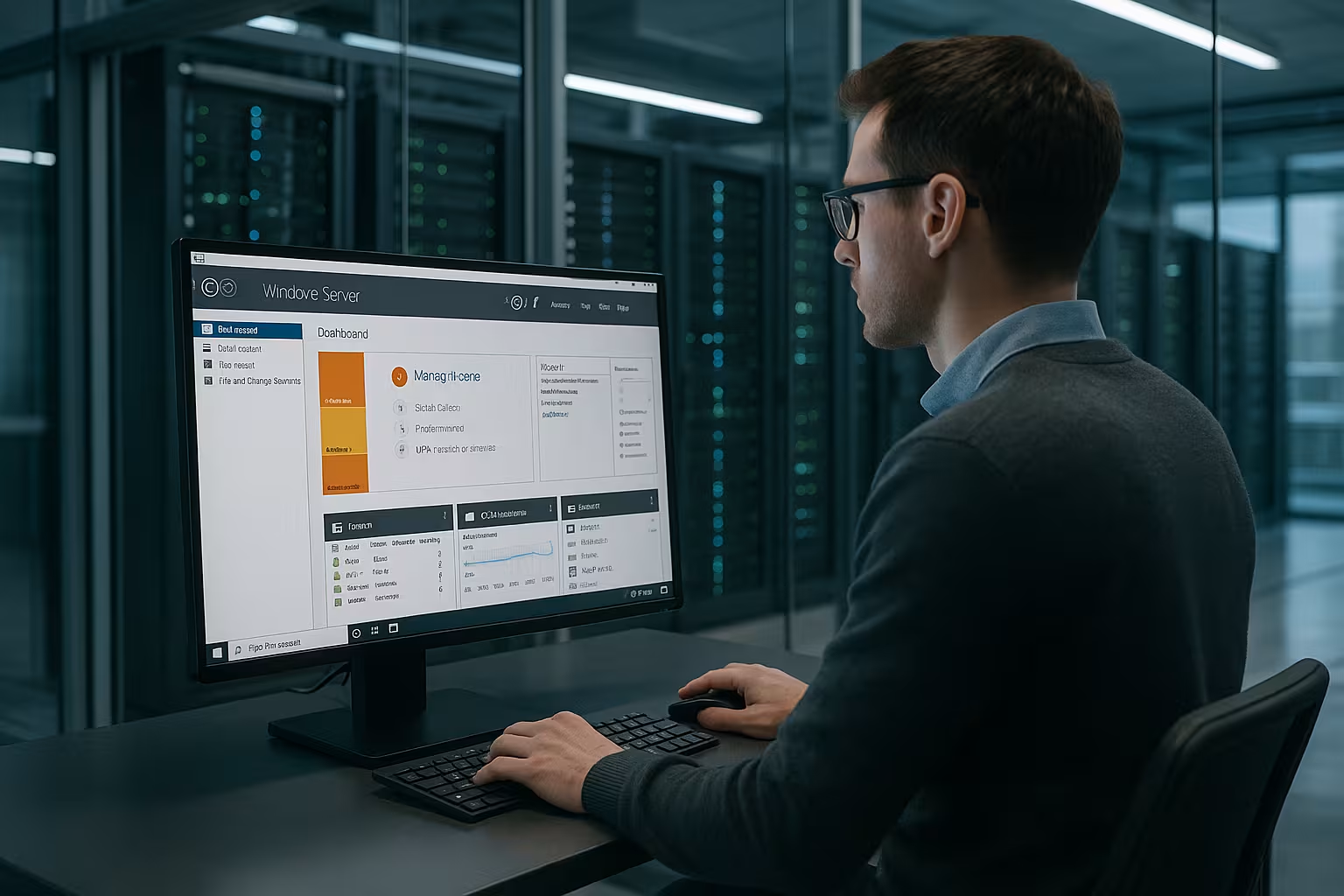
When selecting the Windows server version, I base my decision on stability, feature status and compatibility. Windows Server 2022 is still considered a mature LTSC basis in 2025. Newer releases (e.g. 2025) are offered in stages depending on the hoster; here I check drivers, hypervisor support and my application ecosystem in advance. For the Edition Standard is suitable for a small number of workloads per host, while Datacenter scores with unlimited virtualization rights and features such as storage replication for dense virtualization.
- Standard: economical for single servers or a few VMs, classic file, web and application servers.
- Data Centeruseful for many VMs/containers, cluster requirements or storage features.
- CompatibilityLegacy applications can expect older APIs - I test before upgrading.
Calculate licensing correctly in detail
I plan licenses well in advance to avoid unpleasant surprises. The basis is the Core-based Model with at least 16 cores per server (8 cores per CPU). I also need the following for accesses CALs (user/device), RDS CALs are added for Remote Desktop Services. For hosting via SPLA/service provider, licenses are often included in the tariff or can be booked as an option. For SQL Server, I pay attention to separate licensing (per core or server+CAL), ideally app-aware secured.
- Core licensesphysical/dedicated servers by physical cores; VMs by assigned vCores (observe hoster rules).
- CALsper user or device; User CALs are flexible in mobile scenarios.
- RDSAdditional RDS-CALs, often billed monthly via SPLA.
- BYOLUse only if contract terms and hoster allow this; document compliance.
Storage layout and file system strategies
Performance and availability depend heavily on the storage. I separate data, logs and temp directories onto their own data carriers, use NVMe/SSD for I/O-intensive workloads and plan IOPS and latencies are conservative. NTFS remains the safe choice, while ReFS offers advantages in terms of integrity and snapshots in certain scenarios (note feature availability depending on the edition). For databases and IIS, I rely on separate volumes and controlled Quota-concepts.
- SeparationOS, data, logs, backups on separate volumes.
- ReplicationHost-side snapshots are helpful - but do not replace a backup.
- GrowthMonitoring of fill levels and fragmentation, early scaling.
Network, access and protection in practice
I reduce attack surfaces by never exposing RDP directly to the Internet. Better are VPNan RD gateway with MFA or IP whitelists. The Windows firewall filters incoming ports according to minimal requirements. I disable old protocols (e.g. SMBv1), enforce TLS 1.2+ and enable NLA for RDP. Host-side DDoS filters and optional rate limiting strengthen the outer edge. For web workloads I add reverse proxy and HSTS, for AD I cleanly separate management networks from data networks.
- Least Privilege and separate admin accounts with MFA.
- JIT accessLimit admin access for a limited time.
- EDR/AVDefender with cloud-based detection and signed updates.
Backup, restore and emergency planning
I define RPO/RTO targets and derive frequency and retention from them. The 3-2-1 rule (3 copies, 2 media types, 1 offsite) protects against failures and ransomware. App-aware Backups (VSS Writer for SQL/IIS) ensure consistent statuses. Weekly or monthly Restore tests are mandatory, including isolated recovery for malware checks. Encryption of backups, a separate backup account and unchangeable storage classes (immutability) increase resilience.
Provisioning and automation
I accelerate rollouts with images and Unattended-setups, use Desired State Configuration or group policies for basic hardening, user rights and services and record recurring tasks in PowerShell modules. Package management (e.g. via internal repos) standardizes installations. I document versioned changes, check them in staging and then distribute them in a reproducible manner. This reduces drift and makes audits easier.
- Windows Admin Center for central administration.
- Task planning for maintenance windows and patches.
- Scripting for user provisioning, certificate rotation, log archiving.
Deepen monitoring and capacity planning
In addition to baseline values, I monitor application metrics (e.g. IIS queue lengths, SQL wait times) and read event logs in a structured manner. I define baselines for each system, compare deviations and plan capacities with foresight (trend analyses). Clear alerting with priorities prevents alert fatigue. For reports, I combine system data with business KPIs to mirror utilization and costs with the actual benefit.
Migration and go-live checklist
Before the move, I analyze dependencies, ports, data volumes and downtime windows. I first migrate to a staging environment, test functionality, performance and backups and then plan the move. Cutover with DNS switching and rollback scenario. After the go-live, I closely check logs, load, certificates and monitoring alerts. A post-mortem with lessons learned records improvements for the next project.
- PreflightCompatibility, licenses, access data, network shares, certificates.
- TestLoad test, failover, restore, rights checks.
- CutoverChange window, communication plan, fallback plan.
High availability and scaling patterns
I differentiate between vertical scaling (more vCPU/RAM) and horizontal scaling (more nodes). I use load balancing and stateless design for web/API workloads. I back up databases via replication or always-on availability groups (note edition). I scale file services with DFS namespace/replication, I set up RDS with high availability using connection brokers and several session hosts. I coordinate maintenance windows with rolling updates and health probes.
Practice blueprints for typical workloads
My basic configuration varies depending on the goal. Three tried and tested starting points make planning easier and can be scaled up later:
- RDS for 10-25 users4-8 vCPU, 16-32 GB RAM, fast SSD/NVMe, profile separation, RD Gateway + MFA, daily backups, weekly restore tests.
- Web/API with MS SQL light4-6 vCPU, 12-24 GB RAM, separate volumes for OS/logs/data, IIS with compression and output caching, SQL with indexes and regular maintenance, WAF/reverse proxy upstream.
- Database-intensive8-16 vCPU, 32-64 GB RAM, NVMe for data/logs separately, conservative TempDB configuration, close monitoring of latencies and queues.
Briefly summarized
Anyone renting a Windows server in 2025 will connect Flexibilityfull administration rights and familiar Microsoft tools to create an efficient platform. I choose the right server type based on workload, budget and internal expertise. I plan security, licenses and automation from the outset to ensure that operation and scaling run smoothly. With reliable providers, clear monitoring and regular backups, I achieve stable performance and good availability. This keeps the environment productive, predictable and ready for the future. Requirements.


