 Skip to content
Who today rent vserver If you want a vServer, pay attention to resources, security, price and administration - and set up the instance in such a way that it carries projects cleanly from test to high load. In this guide, I show you how to evaluate tariffs, manage the vServer and achieve the maximum for web, apps and data with clear rules for hardware, software and monitoring.
Key points
I summarize the most important decisions for vServer compactly. This allows you to take the right steps quickly and save time in selection and operation. This list serves as a starting point for planning, purchasing and implementation. Then read the sections with examples and tables for specific details. This will help you keep the Scaling and costs under control.
- Choice of resourcesCPU, RAM, NVMe SSD suitable for load profile and growth
- SecuritySSH keys, firewall, updates, DDoS protection and backups
- ScalingUpgrades without downtime, sensible headroom planning
- ManagementConsole or panel such as Plesk, automation via Ansible
- MonitoringMetrics, alerts, log analysis for stable performance
Use these points as a checklist for the Selection from the provider. If the technology is right, the day-to-day life is usually good too. I prioritize clear upgrade paths and transparent prices. This keeps the system flexible later on. That pays off with increasing Requirements from.
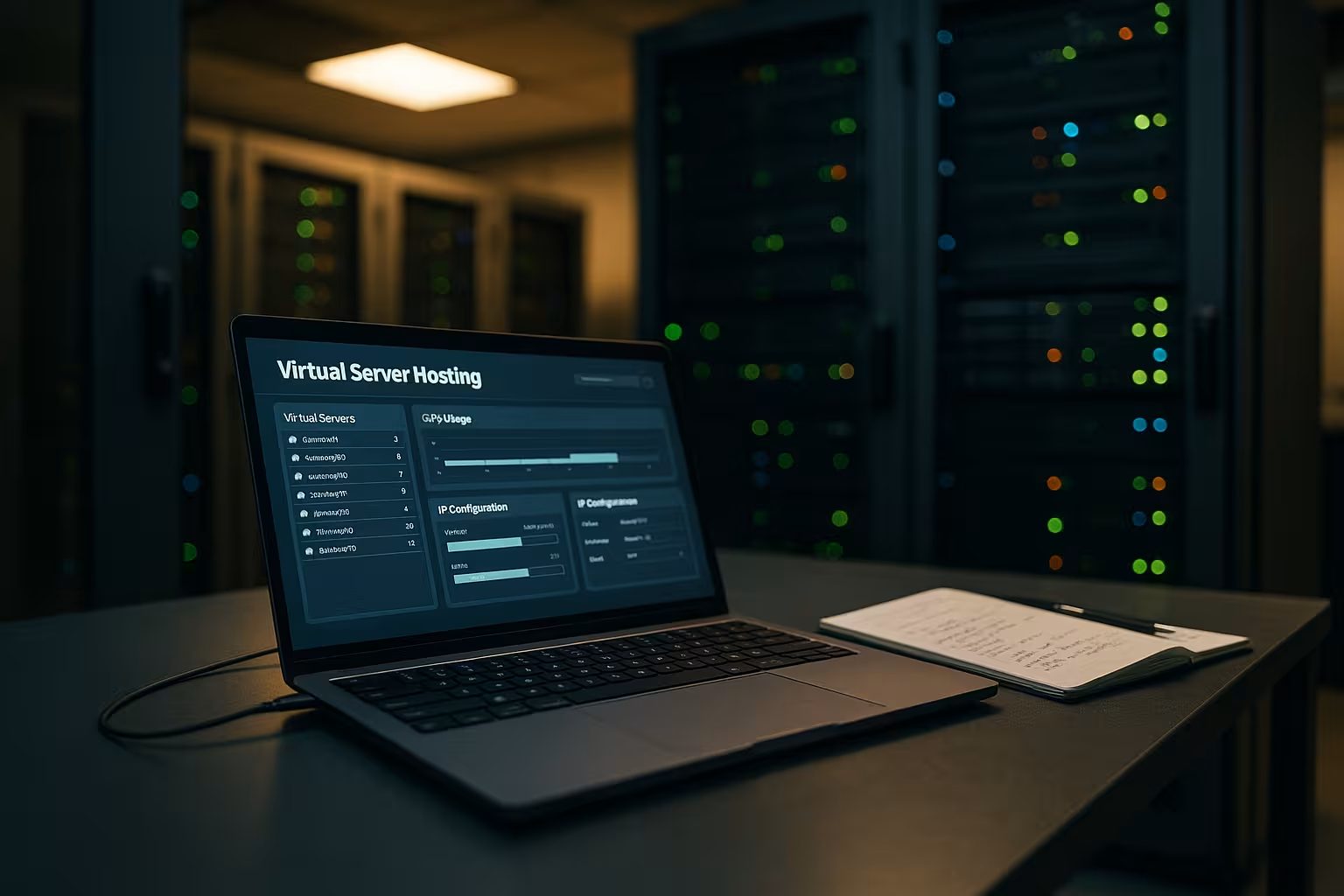
What is a VServer? Definition, technology, benefits
A VServer is a virtual machine with its own kernel, which shares physical hardware with other instances, but remains strictly isolated and has full access to the hardware. Root-access. I treat the vServer like my own server: Install packages, start services, set rules. Hypervisors such as KVM or XEN ensure strong isolation and consistent performance [1][2]. Compared to real hardware, I save money, have a high degree of flexibility and can customize the system at any time. Linux distributions form the basis, with Windows also available as an option. I use a console or a graphical user interface for my daily work. Panel like Plesk.
Operating system and basic setup
I prefer stable LTS distributions (e.g. Ubuntu LTS, Debian Stable or Enterprise clones) because support cycles and package maintenance remain predictable. I deliberately keep the initial configuration lean: minimal installation, only required packages, clean user and group structure. I set the time zone, locale and NTP (chrony) immediately so that logs and certificates are consistent.
For the file system, I usually use ext4 or xfs, both of which are robust and fast. On NVMe, I activate TRIM (fstrim.timer) so that the SSD performance remains stable over time. I plan swap depending on the workload: little swap is often useful, but it helps to avoid OOM killers in the event of sporadic peaks. I adjust vm.swappiness and vm.dirty_ratio and create meaningful ulimit-values (e.g. nofile for Web/DB). Journald rotates with limits, and log directories are persistent.
Kernel and network tuning is mandatory for heavily loaded setups: net.core.somaxconn, net.ipv4.ip_local_port_range, fs.file-max and vm.max_map_count (for search stacks) I optimize as required. Systemd units are given hardening options (PrivateTmp, NoNewPrivileges) so that services are isolated from each other.
Advantages and application scenarios
I use VServers for websites, online stores, APIs, mail, VPN or game servers because I want to have control and Scaling need. Multiple environments for dev, staging and live can be cleanly separated. This is a clear productivity gain for agencies and power users. If you want to delve deeper into the possibilities and limits of a Virtual Private Server takes load peaks, caching and storage IO into account. I therefore plan for headroom instead of calculating tightly. The result is stable deployments with clear Guidelines for operation and maintenance.

Selection criteria for renting
I first check the CPU type and number of vCores, then RAM and the type of memory. NVMe SSDs deliver noticeably better IOPS than HDDs and significantly accelerate databases and caches [1]. For small projects, 2-4 vCores and 4-8 GB RAM are often sufficient, for large stores I tend to start with 8-12 vCores and 16-32 GB RAM. The network connection should offer at least 300 MBit/s, for API backends and media workloads I use 1 GBit/s or more. I look for integrated DDoS protection, IPv4/IPv6, snapshots and easy recovery. A good panel, consistent SLAs and transparent upgrade options round off the Choice from.
Comparison with shared, dedicated and cloud
Shared hosting scores points for price, but lacks control and Insulation. A dedicated server provides maximum sovereignty, but costs more and is more difficult to scale. Cloud instances are extremely flexible, but billing varies. VServers hit the sweet spot for many projects: lots of control, good prices, clear resources. This overview shows the most important differences at a glance. This allows me to make faster decisions and keep the Costs plannable.
| Hosting type | Control | Scalability | Costs |
|---|---|---|---|
| shared hosting | Low | Low | Very favorable |
| Rent a vServer | High | Flexible | Inexpensive |
| dedicated server | Very high | Restricted | Expensive |
| cloud hosting | Variable | Very high | Variable |
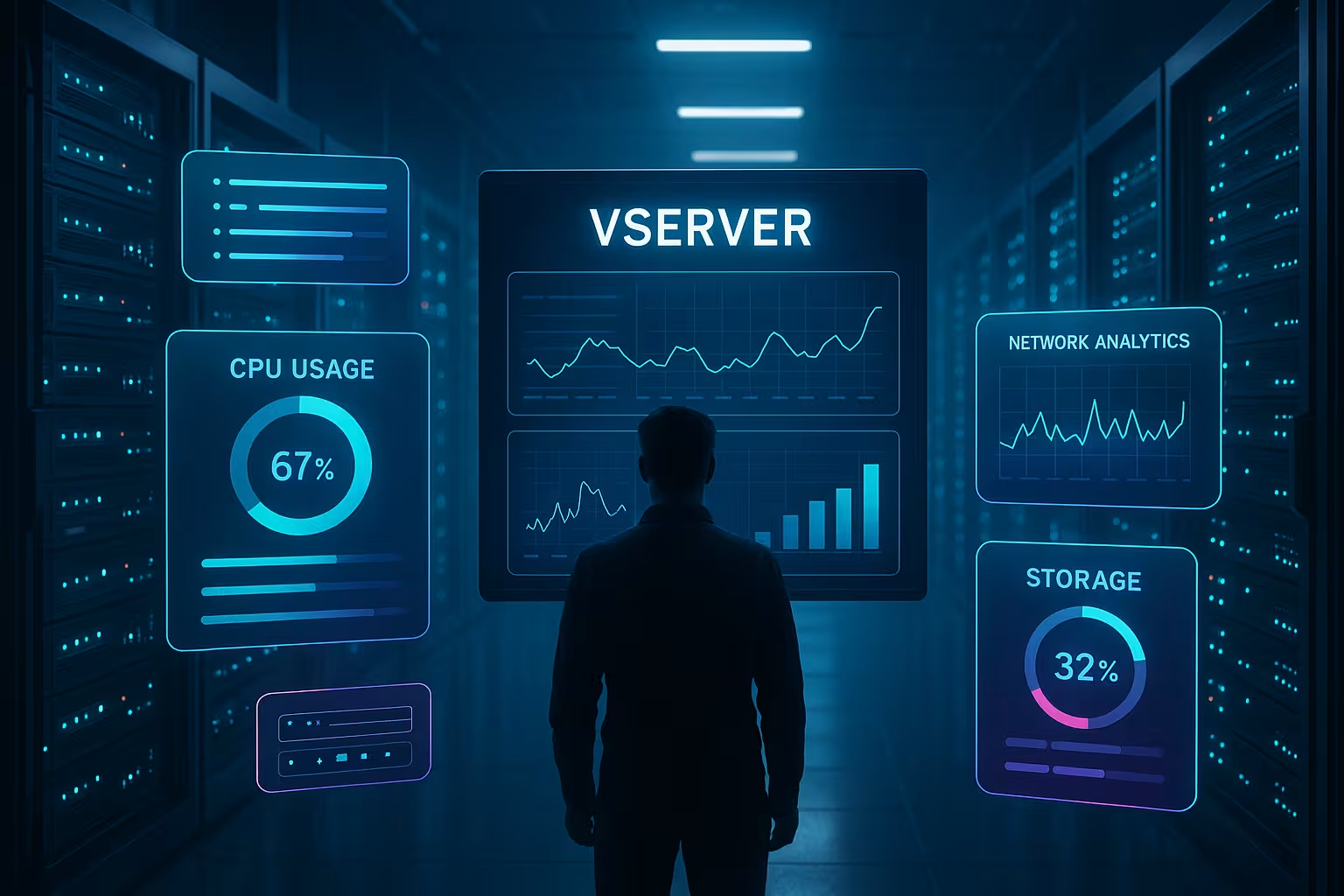
Plan performance and scaling correctly
I first determine the load profile: CPU-bound, IO-bound or RAM-hungry, because this determines the Configuration. Then I calculate 20-30% buffers so that updates, bursts or new features have space. Caching (e.g. Redis, OPCache) and database tuning (buffers, indexes) often have a greater effect than a blind upgrade. For traffic peaks, I use load balancers and distribute roles such as web, DB and queue to separate instances. Anyone who delivers internationally adds a CDN. This keeps the vServer lean and the Latency low.
Network, DNS and protocols
I consistently activate IPv6 and check whether the provider delivers a clean dual stack. Reverse DNS and clean PTR records are mandatory, especially if mail services are running. For web stacks, I use HTTP/2 by default and activate HTTP/3 (QUIC) as soon as the toolchain is stable - this improves latency on mobile networks.
I keep my TLS configuration up to date: only strong ciphers, TLS 1.2/1.3, OCSP stacking and HSTS with carefully set max-age values. I solve compression with Brotli or modern Gzip and limit dangerous request sizes. In NGINX or a proxy, I set rate limiting, header hardening (CSP, X-frame options, referrer policy) and sensible keep-alive settings. For APIs, I pay attention to idempotency, timeouts and circuit breakers so that faulty downstreams do not block the entire stack.
Costs, tariffs and contract models
For beginners, I've seen solid rates starting at around €5-10 per month, medium setups are often around €15-30, and high-performance instances start at €35-50 and more [1][2]. Monthly billing remains flexible, longer terms often reduce the monthly price. I calculate additional options such as additional IPs, snapshots or managed services separately. Clear limits, no hidden fees and fair prices are important. Upgrades. This keeps the budget predictable and the operation relaxed. This rough scale helps with the Planning:
| Level | Typical use | Resources (example) | Price/month |
|---|---|---|---|
| Beginner | Small website, test | 2 vCores, 4 GB RAM, 40 GB NVMe | 5-10 € |
| Medium | Stores, APIs, blogs | 4-6 vCores, 8-16 GB RAM, 80-160 GB NVMe | 15-30 € |
| Pro | Higher load, databases | 8-12 vCores, 16-32 GB RAM, 200-400 GB NVMe | 35-50 €+ |

Cost control in practice
I avoid overprovisioning and regularly measure utilization against demand. I dimension storage with a buffer, but without hundreds of GB lying idle. I calculate snapshots and backups separately, because storage for backups quickly becomes a cost trap. I plan licenses (e.g. for panels) transparently and check whether a managed upgrade can be cheaper than in-house operation as soon as staff time becomes more expensive.
Typical savings levers: bundle instance-wide off-peak jobs, strengthen caching instead of constantly scaling, rotate and archive logs instead of letting them grow on the primary volume. I document resource profiles as a basis for later negotiations or changing providers.
Administration: Security, backups, updates
I deactivate password login, set SSH keys and activate a restrictive Firewall. I strictly adhere to regular updates and document changes. Backups run automatically and are randomly checked for recovery. I separate services by role and minimize open ports. For TLS, I rely on automation, e.g. with Let's Encrypt. A clear update plan and logs with rotation ensure long-term security. Stability.
Deepen security: Hardening blueprint
I work according to a fixed baseline profile: minimum package size, no unnecessary daemons, consistent principle of least privilege. I only allow SSH for defined user groups, port forwarding and agent forwarding are deactivated. Where possible, I enforce two-factor authentication at panel or SSO level.
At network level, I use a default deny policy (nftables/ufw) and Fail2ban against brute force. For web services, WAF rules and request limits help to prevent misuse. I run SELinux or AppArmor in enforcing or at least permissive mode with monitoring so that rule violations become visible. I never store secrets in the repo, but separately and versioned, with rotation and minimal visibility in logs or environment variables.
Backup and restore strategy in detail
I define clear RPO/RTO targets: What is the maximum amount of data I can lose and how long can the restore take? I derive the frequency and type of backups from this. Crash-consistent snapshots are fast, but for databases I also use application-consistent dumps or binlog-based recovery to enable point-in-time recovery.
I implement the 3-2-1 rule: three copies, two media types, one offsite. I encrypt backups and protect them against accidental or malicious deletion (immutability/versioning). Each plan contains a documented restore process with sample restores - only a tested backup is a backup.
Monitoring and automation
I monitor CPU, RAM, IO, network, certificates and services with alerts so that I can react early and Failures avoid. This guide is suitable for a quick start: Monitor server utilization. I automate deployments, updates and provisioning with Ansible or scripts. This reduces sources of error and keeps setups reproducible. Log analysis with a central stack makes patterns visible and simplifies audits. Metrics and tracing show bottlenecks before users notice them. memorize.
Load tests and observability in depth
Before every big launch, I simulate load with synthetic testing tools. I vary concurrency, payload sizes and scenarios (read/write, cache hit/miss) and measure 95th/99th percentiles. This allows me to recognize whether I have a CPU, IO or network bottleneck. I also use synthetic end-to-end checks from outside to keep an eye on DNS, TLS and routing.
I define SLOs (e.g. 99.9% availability, p95 below 300 ms) and link them to alarms that are calibrated for user impact. Error budgets help me to balance features and stability. I use tracing selectively with sampling so that costs and benefits remain in proportion.
Virtualization technology: KVM, XEN, OpenVZ
KVM and XEN provide strong isolation and constant Performancewhich is particularly useful under load [1][2]. OpenVZ can be efficient depending on the configuration, but it shares kernel functions and is therefore less suitable for special requirements. I check the provider's benchmarks and pay attention to overcommit rules. Reliable IO is important, not just high marketing values. Anyone running databases benefits noticeably from NVMe and a quiet neighborhood. That's why I evaluate the hypervisor, storage stack and Fairness-policies together.
Practice: Typical setups step by step
For WordPress, I usually rely on NGINX, PHP-FPM, MariaDB, Redis and a sophisticated Cache. A store also receives separate workers and a hard rate limit on admin paths. APIs benefit from container isolation, rate limiting, circuit breakers and centralized auth. For admin teams, Plesk or a lean console offers clear advantages, depending on the skillset. If you want to go through the entire process in a structured way, read the VPS Server Guide 2025. This turns tariffs, tools and rules into a reliable Stack.

Containers and orchestration on the vServer
I use containers where deployments benefit from them: reproducible builds, clean delimitation of dependencies and fast rollback. On a single vServer, I prefer to use Docker/Podman with Compose because the complexity remains manageable. I limit resources with Cgroups v2 (CPU, RAM, PIDs), log rotation and dedicated volumes. Rootless variants increase security in multi-user operation.
For small teams, I avoid unnecessary orchestration monoliths. Lightweight alternatives make more sense than a fully-fledged Kubernetes if a single vServer or a few instances are sufficient. As the project grows, I migrate step by step: first separate services, then load balancers, then more nodes. This keeps the learning curve flat and the operation manageable.
Evaluation of providers 2025
I rate providers according to technology, support, transparency and Upgrade-paths. In comparisons, webhoster.de regularly performs very well and is considered a top recommendation for beginners and business projects. Strato scores with its low entry-level tariffs and Plesk, while Hetzner scores with its high availability and flexible options. Hostinger offers good value for money for beginners. The following table summarizes our impressions. It does not replace a test, but provides quick Orientation:
| Provider | Rating | Services | Special features |
|---|---|---|---|
| webhoster.de | Test winner | Powerful hardware, scalable tariffs | Excellent support, flexible management |
| Strato | Very good | Affordable entry-level tariffs, Plesk incl. | No managed option |
| Hetzner | Very good | Cloud options, dedicated resources | High availability, great flexibility |
| Hostinger | Good | Worldwide data centers | Affordable entry-level tariffs with backup features |
Migration, updates and lifecycle
I plan lifecycle events early on: minor updates are automated and regular, major upgrades are tested in a staging environment. For zero downtime strategies, I use blue/green deployments or rolling updates. Before migrations, I reduce DNS TTLs, synchronize data incrementally (e.g. rsync/DB replication) and then switch over with a short read-only phase. A clean rollback path with snapshots and version pinning is part of every change.
Configuration management keeps drift to a minimum. I document server states as code and seal releases. This makes rebuilds reproducible - important in the event of defects, but also when changing providers. I only deprovision old instances after a successful, tested cutover and final data deletion.
High availability, redundancy and data protection
I protect critical applications with active RedundancyAt least two instances, load balancer, separate zones. I back up data in versioned and encrypted form, including offsite. I carry out failover tests regularly, not just in an emergency. For data protection, I pay attention to storage location and logs, minimize personal data and set clear retention rules. DDoS mitigation and rate limiting are mandatory for public accessibility. This keeps services available and legal Specifications fulfilled.
Summary: My recommendation
For most projects, a VServer is the best Compromise of control, price and scaling. Start with a realistic buffer, solid NVMe performance and a clean security concept. Automate provisioning, updates and backups, and keep an eye on metrics. Plan upgrades early instead of fixing problems later. If you follow these steps, you can run your workloads efficiently and without stress. This turns "rent, manage, use" into a reliably running Operation.


