 Skip to content
I'll show you what to look out for free domains and how to recognize pitfalls early on. I explain the models, risks and sensible deployment scenarios in concrete terms so that you can get started without any hassle and stay in control.
Key points
- Model selectionSubdomain vs. exotic TLD - control and seriousness differ greatly.
- Risks: Ads, short runtimes, loss of address and weak support.
- ProfessionalismOwn domain and e-mail create trust and predictability.
- LawCheck general terms and conditions, data protection, ownership and imprint obligations.
- AlternativeFree domain as a hosting bonus can be more useful than "real" free options.
What "free" really means for domains
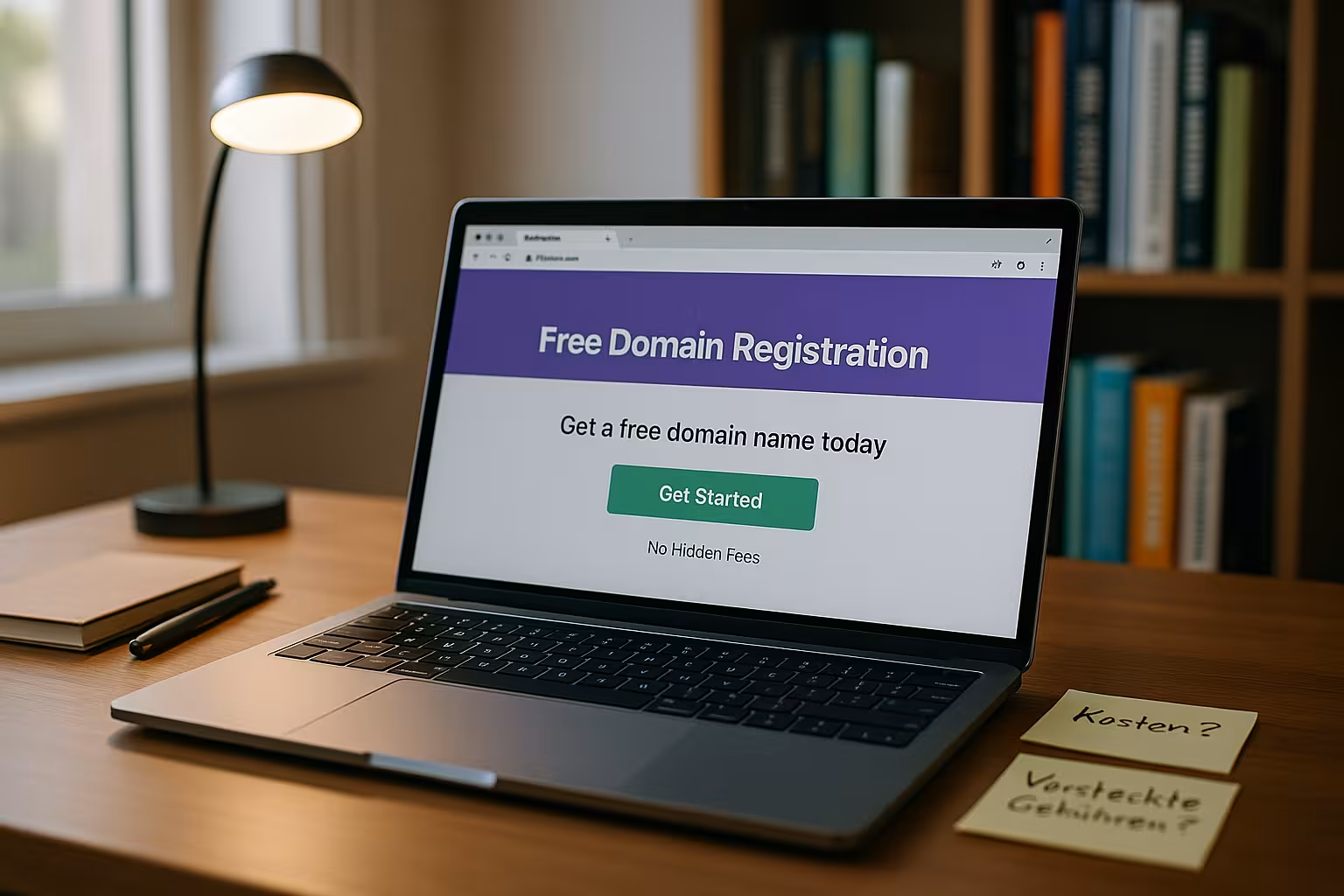
When providers advertise with free addresses, there is usually either a subdomain behind a website construction kit or a separate but exotic top-level domain with special rules. I therefore make a clear distinction between "myname.provider.com" and endings such as .tk, .ml or .ga, which I point independently to a server. Both variants save money, but they bind you differently and create a different level of trust. If you want to convince customers, you usually need a real TLD such as .de or .com because it carries familiarity and the certainty of expectations. The free solution is often sufficient for test projects, but I plan the path to my own domain at an early stage so that I can be found under my address permanently and retain full sovereignty.
Subdomain vs. own domain with exotic ending
A subdomain with a construction kit is live in minutes, but there are still Designfunctions and forwarding are often restricted. Exotic endings seem more "real" because I can control DNS, e-mail and server destinations more freely, but there is a risk of blocking or deletion without warning if rules are broken. Especially in a professional environment, a subdomain looks less serious because it clearly indicates that I have not registered my own name. I therefore not only evaluate the initial outlay, but above all the switching costs, control over owner data and the possibility of moving at a later date. If you want to grow in the foreseeable future, you are better off in the long term with an established TLD and clean hosting instead of taking a seemingly free shortcut.

Advantages: When to use free domains sensibly
I like to use free addresses for prototypes, campaigns, course projects or hobby sites where Runtime and external impact are of secondary importance. For quick tests with landing pages or content ideas, a subdomain provides enough of a platform to validate content. Even if I want to try out a new technology, a free domain helps me to make progress without budget approvals. The important thing is: I always keep in mind that the address can be dropped and I don't link any business-critical channels to it. As soon as relevance, reach or email requirements increase, I quickly move to my own TLD to build trust and unlock functions.
Risks: What providers make you "pay" for
Free of charge often means: I give Control or data from my hand or accept advertising on my site. Some services include advertisements, which can irritate readers and reduce the conversion rate. With exotic endings, I often experience inconsistencies in runtimes or sudden deactivations in the event of rule violations. Support is also often slow or non-existent with free plans, which prolongs downtimes. I take this risk into account and do not place any project with a sales focus or brand reference on a free domain, because the loss of address immediately costs trust and visibility.
Law, e-mail and control: the underestimated details
For a serious external image I need E-mail with your own domain, such as [email protected] - many free offers do not provide this. Without my own email, I lose the trust of partners and customers because freemail addresses seem arbitrary. I also secure my ownership in the WHOIS or registry data so that nobody transfers my domain without my consent. I check the legal notice, data protection and usage rights before going live so that warning letters don't stand a chance. If you save money here, you often pay twice later - first through lost leads, then through relocation costs and legal problems.
Check terms and conditions, data protection and support
Before I use a free solution, I read the GENERAL TERMS AND CONDITIONS and look for clauses on advertising, blocking, data transfer and upgrades. I clarify whether renewals suddenly become subject to a charge and whether the provider is allowed to use my content for their own purposes. When it comes to support, I pay attention to response times and channels, because every hour counts when it comes to DNS, SSL or email problems. When it comes to the question of who I ultimately buy my domain from, structured guides such as Buy domain tipsto avoid making the wrong decisions. This preparatory work helps me to avoid cost traps and ensures that I get help quickly in case of doubt.

Comparison: Free options at a glance
I roughly categorize free offers into subdomains of construction kits and freely administrable, exotic TLDs one. Subdomains start quickly, but are limited and often have advertising. Exotic endings give me more technical freedom, but carry risks in terms of availability and reliability. Both can be sufficient for learning and testing purposes, but for brand building and lead generation I rely on a real domain. If you want to check market options, also look at the range of functions, e-mail, advertising and subsequent migration paths - take a look at a current Domain comparison 2025 helps with the classification.
| Provider | Type | Own domain? | Advertising | Own e-mail | Special features |
|---|---|---|---|---|---|
| WordPress.com | subdomain | Yes | Yes | no | Strong blog integration |
| Wix | subdomain | Yes | Yes | no | Drag-and-drop construction kit |
| Weebly | subdomain | Yes | Yes | no | Easy start with templates |
| Jimdo | subdomain | Yes | Yes | no | Quick setup |
| Freenom | TLD (.tk, .ml, ...) | Yes | no | conditional | Full DNS control, exotic endings |
| Blogger.com | subdomain | Yes | Yes | no | Focus on blogs |
| lima-city | subdomain | Yes | no | conditional | Ad-free hosting |
Free domain as a bonus in hosting packages
Many hosters offer a "free" domain as part of a packages I then effectively pay for the hosting and receive the domain at no extra charge. For projects with ambitions, this is often the smartest route because I get email, SSL, support and updates as a bundle. I pay attention to data center location, performance, support quality and transparent renewal prices. A look at a current Domain price comparison shows me how bundles compare to individual solutions. In this way, I ensure reliability and planning security without having to migrate at great expense later on.
| Provider | Hosting quality | Free domain | Support | Special features | |
|---|---|---|---|---|---|
| webhoster.de | ⭐⭐⭐⭐⭐ | Yes | Yes | very good | High-performance offer, German legal certainty |
| checkdomain | ⭐⭐⭐⭐ | Yes | Yes | good | Many domains included |
| lima-city | ⭐⭐⭐ | Yes | partly | ok | Easy to learn for beginners |

Alternatives: Educational offers, trials and open source
Sometimes I take advantage of educational programs or temporary Trialsto test it free of charge and switch later. Such offers are ideal for learning purposes, but rarely permanent - I therefore plan to switch to a paid solution early on. Open source systems on inexpensive hosting give me maximum design freedom if I choose my own domain right from the start. This allows me to gain practice without getting stuck in an ecosystem that is difficult to get out of. It is crucial that I note deadlines and renewal conditions so that a trial offer does not turn into an unexpected subscription.
Purchase criteria: How to make the right decision
For my decision I weigh Benefitrisk and later flexibility higher than the short-term price advantage. I check: Do I need e-mail, SSL, backups and support, and how important is an established ending to me? Does the domain match the brand name, is it memorable and can it be pronounced without misunderstandings? How smooth will the subsequent move be if the project grows and I want to integrate additional services? By answering these questions, I save myself later disruptions because I lay the foundation pragmatically right from the start.

SEO and visibility: How "free" affects your ranking
What counts for search engines in the end is trust and consistency. Subdomains of construction kits are okay for testing, but they make it difficult for me to build a clean brand. I pay attention to:
- CTR and expectationsExotic endings and modular subdomains often receive fewer clicks because they appear unfamiliar.
- Forwarding: When moving, I set 301 redirects from each old URL to the new structure, otherwise I lose hard-earned signals.
- Canonical and sitemapI remove duplicate content using canonical tags and update sitemaps so that crawlers quickly understand the new address.
- Subdomain vs. directoryFor small projects, a directory under a strong main domain often ranks better than a free subdomain under a foreign flag.
I plan the SEO part of the move just as carefully as the technical part, so that organic reach doesn't fizzle out in the change.
Email deliverability and reputation
Without reliable e-mail, no serious operation is possible. I provide the Deliverability safe early on:
- SPF, DKIM, DMARCI store suitable DNS records so that mail servers do not classify my messages as spam.
- Reputation of the TLDSome exotic TLDs are more suspected of being spam - this lowers open rates and can cause blacklist hits.
- Inbox vs. forwardingPure forwarding is convenient, but sometimes reduces deliverability. Own mailboxes with authentication perform more reliably.
If email is a core channel, I quickly switch to an established TLD - this pays off directly in terms of response and conversion.
Technology basis: DNS, SSL/TLS and security
To ensure that operation and relocation run smoothly, I set up the technology properly:
- Nameserver and TTLFor upcoming moves, I lower the TTL in advance so that DNS changes take effect more quickly worldwide.
- DNSSECIf available, I activate DNSSEC to make manipulation more difficult and to increase trust.
- SSL/HTTPSI consistently use HTTPS (e.g. via Let's Encrypt) and configure redirects and HSTS so that no mixed content errors occur.
- BackupsI back up files and databases before making changes - every migration has uncertainties.
Critically, I don't treat SSL and DNS as a "side issue" - they are the foundation of stable accessibility.
Moving from free to own domain: my roadmap
I am planning the change as a clear process in stages:
- Secure domainRegister a suitable name, consider spelling variants and umlauts (note IDN/Punycode).
- Prepare target environmentHosting, SSL, e-mail inboxes, staging.
- Transfer content: Adopt design, content, media and permalinks in the same structure.
- 301 redirects: Permanently map each old URL to its new destination.
- Change tracking and toolsUpdate property and domain settings in Analytics and Search Console.
- Monitoring: Monitor error pages, crawling, rankings and mails closely for the first few weeks.
With this plan, I reduce traffic losses and keep communication transparent for users.
Life cycle, cost traps and extensions
Even "free" follows rules. Checking:
- Initially free of charge, later for a feeSome offers turn up the price after the launch phase - I make a note of the renewal dates.
- Redemption phase: After expiration, a domain can be "locked" for a short time and can only be retrieved at great expense - auto-renewal protects against failures.
- Owner dataI keep the contact details up to date, otherwise verifications and transfers will fail.
Clarity about the life cycle prevents unplanned downtime - especially for exotic TLDs with strict registry rules.
Trademark, law and protection against misuse
Before I put substance into an address, I collect answers to key legal questions:
- Trademark searchDoes my desired name collide with existing brands or company names?
- Imprint/Data protection: Clean mandatory information is essential for German-language offers.
- Protection variantsI register obvious typos or misspellings to prevent phishing and traffic drain.
- Dispute procedureI know the basics of how I react to domain grabbing instead of panicking.
A minimum of brand maintenance saves me expensive disputes later on and ensures my visibility.
Common mistakes - and how to avoid them
- Staying on Free for too longI lose customers to the competition if there is a lack of professionalism.
- No redirect plan: Without 301 redirects I destroy SEO values and links.
- Forgotten e-mailA new domain without functional mail kills requests.
- Wildcard forwarding: Ill-considered catch-alls send users to inappropriate targets.
- Missing documentationWithout notes on DNS, SSL and logins, every change becomes a guessing game.
I therefore work with a short checklist and document every change - this keeps me capable of acting when working at speed and in a team.
Special cases: When "free of charge" fits exactly
There are contexts in which free domains hit targets with pinpoint accuracy:
- Event landing pagesShort-lived campaigns without long-term brand reference.
- Learning and study projectsTest skills, show prototypes, without budget hurdles.
- Internal demosDemonstrate functions to stakeholders before resources are released.
I don't commit to the address name and communicate internally that the URL will change - so the subsequent move remains frictionless.
Operations: governance, roles and access
Small teams also benefit from order:
- RollersWho manages domains, DNS, e-mail and SSL? I define responsible persons.
- AdditionsI use password managers and MFA to secure critical accounts.
- Offboarding: When teams change, I withdraw access in a structured way so that no shadow admins remain.
This means that I retain control - independently of individual persons or service providers.
Summary for 2025
Free addresses give me a Quick startbut they demand something in return: Advertising, dependency or short terms. This is enough for test phases and hobby sites, but for customer acquisition, brand and e-mail professionalism, I opt for my own TLD early on. If you use exotic endings, you should consciously price in the risk of loss and the effect on visitors. Hosting packages with an included domain offer more security because e-mail, SSL and support make the operation suitable for everyday use. I don't make my decision based on the lowest price, but on how reliably my address will still be accessible tomorrow and how much trust it builds up.


