 Skip to content
I'll show you what the strato homepage builder 2025 really does: which Functions it covers, where it shines and where there are clear limits. I will discuss the advantages for beginners, important modules, tariffs, SEO and the typical Restrictions in detail.
Key points
- Simple editorDrag-and-drop, clear interface, fast results
- Complete packageHosting, domain, e-mail, SSL included
- Templates: 100+ designs, mobile friendly, customizable
- SEO basicsMeta data, URLs, sitemap, alt texts
- Boundaries: less design freedom, no blog, no apps
What is the STRATO Website Builder?
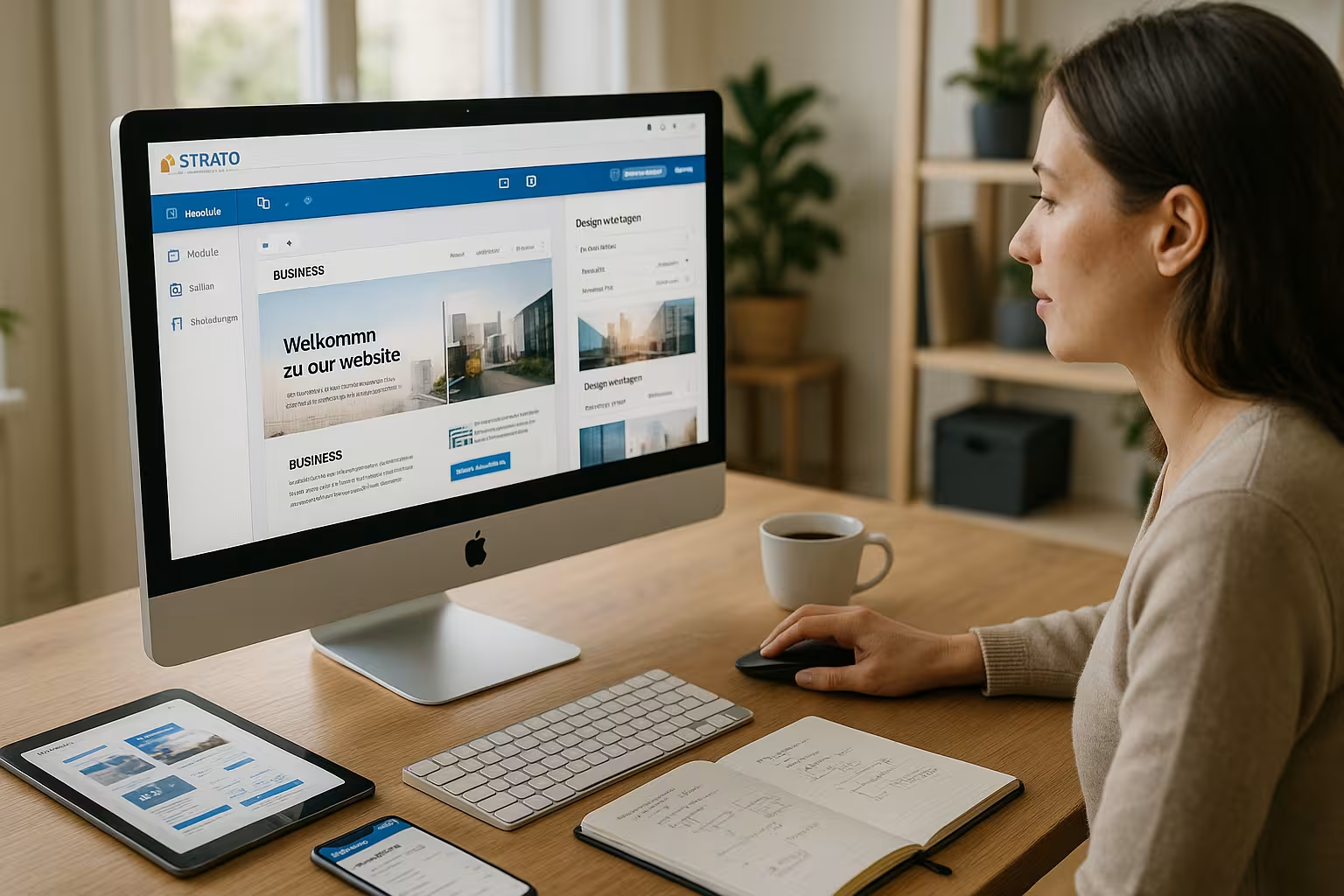
I use the STRATO website builder as a Complete solution for people who want to go online without programming. The system bundles hosting, domain, e-mail addresses and SSL in one package and thus saves a lot of money. Expenditure. I add content using drag-and-drop, adjust colors, fonts and images and publish pages in just a few steps. A preview shows me desktop and mobile views, which makes the design safer. I can create simple company, club or portfolio pages without having to set up separate tools.
Setup and onboarding: domain, SSL, e-mail
To ensure a smooth start, I first connect the domain and website properly. I check whether the desired domain is available, activate the SSL Certificate and wait until DNS changes are fully applied. I create email inboxes early on so that contact forms are sent directly to productive addresses. During the launch phase, I create an imprint and privacy policy page, set the cookie notice to the appropriate display and test the website on various devices. In this way, I avoid stumbling blocks before publication and save myself rework during live operation.
User-friendliness: drag-and-drop and clear operation
I can quickly find my way around the interface and place texts, images, videos or contact forms with just a few clicks. Clicks. The structure of pages, navigation and sections helps me to organize content logically and to find it later. expand. A live preview prevents surprises when publishing and shows me how the site will look on my smartphone. I first define the domain, choose a template, create pages, add content and then go online. This saves time and makes it easier to plan the launch, especially for solo freelancers.

Structure and navigation: header, footer and mandatory pages
I plan the navigation to be lean: homepage, services, about us, references and contact are often sufficient. In the Footer I link the legal notice, data protection, terms and conditions and contact so that these pages are always accessible. A user-friendly header with a clear call to action ("Request a quote", "Make an appointment") increases conversion. For longer pages, I set anchor links so that visitors can quickly jump to the right section. This keeps the page clear and the most important interactions are always present.
Design and layout: industry templates with mobile optimization
I usually start with a template because the templates already fit typical industries and can be used on smartphones. function. I adapt colors, fonts, logos and images to my branding without changing the basic layout. destroy. This saves me many iterations and keeps the site clean. I find suitable designs for crafts, coaching, gastronomy or portfolio work. However, if you want very free layouts, you will reach your limits more quickly.
| Industry | Templates available | Mobile friendly |
|---|---|---|
| Craft & Services | 30+ | ✅ |
| Gastronomy & Events | 20+ | ✅ |
| Consulting & Coaching | 25+ | ✅ |
| Portfolio & Artists | 15+ | ✅ |
Accessibility and readability: implementing good standards
I pay attention to sufficient Contrasts, legible font sizes and clear hierarchies for headings. I consistently maintain alt texts so that screen readers can describe images meaningfully. I formulate links in a meaningful way ("view services" instead of "click here"), and interactive elements such as buttons are large enough for touch operation. Even if the toolkit does not offer a complete WCAG configuration, I achieve significantly better accessibility and therefore a broader target group with just a few rules.
Performance and hosting: a solid basis for small projects
In daily use, the STRATO servers deliver reliable loading times and sufficient Bandwidth. I plan the storage according to the size of the project and book more if necessary so that uploads and media can continue to be stored. liquid run. The storage sizes offered, ranging from 10 GB to 100 GB, cover typical websites. For large media libraries or elaborate galleries, I calculate higher rates early on. In my projects, the hosting ran smoothly, which is important for customer sites.
Optimize performance: Images, scripts and third-party content
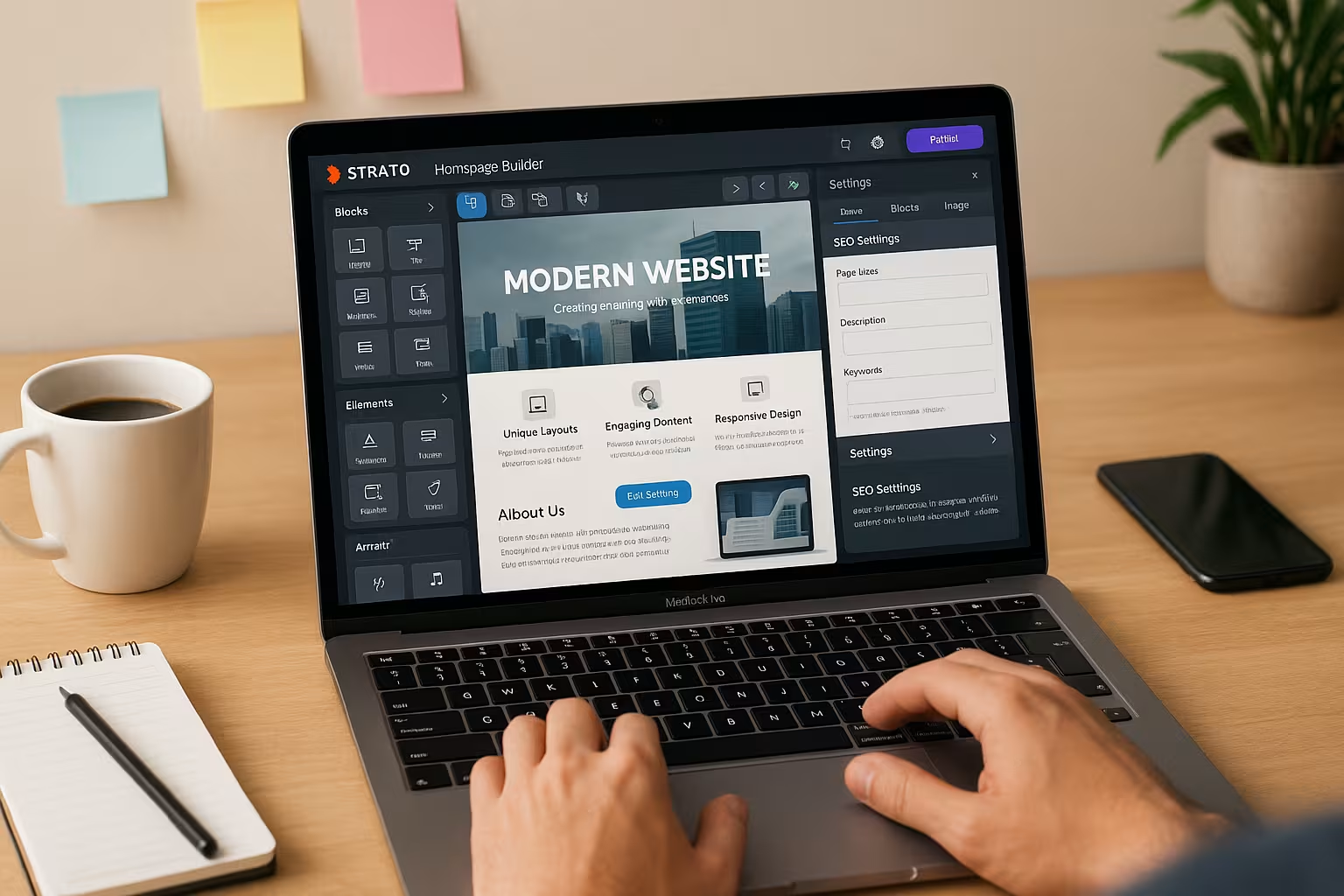
I compress images before uploading, use sensible formats (JPG/WEBP for photos, PNG/SVG for graphics) and reduce oversized background images. I embed videos sparingly and do not use autoplay. External widgets (social feeds, maps) often slow down the loading time - I use them selectively and only where they create real added value. The fewer fonts, animations and sliders I use, the more stable the page loads. This pays direct dividends in terms of better user experience and SEO.
Functions: Modules for a fast web presence
I integrate contact forms with anti-spam, image galleries, videos, social icons and Google Maps without extra Plugins. I offer documents as downloads and secure the site with SSL and a GDPR-compliant Cookie banner from. Multilingual content is available at higher rates, which helps for international projects. The internal SEO basics (title, description, alt texts, structured URLs, sitemap) are enough to get you started. For automations or special integrations, however, I am missing APIs and app connections.
Implementing multilingualism: Content and navigation
For multilingual projects, I keep the structure consistent for each language: same pages, same order, clear language switchers. I translate meta titles and descriptions, customize Slugs and pay attention to consistent wording. Internal links refer within the language, the language change leads to the corresponding page. This helps visitors keep their bearings and search engines recognize the context more clearly.
Forms and data protection: clean configuration
I test every form with real entries, store clear confirmation texts and refer to the privacy policy. I keep mandatory fields to a minimum to reduce abandonment. For newsletters, I use the following whenever possible Double opt-in via specialized services whose forms I embed. This keeps me on the safe side legally and I receive better quality inquiries.
Rates and prices: Low entry price, options as required
I choose the tariff according to storage, number of pages, domains and e-mail inboxes, so that costs and benefits are balanced. fit. The Basic start is inexpensive, Plus provides more memory and Pro brings several domains and many Mailboxes. All packages include hosting, domain, SSL and support, which simplifies the calculation. If you want to make an even deeper comparison, click through the Strato hosting packages. So I make a clear decision in favor of a low-risk project.
| Tariff | Storage space | Domains & Emails | Price from (monthly) |
|---|---|---|---|
| Basic | 10 GB | 1 domain, 1 e-mail address | Free of charge (1 month), then € 5.00 |
| Plus | 50 GB | 1 domain, up to 5 e-mail addresses | 1.00 € (12 months), then 12.00 € |
| Pro | 100 GB | 3 domains, up to 50 e-mails | Free of charge (1 month), then € 18.00 |

Cost planning and scaling: plan for reserves
I not only calculate the current status, but also create reserves for media, additional pages and e-mail inboxes. If the project grows, I switch to the next higher tariff early on instead of reaching storage limits. I keep an eye on contract terms and billing periods so that there are no surprises. For campaign or seasonal pages, I work with temporary subpages that I deactivate again after the campaign - this keeps the structure lean and the costs stable.
SEO and visibility: solid basics for Google & Co.
I maintain meta-titles and meta-descriptions for each page, assign speaking URLs and use alt texts for images consistently. The automatic sitemap helps search engines to capture my Contents. For local projects, I add the address, opening hours and a map. I set headings clearly from H2 to H3 so that search engines understand the structure. If you want stronger rankings, you also rely on good texts, internal linking and clean loading times.
Structured content and local signals
I signal topic clarity with precise headings, FAQ sections and internal linking between service pages. For local visibility, I use consistent NAP data (name, address, telephone) on every page, preferably in the footer. I include reviews as quote blocks and add meaningful project examples. In this way, I strengthen relevance and trust - both factors that can have a positive effect on visibility.
Security and data protection: German data centers, SSL and GDPR
I rely on SSL encryption, GDPR-compliant cookie notices and ISO 27001-certified Data centers in Germany. This creates trust among visitors and protects transmitted data. Data. Email inboxes run via secure access points, which reduces the risk of phishing. I regularly check the contact forms and set strong passwords. This keeps the site reliable and legally clean.

Backups and restores: securing changes
I always proceed in small steps with larger updates and save intermediate statuses so that I can return to a working version if necessary. Before relaunches, I duplicate central pages so that I can test them risk-free. I also export important texts and images locally so that I can reconstruct them quickly in the event of problems. This routine reduces downtime and gives me the freedom to try out new things without jeopardizing the live site.
Comparison with other construction kits: strengths and limitations
Compared to more flexible tools, I score points with STRATO with simple Operation and clear features, but I lose out on very free layouts and extensions. Wix or Squarespace often give me more creative freedom, but also demand more Fine tuning. For small to medium-sized sites, STRATO is sufficient for many projects. For complex online stores or deep integrations, I consider alternatives. A quick overview is provided by the IONOS vs. STRATO comparisonwhen I weigh up the pure hosting aspects.
Data portability and switching: managing expectations
With modular systems, I plan in the back of my mind that a later switch to an open CMS means effort. A 1:1 export of the finished design is usually not planned. I therefore save texts, images and structure separately and document color codes, fonts and spacing. This allows me to migrate more quickly if necessary and reduces the lock-in effect. If you want maximum flexibility in the long term, evaluate this question early on in the project.
Practical tips for getting started: how to implement projects
I start with a clear page plan, write short texts, use strong Headings and set a clear call to action for each page. I compress images before uploading to reduce the loading time. short to keep. For local visibility, I build a homepage, services, contact and directions with a map. I redirect existing domains cleanly to the new website; the instructions for the Domain forwarding with STRATO. This keeps the site focused and professional.
Checklist before going live
- SSL active, forwarding to https checked
- Meta title, description and clean URLs per page
- Legal texts, cookie notice and contact details complete
- Images compressed, alt texts set, favicon available
- Forms tested, e-mail reception and spam protection checked
- Navigation lean, internal links work
- Mobile view and various browsers tested
- Clear CTAs, tracking configured if required
Limits of the system: where I plan differently
I lack an integrated Blog functionflexible positioning of elements and interfaces to external Services. A smartphone app for editing on the go would be helpful, but is not available. For very individual designs, I reach layout limits more quickly. Anyone planning extensive e-commerce processes should consider alternatives. For content marketing with lots of articles, a CMS with a blog is better.

Typical workarounds: pragmatic solutions
For news without a blog, I use a "News" page and add new sections chronologically. I implement simple price lists with tables and clear call-to-actions. I present testimonials as quote blocks with names and optional images. For extended integrations, I work - where possible - with HTML sections or embedding external tools. This is how I fill functional gaps without losing the simplicity of the modular system.
Final assessment: for whom this makes sense
I use the STRATO Website Builder when I need fast and easy access to my website. Structurecentral security features and manageable maintenance. For the self-employed, associations and small companies, the package provides a reliable Base with fair prices. If you are planning maximum freedom, store logic or content strategies with many articles, you should consider alternatives. For hosting decisions beyond the modular system, it's worth taking a look at performance and scaling. This will help you make a clear choice and get started without any detours.


