 Skip to content
This root server comparison 2025 shows you the most powerful offers with clear information on Priceshardware and service. I organize providers, CPU and memory options, support quality and contract details so that you can make an informed decision in just a few minutes.
Key points
- HardwareCurrent AMD/Intel CPUs, DDR5 RAM, NVMe storage
- Net: ≥1 Gbit/s, often unlimited traffic
- Support24/7 availability and fixed response times
- Pricesfrom approx. 17 € to 300 €+ depending on equipment
- FlexibilityLinux/Windows, own images, virtualization
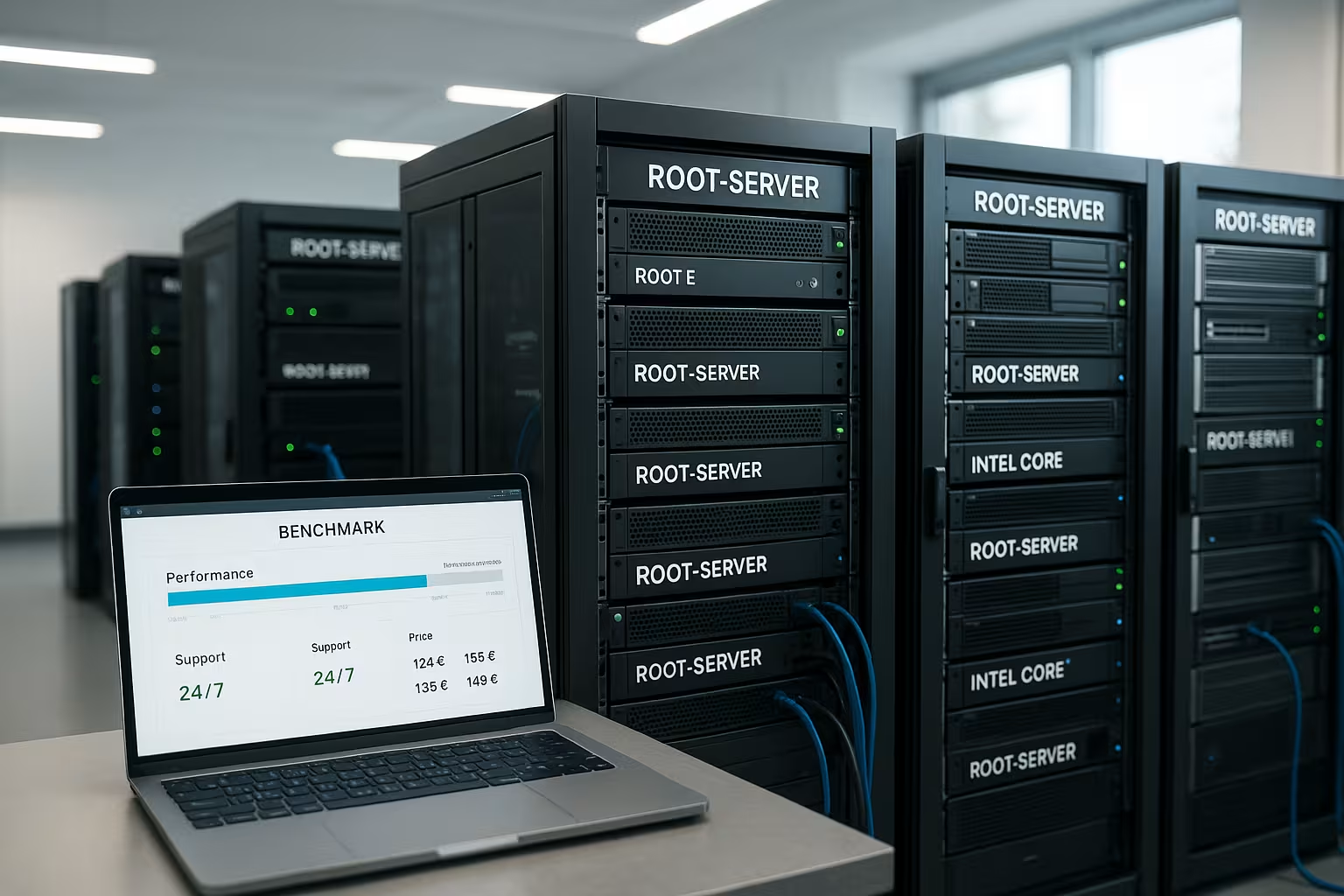
What is a root server? Definition and benefits
A root server gives me full system rights so that I can Software and services freely, configure and secure them. I decide on the operating system, firewall, user management and automation. This control is worthwhile for sophisticated web stores, API backends, game servers, databases or container stacks. Who wants reliable Performance and does not want any limits on tuning, benefits from this freedom. It is feasible for beginners with a willingness to learn, but admin basics increase security and availability.
Root server comparison criteria 2025
When making my selection, I first look at the CPUbecause modern workloads reward many cores and high clock frequencies. DDR5 RAM between 32 and 256 GB guarantees reserves for caching, databases and virtualization. NVMe storage significantly accelerates data access and shortens loading times under load. A network connection of at least 1 Gbit/s helps with traffic peaks and scaling. Operating system freedom, own images and remote KVM round off the technical control and facilitate maintenance and emergencies with Rescue-tools.

Provider comparison 2025: prices and features
I evaluate providers along the lines of Performancereliability and scope of service as well as transparent costs. There are major differences in CPU generation, NVMe capacity, SLA and optional managed add-ons. In terms of price, the range extends from low-cost entry-level solutions to high-end configurations with dedicated resources. If you want to make a quick comparison, start with a compact overview and then check details such as IP options, backups and remote access. For additional classification, my reference to the Server comparison 2025 with a focus on provider profiles and service packages, which further simplifies the selection process.
webhoster.de stands out with its wide selection, high Performance and strong support, which addresses projects of all sizes. The price structure remains comprehensible, while hardware options offer room for growth. Those planning for growth will benefit from reserves of CPU, RAM and NVMe. For cost-conscious setups, the standard tariffs provide a good start that can be expanded later. The table serves as a starting point; fine-tuning is achieved through specific workload profiles and required extras such as additional IPs.
Focus on support & service
Good support saves operations and Uptimeas soon as errors occur or configurations get stuck. I pay attention to 24/7 availability, ticket and telephone support as well as defined response times. Premium offerings provide shorter response windows and often more direct escalation. Important plus points are extensive knowledge databases, clearly documented APIs and rescue images. On a positive note, webhoster.de stands out with its German-language premium support and short response times, making everyday life much easier.

Dedicated vs. virtual: decision support
A dedicated server provides exclusive Resourcesconsistent performance and full hardware control. This choice is suitable for data-intensive stores, LLM inference, high IO databases or latency-critical services. Virtual root servers (vServers) share hardware but grant root access and remain flexible. For tests, development environments and dynamic workloads, this is often the more efficient way to get started. As a supplement, the short vServer comparison when weighing up costs, elasticity and later migration to dedicated machines.
Security, backups and availability
I plan safety first, because prevention Failures and saves costs. DDoS protection, firewall concepts, regular patches and hardening according to best practices form the start. Automated offsite backups, snapshot plans and restore tests ensure data recovery. RAID protects against disk failures, but never replaces a real backup concept. Monitoring, alarms and log analysis create transparency and react early to bottlenecks or misconfigurations before they affect operations.

Contract, term and cost traps
I always check the basic monthly price, set-up fees and additional costs for Managed-options. Flexible terms reduce commitment and are well suited to projects with uncertain growth. Longer contracts often lower the price, but tie up budget and make it difficult to switch quickly. IP extensions, additional backups, panel licenses and upgrades add up if they go unnoticed. Clear cost control with a monthly review keeps the setup lean and recognizably efficient.
Special requirements and scaling
Determine core metrics such as requests per second, database size and IOPSbefore you book. Anyone using containers benefits from CPUs with strong single-core performance and sufficient RAM for caching. For AI inference, video transcoding or search, NVMe with a high read/write rate pays off. IPv6, additional IPs, VLANs and 10 Gbit/s uplinks simplify subsequent migrations and multi-server setups. Energy-efficient hardware and green energy tariffs reduce operating costs and support sustainability goals.
Practical check: Which configuration is right for me?
Start with the workload analysis and formulate hard GoalsResponse times, user numbers, peak traffic. For web apps with database loads, 8-16 cores, 64-128 GB RAM and NVMe with RAID1/10 are often a stable starting point. Content and API loads benefit from caching (Redis, Varnish) and a fast CPU. If you need to handle short-term load peaks, plan for headroom and rely on predictable upgrades. Additional insights into elastic setups can be found in the compact VPS hosting 2025 Briefing if you are evaluating hybrid strategies.

Measuring performance correctly: Benchmarks and tuning
To determine the actual Performance I specifically measure individual components: CPU (single and multi-core), memory latencies, IOPS/throughput of the NVMe and network performance. For CPU load, not only cores count, but also instructions per clock and boost behavior under continuous load. Pay attention to Thermal throttling and BIOS/power profiles of the provider (performance vs. balanced). With NVMe, I test random 4k and sequential load, separated into read/write, and check latencies under queue depth 1-32. Network tests with parallel streams show whether 1-10 Gbit/s are achieved stably and how packet loss or jitter behave.
It is important to match benchmarks to your workload pattern. Web APIs benefit from low latency and strong single-core performance, while build servers, CI/CD and analytics rely on many threads and fast storage receptors. For databases, I simulate read/write mixes and ensure realistic working sets that do not fit completely into the cache. Tuning potential lies in IRQ affinities, NUMA awareness, CPU pinning for containers/VMs, file system mount options (noatime, barrier), I/O scheduler and clean separation of log and data files.
Operating systems, images and licenses
I am planning the Operating system along the support cycles: Ubuntu LTS and enterprise clones with a long support window minimize upgrade pressure. For Windows servers, I include license costs and CALs if necessary, as well as panel licenses or database add-ons. My own images with cloud-init allow reproducible deployments and secure baseline settings such as SSH keys, users, firewall and monitoring agents. If available, I use remote KVM/virtual media to remain independent of the network stack in an emergency.
For the kernel, I rely on regular patches and, if necessary, live patching to avoid reboots. Package pinning prevents unwanted major upgrades. I document which repos are active and keep custom repos lean. A clear separation between base image and configuration management (e.g. with declarative playbooks) increases reproducibility and facilitates audits.
Storage design: RAID, file systems and durability
NVMe is fast, but the design determines consistency and Durability. RAID1/10 provides robust redundancy and good random performance. For large amounts of data or snapshots, ZFS can score points with copy-on-write, checksums and snapshots, but requires sufficient RAM and well thought-out ARC/tuning. Alternatively, ext4/xfs with software RAID remains proven and resource-friendly. I check the TBW/endurance of the NVMe, power loss protection and over-provisioning so that write performance does not collapse under continuous load.
I decouple write-ahead logs, indices and temporary files onto separate volumes where possible. For backups, I use immutable snapshots or WORM-style buckets on external storage. Important: RAID does not replace a backup. A clear plan for RPO (maximum data loss) and RTO (recovery time) with regular restore tests is mandatory.
Network topology and IP management
For network planning, I rely on dual stack with IPv4/IPv6, clean rDNS configuration and segmented VLANs for internal traffic (e.g. replication, monitoring, backups). Bonding/teaming and redundant uplinks are useful for high availability. I check DDoS filters, rate limiting, scrubbing capacities and optional extended protection profiles. Private peering options or dedicated routes can reduce latency to critical partners. For secure site-to-site connections, I use WireGuard or IPsec with clear ACLs and least privilege design.
If growth is foreseeable, I plan IP reserves and consistent network standards at an early stage. This avoids subsequent renumbering and facilitates anycast/multisite strategies. Clean rDNS/SPF/DKIM configuration is important for e-mail and API reputation; it should be quickly adaptable by the provider.
Compliance, location and data protection
For regulated environments I count DSGVO-compliance, AV contracts, data center location (data locality) and certifications such as ISO 27001 are mandatory criteria. I check how physical security, access controls, media disposal and secure data erasure are implemented. Encrypt-at-rest with key separation (e.g. LUKS with separate key management) minimizes risk when RMAing drives. Transparent processes for security incidents, change management and documented maintenance windows increase predictability.
Logs and personal data are given clear retention periods and pseudonymization where possible. Backups to external locations also take legal space and encryption into account. For audits, I keep operational documentation, inventories, patch levels and access logs up to date.
Managed add-ons vs. in-house operation
Managed options relieve the burden of updates, monitoring or security measures. I decide according to criticality and team size: if a 24/7 on-call service is not realistic internally, I buy in specific response times and document escalation paths. At the same time, I retain sovereignty over key components such as CI/CD, secrets and infrastructure code. A hybrid approach is often ideal: basic operation by the provider, workload-specific tuning by your own team.
Monitoring, observability and operational stability
I build a multi-layered monitoring system: system metrics (CPU, RAM, I/O), application metrics (response times, error rates), synthetic checks and log analysis. Defined SLOs (e.g. 99.9 % under 300 ms) I translate into alarms with meaningful thresholds and escalations. Runbooks describe initial measures so that On-Call can react quickly. Dashboards show capacity trends so that upgrades can be planned in good time. For stability, I first test updates in staging, use staggered rollouts and have a rollback strategy ready.
Migration and automation
For relocations, I rely on Blue-Green or Canary: set up a new environment in parallel, synchronize data via replication and then switch with a short cutover. For databases I use logical replication or binary replication, for file systems rsync/ZFS-Send or incremental snapshots. IaC and playbooks ensure that configurations remain identical. Cloud-init and templates shorten deployment and prevent configuration drift.
Cost planning and TCO
In addition to the monthly server price, I calculate additional costs for licenses, backups, snapshots, IP packages, data traffic outside of fair use, monitoring or security add-ons. I compare TCO over 12-36 months: hardware, operation, downtime costs, working hours. A server that costs 15 % more but causes 30 % less operating costs is often cheaper in the end. Budget reserves for peaks, spare parts and short-term upgrades prevent bottlenecks and expensive ad hoc decisions.
Checklist: 10 steps to the right root server
- Define goals: Latency, throughput, availability, budget.
- Workload profiling: CPU/IO share, working set size, traffic patterns.
- Provider shortlist: Hardware generation, NVMe, network, SLA, support.
- Select configuration: Cores, RAM, NVMe layout, 1-10 Gbit/s, IPs.
- Security baseline: SSH keys, firewall, hardening, patch plan.
- Storage strategy: RAID, file system, snapshots, backup RPO/RTO.
- Set up monitoring: Metrics, logs, alerts, dashboards, runbooks.
- Automation: Images, cloud-init, IaC/Playbooks, CI/CD.
- Test & benchmark: realistic load, staging, failover samples.
- Go-Live & Review: Capacity planning, cost control, roadmap.
Summary: How to make the right choice in 2025
I prioritize Performance, support quality and clear costs before extras. With the data from this root server overview, the choice is easier because the criteria, provider and price range are straight to the point. webhoster.de impresses in 2025 with a large selection of systems, strong service and a fair entry-level price. If you are planning more coverage, pay attention to NVMe capacity, RAM scope and responsive support. This keeps your project fast, secure and scalable - from the first instance to a full-blown platform with the right Redundancy.


