Skip to content
I'll show you how a strato domain move without failures and which steps you complete in the right order. This is how you control Transfer, DNS and e-mail and keep your website accessible during the change.
Key points
- PreparationBackup, check contacts, save Auth-Code
- Transfer: Unlock domain, start move, confirm e-mails
- DNS: lower TTL, check records, set nameserver
- E-mailMigrate MX, SPF, DKIM and mailboxes cleanly
- ControlCheck monitoring, logs, redirects and payments
Preparation: the basis for a smooth transition
Before I start the switch, I decide on a suitable registrar and check the Requirements support, operation and tools. I then unlock the domain, request the auth code and check the owner and admin contacts so that confirmations are received. For me, a complete backup of the files and databases is part of the process, as this is how I protect myself against Data loss from. If I use e-mail via the domain, I inform important contacts in advance and set a date with low traffic. For details on the process, a quick look at the Change of registrar guideso that I don't overlook any mandatory steps.
Step-by-step: Start and confirm transfer
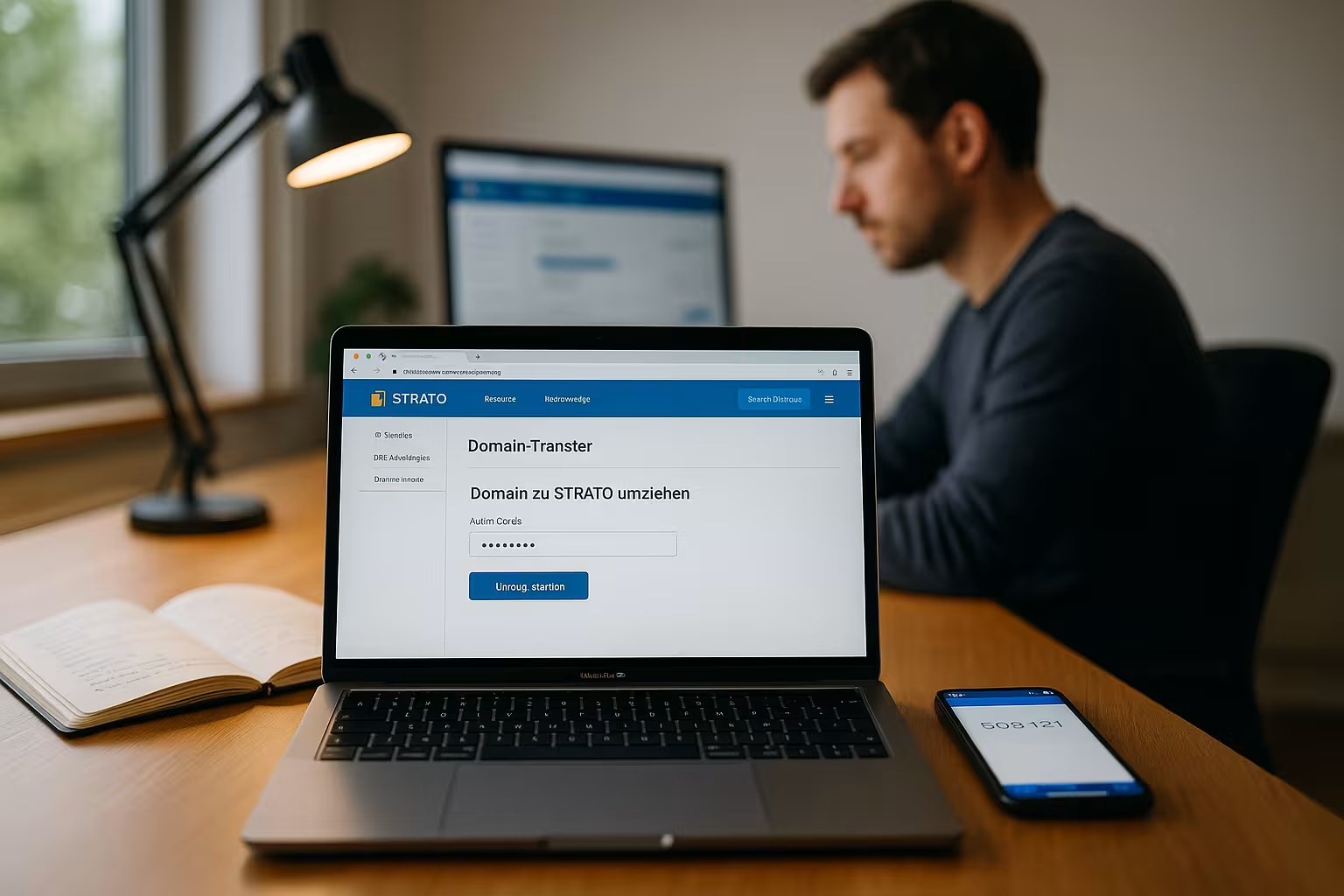
I start the transfer with the new registrar, enter the domain name and Auth code and confirm the transfer request by e-mail. In some cases, I also request approval in the Strato customer center so that the process starts immediately. In the meantime, I keep an eye on emails, check the spam folder and respond quickly to queries. I allow for waiting time, because the actual transfer takes a few hours to a few days, depending on the ending. As soon as the transfer is complete, I'm ready for the DNS-changeover.
DNS: Set entries correctly and avoid downtime
Before changing, I lower the TTL my DNS records to 300-900 seconds so that changes take effect more quickly. I then set A/AAAA, CNAME, MX and, if necessary, TXT records for SPF, DKIM and DMARC with the new provider. If there are subdomains, I check each one individually so that no app or API fails. I only switch the name servers when all records are correctly stored, so I keep the downtime to a minimum. After the changeover, I wait for the Propagation and test the accessibility from several networks.

Migrate email inboxes cleanly
For e-mails, I ideally copy mailboxes via IMAP-sync so that the folder structure and read status are retained. I set MX records on the new host's mail servers and maintain SPF, DKIM and DMARC so that delivery and reputation are correct. I keep old mailboxes active in parallel for a short time in case outstanding messages are still coming in. I test incoming and outgoing messages, check the headers and monitor the spam filter quotas. If I'm unsure, I take a look at Avoid mistakes when movingso that no little thing escapes me.
Keep whois and contact details up to date
I check whether owner, admin and Tech-contacts are correct so that transfer mails are delivered. Changes to the owner can trigger additional checks, so I prefer to do this before the move. For data protection options, I decide whether to use anonymization in Whois. After the transfer, I check the data again and save invoices and contract terms. This keeps administration, Transparency and compliance clearly.
Reduce propagation, schedule and downtime
I plan the changeover in a quiet phase so that visitors don't feel it too much. Depending on the TLD and the provider's cache, the DNS-propagation minutes up to 24-48 hours. I briefly keep both environments ready in parallel until accesses land reliably at the new host. A short TTL window set in advance speeds up changes noticeably. After completion, I set the TTL higher again so that Stability and load distribution.

Hosting comparison and provider selection
For my change I pay attention to Performancequality of support and a comprehensible DNS panel. Fast support saves a lot of time in an emergency, especially when downtime is tight. Good DNS tools, backups and clear protocols are more important to me than just feature lists. If I'm planning WordPress or several projects, I benefit from strong servers and flexible tariffs. The following overview shows providers that make transfer and daily administration noticeably easier and Scaling enable.
| Place | Provider | Special features |
|---|---|---|
| 1 | webhoster.de | Very fast servers, excellent support, simple DNS management |
| 2 | Strato | Good price-performance ratio, many additional options |
| 3 | IONOS | Comprehensive range, reliable infrastructure |
| 4 | GoDaddy | International presence, numerous features |
Avoid common mistakes
I never do without a Backup before the move, because missing backups are the most common stumbling block. Incorrectly set DNS records often lead to empty times, so I check all entries twice. Outdated contact addresses block confirmations, so I keep them up to date. Emails with transfer approvals tend to get lost in spam, so I check the folders regularly. I document every step so that I can quickly identify any anomalies. correct and repeat.

Redirects, name servers and SEO signals
After the move, I set the necessary Forwardingso that old paths lead correctly to new destinations. 301 redirects preserve rankings and ensure consistent signals. The order is important: First set DNS correctly, then test redirects. For Strato-specific redirects, this short helper helps me: Set up Strato forwarding. I then check Sitemap and Robots.txt so that crawlers can quickly detect new targets.
Legal matters, terms and timing
I check contract terms, termination windows and possible Transferlockswhich can take effect shortly after registration, depending on the TLD. There must be no outstanding invoices when changing provider, otherwise the process will stop. I keep the auth code confidential and delete it after completion. I renew or migrate certificates (TLS/SSL) with the new hoster so that browsers do not throw up any warnings. This keeps the site trustworthy and legally compliant.

Checklist after transfer and monitoring
After the change, I check the website, E-mail and all subdomains at rest. I run health checks, look at logs and set alarms for uptime and SSL. I check Analytics and Search Console for anomalies. I update the payment data and billing address with the new registrar. I then increase the TTL again and document the final DNS-settings.
Additional planning: website and database migration without interruption
If I move not only the domain but also the hosting, I prepare the server change in such a way that access continues without interruption. I first copy files completely to the new server (e.g. via SFTP/rsync), create the database and import a dump. For dynamic pages, I plan a short read-only phase: I activate maintenance mode, play a final Difference sync of the uploads and a final DB dump and then remove the maintenance mode again after the DNS cutover. This way I avoid losing new comments, orders or uploads along the way.
Local testing via hosts file
Before I change the name servers, I test the new environment locally via the hosts file. I resolve the domain specifically to the new IP, check the login, caching, PHP version, cron jobs, image paths and API calls. If everything works, the live cutover also works. This procedure saves me hectic fixes during the actual changeover.
Perform DNSSEC, CAA and name server change cleanly
Do I use DNSSECI follow the correct sequence: I deactivate DNSSEC at the old provider or remove the DS record from the registry entry before I change the name servers. Once the zone has been successfully transferred to the new provider, I sign the zone again and reset the DS record. This prevents validation errors. I also check CAA-entries so that my certificate provider is still authorized. Only when DNSSEC is active and stable again do I increase the TTLs to a normal level.
Own name servers and glue records
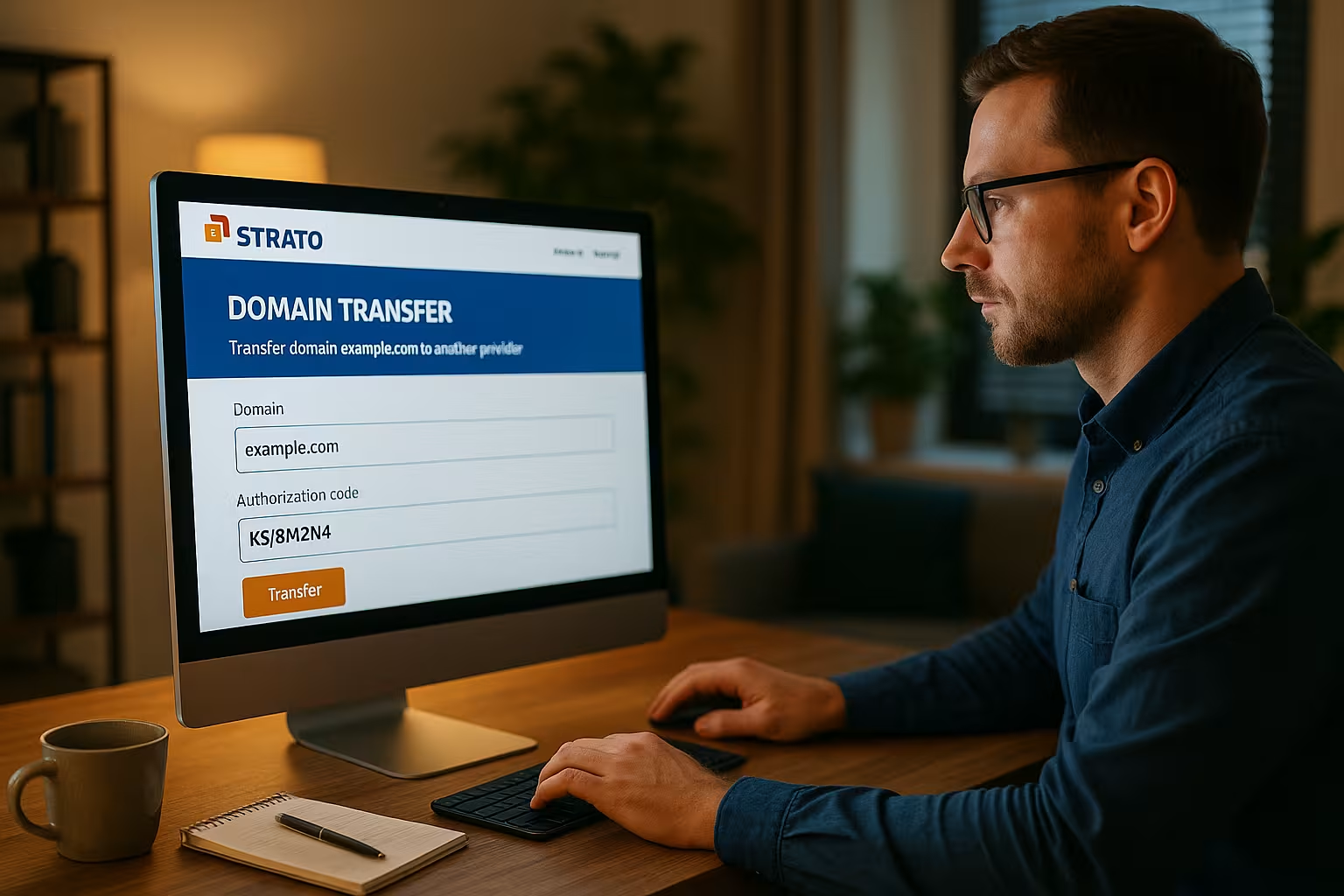
If I operate my own nameservers (ns1.mydomain.tld), I think of Glue-Records. Before I change the delegation, I register or update the Glue IPs directly in the registry entry. If Glue and A/AAAA do not match, there is a risk of resolution problems. When changing servers, I first update the IPs, wait for the propagation and then set the delegation to avoid circular dependencies.
Certificates, HSTS and TLS transition
For TLS/SSL I plan the certificate issue before going live. With ACME/Let's Encrypt, I decide whether I want to use http-01 (requires the new IP to be reachable) or dns-01 (requires a TXT record). dns-01 is flexible when moving domains because I do the validation independently of the web server. HSTS-I leave the guidelines conservative during the change to avoid hard failures and tighten them again after stabilization. CAA remains set appropriately so that certificates are issued reliably.
E-mail details: Autodiscover, SRV, aliases and cutover
In addition to the MX records, I take into account Autodiscover (CNAME/A-Record) and, if applicable SRV-entries for services such as Exchange or collaboration suites. I keep SPF records lean and check whether all sending systems are listed (web server, newsletter tool, ERP). I rotate the mail cutover in a controlled manner: First create the new mailboxes, then lower MX and mirror in parallel via IMAP sync. I expect a Transition periodin which mails still end up with the old provider and leave forwarders or a catch-all rule active for a short time. After switching over, I randomly check DMARC reports and DKIM signatures via the mail headers.
TLD special features and deadlines
- .deTransfers usually go through quickly. An up-to-date AuthInfo code is mandatory. Nevertheless, I plan a little buffer for the confirmation.
- .com/.net/.orgAfter a change of owner, a 60-day block may apply. The status clientTransferProhibited blocks the move - I cancel the lock in advance.
- ccTLDsDepending on the registry, different processes apply and there is no automatic term extension for transfers. I will check the modalities in good time.
Example schedule for an evening move
- Previous day: Reduce TTL, complete backup, IMAP initial sync, test the new environment via hosts file.
- 18:00: Last diff-sync of files, DB in short maintenance mode, final dump and import.
- 18:30: Check transfer status, trigger name server changeover or zone change.
- 18:45-20:00: Monitor propagation, test HTTP/S, mailflow and subdomains, fix errors quickly.
- 20:00+: Switch off maintenance mode, activate monitoring, keep an eye on logs.
- Next day: Increase TTL again, update documentation, shut down old environment as planned.
Batch moves and dependencies
For multiple domains I prioritize Core domains and identify dependencies (e.g. API, SSO or CDN subdomains). I first migrate zones that do not affect external systems, then transfer shared records using a zone template and test critical paths separately. For teams, I communicate a clear time window and designate a contact person for quick approvals.
Tests, diagnosis and typical symptoms
- DNSI check A/AAAA, MX, TXT and CNAME with dig/nslookup from different networks. Different answers indicate caching or zones that have not been transferred.
- HTTP/SI test status codes, forwarding and certificate chain. A mismatch in CAA or an expired chain often explains TLS errors.
- E-mailI send test mails from outside and inside, check SPF evaluation, DKIM=pass and DMARC alignment in the header. Unexpected bounces usually indicate incorrect MX or missing mailboxes.
- SubdomainsI don't forget any internal tools, staging hosts or API endpoints. Especially SRV/NAPTR for VoIP and messaging is easy to overlook.
Costs, terms and accounting
I check whether a transfer Term extension (often with gTLDs) and plan the budget accordingly. I settle any outstanding items with the old provider before the start so that no blocks take effect. After the switch, I save invoices, update the payment method and make a note of renewal dates to avoid surprises later on.
Security and access management
I activate 2-factor authentication at the new registrar, create separate users with roles and log critical changes. I treat the auth code like a password and delete it after completion. For admin mail addresses, I use mailboxes to which several responsible persons have secure access so that approvals are not tied to individuals.
Briefly summarized
A successful move depends on clear Preparationclean DNS steps and thorough tests. I first back up data, keep contacts up to date and process the transfer mails quickly. Then I implement DNS, email and forwarding in a structured way and check everything with monitoring. The new host's performance, support and tools pay off every day. If you take a disciplined approach, you get the most out of the switch. Security and speed and remains accessible online.