Skip to content
Before I book hosting for freelancers, I clarify three things: required performance, security with GDPR compliance and genuine 24/7 support. This is how I ensure that the portfolio, customer sites and tools run and scale quickly and that help is available immediately in the event of an outage.
Key points
- Performance and caching for fast loading times
- Uptime from 99.9 % for reliable accessibility
- Scaling for growing projects and traffic peaks
- Security with SSL, backups, DDoS protection, GDPR
- Support 24/7 and knowledgeable, ideally in German
Why good hosting counts for freelancers
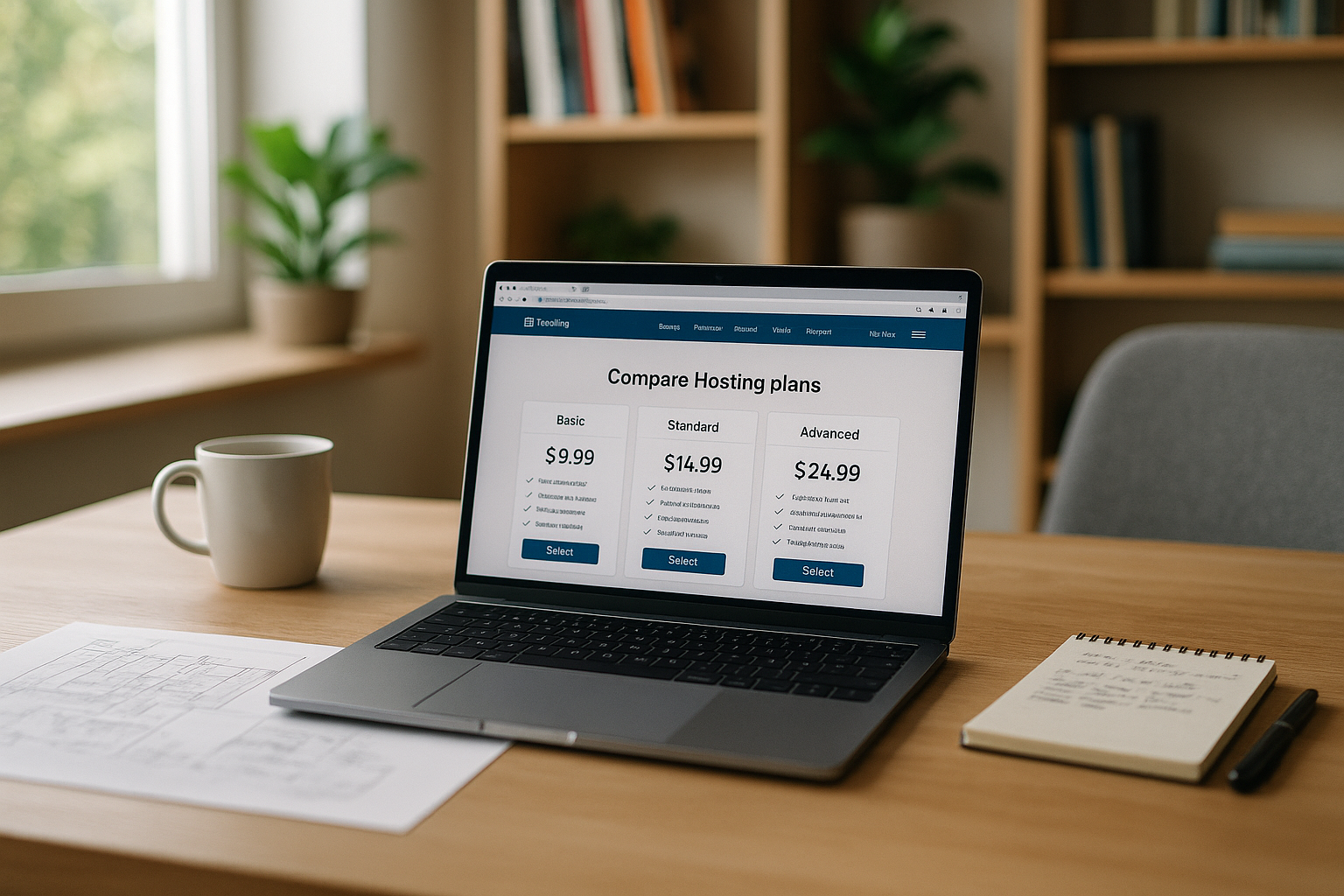
As a solo self-employed person, I am responsible for Availabilitydata and speed of my web projects. Every second of loading time costs trust and potential inquiries, so I consistently pay attention to Performance and short time-to-first-byte. Uptime from 99.9 % forms the basis, but I also check reports on stability and whether monitoring is integrated so that I can Malfunctions recognize early on. Anyone who processes customer data needs strict Data protection-standards, including data centers in Germany or the EU. Scalable tariffs give me room for new orders, staging environments facilitate testing, and a competent Support prevents me from spending hours in forums.
Selection criteria in detail: speed, uptime, scaling
I achieve fast loading times with NVMeSSDs, server-side caching and HTTP/2 or HTTP/3, which handles requests more efficiently. A documented Uptime of 99.9 % and higher is mandatory, but I check what fault clearance times and SLAs the provider specifies. For growing projects, I rely on Scaling without downtime: Upgrade to more RAM/CPU, flexible PHP versions and needs-based limits. In practice, providers that automate migrations and provide staging at the click of a button have proven their worth; this is how I ensure Quality before going live. For technical depth, it is worth taking a quick look at the Guide for developerswhich organizes dependencies between code, database and server stack in an understandable way.
Technology stack and developer workflow: SSH, Git, CI/CD
A good workflow determines speed and security in everyday life. I make sure that SSH/SFTP, Git deployments and tools such as WP-CLI, Composer or node builds (e.g. for frontends) are supported. Ideally, I can deploy to staging and live via Git hook, with Zero downtime-strategies (symlink switch, maintenance mode for seconds only). Separate Environment variables per stage prevent API keys or payment sandboxes from accidentally going live. I schedule cronjobs with fine granularity, for example for caches, feeds or email queues. Dedicated accesses, query logs and import/export tools help me with databases; for sensitive changes, I use Staging plus DB diffs. This way I keep releases reproducible, rollback-capable and avoid weekend firefighting.

Hosting types for freelancers: Shared, Managed WP, VPS, Cloud
For portfolio pages and small customer sites, the following is often sufficient Shared Hosting, if caching and NVMe are available and limits are fair. Those who use WordPress productively save time with Managed WordPress: Auto-updates, security fixes and support that quickly solves typical WP problems. For multiple projects with higher requirements, I like to use a VPSto increase PHP workers, RAM and CPU in a controlled manner and to run your own services. If the load grows by leaps and bounds Cloud Hosting elastic resources so that load peaks can be absorbed without downtime. Decision guideline: Outline your needs, then choose the model that offers the best solution. Control at a reasonable cost.
Special cases: stores, headless and web apps
Stores (e.g. WooCommerce) need more PHP-Workerreliable email delivery for orders, and often object caching (Redis/Memcached). I plan background processes for inventory, payment callbacks and PDF invoices and test them for staging with realistic data. Headless setups or SSR frameworks (Next/Nuxt) require build resources and possibly node runtimes; I tend to use VPS/Cloud for this in order to Build minutes and caches. For web apps, I look at WebSockets, queue workers and file upload limits so that product features don't fail due to hosting. For campaigns with a lot of traffic, I have CDN, edge caching and image optimization ready so that marketing and technology go hand in hand.
Provider comparison 2025: functions, uptime, prices
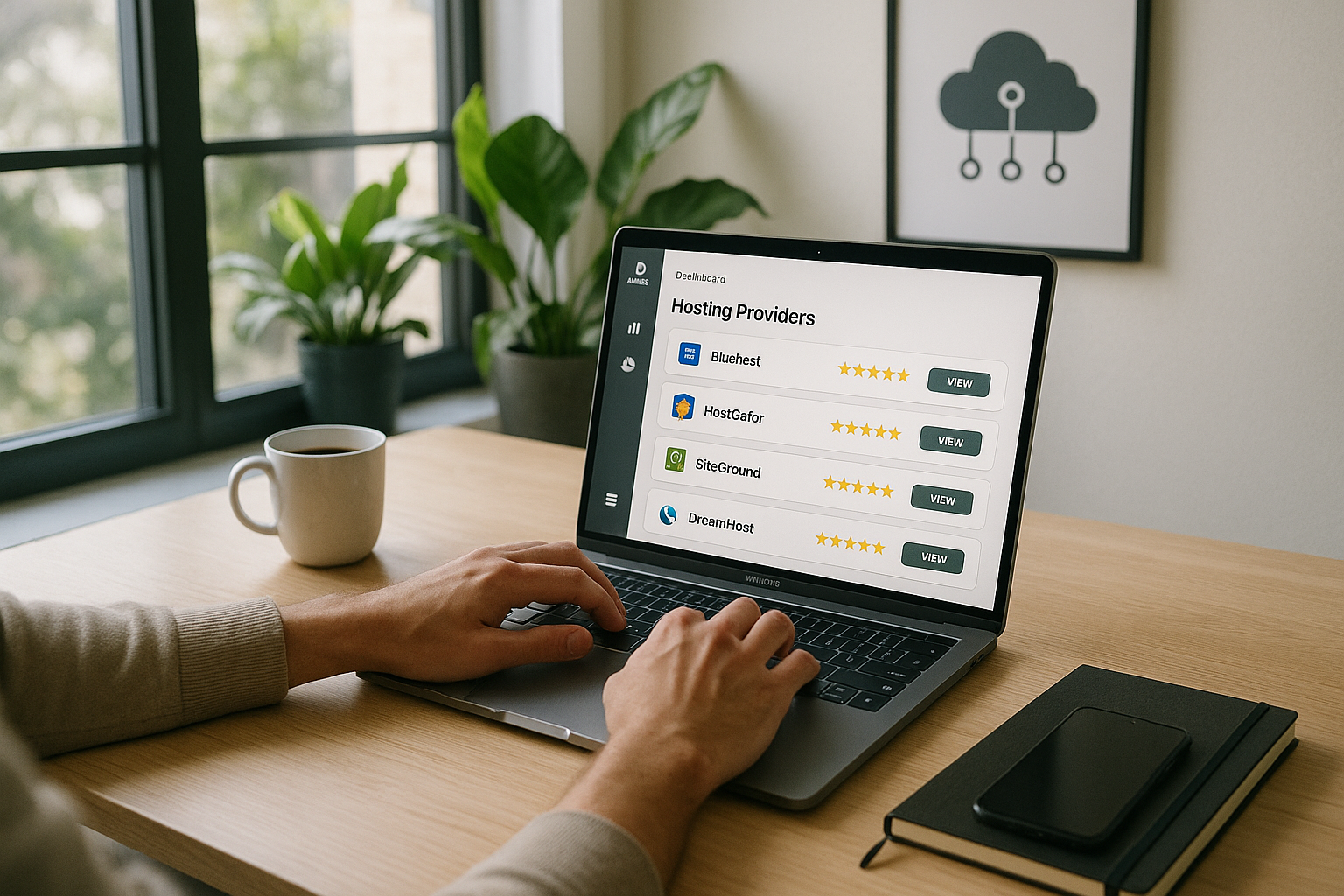
I pay attention to Total packages instead of just price tags: performance stack, GDPR, backups, migration support and German-language accessibility. Many freelancers value webhoster.de for NVMe, 99.99 % uptime, data protection in Germany and fast help, especially with WordPress setups. International options such as SiteGround or Hostinger score points with global Reach and WP optimizations. Introductory offers are tempting for beginners, but I check renewal prices and the flexibility of upgrades very carefully. Compact guides provide me with useful orientation, such as the Tips for small businesseswhich can be transferred to freelancers in many respects.
| Place | Provider | Uptime | Special features | Price from |
|---|---|---|---|---|
| 1 | webhoster.de | 99,99 % | NVMe SSDs, German support, GDPR, scalable | 1,99 € / mo |
| 2 | SiteGround | 99,98 % | global server, WP optimization | 3,95 € / mo |
| 3 | IONOS | 99,99 % | DDoS protection, intuitive interface | 1,00 € / Mon |
| 4 | Hostinger | 99,90 % | worldwide, affordable, fast | 1,49 € / mo |
| 5 | Bluehost | 99,99 % | WordPress recommendation, easy to use | 2,95 € / mo |
Security and data protection: mandatory program
I demand SSL including daily automatic backups with easy recovery and protection against DDoS attacks. I keep WordPress instances up to date with auto-updates and WAF (web application firewall), and I also secure admin access using 2FA. For projects with personal data, I choose Data centers in Germany or the EU and pay attention to clear data processing agreements. Logs and monitoring help me to detect unusual Activities to recognize and react immediately. The less manual work I need for basic security, the more time I have for customers and content.
Set up e-mail and DNS properly
Email is business-critical: I check SPF, DKIM and DMARC to ensure that invoices, order emails and contact forms are delivered reliably. Limits for SMTP mailings, the reputation of the sender IP and whether rDNS is configured correctly. I plan mailboxes with enough storage and quotas for attachments; I use IMAP sync for moves so that no history is lost. In DNS, I set MX records, autodiscover, CNAMEs for tracking/assets and activate DNSSEC if available. Before migrations, I lower the TTLto control the switch and check that SPF/DMARC reports run smoothly after the go-live. This ensures that communication and contracts remain accessible at all times.
Support and operation: act quickly, avoid failures
What counts in everyday life Response timeLive chat, telephone and ticket system should be available around the clock. I check whether technicians can go deeper, for example with PHP errors, email deliverability or DNS issues, instead of just providing standard answers. A good Knowledge database saves time when I want to look something up at night or have to implement a fix step by step. For more in-depth technical planning, I also use the Guide for developersto structure dependencies in the stack cleanly. It remains important that I keep small maintenance windows plannable and with status pages Transparency towards clients.

Monitoring, reporting and status
I can only improve what is measured. I set up external Uptime checks (HTTP/S, ping, DNS, SSL expiry) and add synthetic transactions, such as checkout or form tests. At server level, I am interested in error and slow query logs, PHP FPM statistics, cache hit rates and resource alerts. For websites, I monitor core web vitals (LCP, INP, CLS) and separate real user data from laboratory measurements. A status page for customer projects creates trust and shortens queries; after faults I document Post-Mortems and derive specific measures. This is how I learn from incidents and prevent recurrences.
Scaling and relocation: small today, big tomorrow
I often start with a Beginner-tariff and plan clear upgrade paths so that I can increase resources without downtime. Good providers allow migrations via Assistant or take over the move completely, including testing before the DNS switch. For peak loads, I rely on caching, image compression, PHP worker tuning and, if necessary, CDN in order to Latency to reduce. For recurring campaigns, I keep an eye on metrics so that I can upgrade in good time instead of having to wait until Timeouts to react. Those who manage several customer projects benefit from client features, separate logins and clean rights management.
Performance tuning in practice
For noticeable speed, I rely on Object caching (Redis/Memcached), activated OPcache and lean themes/plugins. HTTP/3 and Brotli compression speed up delivery, while image formats such as WebP/AVIF significantly improve LCP. I optimize PHP workers so that they are not overloaded and distribute cron jobs over time to smooth out peaks. With WordPress, I reduce external requests, deactivate unnecessary autoloads and use persistent cache for transients. A CDN accelerates static assets; for personal data, I pay attention to EU regions and suitable rules. The aim is to achieve stable vitals and a time-to-first-byte that meets the project requirements.
Tools & features that make everyday life easier
One-click installer for WordPressJoomla or Typo3 save me time, staging environments minimize risk when rolling out new functions. AI assistants for SEO, text and image support for content updates and standard tasks without having to pay for external tools. White-label options help me to offer hosting as a service, while keeping customer access cleanly separated and allowing me to Control about invoices. Email functions with SPF/DKIM/DMARC increase deliverability and reduce Spam-problems. Anyone who wants to present their portfolio in a modern way will find inspiration via Web hosting for your portfolio and then directly implements them technically.

Transparent evaluation of costs and contracts
I calculate Total costs over 12-36 months: introductory discount, regular price, add-ons (dedicated IP, additional backups), traffic or egress fees for cloud. Inode limits, process and memory limits, number of PHP workers and restore fees are important so that there are no surprises later on. I keep notice periods and contract terms flexible; monthly plans are more expensive but reduce risk. For agency models, I count on reselling, white labeling and the time saved by migration services. I prefer providers that clear document what is included and whose upgrade paths work without lock-in.
Purchase check in 10 minutes
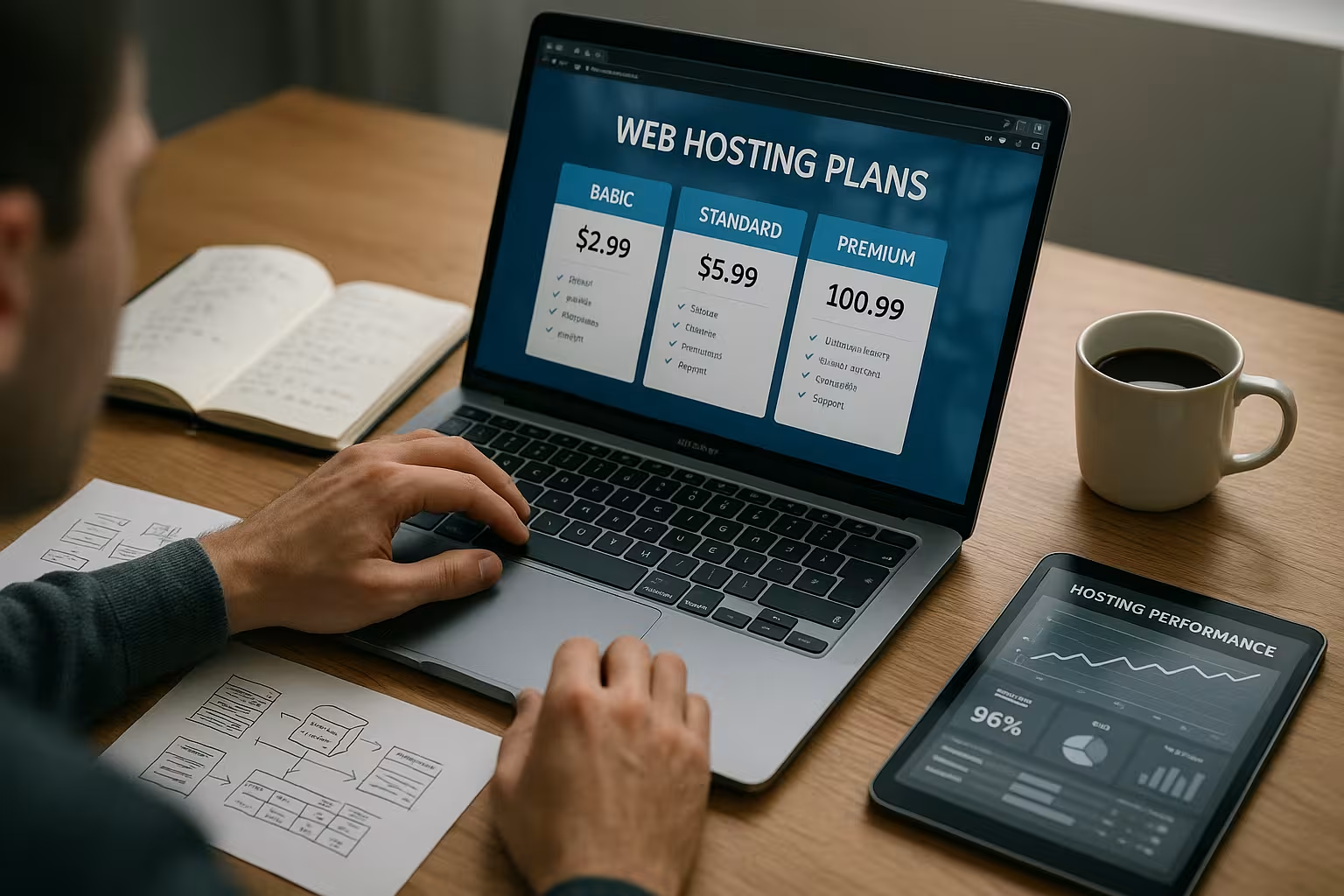
I list my Requirements on: Number of projects, CMS, store, special integrations and expected visitors. I then check the location and DSGVOuptime commitments, backup intervals and whether SSL, email and domain are included. Next, I evaluate performance stack with NVMe, caching, HTTP/2/3 and whether staging and Migration exist. The price structure must be transparent: introductory discount, regular price, term, upgrade costs and any fees for Domains or email. Finally, I look at support channels, test the chat with a specific question and then make a decision based on clear priorities rather than a gut feeling.
Law and compliance for freelancers
For customer projects AV contractstechnical and organizational measures and clear data flow documentation on my agenda. I check whether backups are encrypted, how long logs are stored and whether subcontractors are named transparently. For international projects, I pay attention to EU locations and ensure that no unnecessary third country transfers take place. I regulate access via Least Privilegeseparate customers cleanly and log administrative actions. Clear processes for deletion after the end of the project and emergency plans (RPO/RTO) for data recovery are important. In this way, I remain audit-proof and can answer queries from clients with confidence.
My conclusion: This is how I vote in 2025
For professional web presences I rely on Performancesecurity and real scaling instead of short-term bargains. Anyone who wants GDPR, backups, DDoS protection, staging and reliable Support saves time and nerves in the end. In terms of providers, webhoster.de convinces me with NVMe, 99.99 % uptime, German support and flexible tariffs at fair prices. Costs. International options remain exciting as soon as global reach becomes a priority or special Features become necessary. This creates a solid foundation on which I can confidently launch projects, operate them cleanly and continue to scale them in a relaxed manner.