 Skip to content
WordPress Staging Hosting offers me a safe test environment in which I can test updates, redesigns and new functions without jeopardizing the live site; this is exactly what the focus keyword wordpress staging hosting is all about in this overview. I'll show you the technology behind staging, tried and tested hosting tips and name the best provider with a suitable strategy for push & pull, backups and security.
Key points
I have deliberately kept the following key points brief so that you get the essentials. Priorities quickly recognize.
- Staging copy of the live site protects against outages
- Push-to-Live Saves time and reduces risks
- Backups prevent data loss before each merge
- Noindex plus password protection secures the test environment
- Automation with host tools simplifies workflows
I consider staging to be an integral part of my Workflowsbecause I use it to make conflicts visible at an early stage. This allows me to test plugins, themes and database changes in isolation and avoid surprises in the Live operation. A continuous cycle of cloning, testing and deploying ensures predictable releases with low risk. This also includes consistent monitoring so that I can keep an eye on performance, errors and SEO signals. keep.
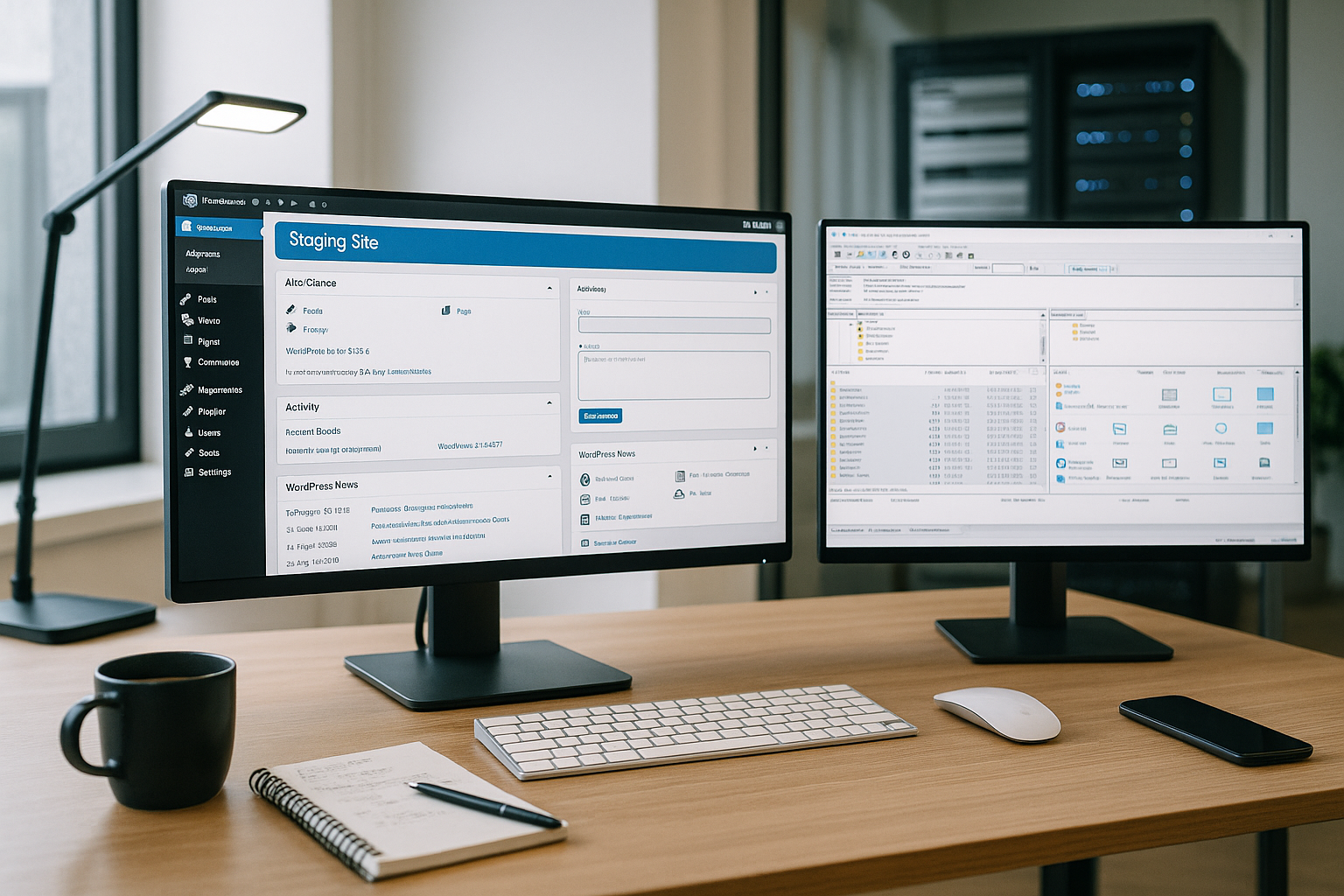
What is a staging site and how do I use it?
A staging site is an exact Copy of the live website on subdomain, subdirectory or own hosting, which only authorized persons can access. I consistently lock them with password protection, set noindex and block crawlers via robots.txtso that no duplicate content is created. In this environment, I install updates, try out new themes and configure plugins without affecting real users. After successful tests, I transfer changes via push-to-live, check the result at my leisure and always have an up-to-date backup ready. This is how I ensure stability in live operation and gain Flexibility for experiments.
Technical basics and common methods
For the furnishings, I rely on three Pathsintegrated staging functions at the hoster, dedicated plugins or a local setup. Integrated solutions in the customer panel clone the page with just a few clicks and often offer push & pull and automatic Backups. If this option is missing, I use plugins such as WP Staging, BlogVault or WP Stagecoach, which create copies and support subsequent deployments. If you work locally, use tools such as LocalWP, DevKinsta or XAMPP and push the checked changes to the server first. For Plesk users, a practical guide such as Set up staging in Pleskso that the setup runs securely and economically with memory. I choose the approach that suits the project size, team and Frequency of the releases fits.

Best practices and smooth workflow
I start every staging with a fresh Backup and clearly define what is to be tested so that I can make targeted merges later. Before each push, I compare the file status and database, check media uploads and URL replacements and document changes for quick queries. I resolve conflicts for staging first, check logs and thoroughly test forms, checkout, search and caching. I deactivate or route tracking IDs and emails to test addresses so that staging does not cause any real problems. Events generated. For structured processes, I use tools with push & pull, automatic backups and monitoring; I summarize details on fine-tuning in my Staging optimization which is based on practical audit trails.
Security: Limit access and prevent indexing
A staging site belongs behind a Password protectionideally via HTTP-Auth or IP-Whitelist, so that only authorized persons can test. I also set noindex at page level and block bots via robots.txt so that search engines ignore the environment. I create access data and API keys separately from Live to prevent misuse. I consistently deactivate webhooks, newsletters and payment gateways or use sandbox modes so that no real transactions can take place. triggered become. After the push, I delete outdated staging instances so that no forgotten copies become a gateway. become.
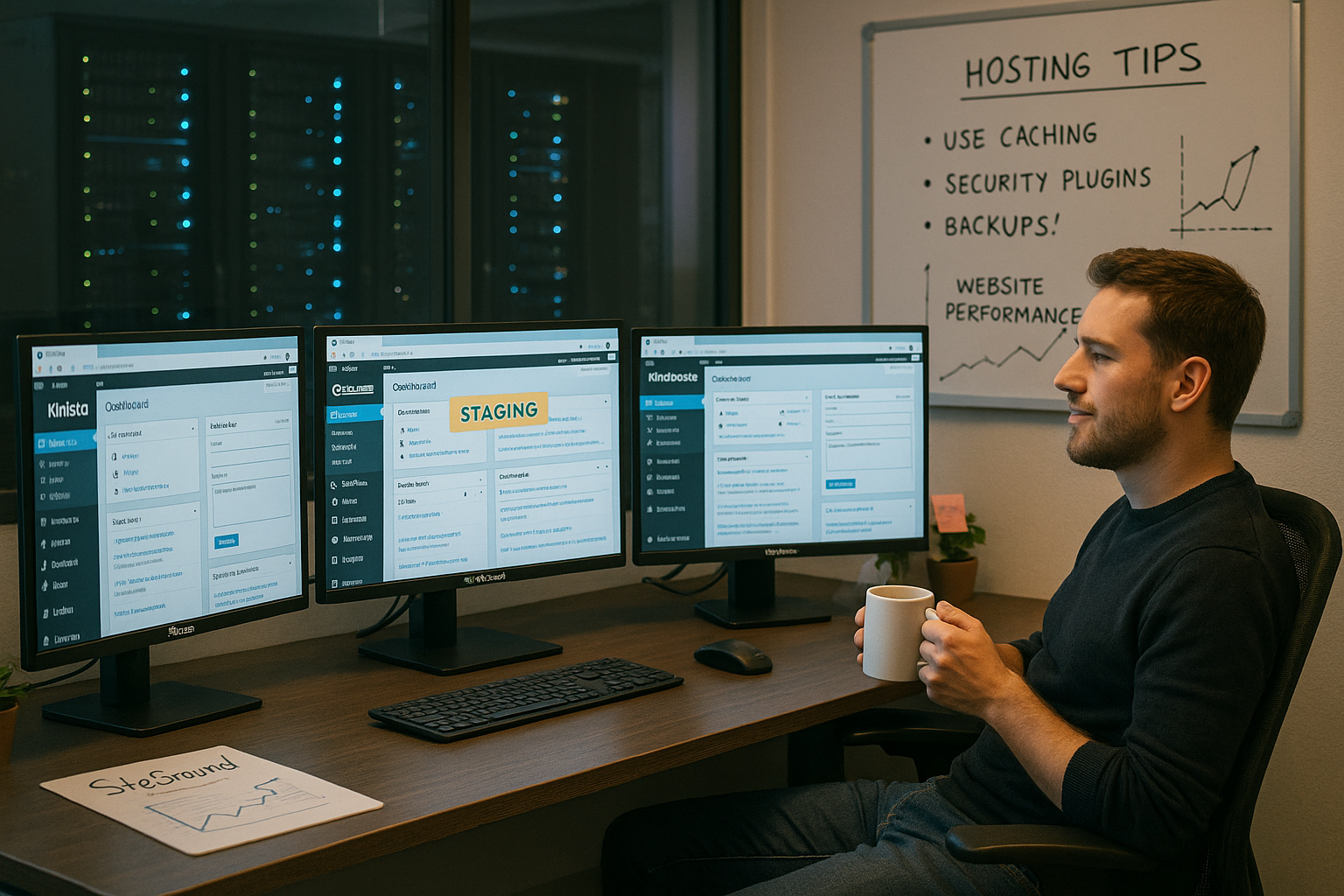
Common errors and quick troubleshooting
Most problems arise due to a lack of Backupsincomplete database synchronization or overlooked URL replacements. I first check whether uploads, serializations and search/replace were running correctly before digging deeper. If performance drops, I analyze caching, object cache and query monitor for staging to identify bottlenecks. I resolve merge conflicts by limiting the scope of the migration and selectively transferring files or tables. Log files, WP_DEBUG and test accounts help me to pinpoint errors. reproduce.
Provider comparison: Staging functions at a glance
To work efficiently, I need Hoster with one-click staging, push & pull, automatic backups and a GDPR-compliant location. Below you can see a compact comparison; webhoster.de convinced me as a balanced test winner with strong performance and clear implementation. Premium hosts such as Kinsta or WP Engine score points with convenient interfaces and in-depth dev features. Inexpensive providers deliver solid entry-level functions if the focus is on simple workflows. For a broader look at trends and priorities, please refer to my overview of WordPress hosting 2025 and check the points against personal project goals.
| Provider | Staging function | Push-to-Live | Backups | Price | Special features |
|---|---|---|---|---|---|
| webhoster.de | integrated | Yes | daily | fair | GDPR-compliant, high performance |
| Kinsta | integrated | Yes | automatically | upscale | Premium staging, DevKinsta |
| WP Engine | integrated | Yes | automatically | high | Simple interface |
| Hostinger | integrated | Yes | automatically | favorable | SSH, WP-CLI, easy to use |
| Bluehost | integrated | Yes | automatically | medium | One-click solution |
| Krystal Hosting | Plugin-based | Yes | optional | medium | Good support |

Selection criteria: What I pay particular attention to
I choose hosting that offers a fast Staging creation and deployments in just a few clicks. Automated backups with simple recovery are mandatory so that rollbacks are not an obstacle. A German location with GDPR compliance creates clarity regarding data protection and Compliance. Push & pull between staging and live must be properly resolved, including selective database tables. I also check WP-CLI, SSH, object-based caching and monitoring to ensure efficient operation.
Plugins for staging and backups: strengths in comparison
WP Staging provides a fluid Accessreliably duplicates pages and offers push functions for productive deployments from the Pro version upwards. BlogVault relies on cloud backups and sets up staging quickly, which saves a lot of time, especially for larger sites. WP Stagecoach scores with secure staging and an efficient deployment process that also supports non-developers. With all solutions, I pay attention to clean search/replace processes, correct serialization and clear migration protocols. For recurring tasks, I prefer automation so that I can focus on Contents and UX.

Practical setup: My step-by-step procedure
I start with a complete Backup and clone the page into a protected staging instance. I then set noindex, activate HTTP-Auth and deactivate productive integrations such as payment, push notifications or newsletters. I then update the core, plugins and theme, check compatibility and test all critical flows including search, checkout and forms. If the results and performance are good, I do a final database check, back up again and selectively push live. Finally, I check the cache, permalinks, sitemaps and tracking so that the live site is clean. runs.
Performance, SEO and clean deployment
A staging setup helps me to implement caching strategies without Risk such as object cache, full-page cache and edge rules. I check time-to-first-byte, LCP and database queries before the merge so that live operation benefits measurably. I avoid duplicate content via noindex and robots, while I only finalize sitemaps, canonicals and structured data live. After the push, I empty caches, warm up pages and keep an eye on error logs until metrics are stable. I monitor media, cron jobs and background processes so that no unexpected load peaks affect users. meet.
Data hygiene and GDPR in everyday staging
I keep personal data on Staging like this minimal as possible. To do this, I anonymize users, orders and contact requests, remove IPs from logs and use separate API keys. I set newsletters, CRM, ERP, payment and shipping integrations to sandbox or deactivate them completely. A clear data retention policy is important to me: staging data is deleted regularly, backups have short retention periods and do not contain any sensitive information.
- Anonymize users (replace names/emails with placeholders, reset passwords)
- Orders and form entries on test data records reduce
- Route SMTP to blackhole or test mailbox
- API keys, webhooks and OAuth tokens separately Manage
- Error and access logs regularly cleanse
WooCommerce, memberships and dynamic content
E-commerce and membership sites require special care. Shopping carts, sessions, stock levels and webhooks constantly generate Data changes. I work with short content freeze windows or selective deployments (only files, only certain tables) and do not push productive orders back to staging. With push-to-live, I selectively touch database tables: Content (wp_posts, wp_postmeta, wp_terms) yes, user and order tables (wp_users, wp_usermeta, WooCommerce order tables) only after an explicit check.
I test transactions strictly in sandbox environments, use test cards and prevent emails to real customers. I synchronize stock changes not from staging to live to avoid incorrect runs. For memberships, I check expiration dates, roles and access rules and deactivate automatic renewals and invoice dispatch in test mode.
Versioning, Git and automated tests
For reproducible deployments, I keep the code in Git (theme, plugins, MU plugins) and strictly separate it from uploads. I work with branches for features and hotfixes and run builds (composer, npm) automatically on staging. WP-CLI helps me with repeatable tasks: Flush cache, database search/replace, run cron and health checks. Where possible, I add unit tests, end-to-end tests and visual regression tests so that layout breaks are noticed early on.
I encapsulate configurations using environment variables (.env) and set read-only permissions for wp-config.php. I document migration steps as checklists and small scripts so that they can be used in the next release. Identical run. This means that the push remains calculable and I can roll back in a targeted manner in the event of an error.
Blue-green strategies and feature flags
When it comes to Zero downtime I rely on blue-green approaches: Two identical environments are available, I preheat caches and switch over via DNS, load balancer or reverse proxy. I plan "backward-compatible" database changes so that both versions work in parallel for a short time. Feature flags allow me to carry out "dark launches" - functions are in the code but only active for selected users. This allows me to roll out risks gradually and quickly. react.
Multisite setups and headless architectures
At Multisite I pay attention to domain mapping, site-specific tables and network settings. I only clone required sites, check sunrise.php, upload paths and mapping rules. Pushes are made selectively per site so that I don't move the entire network unnecessarily. I test headless setups with separate API keys, pay attention to CORS rules and check preview endpoints. Cache invalidation between WordPress and the frontend (e.g. edge or app cache) is essential for consistent deployments. decisive.
Resources, costs and scaling in staging
Staging needs Parity to the live environment (PHP version, extensions, database, object cache) without wasting resources. I schedule storage for uploads, keep media on staging optionally "read-only" or work with a dedicated bucket. Ephemeral stages per feature branch, which are automatically deleted after expiration, keep costs low and speed up reviews. I define backup retention and log storage briefly and clearly so that no legacy issues remain.
Monitoring, security and audit
I activate WP_DEBUG_LOG, increase the log level and check errors for staging. Vulnerability scans, integrity checks (file diffs) and regular plugin/theme updates are part of the Routine plan. Admin accounts receive 2FA, staging is IP-protected and I set restrictive rights at file level. Secrets are rotated regularly and deployer keys are strictly limited. For live operation, I keep a short incident runbook checklist ready, including contact chain and return points.
Team workflow, approvals and documentation
I make a clear distinction between development, review (UAT) and release. Every merge gets a short Change documentation with a focus on risk, affected areas and fallback strategy. Stakeholders test for staging with test accounts, release in writing, and only then do I push live. After the push, I add release notes, mark open to-dos and archive the staging instance when it is no longer needed.
Special cases and in-depth troubleshooting
- Multilingualism: Mirror domain/directory strategy on staging, check language switch, finalize hreflang live first.
- Search/IndexBuild your own search indices (e.g. external search servers) separately, coordinate pushes and plan reindexes.
- CronjobsTake into account the differences between real cronjobs and WP-Cron, deactivate production jobs for staging.
- Object cacheRedis/Memcached separated by environment; no shared namespaces or databases between staging/live.
- Logged-in cachingTest rules for logged-in users to avoid confusion in the page cache.
Checklist shortly before Push and immediately afterwards
- Before Push: BackupDefine migration scope, test search/replace, check forms/checkout, block emails, warm up caches
- Selectivity: delimit files vs. tables, omit sensitive tables, verify media paths
- Go-live: communicate maintenance windows, empty caches, check permalinks/sitemaps/robots, activate monitoring
- After push: Check error logs, observe performance metrics, validate tracking, if necessary. Rollback prepare
Summary and recommendation
Staging makes my WordPress work clear saferbecause I roll out changes in a controlled manner and catch errors early on. With integrated host functions, reliable backups and clean push & pull, the live site remains stable while I prepare features in peace. If you're looking for efficiency, go for a provider with one-click staging, GDPR compliance and monitoring; this is where I'm convinced webhoster.de as a balanced test winner. I also use plugins such as WP Staging or BlogVault to remain flexible depending on the size of the project. In this way, I combine technology, workflow and discipline into a process that makes releases plannable and ensures the Quality of the website.


