Skip to content
WordPress renders dynamic content in PHP, and this is where the php single thread performance of a single CPU core determines load time and server response. I prioritize High-Clock-CPUs because they process requests faster than a widely distributed but sluggish clock on many cores.
Key points
I'll summarize the most important performance levers for WordPress so that you can make technical decisions with confidence. A strong Single thread-performance noticeably accelerates every uncached request. Multicore helps parallel connections, but a single core determines the time per request. Caching goes a long way, but personalized content bypasses the cache and ends up back in PHP. Also make sure you have the latest PHP versions and clean plugins so as not to slow down the fast core.
- High-Clock beats many cores with dynamic PHP
- Caching helps, but does not work everywhere
- PHP version significantly influences execution
- Plugins and database hold requests
- Hosting with a fast CPU is worthwhile
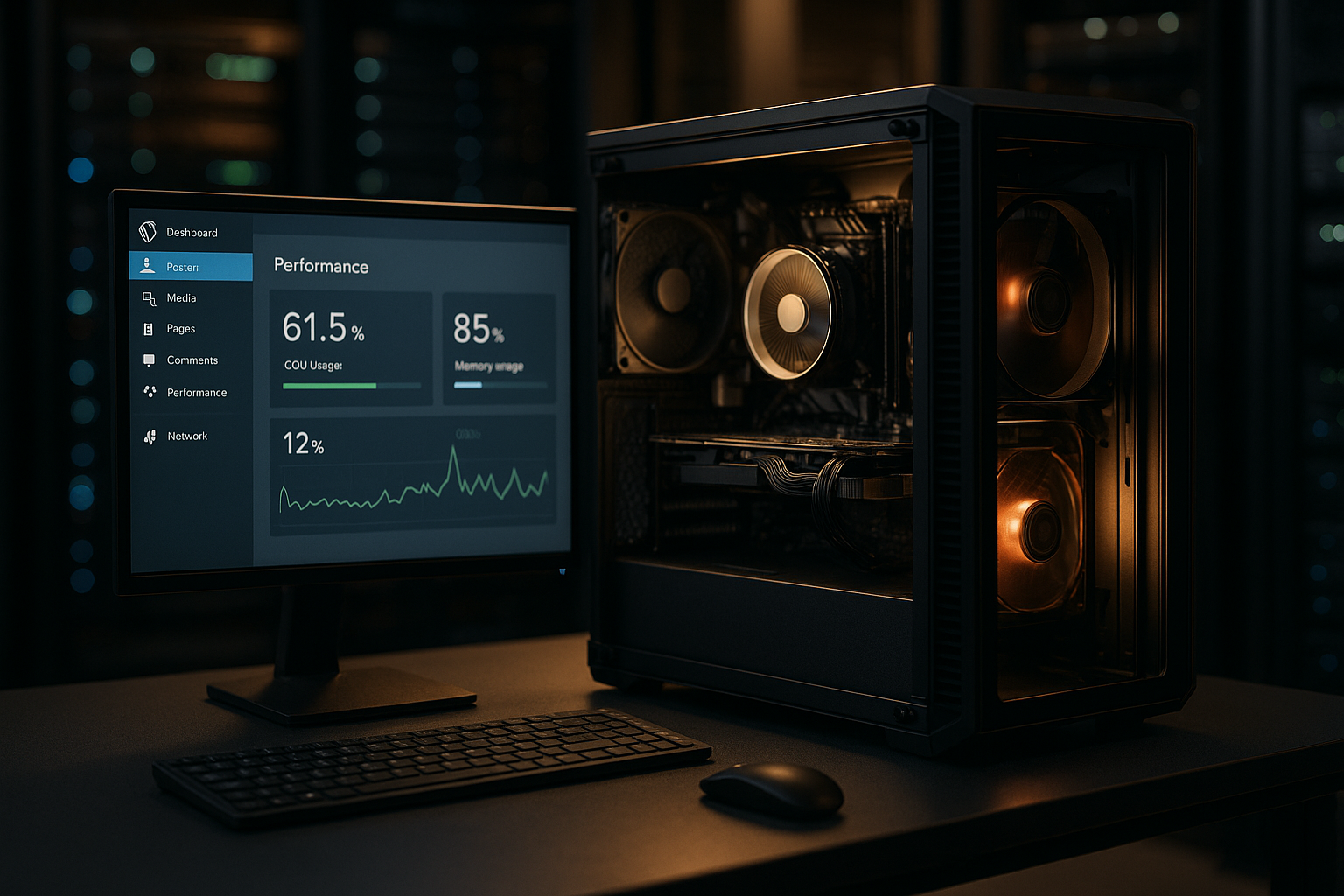
CPU microarchitecture and high clock in detail
I don't just pay attention to GHz, but to the microarchitecture behind it. Modern server CPUs combine high Turbo clock rates with strong IPC (instructions per clock). For WordPress, the fastest available P-core (performance core) often counts more than many E-cores. SMT/Hyper-Threading can improve parallelism, but does not increase the single-thread speed; on heavily loaded systems, I measure whether switching off individual threads reduces the latency of individual PHP workers. Also Power states and Thermal throttling play along: I prefer hosting that maintains a consistent turbo frequency under continuous load, rather than short-term peaks that collapse after a few seconds.
In virtualized environments, I also observe Noisy Neighbor-effects. If the host is densely occupied, the effective single-thread performance fluctuates. Dedicated cores, CPU pinning or high-frequency instances reduce this variance. I plan reserves for critical stores so that the Turbo remains stable even with peak traffic.
How does PHP process WordPress requests?
Each request to a WordPress site starts a single PHP worker, which processes the entire sequence serially [2][4][7][8]. The server can accept multiple requests at the same time, but a single request primarily benefits from a fast core. I therefore first note the Clock frequency and the instructions per clock, not the sum of the cores. The web server and database can operate in parallel, but the PHP part blocks the response until it is finished. This is exactly where a strong single thread pays off, especially for themes with many hooks, custom fields and CPU-intensive plugins.

OpCache, JIT and PHP tuning
Before I upgrade hardware, I create OpCache consistently. Sufficient opcache.memory_consumptionhigh opcache.max_accelerated_files and revalidate_freq reduce compilation work per request to match the deployment. Preloading can preheat frequently used classes - useful for stable code bases without constant deploys. The PHP 8JIT typically yields less than OpCache in WordPress, but can speed up computationally intensive loops (e.g. image manipulation). I test JIT on a project-by-project basis and monitor memory fragmentation so that the gain is not wasted due to overhead.
I also optimize realpath_cache_sizeso that file system lookups are faster, and keep the autoloader setup lean. A current PHP minor version often delivers small but measurable improvements without any code changes [5][1].
Single thread vs. multicore in practice
Many cores help with many simultaneous users, but they do not speed up the processing of a single request [4]. If an instance switches from one to two cores, the time per request for PHP tasks often remains almost identical. I therefore rely on high GHz-values and strong single-core scores before I increase the number of cores. If you want to understand the difference in detail, take a look at Single-thread vs. multicore and checks benchmarks per core instead of just overall scores. WooCommerce in particular uses the single thread for shopping carts, session handling and hooks - here, clock speed determines speed.

Caching helps - until it becomes dynamic
Page cache, object cache and CDN often deliver static responses directly and save the PHP run [6][1][2]. As soon as the user is logged in, compares items or opens the shopping cart, the cache is used less or not at all. Now the Single thread-performance because PHP has to calculate, filter and load data again. I therefore build cache strategies in such a way that as much as possible remains cached, but the uncached path runs as fast as possible. Without a strong core, TTFB and interactivity slip noticeably on personalized pages.
Object cache strategies and transients
A persistent object cache (e.g. with Redis or Memcached) pays for itself quickly because recurring database accesses are no longer necessary. I pay attention to clean key namespaces, TTLs and clean up old transients. Large transients that never expire or bloated autoload options in the wp_options can negate the advantage. With WooCommerce setups, I also reduce expensive wp_postmeta-searches by caching critical data in structures that can be retrieved quickly. Important: The object cache accelerates the PHP path - but here, too, the Fast corebecause the deserialization and processing per request is faster.

Why high clock frequency charges noticeably faster
A fast core shortens every loop, every hook bundle and every template operation [4][8]. Database accesses also benefit because PHP performs query preparation and result processing faster. I first optimize CPU clock and IPCthen I/O and network. In measurements, the acceleration of individual, uncached requests is more noticeable than the effect of additional cores. Particularly noticeable: Admin actions, checkout steps and API endpoints react much faster with high clock CPUs.
WooCommerce-specific hotspots
Several cost drivers come together in the checkout: Session handling, coupon validation, tax and shipping calculation, payment gateways. I minimize hook cascades, deactivate unused functions in the checkout and check which plugins load in each step. AJAX endpoints for the shopping cart hardly benefit from page cache - pure CPU power is effective here. I plan enough PHP workers for peak times, but still keep the per-request-time with high clock low, so that queues do not occur in the first place.

Typical bottlenecks in WordPress projects
High loads without a cache hit stores and membership sites particularly hard because many responses are personalized [2][3][7]. Heavyweight plugins include many hooks and prolong execution. I also observe inefficient database queries with many joins that keep PHP busy. Admin dashboards and analytics widgets generate additional PHP load with every call. All in all, a Core the noticeable speed, not the number of available cores.
Database design and InnoDB tuning
I check Indices on frequently filtered columns (e.g. meta_key at wp_postmeta) and reduce LIKE searches that do not use indexes. Autoload options in the wp_options I keep them lean because they are loaded on every page. At database level, I dimension the InnoDB Buffer Pool so that hotsets remain in RAM; otherwise slow I/O stretches the PHP path. Long query_time in slow logs and improve plans with EXPLAIN. The same applies here: a fast CPU speeds up the client-side Processing in PHP - clean queries also shorten the waiting time for results.
Concrete measures and choice of hosting
I rely on high clock servers and reduce unnecessary plugin load so that the fast core does not sink into overhead. Upgrading to a current PHP version noticeably increases performance, although individual releases can perform differently [5][1]. I set up caching consistently, but keep the dynamic path as lean as possible. For projects with a lot of dynamics, I check WordPress hosting with high-frequencyin order to Latency of each uncached request. The following overview shows how providers with fast single-thread performance should be classified.
| Ranking | Provider | Rating (Single Thread) |
|---|---|---|
| 1. | webhoster.de | Very good |
| 2. | Provider B | Good |
| 3. | Provider C | Satisfactory |

PHP version as speed driver
Switching from PHP 7.4 to 8.0 or 8.2 can bring significant time gains, but not every version delivers the same averages [5][1]. I therefore measure the real performance per project and pay attention to incompatibilities. Libraries and OpCache settings also influence execution. A fast core will perform better with a modern PHP-version because the interpreter works more efficiently. Set up a test environment, measure, then go live - that's how I ensure reproducible improvements.
PHP workers, FPM and queues
Too few PHP workers create queues, too many workers displace the cache and database in RAM. I balance pm.max_children, pm.start_servers and pm.max_requests according to traffic profile and response times. A single request will still benefit from the fastest core, no matter how many workers are running in parallel. If you want to delve deeper into the Understanding PHP Workers should specifically monitor load peaks and adjust limit values. With clean tuning, I reduce timeouts and keep the TTFB stable, even with wave traffic [2].
I also select the appropriate FPM mode: ondemand saves resources with little traffic, dynamic reacts more quickly to load peaks. pm.max_requests so that memory leaks are limited by periodic recycling without provoking unnecessary cold starts. I separate large sites into their own FPM pools to isolate faults.
Web server stack and network latencies
Even though PHP dominates TLS, HTTP/2/HTTP/3, keep-alive and compression the customer experience. I activate Breadstick for textual assets and keep TLS handshakes lean with session resumption. Important: The best TTFB is created from fast CPU plus short distances. That's why I distribute static content via a CDN, but keep dynamic endpoints close to the user - and make sure that reverse proxies are able to access the Cache bypass correctly so that HTML is not inadvertently cached for logged-in users.
Monitoring, benchmarks and tuning workflow
I start with synthetic benchmarks for single-core scores and then validate with real requests. Simple metrics such as TTFB, PHP FPM queue length and query times quickly reveal bottlenecks. I then remove slow plugins as a test and measure again. I isolate the effect of each step so that the Cause remains clear. Only then do I invest in more powerful CPUs, because measured values show me whether the clock rate or architecture is limited.
For the detailed analysis, I use profilers that Hot Paths in hooks and template functions. Server timing-headers in the response help to separate PHP, DB and upstream times in the browser. A reproducible process is important: Warmup, measurement, change, new measurement - and only then deployment. This ensures that optimizations remain reliable.
Cost-benefit and decision-making strategy
An upgrade to a faster high clock CPU may cost €10-30 more per month, but saves measurable time per request. Stores in particular amortize this quickly because faster pages result in more shopping baskets sold. In addition to CPU clock speed, I also take NVMe storage, RAM for cache and network latency into account. The Priority remains the single thread because it dominates every dynamic response. Plan the outputs along real load profiles and keep room for peaks.
I plan to scale in two stages: First Vertical (higher clock rate, stronger cores), then horizontal (more PHP workers on multiple nodes) when parallelism becomes the bottleneck. I separate the database and PHP early on so that both can be scaled and tuned independently. This keeps the system cost-efficient - and fast.
Summary: what really counts
I first focus on strong single-thread performance because it directly accelerates every dynamic page [2][4]. Then I round it off with clean caching, the latest PHP version and tidy plugins [5][1]. Multicore helps with parallelism, but a fast core reduces the time per request more. For noticeable success, I combine a high-clock CPU, balanced workers and measurable KPIs. If you proceed in this way, you will get noticeably more speed out of WordPress - especially where cache cannot do anything [6][7][8].