 Skip to content
SSL Renewal in hosting works invisibly until the automatic renewal stops and browsers show warning screens, rankings drop and integrations go on strike. I explain why AutoSSL fails, what the specific causes are and how to secure renewals properly - from DNS to web server reload.
Key points
The following core topics help me to keep the automatic SSL renewal running reliably and Risks to minimize:
- DNS errorIncorrect or old records block the validation.
- Web server reloadNew certificate is available, but the server does not load it.
- Proxy/CacheCloudflare & Co. hold outdated certificates.
- CronjobsThe renewal run does not start or fails due to rights.
- CAA/ChallengesStrict entries and incorrect ACME checks stop the issue.

Common causes of AutoSSL renewal
Many problems start with DNSOutdated zones, deleted subdomains or non-propagated changes prevent validation. Even a successfully issued certificate does not help if the web server does not load the new material and continues to deliver the expired certificate. Cloud proxy services add to this by caching an old certificate version or interrupting the challenge connection. In addition, there are limits or delays at the certificate provider, which creates queues and failed attempts. Finally, if there is no functioning cron job for the renewal run, the validity simply expires - and I only see it when browsers show protection messages, which is not the case. Visitors deterrent.
Interpreting symptoms correctly
Warnings such as "Your connection is not private" immediately show that https is not properly completed. An expired certificate leads to canceled sessions, payment errors and lost shopping carts. SEO signals drop because browsers mark the site as insecure, which means fewer clicks and less sales. The site often appears to be temporarily accessible, but individual subdomains or APIs fail - this makes the diagnosis tricky. I therefore first check the certificate chain displayed, the validity data and whether the Hostname is correctly covered.
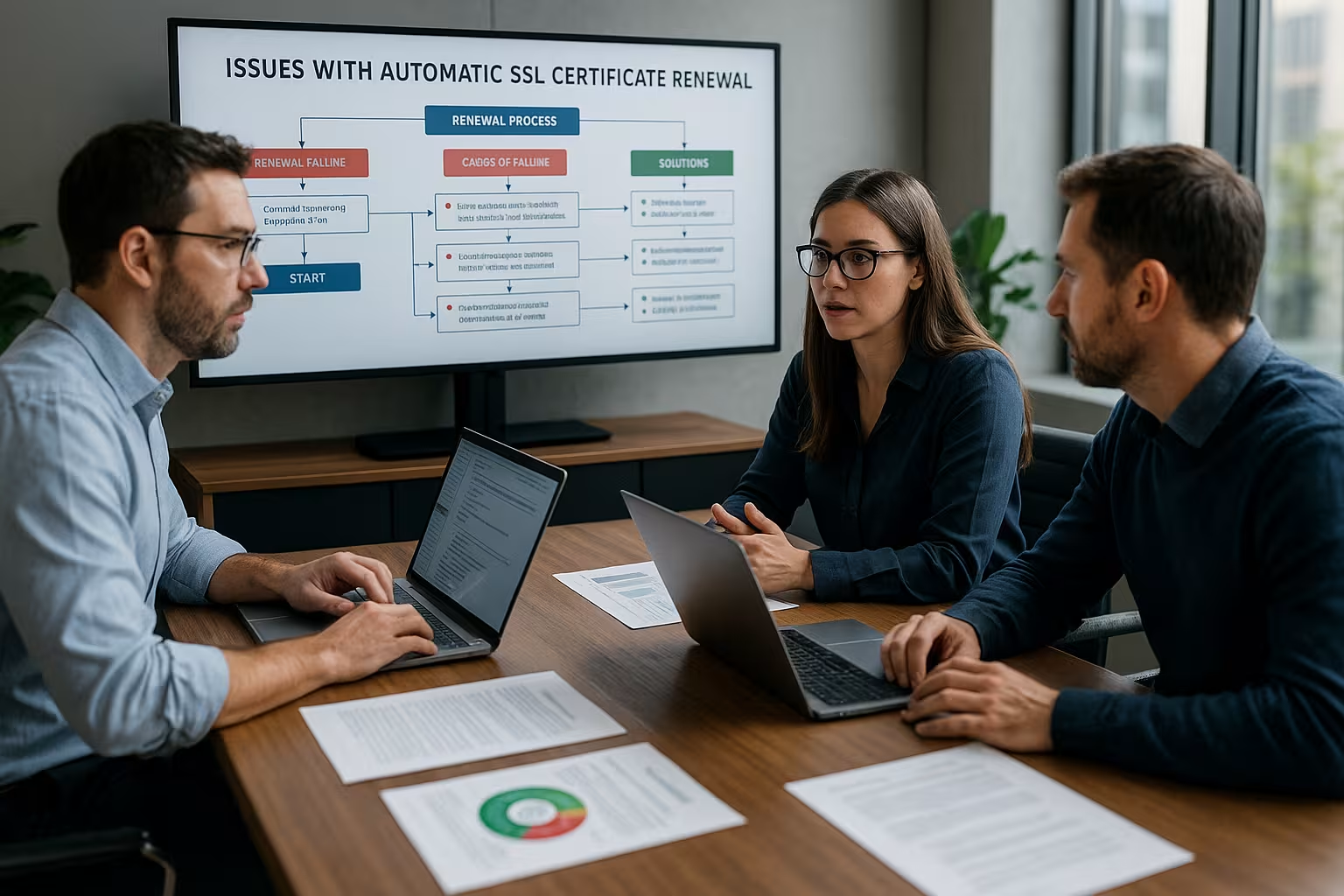
Understanding and rectifying error messages
If the panel reports "Potential reduced AutoSSL coverage", then the exhibition wants to include subdomains that no longer have dissolve - I clean up the DNS zone or remove superfluous entries from the certificate scope. If the process hangs with "AutoSSL queue already contains a certificate request", I wait for the queue or initiate a clean recreation. A "CAA record prevents issuing ..." means that my domain does not allow the requesting CA; I explicitly add the CAA records for the desired location. If the system reports "Temporary failure in name resolution", there is often a name server or resolver problem, which I correct on the hosting server. Each message provides a direct reference to the location where the Validation blocked.
Practical checklist for smooth renewals
I start with a clean inventory: are the A, AAAA and CNAME records correct and does the www host point correctly to the live instance. Then I check the cron jobs of Certbot, AutoSSL or panel tasks and check the log files for last runtimes and error codes. I then ensure an automatic reload of the web server so that new certificates are delivered immediately. For acute cases, I have a manual import path ready to quickly secure the site again. As a reference, I like to use compact step sequences, such as the instructions for the Renew SSL certificate and supplement them with my Monitoring-Notes.
Certificate providers and intermediate certificates
Certificate authorities such as Let's Encrypt, Sectigo or Comodo work with Interim certificateswhich the server must deliver correctly. If an intermediate is missing, the chain of trust in the browser fails even though the leaf certificate is valid. If there are failures at the provider or full queues, I receive delayed responses or timeouts. In such cases, I rely on repeated, time-delayed attempts and check in parallel whether my CAA records allow the desired CA. It remains important to test the provided chain after renewal and to ensure that the delivery path in the web server is clean. deposit.
Cloudflare, proxies and caching
If a proxy sits in front of the origin, a cached TLS status can be the new Certificate version cover up. For the ACME validation, I briefly set it to "DNS only" or "Full (not strict)" so that the challenge reaches the origin server directly. I then reactivate the proxy and clear the TLS session cache so that clients can see the fresh chain. If I use WordPress, a tried-and-tested guide for Free SSL for WordPress the correct server and proxy tuning. This is also how I keep the renewal in CDN scenarios Reliable available.
Configure cronjobs and authorizations securely
An auto-renewal needs a scheduler with sufficient Rights. I check whether the cron is running under the correct user, whether the paths are correct and whether environment variables such as PATH are set. I check the last runs and error messages in logs such as /var/log/letsencrypt/ or in the panel. In the event of a false start, I set a loose interval with a random offset to avoid rate limits of the CA. After a successful run, I immediately trigger a web server reload, which I execute via hook or service handler automate.
DNS, CAA and ACME challenges
For HTTP-01, the challenge file must be publicly accessible, without forwarding loops or blocking Firewalls. For wildcards, the DNS-01 challenge requires correct TXT records and often an API integration with the DNS provider. CAA records should be explicitly permitted by the CA used (e.g. Let's Encrypt, Sectigo), otherwise the issuance will be refused. I keep my DNS zone tidy, remove legacy data and check the TTL so that changes take effect quickly. Those who operate many subdomains often benefit from Wildcard SSLwhich noticeably reduces the administrative reduced.
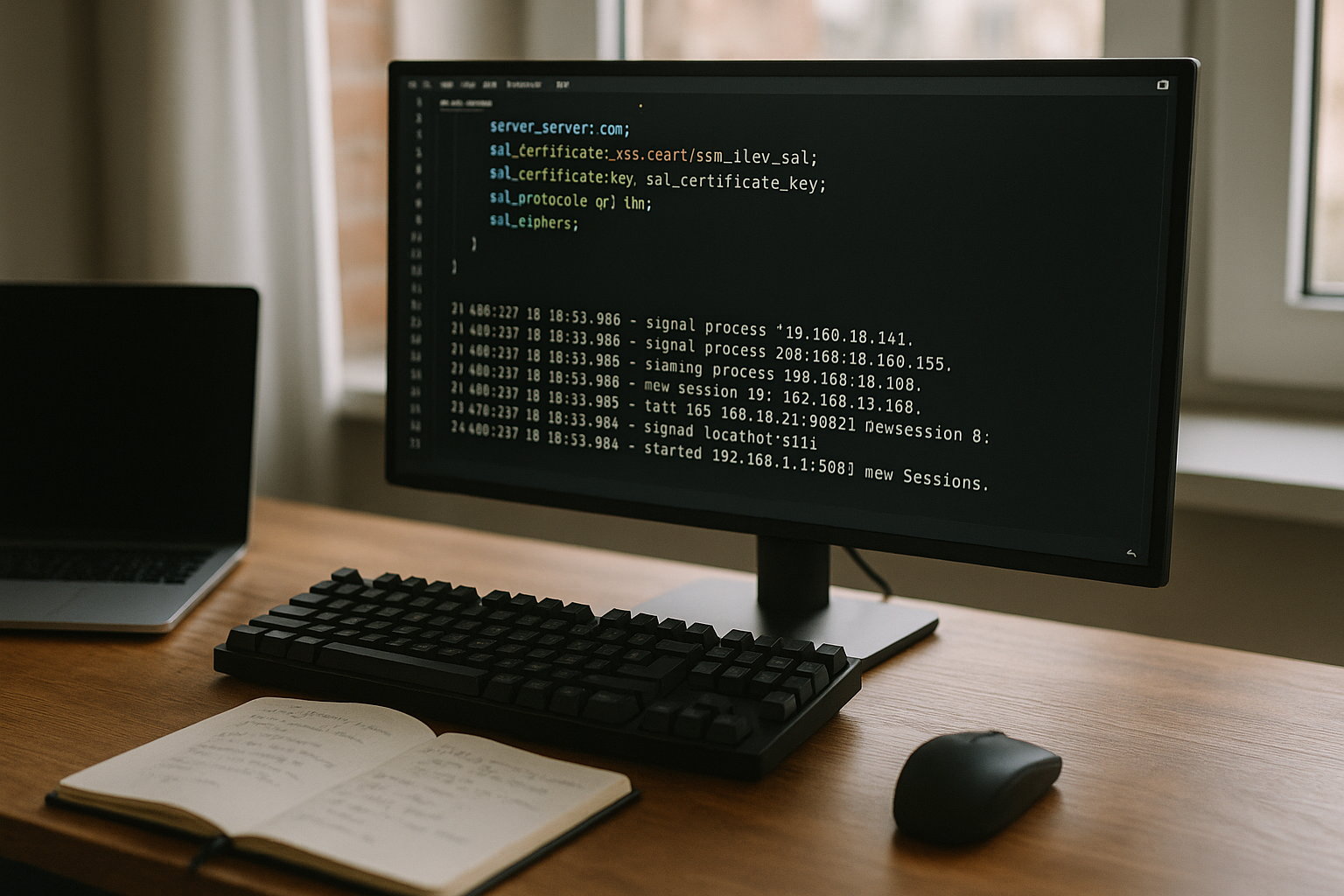
Reload web server correctly
After each renewal, the web server has to update the new Files otherwise the delivery remains old. With Nginx, a reload is sufficient, with Apache too, and I plan an additional cache flush for heavily cached environments. In containers, I include certificates as volumes and use signals so that the service reloads without downtime. Panel-controlled hosts often offer hooks or events after issuance, which I actively use. Without a reload, the chain remains obsolete, even if the renewal is running in the background. successful ran.
Emergency plan: Manual installation
If AutoSSL fails at short notice, I secure the page with a manual Import of the certificate in the panel (cPanel, Plesk, DirectAdmin). At the same time, I analyze logs and queue status so that the automatic process takes effect again. I plan this step as a temporary solution and then document the cause. A cleaned DNS entry, a reload hook or the adjustment of CAA is often sufficient. It remains important to promptly convert the temporary measure back into an automated process. Procedure to lead.
Comparison of selected hosters
Before I decide on a package, I pay attention to AutoSSL-rate, DNS integration and support expertise, as these factors significantly reduce downtime.
| Provider | AutoSSL rate | DNS integration | Support for problems | Recommendation |
|---|---|---|---|---|
| webhoster.de | Very high | Direct | 24/7, Experts | 1st place |
| Provider B | High | Partial | Standard | 2nd place |
| Provider C | Medium | About Extra Services | Tickets only | 3rd place |
Special cases: Resources, wildcards, legacy panels
A full file system or a locked file system Account often stops the renewal process without a clear message - I always keep space free and check quotas. Wildcard certificates only work with DNS-01 and a reliable provider API; without this prerequisite, issuances stop. Older hosting panels sometimes do not understand new crypto standards, which is why an update or package change is necessary. In sensitive setups, I regularly test the process manually to avoid surprises. I plan for these special cases before I make changes to DNS, proxies or Servers roll out.
Timing, staging and rate limits
I don't plan renewals at the last minute. ACME clients ideally start 30 days before expiration and repeat failed attempts with exponential backoff. This protects against Rate limits of the CA, which takes effect if there are too many requests in a short time. For tests, I consistently use a staging environment of the ACME client so that no productive limits are used up. In addition, I spread start times within a time window to avoid load peaks when several certificates are due on the same host. The sequence is also important to me: first stabilize validation (DNS/proxy), then start the issuance, and finally the Reload execute.
RSA vs. ECDSA, key lengths and rollover
I make a conscious decision between RSA and ECDSAECDSA certificates are more performant and generate smaller handshakes, but older clients occasionally still require RSA. In heterogeneous environments, I run a "dual stack" (two certificates or a combined profile) and let the server negotiate depending on the client capability. I keep key lengths pragmatic: 2048-bit RSA or a modern ECDSA curve are sufficient in most cases without putting a strain on the CPU. I avoid hard cuts during rollover: The new key and the new certificate are available in parallel and the reload only takes place once the chain has been fully tested. I delete or archive old keys securely so that there is no confusion.
OCSP stapling, HSTS and preload traps
After each renewal I check the OCSP stapling. If the server delivers an old or missing OCSP response, this leads to delays in establishing the connection or warnings. I therefore plan a short warm-up after the reload, during which the server loads fresh OCSP data. HSTS I use it specifically: it prevents downgrades to http, but can block the HTTP-01 challenge if the forwarding logic is configured incorrectly. I work carefully when preloading, because once a domain has been entered, it forces https permanently. I therefore test the entire redirect path (.well-known excluded) before activating it and document the decision.

IPv6, SNI and mixed content: hidden stumbling blocks
A common mistake is inconsistent AAAA-records: The host resolves to IPv6, but the v6 VirtualHost provides a different certificate than v4. I therefore keep the configurations of both stacks synchronized and test the host name, certificate and chain specifically via IPv4 and IPv6. For shared IPs SNI Mandatory - if the correct ServerName/ServerAlias assignment is missing, the web server delivers the wrong certificate. After the renewal, I also check for Mixed contentIf a certificate or the TLS configuration changes, policies can take effect more strictly and block insecure resources. I scan pages for http assets and correct them to https to avoid false positives and loss of functionality.
Monitoring, alarms and certificate inventory
I don't just rely on panel notifications. External monitoring checks expiration dates, hostname coverage, Chain completeness and OCSP stapling. I also save the serial numbers of all productive certificates in an inventory and compare them after each renewal. This allows me to identify incorrect deliveries (old certificate) within a few minutes. I set alarms with escalation paths for teams: Reminders from T-30 days, daily checks from T-7 days, hourly checks from T-2 days. For critical projects, I also measure the TLS handshake times in order to objectively evaluate configuration changes (e.g. ECDSA migration).
Containers, orchestration and zero downtime
In container environments, I bind certificates as Read-Only Volumes and use sidecars or post hooks that send a reload signal. Atomic storage is important: I write the certificate and key as new files and only replace symlinks or file names at the end. This way, services avoid half-finished reads. For ingress setups, I plan a rollout sequence in which the certificates are replicated first and then the ingress pods are reloaded. Sticky sessions and session tickets retain clients across the change if the ticket keys remain consistent - this pays off directly on Zero downtime in.
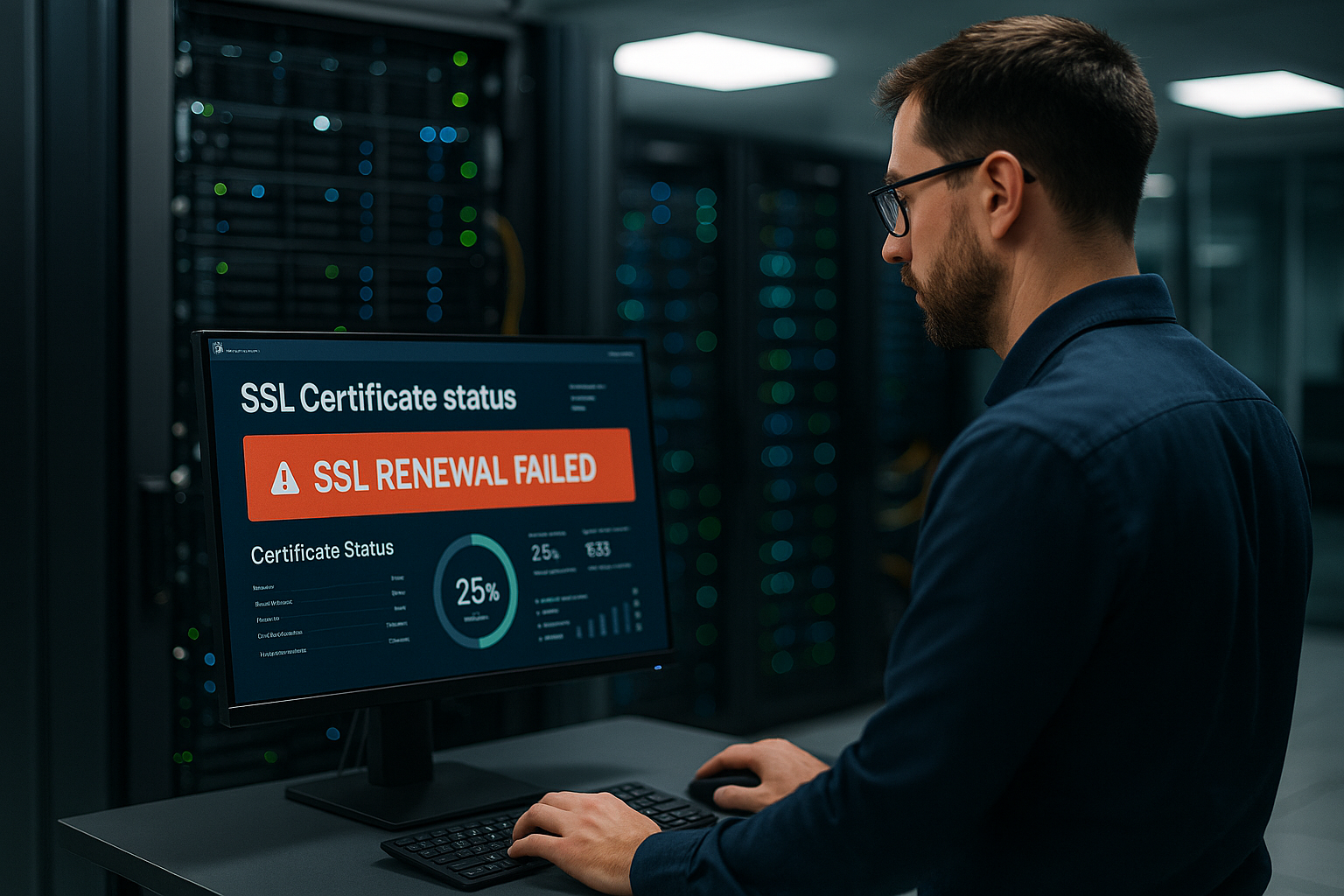
Security: key management, rights and backups
The private key is the most sensitive part. I keep rights strictly minimal (only the web server user reads) and avoid worldwide read rights. I document paths and file names centrally so that there are no duplicates. I encrypt backups of the keys and physically separate them from the servers on which they are used. Where available, I use KMS/HSM functions to avoid having to store key material as a file in the first place. When rotating keys, I pay attention to the sequence: first create a new key pair, issue a certificate, test delivery, then securely delete or archive old material.
Diagnostic workflow: from symptom to cause
I follow a fixed procedure: 1) Check the certificate in the browser (validity, SANs, chain). 2) Test the host directly with SNI to bypass proxies. 3) Verify DNS resolution for A/AAAA/CNAME and TXT (for DNS-01), including TTLs. 4) Read panel or ACME logs and note last error codes. 5) Check web server configuration for paths, VirtualHosts and reload time. 6) Set proxy/CDN briefly to "DNS only" until the issue has been resolved. This workflow saves time, reduces blind flights and quickly leads to reliable fixes.
Change management and rollback
Every renewal is a small change in live operation. I plan a short maintenance window or carry out the change during low-traffic periods. A Rollback I have the old certificate and key ready in case of an emergency, as well as the last functioning web server version. After the successful reload, I check several regions, protocols (HTTP/2, HTTP/3) and IPv4/IPv6. If there are problems, I roll back in a controlled manner, take my time to analyze and then start a second, clean attempt.
Briefly summarized
Automatic SSL-Renewal saves time, but requires clear routines: correct DNS, functioning cron jobs, suitable proxy settings and a reliable web server reload. I monitor certificate runtimes, have errors reported immediately and have a plan B ready for manual installation. This is how I prevent warning screens in the browser, keep integrations such as payments running and protect rankings. Those who have mastered these adjustments significantly reduce downtime and provide visitors with a trustworthy site at all times. With just a few, consistently maintained steps, the renewal will remain in place in the long term safe and low interference.


