 Skip to content
At cPanel comparison I'll show you why the classic remains the most practical choice for many hosting setups and how it holds its own against Plesk and DirectAdmin. I'll summarize features, costs, security and workflows so you can quickly see where cPanel plays to its strengths and when alternatives make sense.
Key points
To get you started, I'll summarize the most important aspects that will help you decide on a web hosting panel and give you a clear direction. These points help me to reliably plan projects in consultations and find the right Admin interface to choose. I focus on functions, application scenarios, security, costs and growth so that you can proceed in a structured manner.
- Scope of functionscPanel covers domains, e-mail, databases, backups, SSL and app installers.
- IntegrationWHM, WordPress toolkit, Git and API connections ensure flexible workflows.
- Security2FA, SSL management, IP protection and monitoring reduce risks.
- PerformanceClean resource utilization, error logs and caching options.
- CostsSubscription model; DirectAdmin is often cheaper, Plesk is similar.
The list serves as a compass and saves me time on projects with clear goals. You benefit from a structured approach that avoids wrong decisions and speeds up your server administration.
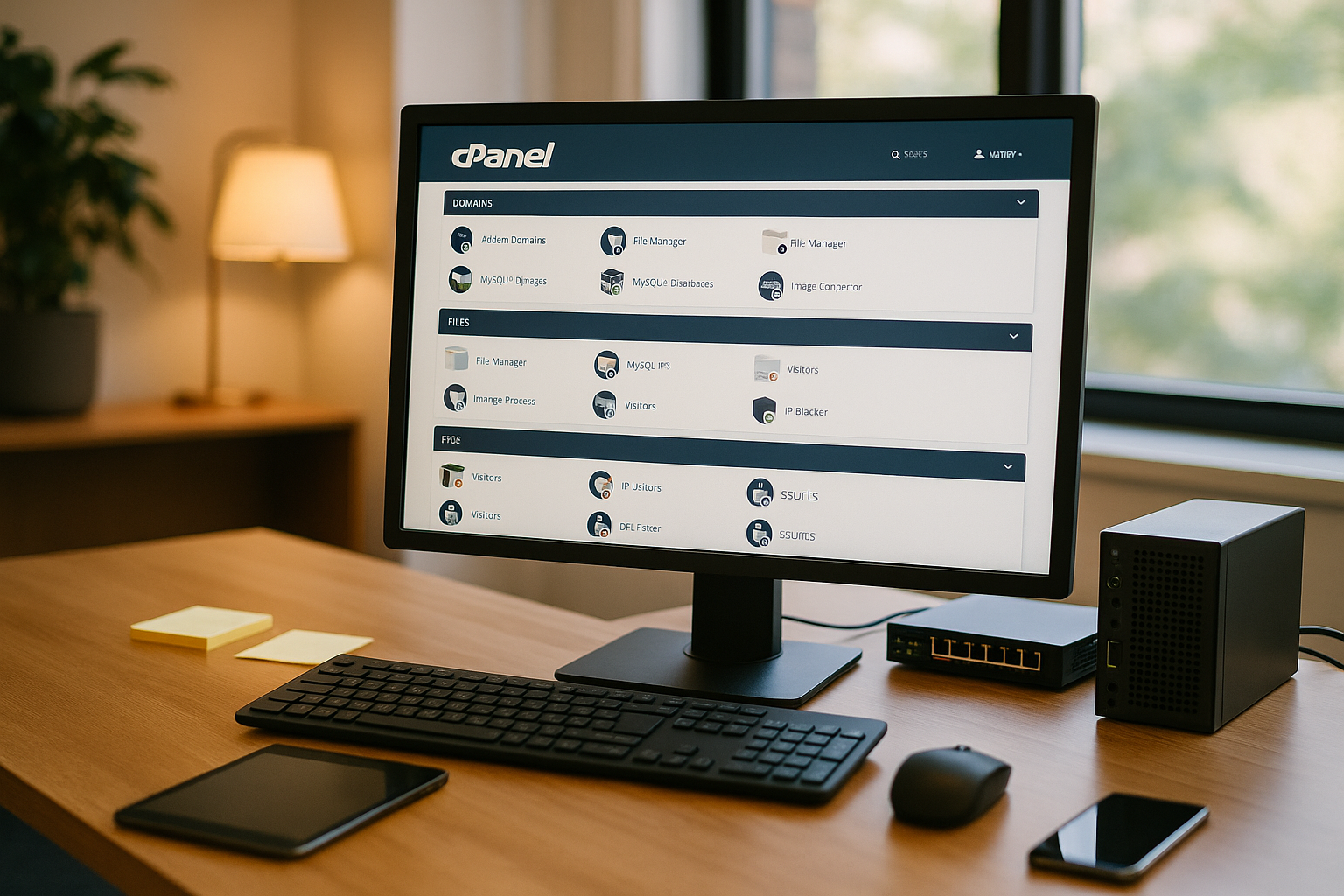
What makes cPanel special?
I appreciate cPanel the clear structure: domains, DNS, email, databases and security are all at your fingertips. One-click installers via Softaculous speed up setups, while the file manager and FTP access enable quick changes. The WordPress toolkit saves me time with updates, plugin management and staging for multiple installations. WHM extends everything for resellers, agencies and multi-domain environments with clean rights and package management. What counts for me is the combination of high Usability and broad integration capability.
Migration and switching strategies
When switching to cPanel I plan cleanly in phases: Inventory, test environment, transfer, switchover and rework. The WHM transfer tool does a lot of the work for me when I come from cPanel or compatible systems. I migrate selectively from Plesk or DirectAdmin: files and databases via rsync/backup, emails via IMAP sync, DNS entries manually synchronized. PHP and database versions are critical - I synchronize them in advance to avoid incompatibilities.
To minimize downtime, I lower TTLs 24-48 hours before the move, test the target environment with the hosts file and only switch over when checks (SSL, permalinks, cronjobs, caches) are green. I back up email inboxes twice and plan a short freeze window so that no emails are lost. After the DNS changeover, I check SPF, DKIM and DMARC as well as rDNS entries to keep deliverability stable. A rollback point (snapshot/backup) gives me security in case something unexpected comes up.
Comparison in figures and functions
When I plan projects, I compare the panels according to operating system, target group, interface, security, scaling and costs. This allows me to quickly see whether cPanelPlesk or DirectAdmin is the better match. The following overview summarizes the most important criteria and forms the basis for a quick decision. I use it regularly to compare requirements with budgets and team capabilities. For agencies in particular, the view of WHM helps me with Multi setups.
| Criterion | cPanel | Plesk | DirectAdmin |
|---|---|---|---|
| Operating system | Linux | Linux, Windows | Linux, BSD |
| Target group | Beginners, SMEs | Agencies, professionals | Developer, Budget |
| Surface | Intuitive, clear | Modern, flexible | Simple, minimal |
| Functions | Very extensive | Very extensive | Basic functions |
| Security | Many options | Many options | Basic functions |
| App installation | Softaculous | 1-Click Installer | Installatron |
| Scalability | High | High | Medium |
| Price | Medium/high | Similar to cPanel | Very favorable |
The table shows the typical strengths: cPanel scores with Linux hosting, Plesk also shines with Windows, DirectAdmin keeps costs low. For WordPress and agency workflows, I think cPanel with WHM usually has the advantage. For Windows projects, Plesk comes out on top because it provides the necessary services. For severely limited budgets, DirectAdmin convinces with a lower load on VPS systems. In the end, it's the objective that tips the scales in favor of the right Solution.

When is Plesk or DirectAdmin more suitable?
If I work with Windows IIS or if I need MS SQL, I usually use Plesk. For small sites with a tight budget, DirectAdmin provides solid basic functions without a lot of overhead. Developers who want to save resources are also happy to use DirectAdmin with its deliberately lean interface. On the other hand, those who operate Linux-first and expect a full range of functions will find it easier to use cPanel in the long term. For a structured overview, the Comparison Plesk vs. cPanel in classifying the most important differences. This is how I make decisions that suit the team, technology and Cost framework fit.
Email deliverability and anti-spam
Stable e-mail delivery is a must for me. In cPanel I set up SPF, DKIM and DMARC properly and check the email deliverability directly in the interface. I coordinate the PTR/rDNS entry with the provider so that the reverse entry matches the sending IP. I limit sending rates per account to prevent misuse and keep an eye on the mail queues. I define sensible quotas for mailboxes, enforce IMAP/SMTP exclusively with TLS and block weak authentications.
On the server, I use tried-and-tested filters (SpamAssassin rules, RBLs) and train individual rules as required. For incoming spam, I reduce open catch-alls, use greylisting in a targeted manner and log rejection reasons in a comprehensible manner. After relocations, I monitor bounces, adjust SPF mechanisms (a, mx, include) if necessary and verify DKIM keys after zone relocation. This keeps reputation and inbox rate high - particularly important for stores, newsletters and CRM systems.
Security and updates in practice
I set security with cPanel in clear steps: activate 2FA, enforce SSL, define IP locks, check backup schedules. The interface makes it easy to change certificates and renew encryption, which reduces downtime. With error logs and statistics, I can quickly find bottlenecks and plan targeted countermeasures. I keep all components up to date and control rights per user account. This keeps the attack surface small and I ensure availability for Productive systems.
Automation and API workflows
I automate recurring tasks via the WHM and UAPI interfaces: Creating accounts, assigning packages, installing SSL certificates, setting PHP versions, adjusting quotas, triggering backups. Token-based authentication and hooks allow me to link events (e.g. account creation) with scripts. This creates lean deployment pipelines that avoid errors and speed up deployment.
For WordPress, I also use the WP-Toolkit via CLI: cloning staging, orchestrating updates, triggering security checks. I connect Git deployments via webhook so that changes go live automatically after review. I coordinate cron jobs centrally and document them in versions. If you want to automate billing, I link WHM with billing software, which makes provisioning, blocking and terminations traceable. The bottom line is that I save time and get reproducible results.
Scaling: from project to agency
When projects grow, I use WHMto cleanly separate customer accounts, quotas and packages. This allows many websites to be managed with separate resources, logins and backups. Reseller models benefit from clear roles and automated processes. I document limits per customer and adhere to SLA specifications. For market overviews and new opportunities, it's worth taking a look at Reseller hosting trendsto plan setups for the future. With this structure, I can maintain operation and support in the long term. efficient.
DNS, backups and offsite strategies
For reliability, I separate DNS from the web server and set cPanel to a small DNS network. Multiple name servers increase redundancy and distribute loads. I document changes with change logs and work with coordinated TTLs so that rollouts remain predictable. For international setups, I pay attention to geographically distributed resolvers to minimize latencies.
I plan backups according to the 3-2-1 rule: at least three copies, two media, one copy offsite. I connect remote targets (SFTP, object storage), encrypt archives and rotate them with a clear retention strategy. I test restores regularly - both individual files and complete accounts, including databases and emails. For large environments, I combine incremental backups with weekly full backups and keep snapshot windows short to keep I/O peaks to a minimum. I only consider a successful restore to be a "real" backup.
WordPress workflow with cPanel
For WordPress, I rely on Installer, WP-Toolkit and regular Backups. I manage themes, plugins and automatic updates centrally and create staging instances for secure testing. I change the PHP version for each domain so that older projects can continue to run while new features are used. I use cronjobs to schedule maintenance tasks and keep loading times stable with cache options. This keeps rollouts under control and I maintain an overview of several Installations.

Performance and resources
cPanel needs noticeable Server performanceespecially with many accounts, mail traffic and statistics. On VPS or dedicated environments, I plan reserves and monitor IO, RAM and CPU. I set up lean services, remove unused add-ons and only activate logging as intensively as necessary. I optimize databases with indexes and clean configuration to avoid timeouts. With this discipline, the panel stays fast and the Uptime stable.
Compliance and data protection
In customer projects, I ensure GDPR-compliant implementation: data location in the EU, order processing contracts with the hoster, clear deletion and retention periods. In cPanel I keep access to a minimum, work with separate accounts instead of shared logins and make 2FA mandatory. I encrypt backups, document restore processes and log admin actions in a traceable manner.
I rotate logs (access/error logs) automatically and limit retention to what is necessary. I enforce mail and web traffic via TLS and consistently deactivate insecure protocols. For sensitive data, I also check encryption "at rest" at storage level and make sure that staging environments are not publicly indexed. These basic measures keep checks lean and increase the trust of everyone involved.
Cost check and license models
At cPanel monthly or annual subscription fees in €. For many projects, this is worthwhile due to the time saved, lower error rates and better workflows. Plesk is similarly priced, while DirectAdmin is often cheaper. I calculate the costs for maintenance, security and downtime against the license to see the real total costs. Without a perpetual license, I rely on predictable subscriptions and regularly check whether features meet the Surcharge justify.

Typical stumbling blocks and troubleshooting
In practice, I repeatedly encounter similar error patterns. Inodes or quotas are often exhausted - logs and cache directories grow quietly until deployments or uploads fail. I therefore plan limits and alerts and clean up old backups automatically. Second classic: incorrect authorizations. Web server users and file owners must be a perfect match, otherwise cron jobs or caches will fail.
For PHP problems, I first check the handler (PHP-FPM) and memory_limit/max_execution_time per domain. This is followed by a look at OPcache, caches and database indices. SSL errors are often caused by mixed content or expired intermediate certificates; consistent redirection to HTTPS and a clean certificate chain help here. In the case of DNS issues, too high TTLs or incomplete records (SPF/DKIM/DMARC) are the cause of long propagation or poor mail reputation. And if databases start to go wrong after migrations, this is often due to a version change (MySQL/MariaDB) - I plan compatibility tests and backup rollbacks from the outset.
Practical tips for beginners
I start with a clear to-do list: Create e-mail accounts, check DNS, activate SSL, set backup schedule, define updates. Then I configure spam filters and secure admin access with 2FA. For WordPress, I use the installer, set up staging and lock test environments with a password. I check logs weekly to detect errors early and reduce requests. For further perspectives on the tools, the large panel comparison with the classification. This keeps the entry controlled and your website grows cleanly with you.

In short: my recommendation
cPanel provides me with a fast, clear and very feature-rich Admin interface. For Linux hosting, agencies and resellers, the combination of cPanel and WHM is often the obvious choice. I use Plesk when Windows requirements are involved, while DirectAdmin scores highly when budgets are tight. Those who rely on security, clear processes and automation benefit noticeably from the classic approach. For professional hosting infrastructures, providers such as webhoster.de show how strongly setup, performance and support interact and how real Stability in everyday life.


