Skip to content
LiveConfig Hosting Management explains server-side administration from a German perspective: I show how the lean control panel simplifies workflows, saves resources and fulfills security requirements. The solution comes from Erlangen, is based on C/C++ and relies on a minimally invasive Architecture without PHP, Perl or Python.
Key points
- Minimally invasiveuses distribution packages, removable without residue
- Conserving resourcesvery little RAM, files and storage requirements
- SecuritySSL, 2FA, strict input verification
- MultiserverCentral control of many systems
- GermanSupport and requirements of the local market
What is LiveConfig?
LiveConfig is a web-based control panel from Germany that brings server administration to the Essential reduced. I control web, mail and DNS services in the browser, without interpreters such as PHP, Perl or Python. The software was developed in Erlangen and is based on C/C++, which reduces dependencies. Thanks to the minimally invasive approach, the solution adapts to the existing distribution and creates configurations as they are intended there. This keeps the system clean, updates run more smoothly and, if necessary, I can remove LiveConfig completely without leaving any residue.
Technical features and architecture
The architecture prioritizes Efficiency and security. According to the specification, LiveConfig requires around 15 MB RAM and around 30 MB disk space, which frees up significant reserves in everyday hosting. Compared to conventional panels, up to 80% less RAM and up to 99.5% fewer files are required. The web interface relies on HTML5 and Ajax for fast updates - Flash is not necessary. The system checks commands before execution, supports two-factor authentication and enforces a clear password policy.
The following table with practical values helps to classify the key figures.
| Criterion | LiveConfig | Typical panels |
|---|---|---|
| RAM requirement | ~ 15 MB | often significantly higher |
| Files on the system | up to 99.5% less | Extensive installation trees |
| Disk space | ~ 30 MB | several hundred MB |
| Database obligation | none | often required |
| Interpreter dependency | none | PHP/Perl/Python common |
| Auth-Security | SSL, 2FA, Policies | depending on the product |

Installation and initial configuration
I deliberately start with a Clear checklist, so that commissioning is quick and repeatable:
- Install server minimally, set host name, time synchronization and network cleanly
- Perform distribution updates, only Activate required services
- Integrate and install LiveConfig packages from the native repositories
- Activate SSL basis, admin access and 2FA
- Define system roles: Web, mail, database, DNS server (individually or combined)
- Define basic templates for web spaces, e-mail and backups
- Test alerting rules and notification channels
Thanks to the minimally invasive architecture, I don't have to replace any third-party packages. The configuration is created along the Distribution standards, which facilitates traceability, audits and subsequent automation. For recurring setups, I save the parameters as a profile and roll them out to other servers.
Application scenarios and administrative structures
I use LiveConfig in shared hosting environments, with managed servers and on dedicated root servers, without the System logic to bend. For shared hosting, I create tariffs, limits and rights and distribute services such as mail or databases to central servers. The multi-server capability facilitates growth because I connect new machines and control them in one interface. With managed servers, I give customers the freedom to perform certain tasks, but retain control over monitoring and guidelines. On root servers, LiveConfig generates the configuration files in the style of the distribution, eliminating the need for manual work in templates.
Roles, rights and clients
For a safe I attach great importance to an understandable role model in my company. I differentiate between administrative accounts, customer identities and optional team access with finely graded authorizations. I give individual users access to domains, mail or databases - without giving them system rights. Clients can be strictly isolated from each other; quotas prevent resource collisions. For agencies or resellers, I map delegation paths so that projects can be managed autonomously while maintaining global guard rails (e.g. policies, limits).
Domain and webspace management
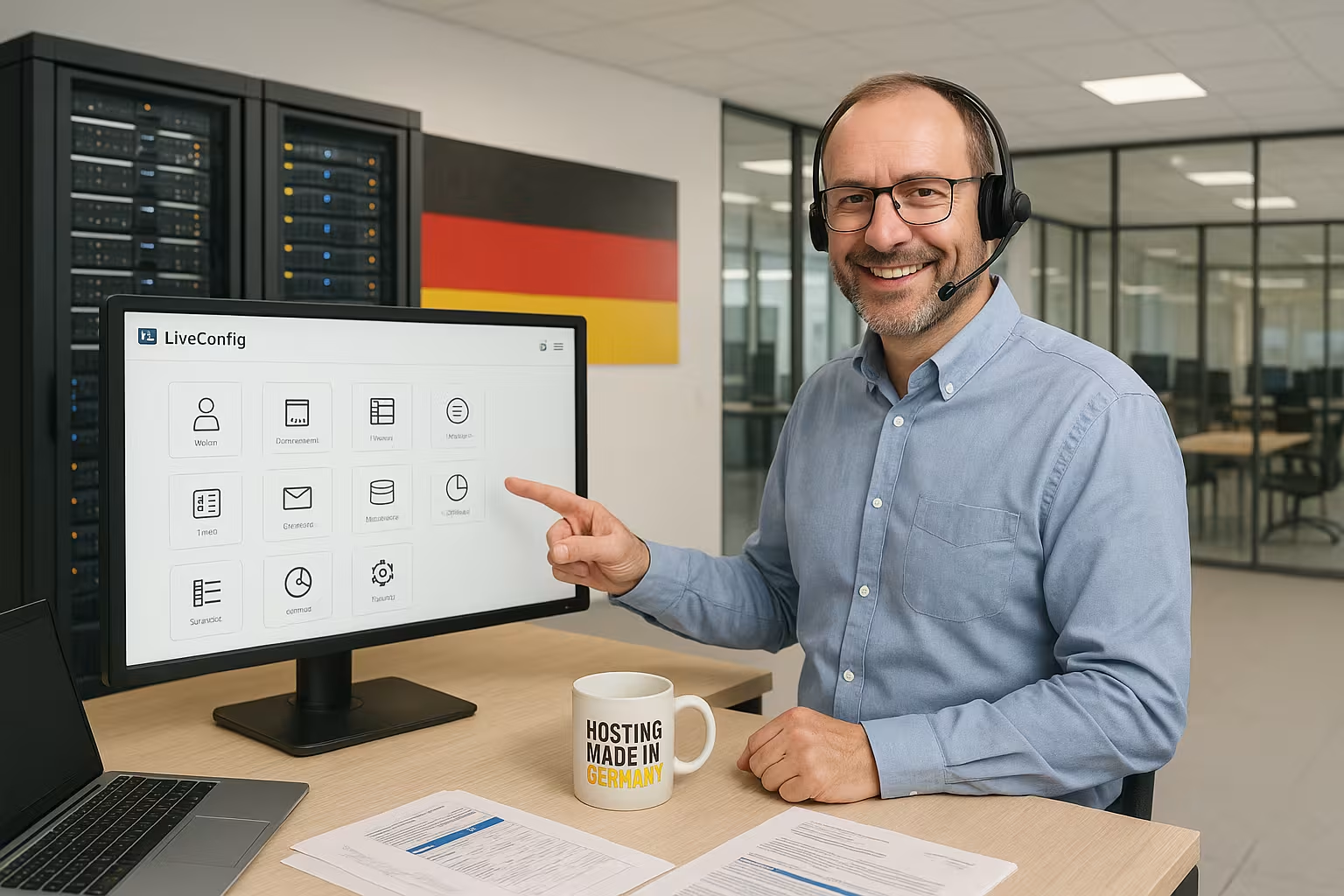
The domain and web space control runs quickly and clear. I create domains and subdomains in just a few steps and activate redirects and PHP versions for each web space. Multiple PHP versions are possible in parallel, including switching at customer, contract or global level. This allows me to adapt setups to CMS requirements without overloading the platform. For structured projects, I separate subdomains and protocols cleanly and keep certificates up to date.
E-mail and database management
I set up e-mail addresses, mailboxes, aliases, autoresponders and spam filters directly and rely on FTPS for secure file transfers. WebMail is integrated, changes take effect almost in real time. For databases, I create MySQL/MariaDB instances and users, assign rights and organize backups. This saves terminal time and reduces errors from manual interventions. For teams, I separate accesses cleanly and document login data in a structured way.
Backup, restore and migration
Reliable Data backup I plan centrally: I define backup time windows for each client, back up web data, mail stores and databases consistently and check restores regularly. I use incremental strategies for quick restores and have guidelines for retention periods ready. Migration scenarios are systematic: I take over domains, mailboxes and databases, validate DNS, certificates and authorizations and minimize downtimes by preparing switchover points. The minimally invasive way of working helps to transfer existing paths and file structures without any special locks.

Additional functions and monitoring
For SSL certificates, cronjobs, Webalizer statistics, directory protection and live logs, I use the interface as Control center. Live logging shows processes directly and speeds up root cause analysis. Graphical overviews of memory, traffic and CPU help me to identify bottlenecks at an early stage. I create rules for notifications and thus keep services available. This pays off in terms of reliability and predictable maintenance windows.
Logging, audit and compliance
I document changes comprehensibleWho changed which setting when, which jobs were running and with what result? Clean audit trails make it easier to analyze errors and assign responsibilities. For compliance requirements, I define log retention and data minimization, separate productive and administrative access and regularly check rights. Due to the proximity to the distribution, I integrate logs into existing syslog or SIEM structures - without special paths. This ensures transparency, even when teams grow.
Programmability and integration
I extend LiveConfig via Lua-scripts and map my own processes. This allows me to generate configuration files dynamically and link variables with customer or contract data. I connect external tools via the SOAP interface and automate recurring tasks. For end-to-end processes, I rely on Automation and UI integration, so that billing, provisioning and the panel work together seamlessly. I integrate my own content in a visually appropriate way without distorting the basic logic.
Automation in practice
I summarize recurring tasks in Playbooks The process is a combination of creating new customers, assigning tariffs, provisioning domains, issuing certificates, generating mail and database access and finally setting monitoring rules. I trigger the steps from billing or store systems via the SOAP interface; Lua supplements dynamic decisions (e.g. naming, path rules, limits). In the event of terminations or project changes, deprovisioning runs in a controlled and residue-free manner - including archiving, blocking and approvals. This reduces manual work and prevents inconsistencies between systems.
Distributions and compatibility
I install LiveConfig on Debian, Ubuntu, CentOS or CloudLinux and use the native packages of the respective distribution. The system automatically recognizes the environment and adjusts the configuration. In the browser, I work with Firefox, Chrome, Safari, Edge or older versions, JavaScript is sufficient. PHP, Perl, Flash or Python are not required, which reduces security and maintenance costs. This makes administration flexible - even on a mobile tablet.

Operation in large environments
As I grow, I scale via Role separationWeb, mail, databases and DNS move to specialized hosts. I connect new systems without bending existing configurations. For reliability, I plan redundant services, replicate critical data and keep failover paths ready. Centralized control via a single interface reduces context switches and improves response times in the event of an incident. Because LiveConfig remains close to the distributions, it fits into existing orchestration and monitoring landscapes.
Licensing and costs
I am planning licenses with a Monthly installment from 9.80 euros and a 12-month term. Billing takes place annually in advance, without setup fees. This remains economical for small to medium-sized server setups because CPU and RAM requirements are low. This saves me hardware costs without losing functions. The decisive factor is the clear separation of infrastructure costs and panel license, which makes budgets easier.
Capacity planning and performance
For realistic sizing decisions, I use the actual Workloads in view: Number of web spaces, concurrent PHP processes, mail volumes and database load. The low basic consumption of the panel gives me leeway for application threads, cache layers and I/O. I optimize web server workers, activate caching and regulate limits on a client-specific basis. A reserve buffer is important so that maintenance jobs (backups, rotations, updates) do not affect live operation. I use growth markers (e.g. response times, queue lengths) to plan host expansions in good time.
Safety and reliability
I prioritize the Protection interface via SSL, secure password hashes and 2FA methods. LiveConfig strictly checks inputs, which reduces attack surfaces. Since no interpreters are required, their updates do not affect the panel. I choose the appropriate PHP version for projects, regardless of the control panel itself. This setup reduces risks and speeds up maintenance cycles.
Update and lifecycle strategy
I stick to plannable Release windows: Verify updates on staging systems first, then roll them out in maintenance windows. Due to the low dependencies, changes remain manageable. For rollbacks, it is sufficient to roll back configurations and package states of the distribution; special formats or proprietary paths do not exist. I document changes, save before/after statuses and check core functions (login, provisioning, services) after the update. This keeps the platform predictable - even over years.
Comparison with alternative control panels
Compared to internationally popular panels, I score with a slim Installation that hardly touches the system. While other solutions create deep dependencies, LiveConfig remains close to the distribution. As a result, updates are more predictable and rollbacks are easier. If you want to compare the range of functions, depth of intervention and resource requirements, start with a Comparison of leading panels. This quickly reveals the extent to which resources and maintenance requirements vary.
Migration paths from other panels
When switching from established solutions step by step before: I export customers, tariffs, domains and mailboxes, transfer databases and test applications with the desired PHP version. I plan DNS changes with a reduced TTL so that the change takes effect quickly. I take over certificates, redirects and directory protection in a structured manner and check authorizations. Thanks to minimally invasive configuration, the artifacts end up where the distribution expects them - this simplifies troubleshooting and subsequent maintenance. Where necessary, I set up temporary parallel operations to avoid downtime.
Who is LiveConfig suitable for?
I recommend LiveConfig if Performance per core is what counts when little overhead is required and when a German tool with clear structures is needed. For very simple projects free server panels are sufficient. Those who value multi-server, clear rights management and clean uninstallation are often better off with LiveConfig. In agencies, the flexible user logic without rigid hierarchies is impressive. In data centers, the low resource requirement across many hosts pays off.
Briefly summarized
LiveConfig provides a concentrated Hosting management: few dependencies, very low resource requirements, strong security and flexible multi-server control. I benefit from an architecture that adapts to the distribution and can be removed without leaving any residue. I can manage domains, e-mail, databases, certificates and monitoring quickly in one interface. I integrate automations via Lua and SOAP and keep provisioning and billing consistent. LiveConfig is a clear option for hosting providers, admins and teams who want to combine efficient administration with a German solution.