Skip to content
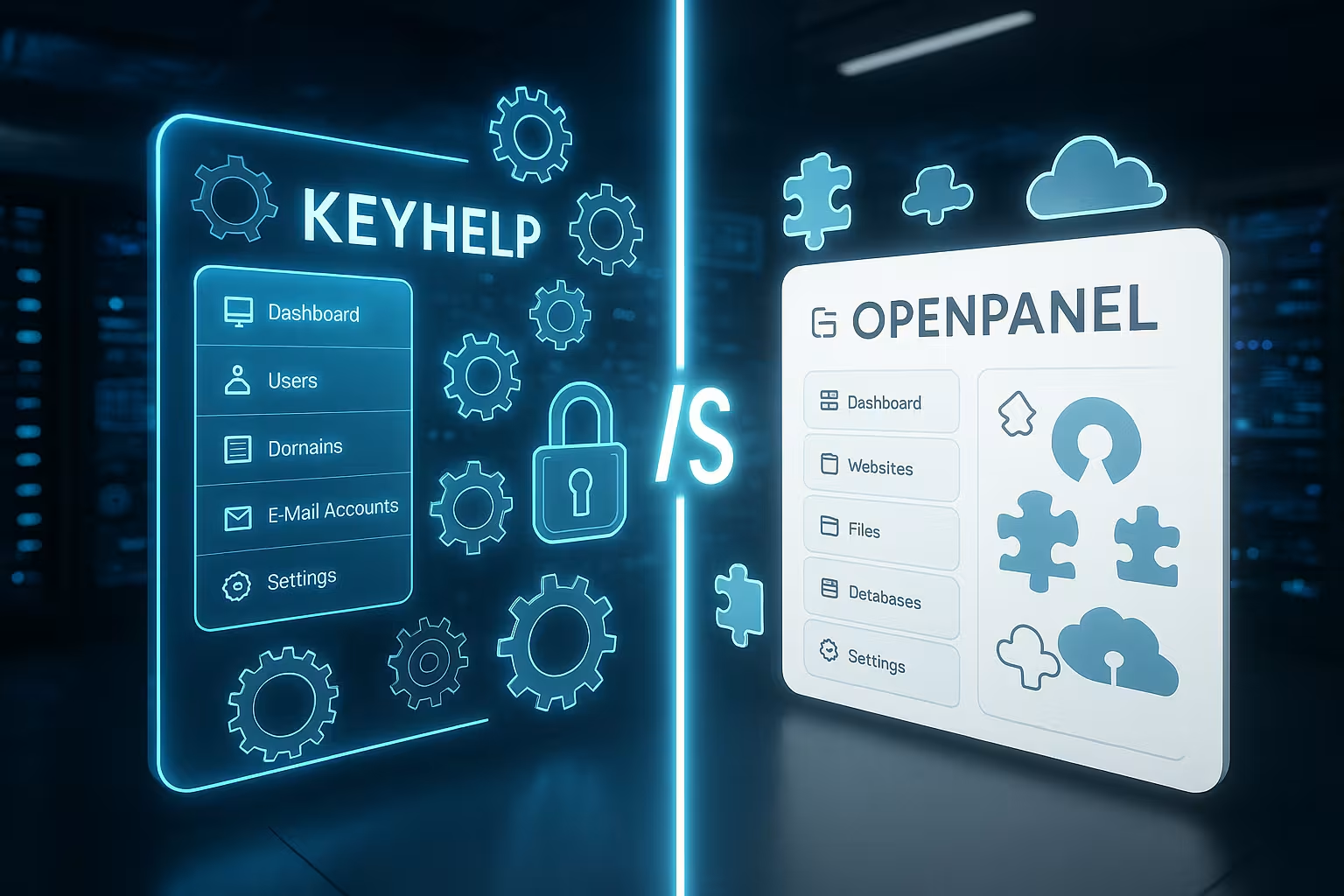
KeyHelp OpenPanel is the focus of 2025 as two fresh open source panels: I'll show you how both simplify server management, where they differ and which panel suits your projects. I compare installation, interface, security, email, performance, extensions and costs - clearly structured and with practical recommendations for Admins.
Key points
- InstallationKeyHelp structured, OpenPanel fast
- SecurityKeyHelp with defaults, OpenPanel flexible
- e-mail: KeyHelp complete, OpenPanel slimmer
- Performance: Both fast, tuning decides
- Target groupsKeyHelp for agencies, OpenPanel for tinkerers
Installation and first steps
I set up KeyHelp in just a few steps and keep the processes comprehensible at all times thanks to clear instructions, even on lean systems with 1 GB RAM. The structure helps me to build repeatable setups that I can document reliably. I start OpenPanel using an automated script and very quickly have a running system. I then take the time to make basic settings such as SSH, firewall and services so that the environment runs smoothly and there are no gaps. For beginners, KeyHelp offers more guidance, while OpenPanel scores with speed and scope for Fine tuning can be used. If you want to assess other panels, you will find a good comparison to modern script installers here: aaPanel and 1Panel in check.

System requirements and supported environments
With both panels, I pay attention to the supported distributions and kernel versions so that updates run smoothly. In practice, I use the latest LTS versions because security patches follow quickly and package versions are stable in the long term. Lightweight VPSs with 1-2 vCPU and 2-4 GB RAM are sufficient for small projects; for productive multi-clients with email, I recommend 4-8 GB RAM and fast NVMe SSDs. I also check whether the hypervisor supports snapshots - this saves me time windows for major upgrades.
For cloud operation, I calculate network throughput and storage IOPS realistically. Panels are not resource-hungry, but web servers, PHP-FPM and databases benefit greatly from low latency. I plan swap conservatively and observe OOM killer events in monitoring to tighten limits at an early stage.
User interface and operating concept
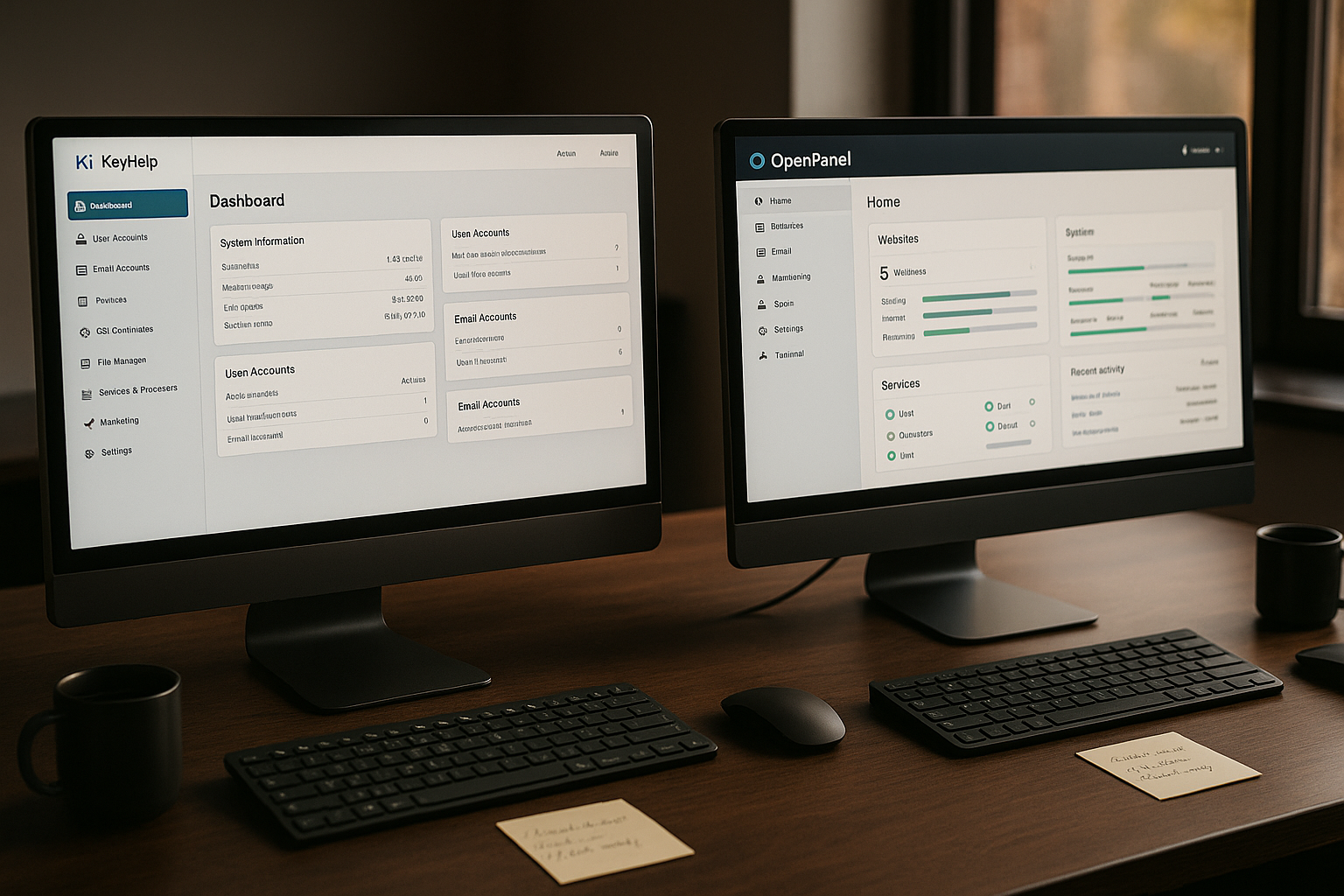
In KeyHelp, I find a tidy interface with clear menus and few distractions, which is pleasant on the desktop as well as on mobile devices and makes tasks quick and easy. I can quickly access common actions such as SSL, PHP versions, users and databases without having to search for a long time. OpenPanel shows a modern dashboard with metrics and status cards, which gives me a compact overview for day-to-day business. I like the quick access to services, logs and configurations that OpenPanel offers. The bottom line is that KeyHelp provides more ease of use, OpenPanel more Speed in interaction - both help, just in different scenarios.
Roles, rights and authentication
I structure access consistently: In KeyHelp, I work with roles, clients and separate user accounts per project. This minimizes rights drift and prevents shadow access. OpenPanel gives me a lot of freedom with user and service accounts, which I use to build fine-grained profiles. Where available, I activate 2FA and enforce password policies. For teams, I check whether SSO/LDAP can be connected or whether I should use API tokens with short runtimes and IP bindings. It is important to schedule regular recertification of authorizations so that old accesses disappear.
Management of domains and websites
I set up as many domains as I want in KeyHelp, assign subdomains, FTP access and databases and get a complete workflow for DNS, SSL and e-mail in one go. I separate projects cleanly for each account and set authorizations so that customer data remains strictly separated. OpenPanel guides me quickly through the creation of websites and supports Apache or Nginx with PHP-FPM, which gives me flexible setups. For quick project launches, I like the guided process in OpenPanel; for long-term customer environments, I appreciate KeyHelp's structure. If you want to make a deeper comparison, I recommend this compact overview: KeyHelp vs aaPanel - This helps to classify the Functions.

Network, protocols and SSL details
I plan IPv4/IPv6 twice, activate HSTS with sensible max-age values and check CAA entries for certificate issuers. I use Let's Encrypt in both panels for domain and wildcard certificates, provided DNS-01 is available. For multi-tenancy, I use separate certificates per client so that separate renewal cycles remain possible. HTTP/2 is standard, I integrate HTTP/3/QUIC where it is stably supported and load tests show advantages. I keep cipher suites modern without carelessly losing legacy compatibility - for me, compatibility tests are part of the rollout.
Security and access controls
With KeyHelp, I benefit from strong default settings: User and role models, SFTP isolation in home directories and separate PHP-FPM pools per account ensure clear demarcation. In this way, I minimize cross effects if an app fails or incorrect rights have been set. OpenPanel provides a solid foundation with firewall rules and SSH controls, but requires manual work in some places, which gives me more design freedom. I like to create my own profiles in OpenPanel when special services or ports are required. If you don't have much time for security maintenance, KeyHelp's automatisms work well; if you want fine control, OpenPanel offers a lot of options. Flexibility.
Hardening, updates and patch management
I keep both panels and system packages strictly up to date and plan maintenance windows with prior notice. Where possible, I test updates in staging instances or via VM snapshot. I reduce fail2ban/rate limits on SSH and panel login to sensible thresholds and monitor false positives. For Weblayer, I use a WAF/ModSecurity rule if applications are vulnerable or high traffic from unknown sources is to be expected. For PHP, I use separate pools, open open_basedir and safe upload_tmp_dir paths. I consistently deactivate unnecessary services and log panel accesses in order to have audit trails.
E-mail management and communication
KeyHelp comes with mailboxes, forwarding, spam filters, webmail and quotas, including easy setup of SPF, DKIM and DMARC. I use it to set up reliable mail operations without tying up additional modules. OpenPanel offers e-mail functions in a slimmed-down form, which is sufficient for projects without a strong mail focus. If I need professional communication, I use KeyHelp and save myself additional work. For simple landing pages or apps without a mailbox requirement, the lean mail features in OpenPanel are sufficient and keep the environment clear.
Deliverability and mail management
I consciously plan sender reputation and deliverability: clean PTR/reverse DNS, consistent HELO names, TLS for submission and server-to-server, and reasonable rate limits per domain. Blacklist checks and postmaster reports help me to spot problems early on. Where email is critical, I separate sending (SMTP relay) and inbox operation so that load peaks or blocklists do not affect all communication. I regularly check the queue status and log files in both panels in order to promptly intercept defective alias loops or undeliverable mass mails.
Performance and optimization
Both panels deliver fast response times, as long as I set the caching, PHP-FPM and database correctly. In KeyHelp, I switch HTTP/2, TLS 1.3 and Brotli via clearly documented options, which gives me fast pages and short time-to-first-byte. OpenPanel gives me lots of settings for cache layers and web server tuning, which allow me to create my own profiles for each project. I always measure performance under real loads before making decisions and keep settings version-controlled. If you want uniform defaults, KeyHelp is a good choice; if you like optimizing, OpenPanel offers plenty of options. Scope.
Monitoring, logs and observability
I connect both panels to central monitoring: System metrics (CPU, RAM, I/O), web and PHP FPM metrics and database latencies. I rotate and centralize log files so that forensic analyses work independently of the host. I define practical alarms: error rates, SSL renewals, backup status, hard disk usage, FPM queue length. I use dashboards with time series to help me make decisions - this allows me to detect degenerations early on, before users notice them.
Extensions and adjustments
KeyHelp concentrates on the core tasks of hosting and thus remains pleasantly focused, including REST API for automation and integration into workflows. I appreciate this approach for agencies where clear standards and repeatable processes are important. OpenPanel relies more heavily on modules and manual configuration, which allows me to create individual setups - ideal for special stacks and test environments. If you like a very lightweight control panel as an alternative, you should try Froxlor as an alternative check. What counts in the end is whether you have consistency or free Customization prefer.

Automation and infrastructure as code
I automate recurring tasks via the API, scripts and configuration templates. In KeyHelp, I build workflows for users, domains, SSL and quotas. I use OpenPanel modularly to link my own provisioning scripts. For larger teams, I document the format and fields of API responses and lock critical functions behind service accounts with minimal rights. I keep automation jobs idempotent so that repetitions do not generate side effects and seal secrets via environment variables or vault mechanisms.
Backup and restore
I plan fixed backup cycles for files, databases and configurations in KeyHelp and import restores directly via the interface. This saves me time when I have to jump back promptly after an error. OpenPanel also covers backups, but requires more custom configuration, which I find good for moderate environments. I integrate external storage via S3 or SSH in both panels and activate encryption. It is important to schedule regular restore tests, otherwise a backup remains just a Promise.
RPO/RTO and offsite strategy
I define RPO (maximum data loss) and RTO (restart time) per project. I use this to calculate backup intervals, retention and offsite copies. For databases I prefer incremental dumps plus periodic full backups, for files differential backups with weekly full copies. I encrypt offsite targets on the client side, test access keys regularly and simulate restores on fresh hosts. Snapshots are ideal for quick rollbacks, but are no substitute for a file-based, consistent backup.
Technical comparison at a glance
I summarize the main technical points in a compact way so that you can see the differences immediately. The table serves as a quick guide for setup decisions and later operational management. I rate the range of functions, security, mail integration and freedom of configuration here. Depending on the project, you can weight features differently, such as email depth or API automation. Use the overview as a starting point and use it to build your Priorities.
| Aspect | KeyHelp | OpenPanel |
|---|---|---|
| Installation | Guided instruction, clear process | Fast script, quick start |
| Surface | Tidy, logically structured | Modern dashboard, many shortcuts |
| Security | Strong defaults, separate FPM pools | Flexible rules, more manual work |
| Fully integrated incl. SPF/DKIM/DMARC | Lean range of functions | |
| Automation | REST API for workflows | Modular extensions |
| Domains | Unlimited without additional costs | Comprehensive, fast provision |
| Performance | HTTP/2, TLS 1.3, Brotli well documented | Many tuning options |
| Target group | Agencies, resellers, admins | Tech-savvy admins, dev environments |
For operation, I recommend sufficient RAM, fast SSDs and clear limits per project so that services remain cleanly separated. I rely on monitoring alarms, off-server backups and clear update windows to avoid downtimes. If you use email a lot, KeyHelp brings a lot of convenience into your home. If you operate special stacks, shape OpenPanel according to your own ideas. So you make a decision that suits your needs in the long term. Targets fits.
Migration and switching strategies
I plan moves in four steps: Inventory, test run, delta sync, switchover. First, I record domains, DNS zones, certificates, mailboxes, databases, cronjobs and special web server snippets. Then I test the import on a staging instance. For databases, I use binary or log-based replication to minimize downtime. During the switchover, I set TTLs in the DNS low in advance and briefly switch mails to maintenance mode to avoid duplicates. After the cutover, I check logs, certificate renewals and cron runs - only then do I finally release the project.
Support and community
At KeyHelp, I benefit from many years of development, German-language documentation and an active forum, which saves time for beginners and professionals alike. For Keyweb customers, there is direct support that covers typical hosting issues. OpenPanel is growing rapidly and relies heavily on GitHub issues and English documentation. I like to give feedback early because it has a positive influence on the roadmap. If you appreciate German-language resources, you'll feel faster with KeyHelp picked up.
Roadmap, maturity level and risk management
I evaluate panels not only according to features, but also according to development rhythm, release notes and response time in the event of security gaps. Stability and predictability are more important to me than fast, untested innovations. For productive client environments, I prioritize long-term support, migration paths and backwards compatibility. In dynamic dev setups, OpenPanel can be more experimental as long as I have staging tracks and clean rollbacks.
WordPress and CMS integration
WordPress runs smoothly in both panels if PHP limits, OPCache and databases are set appropriately. In KeyHelp, I set separate FPM pools for each project, which gives me a clean allocation of resources. OpenPanel allows individual configurations down to the last detail, such as custom Nginx snippets for caching rules. I activate SSL via Let's Encrypt in both cases in a short time. I create templates for recurring setups and save a lot of time with each new project. minutes.
Stacks beyond WordPress
I also run Laravel, Symfony, static generators, headless setups and node-based applications. It is important to me that I can run different PHP versions in parallel and assign them via vHost. I use separate services and proxy configurations for Node/PM2 or Python apps. In both panels, I integrate build steps (Composer, NPM/Yarn) via deploy scripts or CI pipelines. I plan caching layers such as Redis or Memcached per project to accelerate hot-paths without clogging up global resources.
Compliance, data protection and audit
I comply with GDPR obligations: Order processing contracts, data minimization, encrypted transmission and data at rest, restrictive access models. I activate audit logs for panel actions, document admin access and define retention periods. For client projects, I strictly separate data and emails by client and use secure archive storage where appropriate. I encrypt backups and carry out restores on isolated systems so that test data does not go live unintentionally.
Costs and license models
I use the basic version of KeyHelp free of charge and manage any number of domains, which is easy on the budget. KeyHelp Pro is available at no extra charge with hosting products from Keyweb; outside of this, I calculate moderate costs. The core function of OpenPanel remains free of charge; additional modules may be subject to a charge. For teams with many projects, the free number of domains quickly pays off. This keeps the infrastructure affordable without having to Comfort to lose.
Total costs and planning
I consider the total costs not only as a license item, but over TCOUptime, monitoring, backups, test environments, migration cycles and training. KeyHelp saves me time with standard hosting thanks to its defaults - ideal for agencies and resellers. OpenPanel scores points when I run special cases, experiments and individual stacks. I minimize vendor lock-in by documenting configurations, standardizing data formats and regularly practicing export paths.
Which panel is suitable for whom?
I choose KeyHelp when e-mail, client structures, clear workflows and German documentation have priority. Then I get solid defaults, clean separation per client and a smooth day-to-day admin routine. I use OpenPanel when I need a free hand with configurations and appreciate modern dashboards with quick shortcuts. For agencies with regulated access models, I think KeyHelp is the stronger option; for flexible dev setups and experiments, I love OpenPanel. Decide according to project type, mail share and desired Control - so you make the right choice for 2025.
Decision support for everyday life
- Do you have a lot of clients with email obligations? Go for KeyHelp and use the integrated mail suite.
- Do you need fast prototypes or special stacks? OpenPanel gives you more scope for configuration.
- Do you want to automate processes? Check API coverage and set up standardized templates and scripts.
- How strict are security and compliance requirements? Enforce separate FPM pools, 2FA, audit logs and offsite backups.
- Are you planning frequent updates? Organize staging, snapshots and rollback strategies.
- How important is community language and maturity? KeyHelp scores highly in German; OpenPanel is growing rapidly with active issue channels.
In the end, I opt for the panel that best solves my biggest pain point in everyday life - be it email convenience, stable defaults or maximum freedom in configuration. This way, the platform remains reliable, manageable and future-proof.