 Skip to content
The Enhance Hosting panel bundles Automation, multi-server clusters and Cloud management in an interface that significantly shortens everyday hosting tasks. I will show you how Enhance combines functions for provisioning, security and scaling in comparison to DirectAdmin, KeyHelp, Froxlor and cPanel.
Key points
- AutomationProvisioning, updates, backups without manual steps
- ScalingCluster, load balancing, resource control
- Security2FA, SSL, firewalls, role rights
- IntegrationAPI, hooks, CI/CD for dev teams
- TransparencyMonitoring, logging, cost control
What is Enhance? Core functions at a glance
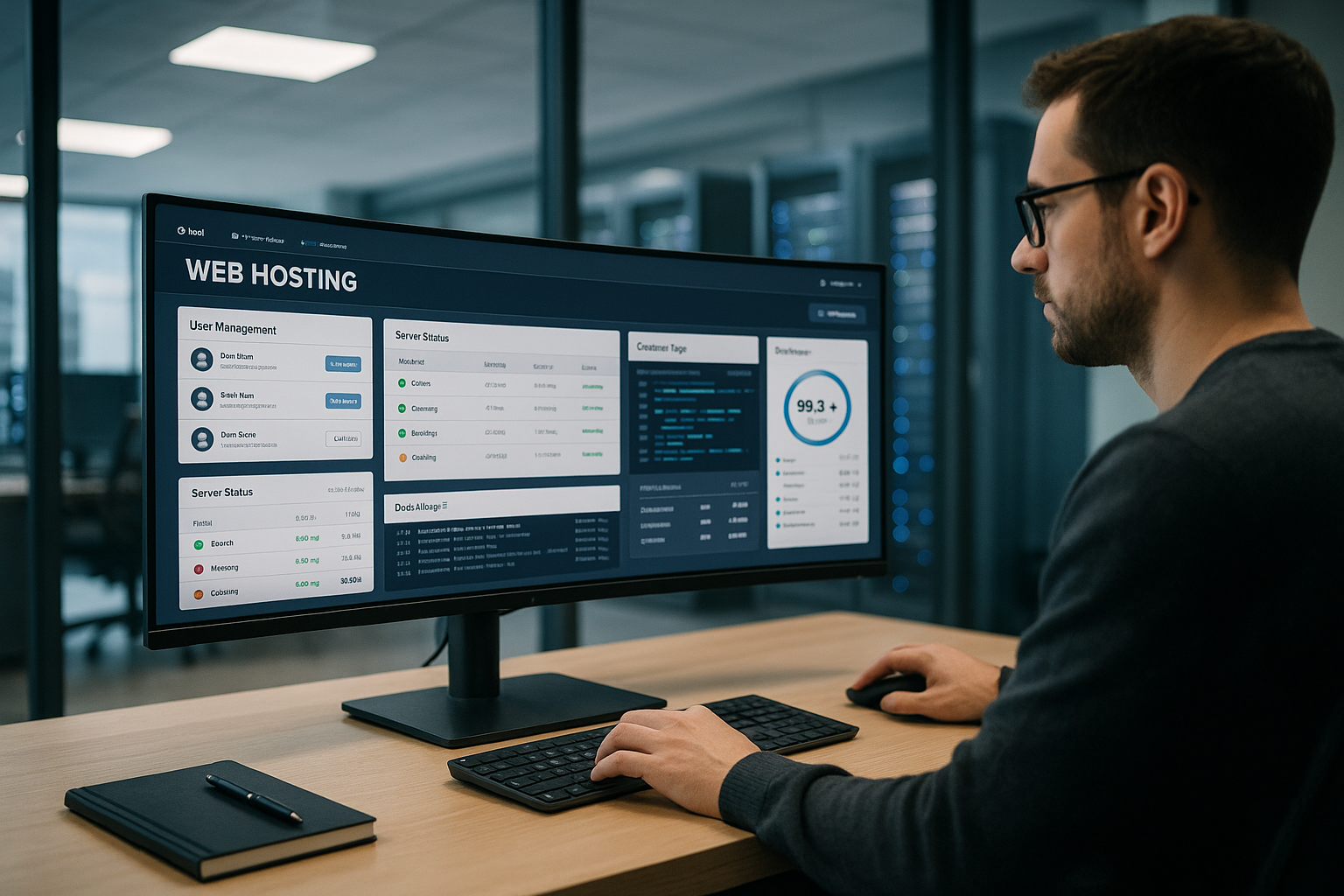
Enhance combines a modern UI with a modular Architecture that centralizes domains, DNS, email, SSL, databases and backups, streamlining day-to-day operations. I control multi-server clusters with just a few clicks, set limits for CPU, RAM and IO and assign Role rights down to project level. Provisioning automates users, websites, certificates and services, which significantly speeds up onboarding and migration. Agencies benefit from white label functions, while teams can use API and hooks to map complete workflows via CI/CD. What counts for me is the clear separation of system services and websites, as it enables maintenance-friendly updates without downtime.
Why automation matters today
Routine tasks eat up time, which is why I rely on Hooks and schedulers that renew certificates, create users and restart services without me having to intervene. Updates and security patches can be scheduled, which allows me to keep maintenance windows short and Downtime avoid. The UI remains ideal for quick tasks, while scripts reliably handle recurring processes. I release feature rollouts in stages, test changes to staging instances and take tested configurations into production. If you are looking for a comparison with Plesk, you can find it at Plesk vs Enhance helpful differences in speed, operation and automation.
Installation, system requirements and first steps
For a clean start, I check the kernel version, CPU features and available IPv4/IPv6, set up SSH access with Key-Auth and segment networks for management and data traffic. I often start with a minimal cluster (1x control, 1x web, 1x DB/cache), activate HTTP/3 and Brotli, create standard security profiles and set naming conventions for nodes and projects. Depending on the setup, I plan Let's Encrypt challenges via HTTP-01 or DNS-01; the latter is suitable for wildcard certificates. I then define plans/packages with quotas, activate standard backups and set the first Rollers for admin, developer and customer so that tasks start clearly separated.
Cloud management and scaling without detours
Projects grow unevenly, which is why I plan capacities with granular Resource limits and move websites dynamically between nodes. Load balancing distributes requests, while monitoring reports bottlenecks at an early stage and Backups running in the background. I define IO budgets, cache strategies and PHP versions for each customer so that performance remains constant. I keep an eye on costs via measured values for CPU time, memory and traffic, so that surcharges remain transparent. This allows me to add new clients, stores or microsites without having to start a risky migration.

Structured planning of migration and onboarding
I never migrate „big bang“, but start with pilot websites and clear Preflight checksPHP compatibility, file permissions, cronjobs, mail flow, redirect rules, caches. For almost Zero downtime I keep DNS TTLs short, synchronize data multiple times via rsync/DB dump, freeze write accesses in the M cutover and switch via blue-green or staging slot. For transactional apps, I clock the last delta sync closely, swap API keys/secrets centrally and test checkout, login and webhooks. I leave old servers as a fallback for a few days, log queries/errors and collect user feedback before I finally decommission.
Safety: standards that I expect
The protection starts with 2-factor login and extends to automatic SSL-setup with Let's Encrypt through to web application firewalls. I activate malware scanners, set rate limiting and log actions granularly via Logging, so that audits are answered quickly. Role rights follow the principle of least privilege, which means that customer access does not require admin paths. For sensitive projects, I separate databases, cache and email services to separate nodes to reduce attack surfaces. Backup strategies with on-site and off-site targets and regular restore tests safeguard against emergencies.
Set up email deliverability and DNS correctly
To ensure that mails arrive reliably, I store SPF, sign outgoing messages with DKIM and enforce policies via DMARC. Reverse DNS, clean HELO names and separate outbound IPs for riskier clients keep the reputation stable. I monitor bounces and RBL lists, limit sending spikes and set quarantines for suspicious attachments. In DNS, I avoid long TTLS for frequent changes, use failover records for critical services and document all zone changes via the panel.Logging, so that causes are quickly visible in the incident.
High availability and redundancy without overhead
I am planning HA where it provides the most benefit: redundant web nodes behind a load balancer, replicated databases (e.g. Galera/primary standby) and highly available Redis instances. Health checks, session persistence and canaries protect against cold starts and faulty releases. I separate storage according to workload: local NVMe for latency, object storage for backups and assets. I regularly test failover scenarios for emergencies: Node down, DB failover, certificate renewal, restore of individual tenants. This way, I know that the automated processes work reliably even under load.
Comparison of the leading panels
Every panel has different priorities, so I evaluate the target group and range of functions, Automation, security and pricing together. Enhance addresses agencies and companies with cluster capabilities and a strong API, while DirectAdmin appeals to developers with MultiPHP and CLI. KeyHelp appeals to freelancers with its role management and zero euro costs, while Froxlor scores with its lean approach and open license. cPanel provides a proven WHM ecosystem, but requires a subscription and thorough setup. If you value performance, support and panel diversity from a single source, choose a provider with NVMe, a German data center and fast support.
| Panel | Target group | Price | Functions | Automation | Security |
|---|---|---|---|---|---|
| Enhance | Agencies + companies | Medium | Modular, cloud-ready | Hooks/UI, APIs | 2FA, logging |
| DirectAdmin | Developer/Reseller | Inexpensive | MultiPHP, Plugins | API, CLI | IP/SSL, monitoring |
| KeyHelp | Freelancers/Agencies | Free of charge | Rollers, white label | Cron/API | 2FA, castors |
| Froxlor | SMEs, experts | Free of charge | Lean, open source | CLI, Cronjobs | Multi-CA, separation |
| cPanel | Professionals, Linux hosters | Subscription model | WHM, Staging | API, Installer | 2FA, logs |

Clients, billing and quotas in practice
I structure plans according to real workloads: Traffic peaks, DB size, IO-demand, cron frequency. I communicate overage models transparently via measured values so that customers can adjust budgets. White labeling, individual limits per project and self-service actions (password, SSH keys, domains) reduce tickets. For resellers, I offer ready-made packages that I automatically populate with branding, backups and standard cron jobs via hooks. This keeps the platform profitable without ending up in micromanagement.
Optimize workflows and avoid errors
Typical stumbling blocks such as incorrect certificates, outdated PHP-versions, DNS TTLs that are too long or missing limits are eliminated with templates and warning messages. I use notifications for expiring SSLs, full quotas and response times that are too long so that customers don't notice problems in the first place. Deployments trigger automatic tests after the push that check status codes, caching and Redirects check. Reusable setups ensure consistent client environments, whether store, landing page or headless frontend. This keeps the platform traceable, auditable and ready for peak loads.
Observability: metrics, logs and alerts that count
I define clear SLOs and store suitable measurement points: Uptime, error rate, median/95th percentile of TTFB and query latencies. Dashboards link logs, metrics and events so that I can recognize chains of causes without context switches. I trigger alerts on symptoms, not just on hosts: „Checkout error rate > x%“ instead of „CPU > 80%“. Synthetic checks regularly check endpoints and certificates. For cost reference, I correlate resource usage with projects so that I can make data-based decisions about upgrades, caching or code optimization.
Increase WordPress performance in a structured way with Enhance
For WordPress, Shopware and TYPO3, I benefit from Object-Cache, PHP-OPcache and LSCache, while staging instances allow clean tests. One-click installers, automated backups and version swaps reduce risks when updating to new releases. Web servers such as OpenLiteSpeed accelerate dynamic content, and isolated Resources prevent one project from slowing down the others. Anyone comparing cloud-native approaches looks at the differences between Enhance vs. CloudPanel and prioritizes administration, security and scaling to suit the team. I regularly measure TTFB, LCP and error rates to keep SEO metrics and conversion stable.

CI/CD practice: Blue-Green, Zero-Downtime, Rollback
My pipelines integrate the Panel API via Hooks, to make deployments traceable: Set maintenance flag, roll out build, warm up caches, check health checks, switch traffic, monitor logs. For risky changes, I choose Blue-Green or Canary with a small user group. Rollbacks remain simple: reactivate previous release symlink, have DB migration strategy (up/down) ready, then invalidate caches. I also version secrets, cronjobs and worker queues so that environments are reproducible and nobody has to reconfigure them manually.
Putting sustainability and green hosting into practice
I reduce electricity consumption through dense Consolidation, suitable quotas and lean services per container. Monitoring shows me workload peaks so that I can scale nodes in good time instead of permanently oversizing them. Certified data centers with efficient cooling systems and NVMe storage contribute to low latencies and energy requirements. Panels help to make CO₂ footprints traceable by monitoring consumption and Utilization make visible. Sustainable planning saves costs and at the same time increases speed under real loads.
Compliance, data protection and traceability
I don't see compliance as an add-on, but as a product feature: encryption in transit and at rest, key rotation, separate access profiles for service providers and customers, defined retention periods for logs and backups. Roles and Logging make all admin actions auditable, including changes to DNS, quotas and policies. To minimize data, I separate productive and staging data, pseudonymize tests and delete old data in a timely manner. This ensures that data protection requirements can be met without slowing down operations.

Practical guide: The first 30 days with Enhance
Day 1-3: I define Rollers, projects, naming conventions and backup targets as well as alerts for resources. Day 4-10: I build a small cluster, activate Let's Encrypt, web firewall and malware scan and test rollouts on staging. Day 11-20: I migrate selected websites, optimize Caching and check error logs and performance metrics. Day 21-27: I sharpen limits, set quotas and automate cert renewal, updates and backups. Day 28-30: I simulate failure and restore, document processes and plan capacity for the next three months.

Purchase decision: How to choose my panel
I first clarify the team size, skill mix and Budget, because it depends on how much convenience and automation make sense. Small projects do well with KeyHelp or Froxlor, while agencies often opt for Enhance or DirectAdmin. Those who accept a subscription and rely on WHM stay with cPanel, but benefit from a mature ecosystem. If I need deep script integration and cluster capability, I base my choice on key performance indicators such as TTFB, error rate, restore time and Support fixed. An additional look at Enhance and aaPanel helps to realistically balance UI convenience and server control.
Troubleshooting playbooks for everyday use
If something is on fire, I stick to short, tested playbooks: In the event of a high load, first check metrics (DB/IO/network), then caching and queries. For SSL errors: chain, expiry, SNI, challenge method. For 500s: release diff, error logs, permissions, PHP pool. For mail: DNS records, rDNS, queue, RBL status. I document fixes directly in the panel context (e.g. notes on the project) so that the team knows immediately what to do in the event of recurrences. After each incident, I update limits, rules or templates to avoid recurrences.
Calculate costs realistically
I link license and infrastructure costs to project types: static sites, CMS, stores, APIs. There are basic plans for each type (vCPU, RAM, IO, backup retention), as well as optional add-ons such as dedicated outbound IP, Redis, CDN or increased backup frequency. Measured values help me to justify upgrades and Cost control transparent. It is important to price in reserves for growth and support instead of running capacities until the last minute.
Outlook and summary
Enhance sets with Cluster, automation and clear assignment of rights. I save time with repeatable deployments, reliable backups and predictable updates. Cloud management with fine-grained controls over CPU, RAM and IO makes growth predictable and prevents expensive relocations. Security functions such as 2FA, firewalls, scanners and Logging belong in every productive environment. Those who start now in a structured way will benefit for a long time from transparent processes, fast websites and quiet nights.


