Skip to content
CloudPanel vs CyberPanel will decide in 2025 which is the real winner Loading times, cost per instance, and Security levels in cloud environments. I'll show you where NGINX/PHP-FPM has the edge over OpenLiteSpeed/LSCache, and which option is measurably faster and cheaper for WordPress shops, PHP apps, and multi-cloud setups.
Key points
- NGINX vs OpenLiteSpeed: Strengths clearly distributed depending on the app type.
- LSCacheDynamic CMSs benefit, PHP apps remain efficient with NGINX.
- Resources & CostsCloudPanel saves RAM, CyberPanel excels at shop load.
- SecurityIsolation per site vs. security stack with 2FA, CSF, and ModSecurity.
- ScalingAPI and multi-cloud approach vs. cluster options and reseller structures.
Cloud optimization in 2025: What really matters
I prioritize three things: Performance, Security and operating costs. For cloud workloads with many deployments, a lean RAM footprint and clean process handling are important so that instances can be operated economically. At the same time, each site must run cleanly separated so that a failure does not affect the entire server. For projects with highly dynamic pages, I pay attention to cache depth so that PHP traffic does not become a bottleneck. From this perspective, it quickly becomes clear when CloudPanel or CyberPanel is the better choice.
Direct comparison of architecture and web server stack
CloudPanel relies on NGINX and PHP‑FPM, CyberPanel integrates OpenLiteSpeed with LSCache. NGINX scores highly with static assets and classic PHP applications with lower overhead. OpenLiteSpeed, on the other hand, offers sophisticated page and object caching for WordPress, WooCommerce, and other CMS with LSCache. Both interfaces are graphical, but CloudPanel has a deliberately streamlined design, which noticeably speeds up admin routines. CyberPanel, on the other hand, provides more integrated services such as email and DNS manager.
| Criterion | CloudPanel (NGINX/PHP-FPM) | CyberPanel (OpenLiteSpeed/LSCache) |
|---|---|---|
| Web server | NGINX for static content and PHP, efficient in resource consumption | OpenLiteSpeed Free of charge; optional LiteSpeed Enterprise for additional features |
| Performance | Very fast for PHP apps, stable under high concurrent load | Excellent for dynamic CMS thanks to integrated LSCache |
| Cache strategy | Redis, FastCGI, OPcache, manual tuning possible | LSCache natively integrated, automatic page and object caching |
| user interface | Modern, minimalist, ideal for DevOps | Intuitive GUI, domain and DNS management |
| Email and DNS | No integrated mail server, DNS tends to be external | Integrated email system and DNS manager |
| Security | Strict User isolation, Let’s Encrypt, firewalls | 2FA, CSF, IP blocking, ModSecurity |
| Scaling | Multi-cloud capable, easy API handling | Clustering, reseller models, failover options |

Performance tuning: Dynamic CMS vs. PHP apps
For highly dynamic pages, delivers LSCache CyberPanel often has shorter TTFB and better fully loaded values, especially for WordPress and WooCommerce. Page and object caching reduces the number of expensive PHP requests, which is particularly helpful under high load. Classic PHP apps with a lot of static output run very quickly and economically with NGINX. At this point, I decide based on workload: shops and large CMS tend to favor CyberPanel, while API-heavy or multiple smaller PHP projects tend to favor CloudPanel. If you also want to take a look at alternatives in the LiteSpeed environment, you'll quickly end up at Comparison of cPanel vs. CyberPanel.
Resource requirements and costs in everyday life
CloudPanel keeps the RAM-Low footprint when idle, indicating small VPS or saves money with many staging instances. This has a particularly beneficial effect on the cost structure in multi-project environments. CyberPanel offers more services, which may increase basic requirements, but in return provides convenience with mail and DNS management. Financial hurdle: Both start out free, but LiteSpeed Enterprise incurs license costs, while CloudPanel remains free under BSD. I often prefer CloudPanel for a lean cost profile per host.
Security: Isolation, policies, and monitoring
I weight Insulation per site because it prevents cross-project effects and Compliance CloudPanel separates websites using its own system users and relies on clear rights limits. This reduces the risk of unclean code or compromised projects. CyberPanel comes with security tools such as 2FA, CSF, and ModSecurity, making it well suited for host setups. If I need maximum separation at the system level, I use CloudPanel; if I need many security functions directly in the panel, CyberPanel is the better choice.
Administration and operation in day-to-day business
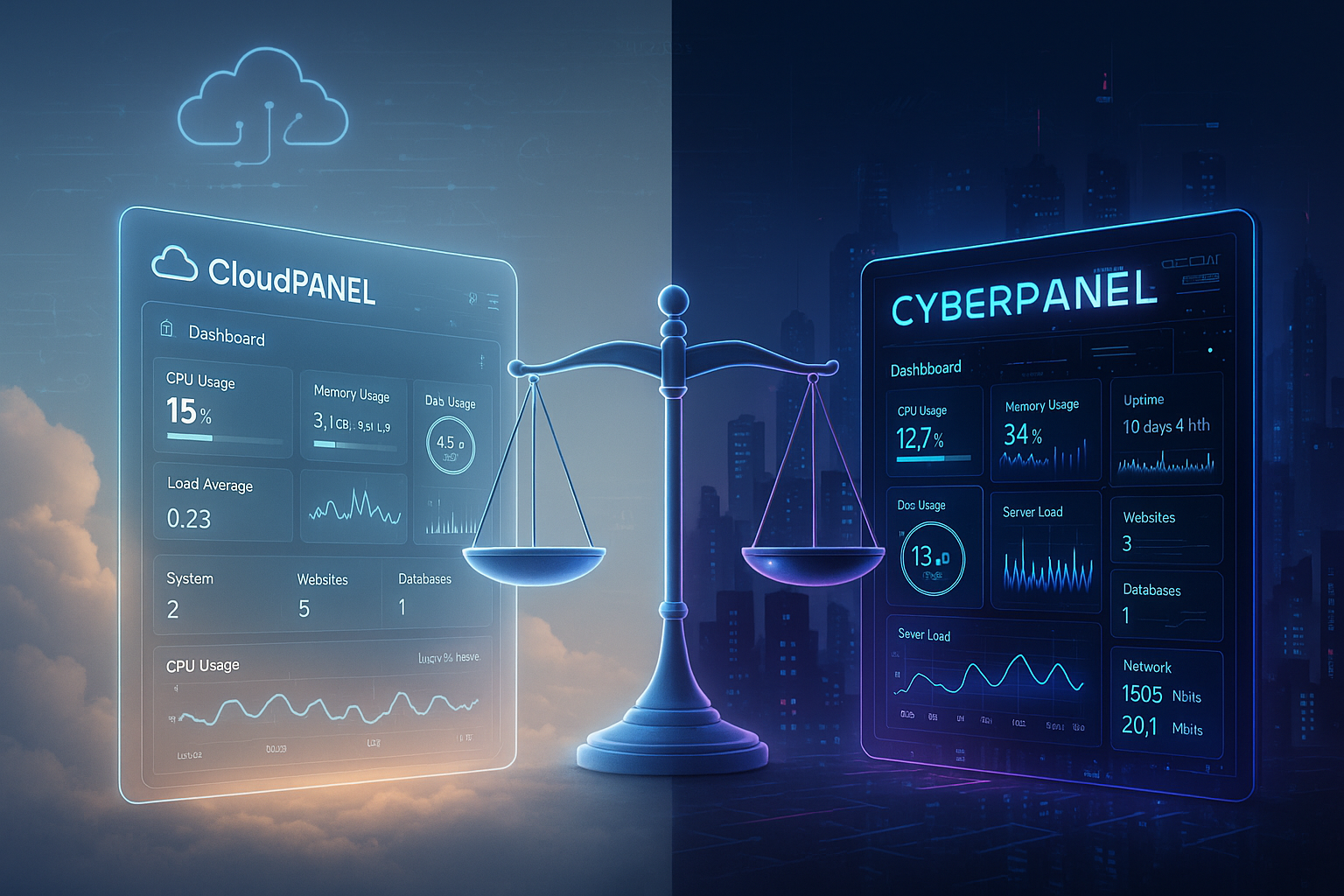
I appreciate a tidy GUI, fast package updates, and per-project switchable PHPVersions without reboot. With CloudPanel, this is very straightforward and hassle-free, allowing me to quickly limit changes to individual sites. CyberPanel is more geared towards administrators and resellers who manage many users, domains, and email accounts. The dashboards clearly show load, errors, and traffic, which speeds up troubleshooting. Those who rarely perform server maintenance will quickly find all the menus they need in CyberPanel; those who deploy daily will often find CloudPanel faster.

Scaling, cloud capabilities, and automation
In the cloud, I prefer API-Access, reproducible deployments, and multi-cloud-Suitability. CloudPanel works well with AWS, Google Cloud, or DigitalOcean and can be integrated into CI/CD pipelines. CyberPanel impresses with reseller structures, optional clustering, and failover concepts for hosting with many clients. If you want to compare the panel ecosystems, you will find additional perspectives in the article. Enhance vs CloudPanel. Ultimately, what matters is whether I primarily roll out apps in different clouds or manage many end customers on a network.
Alternatives and comparative context
I like to put comparisons in a Context, so that the classification remains consistent and the Choice easier. HestiaCP, for example, offers solid classic admin tasks, but seems less cloud-focused than CloudPanel. If more modern workflows are a priority, CloudPanel often remains more flexible. For LiteSpeed fans, CyberPanel provides direct access without additional configuration. If you want to check out other admin approaches, you can read about them here: CloudPanel vs HestiaCP.

Selection by use case – my recommendation
For WordPressFor shops, multisites, and highly personalized content, I prefer CyberPanel with LSCache because it noticeably reduces the load on dynamic pages. This allows me to smooth out large traffic spikes without having to put a lot of manual effort into caching. For many separate PHP projects, APIs, and staging landscapes, CloudPanel wins out thanks to its low overhead and clear isolation. In budget scenarios without email on the web server, this streamlined approach pays off even more. However, those who want to run email and DNS in an integrated manner will benefit from CyberPanel.
Frequently asked questions answered briefly
What is better for WordPressFor larger instances with many plugins, LSCache CyberPanel usually provides faster responses, especially under load. Smaller sites run quickly on both solutions, but the cache depth often makes the difference with CyberPanel. If you need fine-grained control per site, CloudPanel also does a good job of this. I clearly prioritize the required cache strategy here.
What is the situation regarding ScalingCloudPanel can be operated flexibly across multiple clouds and works well with automation. CyberPanel addresses multi-domain and reseller setups with user hierarchies and optional clusters. Both approaches work, but the requirements are different. I decide based on the target architecture and team competencies.
How secure are the panels in the Everyday lifeCloudPanel strictly separates projects at the system level, which helps with compliance requirements. CyberPanel offers a comprehensive security stack with 2FA, CSF, and ModSecurity. I always consider whether I need isolation at the OS level or more security tools directly in the panel. Both can be operated cleanly if policies are consistently implemented.
Real benchmarks and measurement methodology 2025
In order to make reliable statements, I measure in three scenarios: 1) static delivery (images, CSS/JS), 2) PHP rendering without cache (API/classic app), 3) CMS with full and partial cache. I evaluate TTFB, time to interactive, error rate under load, and throughput (RPS). Under synthetic load with increasing concurrent connections, NGINX in CloudPanel consistently shows very low latencies for static assets and scales in a RAM-efficient manner. Thanks to LSCache, OpenLiteSpeed in CyberPanel keeps TTFB stable for WordPress/WooCommerce, even when PHP load increases, because cache hits avoid expensive backend routes. It is important to be disciplined when measuring: first determine the baseline without cache, then activate the cache step by step and document the effects on CPU time and query count.
Practical values vary depending on the host, but the trend remains the same: NGINX sets standards for static peaks and classic PHP applications; OpenLiteSpeed + LSCache bridges the gap between performance and convenience with dynamic CMS logic, without the need for additional reverse proxies or cache plugins.
Practical tuning: quick wins without overengineering
- CloudPanel (NGINX/PHP‑FPM)Configure OPcache aggressively, selectively activate FastCGI cache for users who are not logged in., cache keys Clearly define (Vary headers, minimize cookies). Separate PHP-FPM pools for each site with appropriate pmStrategy (dynamic vs. on-demand) and limits to prevent noisy neighbors.
- CyberPanel (OpenLiteSpeed/LSCache): Set LSCache rules precisely (ESI for shopping carts/account bars), activate object cache (Redis), cache bypass for logged-in users and checkout, but long TTLs for category pages. Adjust crawl warm-up so that it runs off-peak.
- HTTP/2/3Both stacks will benefit from HTTP/2 and optional HTTP/3/QUIC in 2025. When enabled, parallel asset loading increases perceived speed, especially on mobile networks.
- Images & Compression: Brotli/Zstd for static assets, provide WebP/AVIF, immutable Use cache headers. This reduces the load on the web server independently of the panel.
Cost and resource model: realistic sample calculations
The decisive factor is the sum of base load (RAM/CPU idle), Peak load and operational requirements (Email, DNS, backups). CloudPanel starts with a lower base load and is therefore suitable for many small instances—ideal if each customer or staging environment runs its own VPS. CyberPanel offers more integrated services, which increases the base load but saves on additional administrative systems. In practice, I calculate:
- Many small projects (e.g., 10–30 sites, without email): Single or micro VPS with CloudPanel, low RAM footprint, easy replication via templates. Costs per site are reduced because overhead remains minimal.
- Few large shops (WooCommerce, high Dyn‑Traffic): Larger host with CyberPanel, full use of LSCache, Redis mandatory. License costs for LiteSpeed Enterprise only if features are required that OpenLiteSpeed does not offer.
- All-in-one server (including email/DNS): CyberPanel eliminates the need for separate email stacks and management tools. This shifts the cost curve in favor of centralized hosting, provided that the SLA and isolation are sufficient.
Economic efficiency also depends on densityHow many simultaneous requests per GB of RAM can be achieved without swap or high latencies? CloudPanel scores highly here with typical PHP apps, while CyberPanel excels with CMS with a high cache hit rate. This density determines the actual cost per request.
Backup, migration, and staging workflows
Functioning backups and fast restores are part of the performance strategy because they minimize downtime. I rely on regular snapshots plus file-based incremental backups. Staging workflows look like this:
- CloudPanelOne system user per site, cloning via file system copy + database dump, then adjust domains/SNI. Switch PHP version independently for each staging site.
- CyberPanel: Site copy in the panel, limit LSCache to staging (no warmup), disable email routes to prevent test emails. For WordPress, adjust the cache keys (domain).
Migrations from third-party panels are stable if you first DNS-TTL lowered, then files/DB synchronized, and finally a short freeze with final sync. I plan a short read-only window so that no orders/comments are lost.
Monitoring, logs, and incident response
Both panels provide basic information, but I rely on additional telemetry: system metrics (CPU, RAM, I/O), web server metrics (requests, 4xx/5xx rate, latency percentiles), PHP FPM status/slow logs, and Redis stats. In CloudPanel, I like to analyze NGINX access and error logs separately for each site, and in CyberPanel, I monitor the LSCache hit rate in addition to the web server logs. stale-serveShares. Help with incidents:
- Rate limiting against bots/Layer 7 spikes (NGINX limit-req/conn or OLS DDoS protection).
- WAF rules (ModSecurity in CyberPanel; NGINX can be connected upstream or externally via Edge‑WAF).
- Zero-downtime rollouts: Rolling reload of PHP FPM pools or OLS graceful restart.
Common pitfalls and how I avoid them
- Cookie busting: Unnecessary cookies prevent cache hits. I minimize cookies for anonymous users and configure Vary rules sparingly.
- ESI and shopping cartUse ESI for cart/account in LSCache; render dynamic fragments via Ajax/Edge component in NGINX.
- cache invalidation: Purge NGINX FastCGI cache selectively (publish hooks). LSCache purge should ideally be triggered when content is updated, not with every trivial meta change.
- Plugin conflicts: Disable duplicate caches (e.g., page cache in CMS plus LSCache leads to inconsistencies).
- HTTP/3 misconceptionsNot every tool measures QUIC correctly. I always verify with more than one measurement point.
Decision matrix at a glance
- Many small, separate PHP apps/APIsCloudPanel – minimal overhead, clear isolation, fast deployments.
- WordPress/WooCommerce with strong peaksCyberPanel – LSCache reduces the load on the PHP layer and increases cache hit rates.
- All-in-one with email/DNS in the same panelCyberPanel – fewer additional systems, administrative convenience.
- Multi-cloud/CI-firstCloudPanel – easily automated, lightweight per instance.
- Compliance focus and client separationCloudPanel – strict user isolation per site.
- Reseller/agency with many clientsCyberPanel – User hierarchies, optional clustering.