 Skip to content
This article shows how the thread pool web server Configuration for Apache, NGINX, and LiteSpeed controls concurrency, latency, and memory requirements. I explain which settings matter under load and where self-tuning is sufficient—with clear differences in requests per second.
Key points
- ArchitectureProcesses/Threads (Apache) vs. Events (NGINX/LiteSpeed)
- Self-tuning: Automatic adjustment reduces latency and stops
- ResourcesCPU cores and RAM determine reasonable thread sizes.
- WorkloadI/O-intensive requires more threads, CPU-intensive requires fewer
- TuningSmall, targeted parameters have a greater effect than flat-rate values.
Thread pool architectures compared
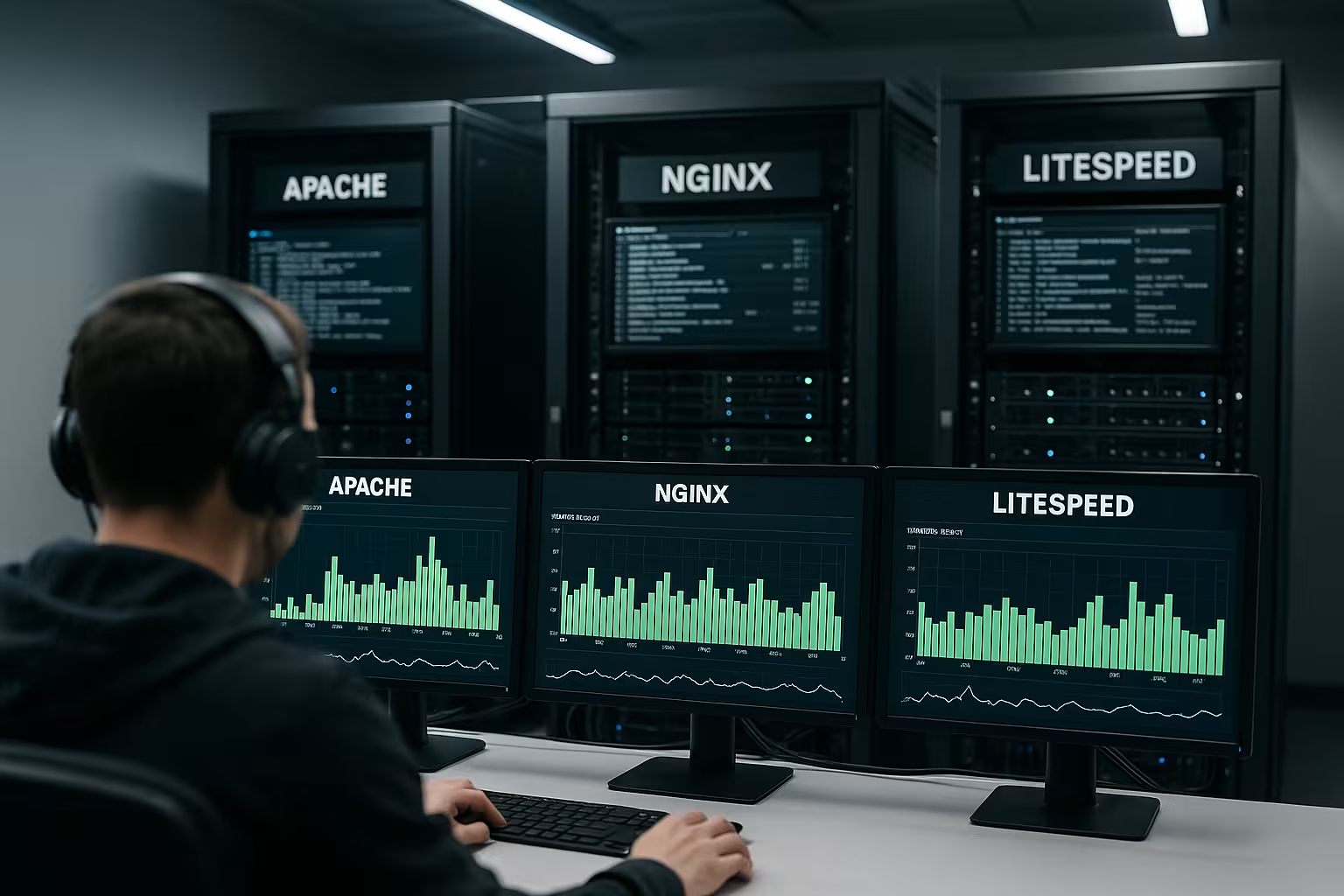
I start with the Architecture, because it defines the limits of the tuning space. Apache relies on processes or threads per connection, which consumes more RAM and increases latency during peak times [1]. NGINX and LiteSpeed follow an event-driven model in which a few workers multiplex many connections, which saves context switching and reduces overhead [1]. In tests, NGINX processed 6,025.3 requests/s, Apache achieved 826.5 requests/s in the same scenario, and LiteSpeed came out on top with 69,618.5 requests/s [1]. If you want to delve deeper into the architecture comparison, you can find further key data at Apache vs. NGINX, which I use for an initial classification.
How each engine handles blocking tasks is also important. NGINX and LiteSpeed decouple the event loop from the file system or upstream I/O via asynchronous interfaces and limited helper threads. Apache binds one thread/process per connection in the classic model; MPM event can be used to reduce keep-alive load, but the memory footprint per connection remains higher. In practice, this means that the more simultaneous slow clients or large uploads there are, the more the event model pays off.
How self-tuning really works
Modern servers control the thread-Number often automatically. The controller checks the utilization in short cycles, compares current values with historical values, and scales the pool size up or down [2]. If a queue hangs, the algorithm shortens its cycle and adds additional threads until processing runs stably again [2]. This saves intervention, prevents over-allocation, and reduces the likelihood of head-of-line blocking. I use the documented behavior of a self-tuning controller in Open Liberty as a reference, which clearly describes the mechanics [2].
I pay attention to three levers: one Hysteresis against flapping (no immediate reaction to every spike), a hard upper limit against RAM overflows and a minimum size, so that warm-up costs are not incurred with every burst. It also makes sense to have a separate target value for active Threads (coreThreads) vs. maximum threads (maxThreads). This keeps the pool hot without tying up resources when idle [2]. In shared environments, I throttle the expansion rate so that the web server does not aggressively claim CPU slots from neighboring services [4].
Key figures from benchmarks
Real values help with Decisions. In burst scenarios, NGINX scores highly with very low latency and high stability [3]. In tests involving extreme parallelism, Lighttpd delivers the highest number of requests per second, closely followed by OpenLiteSpeed and LiteSpeed [3]. NGINX handles large file transfers at up to 123.26 MB/s, with OpenLiteSpeed close behind, underscoring the efficiency of its event-driven architecture [3]. I use metrics like these to assess where thread adjustments really bring benefits and where limits stem from the architecture.
| Server | Model/Threads | Sample rate | key message |
|---|---|---|---|
| Apache | Process/thread per connection | 826.5 requests/s [1] | Flexible, but higher RAM requirements |
| NGINX | Event + few workers | 6,025.3 requests/s [1] | Low Latency, economical |
| LiteSpeed | Event + LSAPI | 69,618.5 requests/s [1] | Very fast, GUI tuning |
| Lighttpd | Event + Asynchronous | 28,308 requests/s (highly parallel) [3] | Scales in Tips very good |
The table shows relative Advantages, No firm commitments. I always evaluate them in the context of my own workloads: short dynamic responses, lots of small static files, or large streams. Deviations can originate from the network, storage, TLS offloading, or PHP configuration. That's why I correlate metrics such as CPU steal, run queue length, and RSS per worker with the number of threads. Only this view separates real thread bottlenecks from I/O or application limits.
For reliable figures, I use ramp-up phases and compare p50/p95/p99 latencies. A steep p99 curve With constant p50 values, this indicates queues rather than pure CPU saturation. Open (RPS-controlled) rather than closed (concurrency-controlled only) load profiles also show more clearly where the system begins to actively drop requests. This allows me to define the point at which thread increases are no longer effective and backpressure or rate limits are more useful.

Practice: Dimensioning workers and connections
I start with the CPU-Cores: worker_processes and LSWS workers must not exceed cores, otherwise context switching will increase. For NGINX, I adjust worker_connections so that the sum of connections and file descriptors remains below ulimit-n. For Apache, I avoid setting MaxRequestWorkers too high, because the RSS per child quickly eats up RAM. Under LiteSpeed, I keep PHP process pools and HTTP workers in balance so that PHP does not become a bottleneck. If you want to understand the speed differences between engines, you will benefit from the comparison. LiteSpeed vs. Apache, which I use as a tuning background.
A simple rule of thumb: I first calculate the FD budget (ulimit-n minus reserve for logs, upstreams, and files), divide it by the planned concurrent connections per worker, and check whether the sum is sufficient for HTTP + upstream + TLS buffer. Then I moderate the backlog queue size—large enough for bursts, small enough not to hide overload. Finally, I set the keep-alive values to match the request patterns: short pages with many assets benefit from longer timeouts, while API traffic with few requests per connection benefits more from lower values.
LiteSpeed fine-tuning for high load
With LiteSpeed, I rely on LSAPI, because it minimizes context switching. As soon as I notice that CHILD processes are maxed out, I gradually increase LSAPI_CHILDREN from 10 to 40, up to 100 if necessary—accompanied by CPU and RAM checks [6]. The GUI makes it easier for me to set up listeners, enable ports, forward requests, and read .htaccess files, which speeds up changes [1]. Under continuous load, I test the effect of small steps instead of big leaps to detect latency spikes early on. In shared environments, I lower coreThreads when other services are using CPU so that the self-tuner doesn't keep too many active threads [2][4].
In addition, I monitor keep-alive per listener and HTTP/2/HTTP/3 usage: multiplexing reduces connection numbers but increases memory requirements per socket. I therefore keep the send buffers conservative and only enable compression where the net gain is clear (lots of textual responses, hardly any CPU limit). For large static files, I rely on zero-copy mechanisms and limit simultaneous download slots so that PHP workers don't starve when traffic spikes occur.

NGINX: Using the event model efficiently
For NGINX, I set worker_processes to car or the core number. With epoll/kqueue, active accept_mutex, and adjusted backlog values, I keep connection acceptances consistent. I make sure to set keepalive_requests and keepalive_timeout so that idle sockets don't clog up the FD pool. I push large static files with sendfile, tcp_nopush, and a suitable output_buffers. I only use rate limiting and connection limits when bots or bursts indirectly utilize the thread pool, because each throttle creates additional state management.
In proxy scenarios, Upstream keepalive Crucial: too low causes connection establishment latency, too high blocks FDs. I choose values that match the backend capacity and keep timeouts for connect/read/send clearly separated so that defective backends do not bind the event loops. With reuseport and optional CPU affinity, I distribute load more evenly across cores, as long as the NIC's IRQ/RSS settings support this. For HTTP/2/3, I carefully calibrate header and flow control limits so that individual large streams do not dominate the entire connection.
Apache: Setting MPM event correctly
With Apache, I use event instead of prefork, so that keep-alive sessions do not permanently bind workers. I set MinSpareThreads and MaxRequestWorkers so that the run queue per core remains below 1. I keep the ThreadStackSize small so that more workers fit into the available RAM; it mustn't be too small, otherwise you risk stack overflows in modules. With a moderate KeepAlive timeout and limited KeepAliveRequests, I prevent a few clients from blocking many threads. I move PHP to PHP-FPM or LSAPI so that the web server itself remains light.
I also pay attention to the ratio of ServerLimit, ThreadsPerChild, and MaxRequestWorkers: Together, these three determine how many threads can actually be created. For HTTP/2, I use MPM event with moderate stream limits; values that are too high drive up RAM consumption and scheduler costs. I only load modules with large global caches when they are needed, because copy-on-write advantages disappear as soon as processes run for a long time and change memory.

RAM and threads: Calculating memory correctly
I count the RSS per worker/child times the planned maximum number and add kernel buffers and caches. If there is no buffer left, I reduce threads or never increase the swap, because swapping causes latency to explode. For PHP-FPM or LSAPI, I also calculate the average PHP-RSS so that the sum of the web server and SAPI remains stable. I take TLS termination costs into account because certificate handshakes and large outbound buffers increase consumption. Only when the RAM budget is correct do I continue to tighten the thread screws.
With HTTP/2/3, I take into account additional header/flow control states per connection. GZIP/Brotli buffer compressed and uncompressed data simultaneously, which can mean several hundred KB extra per request. I also plan reserves for logs and temporary files. With Apache, smaller ThreadStackSize values increase density, while with NGINX and LiteSpeed, the number of parallel sockets and the size of the send/receive buffers have the greatest effect. Adding up all components before tuning saves nasty surprises later on.
When I intervene manually
I rely on Self-tuning, until metrics show otherwise. If I share the machine in shared hosting, I slow down coreThreads or MaxThreads so that other processes retain sufficient CPU time [2][4]. If there is a hard thread limit per process, I set maxThreads conservatively to avoid OS errors [2]. If deadlock-like patterns occur, I only increase the pool size for a short time, monitor the queues, and then reduce it again. If you want to compare typical patterns with measured values, you can find clues in the Web server speed comparison, which I like to use as a plausibility check.
The main intervention signals I use are: persistent p99 spikes despite low CPU load, increasing socket queues, rapidly growing TIME_WAITIn such cases, I first throttle assumptions (connection/rate limits), decouple backends with timeouts, and only then carefully increase threads. This way, I avoid simply shifting the overload internally and worsening latency for everyone.

Common mistakes and quick checks
I often watch high Keep-alive timeouts that bind threads even though no data is flowing. Also common: MaxRequestWorkers far beyond the RAM budget and ulimit-n too low for the target parallelism. In NGINX, many underestimate FD usage by upstream connections; each backend counts twice. In LiteSpeed, PHP pools grow faster than HTTP workers, which means requests are accepted but served too late. With short load tests, heap/RSS comparison, and a look at the run queue, I can find these patterns in minutes.
Also common: syn-backlog too small, causing connections to bounce back before reaching the web server; access logs without buffers that write synchronously to slow storage; debug/trace logs that accidentally remain active and tie up CPU resources. When switching to HTTP/2/3, overly generous stream limits and header buffers increase memory consumption per connection—this is particularly noticeable when many clients transfer small amounts of data. I therefore check the distribution of short vs. long responses and adjust limits accordingly.
HTTP/2 and HTTP/3: What they mean for thread pools
Multiplexing massively reduces the number of TCP connections per client. This is good for FDs and accept costs, but shifts the pressure to per-connection states. I therefore set cautious limits for simultaneous streams for HTTP/2 and calibrate flow control so that individual large downloads do not dominate the connection. With HTTP/3, TCP-related head-of-line blockages are eliminated, but the CPU overhead per packet increases. I compensate for this with sufficient worker capacity and small buffer sizes to keep latency low. In all cases, it is better to have fewer, well-used connections with reasonable keep-alive values than excessively long idle sessions that tie up threads and memory.
Platform factors: kernel, containers, and NUMA
When it comes to virtualization, I pay attention to CPU steal and cgroups limits: If the hypervisor steals cores or the container only has partial cores, worker_processes=auto may be too optimistic. If necessary, I pin workers to real cores and adjust the number to the effectively available budget. On NUMA hosts, web servers benefit from local memory allocation; I avoid unnecessary cross-node access by bundling workers per socket. I often leave Transparent Huge Pages disabled for latency-critical workloads to avoid page fault spikes.
At the OS level, I control file descriptor limits, connection backlogs, and the port range for outbound connections. I only increase what I actually need, test the behavior during rollover, and strictly adhere to security limits. On the network side, I ensure that RSS/IRQ distribution and MTU settings match the traffic profile—otherwise, tuning in the web server will be ineffective because packets arrive too slowly or get stuck in the NIC queue.
Measuring instead of guessing: Practical guide to testing
I perform load tests in three stages: warm-up (caches, JIT, TLS sessions), plateau (stable RPS/concurrency), and burst (short spikes). Separate profiles for static files, API calls, and dynamic pages help to isolate where threads, I/O, or backends are limiting performance. I simultaneously record FD numbers, run queues, context switches, RSS per process, and p50/p95/p99 latencies. I select operating points at 70–85% utilization as my target—enough buffer for real-world fluctuations without running permanently in the saturation range.
Decision-making guide in brief
I choose NGINX, when low latency, economical resources, and flexible .conf tuning options are important. I rely on LiteSpeed when PHP load dominates, the GUI is needed to simplify operation, and LSAPI reduces bottlenecks. I use Apache when I depend on modules and .htaccess and have a good grasp of the MPM event configuration. The self-tuning mechanisms are sufficient in many cases; I only need to intervene when metrics indicate hang-ups, hard limits, or RAM pressure [2]. With realistic core and RAM budgets, small increments, and observation of latency curves, thread tuning reliably gets me where I want to go.


