Skip to content
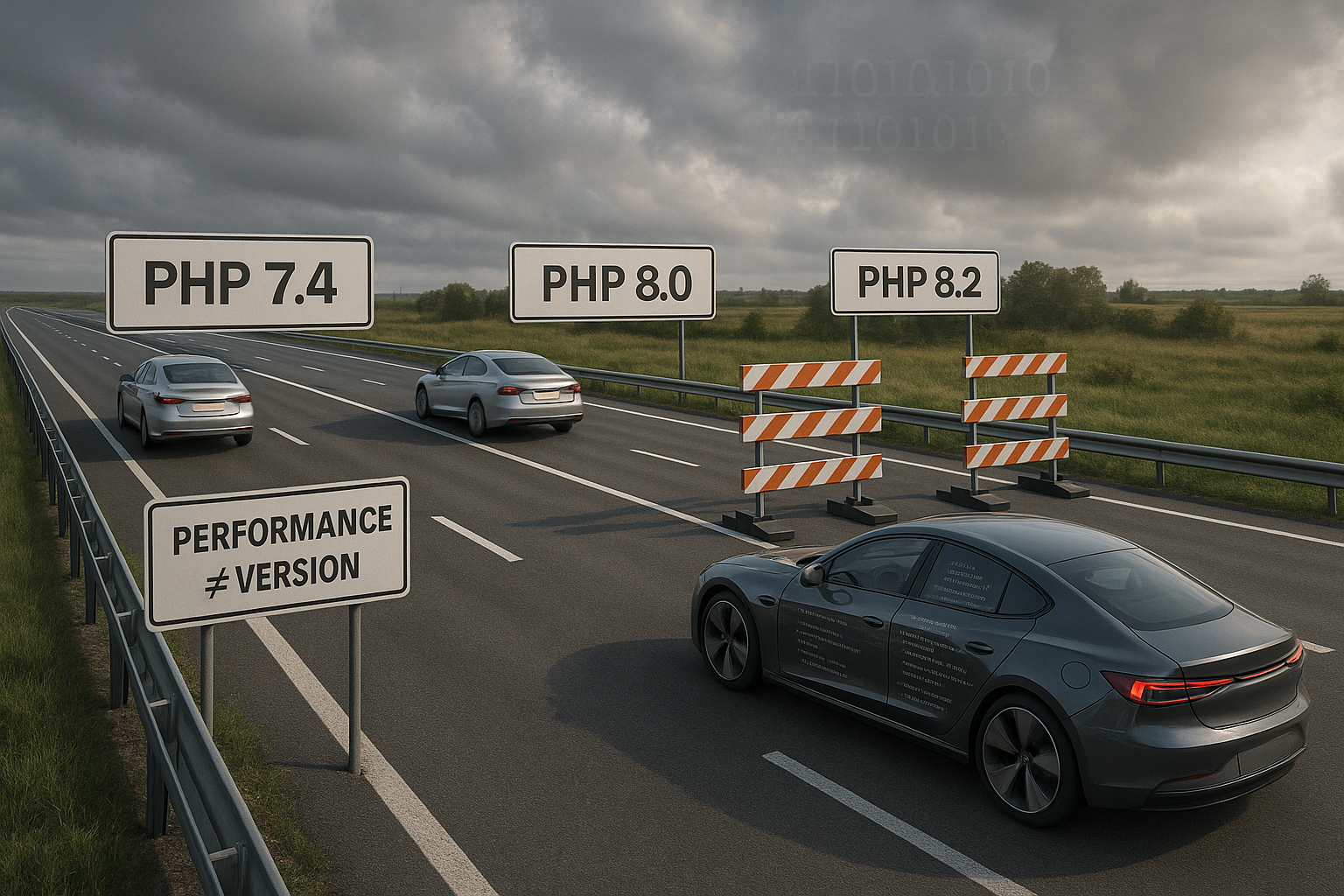
PHP Version Performance does not automatically increase with each higher version number, because code quality, server stack, and workload often have a greater impact than the interpreter itself. I will show why benchmarks sometimes reveal only minor differences between 8.2, 8.4, and 8.5, and how tuning reveals the true effect.
Key points
I will summarize the most important points before going into more detail and providing specific tips. These points draw attention to the factors that really matter when pursuing performance goals. I will use actual measurements and organize them in a way that is easy to understand.
- Version vs. Setup: Higher PHP outputs offer little advantage without proper tuning.
- OPCache Required: Without a bytecode cache, even modern versions slow down.
- FPM Correct: pm.max_children and pm.max_requests determine latency peaks.
- Workload Counts: JIT helps CPU load, I/O-heavy apps benefit less.
- benchmark Understand: Response size distorts req/s comparisons.
I use upgrades in a targeted manner and don't blindly start the next major release because I want to remain measurable. This is how I ensure Stability and tap into genuine performance reserves.

Why higher PHP versions are not automatically faster
In measurements, I often see only small differences between 8.2, 8.4, and 8.5, because applications do not fully utilize the interpreter improvements. For WordPress, the requests per second are close together in many comparisons, so the effect is hardly noticeable in everyday use. WooCommerce shows some jumps, but these are due to smaller response sizes and not purely computational advantages. Drupal performs better with 8.2/8.4 than with 8.3 in some cases, which points to compatibility issues. My conclusion: without a customized stack, a new version can even be detrimental in the short term. fall back.
In practice, paths outside the interpreter often impose limitations: slow DNS resolution, blockages due to file locks, or an overcrowded connection pool to the database. The realpath cache in PHP is an underestimated factor; if it is too small, many file system lookups will fail and the supposed advantages of a new version will be lost. Therefore, I not only change the version, but also systematically check the hotspots of the app before I make any assumptions about the interpreter.
Reading benchmarks correctly: metrics, context, and pitfalls
I evaluate not only req/s, but also latencies, P95, and the size of the responses, because a smaller payload distorts the result. A benchmark with page cache says little about dynamic paths, so I specifically test with caches disabled and realistic data. I check whether extensions, framework versions, and plugins are identical because small differences can have a big impact. For CMS stacks, I also compare TTFB, CPU load, and memory consumption so that I don't miss anything. Blind flight This allows me to see whether growth is due to interpreters, response reduction, or caching.
I deliberately vary the concurrency and observe at what point the P95/P99 latencies tip. A stack that is fast at C=10 can collapse at C=100 if FPM queues grow or database locks take effect. Before each series of measurements, I schedule warm-up phases until OPCache and object caches are warm, and deactivate debug extensions so that the numbers remain reproducible.

Server stack and hosting tuning: where the real leverage lies
I prioritize the stack because LiteSpeed with LSAPI often delivers dynamic pages significantly faster than Apache with mod_php or PHP-FPM, regardless of the Version. HTTP/3, Brotli, a suitable keep-alive strategy, clean TLS, and a reverse proxy setup without unnecessary copies are crucial. I always enable OPCache, as bytecode caching saves CPU time and reduces latency. For details on the optimal settings, I use the information from the OPCache configuration and adjust the parameters to code size and traffic. This way, I improve performance before considering an upgrade and ensure consistent quick Delivery.
With NGINX or LiteSpeed, I keep connections open efficiently with keep-alive, reduce TLS handshakes, and use compression strategically. Incorrectly sized proxy buffers or double compression can increase latency. I also check whether upstream timeouts match the workload and whether server logging is asynchronous so that I/O is not blocked.
Configuring PHP-FPM correctly: processes, memory, and restarts
I use pm = dynamic when load peaks occur, and pm = static for constant high load, so that the Processes remain predictable. With pm.max_children, I scale in parallel with the available RAM capacity to prevent swapping. I often set pm.max_requests to 300–800 to limit fragmentation and catch leaks. Separate pools for heavy sites prevent one application from slowing down the others. I track error logs, slow logs, and FPM status so that I can clearly identify bottlenecks and take targeted action. park.
To determine the dimensions, I measure the most memory-intensive requests (peak RSS) and make a rough calculation: available RAM for PHP divided by RSS per child process gives the starting value for pm.max_children. I add headroom for OPCache, caches, and web servers. Typical problems include queue build-up at full capacity, OOM kills due to excessive parallelism, or highly fluctuating latencies due to insufficient pm.max_requests with fragmented heap.
Classifying JIT compilers correctly: CPU load vs. I/O load
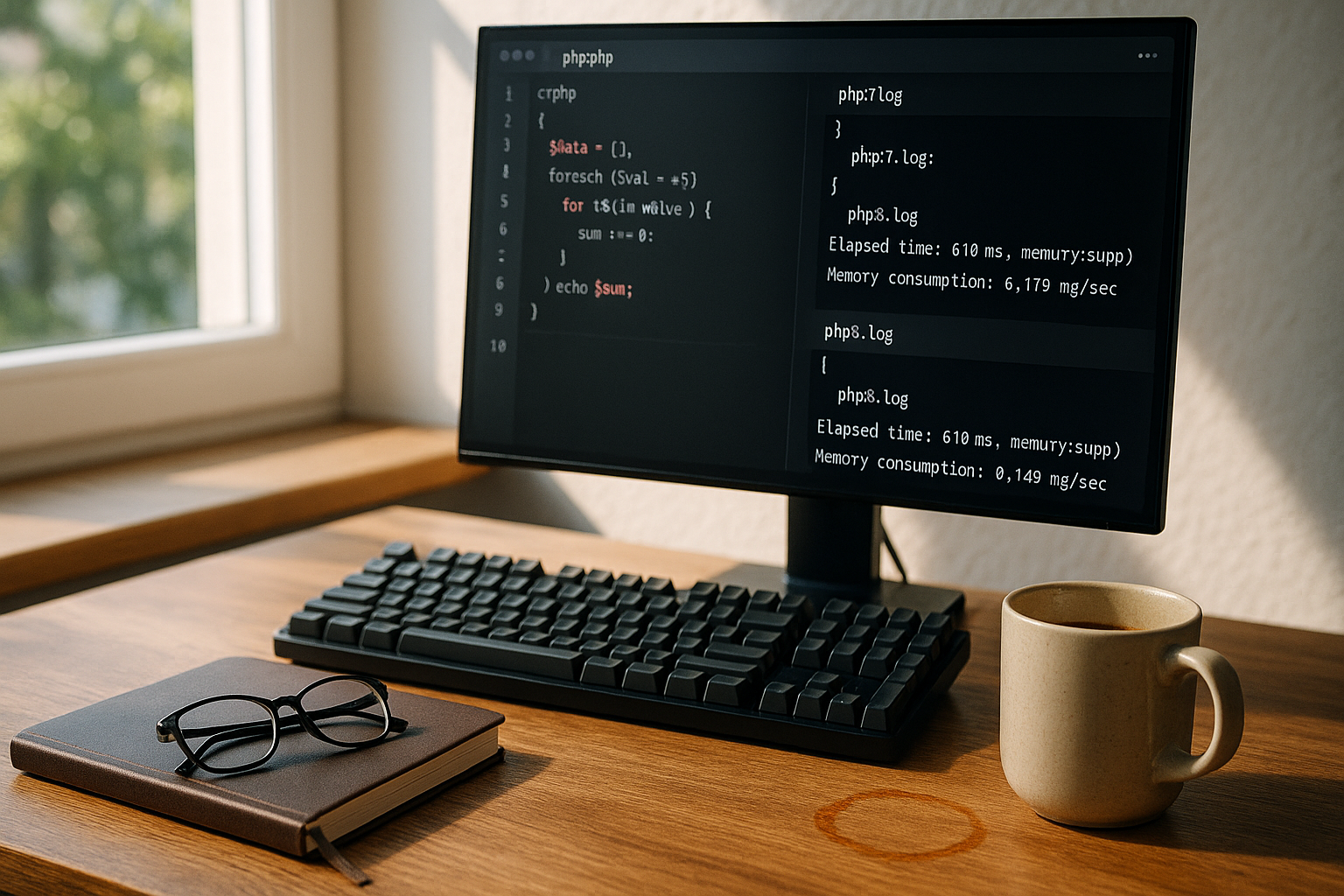
I benefit from JIT in PHP 8.x especially in computationally intensive routines, such as parsing, mathematical loops, or image operations that have little waiting time. However, web applications with a lot of database or network access remain I/O-bound, so JIT has little impact. That's why I measure CPU-bound and I/O-bound scenarios separately to avoid drawing false conclusions. For typical CMS workloads, many comparisons from 8.1 onwards show only small differences, which is related to waiting times for external systems. I therefore prioritize queries, caching, and indexes, before I consider JIT a miracle cure.
In work packages with a lot of numerics, I can specifically exploit the effect by isolating hot paths and adjusting JIT settings (buffer size, triggers). For web responses that mainly wait for I/O, I sometimes even disable JIT if it improves the memory profile and reduces fragmentation.
Database, framework, and extensions as obstacles
I optimize SQL indexes, eliminate N+1 queries, and reduce unnecessary SELECT fields, because these points often yield more benefits than an interpreter upgrade. I check plugins and modules for startup overhead, autoloading, and unnecessary hooks to ensure that the Request-Time is not fragmented. I use Redis for sessions to reduce locking and I/O wait times. I log P95 and P99 latencies, as average values hide bottlenecks. Only when the application path is in place do I invest in a new PHP version.
I provide the best possible conditions for frameworks: configuration and route caches, minimized bootstraps, and clearly defined containers. I measure the ratio of „framework boot vs. app logic“ and break down long middleware so that time-to-first-byte is not dominated by cascades of small delays.

OPCache fine-tuning and preloading in practice
I adjust the OPCache parameters to the code base and traffic. Important parameters are opcache.memory_consumption, opcache.interned_strings_buffer, opcache.max_accelerated_files, opcache.validate_timestamps and – if appropriate – opcache.preload. I make sure that the cache does not constantly fill up, as evicting hot scripts produces severe latency spikes.
; Example values, adjust depending on code size opcache.enable=1 opcache.enable_cli=0 opcache.memory_consumption=512 opcache.interned_strings_buffer=64 opcache.max_accelerated_files=100000 opcache.validate_timestamps=1 opcache.revalidate_freq=2
; optional opcache.preload=/var/www/app/preload.php opcache.preload_user=www-data
Preloading is worthwhile if frequently used classes/functions are already loaded into the cache at startup. For large monoliths, I keep an eye on the loading time and RAM requirements. I maintain deployments in such a way that the cache remains „warm“ in a controlled manner, rather than rebuilding it from scratch with every release.
Deployment without cold starts: maintaining cache warmth
I decouple build and run: I complete Composer install, autoload optimization, and precompile steps before rollout. Then I warm up OPCache and essential HTTP paths so that the first live traffic does not bear the warm-up costs. Blue/green or rolling deployments with health checks prevent cold instances from entering the pool under load.
- Autoload optimization in the build
- OPCache warmup script for hot paths
- Sequential reloading of FPM workers (graceful)
- Controlled rotation of caches (no mass invalidation)
Autoloading, Composer, and Startup Overhead
I reduce boot overhead by using classmaps and authoritative autoloaders. Flat, deterministic resolution speeds up startup and reduces file system lookups. At the same time, I remove unused packages and dev dependencies from the production image so that fewer files burden the cache.
{ "config": { "optimize-autoloader": true, "classmap-authoritative": true, "apcu-autoloader": true } }
With a apcu-supported autoload map, I further reduce the number of hard disk accesses. I make sure that apcu is enabled in FPM and has sufficient memory without displacing other caches.
Production mode and debug flags
I keep production and development profiles strictly separate. Xdebug, detailed error handlers, and assertions are helpful in staging, but they are performance killers in production. I set zend.assertions=-1 and completely deactivate Xdebug. I also reduce log levels so that hot paths are not slowed down by I/O, and I don't write long stack traces for every request.
Container and resource planning
In containers, I pay attention to memory limits and CPU quotas. Otherwise, FPM sees more resources than are actually available and is penalized by the OOM killer. I set pm.max_children to the memory_limitvalues, take OPCache into account in shared memory, and measure actual behavior under load. Short worker kill intervals (pm.max_requests) help to catch leaks, but must not generate a permanent warmup storm.
Mitigating I/O paths: Sessions, file system, and locks
File-based sessions serialize accesses per user and generate locking. With Redis as the session backend, I reduce waiting times, minimize stranding, and achieve more stable latencies. I set short timeouts, check network paths, and prevent sessions from being written unnecessarily (lazy write). I also keep upload and cache directories on fast storage devices and minimize synchronizations that block PHP workers.
Monitor and stabilize tail latencies
I prioritize P95/P99 because users notice slow outliers. If a single dependency (e.g., external API) throttles, it slows down the entire request path. Circuit breakers, timeouts with sensible defaults, and idempotent retries are therefore also performance features. I compare versions not only by their mean values, but also by the stability of their tails—often, the configuration with minimal latency fluctuations wins.
Benchmark workflow and comparison table
First, I define scenarios: without cache, with full-page cache, and with OPCache enabled, so that I can separate the effects. Then I run load profiles with increasing concurrency and keep an eye on CPU, RAM, I/O, and network. I repeat the runs several times and discard outliers to obtain clean mean and percentile values. Only then do I compare versions on identically configured stacks so that the figures remain reliable. The following table illustrates typical measurements from large benchmarks and shows how small or erratic the differences between the Versions may fail.
| PHP version | WordPress requests per second | WooCommerce requests per second | Drupal 10 requests per second |
|---|---|---|---|
| 7.4 | 139 | 44 | – |
| 8.2 | 146 | 55 | 1401 |
| 8.3 | 143 | 54 | 783 |
| 8.4 | 148 | 53 | 1391 |
| 8.5 | 148 | 71 | – |
Upgrade paths, compatibility, and rollback plan
I approach upgrades step by step, for example from 7.4 to 8.2, then test staging runs and check logs before moving on. In CI/CD, I check unit and integration tests with the new interpreter and activate feature flags to reduce risks. I read migration notes, adjust deprecations, and have a rollback ready so that I can quickly get back up and running in case of errors. For changes between minor versions, I gather specific information and use notes such as those in the Upgrade to PHP 8.3, to identify obstacles early on. This is how I ensure Consistency and prevent performance gains from being lost due to failures.
For the rollout, I use Canary-based activations: First, a small percentage of traffic is migrated to the new version. If the error rate and P95 are acceptable, I increase the share—otherwise, I roll back deterministically. Logs, metrics, and the FPM status provide me with the guidelines for this.
WordPress, single-thread load, and caching priorities
I note that WordPress serves many paths in a single thread, which makes CPU spikes on one core critical. That is why the single-thread performance the CPU often has more influence than a mini-plus in the interpreter version. Full-page cache, OPCache heat, and object-based caches such as Redis drastically reduce PHP work. I clean up queries, remove slow plugins, and activate persistent cache before I upgrade big time. Only when these Lever sitting, I measure real gains between 8.2, 8.4, and 8.5.
I also rely on short, meaningful TTLs and differentiate cache keys according to relevant variables (e.g., language, device, login status) to achieve a high cache hit rate with minimal fragmentation. In the event of misses, I optimize the paths behind the cache and prevent rare requests from slowing down the entire stack.

Briefly summarized
I don't rely on version jumps because real Performance comes from good code, a clean stack, and disciplined testing. There are only minor differences between 8.2, 8.4, and 8.5 in many web apps, while OPCache, FPM settings, and caching deliver enormous effects. JIT brings advantages in terms of CPU load, but I/O-bound paths remain dominated by the database and network. With clear benchmarks, reproducible tests, and sensible upgrade steps, I ensure speed without risk. This way, I keep PHP version performance high without relying on mere version numbers.