 Skip to content
This PHP handler comparison shows how mod_php, CGI, FastCGI, PHP-FPM, and LSAPI perform. Performance affect your hosting—from CPU load to tail latencies. I explain specifically which choice is best for WordPress, WooCommerce, and traffic spikes. Loading time reduces costs while conserving resources.
Key points
- PHP-FPM Scales more efficiently than mod_php and FastCGI.
- LSAPI delivers the best performance on LiteSpeed.
- Insulation per user increases security.
- OPcache and Redis reduce latency.
- P95/P99 shows real user experience.

How PHP handlers work
A PHP handler connects the web server to the interpreter and controls Processes, memory, and I/O for each request. CGI starts a new process for each request and reloads configurations, which creates overhead and slows down the Latency increased. Modern variants such as FastCGI, PHP-FPM, or LSAPI keep workers persistently available, thereby saving start-up time, context switching, and CPU cycles. OPcache remains in memory, which means that bytecode does not have to be compiled every time and dynamic pages respond faster. At the same time, process management decides how many simultaneous requests are allowed to run, how priorities are set, and how peak loads can be cushioned.
Direct comparison of common handlers
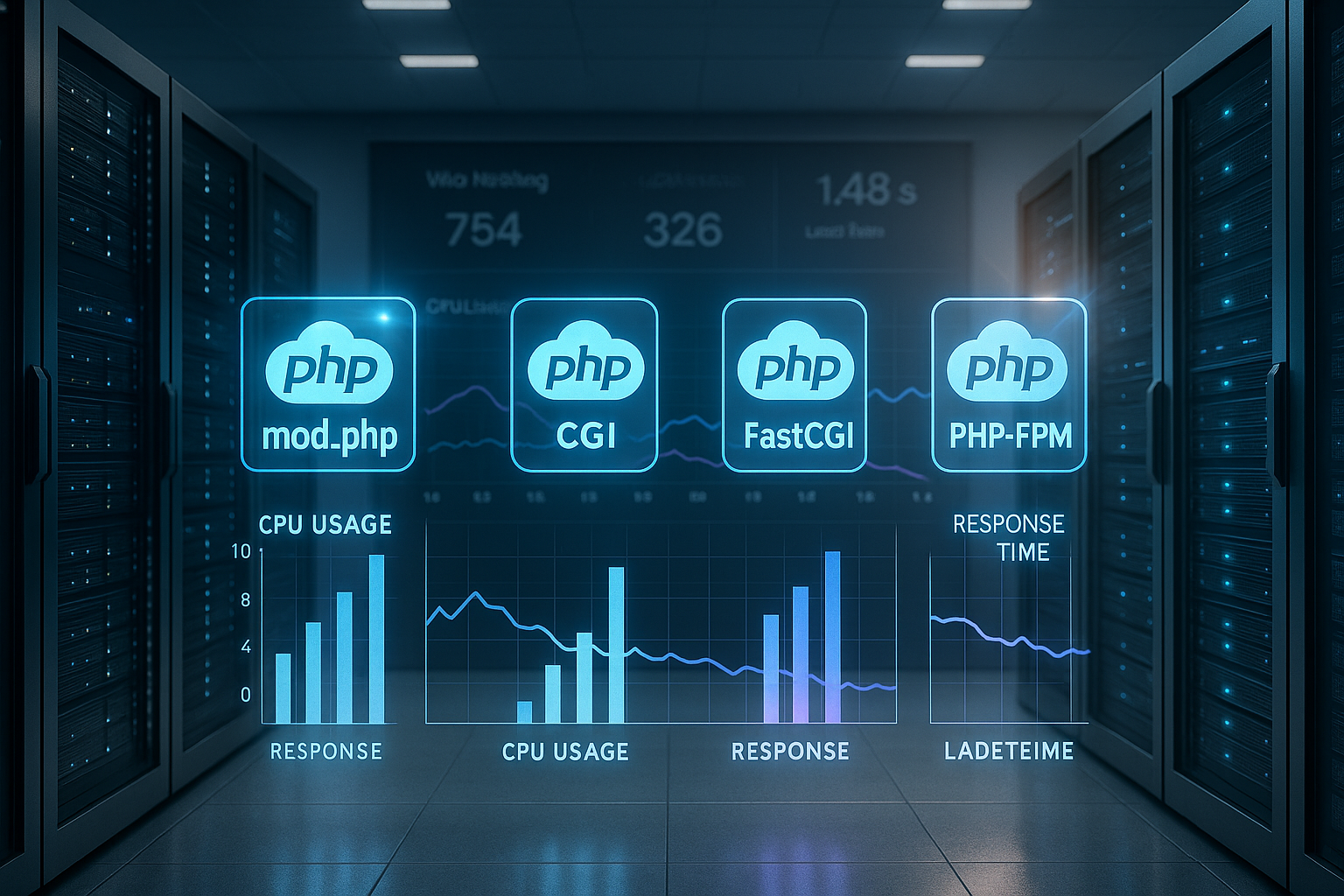
The choice of handler determines the Scaling, the security model, and the RAM requirements of an application. mod_php integrates PHP into the Apache process and delivers short response times, but suffers from weak Insulation between accounts. CGI separates users cleanly, but costs a lot of CPU time per request. FastCGI reduces overhead, but remains less efficient than a well-tuned PHP-FPM. LSAPI goes one step further when LiteSpeed is in use, stabilizing tail latencies in particular when there are many simultaneous connections.
| handler | Performance | Security | RAM requirement | Scalability | Operational scenario |
|---|---|---|---|---|---|
| mod_php | High | Low | Low | Medium | Small sites, rare peaks |
| CGI | Low | High | High | Low | Static content, tests |
| FastCGI | Medium | Medium | Medium | Medium | temporary solution |
| PHP-FPM | Very high | High | Low | High | Shared hosting, CMS |
| LSAPI | Highest | Medium | Very low | Very high | High traffic, e-commerce |

PHP-FPM in practice: processes, pools, tuning
PHP-FPM works with worker pools that pull requests from a queue, thereby Load peaks elegantly cushion the impact. I set up a separate pool for each website so that configuration, limits, and user context remain separate and the Security increases. In practice, adaptive settings such as pm = dynamic or ondemand pay off because the number of active processes adapts to demand. The key is to correctly dimension pm.max_children and the time limits so that the queue does not grow and RAM reserves remain. To get started, I recommend checking the parameters in a structured manner; I explain the details of fine-tuning here: PHP-FPM Process Management.
LSAPI and LiteSpeed: Peak performance with high concurrency
LSAPI keeps PHP processes in memory and reduces context switching, allowing dynamic content to be served with HTTP/3 and QUIC can be delivered even more smoothly. Under full load, the P95/P99 latency remains more stable than with many alternatives, which User experience Visibly improved. I regularly see more requests per second and shorter TTFB on shop and content pages, especially when OPcache and server cache work together. The advantage is not only evident in average values, but also in simultaneous sessions, sessions with cache misses, and „cold“ PHP workers. If you want to understand the difference in architecture, read the overview at LiteSpeed vs. Nginx and then decides on the stack.
WordPress and WooCommerce: Classifying measurements correctly
With WordPress, I achieve high performance with PHP 8.2 on FPM or LSAPI. requests per secondvalues, while WooCommerce manages slightly fewer requests per second due to sessions, cart logic, and more database accesses. The test only becomes meaningful under realistic Traffic mixed with caching hits and misses. Critical CSS, object cache, and persistent connections push back the point at which bottlenecks occur. Short TTLs for frequently changed content and differentiated cache keys for language, user status, and device type are particularly helpful. This keeps the page fast even though it delivers personalized content.
Security and isolation: pools, user context, limits
I prefer separate pools per account, so that rights, paths, and limits remain neatly separated from each other. mod_php shares a common context, which means that Risk increases if a project has gaps. FPM or LSAPI with per-user configurations significantly reduce this vulnerability because processes run under the respective user. In addition, it is possible to set different php.ini options at the project level without affecting other sites. Resource limits such as max_execution_time and memory_limit per pool prevent outliers from slowing down the server.
Resource consumption and RAM planning
Each PHP worker occupies, depending on the code, extensions, and OPcacheMemory varies significantly in size, which is why I measure the actual usage instead of guessing. Tools such as ps, top, or systemd-cgtop show how much RAM active workers actually use and when. swapping threatens. I then set pm.max_children conservatively, leaving headroom for the database, web server, and cache services, and monitor the P95 latency under peak load. If there are reserves left, I increase the number of children step by step and check again. This allows the total capacity to grow in a controlled manner without overloading the server.

Measurement methodology: From TTFB to P99
I don't just evaluate average values, but above all P95– and P99 latencies, because they reflect the real experience under load. A stack can operate with identical throughput and still perform worse at P99 if Queues grow. That's why I test cold and warm caches, mix read and write requests, and use realistic concurrency values. Without OPcache warmup, I interpret results cautiously, as many systems become significantly faster after a few warmup calls. Only after representative test runs do I decide on handlers, caching strategy, and process limits.
Decision guide for choosing a handler
For small sites with few logins, mod_php or a modest FPM-Setup, provided that security aspects are addressed. If concurrency increases, I switch to PHP-FPM with separate pools per project and consistently activate OPcache. For highly dynamic shops and many sessions, I prefer LiteSpeed with LSAPI to keep P95 and P99 low. Those who stick with Apache/Nginx for pricing or architectural reasons will do very well with a cleanly tuned FPM. In all cases, measurements under realistic conditions count more than benchmarks on an empty system.

Practical setup: caching, sessions, time limits
I rely on OPcache with generous Memory-Allocation, so that bytecode is rarely displaced, and move sessions to Redis, to avoid file locks. This reduces waiting times for simultaneous logins and personalized pages. For external services, I define clear timeouts and circuit breakers so that failures do not block the entire request. At the application level, I keep cache TTLs short enough to ensure that data is up to date, but long enough for a high hit ratio. If you regularly run into worker limits, here's a place to start: Balancing PHP workers correctly.
Cost-benefit analysis and operation
I rate the Costs a trade-off against measurable gains in latency, throughput, and reliability. The jump from FastCGI to PHP-FPM often brings more than a change in the PHP minor version number, because Process-Management and caching work continuously. LSAPI is particularly worthwhile if LiteSpeed is already in use and there are many simultaneous visitors. Anyone converting the stack should closely monitor logs and metrics and prepare rollback paths. Planned A/B operation over several days provides the most reliable results.

Web server interaction: Apache MPM, Nginx, and keep-alive
In practice, it is not only the PHP handler that matters, but also the web server mode. mod_php works with Apache in prefork-MPM, but blocks the use of modern event models. If you want to efficiently serve HTTP/2, longer keep-alive phases, and thousands of connections, you should rely on Apache. event + PHP-FPM or Nginx/LiteSpeed as frontend. The consequence: The number of PHP workers required is not based on the number of TCP connections, but on the actual at the same time ongoing PHP requests. HTTP/2/3 multiplexing therefore reduces header overhead on the web server, but does not change anything about undersized PHP pools.
Nginx typically forwards requests to FPM via FastCGI. I make sure that read_timeout- and send_timeoutvalues on the proxy, otherwise 502/504 errors will occur with hanging upstreams, even though PHP is still working. In Apache environments, I limit Keep-Alive so that long idle connections do not tie up the thread pool. LiteSpeed abstracts much of this, but only fully exploits its advantage with LSAPI.
OPcache, JIT, and preloading: what really helps
OPcache is mandatory. In practice, I dimension opcache.memory_consumption generous (e.g., 192–512 MB depending on the code base) and increase opcache.max_accelerated_files, so that no evictions occur. For builds that are rarely deployed, I disable validate_timestamps or set a higher revalidate_freq, to save syscalls. Preloading can speed up frameworks, but is particularly effective when used with a consistent autoload structure. The JIT PHP rarely offers advantages for classic web workloads and can even consume RAM; I only enable it if benchmarks under real conditions confirm this.
Queue management and backpressure
Most bottlenecks do not occur in the CPU, but in the queue. If more requests arrive than workers can process, the queue grows and the P95/P99 latency shoots up. I make sure that pm.max_children large enough to absorb typical peaks, but small enough to maintain RAM reserves. pm.max_requests I set it moderately (e.g., 500–2000) so that memory leaks do not create long runners. The listen.backlog must match the web server backlog, otherwise the kernel will drop connections under load. By measuring the arrival rate (requests per second) and the average service time, you can use a simple capacity calculation to assess the concurrency at which latency peaks.
Timeouts, uploads, and long-running processes
Long uploads or API calls block workers. I set clear limits: max_execution_time and request_terminate_timeout in FPM prevent defective requests from running forever. At the proxy level, I synchronize proxy_read_timeout/fastcgi_read_timeout with the FPM limits so that there are no premature 504 errors. I stream large uploads and limit post_max_size and maximum file size for uploads Strictly plan dedicated endpoints so that the rest of the traffic does not suffer. For cron-like long-running processes, I move work to Cues or CLI jobs, instead of blocking front-end workers for minutes.
Sessions and locking in detail
PHP sessions are enabled by default. barring. A second request from the same user waits until the first one releases the session – fatal for WooCommerce if Ajax calls are running in parallel. I terminate session write accesses early with session_write_close(), as soon as no more mutations are necessary. With Redis as the session backend, I/O latency decreases, but locking rules remain important. Behind load balancers, I consciously choose between sticky sessions (simple, less scalable) and stateless patterns with object cache so that horizontal scaling works cleanly.
Monitoring and troubleshooting
Without telemetry, tuning is like flying blind. I activate FPM status and slow logs per pool to see bottlenecks and identify queries that stand out.
; per pool pm.status_path = /status ping.path = /ping ping.response = pong request_slowlog_timeout = 3s slowlog = /var/log/php-fpm/www-slow.log pm.max_requests = 1000
If 502/504 errors occur, I first check: Is the FPM queue full? Is there CPU stealing or swapping? Does the web server timeout match the FPM limits? A look at smaps per worker shows actual RSS usage, while netstat/ss Detects backlog overflows. For OPcache, I monitor the hit rate and the number of revalidations to avoid evictions.
Containers, sockets, and resource limits
In containers, I usually use TCP instead of Unix sockets between the web server and FPM to avoid namespace boundaries and facilitate load balancing. Consistency is important. cgroupLimits: If the container only has 1–2 GB RAM, pm.max_children must be correspondingly smaller, otherwise the OOM killer will kick in. CPU quotas greatly affect response time; I plan for headroom and verify P95 latency below the limit. NUMA and core affinity issues become relevant under very high load, while LSAPI optimizes much of this internally in LiteSpeed setups.
Multiple PHP versions and extensions
Many hosts run multiple PHP versions in parallel. I isolate pools per version and keep Extensions Slim. Each additional module increases RAM per worker and can prolong the start-up time. I consistently remove unused extensions; this often yields more than a small increase in pm.max_children. When upgrading, I plan short warm-up phases for OPcache so that not all users experience cold starts at the same time after deployment.
RAM diet and realistic capacity planning
Instead of using flat values, I determine the average and maximum RAM requirements per worker using live traffic. From this, I derive: (available RAM – system/DB/caches) / RAM per worker = maximum Reasonable pm.max_children. In addition, I keep a reserve of 15–25 % for bursts, kernel cache, and unforeseen spikes. If the application sporadically inflates memory, I lower the limit or reduce pm.max_requests to recycle processes more frequently.
Test strategy: Reproducible load and real patterns
I use test profiles that mix cold and warm caches, combine GET/POST, and gradually increase concurrency. Important: Only with OPcache active and realistic think times can I see whether the system remains stable under usage behavior. A ramp-up over several minutes prevents artificial peaks at startup. The evaluation focuses on TTFB and P95/P99, not just on average RTT or pure req/s.
Error patterns from practice
- Many 504 under Peak: FPM queue full, backlog too small, timeouts on proxy tighter than in FPM.
- Stuttering during deployments: OPcache evictions, missing warmup, opcache.memory_consumption too small.
- Good average values, poor P99: too many long-running processes (I/O, external APIs), lack of circuit breaking.
- High CPU, low req/s: Session locks or uncached database queries that limit serialization.
Operational reliability and rollback
I drive every change to the handler or the pool parameters with Feature flags or gradually. I keep an eye on error and slow logs, P95, and error rates, and define a clear rollback plan in case metrics tip. A second pool with an identical version but different parameters enables fast A/B switching without downtime. Under full load, a short, automatic reduction in concurrency (backpressure) proves more effective than starting new workers in an uncontrolled manner.
Briefly summarized
For dynamic sites with many simultaneous users, I prefer LSAPI on LiteSpeed, while PHP-FPM on Apache or Nginx provides the best All-rounder mod_php remains a special case for very simple projects without strict isolation. Realistic tests with warm OPcache, sensible pool limits, and clean caching are crucial. Those who reliably reduce latency measure P95/P99 and respond first to tail problems rather than average values. This allows an application to achieve noticeably faster responses and more reserves for peak traffic.


