 Skip to content
WordPress often reacts slowly because the wordpress hosting is limited or unfavorably configured with CPU, RAM, I/O and network. I show how server setup, PHP, database and caching interact and why small bottlenecks add up to noticeable latency.
Key points
I focus on the server side, because this is where the biggest breaks occur and can be fixed. Many installations do not suffer from themes, but from Limits and configurations. A cleanly clocked stack reacts faster, remains more constant under load and conserves resources. I work out the most important adjustments so that you can set priorities. This will help you to recognize whether an upgrade will help or whether fine-tuning will suffice.
- ResourcesCPU, RAM and I/O determine the response time.
- PHP stackVersion, OPcache and Limits control the execution.
- DatabaseBuffering, indexes and connections slow down or speed up.
- Web serverProtocols, compression and caching provide speed.
- StrategyMonitoring, maintenance and choice of hosting ensure consistency.

Why the server environment slows down WordPress
WordPress generates content dynamically, which is why the Server environment speed and response time. Every request initiates PHP code, triggers database queries and delivers HTML. If CPU time, RAM or I/O are scarce, the time-to-first-byte increases noticeably. During traffic peaks, further waiting times are added due to process limits. I therefore first measure TTFB, error rates and response time under load. If the curves show zigzags, the cause is often in the resource pool and not in the theme.
Shared hosting vs. dedicated resources
On shared platforms, you share CPU, RAM and I/O with many neighbors, which triggers performance fluctuations and a slow wordpress server. If concurrent processes are limited, PHP requests build up and the site feels sluggish. Dedicated or managed environments offer guaranteed resources, optimized configurations and modern NVMe SSDs. Caching works more efficiently and the database holds more content in memory. Read more about PHP-Workers as a bottleneck, because they determine how many requests run in parallel. I therefore check utilization and hard limits before I suspect plugins.
| Criterion | shared hosting | Dedicated/Managed |
|---|---|---|
| CPU/RAM | divided, fluctuating | guaranteed, calculable |
| Storage | SSD often mixed | NVMe SSD, high IOPS |
| PHP processes | tight limits | Adjusted quotas |
| Database | Standard tuning | Project-related parameters |
| Caching | Simple page cache | Server cache and object cache |
| Price | favorable | higher, but consistent |

Set PHP version, OPcache and limits correctly
Current PHP versions deliver significantly more throughput, which is why I first update the Runtime. OPcache stores precompiled bytecode in RAM and saves compilation time with every request. Without OPcache, the CPU time will skyrocket, even with small themes. If I also reduce memory_limit, max_execution_time and max_input_vars, many drops in builders and imports disappear. For CPU-bound pages, the Single-thread performance, because PHP works serially for each process. I test every change with identical requests so that measured values remain comparable.
Database performance: buffers, indexes, connections
WordPress fires dozens of queries depending on the plugin, so I check the Query costs under real traffic. A too small innodb_buffer_pool_size forces the database to constantly read from disk. Missing indexes massively slow down admin lists and archive pages. If simultaneous connections exceed the limits, performance will collapse into timeouts. I also check the growth of wp_options and activate object cache if necessary. For recurring keys, it helps to take a look at Autoload in wp_options, so that WordPress does not load unnecessarily large data sets in each request.
Web server, HTTP/2 and compression
NGINX or LiteSpeed serve many parallel connections efficiently and deliver pages from the Server cache faster. With HTTP/2, several files can be transferred simultaneously over one connection, which reduces latencies. Activated compression via gzip or Brotli significantly shrinks HTML, CSS and JS and saves transmission time. Without these settings, even small pages appear sluggish, especially on mobile devices. I therefore check whether protocols, TLS versions, HSTS and compression are activated correctly. A fast web server makes any further optimization more effective.
Caching: the strongest lever for speed
A well-thought-out caching concept reduces server load and brings the Response time noticeably downwards. Server-side caches deliver finished HTML without PHP and withstand traffic peaks. Page cache plugins supplement the stack if the hoster does not provide an edge cache. For data-intensive websites, I also integrate a persistent object cache. Rules for logged-in users, shopping baskets and dynamic content are crucial. If caching runs smoothly, the sawtooth pattern disappears and the slow wordpress server becomes fast again.

Support images and assets on the server side
Large images and uncompressed scripts kill everyone Page load, I therefore rely on WebP or AVIF and sensible lazy loading. A hoster with on-the-fly conversion speeds up large galleries without having to manually edit the media library. Minification and bundling reduce requests, but remain flexible with HTTP/2. Correct prioritization is important: above-the-fold assets come first, the rest later. For critical CSS, I use small inline blocks and deliver heavy styles later. This way, the visible content reaches the screen faster.
Core Web Vitals: Server time is ranking time
LCP reacts directly to the Server response, so I aim for low TTFB and early deployment of the most important assets. A slow responding server prolongs FID because the main thread blocks longer. If resources are loaded late, the risk of layout shifts and thus CLS increases. I read both lab data and field data to see real user experience. If the server time decreases, the metrics follow suit and rankings benefit. A good provider like webhoster.de creates measurable advantages here through modern hardware and clean configuration.
Typical hosting errors that slow down WordPress
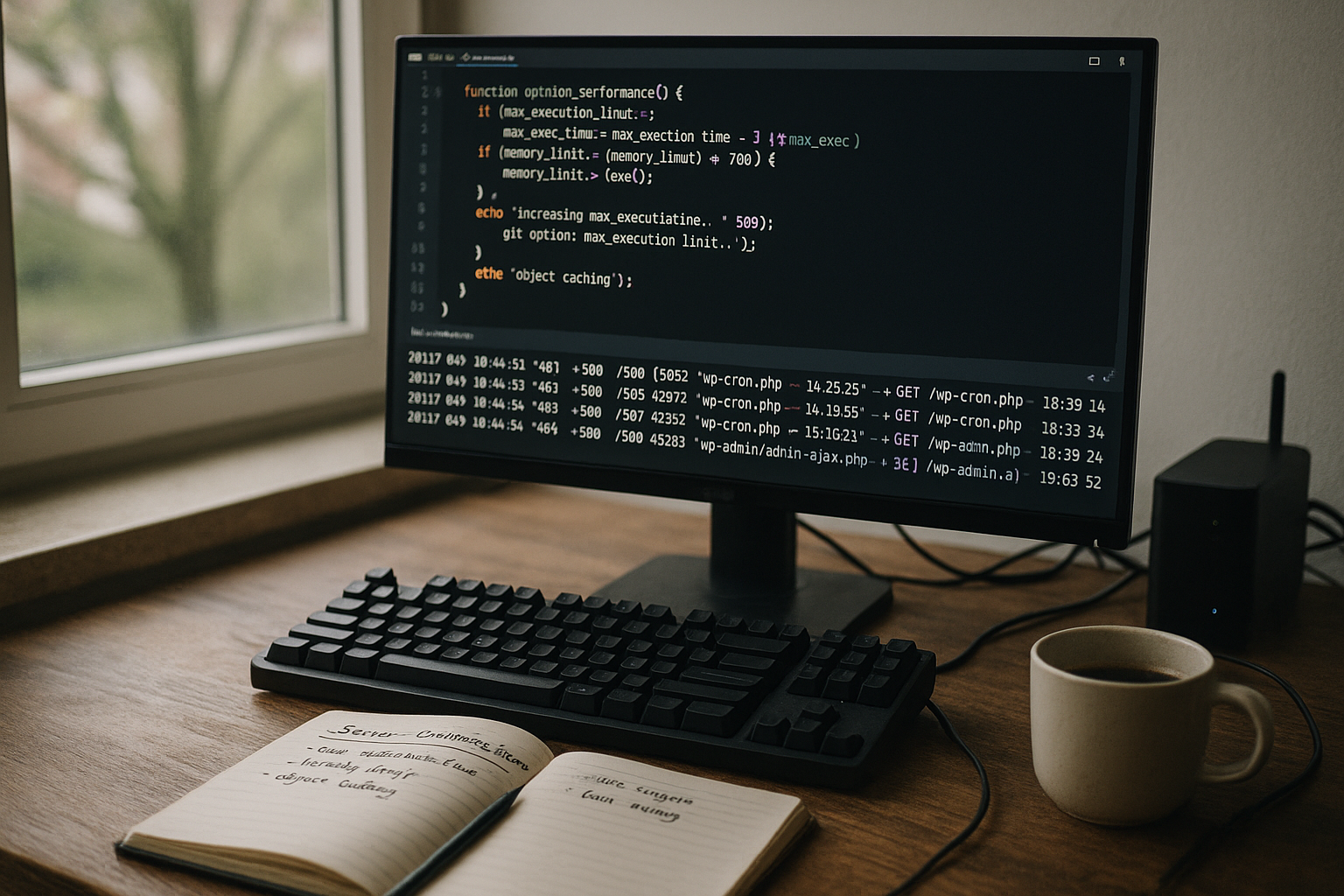
Many instances run on old PHP versions without OPcache and thus waste computing time. Standard MySQL parameters remain unchanged, even though tables grow and queries take longer. Server-side compression is often missing, which means that every byte has to be sent over the line. HDD storage or slow SSDs increase access times, especially with high I/O. In addition, there are restrictive process limits that quickly take effect under load. All in all, a chain of small brakes is created, which is clearly visible on the stopwatch.
Strategy for sustainable wp server tuning
I start with an honest InventoryResources, limits, logs, error images. I then decide whether fine-tuning is enough or whether a switch to dedicated or managed resources is necessary. Modern NVMe SSDs, the latest PHP versions and a WordPress-focused setup pay off immediately. I then set OPcache, PHP limits, MySQL buffers and caching specifically. Core Web Vitals and PageSpeed metrics serve me as a control instrument, not as an end in themselves. Maintenance, updates and cleaning up old plugins keep performance constant in the long term.
Fine-tune PHP-FPM and process management
The number of concurrent PHP processes determines whether requests run smoothly or wait. I therefore check the FPM settings and align them with the actual traffic and RAM. Too few child processes cause queues, too many displace caches from the memory.
- pm (dynamic/ondemand): I often use dynamic for burst traffic and ondemand for small sites.
- pm.max_children: The reference value is RAM/process size; I measure real consumption and set a safe upper limit.
- pm.max_requests: Moderate values prevent memory leaks and keep processes fresh.
- request_terminate_timeout: Prevents hang-ups in the event of faulty plugins or imports.
In combination with the OPcache memory (opcache.memory_consumption, interned_strings_buffer) I achieve stable low response times without swap pressure.
WordPress cron, queues and background jobs
WP-Cron only triggers tasks when a page is accessed. On productive sites, I replace this with a real system cron that triggers wp-cron.php at fixed intervals. This allows backups, mails, feeds, sitemaps and indexes to run predictably and relieves the burden of live traffic. For labor-intensive jobs (image conversion, exports, syncs), I set queues and limit parallelism so that frontend requests don't starve. Important: Set time windows for heavy tasks outside the main usage times and avoid I/O peaks.
Object cache in practice
A persistent object cache drastically reduces database hits. In practice, I pay attention to clean cache keys, suitable TTLs and invalidate specifically when changes are made. Redis or Memcached work well if network latency remains low and sufficient RAM is available. I measure the hit rate and, where possible, separate cache namespaces (frontend, backend, transients). Oversized objects that displace the cache are critical; segmentation or selective non-caching helps here.
HTTP headers, HTTP/3 and edge strategies
A lot of performance can be unlocked with the right headers. I use differentiated cache controls: long TTLs for static assets, short ones for HTML. Stale-While-Revalidate and Stale-If-Error keep pages responsive even during load peaks. I set ETags and Last-Modified consistently in order to use conditional requests. HTTP/3 with QUIC reduces latency on mobile networks and under packet loss, 0-RTT accelerates reconnections. In conjunction with a CDN, I use origin shielding and small edge TTL values for HTML so that updates go through quickly, but assets benefit to the maximum.
Bots, security and rate limiting
Unchecked bot traffic eats up resources without generating revenue. I identify noisy user agents and IP ranges, limit crawls via robots rules and set rate limits at the edge. A lean WAF blocks known attack vectors before they reach PHP. Throttling on login and search endpoints prevents CPU spikes. For SEO-critical pages, I control crawl budgets by disarming filter URLs or endless parameters.
Monitoring, logs and APM
Without measured values, you're in the dark. I activate slow query logs in the database, look at PHP error logs and web server accesses and tag releases to detect regressions. Application monitoring shows me hotspots at function level: which hooks cost time, which endpoints are under load? I also observe saturation signals (run queue, disk wait, context switch). Only when the time distribution is clear do I prioritize measures appropriately.
Backups, staging and deployments
Backups must not overwhelm live performance. I schedule snapshots outside of peak times, stream them incrementally and exclude cache directories. On staging, I test updates with production data, but without expensive background jobs. Deployments run atomically with warmup steps: preheat cache, reload OPCache, keep database migration window short. This way we avoid cold starts and traffic dips.
Plan a clean scaling path
Vertical scaling (more CPU/RAM) delivers quick gains, but eventually reaches price/performance limits. I define a path: first tuning and caching, then growing vertically, and thinking horizontally if necessary. Read replicas for the database relieve read-heavy pages; a separate search service takes expensive LIKE queries out of MySQL. Micro-caching on the web server helps with burst peaks without breaking logins. Important: Separate State from the app servers if possible so that horizontal expansion is possible at all.
WooCommerce and logged-in users
Stores and communities are the acid test for caching. I define precise exceptions: Shopping cart, checkout, account area are dynamic, category pages can be cached aggressively. I break pages down into static and personalized blocks using edge techniques or ESI. I also keep sessions and cookies lean so that Vary headers do not lead to cache fragmentation. This means that even logged-in users stay fast without overloading the infrastructure.

Briefly summarized
Slow loading times are rarely caused by the theme, but almost always by Server factors. I first check TTFB, process limits and database buffers before tackling frontend optimizations. A clever mix of dedicated resources, up-to-date PHP, OPcache and consistent caching provides the biggest boost. Web server features such as HTTP/2 and compression round off the package. If you also keep an eye on images, autoload and queries, you can keep WordPress fast even under heavy traffic. This turns WordPress hosting performance from a bottleneck to an advantage.


