 Skip to content
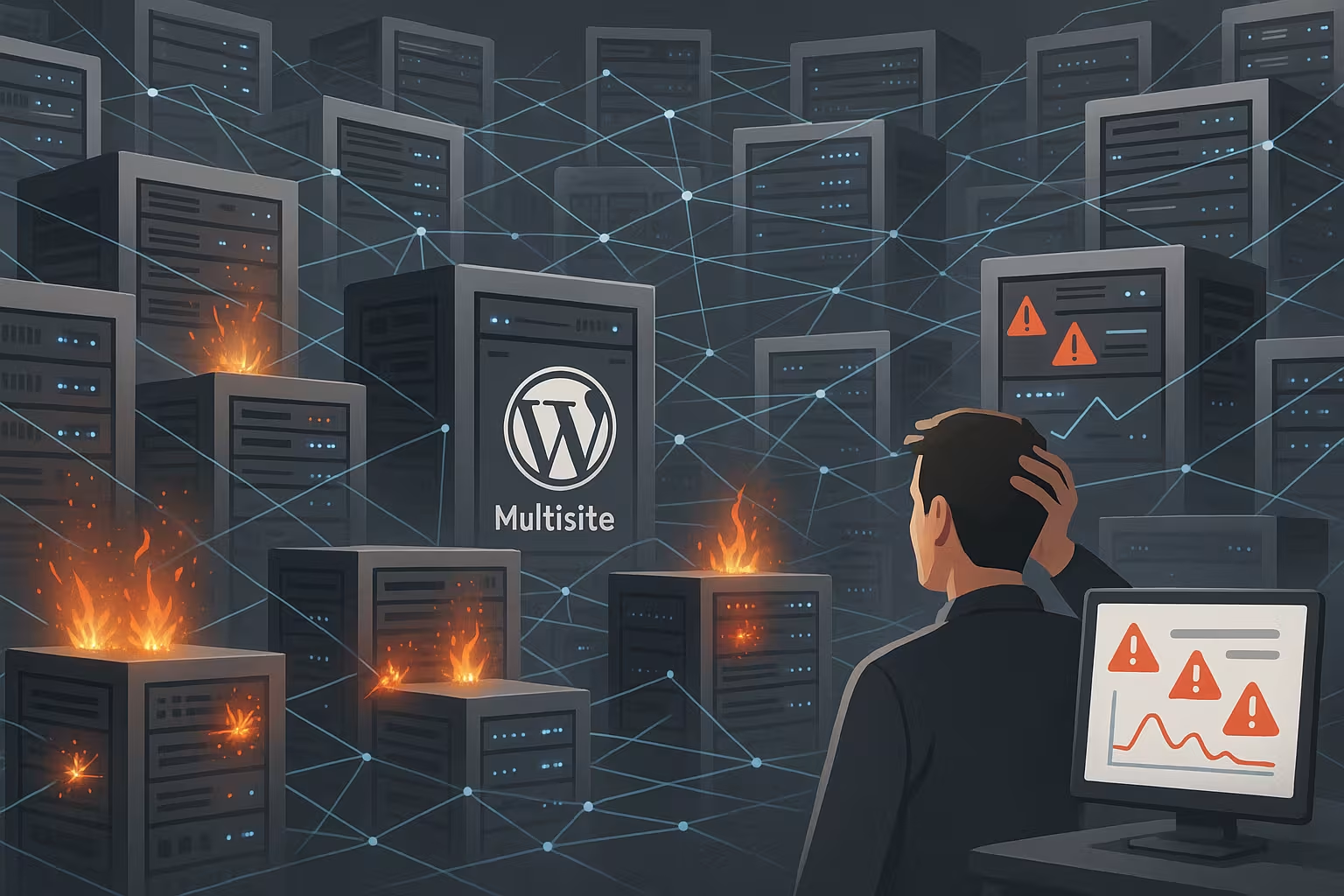
WordPress Multisite performance often suffers from shared resources that cause bottlenecks during traffic peaks and slow down entire networks. I show clear causes, typical mistakes and concrete steps to Response times and avoid downtime.
Key points
The following core aspects quickly lead to the bottleneck and at the same time provide strong levers for better Performance:
- Shared resources increase the risk of locks and downtime.
- Autoload options inflate PHP memory with every request.
- Cache strategy per site instead of global invalidation.
- Insulation limits the damage to individual sites.
- Monitoring detects load peaks at an early stage.
Multisite architecture: Blessing and risk
A multisite shares code, database and server resources, which simplifies administration, but can cause errors. multiplied. A single plugin update can affect all sites and create unexpected side effects. Database locks block queries network-wide if writes collide or run for a long time. The central cron works for all sites, causing many concurrent jobs to bloat the queue and create backlogs. Backups, maintenance and deployments must be planned precisely, otherwise a small error will affect the entire network. Network.

Shared hosting limits as the earliest bottleneck
Shared hosting counts CPU, RAM, IO and DB connections across all sites, making a single peak the Problem for the entire network. Even short load peaks trigger throttling or process kills and falsify any troubleshooting. I therefore first check limits, IO wait times and active connections before I tweak the code. If you want to understand the causes, you can find a good introduction via Infrastructure bottlenecks. If the traffic continues to increase, I consistently switch to VPS or dedicated environments so that individual sites don't have to cover all the others. slow down.
Properly dimension PHP-FPM, web server and opcode cache
Most multisite stacks fail due to incorrectly set PHP-FPM pools. I run separate pools for each site with clear limits (max-children, memory and timeouts) so that a burst does not overwhelm the entire PHP server. clogged. The process manager runs on-demand or dynamically - depending on the traffic profile. For highly fluctuating campaign pages, on-demand is often superior because no workers hold unused memory during quiet phases.
At web server level, I set micro-caching for anonymous requests (seconds range) and strict keep-alive and buffer rules. This reduces connection setup and IO wait times. A consistently dimensioned Opcode cache prevents recompilation and saves CPU. I monitor the hit rates and the degree of fragmentation and plan reserves so that large deployments do not immediately lead to evictions. Important: Errors in a pool remain isolated and do not affect other sites.
Misconceptions that slow you down
More sites do not automatically mean efficiency, because autoload options per site end up in the Memory. If the autoload size grows to several megabytes, the latency drops and PHP runs in memory pressure. A central cache does not solve everything either, as global invalidations trigger an unnecessary amount of work. Differentiated TTLs, purge rules and pre-warm processes per site work better so that hot paths remain fast. Multisite also does not scale infinitely: From about dozens of sites with very different profiles, chain reactions pull a whole Network affected.

Network-wide queries, switch_to_blog and multisite traps
Many performance problems are caused by careless loops across all blogs with switch_to_blog. Each switch reloads options, increases cache pressure and triggers additional queries. I minimize such loops, pull data by batch from central tables or work via prepared views. Where aggregation is necessary, I cache results strictly per site and invalidate them event-driven instead of time-based.
I plan cross-site searches and global navigations so that they are based on static data. Meta queries across many sites are critical - missing indices and LIKE patterns quickly lead to Table scans. I rely on lean fields, normalized structures and separate high write loads (e.g. log or tracking tables) from the hot path of user requests.
Scaling with control plane and isolation
I separate governance from execution: I distribute code centrally as a read-only artifact, while each site has its own web server, PHP FPM, cache and DB stack. receives. Each site scales separately, errors remain local and deployments can be rolled out as a canary. This architecture reduces the shared bottleneck and increases the maintenance windows without stopping traffic for everyone. The approach saves budgets because I only scale where load arises. The following table shows the difference compactly and understandable:
| Approach | Common bottleneck | Isolated scaling |
|---|---|---|
| Scaling | CPU/IO limits for all | Per site as required |
| Caching | One layer, little fine-tuning | Individual TTLs and purge |
| Security | Divided attack surface | Small blast radius |
| Updates | Network-wide effects | Canary deploys per site |
| Cron/Maintenance | Central cues | Separate processes |
This separation noticeably reduces the risk of downtime, because no global cache or cron can cause a whole chain of side effects. triggers. Cost control can also be planned more accurately, as not every site requires the same overhead. I use request traces to continuously measure whether the isolation is delivering the expected gains. If the latencies fall as planned, I extend the isolation to high-traffic asset domains. In this way, the multisite remains manageable without the Scaling to block.
Mastering WP-Cron, background jobs and maintenance windows
The built-in WP-Cron is a useful tool in multisite contexts. Bottleneck source. I deactivate the pseudo-cron on a request basis and use system cron or dedicated workers instead, which process jobs in a controlled manner. I split large job volumes according to site, priority and topic (e.g. indexing, image generation, imports) to avoid collisions.
I set batch sizes hard, retries with backoff and dead-letter queues prevent infinite loops. I plan maintenance windows per site: An index rebuild or large import event runs at night and never in parallel with global tasks such as backups. This keeps the queue stable and clears quickly under load.
Database: Autoload, indices and locks
The database is often the biggest bottleneck, because global metadata and autoload options make every request meet. I regularly check the autoload size per site and move rarely used entries from the autoload path. I then optimize indices for meta-queries so that expensive LIKE or JOIN operations do not derail. I reduce long write transactions by limiting batch sizes and setting secondary jobs to off-peak. For site groups with heavy traffic, I use separate data pools to prevent blocking and connection wait. minimize.
Database engine and replica strategies in practice
I separate read and write loads as soon as the query rate increases. Write processes remain on the primary, while read requests - especially for anonymous users - are sent via Read replicas run. Consistent connection pools per site and clear fallbacks in the event of replica lag are important. Critical paths (checkout, forms) enforce write consistency and avoid replicas.
At engine level, I pay attention to a sufficient buffer pool, stable flush intervals and adapted log parameters so that checkpoints do not lead to IO spikes. The slow query log provides me with top candidates for index improvements. For lock spikes, I reduce transaction width, use shorter batch steps and end competing DDL operations strictly outside of Peak times.
Combine caching layers correctly
A full-page cache reduces load massively, but cookies for logins and sessions bypass it and generate Work for PHP-FPM. I therefore rely on clean Vary rules per site, separate cache keys and targeted purges instead of global invalidations. An object cache speeds up database queries, but needs clear namespaces so that content does not overwrite each other. For reading loads with a global audience, an edge cache/CDN delivers noticeable latency gains. If you want to understand the differences, you can find Page cache vs. object cache a clear demarcation in order to define its own strategy derive.
Edge caching and cookies in detail
Many caches are created by careless Set cookie-header is invalidated. I check which cookies are really necessary for each site and prevent anonymous pages from being personalized unnecessarily. ESI blocks separate dynamic snippets from static content; this means that the majority remains cacheable, even though specific areas are personalized.
I define Vary headers sparingly: device class, language and login status are sufficient in most cases. Each additional Vary dimension increases the cache and reduces the hit rate. For purges, I rely on precise Keys (e.g. per post ID/taxonomy) so that massive invalidations are avoided and hot paths remain hot.
Hosting strategy: from shared to dedicated
I don't plan capacity across the board, but according to profile: shared hosting collapses during peaks, a VPS or dedicated server isolates hotspots effective. Managed platforms with staging, auto-scaling and CDN save time, as long as fine-tuning remains possible for each site. A clear separation of frontend, PHP-FPM and database has a positive effect, so that each layer scales separately. For load tests, I use synthetic profiles that map typical peaks and cache bypass scenarios. In benchmarks, webhoster.de showed strong values for Multisite, mainly thanks to isolation and Automation.

Efficient delivery of media, assets and uploads
Large images and many variants put a strain on CPU and IO. I generate derivatives asynchronously, limit the number of sizes per site and archive rarely accessed assets cold. For global target groups, it pays to decouple the media storage so that the app servers do not have to shoulder any upload IO peaks.
At the protocol level, consistent cache control and ETag headers as well as pre-warmed routes for top assets help. I keep critical frontend bundles small, use HTTP/2/3 in parallel and ensure a low number of connections. Result: lower TTFB for media and less pressure on PHP-FPM because static content rarely reaches the app layer.
When multisite is right - and when isolation is better
Similar microsites, campaigns or franchise pages benefit from centralized updates and standardized Plugins. Different markets, widely varying traffic or hard availability targets, on the other hand, speak in favor of isolation. Before making decisions, I test with three to five sites, measure autoload sizes and observe cache hit rates. If the differences grow, I split the sites step by step and only keep the control planes together. For very large setups large WordPress installations clear indications of when multisite reaches its structural limits. bumps.
Practical plan for the changeover or optimization
I start with an inventory: Which sites, plugins, jobs and media generate the most traffic? Load? Then I define a cache strategy per site with TTLs, purge rules and pre-warm on the top paths. I streamline the database by reducing autoload entries, adding indexes and rewriting expensive queries. To switch to isolated stacks, I export data, perform a dual run and compare metrics before making the final switch. After the cutover, I monitor core web vitals, error rates and costs to determine the next steps. Steps clean planning.

Deployment strategies, migrations and rollback security
I roll out changes in stages: first canary on a site, then gradual expansion. Feature flags help to quickly deactivate high-risk parts without having to reset the entire release. I carry out compatible database migrations in advance (expand-migrate-contract) so that old and new app versions can run in parallel. function.
I keep versioned artifacts, configurations and schema changes ready for rollbacks. Backfills and re-indexing are throttled and run with clear termination criteria. This allows errors to be limited, downtime to be avoided and, if the worst comes to the worst, targeted turn back, without jeopardizing the network.
Cookies, sessions and logged-in users
Logged-in traffic hits every multisite hard, because session cookies use the full-page cache. Bypass. I limit dynamic parts to a few ESI blocks and keep the rest cacheable. Vary headers per site prevent false cache hits and stabilize the hit rate. For WooCommerce, memberships or learning platforms, I isolate particularly active sites so that sessions do not burden the entire farm. I also count admin ajax calls and heartbeats, because under load they can cause a lot of unnoticed traffic. CPU consume.
Observation and load tests: recognizing risks early on
I set fixed budgets per site: TTFB, autoload size and error rate must not exceed defined thresholds. exceed. Synthetic checks run every minute, while RUM captures real user paths. Load tests include cache buses, many-session scenarios and write-intensive workflows. Alarm rules trigger earlier than hard limits so I can react before throttling or OOM kills. Insights flow into SLOs, which I sharpen per site until failures are noticeable. rarer become.

Logging, tracing and budget control
I correlate web server logs, PHP slow logs and DB Insights via a common trace ID. This allows me to see which request was Time loses. Sampling helps to keep volumes manageable, while I activate full-fidelity traces for error cases. On this basis, I define hard budgets per site (e.g. 500 ms server time, 2 MB autoload, 2 % error rate) and continuously measure their compliance.
If a budget breaks, a catalog of measures takes effect: Tighten up caching, streamline queries, adjust pool limits or temporarily throttle if necessary. This cycle makes it possible to plan performance and prevents optimizations from running wild. This creates reliable SLOs, that give the business a real framework.
Summary: What really counts
Strong WordPress multisite performance occurs when I experience database, cache and resource bottlenecks early on. defuse. Keeping autoload clean, coordinating caches per site and limiting sessions has an immediate effect on latency. Isolation with Control Plane reduces chain reactions and keeps deployments manageable. The choice of hosting determines whether peaks are absorbed in a stable manner or whether everything starts to jerk. With consistent monitoring and clear budgets, you stay in control and scale your network sustainable.


