 Skip to content
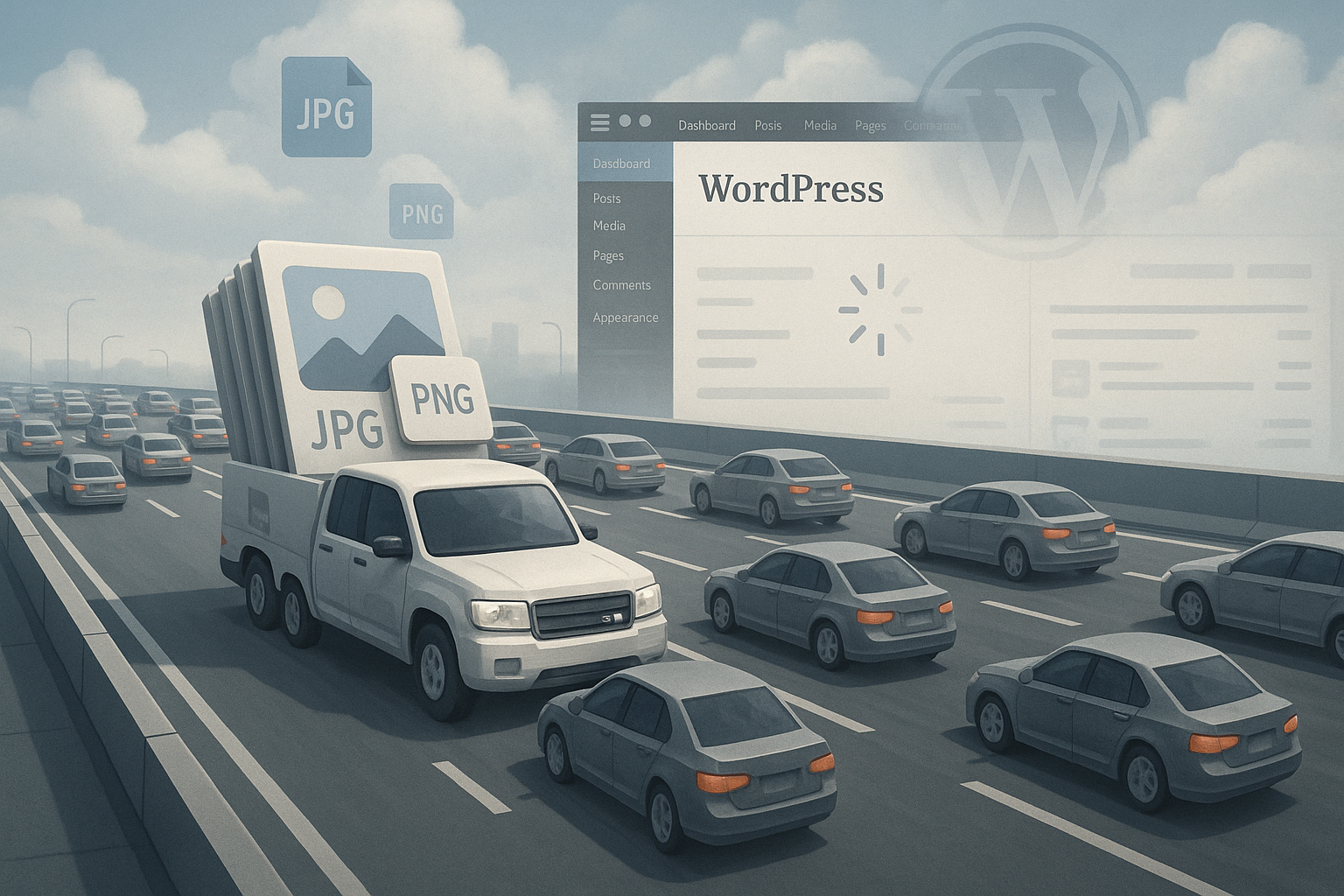
Large WordPress images slow down loading time even with CDN, because huge files must first get from the origin server to edge nodes and then be optimized on-the-fly, which costs computing time. I'll show you how Image sizes, CDN setup and Core Web Vitals interact and why unoptimized uploads noticeably worsen LCP and time-to-first-byte.
Key points
- Original size remains the bottleneck - even with CDN.
- LCP load due to heavy hero images and missing preload.
- On-the-fly-Resizing costs CPU and time at edge nodes.
- WebP/AVIF massively reduce data volumes, fallbacks ensure compatibility.
- Workflow with pre-resize, quality ~85 % and responsive sizes.

Why large images slow you down despite CDN
A CDN lowers the Latency, but oversized original files remain difficult. First, the Edge node has to pull the file from the source server, which takes a long time for 5-10 MB images and leads to timeouts in the worst case. Then comes the processing: compression, format change, resizing - each step costs CPU time. During this process, the browser waits for the most important image, which makes LCP worse. Even after the first hit, there is still a risk that new purges or variant changes will devalue the caching and cause delays again.
How CDNs work with images
A modern CDN delivers static files from caches close to the user and can pictures additionally transform. These include compression (Brotli/Gzip), format conversion (WebP/AVIF), resizing per viewport and lazy loading. Sounds fast, but the first request must obtain, analyze and transform the original file. Without a suitable cache strategy, several versions are created for each variant (breakpoints, DPR, quality), which first have to be created. This speeds up subsequent requests, but the structure can noticeably delay the initial page load in the case of very large uploads.

Image formats at a glance: When JPEG, PNG, SVG, WebP and AVIF?
I consciously choose the format according to the type of motif, because the greatest leverage often lies in the right Container:
- JPEG: For photos with many color gradations. I use 4:2:0 chroma subsampling and quality ~80-85 %; fine edges remain clean, the file shrinks significantly.
- PNG: For transparency and graphics with hard edges. Be careful with photos - PNG bloats. I prefer SVG for pure vector shapes.
- SVG: Logos, icons, simple illustrations. Scalable without loss of quality, extremely small. Important: only use trustworthy sources and sanitize if necessary.
- WebP: My standard for photos and mixed motifs; good balance of quality and compression, transparent backgrounds are possible.
- AVIF: Best compression, but sometimes slower encoding/decoding and difficult with fine gradients. I check motifs individually and use WebP in problematic cases.
I solve art direction via the <picture>-element: different cuts for mobile/desk and formats by type-Hint. Important is a Robust fallback (JPEG/PNG) if the browser does not support AVIF/WebP.
Influence on Core Web Vitals and LCP
The metric LCP reacts sensitively to image sizes, as hero areas often contain the largest visible element. A 300-500 KB Hero image can be fast, but a 4-8 MB image slows things down massively. If a slowly generated WebP variant is added, the waiting time increases further. Without a preload for the LCP image, the browser blocks additional resources before the central image appears. This effect is more noticeable on mobile connections with high latency than on desktop connections.
Typical misconfigurations and their consequences
If width and height attributes are missing, the layout can jump and the CLS-value increases. If LCP images are delayed by lazy loading, rendering starts too late and the user only sees content late. An overly aggressive cache purge deletes laboriously generated variants, which sends the next visitor back on the slower transformation path. In addition, a missing fallback for WebP blocks older browsers that can only handle JPEG. I explain why automatic lazy loading is sometimes harmful in the article Lazy loading not always faster; there I show how to exclude LCP images from the delay.
WordPress-specific adjusting screws
In WordPress, I lay the foundation via Image sizes and filters. With add_image_size() I define meaningful breakpoints (e.g. 360, 768, 1200, 1600 px). I remove intermediate sizes that are not required using remove_image_size() or filter them via intermediate_image_sizes_advanced so that the upload process does not get out of hand. About big_image_size_threshold I prevent oversized originals by setting a cap (e.g. 2200 px).
For the markup I rely on wp_get_attachment_image(), because WordPress automatically srcset and sizes generated. If the theme layout is not correct, I adjust the sizes-attribute via filter - overly generous values are a common reason why mobile devices load unnecessarily large images. Lazy loading has been active by default since WordPress; via wp_lazy_loading_enabled respectively wp_img_tag_add_loading_attr I specifically exclude the LCP image. In addition, for this image I set fetchpriority="high", to increase prioritization in the network stack.
Concrete optimization steps before the upload
I prevent traffic jams by Uploads cut, compress and convert to suitable formats in advance. For typical themes, 1200-1600 px width is sufficient for content images and 1800-2200 px for headers. I set quality levels around 80-85 %, which remain visually clean and save bytes. I also remove EXIF data that is of no use on the website. This preliminary work reduces the load on the CDN edge, and variants are created much faster.
| Measure | Benefit | Note |
|---|---|---|
| Resize before upload | Time-to-Image decreases significantly | Adapt maximum width to theme |
| Quality ~85 % | File size greatly reduced | Barely visible in photos |
| WebP/AVIF | Savings up to 80 % | Provide JPEG/PNG as fallback |
| Preload LCP image | LCP noticeably better | Preload only the largest above-the-fold image |
| Long cache expiry | Edge-Hit rate increases | Avoid unnecessary purges |
Color management, quality and metadata
Color spaces can influence performance and display. I convert assets for the web into sRGB and avoid large ICC profiles, which cost bytes and cause color shifts between browsers. With JPEGs, I rely on moderate sharpening and controlled noise reduction - exaggerated blurring saves bytes but makes gradients blotchy. Chromatic subsampling settings (4:2:0) bring good savings without any visible loss of quality in photos. I consistently remove EXIF, GPS and camera data; they are ballast and sometimes harbor data protection risks.
CDN settings that really count
I prioritize Image-optimizations directly in the CDN: automatic format selection, resizing according to DPR, moderate sharpening and lossy compression with an upper limit. I define fixed breakpoints for hero images so that a new variant is not created for each viewport. I bind cache keys to format and size in order to achieve clean hits. I also keep cache expiry for images long so that edge nodes stay warm. If you need specific integration steps, you will find them in the instructions for the Bunny CDN Integration found.

HTTP headers and cache strategies in detail
The right headers prevent cache fragmentation. For images I set Cache control with high max-age (and optionally immutable) and keep them strictly public. For CDNs I use s-maxage, to allow a longer service life on the edges than in the browser. ETag or Last-Modified help with revalidation, but should remain stable. If the CDN decides between AVIF/WebP/JPEG via content negotiation, the cache key must contain the Accept-header, otherwise there will be misses. Alternatively, I separate variants by URL parameters or path so that edge caching remains stringent. Important: Static assets must not send cookies; Set cookie kills the cache.
Mobile performance and responsive sizes
Smartphones benefit greatly from responsive sizes and clean srcset attributes. I make sure that WordPress generates suitable intermediate formats and that the CDN caches these variants. So a 360 px wide display does not get a 2000 px photo. For high pixel densities, I deliver 2x variants, but with a limit so that no 4K image ends up on a mini display. This reduces the amount of data on mobile networks and significantly stabilizes LCP.
Preload, prioritization and the right attributes
For the LCP image I combine rel="preload" (as an image) with a clear goal: exactly the required variant, not a generic one. In addition, I use the actual <img> fetchpriority="high" and omit the default lazy loading (loading="eager" only for this element). decoding="async" speeds up decoding without blocking the main thread. If the CDN is located on a separate domain, an early Preconnect, to complete the TLS handshake and DNS faster - but in a targeted and non-inflationary manner. Everything together shortens the critical chain up to image display.
Resizing on-the-fly vs. preprocessing
On-the-fly sounds convenient, but large originals remain a challenge. Load for the edge CPU. I therefore mix preprocessing before the upload with controlled edge resizing. This means that the heaviest work is done locally, while the CDN does the fine-tuning. For image formats, I choose WebP as the basis and check AVIF for delicate motifs. I explain the differences between the two formats here: WebP vs. AVIF comparison.

Costs, limits and scaling in CDN operation
Transformation functions are not free: Many CDNs charge separately for image conversion, CPU time and egress. Huge originals not only increase latency, but also costs. I am therefore planning Conservative variants - a few, well-chosen breakpoints instead of every pixel width. This reduces the number of files that need to be created and stored. With high traffic, a Origin Shield, to protect the origin server. Error images (429/503) at edge nodes are often a sign that on-the-fly resizing is overloaded; here it is worth pre-rendering particularly large motifs or setting limits for simultaneous transformations.
Fault analysis: How to find the real brakes
I start with a Lab-test over several measuring points and check filmstrips, waterfall diagrams and LCP elements. I then compare first view against repeat view to detect caching effects. Large deviations indicate that the first hit bears transformation costs. I then isolate the LCP image, test it in different sizes and evaluate quality against kilobytes. Finally, I check server logs and CDN analytics to see whether edge misses or purges are emptying the cache.
Correctly interpreting RUM and field data
Lab results don't tell the whole story. I evaluate Field data to cover real devices, networks and regions. High variance between regions indicates cold edges or weak peering links. If I see poor LCP values primarily among mobile users, I first check the hero image, srcset-hits and preload. A recurring gap between first view and repeat view indicates that the first view is too short. max-age-values or frequent purges. I also correlate publication cycles with spikes in the metrics - new header images or campaign visuals are often the triggers.
Workflow and automation in everyday life
Without fixed Process large files creep in again. I therefore rely on automatic resizing during upload, uniform quality profiles and fixed maximum widths. An image style guide helps to keep images consistent and easy to compress. Before going live, I check the LCP images manually and only activate preload for the largest element. After deployments, I measure again because new hero subjects quickly fall out of the frame.
SEO, accessibility and editorial guidelines
Performance and quality go hand in hand with SEO and A11y. I award meaningful old-texts and meaningful file names, keep image dimensions consistent and avoid CSS upscaling. I prepare separate, compressed images for social previews (Open Graph) so that they do not accidentally serve as LCP images. I use hotlink protection with caution - crawlers and previews need access. For editorial teams, I document maximum widths, formats, quality levels and a simple checklist: Crop, select format, check quality, assign file name, upload to WordPress, mark LCP candidate and test preload. This way, the quality remains reproducible, even if several people maintain content.
Briefly summarized
A CDN speeds up delivery, but oversized originals remain the Bottleneck - they cost time the first time they are retrieved and degrade LCP. I prevent this by optimizing the width, quality and format of images in advance and leaving only fine adjustments to the edge. Clean srcset attributes, preload for the LCP image and long cache expiry make all the difference. For configurations, I check fallbacks for WebP/AVIF, dimension specifications and cache keys for variants. This keeps WordPress running smoothly, even if there are a lot of images on the page.


