 Skip to content
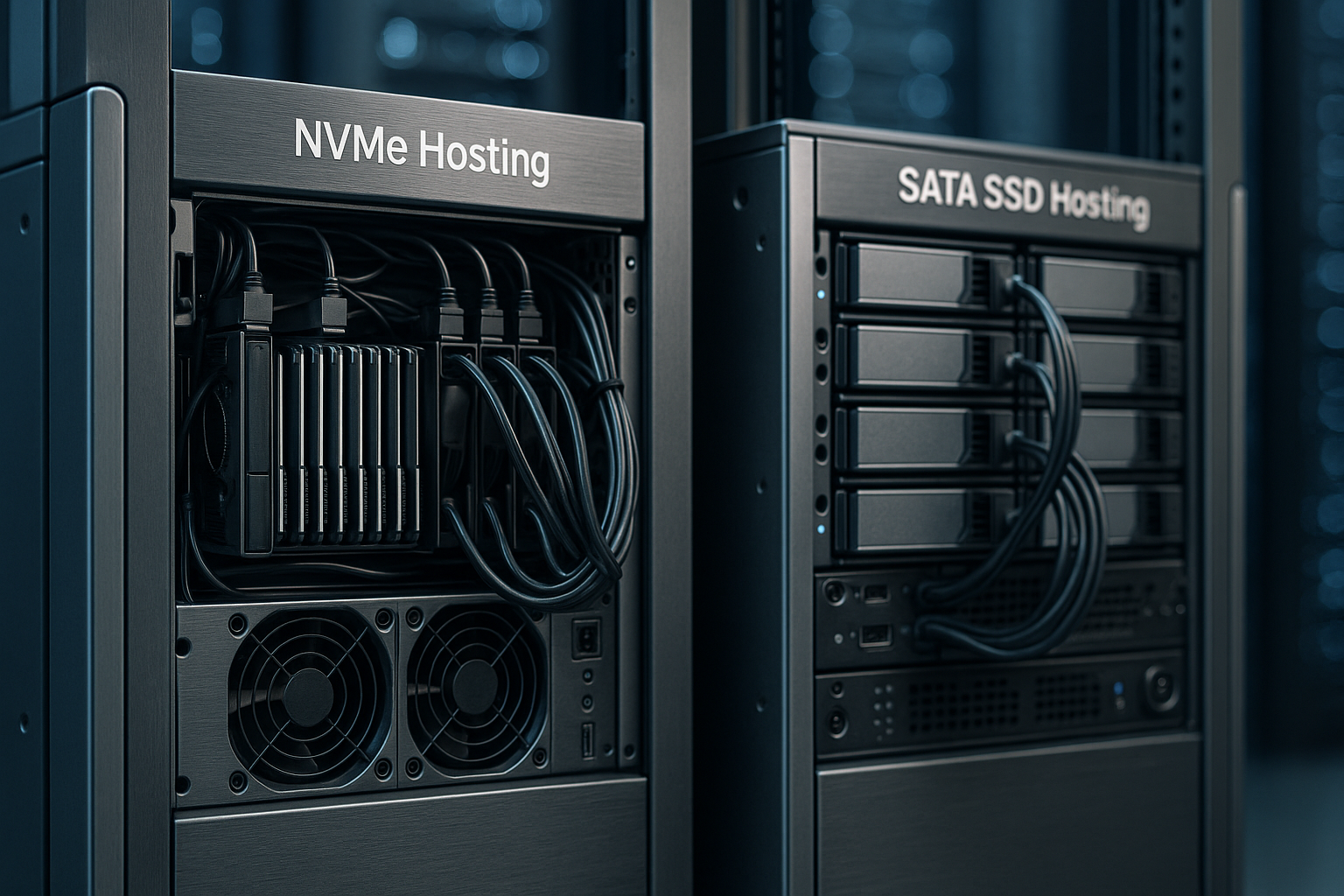
NVMe Hosting accelerates websites measurably because NVMe works via PCIe and processes significantly more commands in parallel than SATA SSDs via AHCI. I show specifically how NVMe shifts load times, IOPS and latencies compared to SATA SSDs and what noticeable consequences this has for admin backends, databases and conversions.
Key points
- ArchitectureNVMe (PCIe, many queues) vs. SATA (AHCI, one queue)
- Speed3,500-7,000 MB/s NVMe vs. ~550 MB/s SATA
- IOPS500k-800k NVMe vs. 90k-100k SATA
- Latency10-20 µs NVMe vs. 50-60 µs SATA
- PracticeFaster CMS, stores and databases

NVMe vs. SATA: What is the technical background?
SATA dates back to the days of mechanical drives and connects SSDs via the AHCI protocol, which only allows a command queue with 32 entries; NVMe on the other hand, uses PCIe and scales with up to 64,000 queues of 64,000 commands each. This allows many small and large operations to run simultaneously without bottlenecks occurring. I experience in everyday hosting that the gap to SATA SSDs grows significantly, especially with simultaneous accesses. If you want to compare the technical basics in compressed form, click on my compact NVMe-SATA comparison. This architecture forms the core of the tangible Performance in modern setups.
Measured values: speed, IOPS and latency
The pure figures help with the classification because they show in a practical way where NVMe has the greatest leverage and how much SATA limits. I typically read and write sequential data on NVMe at several gigabytes per second, while SATA caps at around 550 MB/s; random accesses and latencies further increase the gap. This has an impact on caches, database log files, sessions and media access. Application servers with many simultaneous requests benefit in particular. The following overview summarizes the most important Key figures together.
| Feature | SATA SSD (typical) | NVMe SSD (typical) | Practical effect |
|---|---|---|---|
| Sequential reading | ~550 MB/s | 3,500-7,000 MB/s | Faster playout of large assets, backups |
| Sequential writing | ~500-550 MB/s | 3,000-5,300 MB/s | Fixer deployments, log flushes, export/import |
| Random Read IOPS | 90.000-100.000 | 500.000-800.000 | Responsive databases and caches |
| Average latency | 50-60 µs | 10-20 µs | Shorter response times per request |
| Parallelism | 1 queue × 32 commands | up to 64k queues × 64k commands | Less congestion at peaks |
These values result in performance increases of around 600 to 1,200 percent for sequential transfers and enormous leaps in random I/O patterns. I associate this with clear advantages under full load, because shorter waiting times shorten the entire request path. Front-end and back-end operations benefit from this. The difference is not only noticeable in the benchmark, but immediately in operation. What counts for me is the consistent Response time in day-to-day business.

Noticeable effects on websites and stores
With CMS setups such as WordPress, NVMe reduces loading times in the admin area by around 55 percent on average, media actions react up to 70 percent faster, and this feels immediate in day-to-day work. In stores, shorter loading times reduce the bounce rate: 2 seconds is around 9 percent, 5 seconds is around 38 percent; with NVMe I often end up with critical views in under 0.5 seconds. I can see that every additional second of loading costs revenue and reduces trust. If you allocate your budget wisely, you first invest in Memory, before moving on to exotic tuning screws. This choice brings the most direct relief for frontend and checkout.
Databases: Using parallelism correctly
Database load shows the NVMe advantage brutally clearly, because many small, random read and write accesses collide. NVMe typically achieves 500,000 to 800,000 IOPS, SATA often only around 100,000; plus 10-20 microseconds of latency instead of 50-60. In my measurements, MySQL queries accelerate by around 65 percent, PostgreSQL checkpoints close around 70 percent faster, and index building runs up to three times as fast. These reserves determine timeouts and peak load behavior. This is where the difference between perceived „sluggish“ and pleasant directly.

Energy requirements and thermal reserves
NVMe drives require around 65 percent less power than SATA SSDs with comparable or higher performance, which reduces the burden on cooling and the electricity bill. Under continuous load, response times remain close together instead of tearing up after minutes. In data centers, this is important for predictable quality of service and consistent latencies. Less heat also means longer life for the components around it. For me, efficiency is a quiet but very important factor. key Advantage.
Costs, benefits and ROI
I usually pay 20 to 50 percent more per terabyte for NVMe than for SATA SSDs, but I get many times more performance per euro, often by a factor of ten. This pays off because conversion, SEO signals and fewer abandonments have a direct effect on sales. A page with a loading time of 5 seconds loses users noticeably; under 1 second, signals and satisfaction increase. I also check the drive class, because differences between consumer and enterprise SSDs quickly become noticeable under continuous load; I bundle details here: Enterprise vs Consumer SSD. The bottom line is that nvme hosting almost always pays back the surcharge immediately and sets aside reserves for Growth free.

NVMe in everyday server life: workloads with hunger
With dynamic websites, APIs and microservices, I see the greatest effects as soon as many requests arrive in parallel. NVMe-based servers can easily handle three times the number of simultaneous requests without crashing. For AI/ML pipelines and GPU workloads, NVMe is mandatory so that data flows in multi-gigabyte-per-second and GPUs don't wait. CI/CD, image conversion and reporting also benefit because many files are small and random. All in all, with NVMe I can handle load peaks with ease and maintain the user experience. constant.
When SATA SSDs are sufficient
SATA is often sufficient for very simple, static websites with few pages and infrequent updates. Caches and CDNs conceal a lot as long as there is no sophisticated server logic behind them. If you are on a tight budget and have little traffic, you can start this way and switch later. I still recommend the option of switching to NVMe without swapping the entire stack. Flexibility provides security if the site grows faster than thought.

Hybrid forms: Tiering and caching
Many setups also win with a mix of NVMe for hot data, SSD for warm data and HDD for cold archives. I use caching and tiered storage levels so that expensive NVMe capacity can take over tasks with real time pressure. Good platforms offer flexible storage layouts and monitoring for precisely this purpose. If you want to delve deeper, you can find the advantages in compact form at Hybrid storage hosting. This interplay combines tempo, volume and Cost control.
Implementation: Checklist for your selection
First of all, I pay attention to PCIe generation (at least Gen4, better Gen5) and that NVMe applies not only to the system drive, but also to data and logs. RAID1/10 on NVMe, power failure protection for controller cache and consistent monitoring data are also on the list. Low latencies in the network (e.g. 10-25 Gbit/s) and enough RAM for the kernel cache to feed the fast drives are important to me. For databases, I check write cache strategies, TRIM/garbage collection and clean isolation between storage and CPU peaks. This allows me to utilize the full potential and keep latencies to a minimum. close.
File systems and OS tuning: Extend NVMe correctly
NVMe only shows its strengths to the full when the operating system resonates. I prefer to use io_uring and multi-queue block layers (blk-mq) in the Linux stack. For NVMe namespaces, the I/O scheduler „none“ usually works best because the scheduling is already done efficiently in the controller; for mixed loads with hard latency specifications, I use „mq-deadline“ as an alternative to smooth outliers. I don't keep the queue depth artificially small: values between 64 and 1024 per queue ensure that the controller always has work to do without blurring the latency.
I choose the file system depending on the workload: ext4 delivers solid all-round performance and stable latencies, XFS shines with large files and high parallelism, ZFS comes with checksums and snapshots, but costs more RAM and some latency; Btrfs scores with integrated snapshots and checksums when I prioritize features over raw peak performance. Regardless of the FS, I pay attention to mount options such as noatime/ nodiratime, commit= (for journaling frequency) and discard=async or planned fstrim-jobs so that TRIM takes effect regularly without slowing down live traffic.
A common mistake is to treat NVMe like HDDs. I therefore also optimize the application layer: NGINX/Apache with an aggressive open file cache, PHP-FPM with sufficient worker processes, Node.js with dedicated worker threads for I/O-heavy tasks. In this way, I avoid a process pool that is too small neutralizing the advantage of the fast storage layer.
RAID, reliability and service life
Performance without resilience is of little use in hosting. I rely on RAID1/10 on NVMe because these levels offer read parallelism and fast rebuilds. Software RAID with mdadm plays amazingly well with NVMe as long as there are enough CPU cores and interrupt distribution. The critical point is Power Loss Protection (PLP)Enterprise SSDs back up volatile data in the controller in the event of a power failure - a must for consistent databases at innodb_flush_log_at_trx_commit=1 or if write-back caches are active.
For durability I note DWPD/TBWConsumer models are often at 0.3 DWPD, enterprise devices at 1-3 DWPD and more. For log and database workloads, I plan a Over-provisioning of 10-20 percent, so that wear leveling and garbage collection get air under load. Thermal is also relevant: M.2 modules need clean airflow, U.2/U.3 in the backplane server allow hot-swap and have more thermal reserves. Rebuild times remain short with NVMe, but I also accelerate via fast resync-limits and bitmap RAIDs to keep the risk window small.
Virtualization and multi-client capability
In virtualized environments, I don't want NVMe benefits to fizzle out at the hypervisor boundary. I use virtio-blk with multi-queue or vhost-based backends and assign separate I/O threads per VM. Containers (Docker/LXC) benefit directly if the host FS and the cgroups are set correctly. With the cgroup-v2-I/O-Controller I set hard IOPS/throughput limits and priorities to tame the „noisy neighbor“. This means that p99 latencies remain stable, even if an instance is currently performing backups or large exports.
Those who scale can use NVMe in Namespaces partitioning or outsourcing to storage nodes via NVMe-oF. Depending on the geometry, the latter adds very little latency and keeps compute nodes lean. For many of my multi-tenant setups, it is precisely this decoupling that is a lever for shortening maintenance windows and expanding capacity independently.
Reading benchmarks correctly
I measure NVMe not only for maximum values, but for Constance. FIO profiles with 4k Random (QD1-QD32), 64k Mixed (70/30 Read/Write) and 128k Sequential show different sides. Important: Do not confuse the SLC write cache with real continuous performance - I fill the SSD to steady state and test under heat. Thermal throttling and full mapping tables otherwise falsify the statement.
Instead of average, I evaluate p95/p99/p99.9 because it is precisely these tails that users feel. In my projects, this is how I identify bottlenecks that would disappear in pretty mean values. Equally important is the Queue depth tuningQD1 shows single-thread latency (relevant for many web requests), higher QDs reveal parallelization potential. I document the test conditions (fill level, temperature, firmware) so that results remain comparable.
Backup, restore and migration to NVMe
Backups protect turnover. With NVMe, the RTO/RPO noticeable because snapshots and restores run much faster. I combine copy-on-write snapshots (ZFS/Btrfs/LVM) with hot backups from the database (e.g. binary logs) in order to obtain consistent statuses without downtime. NVMe comes into its own when restoring: 500 GB can be restored locally in just a few minutes; the network or decompression is usually the limiting factor, not the data carrier.
For migrations from SATA to NVMe, I proceed in two stages: First a Initial Sync in running operation (rsync/backup tool), then a short read-only switch for the Delta-Sync and immediate switchover. I lower the DNS TTL in advance, roll out logs and sessions in a controlled manner and test with shadow traffic. In this way, the switch is successful without any noticeable interruption, and users only notice that everything suddenly reacts more smoothly.
Bottlenecks beyond storage and monitoring
NVMe does not eliminate every bottleneck. I check CPU bound parts (templates, serialization, compression), database schemas (missing indexes, too large transactions) and the network (TLS handshakes, HTTP/2/3, MTU) in parallel. A 25 Gbit/s uplink doesn't help if the app only uses one CPU core or PHP workers are off. That's why I correlate storage metrics with application timings.
I track for the company: IOPS, bandwidth, p99 latency, queue depth, temperature, wear level, spare blocks and unexpected reset events. Tools like iostat, perf, smart and nvme logs provide enough signals. I set alarms closely, especially for temperature and remaining service life, because early replacement is cheaper than a night-time emergency. For databases, I also monitor fsync times, checkpoint duration, log flushes and page reads - this immediately shows whether the storage path is working properly.
Briefly summarized
NVMe takes hosting performance to another level because parallelism, IOPS and latencies are significantly better compared to SATA SSDs. I see the effects everywhere: smoother backends, fast databases, fewer crashes and more revenue. Anyone planning today should set nvme hosting as the standard and only stick with SATA for the time being for very simple projects. The surcharge is moderate, the benefits tangible and the energy efficiency an added bonus. This is how you ensure speed, responsiveness and Future viability in one step.


