 Skip to content
Many errors in WordPress have a silent cause: the setting php max input vars wordpress. I'll show you how this limit value cuts off settings, saves forms incompletely and slows down performance - and how to set the value correctly.
Key points
To get you started, I'll briefly summarize the most important aspects so that you can quickly see where you should start.
- Limit valueMax Input Vars defines how many variables PHP accepts per request.
- SymptomsMissing theme options, truncated forms, plugin errors.
- HostingMaster values and safety modules can override local settings.
- Optimizationphp.ini, .htaccess or .user.ini carefully.
- Standard values3000 as a minimum, 5000-10000 for large setups (source [1], [4]).
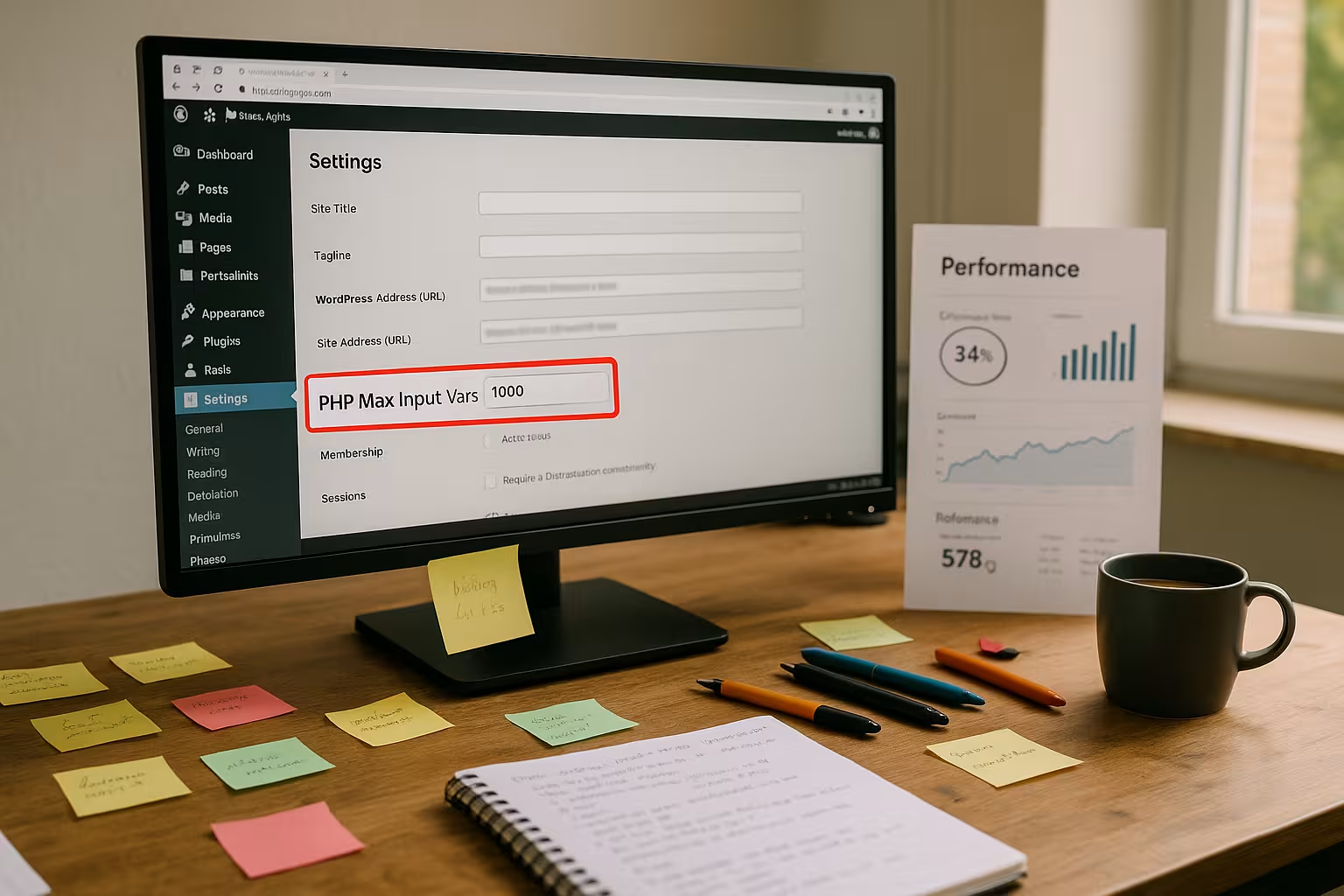
What is PHP Max Input Vars - and why does it affect WordPress?
The parameter max_input_vars limits the number of POST and GET variables that PHP processes in a single request and thus serves as protection against oversized forms and configuration floods. In a typical WordPress installation, options from theme panels, customizers, widgets, menus, plugin settings and form fields quickly add up to many hundreds of entries, which leads to truncated data if the limit is too small. Page builders, e-commerce plugins and multi-level forms in particular drive up the number, which is why I set a starting value of 3000 and consider 5000 to 10000 for lavish setups (source [1], [4]). If you also want to use other PHP limits too strict exacerbates the situation, because several adjusting screws then act as brakes at the same time. A conscious approach is important: a value that is too low results in silent data loss, whereas a sensibly increased value creates Stability.
Typical error patterns in WordPress when the limit is too low
An initial warning signal is the incomplete saving of Theme optionsI click on Save, but only some of the settings are retained, while others seem to “jump back”. Equally critical are large forms in which individual fields are missing without a trace because PHP discards surplus variables and so orders, registrations or support requests arrive incomplete. In menus with many entries, changes or sorting disappear, which operators often mistakenly attribute to plugins. Page builders lose module or widget settings even though the editor is working correctly, which makes it difficult to analyze the cause. When I see such symptoms bundled together, I immediately check the value of max_input_vars, before I tweak plugins or themes any longer.

Hosting limits, master values and security modules
Even if I increase the values locally, a server-wide Master value from the provider overrides every change, which is particularly common on shared hosting. Typical scenario: I set 5000 in my php.ini, but the server only accepts 1000 because a global limit applies and ignores local adjustments. Additional security modules such as Suhosin introduce their own input limits, which I then have to raise separately, otherwise they continue to block excess fields despite the correct max_input_vars. Therefore, in stubborn cases, I start with a request to the hoster and have them confirm the effective master value and name possible modules. Only when this chain is properly configured do local changes really take effect continuous.
Diagnosis: How to find the bottleneck quickly
In case of suspicion, I first open the Website status-page in the WordPress admin and check the actual active value of max_input_vars, ideally supplemented by phpinfo() in a test file. If my changes differ from the displayed value, either a master value is blocking or I have changed the wrong instance (e.g. wrong PHP handler or wrong directory). As a test, I save a menu with many entries or a long form and observe whether entries are missing, which confirms the bottleneck. At the same time, I make sure to clear the object or page cache and OPCache, otherwise old configurations will remain visible. It also makes sense to take a look at the PHP memory limit, as large forms and builder interfaces are memory-intensive and a tight limit in the interaction of further Effects can trigger.
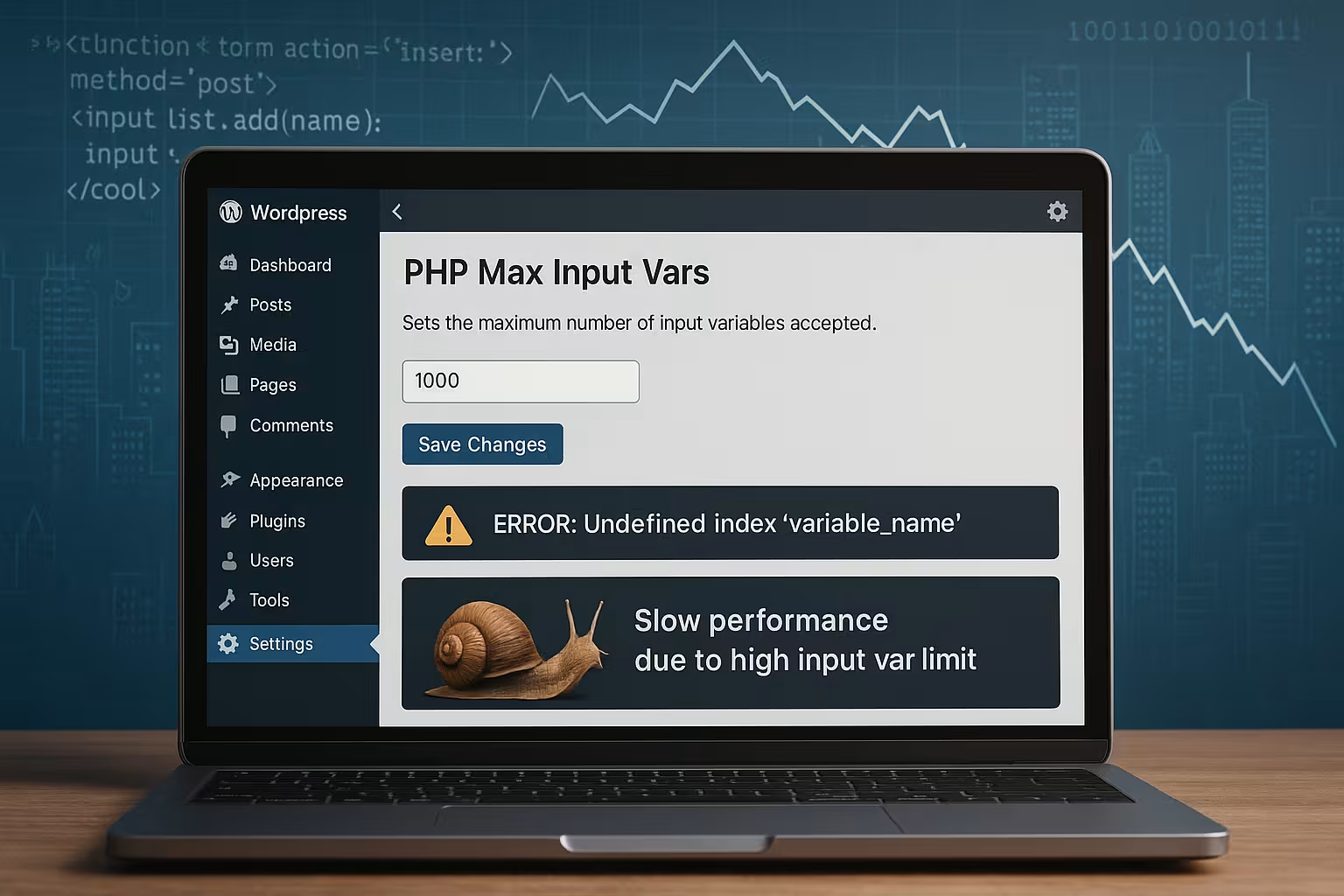
Configuration in practice: four reliable ways
I take a pragmatic approach to customization: First I ask the hoster and have the increase enabled on the server side, because this is the least error-prone and takes master values directly into account. With root or managed access, I edit php.ini, set a clear value (about 5000) and restart the PHP service so that the change becomes active. On Apache systems, I can work in the .htaccess, provided mod_php is running, and if Suhosin is active, I can raise its limits. Without access to the central php.ini, I use a .user.ini in the webroot, which works reliably in many managed environments. I then verify the change in WordPress and with phpinfo(); only when both are correct do I test saving menus, forms and Options.
; php.ini
max_input_vars = 5000
# .htaccess (only with mod_php)

  php_value max_input_vars 5000
  # Optional for Suhosin:
  php_value suhosin.request.max_vars 5000
  php_value suhosin.post.max_vars 5000
; .user.ini
max_input_vars = 7000
Select values: How high is sensible?
I rarely start under 3000, because modern admin interfaces send many variables even in basic operation (source [1]). For sites with page builders, many widgets, language-specific menus or extensive plugin panels, I set 5000 as a guideline suitable for everyday use (source [4]). For large WooCommerce stores with variable products, filters and complex checkout forms, I plan for 7,000 to 10,000 to leave room for growth. It is important to test step by step: after each increase, I check the problem areas so that I don't reach too high, but the errors disappear safely. The goal is a value that is sustainable today and leaves reserves for tomorrow without unnecessarily increasing other limits. strain.

Interactions with plugins and themes
I note that caching or performance plugins have their own .htaccess-rules and thus override previously set values, which is why I check the active directives again after making changes to such tools. Page builders with nested modules greatly increase the variance, especially when global and page-related options come together. Menu generators or import tools send many fields in one go, which immediately leads to truncated data if the limits are tight. I check the effects briefly, especially after plugin updates, because new functions can bring additional settings with them. Anyone complaining about large navigation structures can find further information on this at Menu performance, because menus are real Variable driver.
Performance and safety: the right balance
A higher limit means that PHP has more Variables which can mean more data per request, but does not automatically lead to load peaks. It only becomes critical when forms with thousands of fields are processed regularly and therefore place a greater demand on memory and CPU. I therefore combine the increase in max_input_vars with a look at the execution time, input size and memory limit so that the overall system remains consistent. On the security side, the limit makes sense because it can limit erroneous or deliberately overloaded requests; provider protection, WAF and rate limits can be used to maintain a safe level here. I therefore choose a value that covers real requirements without blindly maximizing every limit. wide.
| Scenario | Typical variables | max_input_vars | Note |
|---|---|---|---|
| Small site (blog, portfolio) | 200-800 | 3000 | Sufficient reserve for theme updates (source [1]) |
| Multilingual site with Builder | 800-2500 | 5000 | Many panels and menus (source [4]) |
| WooCommerce with variants | 2000-6000 | 7000-10000 | Scope for checkout and product options (source [1], [4]) |
| Enterprise forms/CRM | 5000+ | 10000+ | Coordinate closely with hoster, monitoring use |

Troubleshooting: Changes don't work - what now?
If nothing changes despite the adjustment, I first check the active PHP handler (mod_php, FPM, CGI), because the wrong context renders local files ineffective. I then compare phpinfo() with WordPress Site Health to exclude caches and see effective values. If the value remains stubbornly low, there is almost always a master value at the provider, which I have confirmed in writing and raised. With FPM setups, I may have to configure the correct pool or reload the service, otherwise the old value remains active. If Suhosin continues to block, I increase its request.max_vars and post.max_vars until the Number of forms goes through safely.
Practical examples and guidelines that work
For a blog installation with a standard theme and a few plugins, I use 3000, I test menus and theme options and usually leave it at that. I start a company website with mega menus, multilingual content and a page builder directly at 5000, which in practice brings noticeable peace of mind. A larger store system with variants and additional fields starts at 7000 and increases to 10000 if necessary so that product imports, checkout adjustments and admin panels work properly. The ratio to actual form sizes and panels is more important than the absolute value, which is why I log changes and monitor load peaks. This creates a setting that is permanently Reliable runs and allows later scaling.

How PHP variables really count - and why builders reach their limits so quickly
Important for practice: Each form field corresponds to at least one variable in $_POST or $_GET. WordPress often uses for complex panels Array syntax with brackets, such as option[group][subgroup][field]. PHP builds nested arrays from it - and each sheet in this structure counts against max_input_vars. Repeater fields, dynamic lists, mega menus and translation variants inflate the number particularly quickly. In addition Hidden fields (e.g. nonces, IDs) and systemic parameters that operators easily overlook. This explains why a form with „only“ 300 visible entries can generate 1000+ variables internally.
Particularly affected are:
- Menu editors (each menu item has several fields and metadata)
- Page Builder with nested widgets, global and page options
- Option panels of themes/plugins that transfer entire configuration trees
- Multilingual setups, where fields are duplicated for each language
Important: max_input_vars limits the number of variables - not the Total size of the request. For size limits are post_max_size and maximum file size for uploads responsible. Both should match the selected increment so that requests are not aborted elsewhere.
Server architectures at a glance: Apache, NGINX, FPM, Container
Whether and where a change takes effect depends heavily on the architecture. A brief overview that shortens many troubleshooting processes:
- Apache with mod_php:
.htaccesscanphp_valueset. Takes effect immediately, but only in this context. - Apache + PHP-FPM (proxy_fcgi):
.htaccessignoredphp_value. Changes are made inphp.ini,.user.inior in the FPM pool. - NGINX + PHP-FPM: None
.htaccess-files. Configuration viaphp.ini,.user.inior FPM pool; NGINX itself does not know the value. - Container/ManagedChanges often via panel option, environment variable or mount of the ini file. After updates/deployments, check whether values persist.
In FPM environments, I protect myself by entering the value directly in the pool and reload the service:
; /etc/php/8.2/fpm/pool.d/www.conf
php_admin_value[max_input_vars] = 7000
; Then: systemctl reload php8.2-fpm (or reload service appropriately)
For .user.ini The following applies: Changes are not always active immediately. Depending on user_ini.cache_ttl it takes minutes until new values are visible. I therefore plan a waiting time or an FPM reload. Error signal: WordPress continues to report the old value even though the file is located correctly - then the cache TTL takes effect or a master value is blocked.
Important: Set php_value only in .htaccess, when mod_php is active. In FPM setups, this usually triggers 500 errors because the web server does not understand the directive.
Measuring instead of guessing: Counting variables live and simulating bottlenecks
Before I increase the value „on suspicion“, I measure the real demand. A short diagnostic helper as temporary code in a must-use plug-in or functions.php writes the count to the log:
<?php
// Warning: Only use temporarily and remove afterwards.
add_action('admin_init', function () {
  if (!empty($_POST)) {
    // Recursive counting of all sheet values
    $count = 0;
    $it = new RecursiveIteratorIterator(new RecursiveArrayIterator($_POST));
    foreach ($it as $v) { $count++; }
    error_log('POST vars (recursive): ' . $count);
    error_log('max_input_vars (ini): ' . ini_get('max_input_vars'));
  }
});
This allows me to see immediately whether a storage process has reached its limit. I also test with a „stress form“ (e.g. generated dummy fields) to verify that no more fields disappear after an increase. Important: Empty caches so that the backend does not still display old states.
Special cases: Multisite, REST API, Ajax and uploads
At MultisiteNetwork settings, role-based options and language-specific entries add up particularly quickly in sub-networks. I plan with higher values from the outset and check per subnetwork because the panels can differ considerably.
Not every WordPress function is equally affected: REST API-calls often send JSON in the request body that is not recognized as $_POST is parsed; max_input_vars typically does not apply there. In contrast, classic admin-ajax.php-requests (POST forms) are clearly bound to the limit. So if you use builders that save via Ajax, you still need to keep an eye on the limit.
Defined for file uploads max_file_uploads the maximum number of simultaneous files, while maximum file size for uploads and post_max_size set the size limits. If uploads exceed these values, errors occur regardless of max_input_vars. In restrictive environments, web server or WAF limits (e.g. request body limits) can also intervene - a typical reason for requests „suddenly“ aborting despite correctly set PHP values.
Error prevention at code level: when incrementing alone is not enough
From a developer's point of view, it often makes sense to organize large configurations in Subsections or to save them step by step. The following patterns reduce the flood of variables:
- Pagination/Steps: Divide long forms into steps and save each step on the server side.
- ChunkingSplit large option arrays into blocks and transfer them one after the other via Ajax.
- Differential savingOnly send changed fields instead of the entire option tree.
- Serial storageUse a structured option with serialization instead of many individual fields (limits the number of variables when sending).
These patterns reduce dependencies on max_input_vars and make admin processes more robust, especially in environments with strict provider boundaries.
Best practices and checklist for ongoing operations
- Measure before the increaseLog the number of variables for critical actions (save menu, save builder page).
- Increase in stagesRaise in sensible steps (3000 → 5000 → 7000) and test after each step.
- Check architectureVerify the handler (mod_php/FPM/CGI) and use the appropriate path (php.ini, .user.ini, FPM pool).
- Confirm master value: Ask the provider for the global limit value and have it documented.
- Synchronize safety modules: Raise Suhosin and comparable limits in parallel.
- Versioning the configurationInclude ini/pool files in deployment processes so that updates do not reset values.
- Empty cachesInvalidate object cache, page cache and OPCache after changes.
- Size limits at a glance: post_max_size, maximum file size for uploads, max_file_uploads, max_execution_time and memory_limit tune appropriately.
- Establish monitoringCheck logs for recurring „truncated“ save operations and admin errors.
Practical test scenarios that quickly reveal hidden problems
In audits, I run three short tests: 1) Save an extensive menu with sorting; 2) Duplicate a builder page with many widgets/repeaters and save again; 3) Submit a long form with optional/hidden fields. If one of the steps inconsistent stores, is max_input_vars a hot candidate. Only when all three scenarios work reliably are my adjustments considered resilient - even with growth.
Briefly summarized
The setting max_input_vars acts like a gatekeeper for all incoming fields and often decides whether WordPress saves cleanly or secretly swallows data. With 3000 as a lower limit and 5000-10000 for data-rich setups (source [1], [4]), I create the necessary leeway and eliminate puzzling error patterns. I verify every step with WordPress site health and phpinfo() to clearly identify master values, caches and security modules. Only when provider limits, local files and active PHP instances match will adjustments work reliably. Paying attention to this chain prevents downtime, reduces support costs and keeps the Performance of the site is constantly high.


