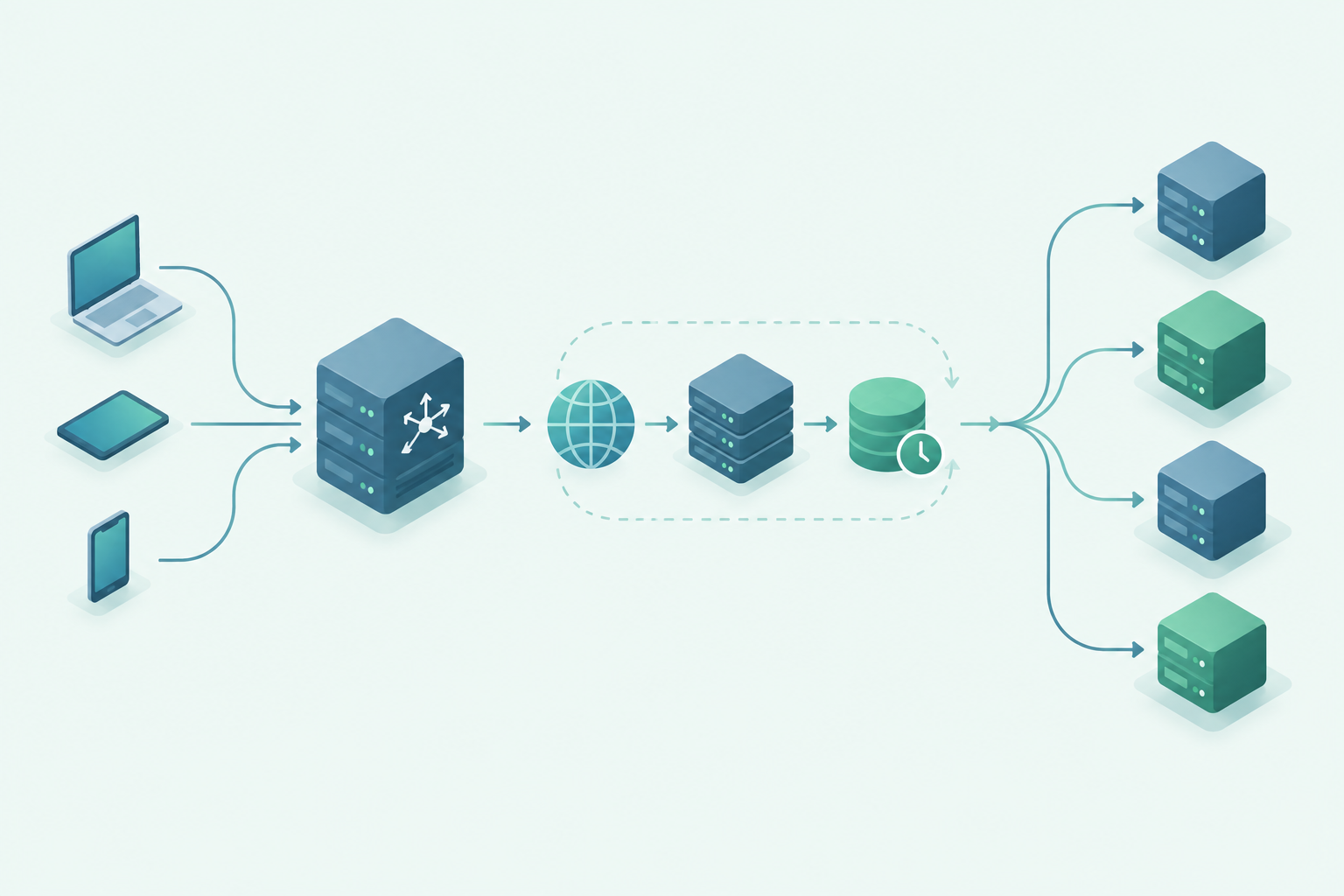
Many websites collapse under load because WP plugin queries execute dozens of repeated database commands with every page request, thereby slowing down the Database block. I'll show you how these WordPress plugin queries are created, why individual milliseconds per query add up to seconds and how I can measurably reduce them.
Key points
- Cause: Repeated meta-queries, N+1 patterns and missing indices
- RecognitionMeasurement with query tools and step-by-step deactivation
- impact: Poor core web vitals, higher bounce rate
- MeasuresAudit, database maintenance, caching, query tuning
- Long-term: Lean plugins, clean transients, good hosting
Why plugin queries overload the database
Each plugin reads or writes data, but several plugins together can quickly generate hundreds of data records. Queries per page. Many tools fire identical queries for each post ID instead of bundling and caching results. I often see meta looks without matching indexes that take 0.05 seconds or longer per request. With 50 queries, that adds up to noticeable wait time, especially with concurrent visitors. If external API calls from social or related features are added, the performance drops to its knees and the Loading time increases significantly.

Causes in detail: Loops, Meta and N+1
Many plugins use loops that load metadata for each post individually, a typical N+1-pattern. Instead of using a single SQL query, dozens of small hits are created with increasing runtime. Meta queries without an index on meta_key or meta_value cost additional time. In addition, there are option looks in autoloaded options that bloat the wp_options load. I specifically replace such patterns with bundled queries and use a Object-Cache.
Handling taxonomy and term queries correctly
In addition to post meta, taxonomy queries are a second, often overlooked load driver. I often query terms, counts or linked posts on archives and in widgets. If plugins execute individual get_terms calls for each term or load posts separately for each term, this results in another N+1. I therefore summarize term IDs using IN() lists, load associated relationships in one go and deactivate unnecessary preloading.
- I use wp_term_relationships and wp_term_taxonomy to suitable indices (term_taxonomy_id, term_id) so that JOINs do not run in full scans.
- At get_terms I reduce fields to the bare essentials (e.g. only IDs) if I don't need names or slugs later.
- I avoid LIKE searches via slugs and avoid ORDER BY RAND(), which sorts lists completely and makes tables temporarily large.
- For hierarchical taxonomies, I cache calculated trees aggressively so that deep structures are not generated recursively with every page view.

Conflicts, redundancy and orphaned tables
If I install function doublers, such as several analytics or SEO modules, then the Queries unnecessary. Widgets that render on every page also constantly request new data. Deactivated plugins often leave behind tables that slow down backups, exports and maintenance. I regularly check which tables are orphans and consistently tidy them up. In this way, I reduce unnecessary load and gain noticeably Speed.
Growth effects: Revisions, transients and spam
Over time, every installation bloats: Post revisions, expiring transients and spam comments accumulate like Ballast to. Many plugins also create their own tables and never clean them automatically. I therefore schedule fixed maintenance windows and delete historical revisions, old transients and garbage in comments. I give a deeper insight into these temporary entries here: Transients explained. These clean-up rounds keep the database lean and reduce the average Query time.
Measurement: How to find wp slow plugins
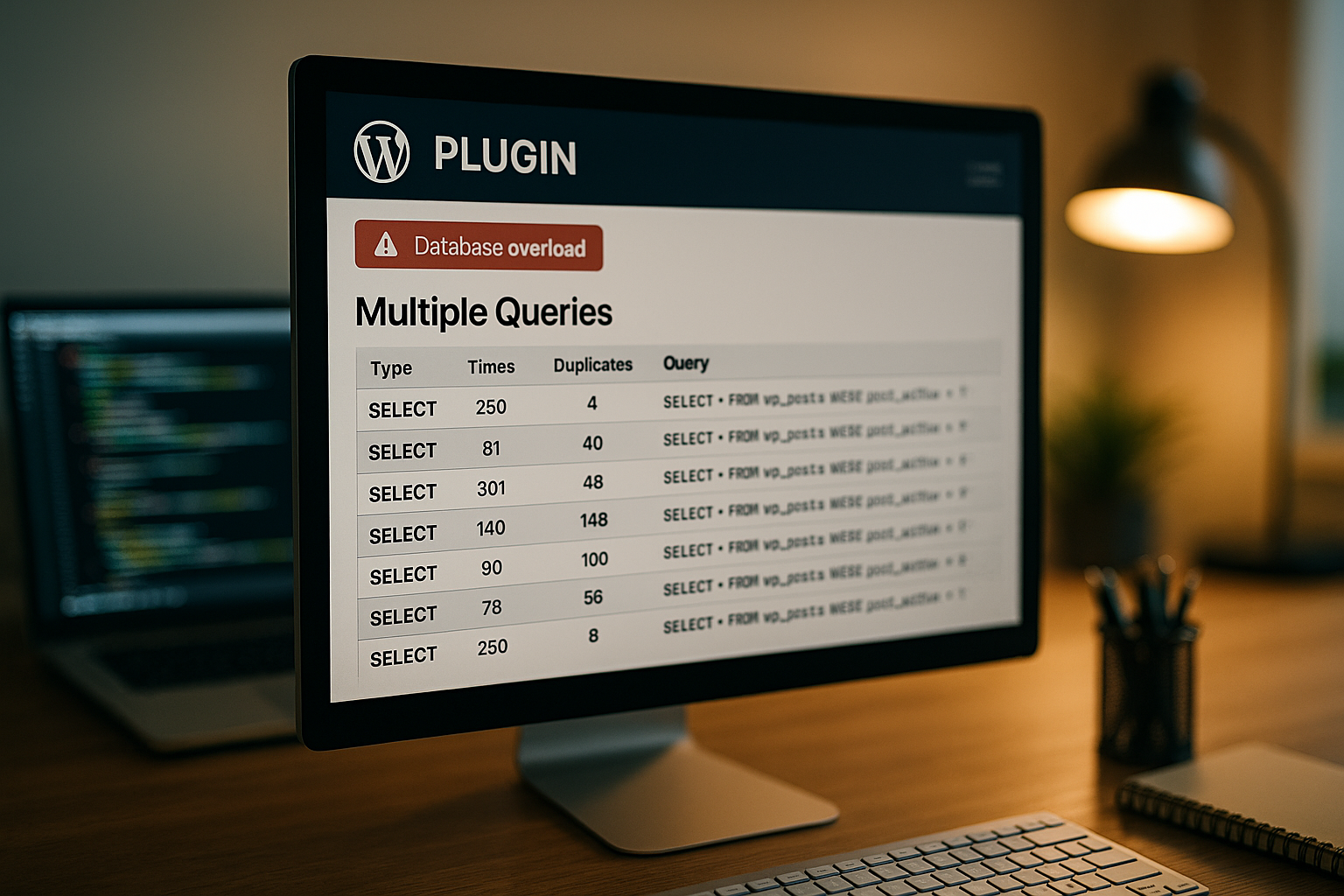
I always start with measurement before I change anything and use query analysis directly in the Backend. This shows me which queries run for how long on each page and which plugin triggers them. For the detailed analysis, I use the following guide: Query Monitor. I then deactivate plugin groups as a test, reload the page and compare the figures. This allows me to quickly see which wp slow plugins cost real time and where I should start first to optimize the Latency to press.

Search functions, pagination and archives
Search and archive pages are among the most query-intensive areas. I optimize WP_Query specifically via parameters: If I only need IDs, I do not load complete post objects. On search and listing pages, I deactivate the determination of the total number if I don't need to display pagination with page numbers anyway.
- no_found_rowsSet : true if the total number of hits is not required - this saves expensive COUNTs.
- fieldsUse ‚ids‘ if a downstream batch loads the details or if I only need references.
- update_post_meta_cache and update_post_term_cachefor lists that only show titles/permalinks, set to false.
- LIKE search defuse: I limit search terms, clean wildcards and consider FULLTEXT indexes if it fits the content.
- Unlimited Pagination I avoid: I set sensible page lengths and hard upper limits for offsets to avoid running into deep scans.
Effects on performance and SEO
Long response times worsen the first byte time and slow down the core Web Vitals down. From a delay of three seconds, the bounce rate increases significantly and signals to search engines tilt. I aim for a target of less than 2.5 seconds for every optimization and measure before and after every change. Caching buffers a lot, but inefficient queries remain a risk with cache misses. That's why I solve the cause and not just the Symptoms.
Plugin selection: Avoiding performance antipatterns
I choose plugins according to functional requirements and runtime costs, not according to functionality or Convenience. I often replace large suite plugins with a lightweight module with a clear task. I summarize typical antipatterns that cost time in this article: Performance antipatterns. Before each installation, I check the changelog, database tables and whether the plugin respects server-side caching. In this way, I avoid additional load, reduce dependencies and keep the Queries under control.

WooCommerce, memberships and complex data
Stores, membership and LMS systems reinforce all patterns: more tables, more joins, more writes. In WooCommerce, I check whether order and product data is queried efficiently, whether carts and fragments do not have to be created dynamically on every page and whether combined indices are available on frequently used filters (status, date, customer). Large postmeta tables are a particular hindrance: I use lean schemas wherever possible and avoid each plugin writing its own redundant product metadata.
- I minimize Live queries in the checkout and cache catalog elements (price rules, availability) with clear invalidation when changes are made.
- I make sure that dashboard widgets in admin areas do not recalculate complete statistics every time they are called up.
- I reduce AJAX intervals (e.g. cart refresh) and set hard timeouts and backoff strategies to prevent error spikes from flooding the DB.
WP-Cron, background jobs and rate limiting
Background tasks are often inconspicuous - until they all run at the same time during peak usage times. I distribute cron jobs throughout the day, limit batch sizes and ensure that Locking, so that jobs do not start twice. I run exports, synchronizations and report generation with a time delay and preferably outside of traffic peaks. I also set rate limiting for external requests so that API errors do not trigger cascades.
Query optimization: indices and batching
I analyze slow statements, check the EXPLAIN output and set suitable Indices. If there is no index on meta_key or combined columns, the runtime will be much shorter depending on the size. In addition, I combine repeated individual queries into a bundled query. Where a plugin generates N+1, I replace the loop with a preload of all required IDs. With clean batching and good indices, the number of queries and the average runtime are reduced. Duration noticeable.
Deepen measurement: Slow Query Log, EXPLAIN and APM
In addition to the surface analysis, I go deeper: I activate the slow query log with a sensible threshold and not only look at the pure times, but also the frequency. A fast query that runs thousands of times per page is a larger Lever than a single outlier. I use the EXPLAIN output in JSON format to clearly identify key usage, join strategies and temporary tables. In addition, I use APM traces to observe whether PHP runtimes or network latencies are running in parallel and explain the total duration.
Object caching, Redis and hosting
An object cache holds the results of recurring Queries in the working memory and reduces the load immediately. In many setups, a few minutes of TTL are enough to smooth out peaks and deliver pages dynamically and quickly. I check whether plugins set and invalidate transient data correctly. I also activate page cache, minimize autoload options and use PHP 8+ for faster execution. This combination significantly reduces the query rate and increases the Response time under load.

Database engine and configuration
In addition to the code, the DB configuration a performance factor. I choose InnoDB with a sufficiently large buffer pool so that hot data remains in RAM. I dimension the temporary and sort buffers so that frequent sorts and GROUP BYs do not have to move to disk. I use utf8mb4 for full Unicode compatibility and consistent collations to keep comparisons predictable and index-friendly. I choose autocommit and flush strategies depending on persistence requirements without compromising data security.
- I monitor tmp tables on disk and adjust threshold values so that large sorts do not constantly swap to files.
- I keep an eye on the number of simultaneous connections and rely on connection pooling by the PHP handler instead of extremely high DB limits.
- I plan regular ANALYZE/OPTIMIZE windows when statistics become outdated or tables become heavily fragmented - with caution and monitoring.
Object Cache: Keys, TTLs and Invalidation
A cache is only as good as its Invalidation. I define cache keys consistently (site ID, language, user context) and prevent cache stampedes with short, staggered TTLs and locking. After content updates, I specifically delete affected keys instead of discarding everything globally. Result: fewer cold starts, more stable response times and significantly lower query load.
- I differentiate between persistent and non-persistent groups and compress large payloads if necessary.
- I prime critical caches after deployments so that the first user does not pay the full setup duty.
- I make sure that transients are not misused as a permanent solution when a real object cache is available.
Table: Cost factors and fixed costs
The following overview shows typical cost drivers, their impact and what I am specifically doing to counteract them in order to reduce costs. Load to reduce.
| Problem type | Typical query / pattern | Consequence | Quick fix | Permanent effect |
|---|---|---|---|---|
| Meta N+1 | get_post_meta per post | Many small hits | Batch load via IN() | Less Queries |
| No index | meta_key LIKE ‚%‘ | Full Table Scan | Index on meta_key | Shorter Runtime |
| Autoload-Bloat | Inflated wp_options | Higher TTFB | Reduce autoload | Faster Loading |
| External calls | APIs per page view | Blocking waiting time | Server-side caching | constant Answer |
| Transients corpses | Expired, but available | More DB volume | Clear regularly | Slimmer Data |
Scaling: read replicas and edge caching
When optimization is no longer enough, I scale: Read replicas decouple read from write load, provided I understand replication latencies and continue to route write-critical paths (checkout, comments) to the master system. Edge and page caches drastically reduce dynamic queries for anonymous users. A clear invalidation concept is important so that content changes are quickly visible without completely emptying the cache.
- I really identify static page parts (navigation, footer, lists) and cache them longer, dynamic areas shorter.
- I clearly separate the user context: logged-in users bypass the page cache, but benefit from the object cache and lean queries.
- I monitor replication delay and keep security-relevant actions strictly consistent.
Robust code patterns in plugins
Good code automatically avoids load peaks. I always write queries in advance and set hard limits on result sets. For recurring tasks, I use dedicated services instead of wildly scattered hooks that fire multiple times. When uninstalling, I tidy up data so that orphans are not left behind.
- Prepared Statements with clean typing; no dynamic SQL fragments without escaping.
- Limited SELECTs with ORDER/WHERE on indexed columns; large updates in batches instead of in one transaction over many seconds.
- pre_get_posts sparingly and context-sensitively so that not every query receives additional filters globally.
- REST/AJAX Endpoints with caching, timeouts and backoff; no second intervals for polling.
- Uninstall routines that consistently remove tables, options and transients.
Step-by-step plan for quick success
I first measure the status quo and save figures for queries, TTFB and complete Loading time. I then deactivate function-like plugins, delete orphan tables and reduce autoload options. In the third step, I optimize the largest slow queries using indices and batching. I then activate the page and object cache and set sensible TTLs so that cache misses remain rare. Finally, I test real scenarios, monitor error logs and tweak details until the key figures are stable in the green. Range lie.
Summary
WP plugin queries become a brake when loops, missing indices and Doppler plugins Queries bloat. I solve this with measurement, targeted plugin auditing, database maintenance, query tuning and caching. In this way, I reduce requests, lower response times and keep Core Web Vitals in the green zone. The key lies in clear responsibilities per plugin and regular audits instead of hectic individual measures. If you follow this roadmap, you will noticeably Speed from any WordPress installation.