 Skip to content
The php single thread execution model has a direct impact on dynamic processes in WordPress and determines how many concurrent calls pass through cleanly. I will show you why sequential PHP execution determines threads, CPU and queues and how I can alleviate bottlenecks in WordPress without deleting functions.
Key points
- Single thread in PHP determines sequence, latency and simultaneous requests.
- Threads cost CPU time; too many blocking queries slow down every response.
- Caching reduces the load on PHP and the database, drastically shortens response times.
- PHP-FPM Limits such as pm.max_children control queues and stability.
- Hosting and I/O (SSD, RAM) have a noticeable impact on dynamic pages.
How PHP actually processes requests
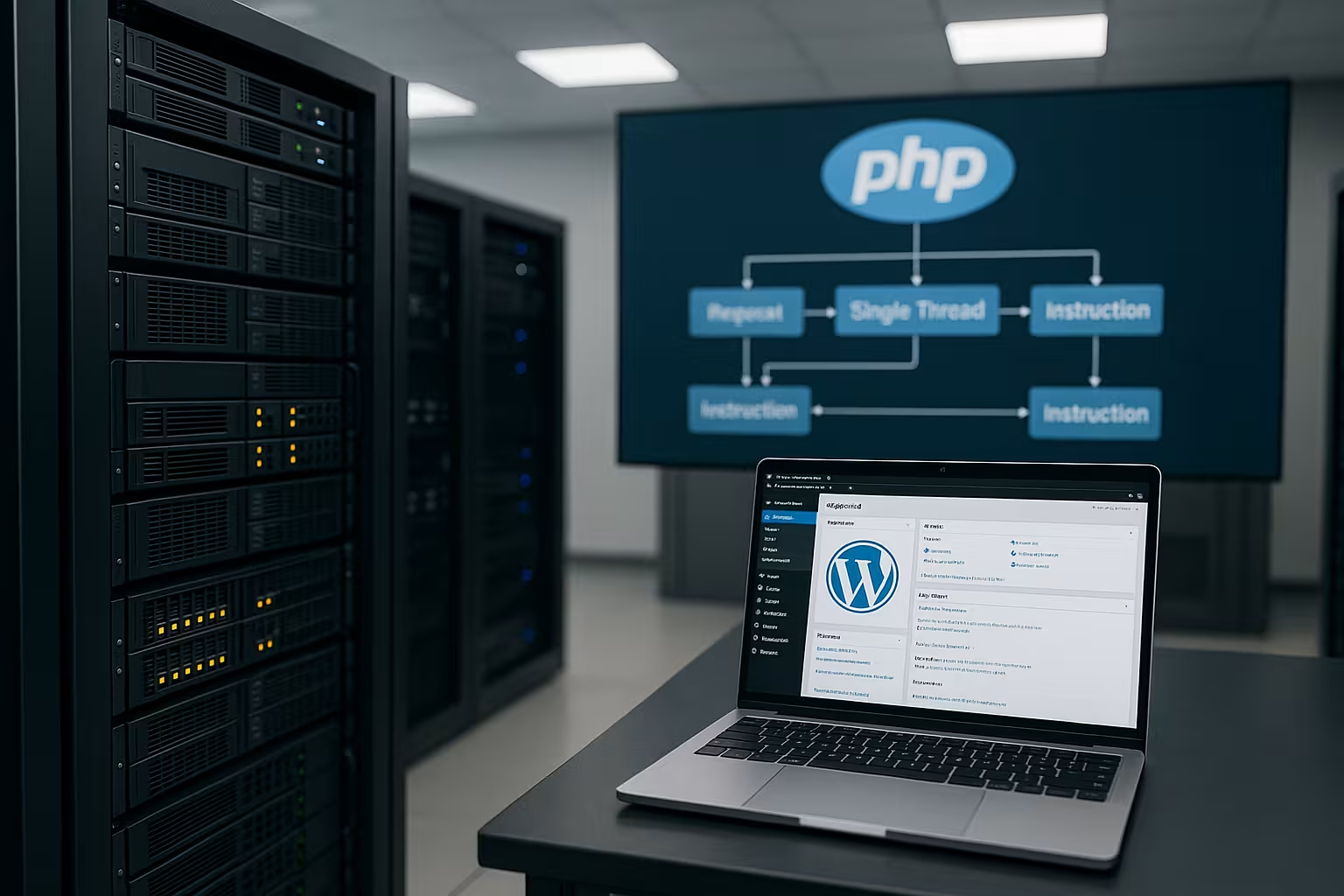
PHP leads code sequential off: A script starts, processes all commands in sequence and then ends again. Parallelism is only created via the web server, which can start several processes or workers simultaneously, but each worker continues to process only one request at a time. If a request gets stuck on I/O or a slow database, it blocks the assigned worker completely. Compared to asynchronous models, this results in waiting times that I can only keep to a minimum by streamlining the code and using targeted caching. This model is sufficient for classic CMS tasks, but I prefer to implement real-time functions with many simultaneous connections differently.
Request lifecycle in WordPress and typical braking points
I think in phases: Bootstrap (index.php, wp-config.php), plugin/theme hooks, main query, rendering, shutdown. Early in the process autoloaded options from wp_options - oversized ballast immediately slows down every request. Hooks fire later, often with multiple, expensive DB rounds. In Admin, REST API and AJAX, the same pattern applies: the more hooks, the more work per thread. I measure which actions/filters eat up the most time, reduce hook priority cascades and only load expensive components when required (conditional loads). This reduces the base costs per request, and a worker manages more runs before the queue grows.
Threads, CPU and queues with WordPress
Every PHP worker needs CPU time, to process template logic, plug-in hooks and database accesses. If two PHP threads are available and four users arrive at the same time, two requests are processed immediately and two wait until a thread becomes free. If a slow request takes 20-30 seconds due to many queries, the thread remains blocked for that long and everything backs up. More threads increase the number of requests running in parallel, but if there is no CPU, the individual duration increases, which has a noticeably sluggish effect. For an introduction to the priorities, I refer you to my compact WordPress performance, which classifies load profiles and typical bottlenecks.

Caching strategies that reduce the load on threads
I rely on Page cache, so that only the first call to a URL is rendered dynamically and subsequent hits come directly from the cache. I also use object caching via Redis, which caches and reuses expensive database results in RAM. Browser caching reduces the retrieval load of static assets, which frees up computing time for dynamic parts. For logged-in users with personalized content, I specifically split into edge or fragment caching so that not everything has to remain dynamic. Result: Less CPU per request, shorter TTFB and significantly more stable response times under load.
Set headers, cookies and cache segments correctly
I make a clear distinction between cacheable and personalized responses. Cache-Control-Header, ETag/Last-Modified and meaningful TTLs determine what can be delivered without PHP. Cookies such as logged-in or session cookies usually prevent full-page caching; I then work with segmentation (e.g. roles, regions) and only fragment the variable parts via Edge/ESI or AJAX. Micro-caching of 1-10 seconds for highly frequented but dynamic resources overlaps traffic peaks and keeps threads free. It is important to have a consistent Purge conceptWhen updating, I specifically delete affected URLs/segments instead of complete caches so that hit rates remain high.
OPcache, preloading and file system caches
I activate OPcache with sufficient memory so that opcode data is not displaced. I adapt revalidate strategies to the deployment to avoid unnecessary file checks. With PHP preloading, I preload frequent core/framework files so that workers need less I/O per request. I also increase realpath_cache_size/-ttl so that file paths are not constantly re-resolved. JIT is usually of little use for I/O-heavy workloads such as WordPress; a warm OPcache is more important. Result: Fewer syscalls, shorter CPU times per thread and noticeably smoother latency.
Set PHP-FPM and process limits correctly
With PHP-FPM I control via pm.max_children, how many PHP workers may run simultaneously and regulate queues via start server, min and max spare parameters. Too few workers create immediate queues, too many workers displace each other in RAM and lead to swap or OOM kills. I actively measure the CPU load, the average execution time and the length of the FPM queue before raising the limit. If the key figure is not correct, I prefer to scale caching and database optimization instead of blindly increasing workers. If you want to delve deeper, you can find practical tips at Optimize pm.max_children.

Database and I/O as hidden brakes
Long waiting times are often caused by I/Oslow queries, missing indexes or slow memory accesses. I profile queries, recognize N+1 patterns and set indexes on columns that carry filters or sorts. SSDs with high IOPS reduce read and write times, which means that PHP workers are blocked less. A clean database buffer cache prevents frequent disk accesses and stabilizes performance peaks. Without this homework, additional threads will only help for a short time before the same bottlenecks strike again.
wp_options Autoload and transients under control
I check the table wp_options targeted: Autoload values often add up to megabytes and are loaded with every request. I set oversized, rarely used options to autoload=no or store them in the object cache. I clean up expired transients so that the options table does not grow and indices remain effective. I do not save large arrays or HTML blocks as individual options, but split them so that updates and cache invalidations remain small. Every kilobyte saved in the autoload accelerates the thread from the first millisecond.
Practical query optimizations in WordPress
At WP_Query I set no_found_rows=true where possible, skip expensive counts, only load IDs (fields=ids) and deactivate meta/term caches if they are not needed. For meta-queries, I plan indexes or avoid LIKE patterns; I move heavy filters via postmeta to separate tables if necessary. I use prepared statements and cache recurring results in the object cache. I decouple reports and exports from the request and prepare them asynchronously. This reduces the query time per page and frees workers from blockages that would otherwise slow down every parallel request.
Code leanness and theme selection
I keep the application code slim, remove unnecessary hooks, reduce shortcodes and check every plugin for real benefits. Many sites gain seconds when I swap an overloaded theme for a lighter template. It is often enough to cleanly encapsulate query builders and cache repeated queries. Even small optimizations such as merging options or avoiding expensive regex operations on every page have a strong effect. In the end, it's the sum of the little things that counts, because they directly shorten the lifetime of a thread.

Comparison: PHP vs. asynchronous models
Asynchronous runtimes with event loops can handle many connections. parallel open and overlap I/O wait times. This suits chats, streams and WebSockets, while PHP shines with clean caching for classic request/response patterns. PHP 7 and 8 brought great leaps in execution speed and memory requirements, making WordPress noticeably faster. Nevertheless, I am changing expectations: I implement highest concurrency asynchronously, I serve editorial pages efficiently with PHP. This separation saves costs and provides a better user experience.
Background jobs, WP-Cron and offloading
I decouple difficult tasks from the page request: Image generation, exports, mails and webhooks run in queues or via WP-Cron as a real system cron. This means that no PHP worker blocks the user request. Frameworks such as action queues (e.g. in stores) process jobs in doses so that the CPU and I/O load remains predictable. Important: Set timeouts properly, limit retries and make the status visible so that there are no long hang-ups. In this way, front-end requests remain short and threads are used for rendering instead of back-office work.
Hosting selection according to use case
For hosting packages, I pay attention to available Worker, RAM, SSD performance and fairly shared CPU cores. Stores and forums generate more uncached hits than a magazine and benefit from 4-8 simultaneous PHP workers per instance. For load peaks, I plan reserves or create a staging environment to test the configurations. The PHP handler used has a significant influence on latency and error behavior, which is why I check options such as FPM or LSAPI against each other. A structured overview is provided by the PHP handler comparison, which classifies the strengths and weaknesses of each approach.

Measurable key figures and sample values
I control optimizations via Metrics instead of gut feeling, because hard figures clearly show bottlenecks. Time to first byte, average generation time in PHP-FPM, database latency and error rates are important. After each change, I compare measured values under load, not just in idle mode. This allows me to see whether the measure really relieves the load on threads or merely shifts it. The following table categorizes the typical adjustments and shows what I expect:
| adjusting screw | Effect on threads | Typical effect | Remark |
|---|---|---|---|
| Page cache | Relief | 90% fewer dynamic hits | First call dynamic, rest from cache |
| Object cache (Redis) | RAM usage | Significantly fewer DB queries | Important for logged in users |
| Indexing DB | Queries faster | 10-100x shorter query times | Depending on data volume |
| PHP-FPM pm.max_children | Parallelism | More simultaneous requests | Only useful with sufficient CPU |
| Theme/plugin diet | CPU sinks | Milliseconds to seconds saved | Remove unnecessary hooks |
| SSD/IOPS | I/O faster | Less blocking time | Especially for cache misses |
Observability: php-fpm-status, slowlogs and p95/p99
I activate the FPM status page, to see running/waiting processes, queue length and averages. There I can see when pm.max_children is reached or requests are running for an unusually long time. I also use slowlogs with meaningful timeouts to obtain stack traces in the event of hangs. On the database side, I use the slow query log to catch outliers. Distributions (p95/p99) are crucial, not just mean values: If 1 out of 20 requests breaks out, it jams threads and degrades the overall experience. Real-time visibility helps me to prioritize actions accurately.
Backpressure, micro-caching and rate limiting
For peak loads, I provide controlled counterpressureShort micro-caching before PHP, adapted keep-alive and backend timeouts and small acceptance queues prevent workers from overflowing. Clear error messages or temporary 429 in case of abuse are better than timeouts. Where possible, I respond early (early hints/lightweight headers) and de-duplicate parallel identical requests to the same resource. This keeps a few threads productive instead of many hanging. Result: Consistent latencies, predictable behavior and less risk of cascading effects.
Checklist for the implementation in WordPress
I first update the PHP version, because modern releases reduce the base latency. I then activate full-page caching and test object cache with Redis for logged-in access. I then measure queries, set missing indices and remove plugins that make too many database rounds. I carefully tune FPM limits, monitor CPU, RAM and queue length over several load peaks. Finally, I validate TTFB and error codes under realistic scenarios before fine-tuning.

Capacity planning with simple key figures
I roughly reckon with Throughput = Worker / average service time. If a request has a service time of 200 ms, one worker achieves approx. 5 RPS; with 4 workers it is around 20 RPS - provided the CPU and I/O are sufficient. If the service time increases to 1 s, the throughput of the same 4 workers drops to ~4 RPS, the queue grows and latencies explode. That's why I first optimize service time (caching, queries, OPcache), then I increase workers. I plan reserves for p95/p99 and warm up caches before releases. This keeps the platform stable, even if traffic increases by leaps and bounds.
Summary: What I prioritize
For fast WordPress sites, I first rely on Caching, then on lean code and clean database queries. I adjust FPM limits as soon as measured values support it, and I keep enough CPU and I/O reserves available. I choose hosting parameters by use case, not by keywords, so that threads are not wasted waiting. Every second I save per request gives a worker more requests per minute. This is how I use PHP's single-threaded behavior to my advantage and keep load times stable, even when traffic increases.


