 Skip to content
I show how email throttling hosting and why SMTP limits and mail server rate limits ensure deliverability and server stability. This article explains specific throttling mechanisms, typical limits such as 25 emails per 30 minutes and practical measures against bounces, spam waves and performance losses on mail servers.
Key points
I will briefly summarize the following points before delving deeper into technology and practice and discussing specific Recommendations give.
- SMTP Limits control how many emails/connections are accepted or sent per time window.
- Rate Limits protect resources, reduce spam risks and stabilize delivery.
- Throttling uses 4xx signals, which shippers with retry backoff should respect.
- Reputation and correct authentication (SPF, DKIM, DMARC) increase deliverability.
- Monitoring of bounces, queue length and error codes prevents blockages and failures.

What is email throttling in hosting?
At E-mail throttling is the targeted limitation of the sending speed by providers in order to avoid abuse and overload. The system limits messages per sender, IP or account at defined intervals and thus dampens peaks. Typically, for example, 25 messages per 30 minutes are sent via web space so that the web server and MTA are kept under low load and no spam patterns are created. If a provider registers a high number of bounces or conspicuous behavior, automated sending is slowed down or temporarily blocked. This logic protects resources, keeps services accessible and supports the deliverability of legitimate emails. Mailboxes.
SMTP limits: technology and effect
SMTP limits work on several levels: Connections per minute, parallel deliveries per destination, recipients per message or total mails per time slot. The MTA enforces these rules, prioritizes queues and delivers with a delay as soon as the recipient server signals a throttling. I pay attention to clean retry intervals so that deferrals do not turn into bounces. Limits that are too strict slow down legitimate sending, while rules that are too loose open the door to spam spikes and blacklist risks. The goal remains a balance that reliably protects both performance and the sender's reputation. secures.
Understanding mail server rate limit
A Rate limit limits connection attempts, acceptances or deliveries per source and time period. Many providers also control per target domain so that individual recipient zones are not overrun. The protection takes effect in the event of attacks, spam campaigns or misconfigurations that would otherwise tie up CPU, RAM and bandwidth. Without such limits, latencies increase, TTFB suffers and websites sometimes collapse at peak times. I therefore rely on clear threshold values and check logs in order to adapt limit values to real sending patterns of the applications. adapt.
Signals and retry strategies
Throttling signals usually come as temporary 4xx codes such as 421, 450 or 451 and require a later retry. Exponential backoffs with jitter make sense so that not all retries roll in at the same time. I limit the total attempts in terms of time, but keep a sufficient buffer so that no legitimate message is abandoned too early. Clean queue control avoids congestion and distributes the load evenly over time. If you want to delve deeper, read Queue management and optimizes delivery windows, backoff profiles and configuration in the MTA targeted.
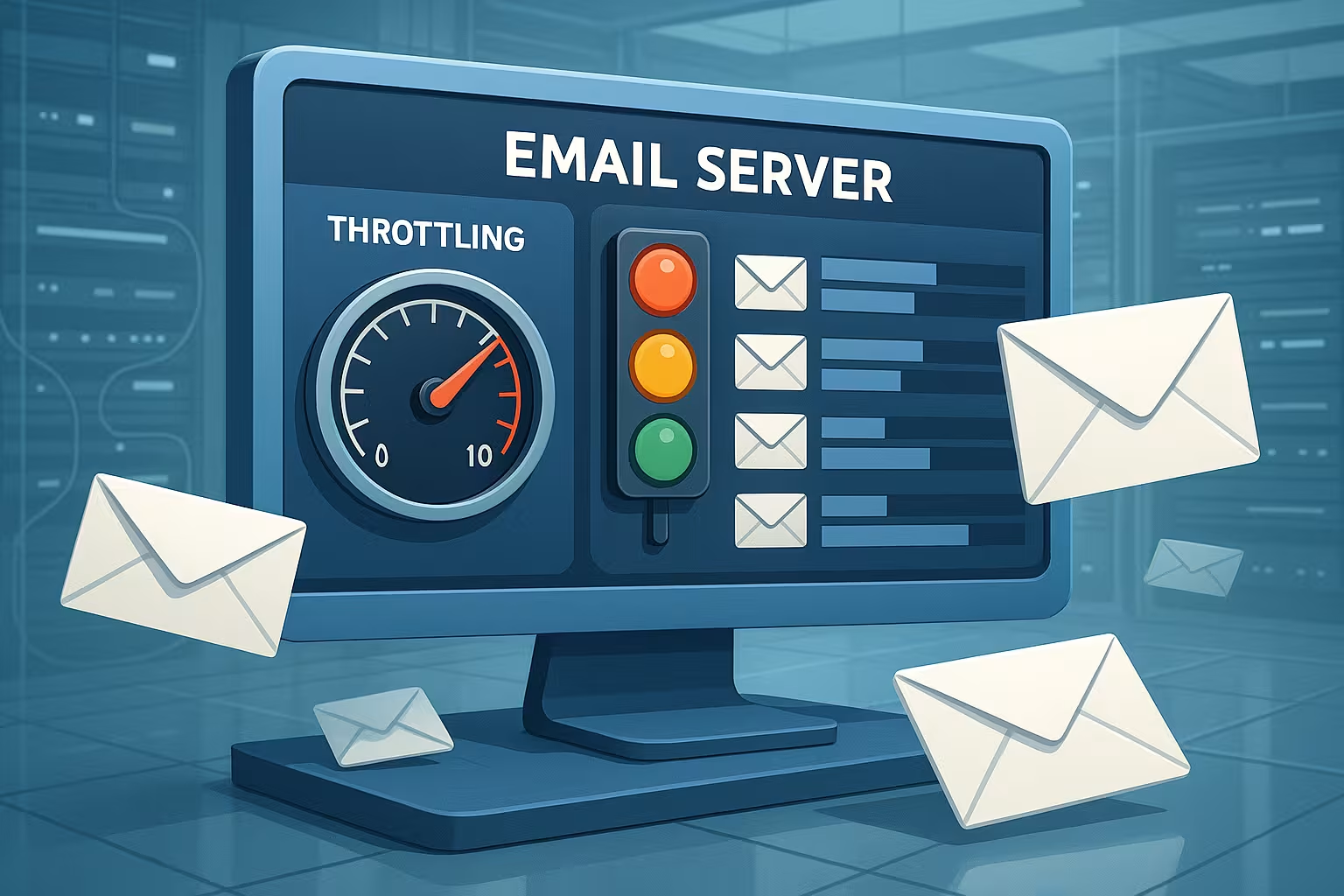
Locking and monitoring in practice
If there are shipping limit blocks, the customer interface usually shows Status messages and delimits: mailbox sending often remains possible, automated sending via web forms is primarily blocked. I then check log entries, error rates and recent changes to forms or plugins. New campaigns, import errors or bot traffic often trigger peaks. The situation quickly normalizes with short breaks in sending, cleaning up the recipient list and clear repetition rules. Consistent monitoring of bounces, queue length and delivery times remains important to prevent blocking in the first place. trigger.
Deliverability, reputation and content
High Delivery rates depend heavily on sender call, clean authentication and recipient interactions. SPF, DKIM and DMARC should be set correctly, complaint rates low and lists maintained. I remove hard bounces, reactivate inactive audiences only carefully and design the subject and sender name clearly. Filtering is helped by server-side protection mechanisms such as Greylisting, that slow down the flood of spam at an early stage. Good content, transparent registration and reliable unsubscribing strengthen reputation and noticeably relieve limits long-term.

Configuration in the MTA: Setting limits sensibly
I define Limit values separately according to destination, source and transport in order to achieve finer control. This includes limits for simultaneous connections, delays between deliveries per domain and number of recipients per message. Mailboxes with a high proportion of large providers are usually given tighter per-domain rules to avoid blockages there. For small target zones, I open the limits slightly as long as no error codes increase. I test changes step by step, evaluate logs and document them so that later optimizations are easy to implement. comprehensible remain.
Scaling and dispatch planning
Instead of firing a large batch, I stagger Campaigns in waves with a defined throughput. This reduces the peak load and rate limits apply less frequently. I use time windows with low traffic for subsequent deliveries from queues. I prioritize transactional messages via separate routes or IPs so that password resets never wait. This planning has an immediate effect on delivery times, error rates and the general stability of the Shipping.
Newsletter, transactional and prioritization
Various Mail types require different treatment: newsletters can wait, transactional emails cannot. I set separate queues, routes and sometimes separate sender domains to avoid conflicts. If the newsletter goes into deferral, the password mail remains unaffected. Separate limits per category prevent marketing peaks from slowing down critical processes. This means that the user experience remains stable, even if campaigns are increase.
Alternatives: SMTP relay and dedicated IP
High volumes or strict Policies of the hoster can be cushioned with an external SMTP relay. A relay bundles reputation, offers granular limits and provides statistics. Dedicated IPs separate your reputation from other senders, but require maintenance and controlled warm-up. Anyone checking this route will find practical tips at Configure SMTP relay and builds up a sustainable setup step by step. It remains important: Authentication, list hygiene and retry strategy must also be consistent for the relay. stay.
Incoming vs. outgoing throttling
I make a consistent distinction between Outbound throttling (own dispatch) and Inbound throttling (incoming connections). Inbound regulates the number of parallel sessions, command rates during SMTP (tarpitting) and accepted messages per remote peer. This is how I slow down brute force, dictionary attacks on mailboxes and botnet floods without hitting legitimate senders unnecessarily hard. I evaluate HELO/EHLO, reverse DNS, authentication attempts and geopatterns to detect compromised accounts at an early stage. I throttle outbound per sender, per domain and per transport (IPv4/IPv6, smart host). Disproportions - such as suddenly thousands of RCPTs to freemailers - trigger automatic quotas and alerts. This dual perspective prevents a compromised form or a leaked API key from damaging the reputation of the entire platform. at risk.
Throttling algorithms and fairness
I use tried and tested patterns for implementation: Token bucket allows limited bursts that are replenished over time, Leaky bucket smoothes permanently to a stable throughput. For new target zones, I run a Slow start, I only increase the throughput if there are no deferrals or spam notifications and immediately reduce it for 4xx series. I prioritize queues per domain so that large providers are not overrun, while small MX zones are still served regularly. This keeps queues short and I maintain fairness across all destinations without unnecessarily overloading individual recipient infrastructures. stress.
Provider specifics: serving large target domains correctly
Large mail providers react sensitively to speed and error patterns. With Gmail, I often see 4xx with an indication of temporary policies - I then reduce the parallelism per domain and increase Backoff. Microsoft 365/Outlook.com signals overload or reputation concerns with 421/451 codes; here it helps to reduce RCPT per message, keep TLS stable and strictly authenticate the sender domain. GMX/Web.de and other German-language freemail providers like to throttle when there are sudden increases in volume - I therefore stagger the share per minute for campaigns and keep a low session rate. Common denominator: small, steady steps, consistent sender identity and cleanly signed content. This lowers deferrals, prevents hard blocks and contributes to sending Reliable through peaks.
Bounce handling and list hygiene in detail
Bounces are primary control signals for me. Soft bounces (4xx) is temporary: I retry with exponential backoff and limit the maximum duration per message. Hard bounces (5xx, e.g. 5.1.1 User unknown) lead directly to the suppression of the address and subsequent cleanup in the list. I differentiate between syntax errors, mailbox full, policy violations and non-delivery reports from my own system. I check role addresses, catch-all domains or generic aliases critically because they encourage disengagement and spam traps. After campaigns, I systematically remove clusters of 5xx, keep reactivations to a minimum and ensure that opt-ins are properly documented. The more clearly and quickly bounces are processed, the less often hard Rate Limits at the finish.
Capacity planning, load tests and canary sends
I plan shipping capacity like CPU and RAM: with budgets, reserves and monitoring. Before large campaigns, I test with Canary Sends (e.g. 1-5 % of the list), observe deferrals, open rates and complaint signals and only then adjust upwards. Alerts are based on queue length, 4xx/5xx quotas and time to deliver (TTD). If values rise above defined thresholds, a circuit breaker takes effect, which reduces throughput per domain or globally. For day-to-day business, I define baselines for each hour, reserve slots for transactional work and only run marketing batches in freely available windows. In this way, I separate hard SLOs (password emails) from best-effort volumes (newsletters) and keep the platform under load responsive.
Security, compliance and data protection
Solid shipping starts with clean Opt-in (ideally double opt-in) and transparent unsubscriptions. I log consent, times and sources sparingly, but in an audit-proof manner. From a data protection perspective, I keep storage periods short, delete inactive and unsubscribed contacts promptly and minimize personal content in logs. TLS in transport is standard, on the MTA side I ensure consistent host names, certificates and up-to-date cipher suites. I strictly separate suppression lists into hard bounce, complaint and manual opt-out to prevent reactivation against the recipient's will. Technical throttles are only fully effective when the legal and organizational foundations are in place. vote.
Frequent misconfigurations and quick corrections
- Missing or incorrect rDNS/PTR: Without a matching reverse DNS, trust drops. I match A/AAAA, PTR and EHLO hostname.
- SPF/DKIM/DMARC inconsistent: Overly broad SPF mechanisms or missing DKIM signatures cost reputation. I tighten SPF, sign consistently and align DMARC to the shipping reality.
- Retry windows too narrow: Short clocked retries escalate deferrals. Exponential backoffs with jitter and realistic timeouts mitigate this.
- Too many RCPT per message: Large lists of recipients in one mail look like bulk spam. I split into small groups.
- Inappropriate size limits: Heavy attachments block bandwidth. Compression or links to downloads reduce the load on the path.
- Lack of prioritization: Newsletters slow down transactions. Separate queues, IPs or routes provide a remedy.
- Sudden jumps in volume: Warmup is missing. I increase daily and hourly budgets gradually, monitor codes and only raise limits when the situation is stable.
- Time and time zone problems: Deviating system time damages DKIM and log correlation. Keep NTP clean.
Key figures and troubleshooting table
For the daily Control I monitor bounces, deferrals, queue length, error codes and complaint rates. If soft bounces rise sharply, a rate limit or a temporary policy problem at the destination is usually taking effect. Increases in hard bounces indicate address quality or DNS errors. If the queue grows permanently, limits are too strict or retries are too tightly timed. The following table classifies typical limit types with effects and suitable countermeasures so that decisions can be based on data. succeed.
| Limit type | Description | Example value | impact | Measure |
|---|---|---|---|---|
| Messages per interval | Total mails per account/time window | 25/30 min. (Webspace) | Dampens peaks, protects servers | Batching, stretch windows |
| Connections per minute | New SMTP sessions per IP | Conservative depending on MTA | Prevents session floods | Backoff, activate jitter |
| Parallel per target domain | Simultaneous deliveries per MX | Low with large providers | Reduces deferrals and blocks | Maintain domain profiles |
| Recipient per message | RCPT limit per e-mail | Moderate number | Reduces spam signatures | Split into smaller groups |
| Size per message | Maximum e-mail size | Depending on the destination | Protects bandwidth/CPU | Compress attachments |
Briefly summarized
Email throttling and SMTP and rate limits ensure a resilient email infrastructure, keep spam in check and conserve resources. Those who understand limits, plan emails in batches and implement retry strategies properly will noticeably increase deliverability. Reputation, clean authentication and well-maintained lists provide the greatest leverage for consistent results. I rely on monitoring, clear limits and separate routes for critical messages so that no delivery path slows down the other. This keeps delivery stable, servers run smoothly and important emails reliably end up in the Inbox.


