 Skip to content
PHP request queueing limits how many requests your server processes at the same time and therefore determines response time, error rates and user experience. I'll show you how to Processing limits and eliminate bottlenecks and achieve consistent delivery through coordinated parameters.
Key points
So that you can get started right away, I'll summarize the most important adjusting screws for PHP-FPM together.
- pm.max_children: Calculate the upper limit for simultaneous PHP processes to match the RAM.
- listen.backlog: Maximize short-term buffering of connection attempts during peak loads.
- pm.max_requestsRecycle processes regularly to avoid memory leaks and bloat.
- Timeouts: set request_terminate_timeout, max_execution_time and web server timeouts consistently.
- Metricsmax children reached, check listen queue and slowlogs continuously.
I focus on clear key figures and measurable effects so that every adjustment to Limits remains traceable. I monitor logs and response times for each change before planning the next step and gradually increasing or decreasing values. In this way, I prevent side effects such as memory swapping, which can Queue dramatically longer. With this approach, I bring load peaks under control and keep response times stable. The aim is to achieve a balanced utilization that Resources efficiently without overloading the host.
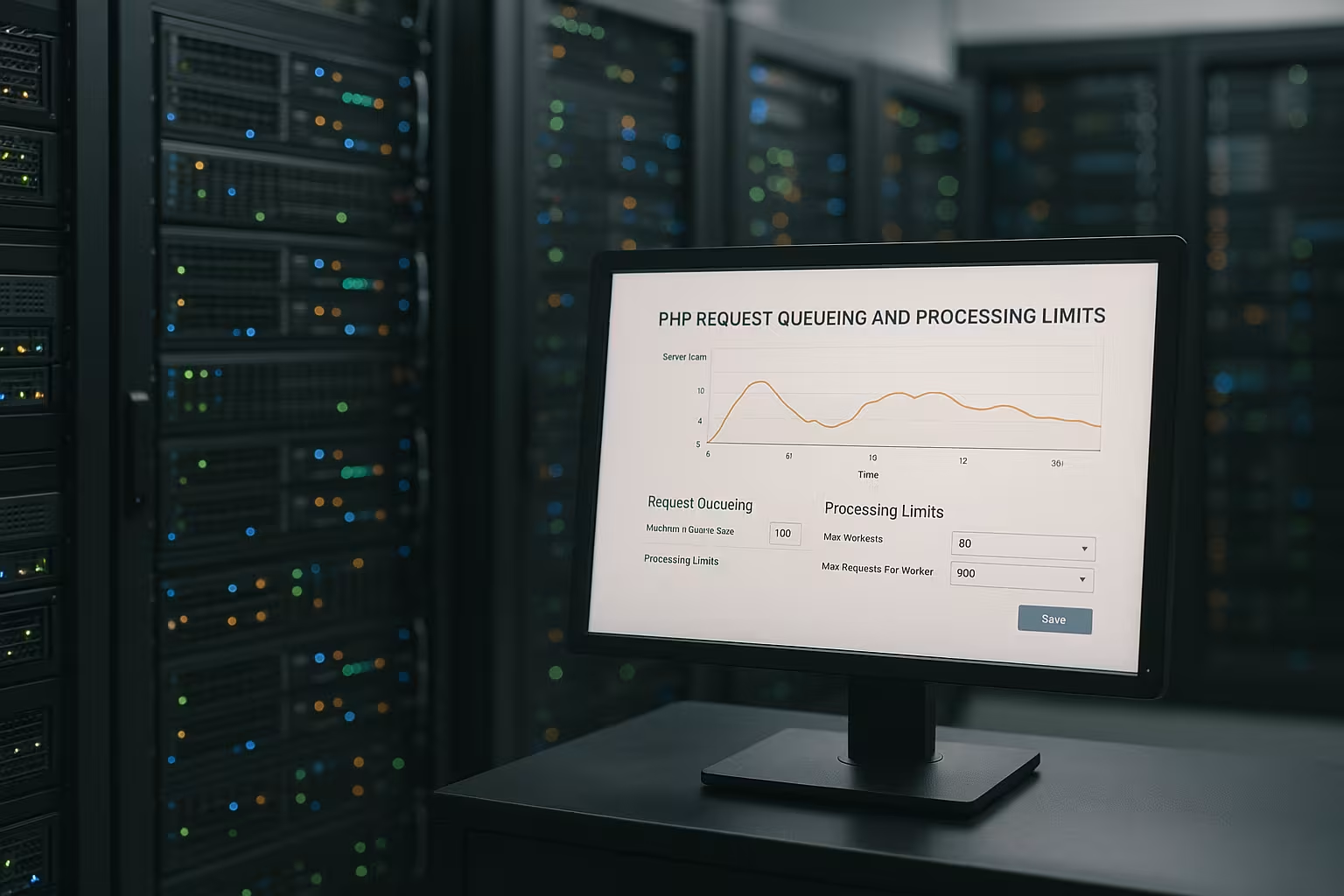
How PHP request queueing works in PHP-FPM
Each incoming HTTP request requires its own Worker, and a worker only serves one request at a time. If all processes are busy, further calls end up in the Queue and wait until a process becomes free. If this queue grows, the response times increase and errors such as 502/504 occur more frequently. I therefore pay attention to a sensible ratio between the number of processes and available memory instead of blindly relying on maximum parallelism. In this way, I achieve a constant throughput rate without RAM or CPU break away.
Select process manager modes cleanly
In addition to the limit values, the pm mode responsiveness and resource consumption:
- pm = dynamicI define start_servers, min_spare_servers and max_spare_servers. This mode is my standard for variable loads because it reacts quickly to increases and keeps warm processes ready.
- pm = ondemandProcesses are only created when required and are terminated after process_idle_timeout. This saves RAM for infrequent accesses (admin, staging, cron endpoints), but can lead to a loss of RAM in the event of sudden peaks. cold starts and higher latency. I therefore use it selectively and with a generous backlog.
- pm = staticA fixed number of processes. Ideal if I have a hard upper limit and particularly predictable latencies (e.g. L7 proxy in front of a few but critical endpoints). The RAM requirement is clearly calculable, but unused processes tie up memory.
I decide which mode suits the profile for each pool. I usually use dynamic for frontends with varying loads, ondemand for utility pools and static for dedicated, latency-critical services.
Determine pm.max_children correctly
The most important lever is pm.max_children, because this value defines how many requests can run simultaneously. I calculate the start size using the rule of thumb: (freely available RAM - 2 GB reserve) divided by the average memory per PHP process. As a rough assumption, I use 40-80 MB per process and start with 200-300 processes on a 32 GB host. Under live load, I gradually increase or decrease and check whether the waiting time of the Queue falls and the error rate decreases. If you want to delve deeper, you can find background information on start and limit values at Optimize pm.max_children.
Reconcile start, spare and backlog values
I set pm.start_servers to around 15-30 percent of pm.max_children so that enough processes are available at the start and there are no cold starts. With pm.min_spare_servers and pm.max_spare_servers I define a reasonable window for free processes so that new requests do not wait and at the same time no unnecessary idle memory is tied up. Listen.backlog is particularly important: This kernel buffer briefly holds additional connection attempts when all workers are busy. For load peaks, I set high values (e.g. 65535) so that the queue does not stop before the FPM pool. More in-depth background information on the interaction between the web server, upstream and buffers can be found in the overview of Web server queueing.
Limit request runtimes and recycle processes
I prevent creeping memory surges with pm.max_requests, which restarts every process after X requests. Unobtrusive applications often run well with 500-800, if I suspect memory leaks I reduce to 100-200 and observe the effect. In addition, request_terminate_timeout encapsulates outliers by ending extremely long-running requests after a fixed time. Consistency is important: I keep PHP's max_execution_time and the web server timeouts in the same corridor so that one layer does not terminate earlier than the other. This interaction keeps the Worker free and protects the pool from congestion.

Make queues visible: Logs and metrics
I regularly read the FPM logs and pay attention to max children reached, because this entry indicates that the upper limit of the processes has been reached. At the same time, I monitor the listen queue, which reveals increasing backlogs in the input buffer. In combination with request_slowlog_timeout, I obtain stack traces for slow points in the code and isolate database or API brakes. I correlate upstream_response_time from the web server logs with request_time and status codes to narrow down the source of long response times. This allows me to identify whether the bottleneck in PHP-FPM, the Database or the upstream network.
Workload profiles: CPU-bound vs. IO-bound
For CPU-heavy processes, I scale the Parallelism I am cautious and stick closely to the number of vCPUs because additional processes hardly bring any throughput. If it is mainly an IO load with database accesses or external APIs, I can allow more processes as long as the RAM budget is sufficient. E-commerce checkouts benefit from longer timeouts (e.g. 300 s) in order to complete payment methods without aborts. I intercept flash sales by setting listen.backlog high and increasing the spare window. Information on the balance between the number of processes and host performance is bundled in the guide to PHP-Workers as a bottleneck.
Sample calculations and dimensioning
I first calculate the memory per process and then derive a sensible Upper limit off. I then test under real load and observe whether the queue decreases and the throughput increases. Conservative starting values reduce the risk of swapping and keep the response time even. I then refine the values in small steps to make sure I notice any side effects. The following table provides guidance on starting values and effects on the Queue.
| Parameters | Effect | Start value (example) | Note |
|---|---|---|---|
| pm.max_children | Max. simultaneous Processes | 200-300 (with 32 GB) | Compare with RAM budget and process size |
| pm.start_servers | Initial number of workers | 15-30 % from max_children | Avoid cold starts, but keep idling to a minimum |
| pm.min_spare_servers | Free Worker Minimum | z. B. 20 | Direct inclusion of new requests |
| pm.max_spare_servers | Free Worker Maximum | z. B. 40 | Limit RAM consumption of idle processes |
| listen.backlog | Kernel buffer for connection attempts | 65535 | Cushion peak loads and reduce connection interruptions |
| pm.max_requests | recycling Interval | 500-800, with leaks 100-200 | Minimize memory bloat and hangs |
| request_terminate_timeout | Hard request limit | 300-600 s | Consistent with PHP and web server timeouts |
Practical templates for PHP FPM pools
For a store with many read accesses, I set moderate Process figures and increase the spare window so that requests are not queued. For content pages with caching, significantly fewer workers are often sufficient as long as NGINX or Apache deliver static content efficiently. I separate multi-pool setups according to application parts that have different memory profiles so that no heavy pool displaces the others. I define separate pools with their own timeout rules for cron or queue workers. This is how I keep the interactive Traffic free and does not slow down any user actions.
Web server timeouts, upstream and sockets
I consider FastCGI and proxy timeouts from Nginx or Apache in the same window as the FPM timeouts, so that no layer terminates too early. I prefer Unix sockets to TCP if both services are running on the same host, because the latency remains minimal. For distributed setups, I use TCP with stable keepalive values and a sufficiently large connection pool. For high parallelism, nginx adjusts worker_connections and the FPM backlog values to each other. This keeps redirects fast and prevents idle time due to too tight upstream-limits.
Caching, OPCache and database as levers
I solve a lot of server problems by reducing expensive operations and Response time lower. I switch on OPCache, increase the memory limit of the cache sensibly and ensure a high cache hit rate. For recurring results, I use application caching so that PHP processes finish faster. On the database side, I optimize slow queries and activate query caches that are suitable for the system used. Every millisecond saved reduces the load on the Queue and increases the throughput per worker.

Secure emergency mechanisms and restarts
I activate emergency_restart_threshold and emergency_restart_interval so that the FPM master restarts if too many children crash in quick succession. This controlled restart prevents chain reactions and keeps the service available. At the same time, I set clear limits for memory and the number of processes to prevent escalations. Health checks on the upstream side automatically remove faulty backends from the pool and reduce error rates. This keeps the Availability while I investigate the actual cause.
Fine-tune operating system and systemd limits
So that listen.backlog actually takes effect, I adjust the kernel limits. The OS value net.core.somaxconn must be at least as high as the set backlog, otherwise the system cuts off the queue. I also check the number of permitted file descriptors: In the FPM pool I can set rlimit_files, at service level I ensure LimitNOFILE (systemd) and at kernel level fs.file-max. The web server needs similar reserves so that it does not reach its limits sooner.
For more stable latencies, I reduce vm.swappiness, so that the kernel does not displace actively used memory pages prematurely. In latency-critical setups I deactivate Transparent Huge Pages, to avoid long page faults. If FPM runs via TCP, I also match net.ipv4.tcp_max_syn_backlog and reuse/keepalive parameters. Such OS details seem inconspicuous, but they decide whether queues smooth expire or whether connections are already rejected before FPM.

Measure memory load per process
Instead of making general estimates, I measure the Real consumption per worker under real load. I use tools like ps, smem or pmap, filter for php-fpm children and average the RSS values while requests are running. It is important to take into account the shared OPCache usage: shared memory is not counted multiple times. I derive pm.max_children from the averaged value and also plan a reserve so that the machine doesn't run into a bottleneck even during peaks. swapping tilts.
I repeat this measurement after function or release changes. New features, more dependencies or changes to frameworks can significantly increase the footprint per process. This keeps the number of processes realistic and the queue short.
PHP FPM status, ping and live metrics
For a quick assessment of the situation, I activate pm.status_path and a Ping endpoint (ping.path/ping.response). Above this, I see key figures such as accepted conn, listen queue len, idle/busy processes, max children reached and their progression. I read these values periodically and set threshold values: if listen queue increases permanently, I either increase processes or eliminate the cause of slow requests. If max children reached jumps up while idle remains low, the pool is too small or blocked by long runners.
I also separate pools with different profiles so that spikes in one area (e.g. API imports) do not bring interactive traffic to its knees. For diagnostic cases, I temporarily increase the log_level and let the slowlog capture more samples, but then reduce it again to keep the I/O load low.
Uploads, buffering and large request bodies
Large uploads can tie up workers unnecessarily if PHP has to read the request body first. I make sure that the web server buffers (e.g. fastcgi_request_buffering for NGINX), so that FPM only starts when the body is complete. This means that no worker blocks during the upload. I use client_max_body_size, post_max_size and max_input_time to control how large and how long requests can be without endangering endpoints. If there are files in between, I allocate sufficiently fast temp memory (SSD) to avoid buffer jams.
For endpoints with very large bodies (e.g. exports/imports), I define dedicated pools with their own timeouts and less parallelism. This leaves the standard workers free and the Queue of the important user actions.
Database connections and pool boundaries
The best FPM setting is useless if the Database previously limited. I align the maximum number of simultaneous PHP processes with the actual available DB capacity. For persistent connections or connection pools, I make sure that the sum of all pools is at max_connections remains. If there are many short queries, it helps to limit the PHP parallelism moderately so that the DB does not thrash between thousands of sessions.
Slow transactions quickly cause a backlog in the FPM queue. I therefore analyze lock wait times, index usage and query plans. Any reduction in the DB runtime immediately shortens the PHPDocument duration and reduces queue lengths.
Releases and rollouts without spike
When rolling out new versions, I avoid cold caches and process storms. I use reload instead of hard restarts, so that existing worker requests end cleanly (note process_control_timeout). I warm up the OPCache at an early stage by running critical paths once before switching or working with preloading. In this way, I prevent many workers from parsing class files at the same time and the Response time increases by leaps and bounds.
With blue/green or canary strategies, I gradually increase the load and monitor the status pages. Only when the queue, error rate and latencies remain stable do I increase the proportion of traffic. This controlled approach protects against load peaks during deployment.
Container and VM special features
In containers, the perceived Total storage volume often lower than the host reports. I align pm.max_children strictly to the cgroup limit and plan a reserve against the OOM killer. Memory limits in PHP (memory_limit) and the footprint per process must match, otherwise a single outlier is enough to terminate the container.
If there is no swap in the container, hard breaks are more likely. That's why I keep the processes conservative, activate recycling and monitor the RSS peaks in production load. Several lean pools are often more robust here than one large, monolithic pool.
Controllable degradation and backpressure
If the Queue I rely on controlled degradation: I deliberately deliver 503 with retry after for non-critical endpoints in the event of an overload, reduce expensive features (e.g. live searches) and limit parallel access to hotspots. This keeps the system responsive while I rectify the cause instead of all users running into timeouts.

Briefly summarized
I bring PHP Request Queueing under control by cleverly matching the number of concurrent processes to the RAM budget and the type of load. High backlog values buffer peaks, timeouts at all levels interlock cleanly, and recycling removes creeping memory problems. Logs and metrics show me whether the queue is growing, where requests are stuck and when I should tighten up. With careful adjustments and targeted caching, I reduce the processing time per request and increase throughput. In this way, servers deliver consistently and avoid expensive Timeouts in everyday life.


