Skip to content

Redis Auto Tiering It is particularly worthwhile when a large dataset has a comparatively small, frequently accessed working set. Frequently accessed values remain in RAM as much as possible, while rarely accessed values can be stored on dedicated flash. With auto-tiering, key names and administrative structures still require RAM; the SSD does not replace either persistence or backup. Whether this approach is suitable also depends on the database version, access patterns, and infrastructure. For newer database versions, Flex is the recommended alternative.
How Redis Auto Tiering Works
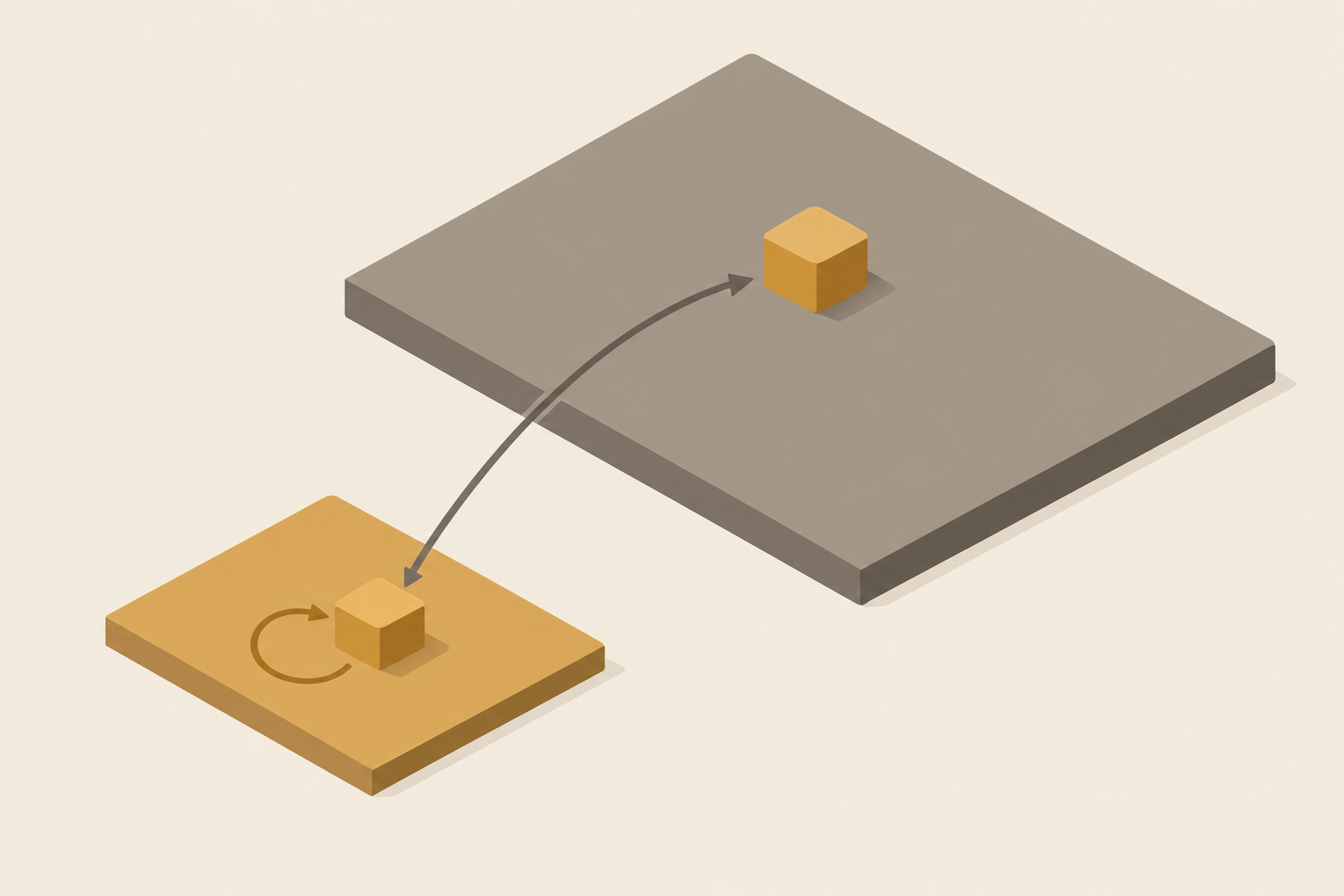
A product catalog can contain a large number of entries, even though customers typically view only a portion of them. Redis Auto Tiering Take advantage of this difference: Frequently used values should be available in fast RAM, while less frequently used values can be moved to dedicated flash memory. This allows you to manage a larger amount of data without having to keep all values in memory at all times.
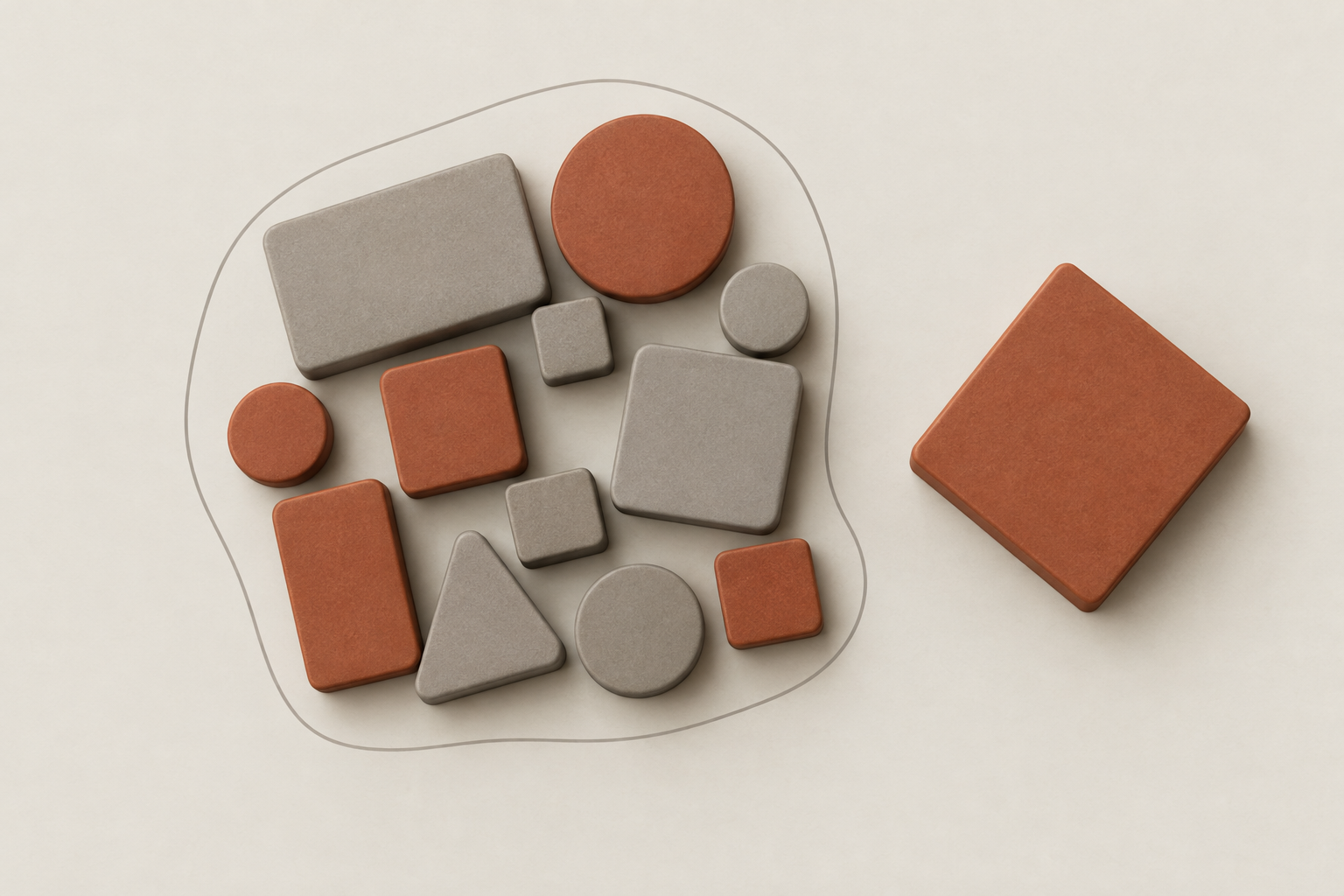
The part that is needed on a regular basis constitutes the hot work order, also known as Hotset. If a swapped-out value is requested again, it is loaded back into RAM. The application does not need to determine which storage medium the value is on; it continues to use the Redis API. However, accessing a swapped-out value may have different latency characteristics than accessing it from RAM.
For the catalog, this means that it is not just the total number of products that determines suitability, but also which entries are requested and during what time period. If the products in demand remain largely the same, a limited amount of RAM can handle a significant portion of the requests. If the products in demand are constantly changing, data must be moved between memory levels more frequently.
Auto Tiering does not arbitrarily offload the entire database structure. In particular, key names remain in RAM; administrative structures and the active data set also require space there. A large flash area therefore does not eliminate the need for careful RAM planning.
The terms "Redis on Flash" and "Redis Auto Tiering" refer here to a feature in an enterprise environment. An SSD in the server or a search for Redis flash storage This does not mean that every Redis installation supports this automatic distribution. The product, version, and the required operating conditions are the determining factors.
Distinguish Between Auto Tiering and Flex
There are two important levels to consider when checking versions: The Redis Software version refers to the platform, while the database version refers to the version of the Redis database being run. A matching platform version alone does not guarantee that every database version uses the same tiering method. Flex, the successor to Auto Tiering, has been generally available since Redis Software 8.0.2.
For the Database version The current manufacturer overview lists the following classification: Auto Tiering is supported up to and including version 7.2; in version 7.4, both Auto Tiering and Flex are supported. Starting with database version 8.0, Flex is intended to replace Auto Tiering. Before making the switch, however, the specific combination with the platform and operating environment must be verified.
One difference concerns the keys: With Auto Tiering, their names remain in RAM, while Flex can move both keys and values to flash. For data models with a very large number of keys or very long keys, this is an important distinction. However, it does not replace the need to calculate the remaining RAM requirements or to analyze your own access patterns.
The storage engines also differ: According to the current documentation, Auto Tiering can use either RocksDB or Speedb; Flex requires Speedb. Information from older versions of the documentation should therefore not be applied across the board to every current installation. Anyone continuing to operate or migrating an existing database should check the specifications that apply specifically to that combination.
Redis Software, Redis Cloud, and Redis Enterprise Software for Kubernetes are separate operating environments. For example, a guideline for locally attached storage in Redis Software is not automatically applicable to a cloud service. Therefore, before planning, review the documentation for your chosen environment, as well as the database versions and features available there.
Tiering is neither eviction nor backup
Tiering moves data between RAM and flash to utilize both storage tiers for the dataset. A value that is rarely accessed is not removed from the database simply because it leaves RAM. The application can still request it; however, the storage location affects the way Redis serves the value.
This should be distinguished from Eviction: When storage limits are reached, Redis can remove data according to a configured strategy. Whether and which keys are eligible for removal depends on the specific configuration. A switch to flash does not constitute eviction; conversely, removing a key does not simply create another copy on the SSD.
The article on Redis maxmemory and memory reserves. In particular, it covers memory management in the open-source version of Redis. You should not adopt its values and assumptions uncritically as a configuration for an enterprise database with auto-tiering.
The Persistence: Techniques such as snapshots or AOF are used to back up data for later recovery. According to the manufacturer, the SSD used for auto-tiering is not intended as persistent database storage. Free space on this drive is therefore neither a backup nor a substitute for separately planned persistence.
For example, if a node fails, simply distributing its values across RAM and tiered SSDs beforehand is not sufficient as a recovery plan. The key factors are which persistence and backup procedures are in place and how the data will be restored in the event of a specific failure. Replication and recovery should also be considered separately and planned for the specific environment.
Review Access Patterns and Data Model
A key factor in determining whether auto tiering is appropriate is the size of the regularly used hot work inventory relative to the available RAM. A large dataset alone doesn't tell us much: If mostly the same values are accessed, values that are rarely needed can be stored on flash. If, on the other hand, accesses are evenly distributed, switching between storage levels must occur more frequently.
| Feature | impact | Possible consequence |
|---|---|---|
| Small, sturdy Hotset | Frequently used values can remain in RAM. | Plan RAM for the working set and the structures needed on an ongoing basis. |
| Wide-ranging or varying access patterns | More values must be loaded into RAM when Flash accesses it. | Compare larger RAM allocations or fully RAM-based operation. |
| Many keys with short values | Key names and administrative structures consume RAM. | Take the key number and length into account in memory planning. |
| Major Collections | They cannot remain partially on Flash and must fit entirely into RAM when accessed. | Check the RAM budget against the total serialized size; evaluate any allocation as a data model change. |
In a product catalog, for example, a few popular items may account for the majority of page views, while older items are rarely viewed. Nevertheless, with auto-tiering, even the names of rarely used keys remain in RAM. On top of that, there are indexes and management structures; with Redis Search, the search indexes also require RAM. As a result, the savings may be smaller than the proportion of rarely accessed values would suggest.
Especially when dealing with many short values, it’s worth taking stock: How many keys are there, how long are their names, and how large are the values and indexes? Flex can also offload keys to flash memory, making it a possible alternative, provided the specific version and the required features are a good fit.
Large hashes, sets, or lists deserve their own review. Such Collections They cannot remain partially in Flash and must fit entirely into RAM when accessed. Redis specifically advises against collections with millions of elements whose total serialized size reaches or exceeds the RAM limit.
As a design consideration, you can explore splitting the data into smaller collections. This is not merely a storage configuration and is not a guaranteed solution: Be sure to assess what changes to the key structure, queries, and application logic would be necessary. Compare the potential benefits in terms of storage requirements for individual accesses with the additional overhead for the application.
Determining the Specific Amounts of RAM and Flash Memory
Sizing begins with the database's total memory limit and a separate estimate of RAM requirements. For Auto Tiering, Redis specifies a Minimum RAM requirement of 10 percent of the total limit and recommends keeping at least 20 percent of all values in RAM. These guidelines do not describe a guaranteed latency and are not a substitute for reviewing the specific data model.
Illustrative calculation example; not a measurement. If the assumed memory limit is 100 GiB, 20 percent of that is equivalent to 20 GiB of RAM. This serves as a rough guideline for initial planning, but it is not equivalent to the manufacturer’s recommendation to keep 20 percent of all values in RAM: the actual values may vary.
Whether 20 GiB is sufficient depends, among other things, on keys, indexes, administrative structures, and the hot working set. Individual large values and collections must also be taken into account when accessing data. If the active set is larger than the available RAM, there may be more movement between RAM and the SSD; in that case, a higher proportion of RAM or a different data model may be advisable.

For the Flash Capacity Auto Tiering has its own rule: The available flash memory must be at least equal to the total configured database volume consisting of RAM and flash. In the example, therefore, at least 100 GiB of flash must be allocated—not just the calculated difference of 80 GiB between the total limit and the RAM portion.
For Flex, however, the current documentation specifies approximately three times the total memory limits of the Flex databases on the respective node. You must not apply this node rule to Auto Tiering. Furthermore, persistence, logs, and replication must be considered separately; the tiering capacity alone does not constitute a complete storage budget for operations.
Suitable SSDs and Operating Environments
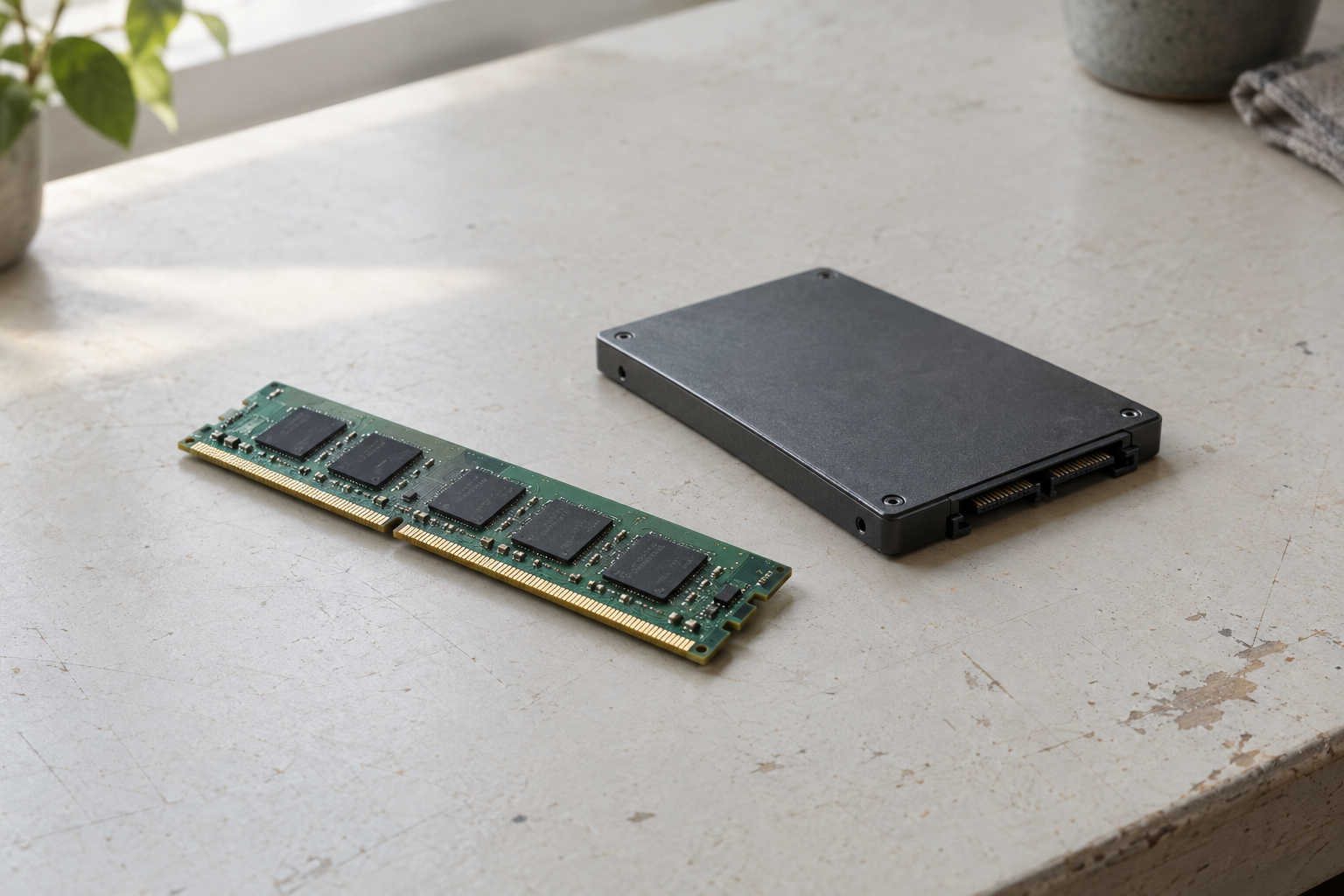
Locally connected SSDs dedicated to tiering are intended for Redis software. Redis recommends NVMe for the best performance; SATA SSDs are also supported. NAS, SAN, and AWS EBS, for example, are not supported as tiering storage. Therefore, check not only the nominal capacity but also how the storage is actually connected to the node.

The Separation of Storage Purposes This is part of infrastructure planning: Tiering and persistence should be handled on separate storage devices. The flash area for cached values is not intended as persistent database storage. You should consider any additional capacity needed for logs and other operational data separately from the tiering budget.
A practical overview distinguishes between at least three categories: RAM for the active data set and RAM-dependent structures, dedicated local flash for tiering, and separate storage for persistence. Replication and recovery must also align with the desired level of reliability. This separation prevents free space on the tiering SSD from being inadvertently treated as a backup reserve.
Redis also lists Flex as supported for Redis Enterprise Software for Kubernetes. Check the relevant documentation and its storage requirements for the Kubernetes version you are using and the selected method. You should not apply Flex prerequisites to Auto Tiering without verifying them first.
Redis Cloud is another operating environment with its own specifications. Do not apply local drive or volume assumptions to a cloud service without verification; instead, review the available options for the specific database and version. The general differences between storage media and tiering concepts are also explained in the article on Hybrid Storage with NVMe, SSD, and HDD; however, it does not replace the Redis-specific requirements.
Monitor Load Profile and Operations
Whether auto-tiering is suitable for a given workload cannot be determined solely by the ratio of RAM to database size. The key factors are the size of the regularly accessed working set and how quickly it changes. An isolated comparison with a fully RAM-based alternative makes the impact on your own application more apparent.
Use the same dataset with comparable key and value sizes for both variants. Also, keep the number of shards, replication, and the distribution of read and write access as consistent as possible. This reduces the risk of mistaking a difference in storage tiers for a difference in data distribution or topology.
Also model the temporal access pattern: A catalog with a small number of products that are consistently in demand has different requirements than one where the most popular items change frequently. Document the assumed Hotset size and test several load phases. A brief measurement taken immediately after filling does not necessarily reflect subsequent operation.
In addition to throughput, consider the Latency Distribution: An average alone does not show how slower individual requests behave. Map the results to RAM allocation and access patterns. Redis documents this with memtier_benchmark A way to conduct a comparative analysis of an auto-tiering database; these instructions provide a framework for your own experiments, not a performance guarantee.
Conduct such tests separately from production operations and without using production data. Document the configuration, load profile, and observed results so that you can compare them with future changes. Results from a different hardware or data environment cannot be easily applied to your installation.
Targeted Mitigation of RAM Bottlenecks
If there is still space on the tiering SSD while a shard is reaching its RAM limit, first check the composition of its storage requirements. With auto-tiering, free flash storage does not mean that all data and management structures can be moved there. In particular, key names and indexes still require RAM.
As a result, many short values can tie up a lot of memory for keys and management, even though the payload size is small. With Redis Search, indexing requirements are added to this. Allocating more RAM can help; however, whether it is sufficient also depends on the working set and the distribution of data across the shards.
Next, examine individual large keys and values. According to the manufacturer, keys or values larger than 4 GB cannot be stored on the flash drive and remain in RAM. Even for smaller values that have been swapped out, sufficient RAM must be available when accessing them; the free SSD capacity does not solve this problem.
Large Collections cannot remain partially on Flash: When accessed, they must fit entirely into RAM. Therefore, check their total serialized size against the available RAM budget. This applies in particular to hashes, sets, or lists with millions of elements whose size reaches or exceeds the RAM limit; the 4-GB limit alone is not a sufficient criterion for this check.
One possible change to the data model to consider is breaking up large collections into smaller units. Be sure to explicitly evaluate whether additional queries or adjustments to the application logic would be necessary. This is a planning consideration, not a guaranteed fix: functionality and access patterns must still align with the application even after such a change.
After all, a Rotating Hotset Put the available RAM under strain: If different values are constantly required, data must be moved between levels more frequently. Compare load phases and RAM requirements instead of automatically assuming the SSD is the cause. Depending on the findings, adding more RAM or switching to a fully RAM-based system are alternatives whose costs you should weigh against your requirements.
Auto Tiering, Flex, or Just RAM?
Auto Tiering is an option worth considering when a large dataset has a relatively small, recurring working set. This working set, along with the RAM-intensive keys and structures, must fit within the planned RAM allocation. Also consider the costs of dedicated flash, replication, and separate persistence storage.
For widely distributed or rapidly changing access patterns, a larger RAM allocation may be more appropriate. For particularly stringent response time requirements, you should also consider fully RAM-based operation. The decision depends not only on the average throughput, but also on whether the observed latencies under representative load are suitable for the application.
Flex is a version-dependent alternative: Unlike Auto Tiering, it can offload both keys and values to flash storage. This can be relevant for data models with a large number of keys, but it does not eliminate the need to assess RAM requirements and feature sets. The platform version, database version, and selected operating environment must be compatible.
The required features also limit the options. The current manufacturer overview lists Time Series for Auto Tiering, but not for Flex. Active-Active with Auto Tiering requires approval from the Redis technical team; Flex is not listed there as supported. Double-check this information for your specific combination before migrating.
Plan the Restoration regardless of the storage tier selected. A tiered SSD does not replace persistence or a tested recovery procedure. Before making a change, you should therefore consider not only compatibility and cost, but also data migration, failure behavior, and the available operational reserve.
Sources and Current State of Knowledge
Status of the research:
Source date based on research: November 16, 2026. Version information distinguishes Redis Software as a platform from the Redis database version; verify the specific operating environment and feature compatibility again before implementation.
https://redis.io/docs/latest/operate/rs/7.4/databases/auto-tiering/
https://redis.io/docs/latest/operate/rs/databases/flash/
https://redis.io/docs/latest/operate/rs/databases/memory-performance/
https://redis.io/docs/latest/operate/rs/references/memtier-benchmark/
https://redis.io/docs/latest/operate/rs/7.22/databases/auto-tiering/