Skip to content
aaPanel and 1Panel show how far open source panels have come in 2025: I compare installation, range of functions, security, automation and practical benefits for projects of all sizes. I use clear criteria to demonstrate when aaPanel shines when 1Panel and how both interact productively with the right hosting setup.
Key points
The following key statements will help you make a quick comparison.
- One-Click vs. APIaaPanel scores with auto installers, 1Panel with automation.
- Security in focus: 1Panel relies on clear open source transparency, aaPanel delivers WAF/Firewall out of the box.
- Scaling and Multi-server1Panel makes distributed setups easier, aaPanel is well suited for single servers.
- Plugins vs. Core functionsaaPanel offers many extensions, 1Panel remains lean and API-first.
- Beginner vs. ProfessionalsaaPanel is accessible, 1Panel addresses admins with automation requirements.
For both panels, I pay attention to clear Workflows, comprehensible security and an interface that doesn't slow me down in everyday life. The decisive factor remains which goals I pursue: quick setups, long-term automation or a mixture of both. If you define your own priorities, you can make a stable Choice. This is exactly where this comparison provides orientation. I save time, avoid mistakes and use the panels productively.
aaPanel briefly explained
aaPanel offers a clear interface that leads me to functional stacks with just a few clicks. I install WordPress or LEMP/LAMP directly from the panel, set up SSL and manage databases without detours. On small VPSs with little RAM, aaPanel runs pleasantly economically and still remains easy to use. The large selection of plug-ins covers Securitybackups, monitoring and other tasks. For beginners, the interface sometimes seems dense, but after a short period of familiarization I work quickly and confidently.
If you want to keep an eye on alternatives, you will find useful information in this overview. Open source alternatives. What I like about aaPanel is the mixture of access to Server services and helpers such as cron scheduling or file managers. I create user roles, limit rights and thus keep projects cleanly separated. In addition, aaPanel offers smart Schedules for backups and updates. This keeps routines reliably automated without having to touch scripts.
Technical architecture and OS support
aaPanel is based on classic Linux distributions such as Debian/Ubuntu or enterprise derivatives. Services run as systemd services, which gives me predictable control and logic for start/stop/restart. Running multiple versions of PHP in parallel is common - handy when migrating legacy projects. On the web server side, I rely on Nginx or Apache depending on the project, change worker and cache settings as needed and thus quickly obtain a robust basic platform. 1Panel pursues a more modern, strongly container-oriented Approach: applications are provided in a reproducible manner, dependencies are consistently isolated. For me, this feels like a pragmatic middle ground between the classic VM stack and cloud-native workflows. Idem-potent workflows and declarative configurations reduce deviations between environments.

1Panel in a nutshell
1Panel concentrates on clear, focused operating logic and modern security standards. I control many tasks API-driven, integrate CI/CD pipelines and keep deployments repeatable. The UI appears reduced, but remains coherent if I work in a structured way. Multi-server setups and distributed environments are straightforward, without additional ballast. If you love scripting and like to manage infrastructure via Automation finds a strong basis in 1Panel.
I notice that 1Panel has deliberately opted for Core functions sets. Instead of 300 plugins, the project provides stable building blocks that can be connected via API and tooling. This works particularly well if I like GitOps approaches or want to keep changes reproducible. Security updates and transparency in the code create trust, especially in productive environments. This allows me to keep processes lean and control changes centrally.
Webstack, databases and caching
In the webstack, I appreciate the fast setup of Nginx/Apache, PHP-FPM and databases with aaPanel. Typical caches such as Redis or Opcache can be activated quickly to reduce latencies and increase throughput. For database-heavy sites, I switch between MariaDB/MySQL and tune parameters such as buffer pool, query cache (where appropriate) or connection limits. 1Panel likes to run databases and caches as isolated services: A dedicated container per role makes upgrades and rollbacks more controlled. Persistent volumes keep data secure, while I can exchange application images without risk. I decide for each project whether a traditional setup with a few moving parts is enough for me or whether I deliberately separate workloads in a granular way in order to keep updates, tests and rollbacks clean.
Differences in everyday life: installation, UI, expandability
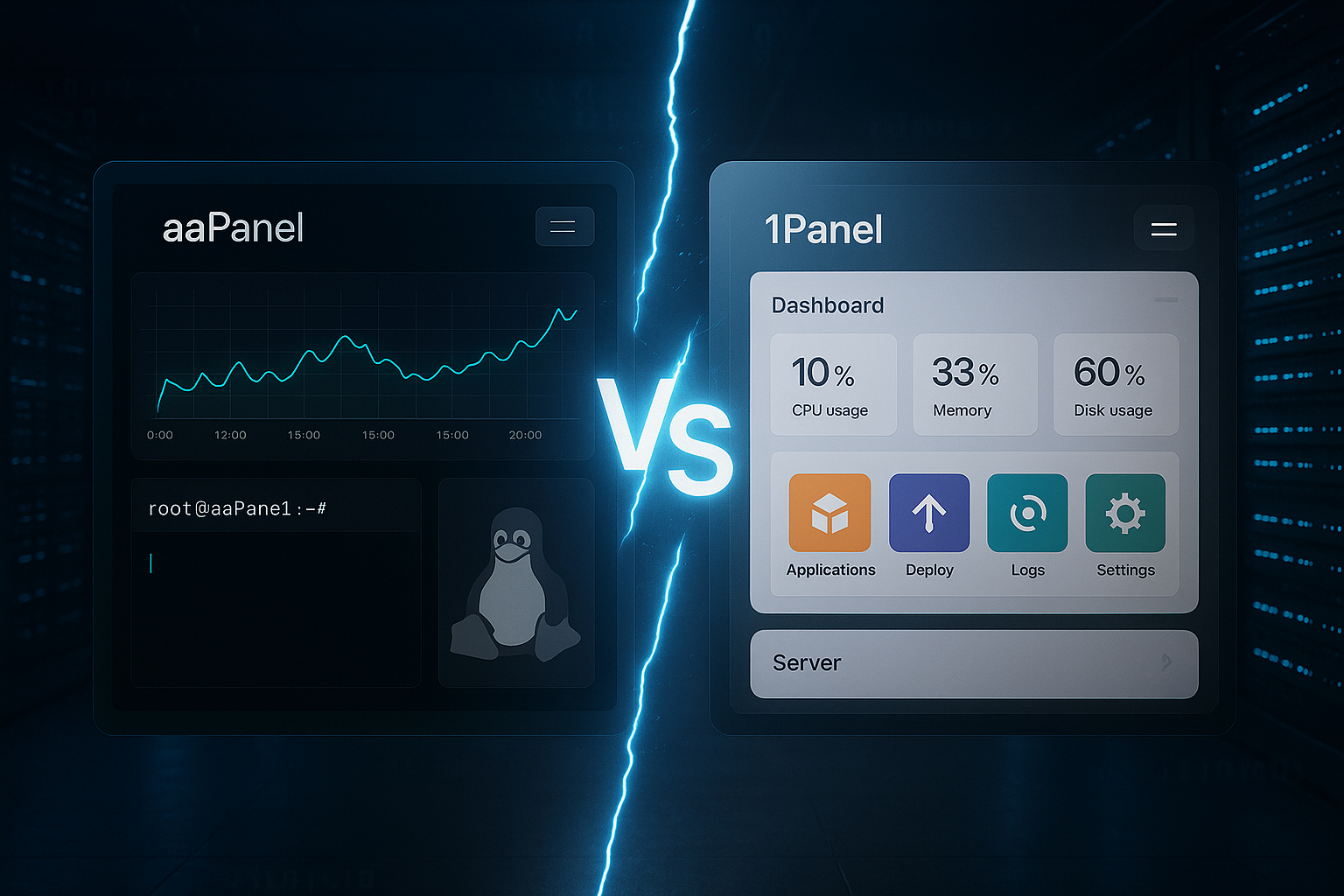
When getting started, aaPanel shines with one-click stacks and wizards. I'm up and running in minutes and can get my first sites live. 1Panel starts just as quickly, but really comes into its own with Automation and API-first workflows. In the interface, aaPanel shows many menu items, while 1Panel remains deliberately reduced. What counts for me is how quickly I can complete routine tasks - aaPanel provides click paths, 1Panel programmatic Processes.
Extensibility also distinguishes the tools: aaPanel offers numerous plugins for backup, security, monitoring and more. 1Panel relies on integrations via API and external pipelines. I decide according to the project goal: do I need ready-made Modules or do I prefer to integrate functions into my DevOps process. Both ways work, only the approach is different. So I find the right style for every setup.
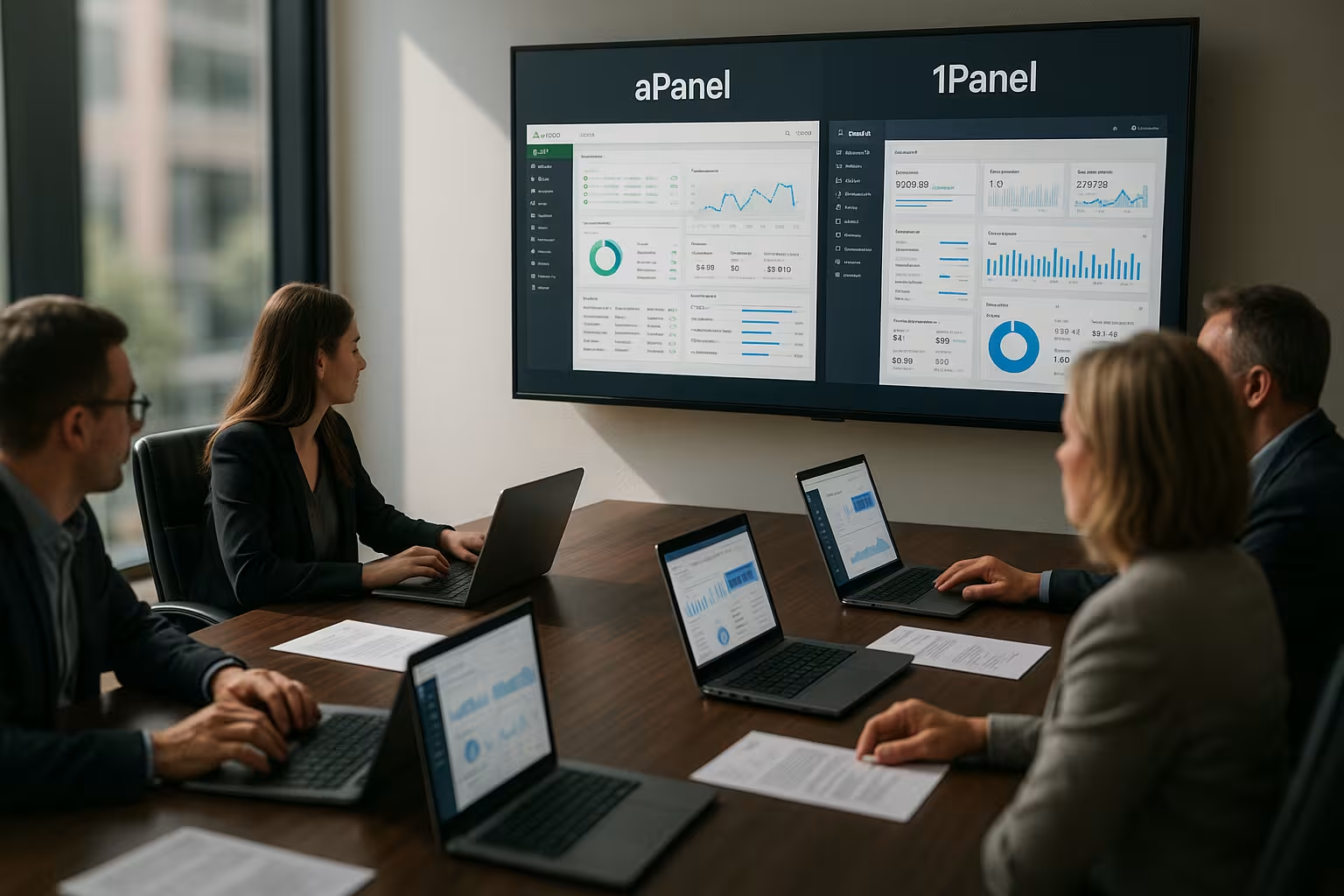
aaPanel vs 1Panel: Comparison table 2025
The following overview classifies key criteria and shows where the strengths lie. I like to use this table as a quick Checklist before the project starts. Those who prefer one-click workflows will find aaPanel a helpful toolset. Those who prioritize scaling and API control will benefit from 1Panel. Both panels serve clear Use casesbut overlap in many basic areas.
| Criterion | aaPanel | 1Panel |
|---|---|---|
| Target group | Beginners, advanced users, web agencies | Advanced to professional |
| Installation & Start | <5 minutes, one-click stacks | Fast, API-first |
| Surface | Intuitive, many menu items | Modern, minimalist |
| Extensibility | Large plugin catalog | Focus on core functions, API |
| Automation | Cron, schedules, auto-backups | CI/CD integration, API workflows |
| Security | Firewall, Fail2ban, WAF | Transparent updates, code insights |
| Multi-server | Possible, less center of gravity | Center of gravity, scaling |
| Community | Very large, many plugins | Growing, active OSS project |
| Resources | Low load, small VPS | Optimized for cloud/VPS |
I never read tables in isolation: The practice decides. A WordPress site benefits from aaPanels One-Click-convenience, a microservice cluster from 1Panels automation. If you need both, you can also combine them and separate workloads. It is important to honestly prioritize your own goals. This way, the panel later fits in with your daily Workflow.
E-mail, DNS and certificates in practice
Many projects need a clean mail and DNS flow. With aaPanel, I quickly set up mail server functions as needed and add SPF/DKIM/DMARC to improve delivery and reputation. In 1Panel, I often prefer a separation: I either run mail services as separate containers or use dedicated services - this keeps the applications lightweight. For TLS certificates, I rely on automated renewal and, if necessary, on DNS challenges for wildcard certificates. It is important to me to monitor certificate expiry times and activate alerting. On the DNS side, I deliberately keep TTLs short during migration phases to enable switchovers without long waiting times. Both panels support this way of working - I primarily decide according to the risk and operating model.
Security 2025: WAF, updates, CI/CD
For me, security starts with transparency and clear processes. aaPanel brings FirewallFail2ban, WAF and helpful scanners that make typical gaps visible. 1Panel impresses with its clean code base, fast updates and the option of embedding security checks in CI/CD. I consistently keep backups, permissions and patches up to date, regardless of which panel is running. If you take this to heart, you reduce risks and save a lot in an emergency Time.
I also pay attention to separation of services, logging and recurring audits. I check SSL renewal, secure admin access with 2FA and rely on proven key lengths. Both panels support these basics, only the paths differ. The decisive factor is that I see security as a process and not as a one-off measure. This keeps the platform resilient and trustworthy.
Roles, rights and auditability
Clean access control is more than just an admin login. I define roles with the lowest possible rights, separate ops, dev and read access and document every release. aaPanel makes user and rights management easier for me at project level; this keeps sites cleanly isolated. In 1Panel, I also use API tokens with scoped rights, rotate secrets regularly and keep audit logs centrally available. IP restrictions, 2FA and emergency accounts with separate storage are part of the basic protection for me. Especially in teams, clear governance prevents shadow administrators and makes changes traceable - this reduces errors and speeds up post-mortems.
Automation and multi-server operation
I measure panels by how quickly I can build repeatable deployments. 1Panel makes this easier for me by API-First design, clear roles and scriptability. aaPanel provides cron, schedules and convenient backups, which greatly simplifies routines. 1Panel shows its strengths in multi-server environments, while aaPanel is extremely efficient on single servers. How to organize projects cleanly Operating model and effort.
Teams in particular benefit from standardized pipelines. I keep builds reproducible, separate stages (dev, staging, prod) and document changes. If you take this to heart, you will find reliable partners in both panels. The focus remains important: Do I click faster or do I script faster? This answer leads to the right Solution.
Monitoring, observability and alarms
Observability determines whether I recognize problems early on. I record metrics at host and service level, correlate them with logs and set up alarms for meaningful key figures: Error rates, latencies, resource reserves. In aaPanel, I use the integrated overviews and expand them with external dashboards if required. In 1Panel, I integrate metrics collectors and log shippers into my pipeline and keep configurations versioned. An SLO/SLI model is important to me - this is how I measure quality from the user's perspective and prioritize work accordingly. Synthetic checks for critical flows are also part of this in order to check not only server values but also the real user path.
Performance and resource consumption
aaPanel runs smoothly even with a small amount of memory. For cost-sensitive setups or small VPSs, this is a strong Argument. 1Panel also remains frugal, but scales particularly well in cloud scenarios with distributed services. I consistently monitor CPU, RAM and I/O and adjust performance according to actual requirements. This saves me money Money and keep the platform supple.
Monitoring at host and service level is important to me. Both panels offer dashboards and logs that I can combine with external tools. I recognize peaks early on and plan capacity in good time. If you plan reserves, you can deal with load peaks calmly. This reduces downtime and increases Availability.

Costs, TCO and resource planning
Costs are not only incurred for licenses. I always consider the Total costs over the runtime: time for setup, updates, backups, monitoring, malfunctions and scaling. aaPanel scores with fast click paths and thus reduces initial effort - plugins can provide additional functions without in-house development. 1Panel saves me effort in the long term if I automate consistently: once defined, pipelines roll out changes reliably. I plan resources in stages: First measure bottlenecks, then optimize them in a targeted manner (e.g. PHP workers, DB buffers, caching) before I scale vertically or horizontally. This keeps budgets in check and I invest where the greatest effect is achieved.
Practical examples: Which projects fit which panel?
A personal blog or a small company website benefits from aaPanels fast Installers and simple administration. Agencies that manage many similar sites appreciate the clear interface and automation via cron. Microservices, container workloads and pipelines feel very much at home with 1Panel. Those who often repeat deployments are happy about API-controlled Processes and multi-server capabilities. For mixed scenarios, I split workloads: Web frontend via aaPanel, services via 1Panel.
This keeps the work clear and focused. I separate responsibilities and secure the handover between the systems. It is important that I am not dogmatic in my choice of tool. Every project deserves a suitable Methodology. This is precisely the advantage of modern panels.
Scaling and high availability patterns
Scaling is more than just "more CPU". I plan frontends stateless, keep sessions in the cache and decouple media via storage. In aaPanel setups, I often scale vertically and add caching layers before splitting services. With 1Panel, horizontal scaling is more natural: replicas can be rolled out consistently, while central components (e.g. databases) are secured with replication and backups. For updates, I use blue/green or rolling strategies to avoid downtime. A load balancer upstream ensures smooth switchovers. The goal remains the same: users see stable services, even if there is a lot going on in the background.
Choosing a hosting partner: what I look out for
A good panel only really comes into its own with a reliable host. I pay attention to support times, recovery targets and real Performance under load. I also check SLA, snapshot capabilities and network quality. If you need comparative values to classic panels, you can find them at Plesk vs. cPanel helpful orientation. This is how I evaluate how aaPanel or 1Panel works in existing Landscapes fits.
| Place | Hosting provider | Rating |
|---|---|---|
| 1 | webhoster.de | ⭐⭐⭐⭐⭐ |
| 2 | Provider B | ⭐⭐⭐⭐ |
| 3 | Provider C | ⭐⭐⭐ |
I combine panel features with the strengths of the provider: snapshots, object storage, DDoS protection, fast NVMe. This results in processes that take effect quickly in an emergency. Those who test backups instead of just setting them up sleep more soundly. It is precisely this routine that makes Projects permanently successful. A panel is a tool - the hoster provides the stage.
Migration and backup strategies with panels
I plan every migration in a clear sequence: backup, test restore, relocation, validation. aaPanel makes this easier for me with Schedules and simple restore paths. I like to integrate 1Panel into pipelines to move dumps, artifacts and configurations in a reproducible way. An isolated test before I switch remains important. This is how I prevent Failures and keep transitions clean.
I never consider backups to be "finished". I check checksums, storage locations and retention periods. For critical systems, I rely on 3-2-1 strategies with an offsite component. Both panels can be set up appropriately for this. If you rehearse regularly, you master Emergencies sovereign.
Extended migration paths and tests
Migration details determine success. I map dependencies (PHP extensions, DB versions, cronjobs), freeze data in the switchover phase and test restores under load. I reduce DNS TTL in advance to speed up cutovers. For complex systems, I run a dual run: new environment synchronizes until I switch over - with a clear fallback option. In aaPanel I check file permissions, paths and web server configs; in 1Panel I back up volumes, images and compose/template definitions. Acceptance tests (smoke, integration, end-to-end) are mandatory to ensure that not only the start page, but also the checkout, login and forms work.
License, community and updates
Open source thrives on exchange. I take a close look at issue trackers, release cycles and documentation. aaPanel scores with great Community and many extensions, 1Panel with a lean core and active contributors. Forums and tutorials are helpful for beginners, while changelogs and API references are important for professionals. An overview of classic alternatives is provided by the Hosting panel comparison - makes sense when I compare ecosystems.
I handle updates in a planned manner: staging test, backup, rollout, monitoring. This is how I keep systems modern, without production risks. Both panels support this rhythm well. I schedule maintenance windows and communicate changes clearly. This keeps stakeholders relaxed and Services available.

Team setup and governance
The larger the team, the more important processes become. I establish clear separations between Dev, Ops and Security, define approvals via pull and merge requests and keep changes traceable. In 1Panel, I am supported by API workflows and policy specifications; aaPanel shines with fast, guided click paths for routine work. Documentation is part of the deployment: every change has a context, ticket reference and rollback notes. Responsibilities, on-call rules and communication channels are defined - so operations remain predictable, even when people change.
My decision tree for 2025
I'll start with a simple question: do I need fast One-Click-processes or do I want to work via API and pipeline? If the answer is click convenience and lots of plugins, I choose aaPanel. If the focus is on automation, scaling and clear code paths, 1Panel is a better fit. For mixed scenarios, I separate workloads and combine both approaches. The decisive factor is that I align the setup with goals and Risk profile align.
The bottom line is that both panels provide powerful tools for modern server management in 2025. I gain speed, transparency and control - in different ways depending on the panel. Those who honestly assess their own requirements become productive and remain secure. The result is a system that supports everyday use and keeps pace with growth. That's why it's worth taking a look at aaPanel and 1Panel in this big Comparison.
Final recommendation 2025
When I start up today, I choose aaPanel for fast, standardized web projects with a focus on ease of use and comprehensive plugins. It provides me with short paths from the empty server to the productive site and remains resource-friendly on small hosts. I use 1Panel as soon as reproducibility, API control and distributed environments dominate - ideal for teams that live pipelines and manage changes as code. In mixed landscapes, I deliberately divide them up: frontends and classic CMS under aaPanel, microservices and internal tools under 1Panel. This division reduces complexity, utilizes the strengths of both worlds and keeps the operating risks calculable. The decisive factor is that I make my goals measurable and align the panel with them - then administration becomes real productivity.