Skip to content
Comparison aaPanel HestiaCP shows how two free panels efficiently control Linux servers for websites, email and apps. I provide clear criteria so that you can quickly recognize which panel is better suited to your needs. Targets fits.
Key points
The following key statements will help you to focus in the direct Comparison to set.
- System supportaaPanel supports more distributions, HestiaCP relies on Debian/Ubuntu.
- SecurityHestiaCP scores with 2FA and restrictive rights, aaPanel with firewall and SSL.
- Range of functionsaaPanel offers App Store and Docker, HestiaCP shines with e-mail and DNS.
- OperationHestiaCP looks particularly clear, aaPanel is flexible and modular.
- PerformanceBoth run smoothly on small VPSs, aaPanel is considered to be resource-friendly.
I'm deliberately keeping it short because you need Decisions want to meet. Both panels are aimed at beginners and professionals, but their focus is clearly different in terms of Security and range of functions. HestiaCP attaches great importance to secure defaults and simple maintenance of e-mail including DNS. aaPanel plays to its strengths with extensions, web server selection and integrated tools such as Docker from. Avoid detours and plan your server right from the start Targeted.
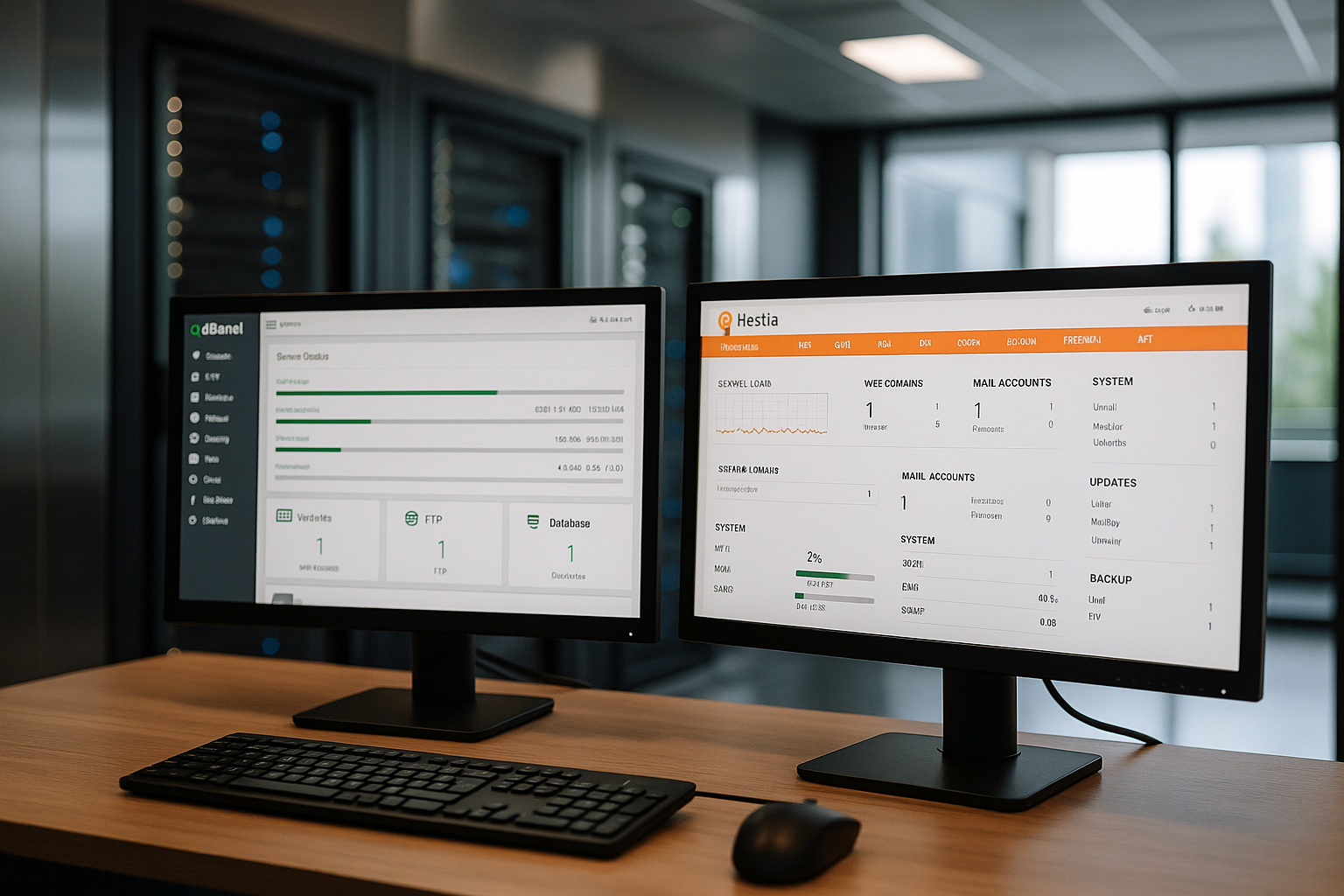
Brief portrait of aaPanel and HestiaCP
aaPanel is the international version of BTPanel and, thanks to its modular structure, has a very light. I install web servers such as NGINX, Apache or OpenLiteSpeed directly in the app area and maintain services via a clearly structured Dashboard at a glance. I set up multi-PHP, databases, cron, firewall and certificates in just a few clicks. Docker, Redis and a file manager with editor are also part of the toolset, which makes everyday life noticeably easier. shortened. Anyone who runs many projects benefits from the many partially automated Routines.
HestiaCP originates from the VestaCP line and is based on Ubuntu and Debian as Base. The panel flexibly combines NGINX and Apache and allows you to choose the PHP version for each domain. Email, DNS, backups and 2-factor login are neatly integrated and fast configured. The interface looks modern, fast and is easy to use on the move, making admin tasks easy even on the go. Simplify. Anyone who appreciates security and clear processes will feel right at home here. good canceled.
Comparison at a glance
The following table classifies the most important functions and focal points of the two Panels in.
| Criterion | aaPanel | HestiaCP |
|---|---|---|
| System support | Debian, Ubuntu, CentOS, Deepin | Debian, Ubuntu |
| Web server | NGINX, Apache, OpenLiteSpeed | NGINX, Apache |
| Multi-PHP per domain | Yes | Yes |
| Mail server function | for Ubuntu/CentOS | Fully integrated |
| App store/extensions | 44+ packages, incl. Docker | No app store structure |
| User friendliness | Flexible, many options | Clear, modern UI |
| Security | Firewall, SSL, updates | 2FA, restrictive rights, Fail2Ban |
| Backup/Restore | manual + time-controlled | automatic + one-click |
| Community/Documentation | active, many guides | very active, complete documentation |
I read a narrow margin from the table Profile aaPanel provides maximum flexibility, HestiaCP provides secure defaults. Depending on the project, you can prioritize compatibility or Compliance. Both options cover classic use cases cleanly, but differ in terms of setup philosophy and Depth. If you want to be productive in a short space of time, use your own Focal points.

Functions in comparison: web server, databases, mail
What I appreciate about aaPanel is the choice of web serversNGINX for speed, Apache for .htaccess, OpenLiteSpeed for low load. The administration seems coherent and allows individual stack combinations per project without me having to use long tools. change must. Multi-PHP per domain is set, which makes legacy applications possible alongside current PHP versions. Databases such as MySQL/MariaDB, MongoDB and Redis cover typical requirements from CMS to API from. A mail server is available on Ubuntu and CentOS, which often makes small setups completely makes.
HestiaCP clearly relies on Debian/Ubuntu and a well-coordinated Combination from NGINX and Apache. I change the PHP version for each domain and thus keep mixed environments under control ready for operation. MySQL and PostgreSQL are available, allowing WordPress, store systems and database-heavy apps to run smoothly. Email, including spam/virus protection and DNS management, can be integrated into daily operations without additional packages. Procedure. This saves time and prevents misconfigurations in distributed Tools.
Security and updates in everyday life
HestiaCP provides 2-factor login, restrictive PHP FPM rights and Fail2Ban for recurring Attacks. This suits admins who set clear standards and clean up liability issues. answer want. Regular updates keep services up to date without me having to do manual work for every upgrade. Backups are available at the click of a button, restores can be scheduled and speedy. The result has a reliable effect and reduces the risk of unnecessary Failures.
aaPanel integrates firewall, SSL management and weekly Updates. I keep an eye on system resources in monitoring and react more quickly to load peaks or faulty Jobs. The integrated app store makes package maintenance easier, but I still check new modules for security implications. Clear logs and notifications keep me informed of critical events. capable of acting. In this way, the installation grows with the projects without losing security. Eye to lose.
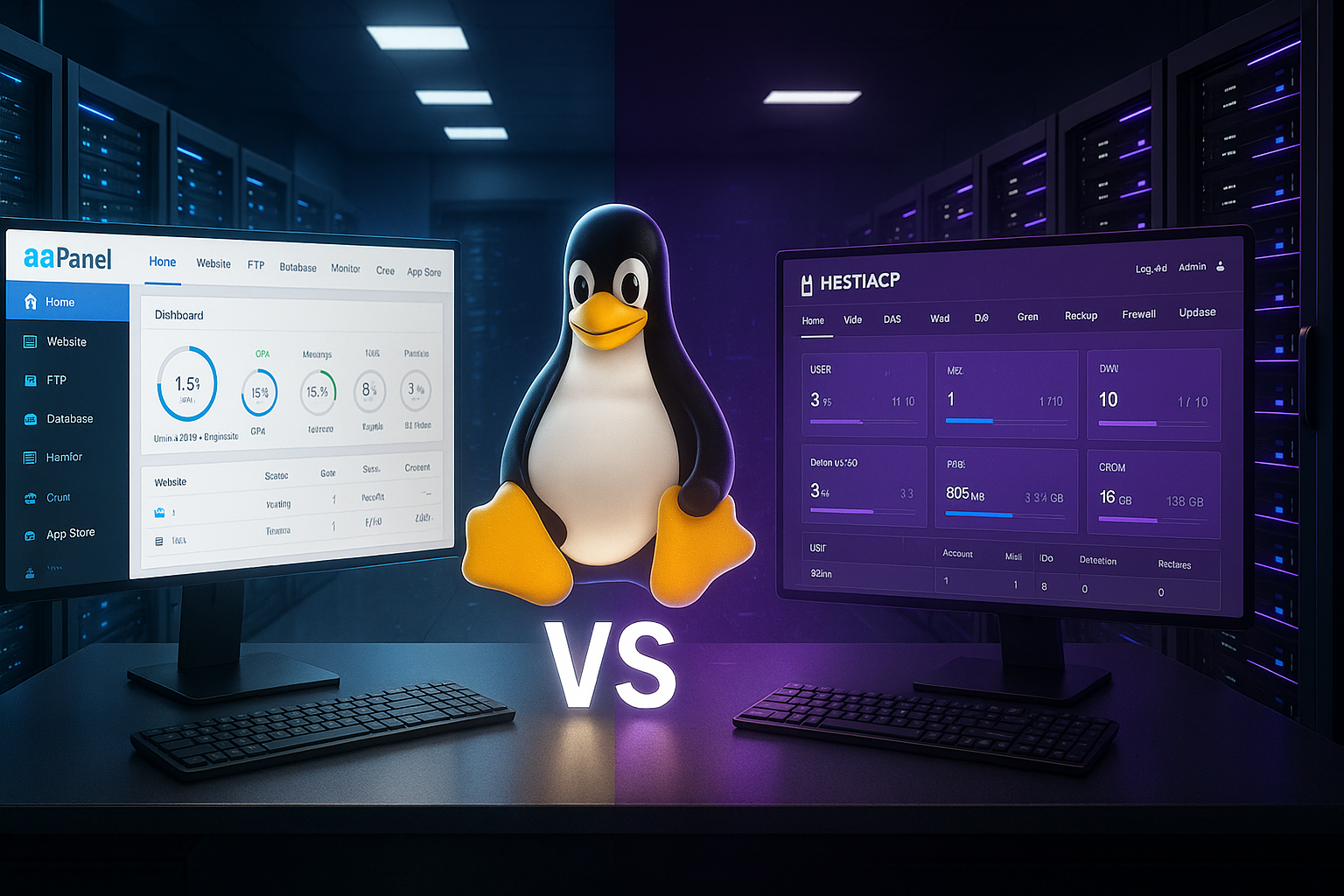
Operating concept and community
The surface of HestiaCP looks very clear structured. I don't have to click around for long, I can find e-mail, DNS, web and databases immediately. The mobile view helps when I need to renew certificates or create a Restart must be triggered. The community responds lively, and I find solutions to typical admin questions quickly. If you like an introduction to similar comparisons, read well in ISPConfig vs HestiaCP in order to better understand the UI philosophies. Understand.
aaPanel follows a modular structure with many Options. I appreciate the variety, but keep things tidy with clear naming conventions and documentation. The guides help with special cases, such as reverse proxies with additional caches or WAFs. The app selection allows me to expand in a targeted manner without having to maintain additional repos. This creates a toolbox that can be expanded as the number of projects grows. Strengths plays out.
Roles, clients and quotas
In customer projects, I pay attention to clean Client separation. HestiaCP has a simple but effective role model: Admin, Reseller and User. I assign quotas per user for storage, domains, databases and e-mail. Chroot SFTP and restrictive PHP FPM pools ensure that projects don't interfere with each other. touch. This is ideal when several customer environments are running on one server or resellers need to draw clear boundaries.
aaPanel is more strongly oriented towards the Project or site model. I create websites, databases and FTP/SFTP access per project and isolate access via file permissions and separate pools. Quotas are flexible, but I keep them consistent so that logs, backups or media uploads are not blocked. Surprises cause. For teams with changing roles, I document naming, password routines and access paths - this keeps the toolbox open despite the freedom controllable.
Performance and resources
On small VPSs, both panels score with good Response time. HestiaCP already runs cleanly with 1 CPU core and 1 GB RAM, which suits budget servers. aaPanel is considered economical and also allows multiple WordPress instances without major losses. run. The choice of web server has a direct impact on performance, for example NGINX with PHP-FPM for high Parallelism. If you integrate caching cleverly, you get noticeably more on identical hardware. Performance out.
I like to measure effects in a practical way: static content via NGINX, PHP apps with OPcache, database tuning for query load and IO. Both panels allow these adjustments without any hurdles. Forward-looking planning for backups, logs and rotations remains important so that disks are not overcrowded. Monitoring shows early on when an upgrade of the plan is due. This keeps the machine running well even during peak loads. controllable.

Automation and DevOps workflows
To make deployments reproducible, I rely on Automation. HestiaCP offers a robust CLI with v-commands and hooks. I script users, domains, SSL and backups and integrate the processes into Cron, Ansible or shell pipelines. For recurring tasks such as stage-to-prod copies, this saves me a lot of time. Time.
In addition to cron and script jobs, aaPanel provides a API layer, which I use to trigger central actions from tools. In CI/CD pipelines, I separate build and deploy, land artifacts and then trigger cache warmups or Queue Worker on. Docker completes the picture: test environments and sidecars (Redis, Worker) are available in minutes without affecting the base system. pollute.
Both panels relieve me of routine work without locking me into rigid workflows. force. This is helpful when teams work in different ways - from classic FTP sync to Git-based releases with Rollback.
Application scenarios: When which panel?
I choose aaPanel when I have a lot of Distributions or want to use OpenLiteSpeed and Docker directly. Projects with changing stacks benefit from the modular operation and the integrated App store. Multi-PHP and multiple databases are quickly set up, which relieves the burden on mixed landscapes. For teams with wide-ranging requirements, aaPanel acts as a flexible Building set. Anyone considering alternatives can take a look at aaPanel and 1Panel to develop modern approaches to get to know.
I use HestiaCP when security, e-mail and DNS are at the center of my work. stand. The panel provides solid defaults, a clear UI and regular backups with Restoration per click. This works very well for small agencies and freelancers, as there is less follow-up maintenance. If you manage several customer projects, you can keep processes lean and comprehensible. The changeover is easy if you are already using Debian or Ubuntu. are.
Installation: quick start without stumbling blocks
I start both panels on a freshly updated System. With aaPanel, the installation runs quickly and after a few minutes I log in via the IP in the browser. HestiaCP takes a little longer, but at the end it provides the access data and a well-organized Surface. Beforehand, I back up important data and check the requirements so that services such as e-mail and DNS are immediately correct. work. This saves me subsequent conversions and keeps downtime to a minimum. small.
I consciously plan updates, test them on a Staging-instance and then move to production. I set backups on a time-controlled basis, store copies externally and practice the Restoration. I check certificates, cron jobs and firewall rules. A quick post-install hardening pays off every time. from. This way the server remains plannable and I avoid unpleasant Surprises.

Backup, DNS and e-mail handling
HestiaCP takes email setups with antispam and virus protection noticeably serious. I set up mailboxes, SPF/DKIM/DMARC and quarantine systems in one place. I manage DNS zones without additional tools, which makes it easier to maintain small and medium-sized projects. Simplified. Backup automation and one-click restore noticeably shorten maintenance windows. Customer communication remains available and legal requirements are met. complied with.
With aaPanel I use time-controlled backups, secure dumps externally and document Processes. mail server is primarily based on Ubuntu/CentOS, but I check deliverability with tests and clear DNS entries. The App Store provides additional tools for monitoring and Analysis. I keep the number of active services lean to keep attack surfaces low. hold. This guideline helps to clearly organize operation and updates. hold.
Costs, licenses and extensions
As open source solutions, both panels cost nothing. License fees. I still factor in maintenance, time and optional plugins. aaPanel offers many modules directly in the panel, which shortens work paths and reduces learning curves. lowers. HestiaCP concentrates on core functions and therefore remains very slim. If you would like more comparisons, you will find KeyHelp vs aaPanel good arguments for classifying your own Plans.
When it comes to hosting, I rely on solid hardware and easily accessible Support. For admins in Germany, I like to mention webhoster.de as a strong choice. The provider delivers fast response times, fair prices in euros and a wide selection of Tariffs. This allows both panels to make better use of their performance in everyday use. Anyone working on a mission-critical basis should clearly define SLAs and backup locations. Rate.
Migrations and compatibility
I am planning Migrations in stages: First I move databases via dump, then files, and finally DNS switching with a short TTL. This is where HestiaCP shows off its proximity to VestaCP - I migrate existing backups from the same line in a controlled manner and thus save time. Users, domains, mailboxes and cronjobs land consistently, which saves rework. reduced.
I often migrate with aaPanel selectiveWebroot, .env/Config, databases and SSL certificates. With Multi-PHP, I deploy legacy apps in parallel with newer versions and test switchovers without pressure. For e-mail, I ensure a clean reputation (SPF/DKIM/DMARC, rDNS) and use an external server for critical workloads if necessary. Relay. This keeps deliverability and bounce rates predictable.
Network topics: IPv6, HTTP/3 and SSL
Both panels work cleanly with IPv6, which is increasingly standard in new networks and with hosters. I activate IPv6 early, test name servers and DNS records and thus prevent mixed content errors or deviating routing. For HTTP/3/QUIC NGINX and OpenLiteSpeed provide a good basis - I activate the option for suitable clients and monitor latencies, especially for mobile devices. nets.
Let's Encrypt certificates are a standard feature in both panels. No-brainer. I renew automatically, clean up old chains and check cipher suites. I implement wildcard certificates with DNS challenges when subdomain landscapes grow. It remains important not only to renew certificates, but also to consistently switch services (mail, FTP, panel) to encrypted certificates. Endpoints to lift.
Scaling, high availability and offsite backups
aaPanel and HestiaCP are primary Single server panels. For higher availability, I decouple critical components: Databases move to managed instances, caches and queues run as separate services, media end up in object storage. This allows me to scale independently of the panel and keep the web node slim.
I clearly separate backups: locally for quick restores, Offsite for disaster cases. I define RPO/RTO (Recovery Point/Time Objective) and test the recovery regularly - including complete server rebuilds. Both panels support scheduled backups; I add checksums, retention periods and encryption in the Idle state.
Compliance, GDPR and protocols
For customers in the EU, I pay attention to GDPR complianceLogging, access management, storage locations and order processing at the hoster. HestiaCP's clear rights and backups help to separate responsibilities. I document modules and accesses in aaPanel so that audit questions can be answered. stay. Rotations for web, mail and system logs prevent sensitive data from being stored for an unnecessarily long time. Audit trails and 2FA (native with HestiaCP) complete the picture.
Practical checklist: Hardening and operation
- AccessUse SSH keys, deactivate password login, SFTP instead of FTP. Keep admin accounts to a minimum, 2FA where possible.
- ServicesInstall only required modules. Remove unwanted default hosts and sample pages.
- Updates: Install OS and panel updates as planned, read changelogs, bring staging forward.
- PHP/DBOnly required extensions; activate OPcache; log slow queries, check indexes.
- WebHSTS, modernize TLS configuration, activate HTTP/2/3, define compression and caching.
- e-mailSPF/DKIM/DMARC, rDNS, set quotas; monitor RBL checks; outbound rate limits.
- FirewallMinimum principle, Fail2Ban, rate limiting at sensitive endpoints.
- MonitoringMonitor resources, uptime, certificates, backups and jobs; test notifications.
- BackupsRotation, offsite, encryption; rehearse restore regularly (RPO/RTO).
- DocumentationNaming conventions, emergency plan, access list, change history.
Decision support according to project profile
- Agencies with many mail domainsHestiaCP because of secure defaults, integrated e-mail and DNS.
- Prototyping/StartupsaaPanel for fast stacks, Docker and flexible extensions.
- Legacy mix (old + new PHP versions)Both suitable; aaPanel scores with modular web server change.
- Strict compliance requirementsHestiaCP thanks to roles, 2FA and clear separation per user.
- Performance optimization on a small VPSaaPanel with OpenLiteSpeed or NGINX + PHP-FPM is very easy to use. light.
- Training and onboardingHestiaCP's UI simplifies explanations and reduces misconfigurations.
My short verdict
I reach for HestiaCP, if security, e-mail and DNS are the main focus and I want a very clear UI. I choose aaPanel, when I need many distributions, an app store and maximum flexibility. Both panels deliver speed and a pleasant admin experience on small VPS and larger machines. For German projects, I am also impressed by the combination with a reliable Hoster. This is how I get websites, stores and applications online quickly and keep operations under control.