Skip to content
Low-cost plans often rely on old CPU hosting because depreciated processors drive down prices but slow down loading times and growth. I clearly show when this hardware is sufficient, where it slows things down, and which alternatives with modern technology are fairly priced.
Key points
- Costs Save money with providers offering depreciated hardware and low-cost remaining stock.
- Performance suffers from low clock speeds, few threads, and missing instruction sets.
- Scaling becomes expensive because migration and upgrades incur costs.
- Memory Using SATA instead of NVMe significantly slows down dynamic websites.
- Alternatives Combine the latest CPUs, NVMe, and fair prices for growing projects.
Why low-cost providers choose old CPUs
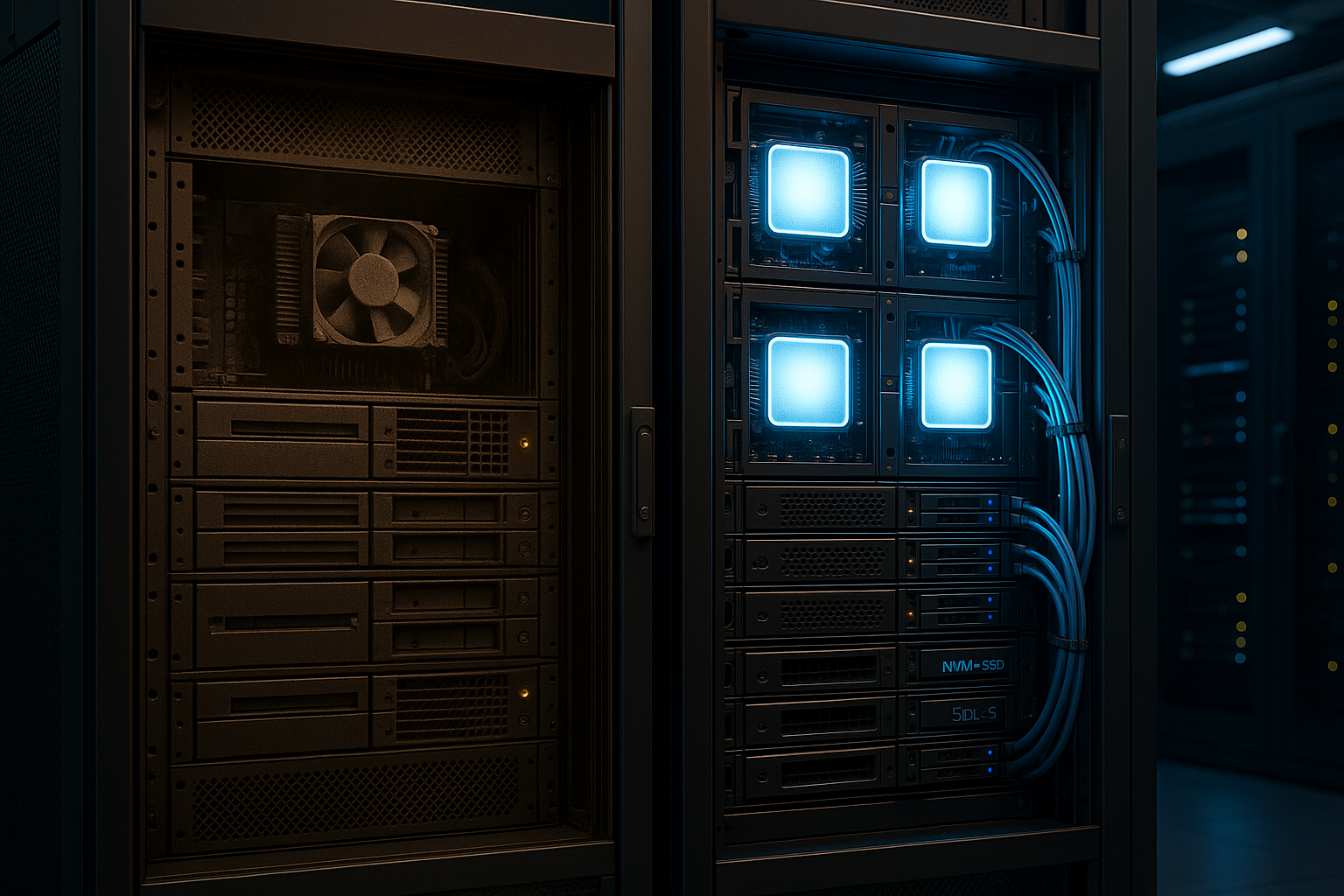
I see strong price pressure, which allows providers to use already depreciated Xeon or older Ryzen generations. These systems are often available in large quantities from data center returns, which simplifies procurement and secures margins. Part of the calculation is also based on high utilization per host, which remains predictable with older CPUs with simple setups. This principle is reinforced by Overselling in web hosting, in which capacities are dynamically allocated to multiple customers. This results in attractive entry-level prices that, at first glance, seem very Performance promise, but show limitations in practice.

Cost structure and amortization
The total cost of acquisition, operation, and Maintenance. Older servers are depreciated, spare parts are inexpensive, and technicians are familiar with the platforms. New top-of-the-line CPUs and fast DDR5 ecosystems cost more, and in many setups, power and cooling costs increase significantly. Providers with tight margins therefore avoid the initial investment in high-end nodes and keep monthly rates low. This sounds reasonable for newcomers, but as traffic grows, the price later rises above Migration and downtime.
Performance losses in everyday life
Older CPU generations usually have fewer threads, lower clock speeds, and sometimes lack modern features. Instruction sets such as AVX-512. WordPress, shop software, and databases show longer response times, especially with plugins and many simultaneous requests. I/O becomes a bottleneck when only SATA SSDs are used instead of NVMe, and query loads fall by the wayside. I therefore prioritize the actual clock frequency per core, see Clock speed more important than cores, because it often makes the difference with dynamic pages. If you test with and without caching, you will quickly notice how much the CPU determines the first byte time.

Server hardware comparison: old vs. new
A direct look at typical specifications helps with the Classification. Inexpensive offerings often bundle 4–8 cores, DDR4, and SATA SSDs, while modern packages offer significantly more parallelism, bandwidth, and I/O. This is noticeable in everyday use in build times, image optimization, caching warm-up, and complex database queries. Those who scale accordingly benefit from reserved resources and the latest architecture. The following overview shows typical differences that I regularly observe in benchmarks and best practice setups.
| Category | Affordable hosting (old CPU) | Premium Hosting (current) |
|---|---|---|
| CPU | Intel Xeon E3/E-2xxx, 4–8 cores, up to ~3 GHz | AMD Ryzen/Intel i9/EPYC, up to 44 cores, >4 GHz |
| RAM | 8–32 GB DDR4 | 64–256 GB DDR5 |
| Memory | SATA SSD, 500 GB–2 TB | NVMe SSD, up to 8 TB, often RAID |
| Network | 100–300 Mbit/s | 1 Gbit/s or more |
| Price | from $5 per month | from €20 per month |
I always evaluate such tables together with specific workloads such as PHP-FPM, Node.js builds, media uploads, and Backups. Modern CPUs offer predictably better latencies and higher reserves. More cache, faster interconnects, and NVMe reduce the time to the first byte. Shared hosts with old CPUs experience significant slowdowns under load. If you want to grow predictably, you should take this comparison seriously and not rely solely on the Price look.
Shared hosting and neighbors: When the CPU stutters
On shared systems, many customers compete for the same CPU time. As soon as neighboring projects start running cron jobs, backups, or rebuilding caches, waiting times increase. This manifests itself as fluctuating response times, especially for dynamic pages and API calls. I therefore check in monitoring and logs whether so-called CPU steal time increases significantly. If this happens frequently, it is not your code that is limiting performance, but the shared hardware – and in most cases, an older platform with insufficient Resources.

When old CPUs are sufficient—and when they are not
I consider old platforms to be useful if you have a static website with low traffic or host landing pages without complex logic. Small side projects, personal blogs, or prototypes can often manage with this as well. It becomes critical for shops, communities, LMS systems, CRM stacks, and anything that generates many simultaneous queries. Here, CPU clock speed and NVMe performance determine sales, registration, and user satisfaction. As the project grows, an upgrade pays off early because you have less Failures risk.
Alternatives: Modern resources at a fair price
For long-term projects, I rely on current CPUs, sufficient RAM, and NVMe storage, because this pays off during peak loads. In comparisons with root and vServer offerings, systems with Intel Core i9 or AMD Ryzen, plenty of RAM, and 2× NVMe RAID perform well. Some providers start at around $24.90 with modern hardware and offer predictable scalability. Higher rates around $100 and above provide additional cores, more memory, and enhanced monitoring for demanding setups. According to webhosting.de's root server comparison, these platforms achieve consistently low latencies and good Reserves.

SEO implications of slow hardware
Slow hosts hurt rankings because search engines Loading time and measure stability. If the time to first byte or the largest contentful paint exceeds the threshold of around three seconds, visibility and conversion often drop noticeably. Old CPUs increase this risk, especially if there is no NVMe storage and the database slows things down. I optimize the server base first before I start fine-tuning the theme or plugins. A faster platform reduces the number of optimization issues and strengthens the Core Web Vitals.
Measurement methodology: How I check hosts before moving
Before switching, I test the target environment reproducibly. Measurements with cold and warm are important. Cache, so you can see how the platform performs without any aids and how well it works with cache. I measure TTFB, P95/P99 latencies, and requests per second under realistic concurrency values. This includes:
- Cold start tests with emptied OPCache/page cache to measure pure CPU-Performance to see.
- Warm cache tests with simultaneous requests (e.g., 10–50 users) to simulate typical traffic peaks.
- Database microtests (SELECT/INSERT mixed) to determine the I/O– and lock behavior.
- Small uploads/image transformations to see how well compression works., SSL and image processing scaled.
I evaluate the latency distribution, not just the average. Strong peaks at P95/P99 often indicate overloaded hosts, slow storage paths, or insufficient CPU reserves. It is precisely these rare but costly peaks that determine user experience and conversion.
CPU features and software compatibility
modern Instruction sets and platform functions play a greater role in everyday life than many people think. Older Xeons or early Ryzen generations slow down during TLS handshakes and compression when AES-NI, VAES, or wide vector paths are missing. Image optimization (e.g., via libvips/Imagick), modern codecs, and compressors benefit greatly from AVX2; with AVX-512, performance scales even further in workloads such as analytics or rendering. Without support, everything takes longer or breaks down more quickly under high loads.
A second point: security mitigations. Microcode patches and kernel mitigations for known CPU vulnerabilities often affect older generations more severely. Depending on the workload, this can significantly reduce throughput. On new platforms, the losses are lower, and you get more. Single-Core-Performance for dynamic pages.
Databases and caching: What you can still get out of old hardware
If the move is not imminent, I first optimize routes that involve little risk:
- OPcache and a clean PHP-FPM configuration (appropriate max_children) reduce process overhead.
- Page cache and an object cache for sessions/transients relieve the Database.
- Choose compression levels pragmatically (e.g., Brotli/Gzip moderate) to optimize the CPU Do not overload.
- Optimize image sizes and formats in advance instead of transforming them on the fly.
- Schedule batch jobs and cron tasks so that peaks do not collide.
These are adjustments that have a short-term effect on older CPUs. Nevertheless, the limit remains low if NVMe is missing and the clock frequency per core is low. At the latest when P95 latencies rise regularly, I plan to switch.
Energy, cooling, and sustainability
I increasingly factor energy and cooling costs into projects. New platforms deliver significantly more per watt. Performance and are more efficient under full load. This not only reduces the host's electricity bill, but also improves thermal reserves – important when summer load peaks and full racks coincide. Older servers often draw more power per request, which can lead to thermal throttling in dense environments. Efficient CPUs NVMe also reduces the time per job, which makes the overall infrastructure more stable.

SLAs, monitoring, and transparency
I rely on clear SLAs and reliable measurements. These include guaranteed resources (cores/threads, RAM, I/O limits) and a transparent representation of host density. On virtual systems, it helps to make CPU steal, I/O wait time, and network drops visible in monitoring. I use alarms on P95/99, error rates, and Timeouts, to detect creeping degradation early on. If you want to scale, you also need observability: logs, metrics, traces. This allows you to identify whether your code is limiting you—or the platform.
Cost-benefit: When does modern hardware pay off?
I consider the change to be an investment in Latency and stability. For example, if the TTFB increases from 800 ms to 200–300 ms, throughput often increases noticeably and checkout flows run more smoothly. Even if the price rises from $5 to $25–30 per month, a small increase in the conversion rate often quickly compensates for these costs. Projects with seasonal peaks (sales, launches) benefit in particular: modern platforms can withstand pressure without immediately requiring complex Workarounds become necessary.
In addition to the tariff price, full cost accounting also includes migration costs, potential downtime, and opportunity costs of slow pages. Those who do the math often find that the seemingly expensive tariff is cheaper over a quarter when sales are more stable and less time is spent on firefighting.
Scaling paths and architecture decisions
I plan projects in clear stages so that the change remains stress-free:
- Shared → vServerReserved resources, initial control over Limits and services.
- vServer → Dedicated serverNo neighbors, full I/O, upgradeable CPU/RAM/NVMe.
- Single server → Cluster: Separate database host, caching layer, read replicas and queuing if necessary.
The key is to identify the bottleneck early on: CPU, RAM, storage, or network. Modern platforms make horizontal steps easier because the basis is faster and more deterministic. This makes it easier to run blue-green deployments and staging tests without disrupting customers.
Checklist before signing a hosting contract
First, I check the real one. CPU generation and ask about the model, clock frequency, and threads instead of relying on marketing names. Then I clarify whether NVMe is used instead of SATA and how high the guaranteed I/O performance is. I pay attention to the RAM type and amount, as well as limits for PHP-FPM workers, processes, and open files. Network information such as guaranteed bandwidth and ports is important, not just „up to“ values. Finally, I look at monitoring, support response time, and upgrade paths so that the switch doesn't cause any problems later on. Downtime generated.
Migration and scaling without headaches
I plan upgrades early so that I can calmly database, caches, and DNS move. A staging system helps to test the new platform with production data and identify bottlenecks. When switching to modern hardware, I rely on NVMe storage, the latest CPU generations, clean limits, and observability. This allows me to measure whether the target environment can better handle peak loads and how P99 latencies change. With a good plan, you can achieve significantly more headroom and reduce the risk of avoidable Failures.
Briefly summarized
Low rates are tempting, but old CPUs often slow things down just when your project is picking up speed. This is often fine for static pages, but with dynamic applications, you pay for it with latency, fluctuations, and SEO risks. Modern platforms with higher clock speeds, more threads, and NVMe quickly pay for themselves. That's why I base my decisions on workload, growth, and real measurements rather than the lowest price. If you plan wisely, you can take advantage of inexpensive starter packages for a short time and switch to something else when the time is right. current Resources.