Skip to content
I'll show you step by step how to use the all-inkl database access for phpMyAdmin, HeidiSQL and direct MySQL connections. This allows you to configure logins, rights and backups in a structured manner, avoid access errors and increase the Security of your data.
Key points
Before I get started, I'll summarize the most important goals so that you can keep track of everything. I first set up databases in KAS and save all access data in a secure location. Then I activate phpMyAdmin, test the login and define clear rights. For remote access, I restrict permission to specific IP addresses and use secure passwords. Finally, I set up a simple backup strategy and optimize the queries for Performance and stability.
- KAS setup: Create database, user, password correctly
- phpMyAdminLogin, export/import, table maintenance
- HeidiSQLExternal access, large backups
- IP releases: Secure access in a targeted manner
- Backups: Create and test regularly
Check prerequisites in ALL-INKL KAS
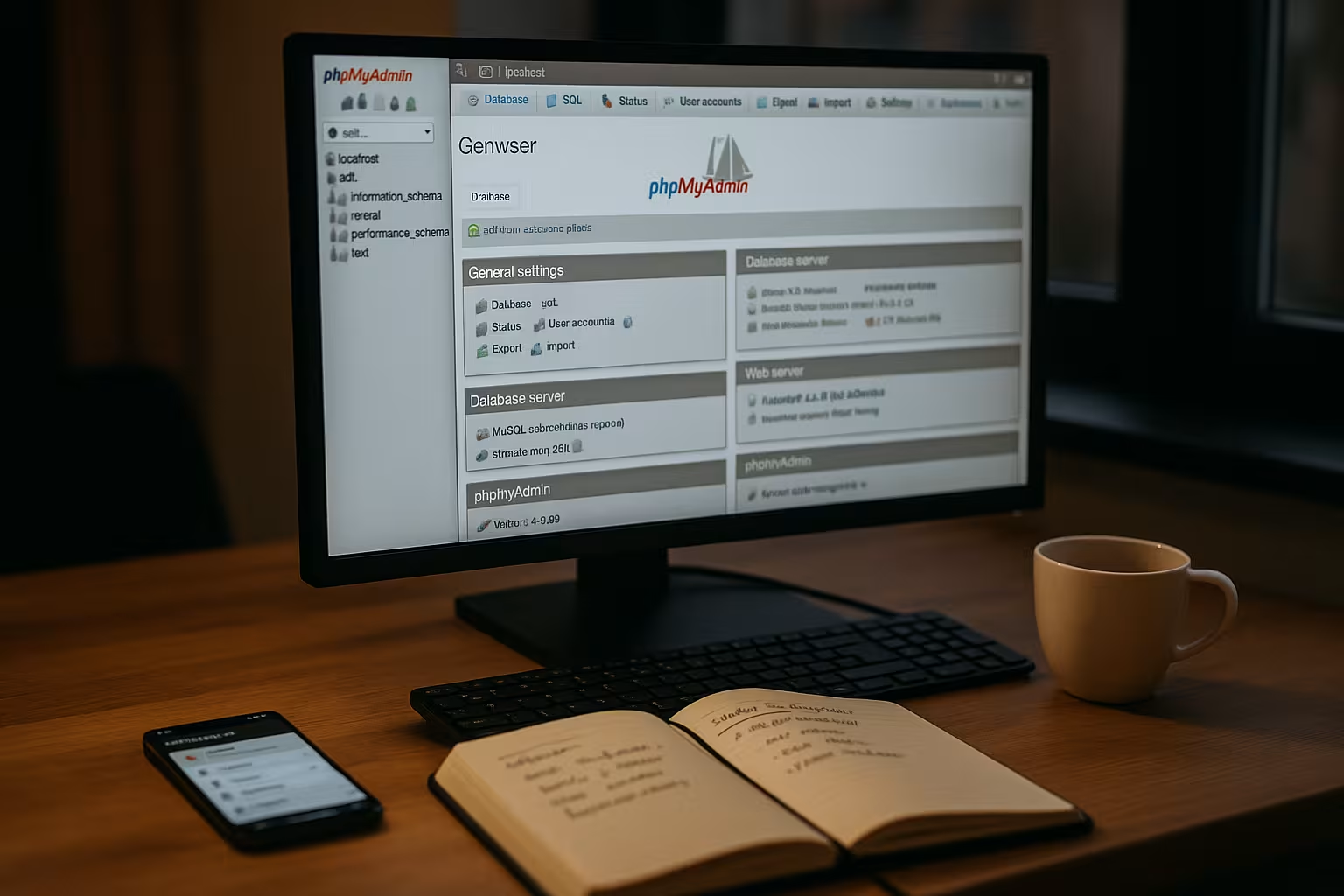
I first create a new database in the KAS and assign a unique Names without special characters. I then create a database user and choose a strong password consisting of long, random characters. I save all the details in a password manager so that I can access them quickly later and don't forget anything. For a quick overview, I use a compact MySQL-Guide with basic steps. This is how I keep the base clean and ensure an error-free Start.
I also make a note of the parameters host name, port and the assigned database name from the KAS immediately after creating the database. For several projects, I define a clear naming logic (e.g. kundenkürzel_app_env) so that I can later recognize at a glance what the database is intended for. If several team members are working, I add the following to the KAS field Comment a short purpose to avoid misunderstandings. I choose the character set from the beginning utf8mb4 and a suitable collation (e.g. utf8mb4_unicode_ci or the MySQL 8 variant) so that special characters, emojis and international content work reliably. This basic order pays off later during migrations and backups.
Set up phpMyAdmin access with ALL-INKL
In KAS, I open the Databases menu item and click on the phpMyAdmin icon for the desired entry to open the login page. The login works with the username and password of the database user, not with the access data for the hosting panel. Alternatively, I call up the URL of your domain with /mysqladmin/ and use the same login data there. After logging in, I can see the database overview, create tables, change fields and check specific data records. This allows me to carry out maintenance and quick adjustments directly in the Browser without additional software.
In everyday life I use the tab in phpMyAdmin Queryto test frequent SQLs and save them as favorites. When importing, I pay attention to the options Character set of the file and Partial importif the connection is not stable. For clear exports I use Advanced settingsactivate Structure and data and DROP IF EXISTSso that restores work without first emptying the database. If relationships are important in the application, I check the Relationships view and keep foreign keys consistent so that subsequent delete and update operations work reliably.

External access: Set IP shares securely
By default, I only allow connections from the server itself so that no external host can access it openly. If I want to work with HeidiSQL from my computer, I enter my fixed IP in the KAS under Allowed hosts. For changing addresses, I use a secure route via VPN with a fixed outgoing address and thus reduce the attack surface. I avoid approvals for all hosts because this option creates unnecessary risks. So I keep the door open for tools, but strictly limited to Trust.
To remain flexible, I only store temporary approvals and delete them again after use. This minimizes the window of opportunity for attacks. If I'm working on the move, I document the currently shared IP so that I can remove it later. I define rules for teamwork: Whoever needs access specifies their fixed IP; I avoid shared WLANs or hotspots for admin access. In this way, I prevent a wider IP range from remaining permanently open.
Connect and use HeidiSQL
I install HeidiSQL on my Windows computer and set up a new connection with the host name, user name and password from the KAS. I usually choose my own domain as the host, because the provider makes the MySQL instance accessible via this. The connection only works if I have released the IP in the KAS and am not working from a different connection. I like to use HeidiSQL for large backups because there are no upload and download limits for web interfaces. This allows me to edit tables smoothly, export specific subsets and save time with Imports.
In HeidiSQL I activate the compression if necessary and set the character encoding explicitly to utf8mb4. When importing larger dumps, I work with packages (chunk size) and temporarily deactivate foreign key checks to avoid sequence conflicts. I often set before the import:
SET NAMES utf8mb4;
SET FOREIGN_KEY_CHECKS=0;
SET UNIQUE_CHECKS=0;
START TRANSACTION;
After the import, I switch the checks back on and confirm with :
COMMIT;
SET FOREIGN_KEY_CHECKS=1;
SET UNIQUE_CHECKS=1;
If everyday connections occasionally break down, a Keep-Alive in the connection options. If the provider supports TLS/SSL for MySQL, I activate this option in HeidiSQL and import the certificate if required. This protects passwords and data from being recorded in transit.
Backups and restores without frustration
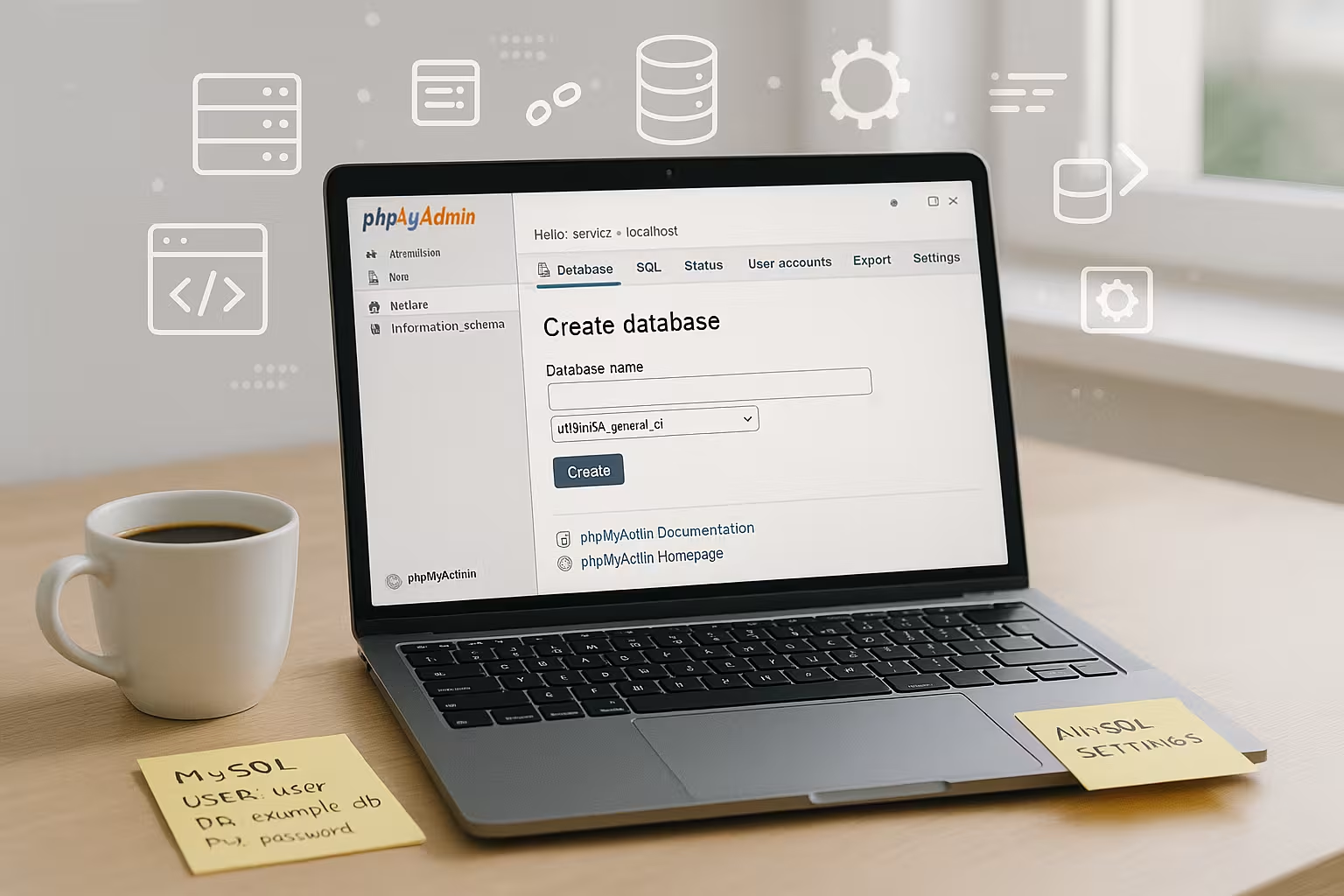
In phpMyAdmin, I export a database via the Export tab and save the file as SQL, compressed if necessary. For the import, I upload the backup via Import and pay attention to the correct character encoding so that umlauts remain correct. If the file exceeds server-side limits, I switch to HeidiSQL and upload the backup directly from my computer to the database. In addition, I keep at least one version on a separate storage outside the server so that I can react quickly in the event of problems. As a supplement, this guide to the Save databaseso that I don't forget any steps and the recovery works quickly.
I organize my backups with a clear scheme: project_env_YYYY-MM-DD_HHMM.sql.gz. This allows me to automatically find the last suitable file. For live databases, I schedule fixed backup windows outside of peak times. I also encrypt sensitive backups and store them separately from the web space. When restoring, I first test the entire process (import, app login, typical functions) in a test database before overwriting the live database. This prevents surprises due to incompatible character sets or missing rights.
For very large backups, I split dumps into several files (e.g. structure separately, large log/history tables separately) and import them one after the other. This reduces troubleshooting and speeds up partial restores. I also document dependencies: First master data, then transaction data, then optional data such as caches or session tables.
Error analysis: Check and repair tables
If queries suddenly seem slow or throw errors, I first check the affected tables in phpMyAdmin. I select them using the selection fields and then start the Repair function to fix index and structure problems. If that doesn't help, I check the collation and adjust it between the database and the tables. I create a fresh backup before carrying out more in-depth interventions so that I can revert to the last functioning version at any time. In this way, I systematically solve typical database errors and minimize the risk of Failures low.
I also use ANALYZE TABLE and if required OPTIMIZE TABLE to update statistics and tidy up fragmented tables. With EXPLAIN I check problematic queries directly in phpMyAdmin and recognize missing or inappropriate indexes. I create a small checklist for recurring problems: Check collation/character set, check index coverage, clean up incorrect data (NULL/default values), only then tackle more complex conversions.

Rights, roles and security
I assign rights according to the principle of least privilege and block write access if a service does not need it. I keep login information separate for each application so that a compromised app does not jeopardize all projects. I change passwords at fixed intervals and manage them in a trusted manager. I also secure the KAS with two-factor login, because panel access could bypass all other protection mechanisms. These basic rules strengthen the Defense and reduce damage in the event of an emergency.
I use separate databases and separate users for development, staging and live environments. This allows me to separate access patterns cleanly and limit error sequences. In applications, I do not store database access in the code repository, but in configuration files or environment variables outside version control. If I leave a project team or the responsibility changes, I rotate the passwords and immediately delete IP shares that are no longer required.
Comparison of access methods: phpMyAdmin, HeidiSQL, CLI
Depending on the task, I use different tools to balance speed and convenience. For quick checks and small exports, the web interface in the hosting panel is usually enough for me. When it comes to large amounts of data or long exports, HeidiSQL on the desktop offers clear advantages. I run scripts and automation via the command line if the environment allows it. The following overview will help you choose the right Tools.
| Tool | Access | Strengths | When to use |
|---|---|---|---|
| phpMyAdmin | Browser | Fast, everywhere in the panel | Minor changes, export/import, table maintenance |
| HeidiSQL | Desktop | Large backups, editor, comparisons | Large databases, recurring admin tasks |
| CLI (mysql) | Command line | Can be automated, scriptable | Deployments, batch jobs, cron-based tasks |
Performance optimization for ALL-INKL databases
I start performance work by checking the queries, because inefficient joins or missing indexes cost the most time. I then look at the size of the tables and clean up old sessions, logs or revision data. Caching at application level reduces load peaks, while targeted indexes noticeably reduce read loads. I measure runtimes before major conversions so that I can compare the effects and side effects later. This overview provides me with a compact collection of practical tricks for Database optimizationwhich I use as a checklist.
I create indexes deliberately: selective columns first, for frequent filters and sorting I use combined indexes. For pagination, I avoid expensive OFFSET-variants and, if possible, work with range queries using the last key value. I reduce the write load with batch operations and sensible transaction limits. Where appropriate, I move calculations from SQL to the application or use caching layers to relieve hotspots. Before I make massive changes to tables, I test the changes in a copy and compare measured values.
Integration with CMS and apps
In WordPress or store systems, I enter the name, user, password and host of the database exactly as I have specified them in the KAS. If the details are incorrect, the connection fails immediately and the app displays an error message. When moving, I also check the character encoding and the domain paths so that URLs, special characters and emojis appear correctly. I first import uploaded backups into a test database before going live. This routine prevents failures and ensures smooth operation. Deployments.
The host works for apps on the same web space localhost is usually the most stable. For external tools, I use the domain or the host specified in the KAS. In WordPress I pay attention to DB_CHARSET = utf8mb4 and a matching DB_COLLATE-setting. If I change domains or paths, I perform a safe search/replace with serialization so that options and metadata remain intact. I empty the cache plugins after an import so that the application loads new data from the database immediately.

Clearly define character set, collation and storage engine
I use databases and tables consistently utf8mb4so that all characters are covered. Mixed operation (e.g. database in utf8mb4, individual tables in latin1) often leads to display errors. I therefore randomly check content with umlauts or emojis after an import. As a storage engine I prefer InnoDB because of transactions, foreign keys and better crash safety. For older dumps, I convert MyISAM tables unless the application requires specific MyISAM functions.
Solve typical connection errors quickly
- Access denied for userCheck user/password, set correct host (localhost vs. domain), add IP release for external access.
- Can't connect to MySQL serverIP not released or wrong host/port. Connection from another network? Then update IP in KAS.
- MySQL server has gone away (2006)Package too large or timeout. Split dump, max_allowed_packet-Observe limits, import in smaller blocks.
- Lock wait timeout exceededBlock processes running in parallel. Perform import at off-peak times or adjust transactions/batch sizes.
Schema and rights design for multiple projects
I separate data into separate databases for each project and environment and assign a separate user with minimal rights for each application. I use separate users without write access for read-only processes (reporting, export). In this way, I limit potential damage and can block access in a targeted manner without affecting other systems. I document changes to schemas as migration scripts so that I can roll them out reproducibly from staging to live.
Automation and repeatable processes
Where the environment allows, I automate regular exports via scripts or cronjobs and name the files consistently. I include test steps (hash, size, test import) in the process so that I can evaluate the quality of each backup. I follow a sequence for deployments: Create backup, activate maintenance mode, import schema changes, migrate data, empty caches, deactivate maintenance mode. This discipline saves time during rollbacks and prevents inconsistencies.
Monitoring and care in everyday life
In phpMyAdmin I use the areas Status and Processesto see running queries. If a query is visibly stuck and blocking others, I terminate it specifically if the permissions allow it. I also monitor the growth of large tables and plan archiving or cleanup before memory and runtimes get out of hand. In the application, I log slow queries and mark candidates for index optimization. Small, regular maintenance prevents problems from building up unnoticed.
Brief summary for those in a hurry
I create the database in KAS, secure the user and password and test the login in phpMyAdmin. For remote access, I only allow selected IPs and use strong passwords. I trigger large exports and imports via HeidiSQL to bypass limits in the browser. I rectify errors with repair functions and import an up-to-date backup if necessary. With clear permissions, regular backups and a few quick optimizations, access remains secure and the Performance stable.