Skip to content
All-Inkl DNS controls where your domain points, how quickly content loads and whether emails arrive reliably. I'll show you how to set the right records in the KAS, avoid conflicts and protect your domain with Security and speed.
Key points
- KAS access Use quickly and maintain entries cleanly
- TTL Set strategically for fast updates
- MX/SPF/DKIM Configure correctly for Mail Trust
- Wildcard and use subdomains sensibly
- Monitoring and documentation consistently
All-Inkl DNS in KAS: quick start
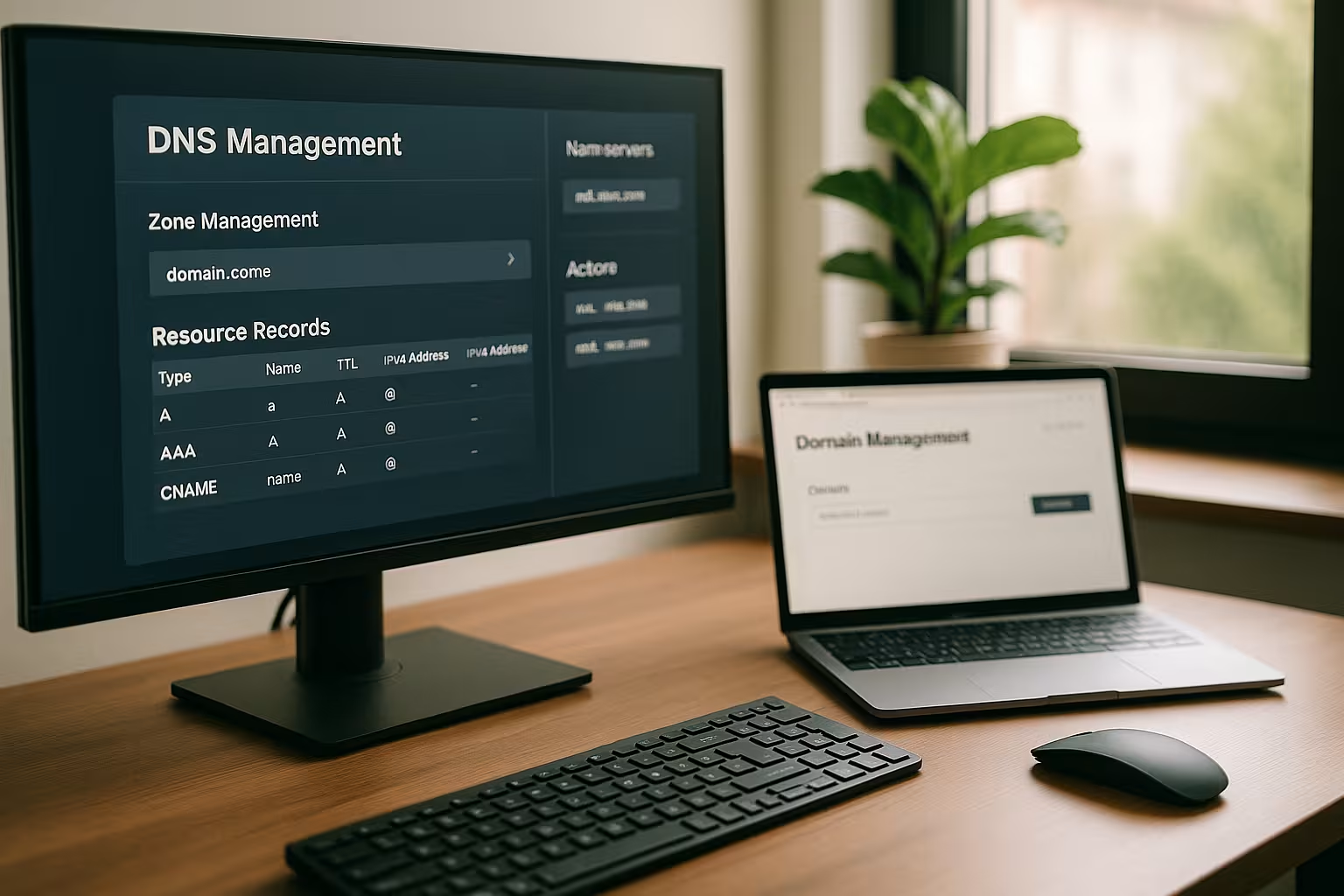
I log in to the member area, open the technical administration and go to the desired domain via KAS login, then to DNS settings [1]. In the overview, I check existing A, AAAA, CNAME, MX and TXT records and clear up duplicates. For a server change, I adjust A (IPv4) and, if necessary, AAAA (IPv6) and save the new IP. Changes often take effect in minutes, worldwide it can take longer. After each save, I check the entries again so that no typing errors stop the go-live.
TTL, propagation and clean deployments
I treat the TTL as a control lever for rollouts. Before a move, I temporarily lower the TTL (e.g. to 300 seconds) so that clients quickly adopt new values. After the change, I raise the TTL again to reduce the DNS load. For critical launches, I plan the time window, delete obsolete records and test the resolution of several resolvers. You can find a more in-depth comparison of sensible values here: Optimum TTL values.

Nameserver, NS and SOA at a glance
I check first, who provides the authoritative name servers. If the NS are delegated to All-Inkl, my KAS entries take effect immediately. If external name servers are stored (e.g. of a CDN or a SaaS provider), the KAS records take effect immediately. not. Then I maintain the zone where the NS points. When changing the name servers, I allow more time than for individual record updates because the TLD registrar and caches can take over the delegation change with a delay.
I pay attention to the parameters in the SOA record: Serial (version number of the zone), Refresh/Retry/Expire (control for secondary servers) and the Negative TTL for non-existent names. This negative cache duration explains why deleted/newly created names sometimes only become visible after the NXDOMAIN TTL has expired. All-Inkl manages most of the values automatically - but I include them in the rollout time.
Set A, AAAA and CNAME correctly
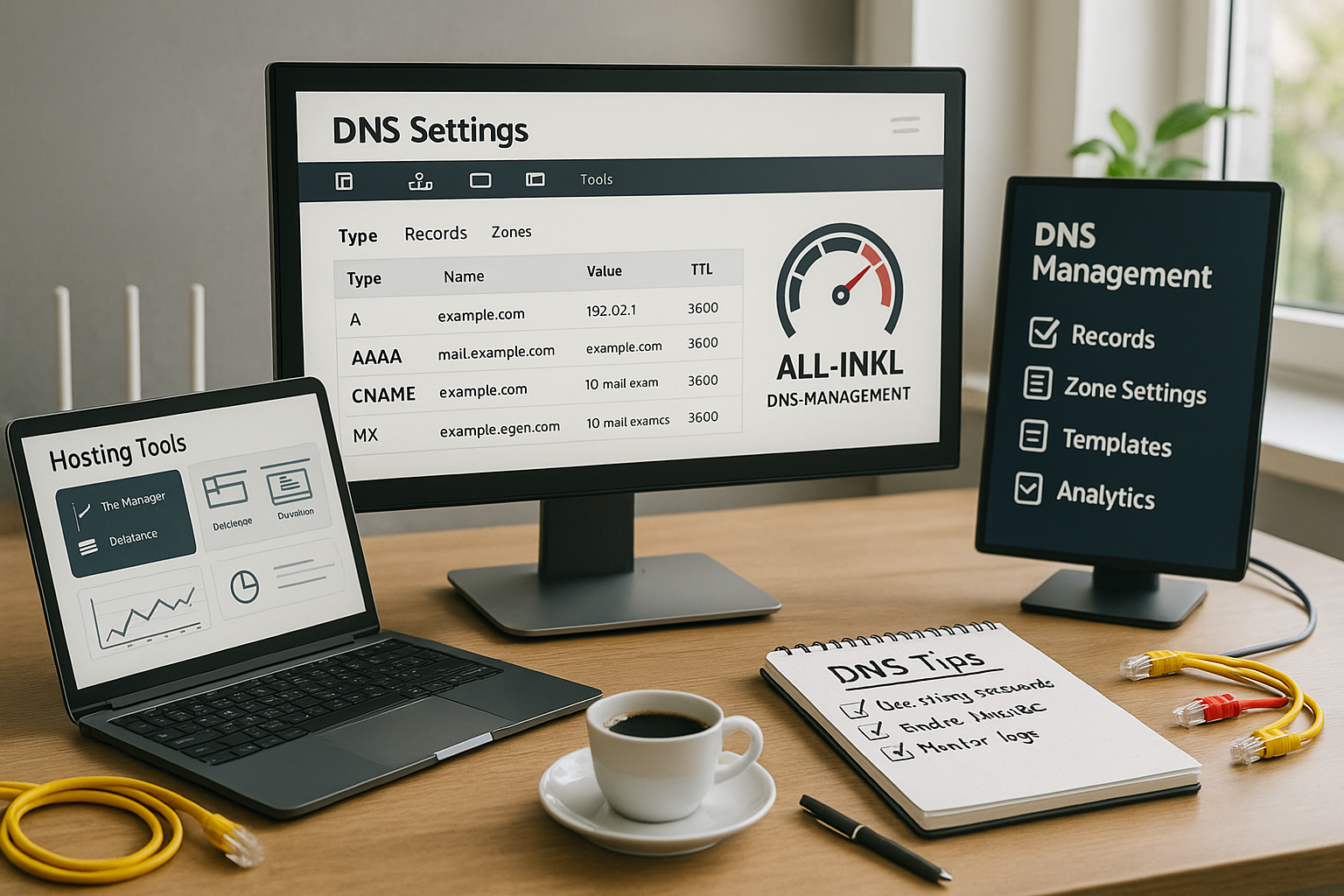
For the website, I enter the new IPv4 under A and the IPv6 under AAAA so that all clients have a Access get. If a service only assigns me one host name, I use CNAME as an alias to this target host [2]. I avoid CNAME on the root domain unless the provider supports special solutions; instead I usually work with A/AAAA there. For www, I create a CNAME on the root if I want to avoid centralized IPs. After updates, I check the resolution and certificate so that HTTPS runs without warnings.
Redirects, WWW canonicalization and CNAME traps
I make a strict distinction between DNS and HTTP: I resolve redirects (e.g. non-www ⇒ www) on the server side with 301/308, not with DNS. In DNS, I typically point www to the root (or directly to the target at the CDN) via CNAME. I don't create a CNAME where there are already other records with the same name (e.g. MX/TXT on root), as CNAME and other types are not identical. close off. For clean certificates, I make sure that all host names used (root, www, application-specific) are resolved and included in the certificate.
Making sensible use of subdomains and wildcards
I create subdomains such as store, blog or api and thus separate services cleanly without the Main domain to jeopardize. For frequently changing projects, a wildcard A record (*) saves me time because each new subdomain is automatically accessible. Nevertheless, I define critical subdomains explicitly so that they have their own targets, TTLs or security values. For external platforms, I set CNAME entries so that IP changes by the provider do not affect me. Before going live, I test the subdomain using a hosts file or a separate resolver.
CDN, multi-region and failover
I integrate a CDN via CNAME and keep the TTL moderate so that routing changes take effect quickly. For static content, it is worth using a subdomain (e.g. static) so that I can manage caching policies and certificates separately. For simple load balancing, I work with several A/AAAA entries (round robin). I am aware that this does not replace active health checks - if a target fails, users have to wait until the client tries another target. For planned maintenance, I use short TTLs and switch to a maintenance instance or redirect traffic via CNAME switch.
MX, SPF, DKIM, DMARC: reliable e-mail security
I set correct MX records so that mails reach the intended server and communication partners build trust. For sender authentication, I use TXT to create a SPF-record, which includes all legitimate sending paths [3]. I also activate DKIM so that recipients can check signatures; I store the public key as TXT. I use DMARC to define the evaluation of SPF/DKIM and a policy (none/quarantine/reject) including reporting. I then test delivery, spam rating and alignment until the values are correct.
SPF details from practice
- I keep the SPF at a only TXT line per name and note the lookup limit (max. ~10 mechanisms with DNS queries). Too many include-I shorten or consolidate chains.
- I use ip4/ip6 for own senders, include for providers and avoid expensive mechanisms such as ptr. At the end I usually put ~all (softfail) at the start and later -all.
- I pay attention to correct quoting for long values. TXT may be broken into segments that the resolvers merge again.
Clean operation of DKIM
- I manage Selectors (e.g. s2025) per dispatch path so that I can rotate keys without stopping the dispatch.
- I prefer 2048-bit keys and delete old selector TXT records after the changeover.
- I use separate selectors for each sender platform so that test and rollback remain separate.
Develop DMARC policies
- I start with p=none and evaluation of the reports (rua). If the SPF/DKIM aligment values are correct, I proceed via quarantine to reject and increase if necessary. pct in stages.
- If required, I can set a sp=-policy for subdomains and select adkim/aspf (relaxed/strict) to suit the setup.
Further mail aspects
- Reverse DNS (PTR): If I send mails from my own IP, I set a PTR to the HELO/SMTP name at the provider. Without a PTR, the delivery quality drops.
- MTA-STS/TLS-RPT: I also secure transport encryption via MTA-STS (Policy per TXT/HTTPS) and have delivery problems reported via TLS-RPT.
Avoid sources of error and rectify them quickly
I often see trivial causes: transposed numbers in IPs, duplicate records, incorrectly set CNAME destinations or TXT line breaks. That's why I check every new entry directly in the KAS and then validate it with several resolvers. In the event of faults, I start with A/AAAA and MX, then check CNAME/TXT and look at the TTL on. I use checklists and tools for structured analyses; a good place to start is this compact DNS error analysis. If there is still a problem, I open a ticket with times, affected hosts and samples.

DNS records at a glance: Practical table
I keep the most important record types in a compact overview so that I can make changes quickly and easily. safe plan. I use A/AAAA for web access, CNAME for aliases, MX for mails and TXT for authentication. SRV helps with services such as VoIP or chat. I pay attention to the format, name, destination and TTL for each entry. The following table will help you plan your entries.
| Record | Purpose | Example entry | Notes |
|---|---|---|---|
| A | IPv4 address of the domain | 192.0.2.123 | For website and subdomains important |
| AAAA | IPv6 address of the domain | 2001:0db8:85a3:0000:0000:8a2e:0370:7334 | Always provide additional care if possible |
| CNAME | Alias to another domain | www ⇒ mydomain.com | Do not use CNAME on root |
| MX | Mail server assignment | mailserver.webhoster.com | Multiple entries with priority |
| TXT | Verification/Policies | v=spf1 include:... | Store SPF, DKIM, DMARC |
| SRV | Service assignment (e.g. VoIP) | _sip._tcp.mydomain.com | Only use if necessary |
SRV, CAA, TLSA and special cases
I use SRV entries for services that require port, weighting and priority (e.g. _sip._tcp, _xmpp, _autodiscover). I set the service, protocol, target host, port, priority and weight correctly and document dependencies.
For certificates I restrict with CAA which CAs are allowed to issue certificates. I set entries of the type issue (normal certificates), issuewild (wildcard) and optional iodef for notifications. This is how I prevent unwanted exhibitions. If I use DNSSEC, I can use the following for TLS services TLSA (DANE) - this is advanced, but increases the chain security between DNS and transport encryption.
ACME/Let's Encrypt via DNS-01
I solve tricky certificate scenarios (e.g. wildcards) via the ACME challenge DNS-01. For this I create a TXT record under _acme-challenge.yourdomain.tld on. During the issue, I set the TTL briefly so that the CA can see the values quickly. After successful validation, I set the TTL high again and remove old challenge entries to keep the zone clean.
Understanding caching and carrying out targeted tests
I differentiate between caches on several levels: local OS, browser, provider's resolver and downstream forwarders. If anything is unclear, I clear local caches (e.g. via system tools) and test specifically against authoritative name servers. With dig I look at TTL, Authority and the chain via +trace on. In the event of unexpected NXDOMAIN responses, I note the negative TTL from the SOA before planning further changes.
Delegation of subdomains
If necessary, I delegate individual subdomains to other nameservers by using NS records within of the zone for this subdomain. For example, a SaaS team can app.yourdomain.tld myself without handing over the main zone. I think of the appropriate glue records if I operate my own name servers under the domain.
Internationalized Domains (IDN)
I take umlauts/IDN into account: In the DNS I work with Punycode (xn--...). The UI often does the conversion for me, but in logs or with manual tools I check whether the name and certificate match exactly.
DNSSEC, IPv6 and automation
I activate DNSSEC if the registrar offers it, so that resolvers can check responses cryptographically. At the same time I maintain IPv6-records, because many networks today prefer v6. For recurring setups, I use templates or an API so that I can roll out consistent records more quickly. If I operate my own resolvers or name servers, I pay attention to clean glue records and serial version management; an introduction to this: Set up your own name server. This is how I keep changes comprehensible, testable and quickly playable.

Working with multiple environments and staging
I separate production, staging and testing via subdomains or separate zones so that I can check changes safely. For staging, I lower the TTLso that new builds are immediately visible. I reserve unique hostnames such as staging, dev or preview and document the targets. When switching, I use CNAME switches or swap A/AAAA IPs with a low TTL so that users hardly notice any interruptions. I then pull the TTL back up and archive the old values.
Thorough maintenance: limits, formatting and cleanliness
- TXT lengths: I pay attention to 255-character segments and break long keys (DKIM) into correctly quoted parts.
- Names & Points: I only set terminal points if the UI expects them. Otherwise relative names create unwanted attachments.
- No mixed forms: I create for a host either CNAME or other types - never both.
- Avoid conflicts: Wildcards do not work if a name explicitly exists. I therefore deliberately define critical hosts.
Documentation, backups and change management
I save the current zone file before I start making changes and note the date, purpose and ticket ID. Each adjustment is given a short Commentso that I can find causes later. For larger projects, I keep a changelog in the repo, export the zone and collect test logs. Before public holidays or campaigns, I plan maintenance windows and have a rollback strategy ready. A regular check of the most important hosts prevents surprises.
Conclusion and clear to-dos
I focus on a few, clean records, a suitable TTL strategy and consistent email authentication. I then check resolution, certificates and delivery until all tests have been completed. green are. For growth, I upgrade with DNSSEC, IPv6 and automation. I document changes immediately so that I later know exactly what happened and when. This keeps your All-Inkl setup fast, reliable and ready for future projects.