Skip to content
All-Inkl Let's Encrypt allows me to activate a free SSL in just a few minutes and securely deliver my domain and subdomains via https. In this guide, I will show you how to activate in KAS, typical stumbling blocks, WordPress tips against mixed content and practical checks for permanently valid certificates.
Key points
To help you get there quickly, I'll summarize the most important aspects in a compact format. I'll focus on activation with All-Inkl, the advantages of Let's Encrypt and useful follow-up work such as redirects and HSTS. I clarify when DV certificates are sufficient and when OV/EV make sense. I give clear instructions for WordPress, without long theory. This is how you set free SSL quickly and cleanly.
- Free of chargeSSL at no extra charge, automatic renewal
- FastActivation in the KAS in just a few minutes
- VisibleHTTPS strengthens trust and rankings
- SimpleDV certificates are suitable for most projects
- SafeAvoid mixed content, set HSTS
Why SSL at All-Inkl makes sense for every website
With an active certificate I secure the Data transmission between browser and server and prevent third parties from reading content. Visitors recognize this by https and the lock, which increases trust and conversions. Search engines rate HTTPS positively, which helps my visibility. Login pages, contact forms and stores in particular benefit immediately. I minimize liability risks, meet legal expectations and create a solid basis for growth.
How Let's Encrypt works with All-Inkl
Let's Encrypt provides free, domain validated certificates, which All-Inkl automatically requests, installs and renews. The term is 90 days, renewal takes place in the background and saves me time. The encryption uses modern TLS standards, which are widely supported by common browsers. This is perfectly adequate for typical blogs, company websites and portfolios. If you want to delve deeper, you can find background information on free SSL certificates compactly explained.
Requirements and typical preparations at All-Inkl
To ensure that the exhibition runs smoothly, I pay attention to a few basic conditions:
- Domain target correctIn KAS, the domain (and www) points to the folder in which the website is located. I define separate domain targets for subdomains if they have separate content.
- DNS is correctA- (IPv4) and AAAA record (IPv6) point to the All-Inkl server. If AAAA points to an old IP, the validation often fails. If in doubt, remove AAAA temporarily and set it again after the issue.
- Accessibility of .well-knownACME validation uses http-01. Password protection, 403/401 rules, IP blockers or redirects that postpone the challenge prevent it from being issued. I allow the delivery of
/.well-known/acme-challenge/without detours. - No hard redirects: Too early, too strict https or domain forwarding can disrupt the challenge. First issue the certificate, then tighten the redirects.
- Plan subdomainsI usually cover the root domain and www in one certificate. For additional subdomains, I decide whether to bundle SAN entries or issue them individually. With many dynamic subdomains, a wildcard certificate may be worthwhile (depending on the tariff).
- Proxy/CDN at a glanceIf you use a reverse proxy/CDN, make sure that the validation requests reach the origin. I deactivate "TLS only at the edge" and let https through to the origin.

Step-by-step: Activation in the All-Inkl KAS
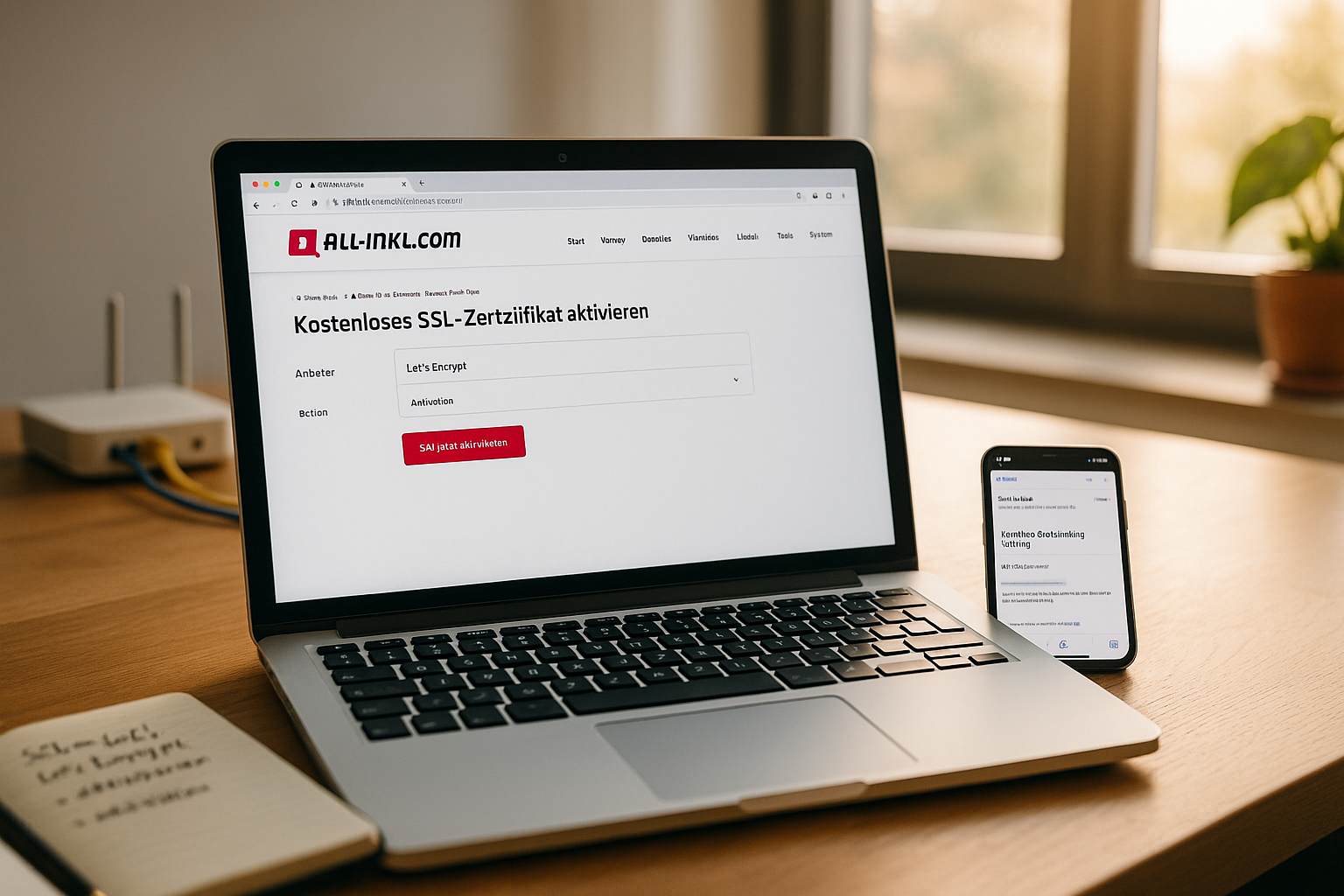
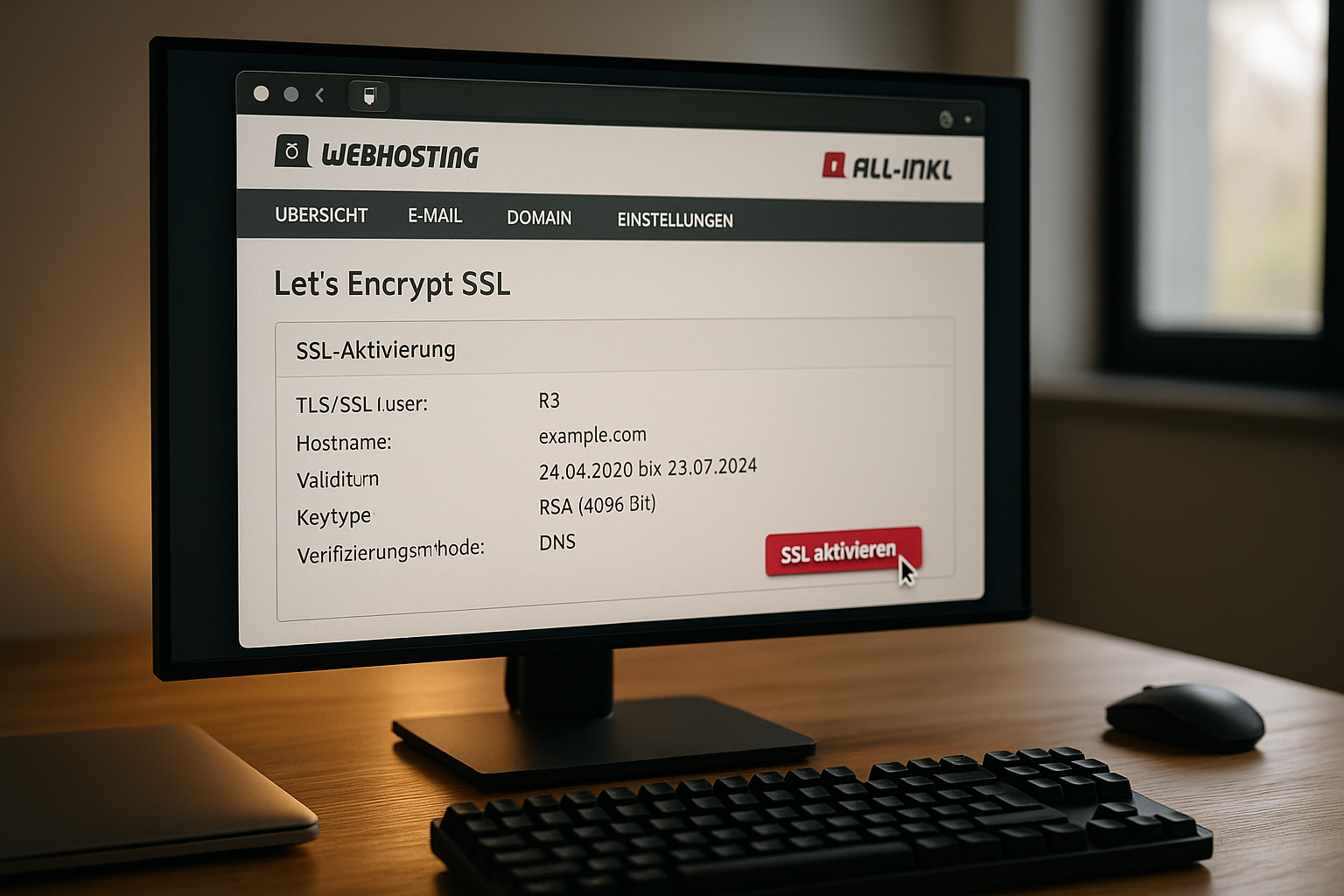
I start in the KAS (customer administration system) and log in with my access data. I then open the Domain item, select my domain using the edit icon and call up the SSL protection tab. There I click on Edit again, switch to the Let's Encrypt tab, confirm the liability notice and start the issuance process. The certificate is ready within a few minutes and the page loads via https. I then open the website in my browser and check the lock symbol and the address to verify the activation.
WordPress: Consistently avoid mixed content
After the changeover, I check whether images, scripts and styles are really being used via https load. In the WordPress settings, I change the website address and WordPress address to https. I then replace hard-wired http links in menus, widgets and page builder elements. If there is still old content, I use a slim plugin that reliably lifts URLs to https. An illustrated guide for problem-free conversions is provided by Free SSL for WordPress with additional tricks.
WordPress special cases: Multisite, WooCommerce, Pagebuilder
- Multisite/NetworkIn the network administration, I change the primary URLs to https. For domain mapping, I check all mappings and set an https redirect for each domain. Then I perform a search-and-replace in the database to clean up http://-Reste (also in serialized fields).
- WooCommerceI activate "Secure pages" for checkout and account, check the cookie settings (secure flag) and clear caches so that sessions do not switch between http/https.
- Pagebuilder: Absolute http links are often hidden in templates, global widgets and theme options. I update these modules first, then the content. If necessary, I help with a temporary plugin that rewrites to https when delivering.
- WP-CLIIf you have shell access, you can quickly clean up large sites. Example:
wp option update home 'https://example.com' wp option update siteurl 'https://example.com' wp search-replace 'http://example.com' 'https://example.com' --all-tables --precise - Empty cachesDelete the browser, CDN, object and page cache after the changeover. Only then start the evaluation and tests.
Set DNS, redirects and HSTS correctly
A valid certificate only shows its strength if the Forwarding from http to https works properly. I set up the 301 redirect at server level so that search engines only see the secure version. I also activate HSTS as soon as everything is stable so that browsers automatically use https. I test thoroughly beforehand so that I don't accidentally lock myself out. If the DNS entry and A/AAAA records point correctly to the All-Inkl server, the exhibition runs reliably.
.htaccess examples: 301, HSTS and www/non-www
All-Inkl usually runs Apache. I implement clean rules with the following snippets:
Direct all requests to https (keep host):
RewriteEngine On
# HTTP -> HTTPS
RewriteCond %{HTTPS} !=on
RewriteRule ^ https://%{HTTP_HOST}%{REQUEST_URI} [L,R=301]
Redirect to https AND a canonical domain (e.g. without www):
RewriteEngine On
# www -> non-www
RewriteCond %{HTTP_HOST} ^www\.(.+)$ [NC]
RewriteRule ^ https://%1%{REQUEST_URI} [L,R=301]

# HTTP -> HTTPS (if still necessary)
RewriteCond %{HTTPS} !=on
RewriteRule ^ https://%{HTTP_HOST}%{REQUEST_URI} [L,R=301]
Only activate HSTS when everything is running smoothly via https:
Header always set Strict-Transport-Security "max-age=31536000; includeSubDomains"Caution with includeSubDomains and preload lists: Only use when all subdomains deliver https cleanly.

Free DV vs. OV/EV: What suits my project?
Let's Encrypt provides DV certificates that fulfill the Domain control and is sufficient for most projects. If you want a clearly visible identity check, use OV or EV, but accept more effort and costs. This can make sense for authorities, banks or large brands. For blogs, information pages, local companies and many stores, the most important thing is: fast, secure, https active. I weigh up the benefits and costs and then make a targeted choice.
Comparison of well-known hosters: integration, convenience, price
When choosing a provider, I pay attention to the Automation of certificate management, ease of use and support. A one-click process saves me time and reduces the risk of errors. Good support helps if the issue gets stuck due to DNS or forwarding. The basic costs should also match the size of the project. The following table gives me a quick overview:
| Provider | SSL integration (Let's Encrypt) | Price/month | Ease of use | Support quality |
|---|---|---|---|---|
| webhoster.de | Yes (one-click) | from 1,99€ | Very simple | 24/7 support |
| All-Inkl | Yes (one-click) | from 4,95€ | Simple | Good |
| Strato | Partial/manual | from 3,50€ | Medium | Average |
| HostEurope | Partial/manual | from 4,99€ | Cumbersome | Average |
The price difference may seem small, but the Time saving through automatic renewal adds up. I don't want to have to do this manually every 90 days, so I prefer one-click solutions. Fast response times for support also have a positive impact. For projects with tight budgets, every euro counts. In the end, it's my workflow that decides, not just the price.
Troubleshooting: quickly solving common stumbling blocks
If the exhibition is stuck, I first check the DNS-destinations of the domain and subdomains. If all entries point to the correct server, validation will work quickly. If https fails after activation, it is often due to cached redirects or mixed content. I clear the cache of the browser, CDN and WordPress, test again and observe the response codes. If the host has set a block for too many requests, I wait briefly and restart the request.
Wildcard, subdomains and SAN strategies
I choose the right cover depending on the project:
- Standard (SAN)One certificate covers example.com and www.example.com. I can often add additional subdomains.
- WildcardCovers
*.example.comand is suitable if many subdomains are created dynamically. Validation usually takes place via DNS-01. I check in advance whether and how this is supported in the tariff. - Separate certificatesFor sensitive areas (e.g. admin.example.com), I can deliberately use a separate certificate in order to control runtimes and renewals separately.
I keep an eye on the number of parallel certificates so as not to touch rate limits, and bundle subdomains sensibly.
Integrate CDN/reverse proxy and e-mail services cleanly
- CDN/Proxy: I set that the connection from the visitor to the source continuous is encrypted. Pure edge encryption easily leads to mixed content or redirect loops. I delete edge caches after changing certificates.
- Origin certificateEven if a CDN provides its own edge certificate, the origin needs its valid certificate. Let's Encrypt on the All-Inkl host is the fastest way here.
- E-mailFor IMAP/SMTP I use the server name recommended by the hoster. This way I avoid certificate warnings due to unsuitable host names. Webmail is usually already correctly secured.
Continuously check and automate security
After the first issue my Care not: I regularly check expiration dates and log messages. I also run an SSL quality check to keep an eye on protocols and ciphers. If you use your own servers or a Plesk panel, you can set up the renewal centrally and save maintenance time. I use the instructions for Plesk Let's Encrypt with practical steps. This is how I keep renewals, redirects and HSTS permanently stable.

Practical quality assurance: tests and monitoring
- Browser and header checkI check status codes (200/301), certificate issuers and expiration dates. A look at the DevTools shows mixed content or blocked resources.
- CLI checksWith
curl -I https://example.comI check redirects and HSTS headers. Optionally, I check the certificate path with OpenSSL. - Automatic monitoringShort jobs check availability daily and warn of expiration dates. This is how I react if a renewal fails.
- Take rate limits into accountI don't trigger new exhibitions every minute, but instead eliminate causes and try again at a distance.
SEO and operation after the changeover
- Canonical & Sitemap: Convert canonical tags, XML sitemaps and robots hints to https and resubmit in tools.
- Internal linkingInternal links consistently to https. Old http backlinks benefit from clean 301 redirection.
- Analytics/AdsCheck tracking and conversion URLs. Avoid mixed content in embedded scripts.
- Social/OGAdapt open graph and oEmbed URLs. Reload caches for large networks if necessary.
- PerformanceTLS 1.3 and HTTP/2/3 are usually provided automatically by the hoster. I concentrate on caching, compression and image formats - https is not a performance killer.
Practical examples: Typical scenarios during the changeover
A small store with a subdomain for the Backend benefits from a wildcard certificate if the tariff supports this. A portfolio with static pages only needs DV and a clean redirect. A blog with many image paths solves mixed content most quickly with a search-and-replace plus plugin check. A club with calendar plugins also checks external integrations such as fonts and widgets. A local craft business strengthens trust with https and increases inquiries via the contact form.
Briefly summarized
With All-Inkl and Let's Encrypt I secure my website at no extra cost, speed up the changeover with one-click and save me ongoing maintenance. I set 301 redirects, clean up mixed content and activate HSTS as soon as everything is running smoothly. DV is sufficient for most projects, while OV/EV only makes sense in special cases. It's worth looking at providers with simple automation, because time remains the most valuable resource. This keeps my site visible, trustworthy and legally on the safe side.